YesWriter - Writing, Notes
Huang ZiweiIn-app purchases
- EveryoneAge rating
- ProductivityCategory
- Nov 16, 2026Updated
- FreePrice
Links to the official Google Play listing of com.dragonnest.yeswriter. Last checked on Nov 21, 2026.
Screenshots
About this app
An app for writing, novels, notes, journals, and to-do lists. Easy to use!
YesWriter is a fast, intuitive, and reliable writing and note-taking app that is easy to use with rich features. It is the essential tool for creating literary works, writing novels, brainstorming ideas, taking notes, managing to-do lists, recording personal thoughts, and pursuing artistic creativity.
⭐ Efficient Recording and Creation
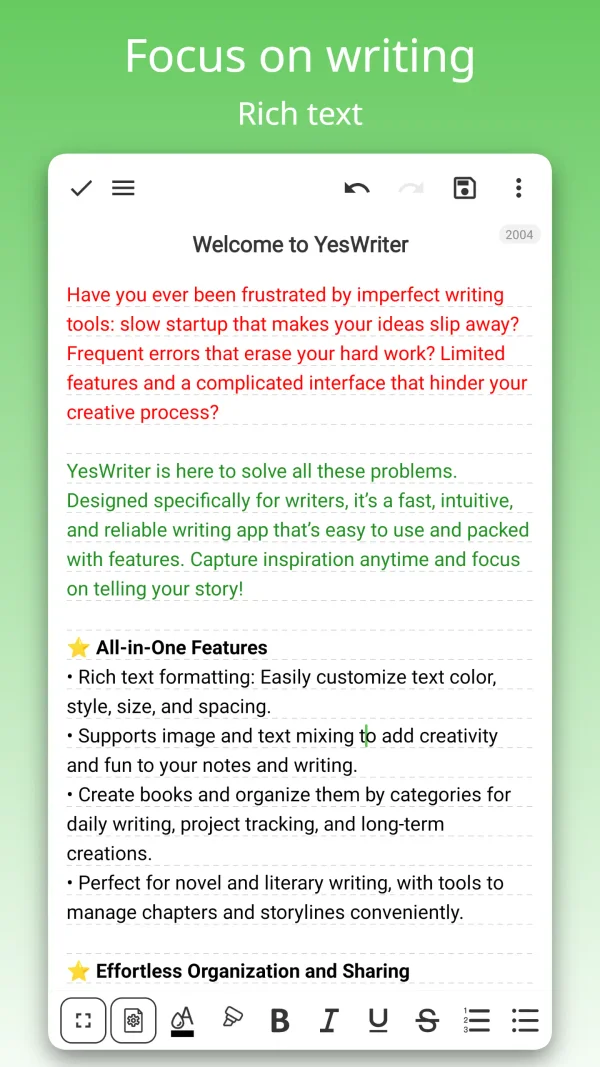
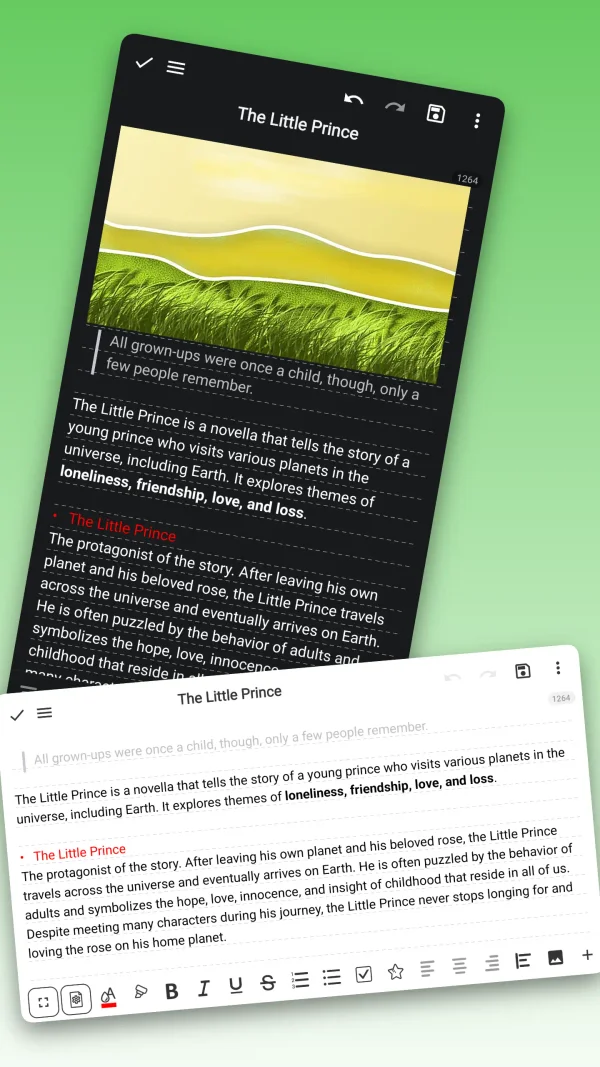
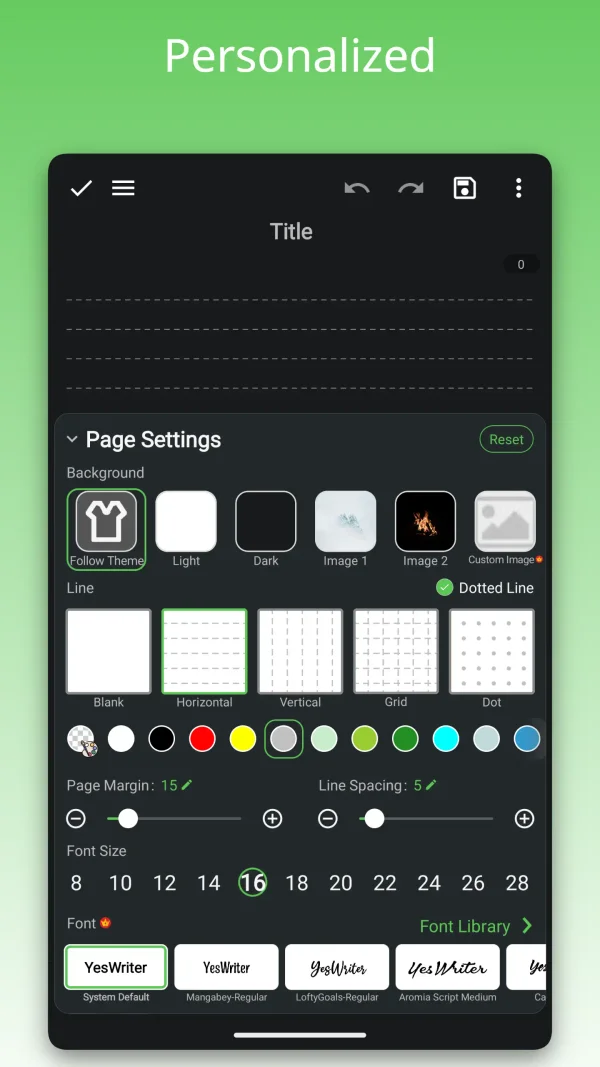
• Rich text formatting: Easily customize text color, style, size, and spacing.
• Support for text and image mixing, making your writing and notes more creative and engaging.
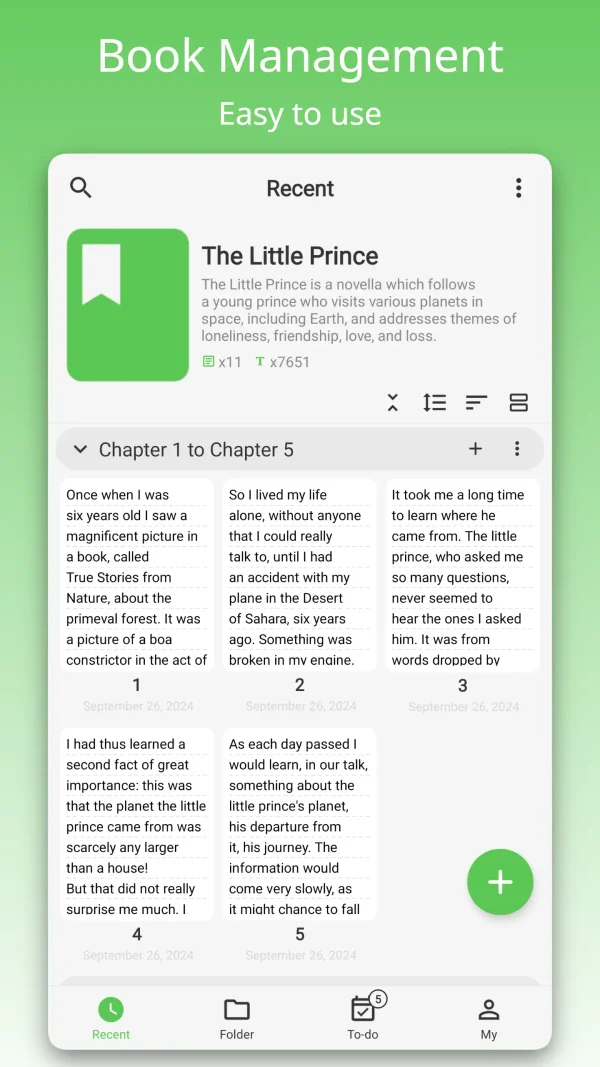
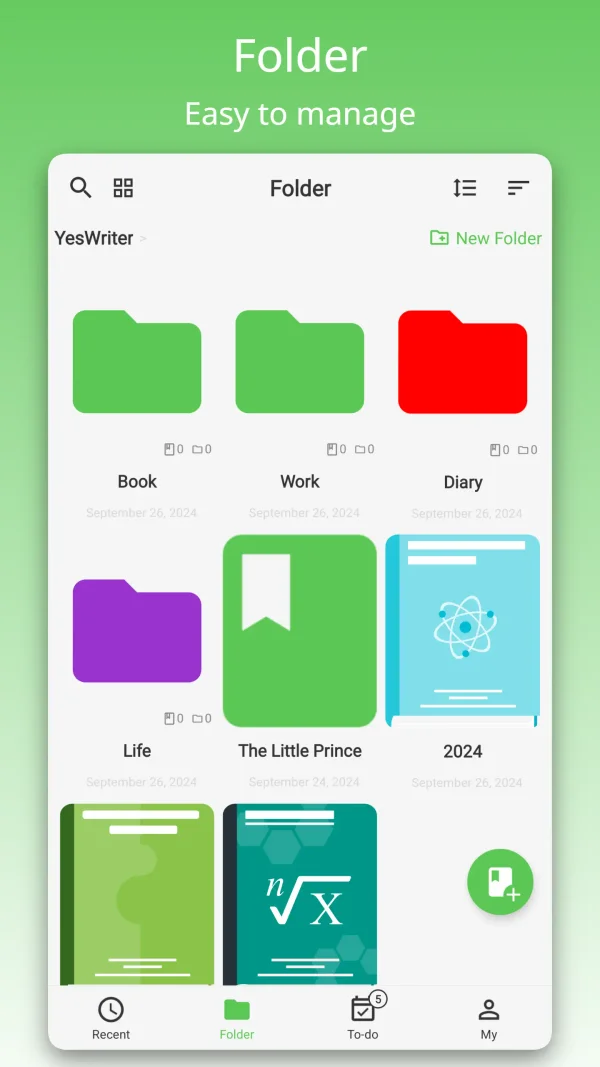
• Create books and organize them by categories to handle daily writing, project management, and long-term creation with ease.
• Perfect for writing novels and literary creations, with convenient chapter and story line management tools.
⭐ Easy Management and Sharing
• Organize your books and notes with unlimited folders to effectively manage work, study, and personal life.
• Sort books and texts by date, name, or manually.
• Export notes and texts as high-quality images, and easily share them with others.
• Access, organize, and share your creations anytime, anywhere, using YesWriter as your notebook, journal, or memo.
⭐ Efficient To-Do Management
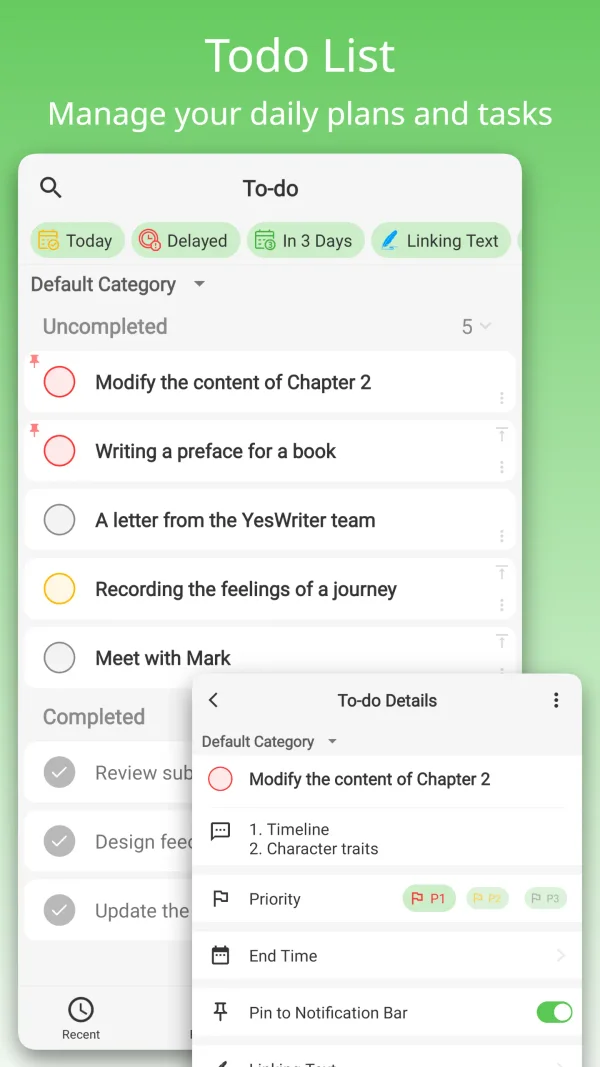
• Create to-dos in YesWriter to ensure you don't miss important tasks.
• Set priorities and deadlines for tasks and pin them to the system notification bar.
• Use the notebook and memo features to easily manage daily plans and tasks.
⭐ Data Security and Privacy Protection
• Supports Google Drive cloud backup, ensuring your data is safe and worry-free, with the option for automatic backup.
• Set passwords for specific books, notes, and folders to fully protect your privacy.
⭐ Other Features
• Dark mode support, switch themes based on mood and preferences.
• Clean and elegant user interface with no ads, allowing you to fully focus on writing.
YesWriter is a multi-functional writing app, notebook, memo, and organization tool. More features await you to discover! Download YesWriter now and unleash your creativity!
YesWriter - For everyone who loves to create and record.
Have a great day!
Data safety
What Huang Ziwei declares on Google Play about the data this app collects and shares.
- No data shared with third partiesLearn more about how developers declare sharing
- No data collectedLearn more about how developers declare collection
- Committed to follow the Play Families Policy
What’s new
Version 4.11.0 · Nov 16, 2026
1. Added angle and length measurement tools to Super Note.
2. Show or hide toolbar labels in Super Note to make tools easier to identify.
3. Fixed text search bugs.
Developer contact
- Emailyeswriter.app@gmail.com
- Privacy policywuhuikeji.github.io
- Address龙窝镇嶂下村委会新布村民小组21号 紫金县, 河源市, 广东省 China 517428
Information
- Offered by
- Huang Ziwei
- Category
- Productivity
- Version
- 4.11.0
- Updated
- Nov 16, 2026
- Released
- Oct 25, 2024
- Requires
- Android 5.0 or later
- Age rating
- Everyone
- Price
- Free
- In-app purchases
- $1.49 - $19.99 per item
- Package name
- com.dragonnest.yeswriter
Similar apps
-
 Notepad - simple notes
Productivity
-
 Nested Folder Notes - Folino
Productivity
-
 Notes : Color Folders & To-dos
Productivity
-
 Color Notes, Notebook, Notepad
Productivity
-
 SCRIBZEE®
Productivity
-
 Lite Writer: Writing/Note/Memo
Productivity
-
 jtx Board | journals & tasks
Productivity
-
 Daily Planner Organizer: Brite
Productivity
-
 Notesnook Secure Private Notes
Productivity
-
 Bookly - Book Tracker Library
Books & Reference
-
 Pure Writer - Writing & Notes
Lifestyle
-
 Notepad Notes
Productivity