Zapya - File Transfer, Share
Dewmobile USA, Inc.Contains ads · In-app purchases
- EveryoneAge rating
- ToolsCategory
- Nov 2, 2026Updated
- FreePrice
Links to the official Google Play listing of com.dewmobile.kuaiya.play. Last checked on Nov 25, 2026.

Screenshots
About this app
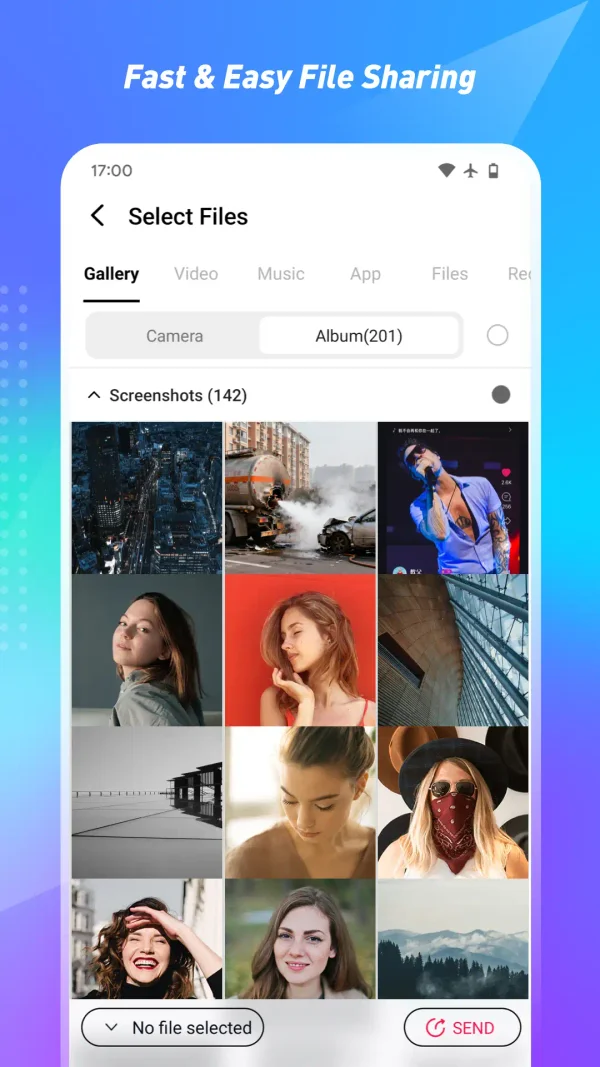
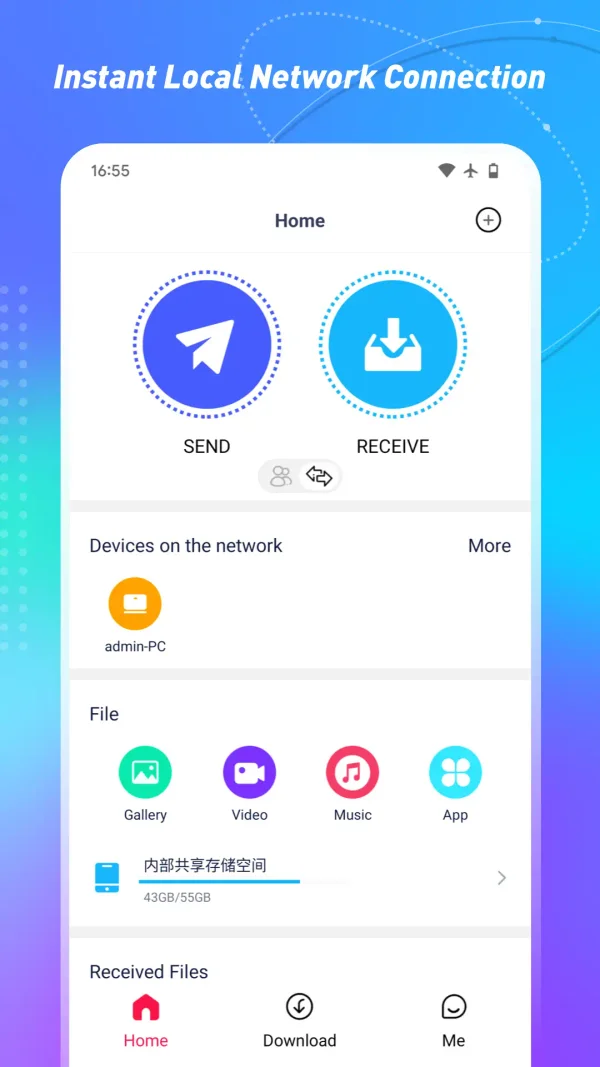
Quick Share photos, videos, apps, files with nearby friends via QR or radar
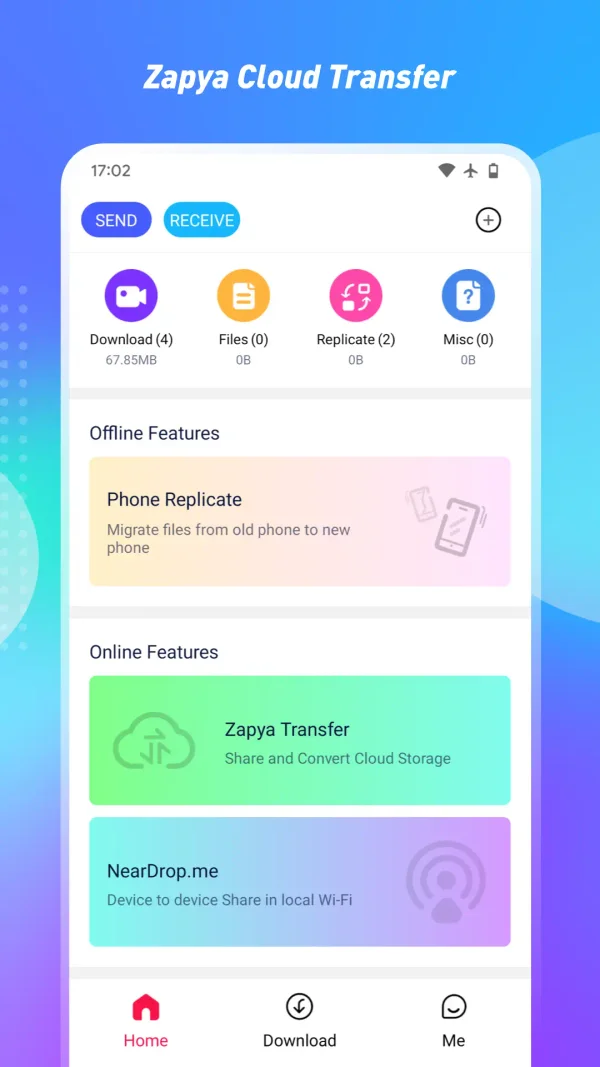
Zapya is a cross-platform file transfer tool that works across Android, iOS, Windows, Mac, and any device with a web browser. It lets you quickly share photos, videos, apps and any files with nearby friends. It supports files of any size and format, with no restrictions on file types.
Offline and Online Transfer
You can share files offline without using Wi-Fi or mobile data. Four offline methods are available: create a group for nearby users, generate a QR code for others to scan, shake devices to connect, or use the radar function to discover and send files to people around you.
For online sharing, Zapya Transfer allows you to send files to anyone worldwide through a web browser. The recipient does not need to install the app. This service is free and supports multiple languages.
USB Drive Support
Connect a USB drive or multiple drives through a hub to your device. You can view, save, and send files directly from the connected storage.
App Sharing
Share and install applications in both APK and AAB formats. You can send apps to nearby friends or share them through social media.
Android Compatibility
Zapya supports scoped storage for devices running Android 11 and higher, ensuring secure file operations. The app also remains compatible with devices from Android 8 through Android 16.
iOS to Android Connection
iOS users can now search for and connect to Zapya groups created on Android devices with a single tap.
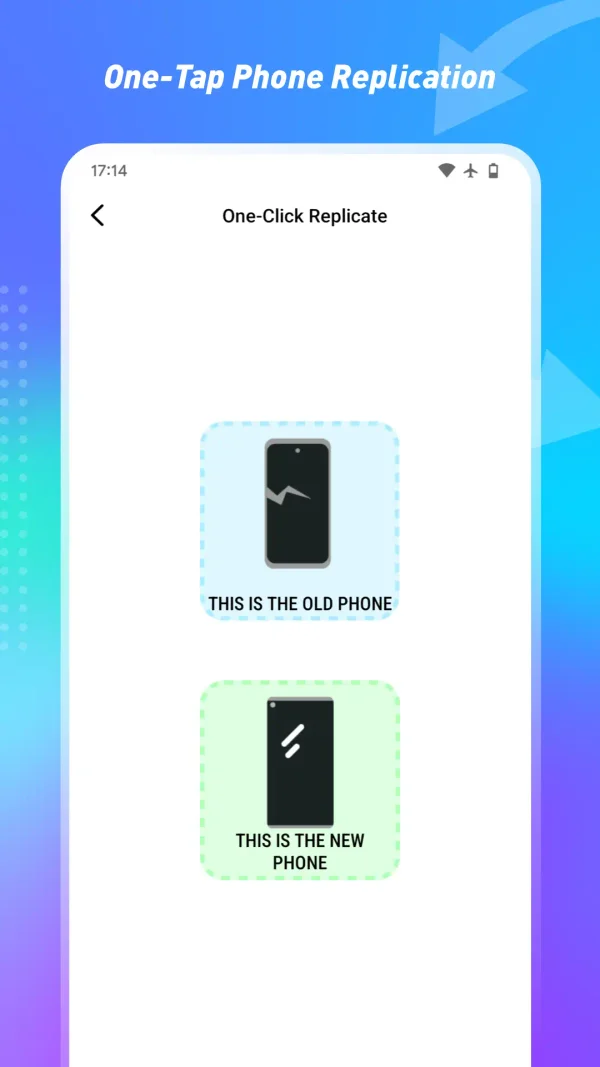
Phone Replication
Back up and transfer all content and data from an old device to a new one in a single operation.
Bulk Transfer
Share entire folders or multiple large files at once with one click.
Install All
Select multiple apps and install them all simultaneously on your device.
For an explanation of required permissions, visit: https://youtu.be/o370YTbCdWc
For the privacy policy, visit: https://www.izapya.com/policy_en.html
For terms and conditions, visit: https://www.izapya.com/v3/terms_of_service.html
To download Zapya on other platforms, visit: https://www.izapya.com/v3/download
For updates and news, visit: http://blog.izapya.com/
Data safety
What Dewmobile USA, Inc. declares on Google Play about the data this app collects and shares.
- This app may share these data types with third partiesLocation, App info and performance, and Device or other IDs
- This app may collect these data typesLocation
- Data is encrypted in transit
- You can request that data be deleted
What’s new
Version 7.1.1 · Nov 2, 2026
New Zapya 7.1
UI Redesigned, more user friendly.
Enhance connection and transfer performance
Developer contact
- Websiteizapya.com
- Emailrelease@dewmobile.net
- Privacy policyizapya.com
- Address13719 Saratoga Vista Ave Saratoga, CA 95070 United States
Information
- Offered by
- Dewmobile USA, Inc.
- Category
- Tools
- Version
- 7.1.1
- Updated
- Nov 2, 2026
- Released
- Nov 23, 2014
- Requires
- Android 8.0 or later
- Age rating
- Everyone
- Price
- Free
- In-app purchases
- $0.99 per item
- Package name
- com.dewmobile.kuaiya.play
Similar apps
-
 MX Player
Video Players & Editors
-
 WavePay APP by Wave Money
Finance
-
 Pi Video Player - Media Player
Video Players & Editors
-
 Gallery - Photo Album & Vault
Photography
-
 Facebook Lite
Social
-
 HD Video Player All Format
Video Players & Editors
-
 Beauty Camera - Sweet Camera
Beauty
-
 1.1.1.1 + WARP: Safer Internet
Tools
-
 Video Player for Android
Video Players & Editors
-
 POCO Launcher 2.0 - Customize,
Personalization
-
 Music Player - Mp3 Player
Music & Audio
-
 Gallery
Photography