Zoom Rooms Controller
zoom.com- EveryoneAge rating
- BusinessCategory
- Nov 9, 2026Updated
- FreePrice
Links to the official Google Play listing of us.zoom.zrc. Last checked on Nov 19, 2026.
Screenshots
About this app
Bring simple, scalable video conferencing to any meeting space with Zoom Rooms.
Meet Happy. Bring beautiful, simple, scalable video conferencing with wireless content sharing and integrated audio to any meeting space – conference rooms, training rooms, huddle rooms, and executive offices with Zoom Rooms.
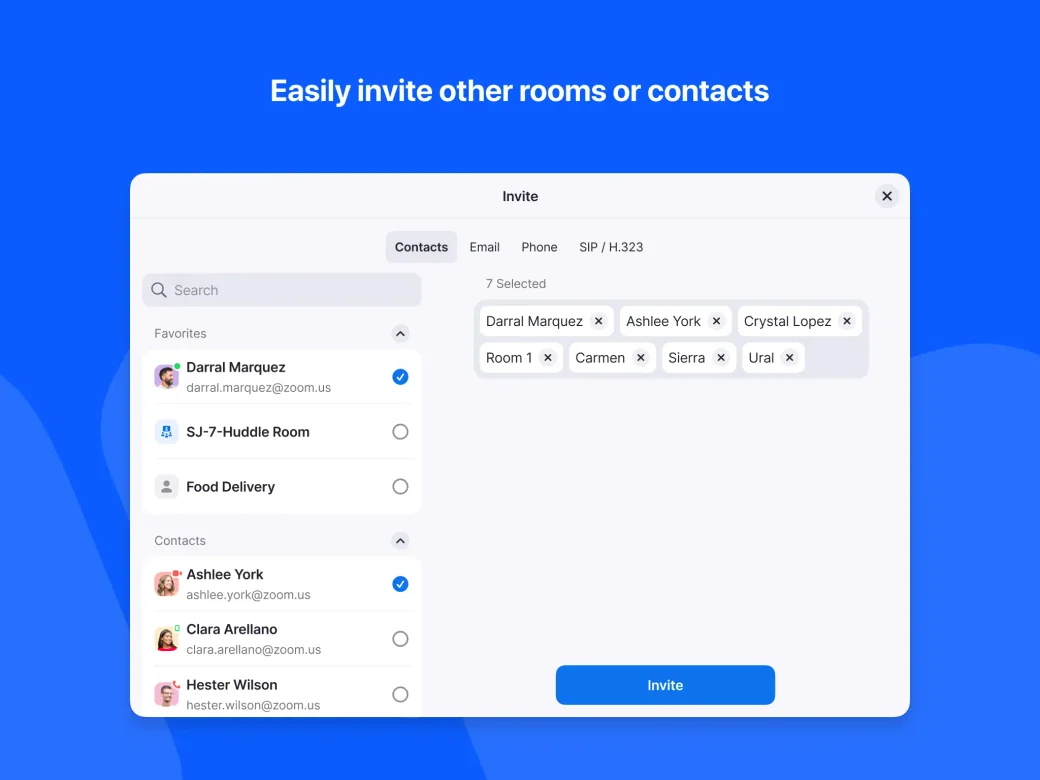
Zoom Rooms video conferencing systems use appliance or custom hardware deployments to bring high quality video, audio and sharing to any type of space - making it extremely flexible. Easily connect to participants on mobile devices, desktops, and in other rooms, anywhere.
The Android Tablet app allows you to connect to a Mac, PC, or Zoom Rooms Appliance as the dedicated Zoom Rooms Controller for that room. The Android Phone app allows you to pair with a Zoom Room, giving you similar control functionality on your personal mobile device.
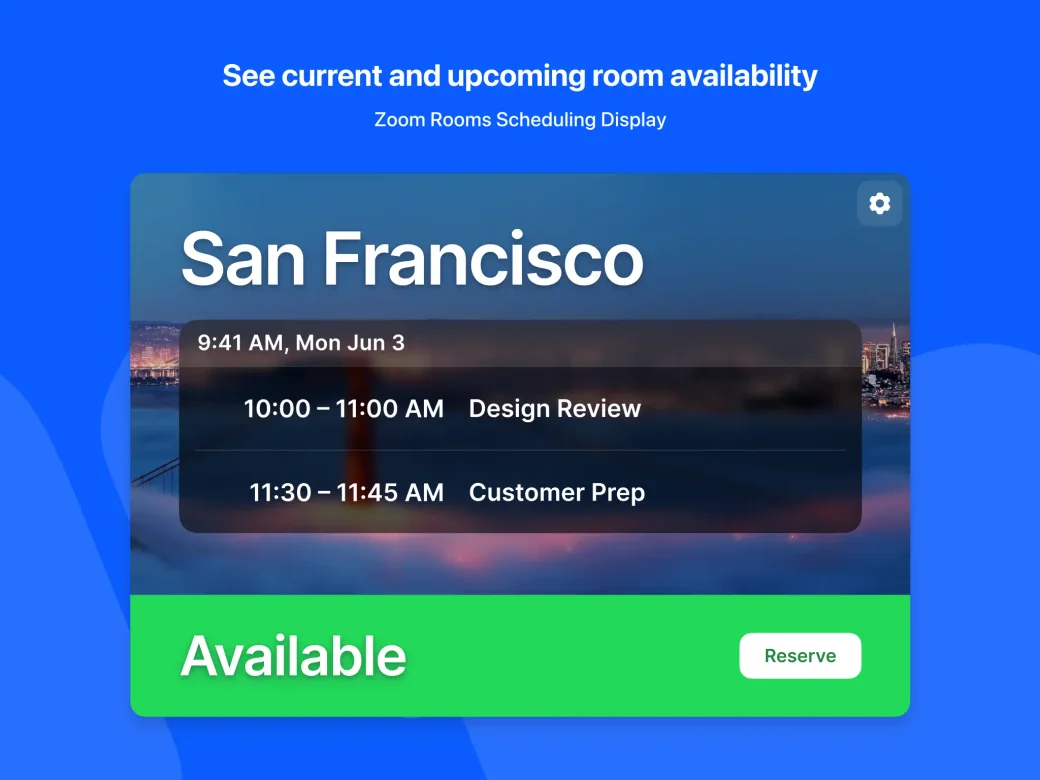
The tablet screen can be switched to the Scheduling Display mode and placed outside the room to show current availability, display upcoming meetings, and allow you to reserve time for an instant Zoom meeting.
Simply install the app and follow the on-screen instructions.
KEY FEATURES:
● Best video and screen sharing quality
● Quick setup to install Zoom Rooms with Google Calendar, Office 365, or Microsoft Exchange.
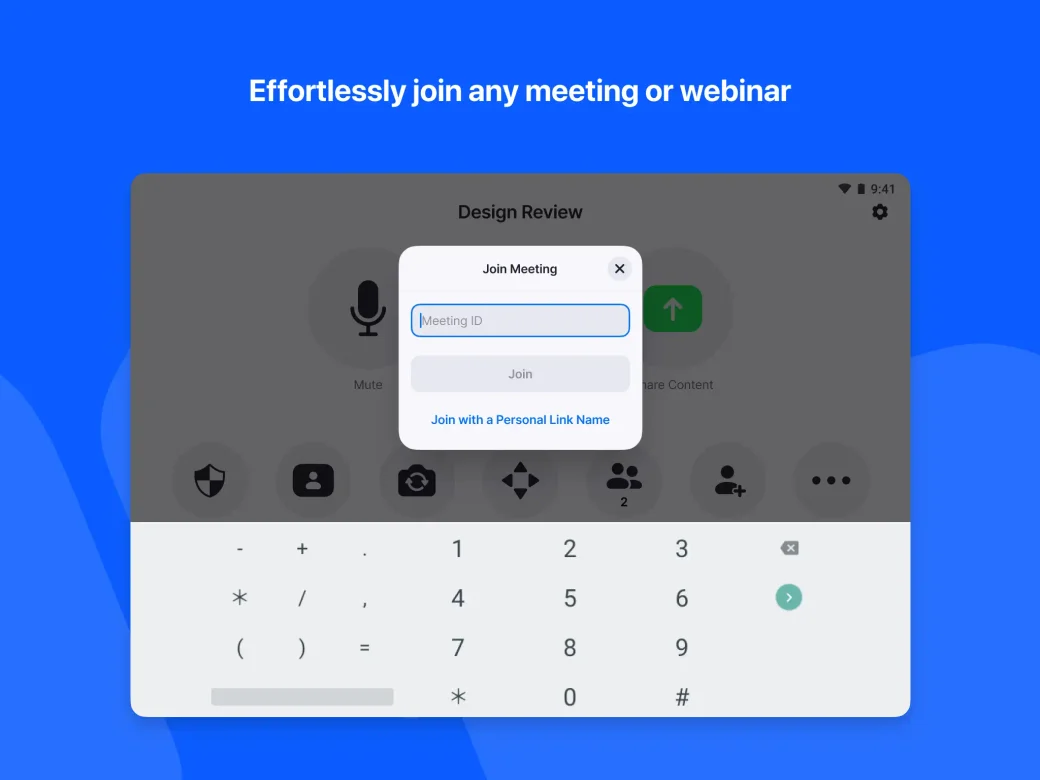
● One-touch to join or start a meeting
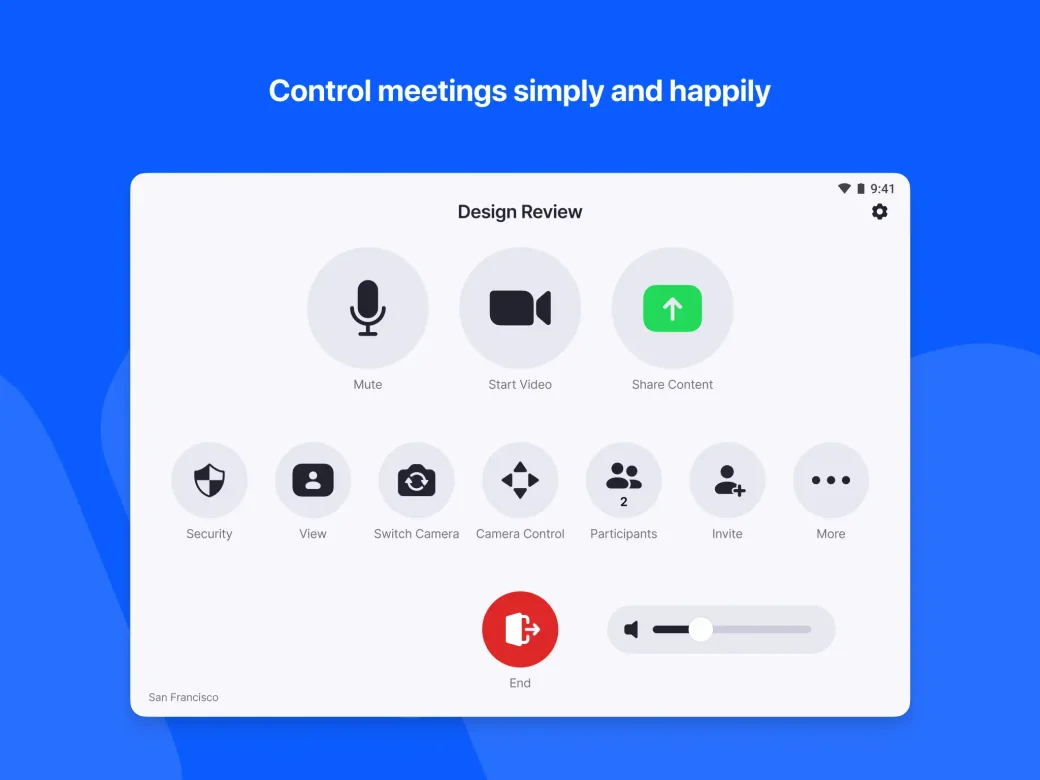
● Intuitive room controls to easily manage audio, video, participants, and more
● Wireless screen sharing from any device
● Supports up to 3 HD screens to fit any conference room
● Supports native room control integration to control lighting, projectors, and more
● Supports unlimited scheduling displays for simplified booking
● Supports unlimited digital signage to remotely push content to screens in and out of conference rooms
● Ability to pair and control Zoom Rooms and Zoom for Home devices from your personal mobile device
● View the active speaker, content, or gallery view with 49 video feeds
● Up to 1,000 interactive Meeting participants or 10,000 view-only Zoom Video Webinar attendees
● Record your meetings to share or review later
● Connect with anyone using Zoom Rooms, Android, iOS, Windows, Mac, SIP/H.323 room systems, telephones, and other devices
Follow us on social @zoom!
Have a question? Contact us at http://support.zoom.us.
Data safety
What zoom.com declares on Google Play about the data this app collects and shares.
- No data shared with third partiesLearn more about how developers declare sharing
- This app may collect these data typesApp activity, App info and performance, and Device or other IDs
- Data is encrypted in transit
- You can request that data be deleted
What’s new
Version 7.2.0 · Nov 9, 2026
• Select camera modes more easily with clearer previews.
• View workspace photos when reserving a room on a Scheduling Display.
• Find participants faster with directory suggestions when scheduling on Android.
• Start and manage meeting transcripts independently of closed captions.
• Use My Notes to capture conversations, create notes, and generate meeting summaries.
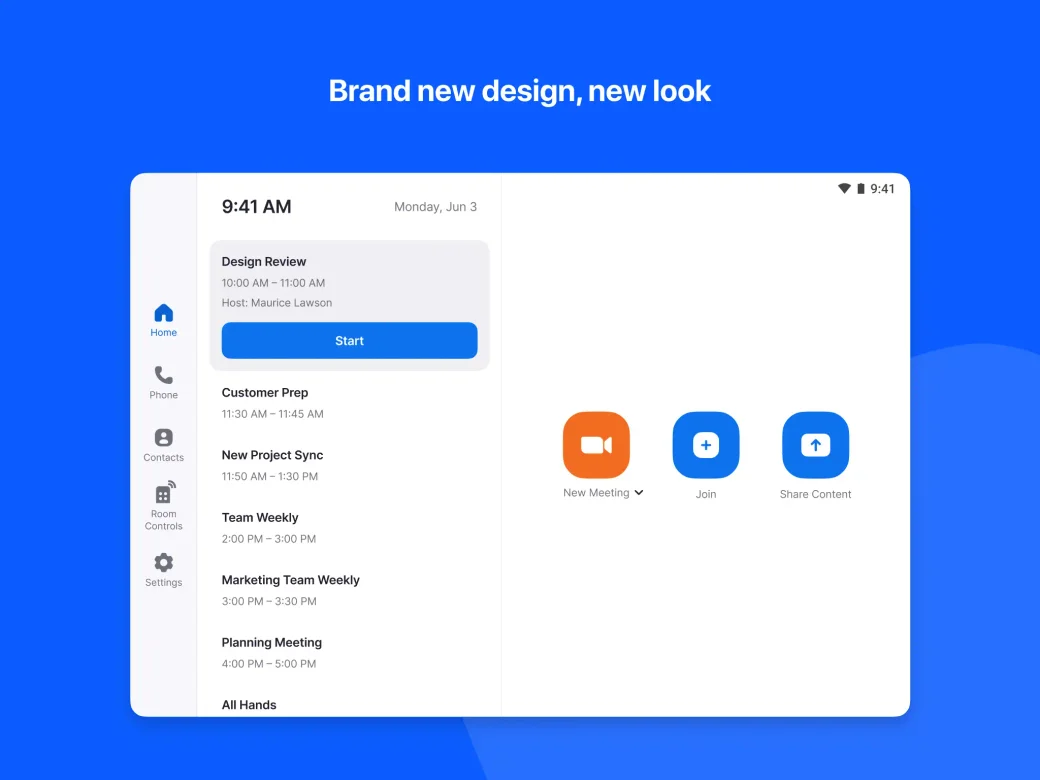
• Refresh the Zoom Rooms Controller interface.
• Minor bug fixes
Developer contact
- Websitezoom.us
- Emaildeveloper@zoom.us
- Privacy policyzoom.us
- Address55 Almaden Blvd Ste 600 San Jose, CA 95113 United States
Information
- Offered by
- zoom.com
- Category
- Business
- Version
- 7.2.0
- Updated
- Nov 9, 2026
- Released
- Sep 11, 2017
- Requires
- Android 9 or later
- Age rating
- Everyone
- Price
- Free
- Package name
- us.zoom.zrc
Similar apps
-
 Zoom Workplace for Chromebook
Business
-
 CompanyCam
Productivity
-
 SleekFlow
Business
-
 Constant Contact Marketing App
Business
-
 Blink Home Monitor
Tools
-
 Qomon - Campaign, volunteer
Productivity
-
 SAP SuccessFactors Mobile
Business
-
 Webex Intune
Business
-
 Comera - Video Calls & Chat
Communication
-
 Lark - Team Collaboration
Business
-
 Zoho Meeting - Meet Virtually
Business
-
 Messenger, calls - Gem Space
Communication