Aegis Authenticator - 2FA App
Beem Development- USK ab 0 JahrenAltersfreigabe
- ToolsKategorie
- 06.09.2026Aktualisiert
- KostenlosPreis
Verlinkt auf den offiziellen Google Play-Eintrag von com.beemdevelopment.aegis. Zuletzt geprüft am 19.11.2026.
Screenshots
Über diese App
Automatische Übersetzung von Google. Originalsprache: Englisch (Vereinigte Staaten).
Ein sicherer Authentifizierer in zwei Schritten zur Verwaltung Ihrer Einmalkennwörter
Aegis Authenticator ist eine kostenlose, sichere und Open Source-App zur Verwaltung Ihrer zweistufigen Verifizierungstoken für Ihre Onlinedienste.
Kompatibilität
Aegis unterstützt die Algorithmen HOTP und TOTP. Diese beiden Algorithmen entsprechen dem Industriestandard und werden weitgehend unterstützt, sodass Aegis mit Tausenden von Diensten kompatibel ist. Jeder Webdienst, der Google Authenticator unterstützt, funktioniert auch mit Aegis Authenticator.
Verschlüsselung und biometrisches Entsperren
Alle Ihre Einmalkennwörter werden in einem Tresor gespeichert. Wenn Sie ein Kennwort festlegen (dringend empfohlen), wird der Tresor mithilfe einer starken Kryptografie verschlüsselt. Wenn jemand mit böswilliger Absicht auf die Tresordatei zugreift, kann er den Inhalt nicht abrufen, ohne das Kennwort zu kennen. Die Eingabe Ihres Passworts jedes Mal, wenn Sie Zugriff auf ein Einmalpasswort benötigen, kann umständlich sein. Glücklicherweise können Sie die biometrische Entsperrung auch aktivieren, wenn Ihr Gerät über einen biometrischen Sensor verfügt (d. H. Fingerabdruck- oder Gesichtsentsperrung).
Organisation
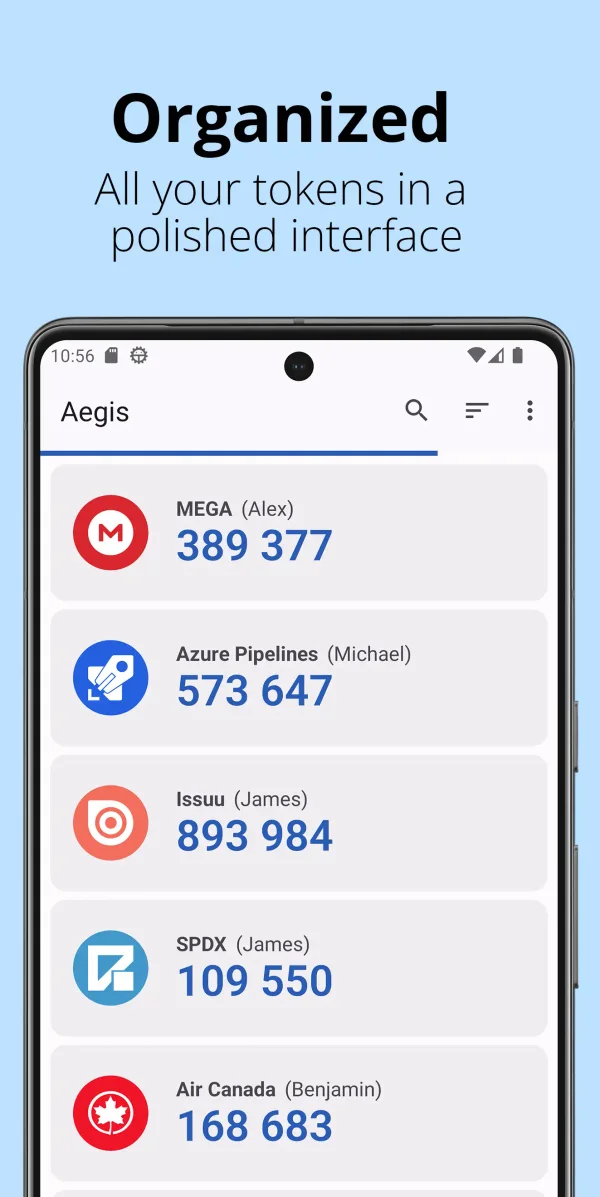
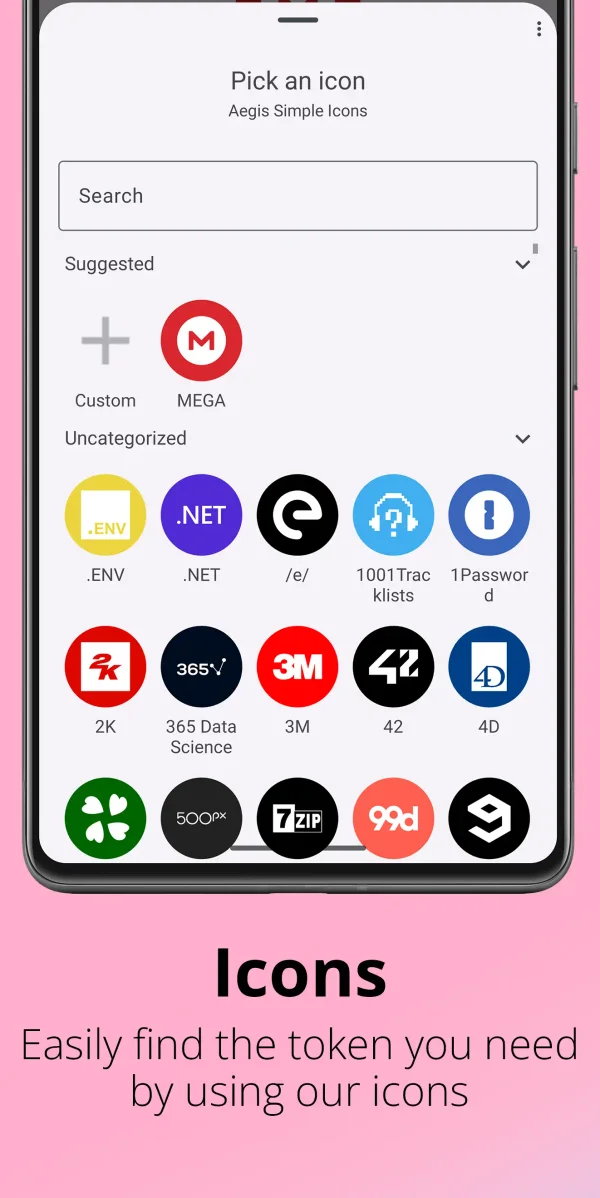
Im Laufe der Zeit werden Sie wahrscheinlich Dutzende von Einträgen in Ihrem Tresor sammeln. Aegis Authenticator bietet zahlreiche Organisationsoptionen, um die Suche nach der zu einem bestimmten Zeitpunkt benötigten zu erleichtern. Legen Sie ein benutzerdefiniertes Symbol für einen Eintrag fest, um das Auffinden zu erleichtern. Suche nach Kontoname oder Dienstname. Haben Sie viele Einmalpasswörter? Fügen Sie sie benutzerdefinierten Gruppen hinzu, um den Zugriff zu erleichtern. Persönlich, beruflich und sozial kann jeder seine eigene Gruppe bekommen.
Backups
Um sicherzustellen, dass Sie nie den Zugriff auf Ihre Online-Konten verlieren, kann Aegis Authenticator automatische Sicherungen des Tresors an einem Ort Ihrer Wahl erstellen. Wenn Ihr Cloud-Anbieter das Storage Access Framework von Android unterstützt (wie Nextcloud), kann er sogar automatische Backups in der Cloud erstellen. Das Erstellen manueller Exporte des Tresors wird ebenfalls unterstützt.
Umschalten
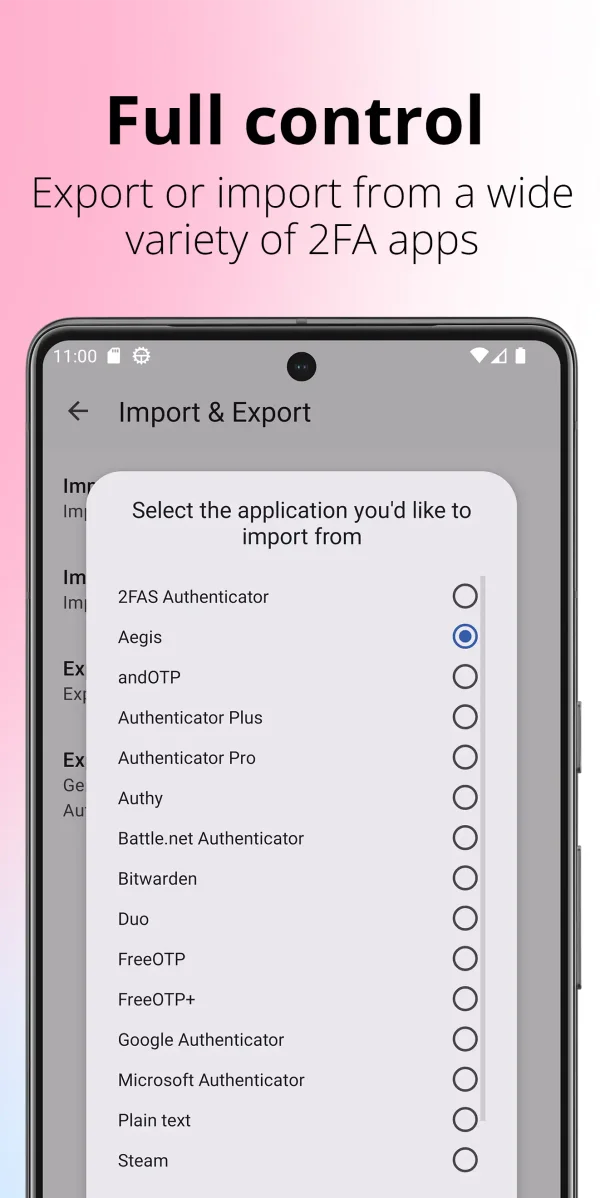
Um den Wechsel zu vereinfachen, kann Aegis Authenticator die Einträge vieler anderer Authentifikatoren importieren, darunter: Authenticator Plus, Authy und OTP, FreeOTP, FreeOTP +, Google Authenticator, Microsoft Authenticator, Steam, TOTP Authenticator und WinAuth (Root-Zugriff ist für die erforderlich Apps, die keine Exportoption haben).
Funktionsübersicht
• Kostenlos und Open Source
• Sicher
• Verschlüsselt, kann mit einem Passwort oder biometrischen Daten entsperrt werden
• Verhinderung der Bildschirmaufnahme
• Tippen Sie zum Anzeigen auf
• Kompatibel mit Google Authenticator
• Unterstützt branchenübliche Algorithmen: HOTP und TOTP
• Viele Möglichkeiten, neue Einträge hinzuzufügen
• Scannen Sie einen QR-Code oder ein Bild von einem
• Geben Sie die Details manuell ein
• Importieren Sie aus anderen beliebten Authentifizierungs-Apps
• Organisation
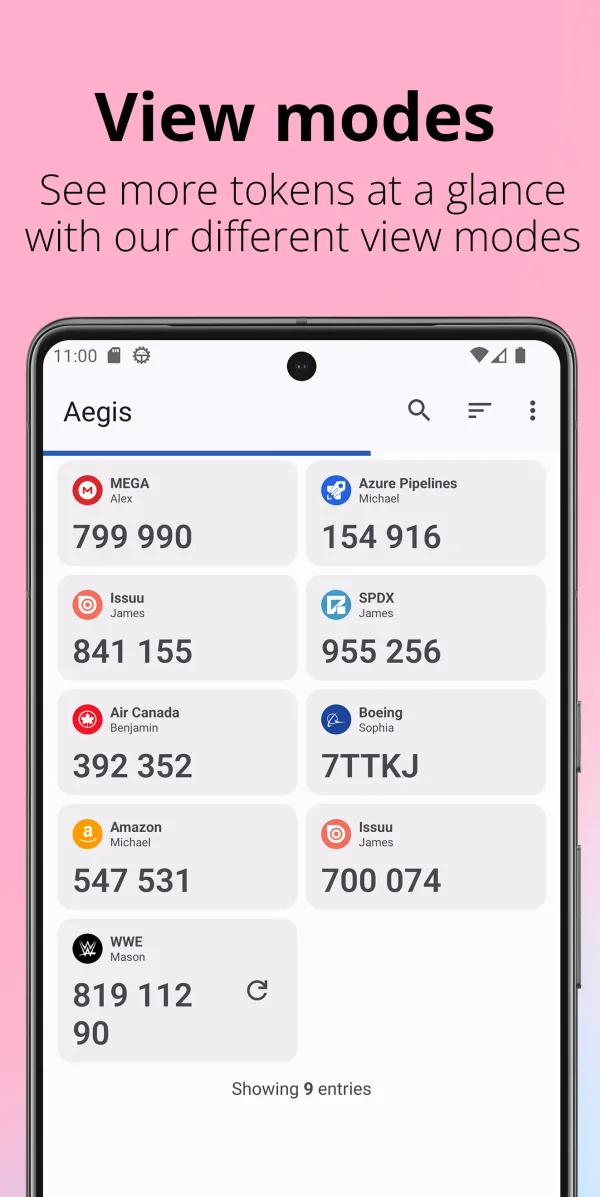
• Alphabetische / benutzerdefinierte Sortierung
• Benutzerdefinierte oder automatisch generierte Symbole
• Gruppieren Sie Einträge
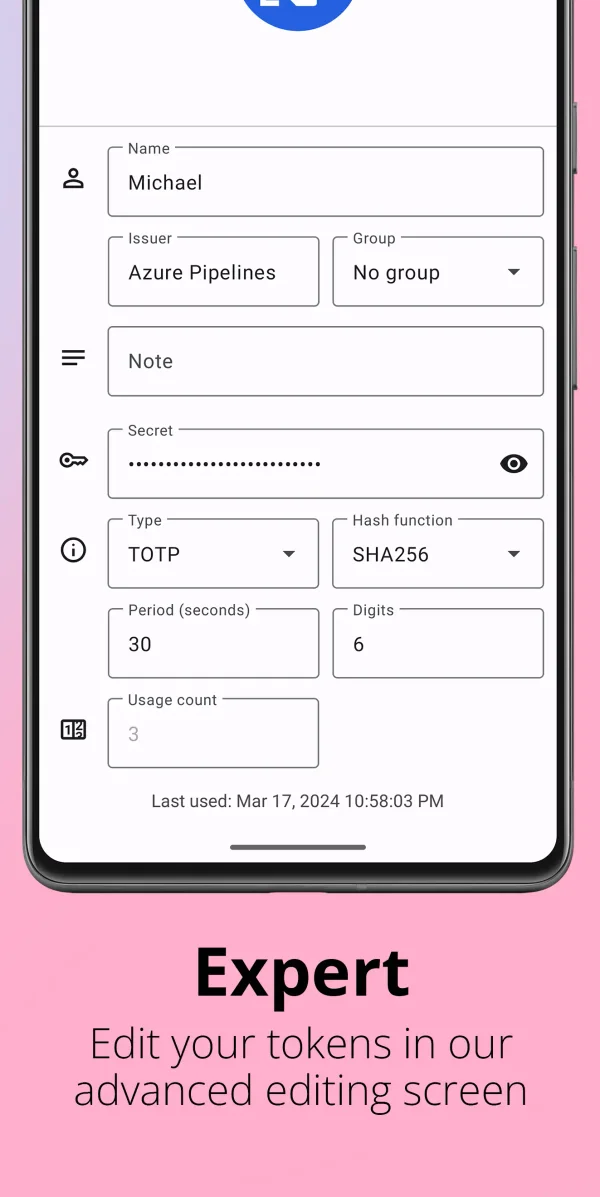
• Erweiterte Eintragsbearbeitung
• Suche nach Name / Aussteller
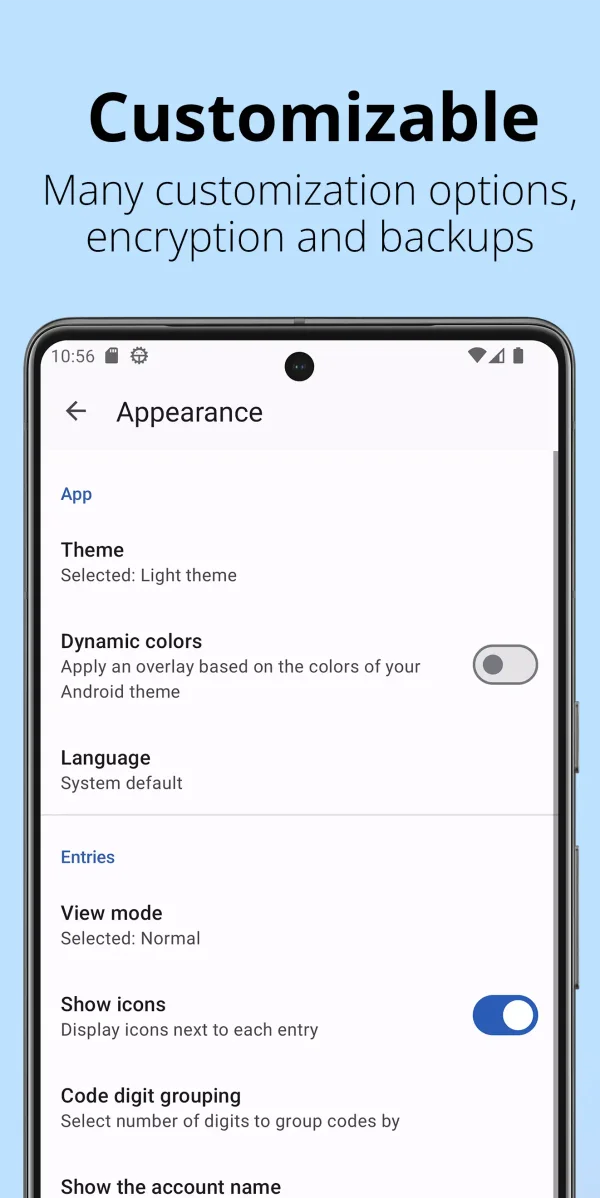
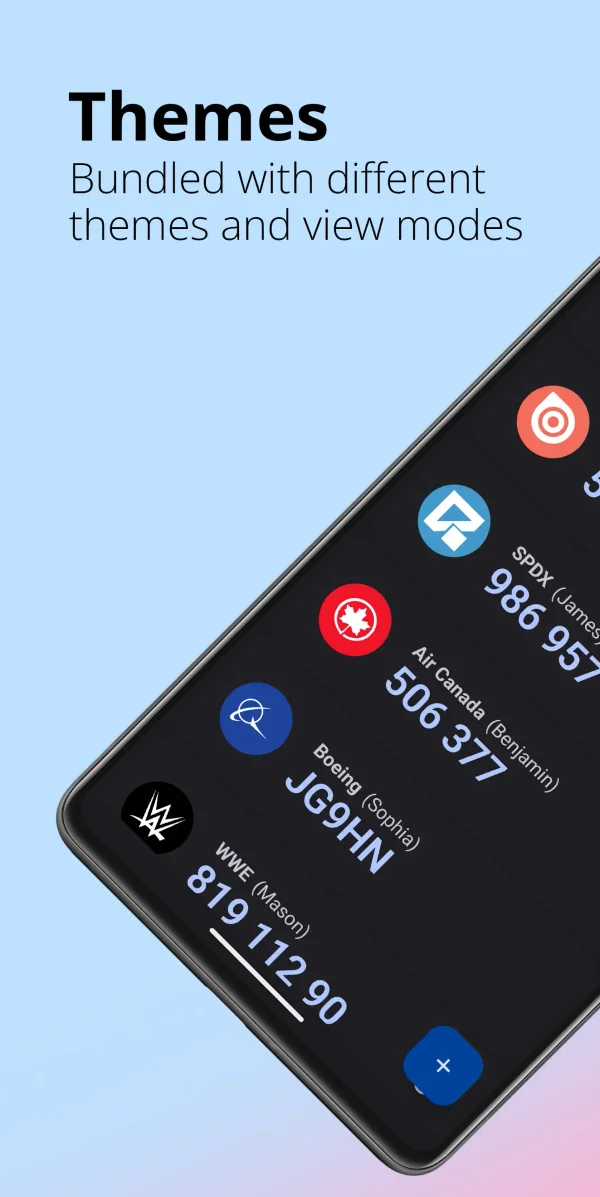
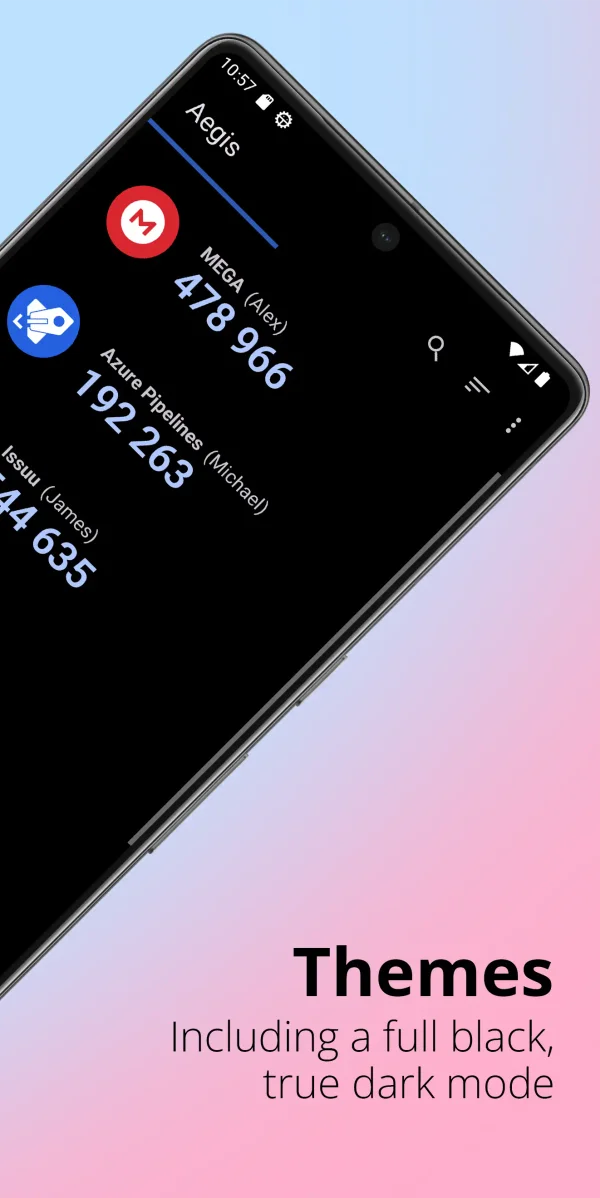
• Materialdesign mit mehreren Themen: Hell, Dunkel, AMOLED
• Exportieren (Klartext oder verschlüsselt)
• Automatische Sicherung des Tresors an einem Ort Ihrer Wahl
Open Source und Lizenz
Aegis Authenticator ist Open Source und unter GPLv3 lizenziert. Der Quellcode ist hier verfügbar: https://github.com/beemdevelopment/Aegis
Originaltext anzeigen
Aegis Authenticator is a free, secure and open source app to manage your 2-step verification tokens for your online services.
Compatibility
Aegis supports the HOTP and TOTP algorithms. These two algorithms are industry-standard and widely supported, making Aegis compatible with thousands of services. Any web service that supports Google Authenticator will also work with Aegis Authenticator.
Encryption and biometric unlock
All of your one-time passwords are stored in a vault. If you choose to set a password (highly recommended), the vault will be encrypted using strong cryptography. If someone with malicious intent gets a hold of the vault file, it’s impossible for them to retrieve the contents without knowing the password. Entering your password each time you need access to a one-time password can be cumbersome. Fortunately, you can also enable biometric unlock if your device has a biometrics sensor (i.e. fingerprint or face unlock).
Organization
Over time, you'll likely accumulate tens of entries in your vault. Aegis Authenticator has lots of organization options to make finding the one you need at a particular moment easier. Set a custom icon for an entry to make it easier to find. Search by account name or service name. Have a lot of one-time passwords? Add them to custom groups for easier access. Personal, Work and Social can each get their own group.
Backups
To make sure you will never lose access to your online accounts, Aegis Authenticator can create automatic backups of the vault to a location of your choosing. If your cloud provider supports the Storage Access Framework of Android (like Nextcloud does), it can even create automatic backups to the cloud. Creating manual exports of the vault is also supported.
Making the switch
To make the switch easier, Aegis Authenticator can import the entries of lots of other authenticators, including: Authenticator Plus, Authy, andOTP, FreeOTP, FreeOTP+, Google Authenticator, Microsoft Authenticator, Steam, TOTP Authenticator and WinAuth (root access is required for the apps that don't have an option to export).
Feature overview
• Free and open source
• Secure
• Encrypted, can be unlocked with a password or biometrics
• Screen capture prevention
• Tap to reveal
• Compatible with Google Authenticator
• Supports industry standard algorithms: HOTP and TOTP
• Lots of ways to add new entries
• Scan a QR code or an image of one
• Enter details manually
• Import from other popular authenticator apps
• Organization
• Alphabetic/custom sorting
• Custom or automatically generated icons
• Group entries together
• Advanced entry editing
• Search by name/issuer
• Material design with multiple themes: Light, Dark, AMOLED
• Export (plaintext or encrypted)
• Automatic backups of the vault to a location of your choosing
Open source and license
Aegis Authenticator is open source and licensed under GPLv3. The source code is available here: https://github.com/beemdevelopment/Aegis
Datensicherheit
Was Beem Development bei Google Play zu den Daten angibt, die diese App erfasst und weitergibt.
- Keine Daten werden mit Drittunternehmen oder -organisationen geteiltWeitere Informationen dazu, wie Entwickler Angaben zur Weitergabe von Daten machen
- Keine Daten erhobenWeitere Informationen dazu, wie Entwickler Angaben zur Datenerhebung machen
Neue Funktionen
Version 3.4.3 · 06.09.2026
New features:
- Support for importing encrypted Proton Authenticator exports
Fixed bugs:
- A maliciously crafted icon pack could overwrite Aegis' internal files if imported, including the vault file
Kontakt zum Entwickler
- Websitegetaegis.app
- E-Mailbeemdevelopment+support@gmail.com
- Datenschutzerklärunggetaegis.app
- AdresseLeerparkpromenade 363 3312 KW Dordrecht Netherlands
Informationen
- Angeboten von
- Google Commerce Ltd
- Kategorie
- Tools
- Version
- 3.4.3
- Aktualisiert
- 06.09.2026
- Veröffentlicht
- 09.02.2019
- Erfordert
- Android 6.0 oder höher
- Altersfreigabe
- USK ab 0 Jahren
- Preis
- Kostenlos
- Paketname
- com.beemdevelopment.aegis
Ähnliche Apps
-
 MYCPE ONE
Lernen
-
 CyberTrophy
Lifestyle
-
 Mindbook: Markdown Cloud Notes
Effizienz
-
 Bitwarden Passwortmanager
Effizienz
-
 Qashio
Finanzen
-
 Splid – Abrechnen mit Freunden
Finanzen
-
 Personio: HR für unterwegs
Business
-
 Formulare Kizeo Forms
Business
-
 LastPass Password Manager
Effizienz
-
 BizConnect - Kartenscanner
Effizienz
-
 AI Writer: Any Content Writing
Tools
-
 Gallup Access
Effizienz