Aegis Authenticator - 2FA App
Beem Development- Rating 3+Batasan usia
- Alat Kategori
- 6/9/2026Diperbarui
- GratisHarga
Tertaut ke halaman resmi com.beemdevelopment.aegis di Google Play. Terakhir diperiksa pada 19/11/2026.
Tangkapan layar
Tentang aplikasi ini
Terjemahan otomatis oleh Google. Bahasa asli: Inggris (Amerika Serikat).
Otentikator 2 langkah yang aman untuk mengelola kata sandi satu kali Anda
Aegis Authenticator adalah aplikasi gratis, aman, dan sumber terbuka untuk mengelola token verifikasi 2 langkah Anda untuk layanan online Anda.
Kompatibilitas
Aegis mendukung algoritma HOTP dan TOTP. Kedua algoritme ini berstandar industri dan didukung secara luas, membuat Aegis kompatibel dengan ribuan layanan. Semua layanan web yang mendukung Google Authenticator juga akan bekerja dengan Aegis Authenticator.
Enkripsi dan buka kunci biometrik
Semua kata sandi sekali pakai Anda disimpan di lemari besi. Jika Anda memilih untuk menyetel kata sandi (sangat disarankan), brankas akan dienkripsi menggunakan kriptografi yang kuat. Jika seseorang dengan niat jahat mendapatkan file vault tersebut, tidak mungkin bagi mereka untuk mengambil konten tanpa mengetahui sandinya. Memasukkan kata sandi Anda setiap kali Anda membutuhkan akses ke kata sandi satu kali bisa merepotkan. Untungnya, Anda juga dapat mengaktifkan buka kunci biometrik jika perangkat Anda memiliki sensor biometrik (yaitu sidik jari atau buka kunci wajah).
Organisasi
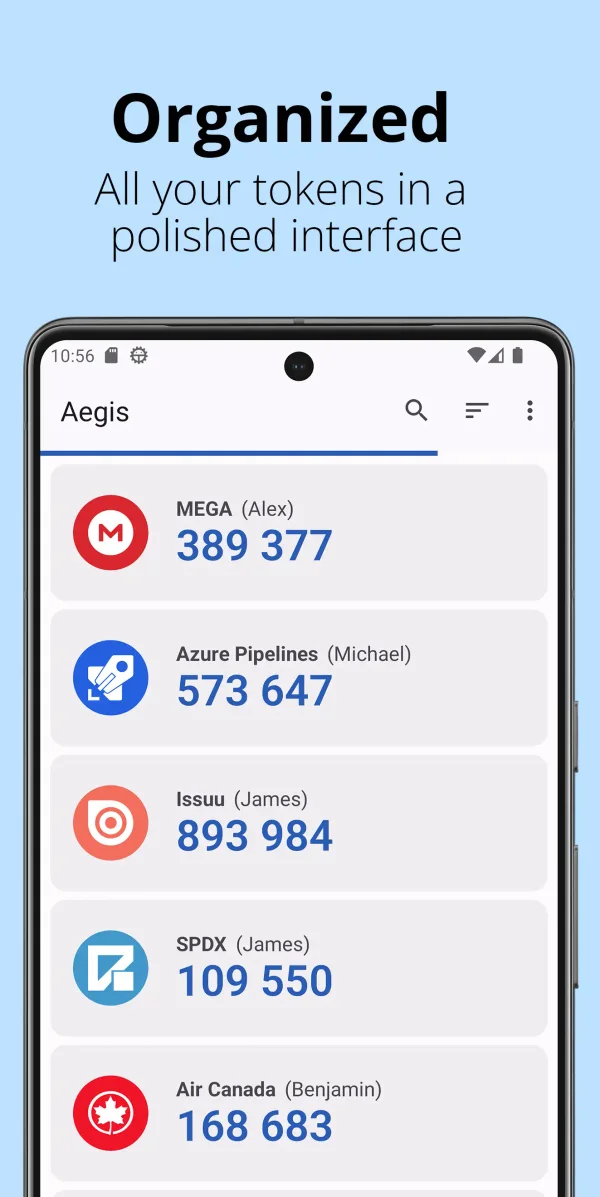
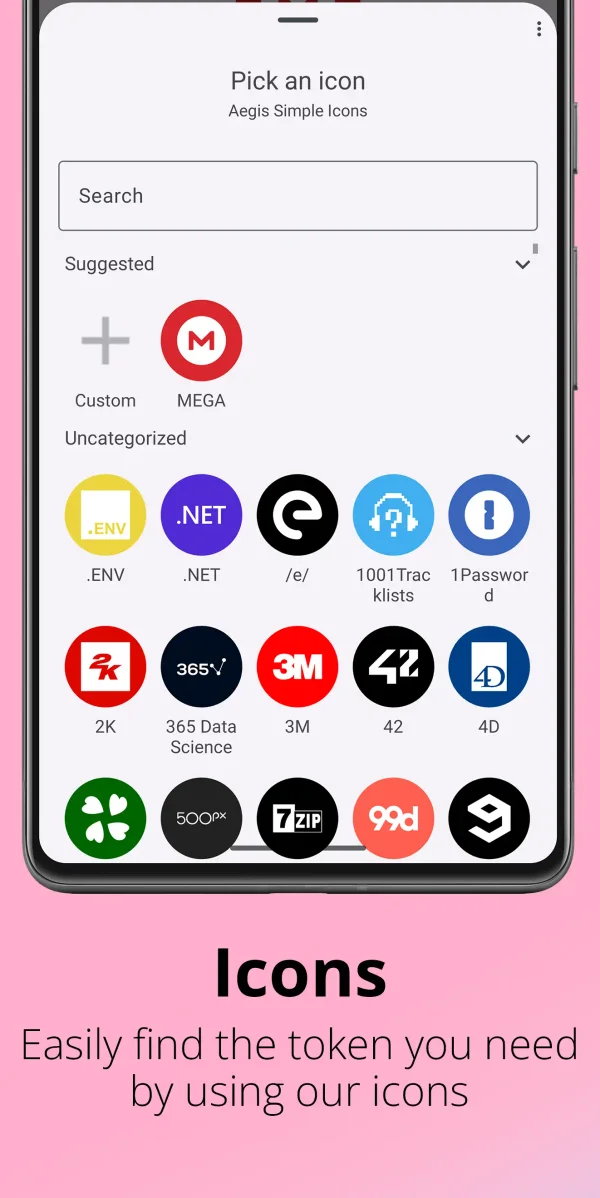
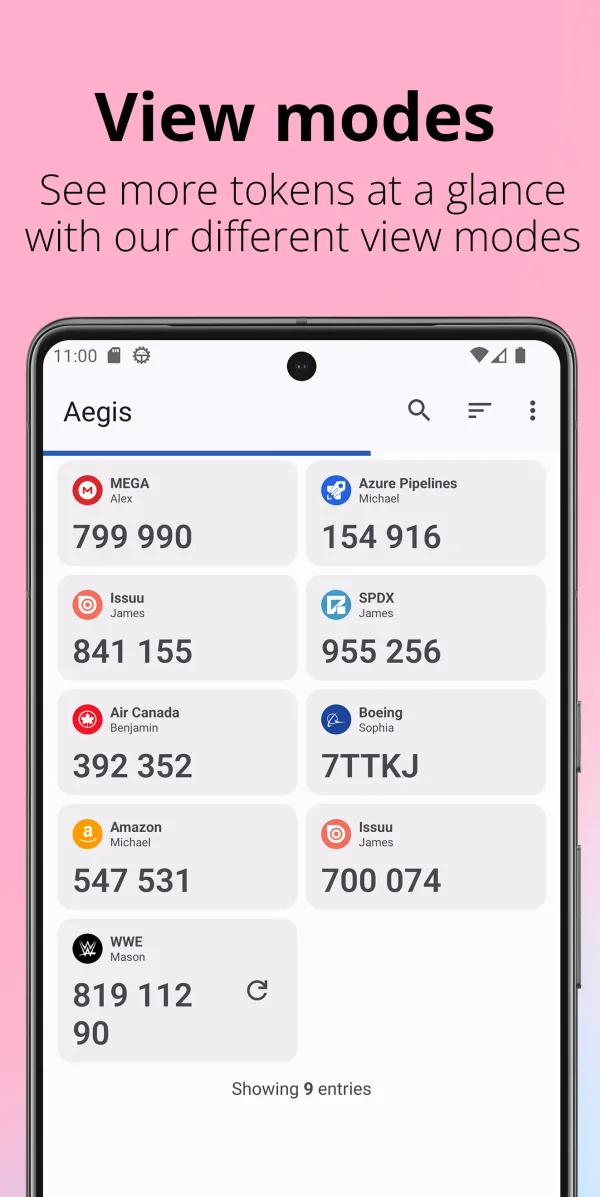
Seiring waktu, Anda kemungkinan akan mengumpulkan puluhan entri di lemari besi Anda. Aegis Authenticator memiliki banyak pilihan pengaturan untuk mempermudah pencarian yang Anda butuhkan pada saat tertentu. Setel ikon khusus untuk entri agar lebih mudah ditemukan. Cari berdasarkan nama akun atau nama layanan. Punya banyak kata sandi sekali pakai? Tambahkan mereka ke grup khusus untuk akses yang lebih mudah. Personal, Work dan Social masing-masing bisa mendapatkan grupnya sendiri.
Cadangan
Untuk memastikan Anda tidak akan pernah kehilangan akses ke akun online Anda, Aegis Authenticator dapat membuat cadangan otomatis dari vault ke lokasi yang Anda pilih. Jika penyedia cloud Anda mendukung Storage Access Framework of Android (seperti yang dilakukan Nextcloud), itu bahkan dapat membuat cadangan otomatis ke cloud. Membuat ekspor manual dari vault juga didukung.
Beralih
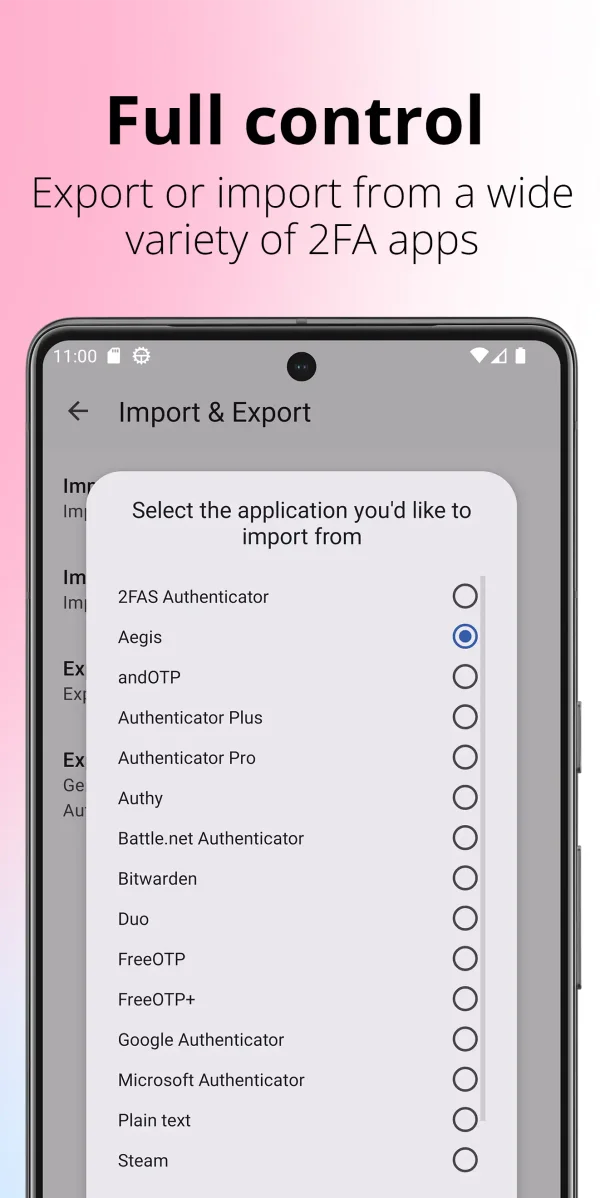
Untuk mempermudah peralihan, Aegis Authenticator dapat mengimpor entri dari banyak pengautentikasi lainnya, termasuk: Authenticator Plus, Authy, andOTP, FreeOTP, FreeOTP +, Google Authenticator, Microsoft Authenticator, Steam, TOTP Authenticator dan WinAuth (akses root diperlukan untuk aplikasi yang tidak memiliki opsi untuk mengekspor).
Ringkasan fitur
• Gratis dan open source
• Aman
• Dienkripsi, dapat dibuka dengan sandi atau biometrik
• Pencegahan tangkapan layar
• Ketuk untuk mengungkapkan
• Kompatibel dengan Google Authenticator
• Mendukung algoritma standar industri: HOTP dan TOTP
• Banyak cara untuk menambahkan entri baru
• Pindai kode QR atau gambar salah satunya
• Masukkan detail secara manual
• Impor dari aplikasi pengautentikasi populer lainnya
• Organisasi
• Penyortiran abjad / kustom
• Ikon khusus atau dibuat secara otomatis
• Kelompokkan entri bersama
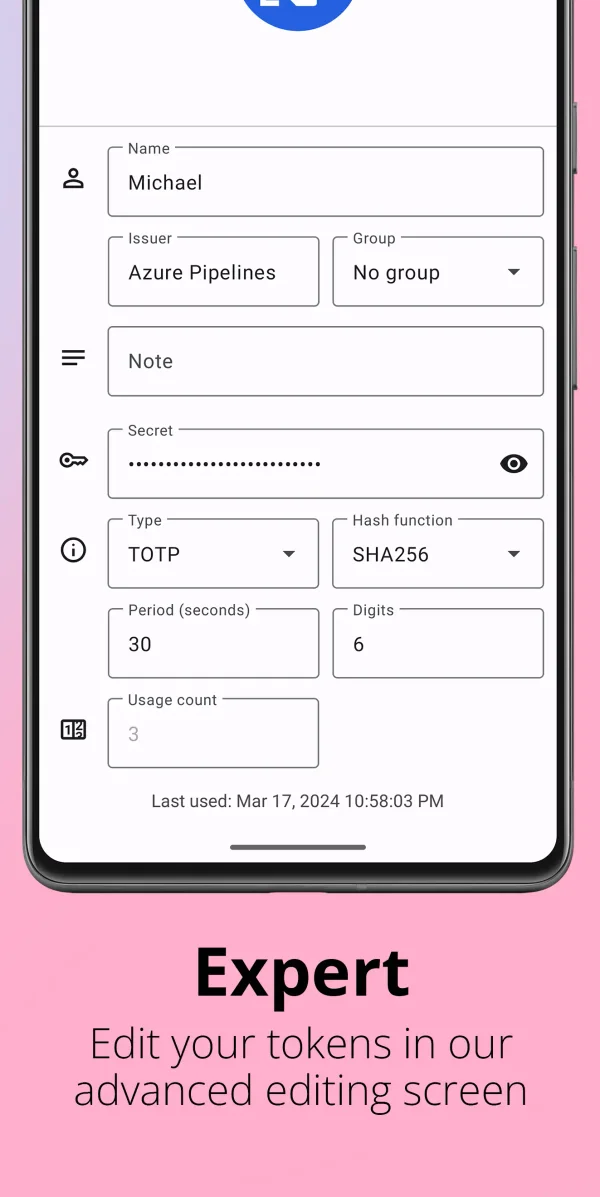
• Pengeditan entri lanjutan
• Cari berdasarkan nama / penerbit
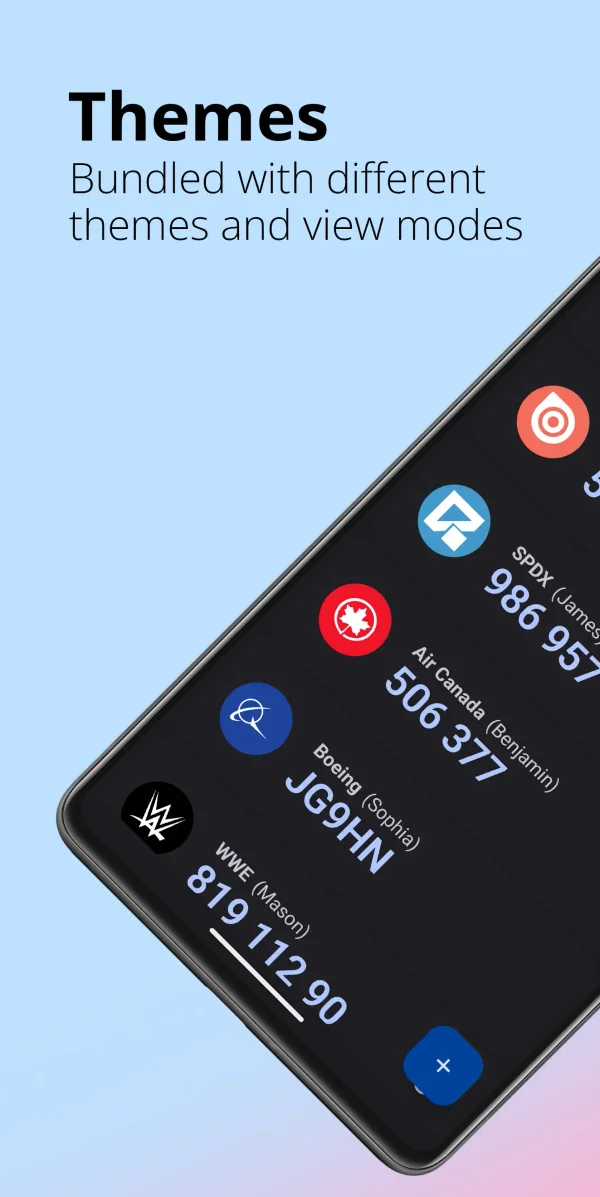
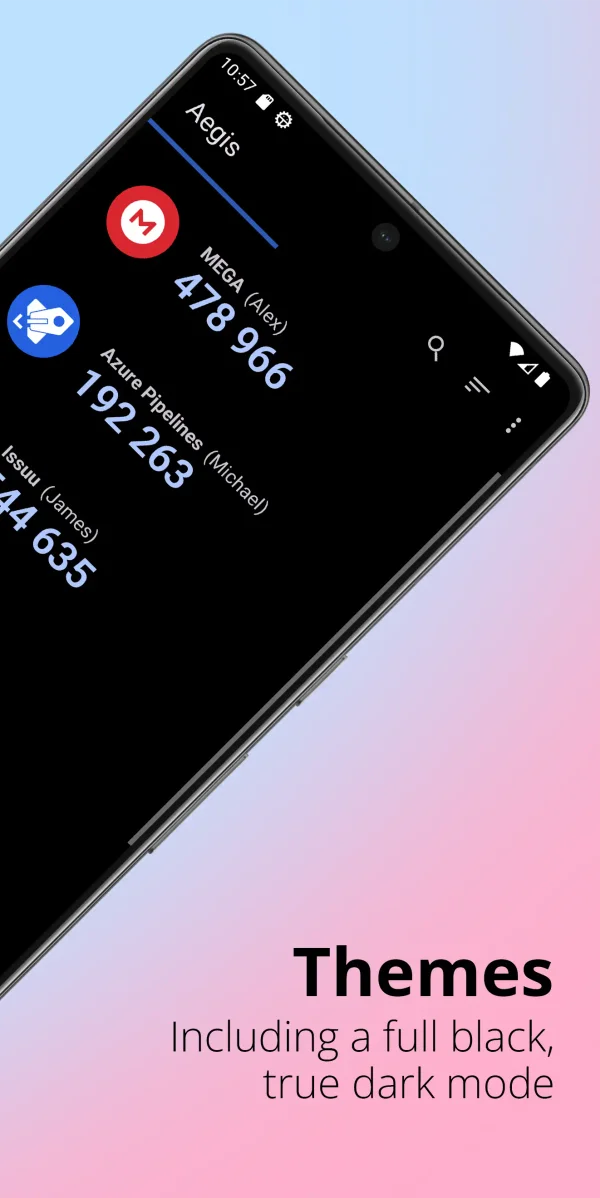
• Desain material dengan banyak tema: Terang, Gelap, AMOLED
• Ekspor (teks biasa atau terenkripsi)
• Pencadangan otomatis lemari besi ke lokasi yang Anda pilih
Sumber terbuka dan lisensi
Aegis Authenticator adalah open source dan berlisensi di bawah GPLv3. Kode sumber tersedia di sini: https://github.com/beemdevelopment/Aegis
Tampilkan teks asli
Aegis Authenticator is a free, secure and open source app to manage your 2-step verification tokens for your online services.
Compatibility
Aegis supports the HOTP and TOTP algorithms. These two algorithms are industry-standard and widely supported, making Aegis compatible with thousands of services. Any web service that supports Google Authenticator will also work with Aegis Authenticator.
Encryption and biometric unlock
All of your one-time passwords are stored in a vault. If you choose to set a password (highly recommended), the vault will be encrypted using strong cryptography. If someone with malicious intent gets a hold of the vault file, it’s impossible for them to retrieve the contents without knowing the password. Entering your password each time you need access to a one-time password can be cumbersome. Fortunately, you can also enable biometric unlock if your device has a biometrics sensor (i.e. fingerprint or face unlock).
Organization
Over time, you'll likely accumulate tens of entries in your vault. Aegis Authenticator has lots of organization options to make finding the one you need at a particular moment easier. Set a custom icon for an entry to make it easier to find. Search by account name or service name. Have a lot of one-time passwords? Add them to custom groups for easier access. Personal, Work and Social can each get their own group.
Backups
To make sure you will never lose access to your online accounts, Aegis Authenticator can create automatic backups of the vault to a location of your choosing. If your cloud provider supports the Storage Access Framework of Android (like Nextcloud does), it can even create automatic backups to the cloud. Creating manual exports of the vault is also supported.
Making the switch
To make the switch easier, Aegis Authenticator can import the entries of lots of other authenticators, including: Authenticator Plus, Authy, andOTP, FreeOTP, FreeOTP+, Google Authenticator, Microsoft Authenticator, Steam, TOTP Authenticator and WinAuth (root access is required for the apps that don't have an option to export).
Feature overview
• Free and open source
• Secure
• Encrypted, can be unlocked with a password or biometrics
• Screen capture prevention
• Tap to reveal
• Compatible with Google Authenticator
• Supports industry standard algorithms: HOTP and TOTP
• Lots of ways to add new entries
• Scan a QR code or an image of one
• Enter details manually
• Import from other popular authenticator apps
• Organization
• Alphabetic/custom sorting
• Custom or automatically generated icons
• Group entries together
• Advanced entry editing
• Search by name/issuer
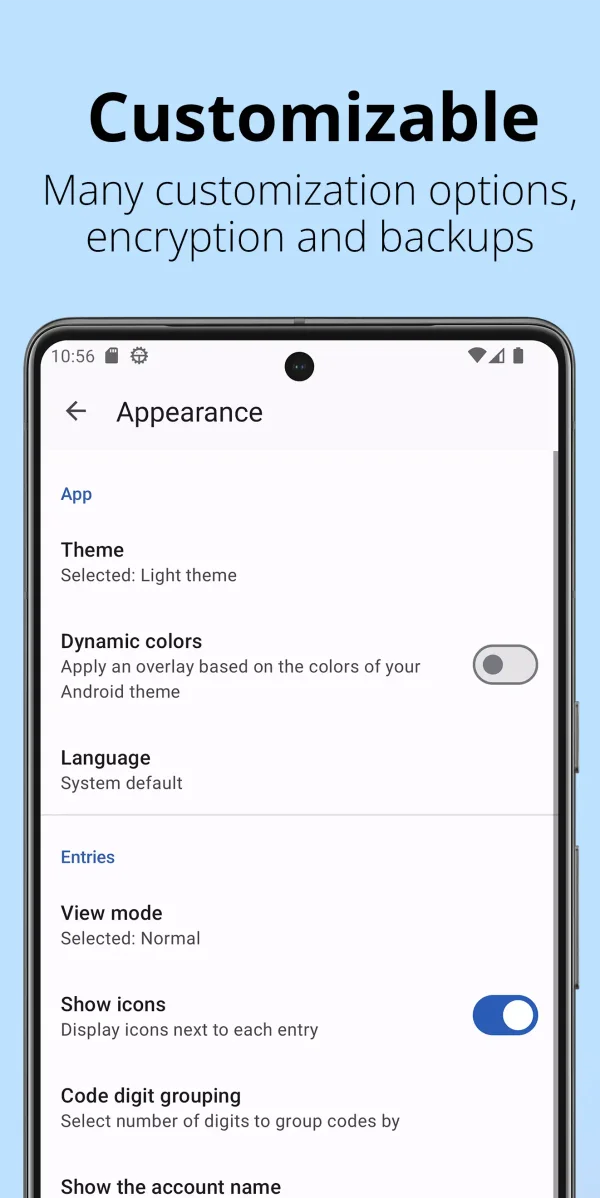
• Material design with multiple themes: Light, Dark, AMOLED
• Export (plaintext or encrypted)
• Automatic backups of the vault to a location of your choosing
Open source and license
Aegis Authenticator is open source and licensed under GPLv3. The source code is available here: https://github.com/beemdevelopment/Aegis
Keamanan data
Yang dinyatakan Beem Development di Google Play tentang data yang dikumpulkan dan dibagikan aplikasi ini.
- Tidak ada data yang dibagikan kepada pihak ketigaPelajari lebih lanjut cara developer menyatakan pembagian data
- Tidak ada data yang dikumpulkanPelajari lebih lanjut cara developer menyatakan pengumpulan data
Yang baru
Versi 3.4.3 · 6/9/2026
New features:
- Support for importing encrypted Proton Authenticator exports
Fixed bugs:
- A maliciously crafted icon pack could overwrite Aegis' internal files if imported, including the vault file
Kontak pengembang
- Situs webgetaegis.app
- Emailbeemdevelopment+support@gmail.com
- Kebijakan Privasigetaegis.app
- AlamatLeerparkpromenade 363 3312 KW Dordrecht Netherlands
Informasi
- Ditawarkan oleh
- Google Commerce Ltd
- Kategori
- Alat
- Versi
- 3.4.3
- Diperbarui
- 6/9/2026
- Dirilis
- 9/2/2019
- Memerlukan
- Android 6.0 atau yang lebih baru
- Batasan usia
- Rating 3+
- Harga
- Gratis
- Nama paket
- com.beemdevelopment.aegis
Aplikasi serupa
-
 MYCPE ONE
Pendidikan
-
 CyberTrophy
Gaya Hidup
-
 Mindbook: Markdown Cloud Notes
Produktivitas
-
 Bitwarden - Pengelola Sandi
Produktivitas
-
 Qashio
Keuangan
-
 Splid – Split group bills
Keuangan
-
 Personio: HR Tasks on the Go
Bisnis
-
 Kizeo Forms, Mobile forms
Bisnis
-
 LastPass Password Manager
Produktivitas
-
 BizConnect - Card Scanner
Produktivitas
-
 AI Writer: Any Content Writing
Alat
-
 Gallup Access
Produktivitas