Digital Basic 8B Wear OS 4+
OQ Watchfaces- USK ab 0 JahrenAltersfreigabe
- PersonalisierungKategorie
- 20.08.2024Aktualisiert
- 1,29 €Preis
Verlinkt auf den offiziellen Google Play-Eintrag von com.watchfacestudio.db8b. Zuletzt geprüft am 14.11.2026.
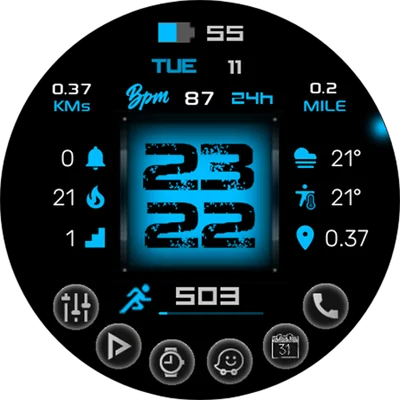
Screenshots
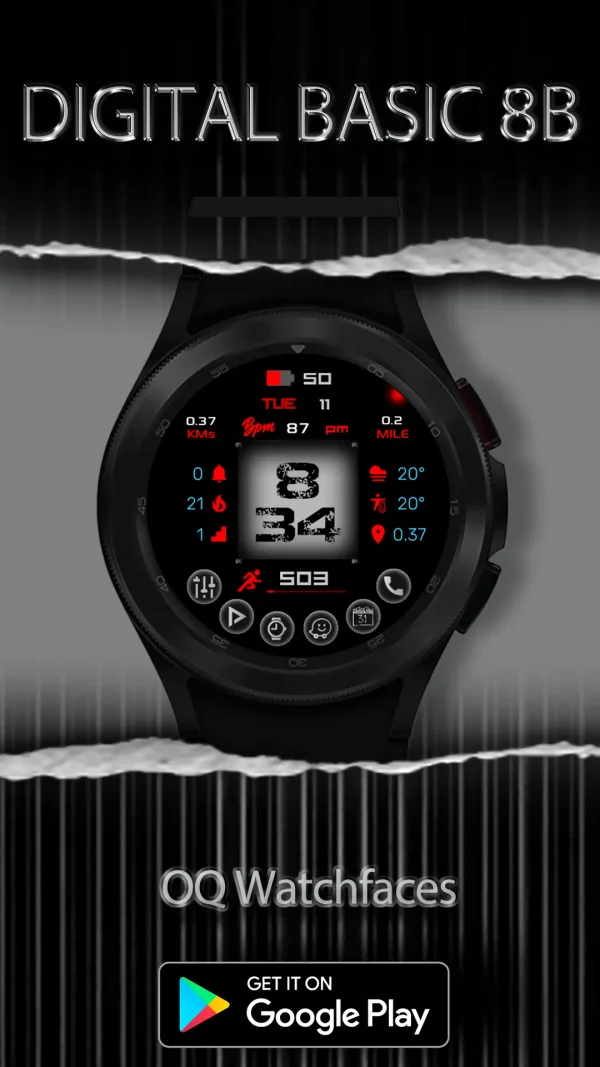
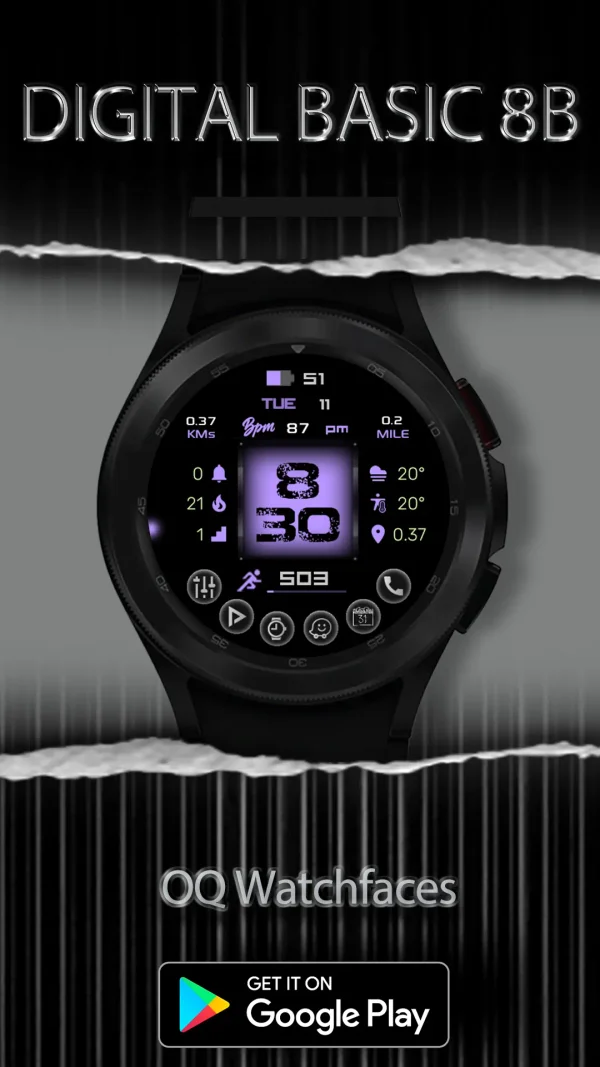
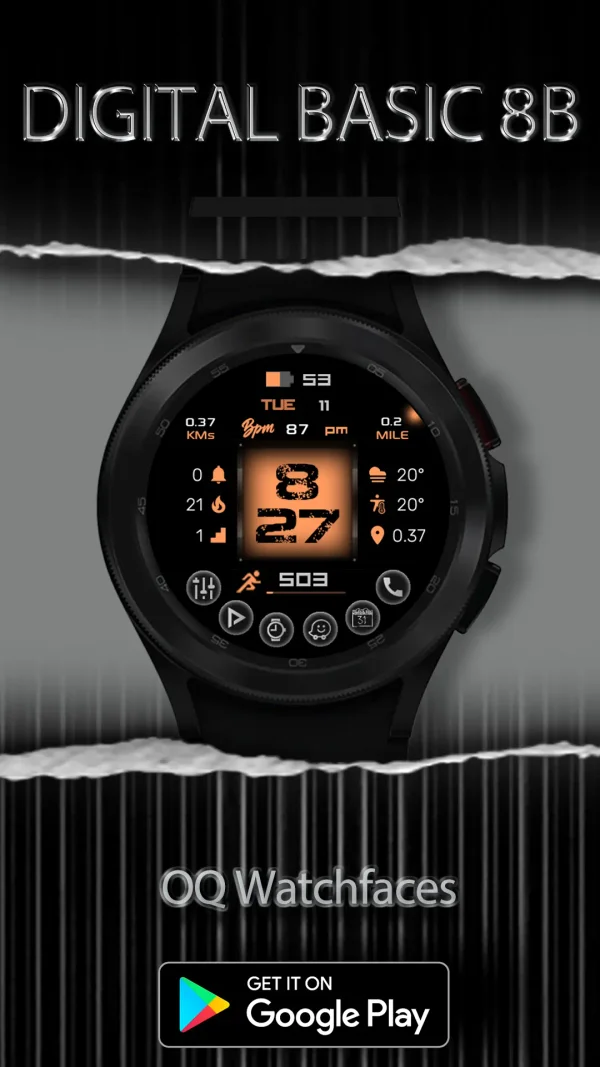
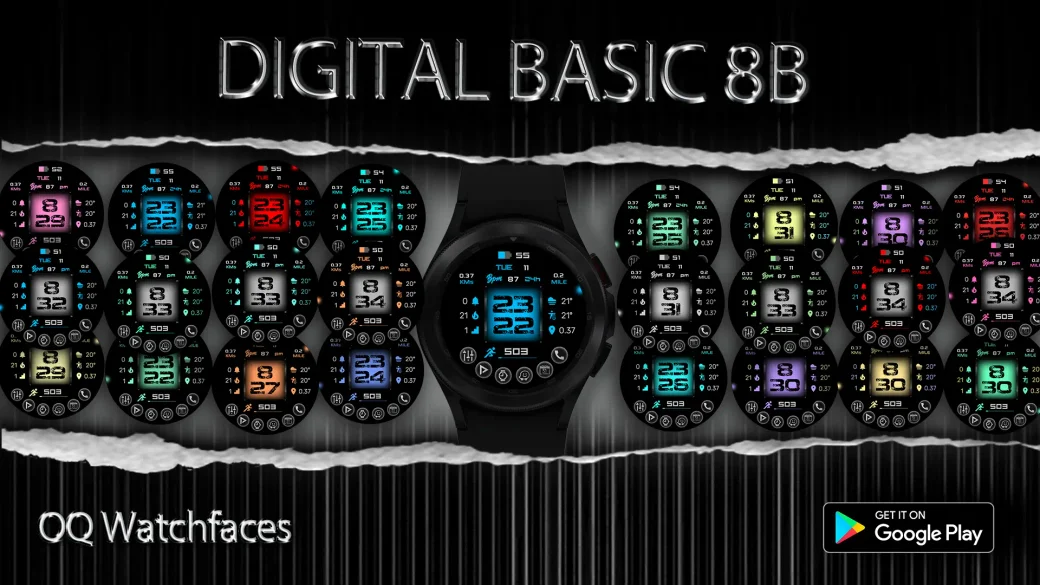
Über diese App
Automatische Übersetzung von Google. Originalsprache: Englisch (Vereinigte Staaten).
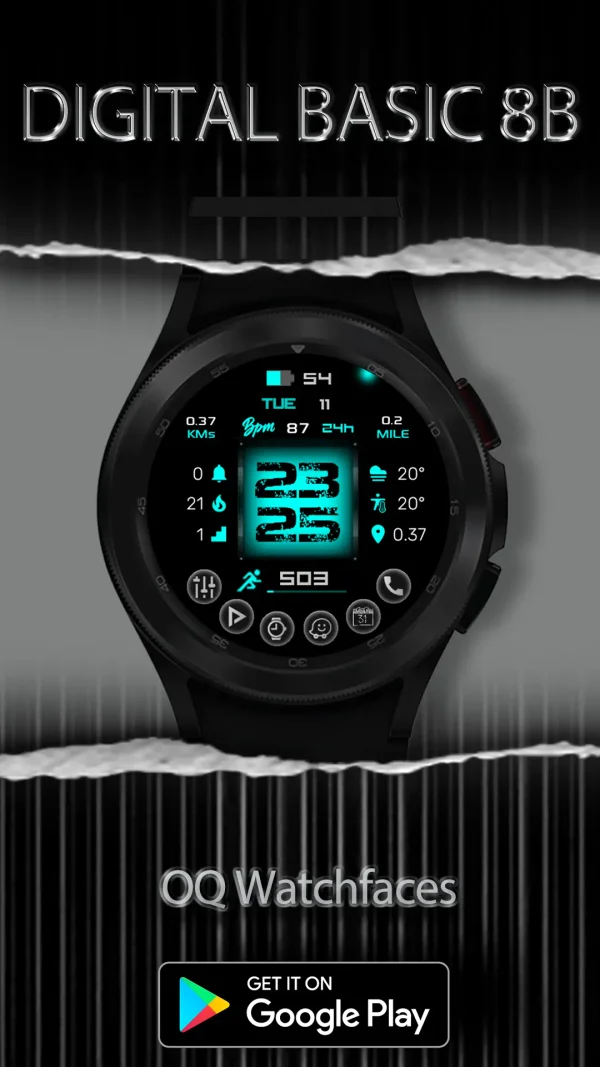
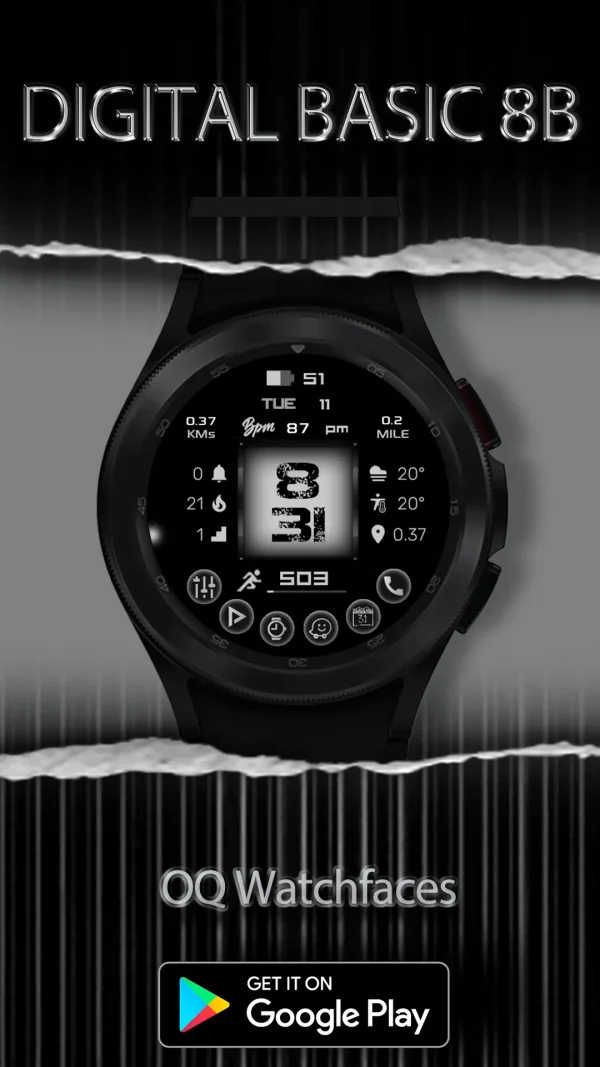
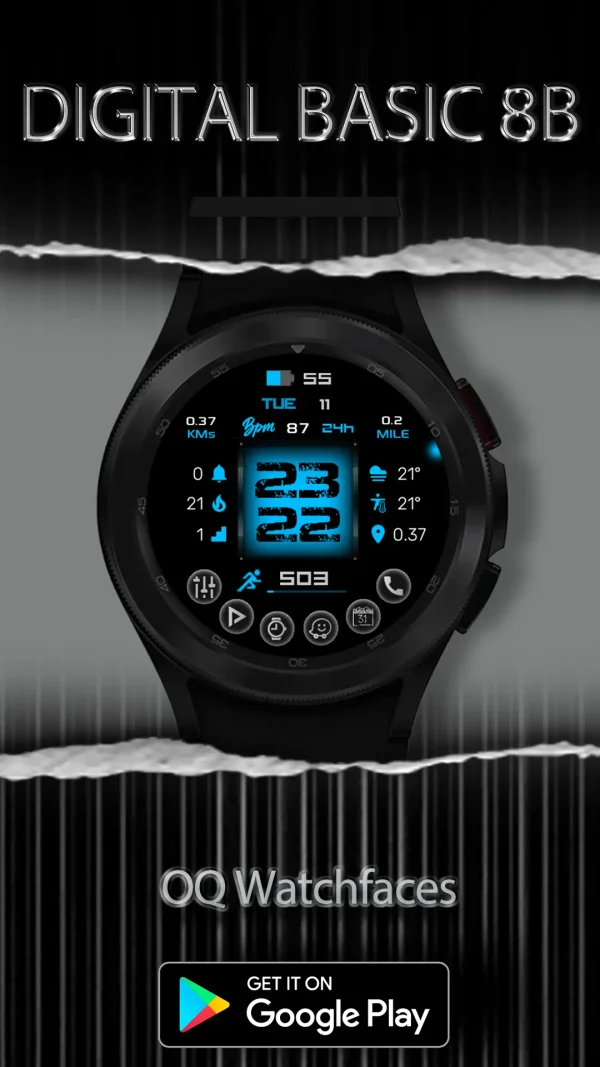
Ein Zifferblatt für Wear OS mit vielen Anpassungen und Farbstiloptionen.
=============================================== =====
HINWEIS: LESEN SIE DIES IMMER VOR UND NACH DEM HERUNTERLADEN UNSERES ZIFFERBLATTS, UM SITUATIONEN ZU VERMEIDEN, DIE IHNEN NICHT gefallen.
=============================================== =====
A. Dieses Zifferblatt enthält viele Optionen im Anpassungsmenü. Wenn das Laden der Anpassungsoptionen in der Wearable-App aus irgendeinem Grund einige Zeit dauert, warten Sie mindestens 8 Sekunden, damit alle Anpassungsmenüoptionen geladen werden, während Sie die Galaxy Wearable-App öffnen.
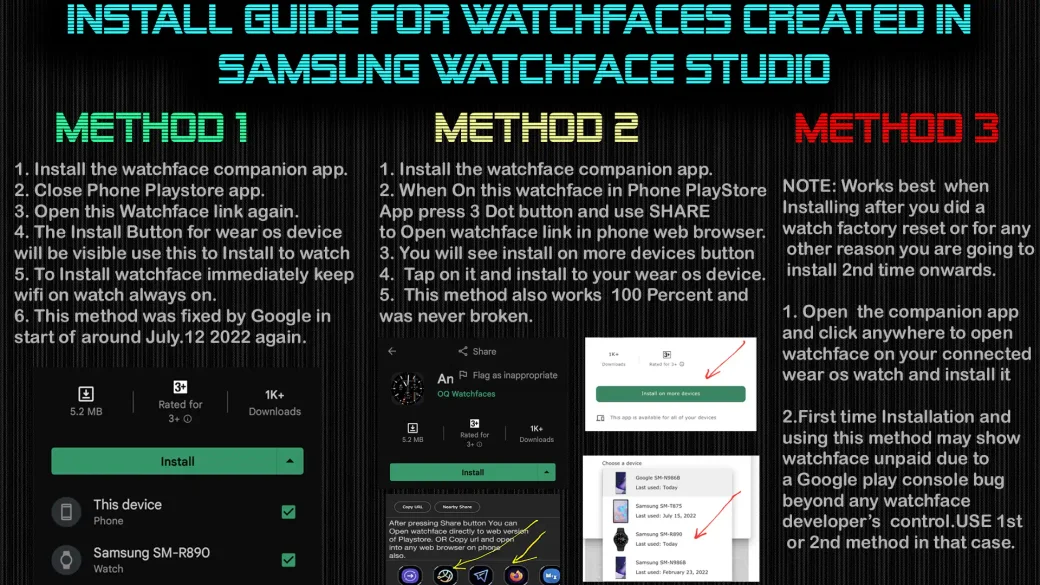
B. Es wurden Anstrengungen unternommen, um eine INSTALLATIONSANLEITUNG zu erstellen, die als Bild mit Bildschirmvorschauen beigefügt ist. Es ist das erste Bild in der Vorschau für Neulinge unter Android Wear OS-Benutzern oder für diejenigen, die nicht wissen, wie sie das Zifferblatt auf ihrem angeschlossenen Gerät installieren . Daher werden Benutzer gebeten, diese zu lesen, bevor sie Beiträge veröffentlichen.
C. ZAHLEN SIE NICHT ZWEIMAL IM WATCH PLAY STORE. LESEN Sie das Bild der Installationsanleitung noch einmal. Sehen Sie sich 3 Methoden an, die zu 100 Prozent funktionieren, um sowohl die Telefon-App als auch die Watch-App zu installieren. In der Installationsanleitung heißt es eindeutig, dass „Tap to open connected on connected watch“ bei der ersten Installation erforderlich ist.
=============================================== =====
EIGENSCHAFTEN UND FUNKTIONEN
=============================================== =====
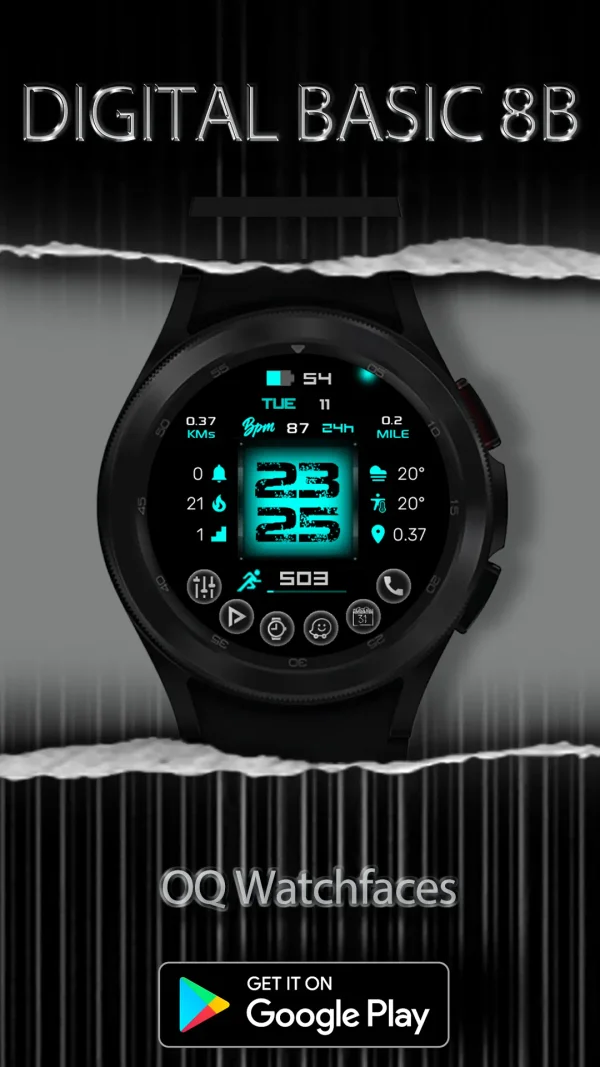
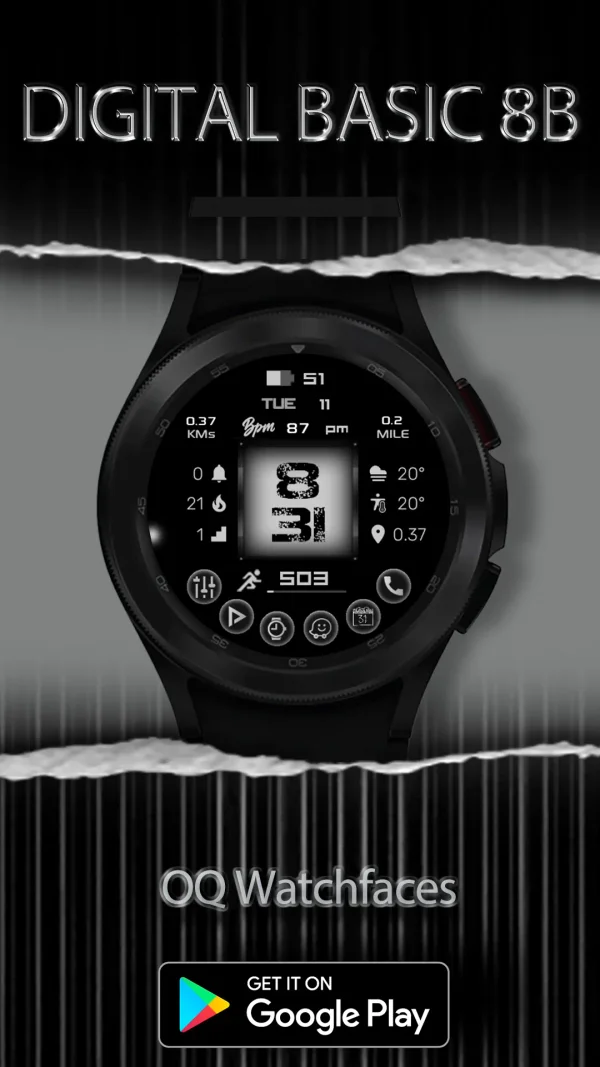
Das Zifferblatt verfügt über folgende Funktionen: –
1. Das Zifferblatt unterstützt sowohl den 12-Stunden- als auch den 24-Stunden-Modus. Bitte beachten Sie, dass Sie den von Ihnen gewählten Modus auf dem Telefon auswählen müssen, mit dem Ihre Uhr verbunden ist. Und wenn Sie eine LTE-Uhr verwenden und diese nicht mit dem Telefon verbunden ist, gehen Sie zu den Uhreneinstellungen und ändern Sie dort den Zeitmodus.
2. Tippen Sie auf „BPM-Text“ oder „Lesung“ und der Herzfrequenzzähler wird in der Gesundheits-App geöffnet.
3. Tippen Sie auf das Batteriesymbol oder den Text, um das Menü mit den Batterieeinstellungen der Uhr zu öffnen.
4. Vom Benutzer anpassbare Komplikationen sind im Anpassungsmenü verfügbar. Sie unterstützen Komplikationen wie Wetter, Gefühle und Benachrichtigungen usw.
5. Der Rahmen um die Stunden- und Minutenziffern kann auch über das Anpassungsmenü angepasst werden.
6. Die Hintergrundfarbe der wichtigsten Stunden- und Minutenziffern im Rahmen kann separat über das Anpassungsmenü ein- und ausgeschaltet werden.
7. Sie können auch verschiedene Elemente auf dem Bildschirm ausblenden, z. B. alle sechs Komplikationen links und rechts von der Zeit im Haupt- und AoD-Menü im Anpassungsmenü ausblenden.
8. Im Anpassungsmenü stehen dem Benutzer 30 Farbstile zur Verfügung.
=============================================== =====
ZUSÄTZLICHE INSTALLATIONS-APPS, WENN SIE BESTE ERGEBNISSE WOLLEN
=============================================== =====
Dieses Zifferblatt unterstützt Wear OS-Geräte und verfügt über 6 vom Benutzer anpassbare Komplikationen. Um zusätzliche fehlende Komplikationen wie Stockwerke, Mondposition, Kalorien usw. auf Ihrer Samsung-Smartwatch zu haben, die dann für jedes Zifferblatt verfügbar sind, bei dem ein Entwickler vom Benutzer anpassbare Komplikationen hinzugefügt hat, können Sie diese dann wie in der Bildschirmvorschau gezeigt verwenden Zifferblatt bitte. Außerdem funktionieren sie auf jedem Zifferblatt, das Sie bereits haben.
1. Smartphone-Akku-App (kostenlose App)
Bitte installieren Sie die zusätzliche App des untenstehenden Links auf der Uhr und dem Smartphone und richten Sie die Komplikation ein.
Wenn der Link nicht geöffnet wird, suchen Sie bitte nach der App „Phone Battery Complication“ und installieren Sie sie.
https://play.google.com/store/apps/details?id=com.weartools.phonebattcomp
2. Komplikationen im Gesundheitswesen (kostenpflichtige App)
https://play.google.com/store/apps/details?id=com.weartools.hscomplications
3. Complications Suite – Wear OS (kostenlose App)
https://play.google.com/store/apps/details?id=com.weartools.weekdayutccomp
Alle Credits gehen an den ursprünglichen App-Ersteller:
amoledwatchfaces – https://play.google.com/store/apps/dev?id=5591589606735981545
Originaltext anzeigen
=======================================================
NOTICE: READ THIS ALWAYS BEFORE AND AFTER DOWNLOADING OUR WATCH FACE TO AVOID ANY SITUATION YOU DON'T LIKE.
=======================================================
a. This watch face contains a lot of options in customization menu.If for some reason it takes time to load customization options in Wearable app wait for at least 8 secs to let load up all customization menu options while opening on Galaxy wearable app.
b. An Effort has be done to make a INSTALL GUIDE which is attached as an image with screen previews.It is the 1st image in previews for Newbie Android Wear OS Users or for those who do not know how to install the watch face to your connected device. So it is requested to users to read it before posting cannot install statements reviews.
c. DO NOT PAY TWICE FROM WATCH PLAY STORE . READ The Install Guide Image again. See 3 x methods 100 percent working to install both phone app and watch app . The install guide clearly says tap to open connected on connected watch is when you are installing it for the first time.
=======================================================
FEATURES AND FUNCTIONS
=======================================================
The watch face has following features:-
1. The watch face supports both 12H and 24H Modes. Please Note that to use mode of your choice you have to select it on the phone your watch is connected. And If you are using an LTE watch and it is not connected to the phone then go to watch settings and then change time mode from there.
2. Tap On BPM Text or Reading and it will open the Heart Rate Counter in health app.
3. Tap on Battery icon or text to open watch battery settings menu.
4. User Customizable Complications are available in the customization menu.Which support complications like weather,feels like,and notifications etc.
5. The Frame around Hour and Minutes digits is also customizable via customization menu.
6. The background Color Of Main Hour and Minutes digits inside the frame can be switched On/Off From customization separately from customization menu.
7. You can also hide various elements on the screen like hiding all six complications left and right of the time on Main and AoD from customization menu.
8. 30 x Color Styles are available in Customization menu for user.
=======================================================
ADDITIONAL INSTALLATION APPS IF YOU WANT BEST RESULTS
=======================================================
This watch face supports wear OS devices and has user customizable 6 x Complications. To have Additional missing Complications on Your Samsung smart watch like Floors, Moon Position, Calories, etc which will then be available to any watch face in which any developer has added user customizable complications you can then use them as shown in the screen previews of this watch face please. Also they will work on every watch face you already have.
1. Smart phone battery app (Free app)
Please install the additional app of the link below on the watch and smartphone, and set up the complication.
If the link does not open, please search for the 'Phone Battery Complication' app and install it.
https://play.google.com/store/apps/details?id=com.weartools.phonebattcomp
2. Health Services Complications (Paid app)
https://play.google.com/store/apps/details?id=com.weartools.hscomplications
3. Complications Suite - Wear OS (Free app)
https://play.google.com/store/apps/details?id=com.weartools.weekdayutccomp
All credits goes to original app creator:
amoledwatchfaces - https://play.google.com/store/apps/dev?id=5591589606735981545
Datensicherheit
Was OQ Watchfaces bei Google Play zu den Daten angibt, die diese App erfasst und weitergibt.
- Keine Daten werden mit Drittunternehmen oder -organisationen geteiltWeitere Informationen dazu, wie Entwickler Angaben zur Weitergabe von Daten machen
- Keine Daten erhobenWeitere Informationen dazu, wie Entwickler Angaben zur Datenerhebung machen
Neue Funktionen
20.08.2024
1. Watch face updated with Samsung Latest Watch Studio V1.6.10 released on Jul-23-2024 as per Google New Policy To target Android 13 (API level 33) or higher.
2. Helper Companion app updated for phone play store app.
3. Heart Rate shortcut fixed.
Kontakt zum Entwickler
- E-Mailosmanqadir78@gmail.com
- Datenschutzerklärungosmanqadir78.blogspot.com
- AdresseHouse no 307 Sector C Street 12 Askari X Lahore Cantt, 54810 Pakistan
Informationen
- Angeboten von
- OQ Watchfaces
- Kategorie
- Personalisierung
- Aktualisiert
- 20.08.2024
- Veröffentlicht
- 11.04.2023
- Altersfreigabe
- USK ab 0 Jahren
- Preis
- 1,29 €
- Paketname
- com.watchfacestudio.db8b