Digital Basic 8B Wear OS 4+
OQ Watchfaces- 3 歳以上対象年齢
- カスタマイズカテゴリ
- 2024/8/20更新日
- ¥210価格
com.watchfacestudio.db8bのGoogle Play公式ページにリンクしています。最終確認:2026/11/14。
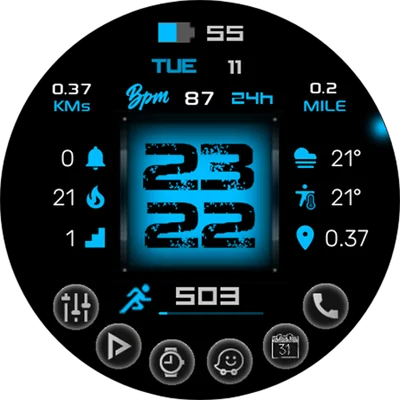
スクリーンショット
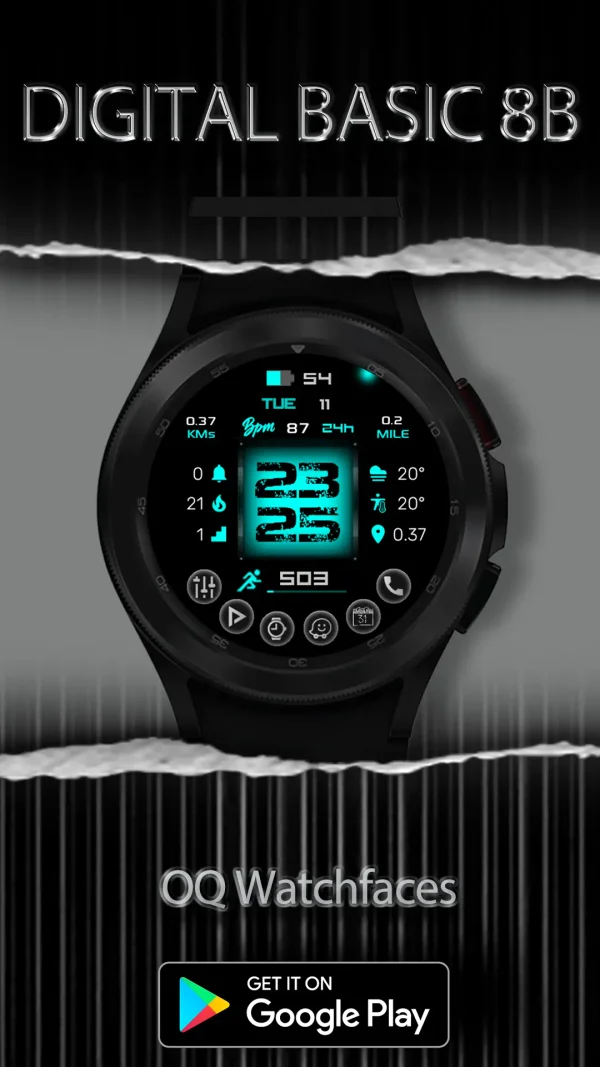
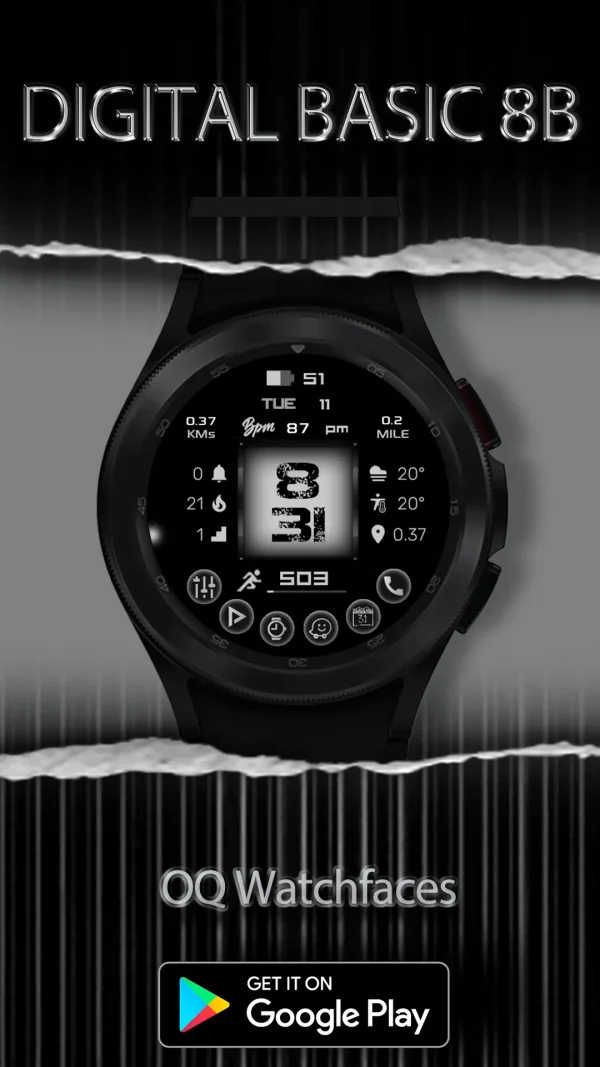
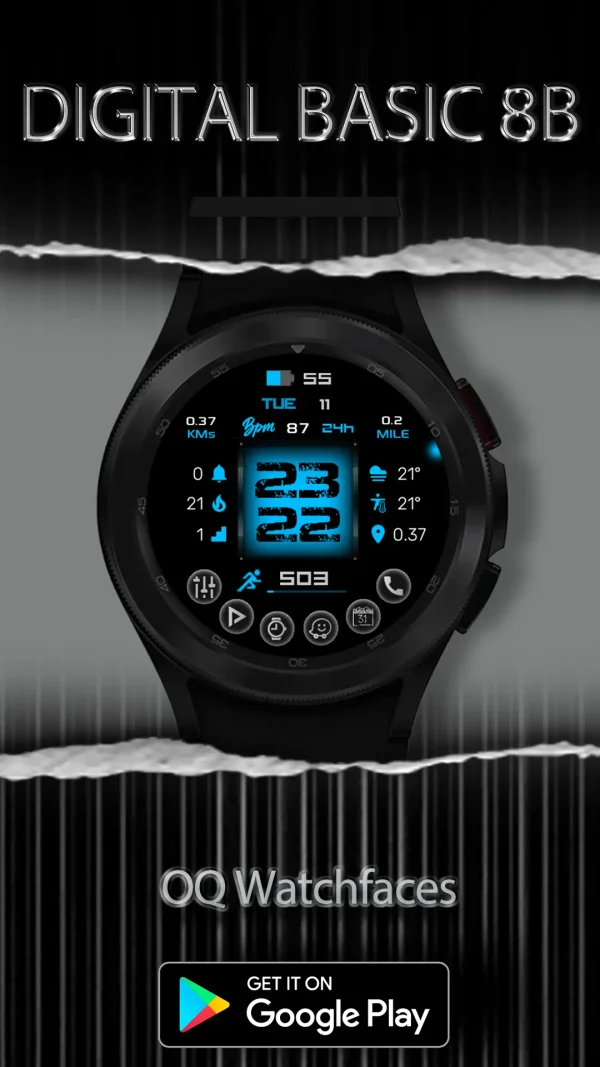
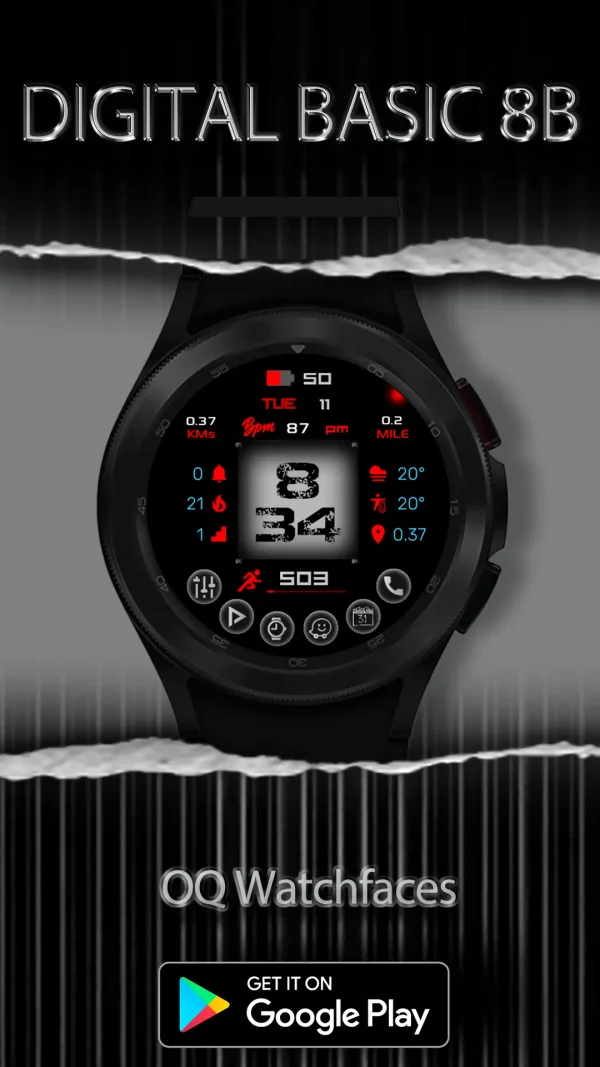
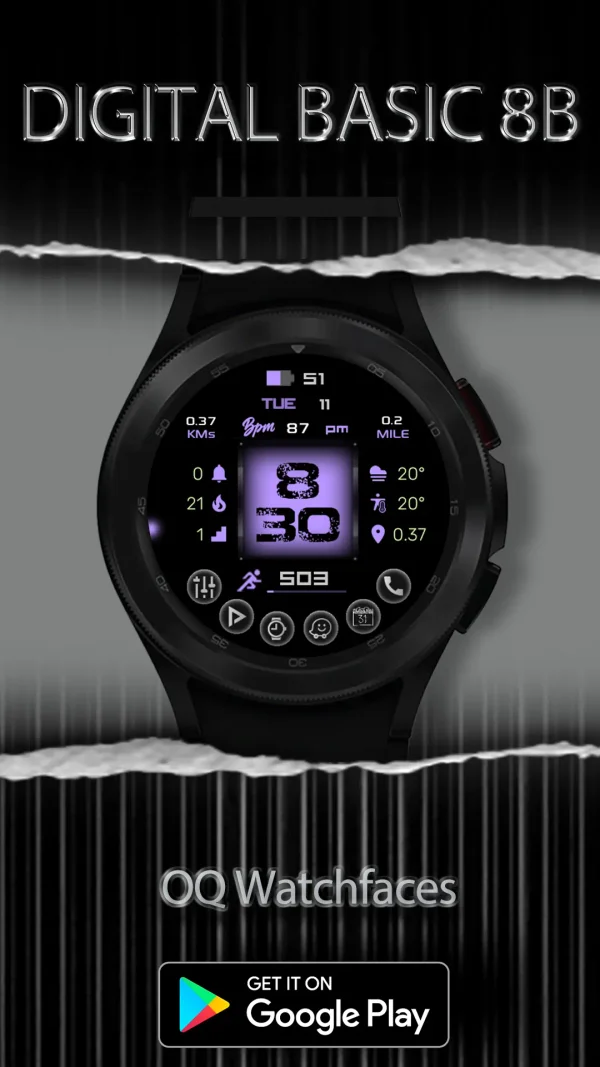
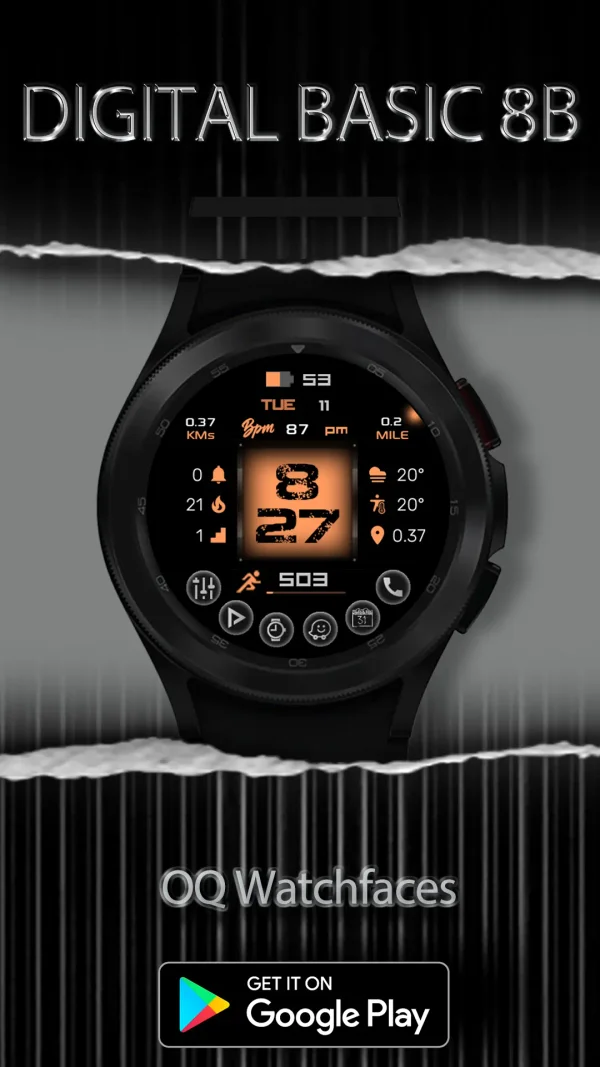
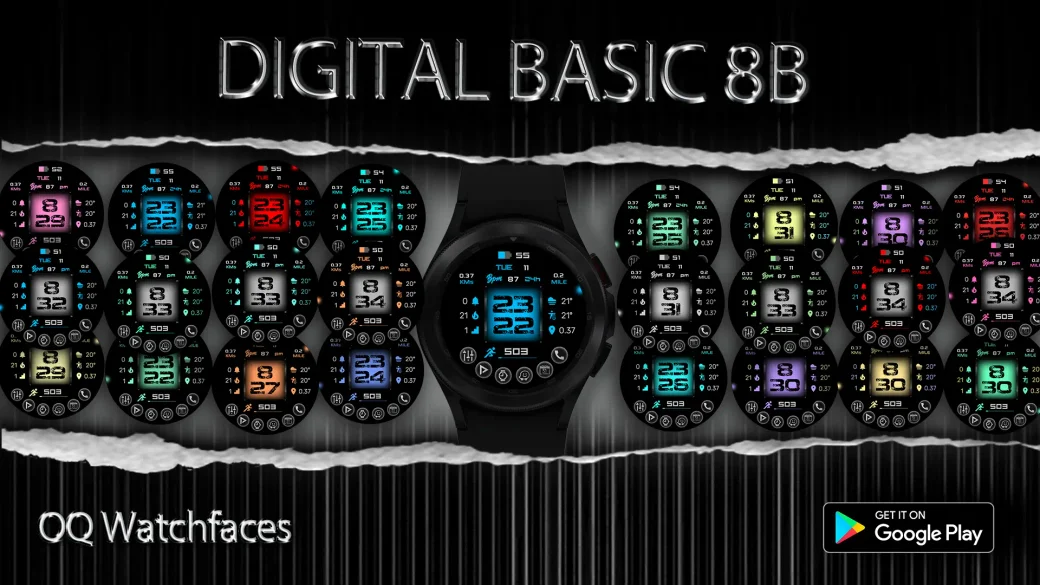
このアプリについて
Googleによる英語 (アメリカ合衆国)からの自動翻訳です。
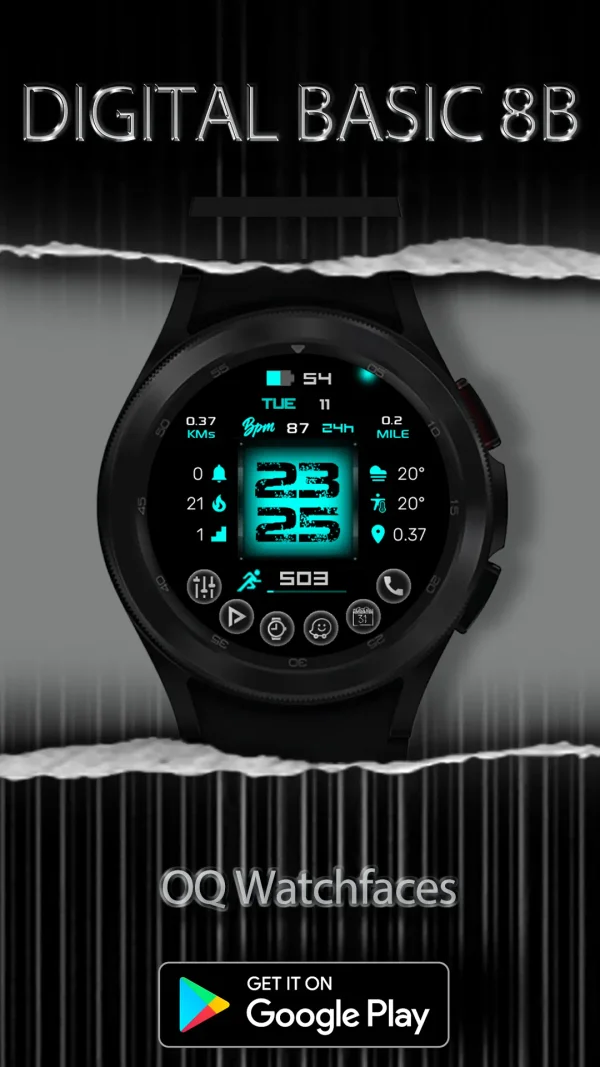
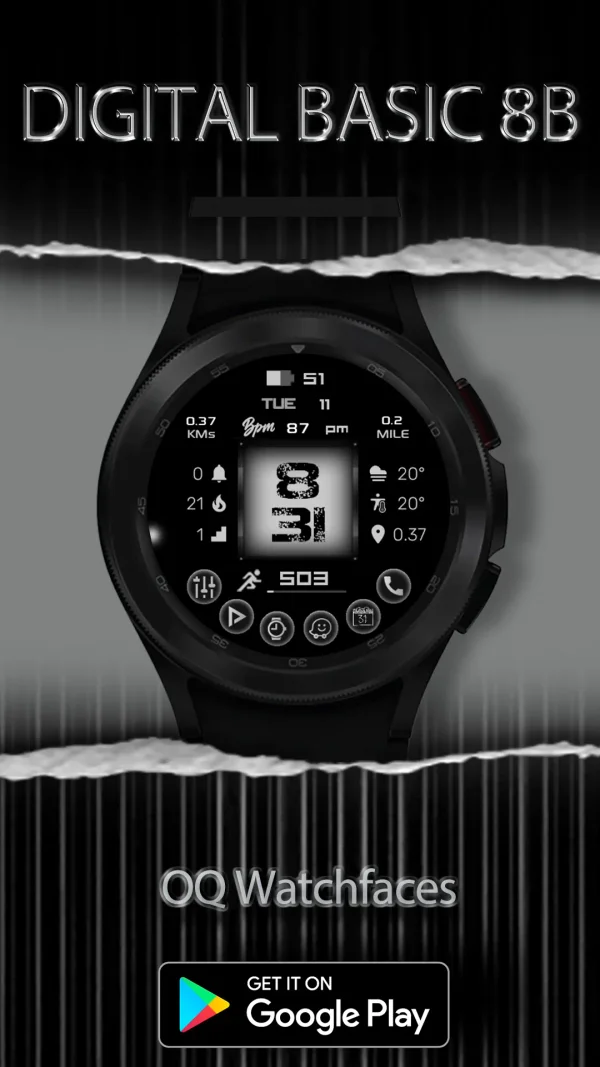
多くのカスタマイズとカラースタイルのオプションを備えたWear OS用のウォッチフェイス。
================================================= =====
注意: 望ましくない状況を避けるために、ウォッチフェイスをダウンロードする前後に必ずこれをお読みください。
================================================= =====
a.このウォッチフェイスにはカスタマイズ メニューに多くのオプションが含まれています。何らかの理由でウェアラブル アプリでカスタマイズ オプションを読み込むのに時間がかかる場合は、Galaxy ウェアラブル アプリを開いているときにすべてのカスタマイズ メニュー オプションが読み込まれるまで少なくとも 8 秒待ってください。
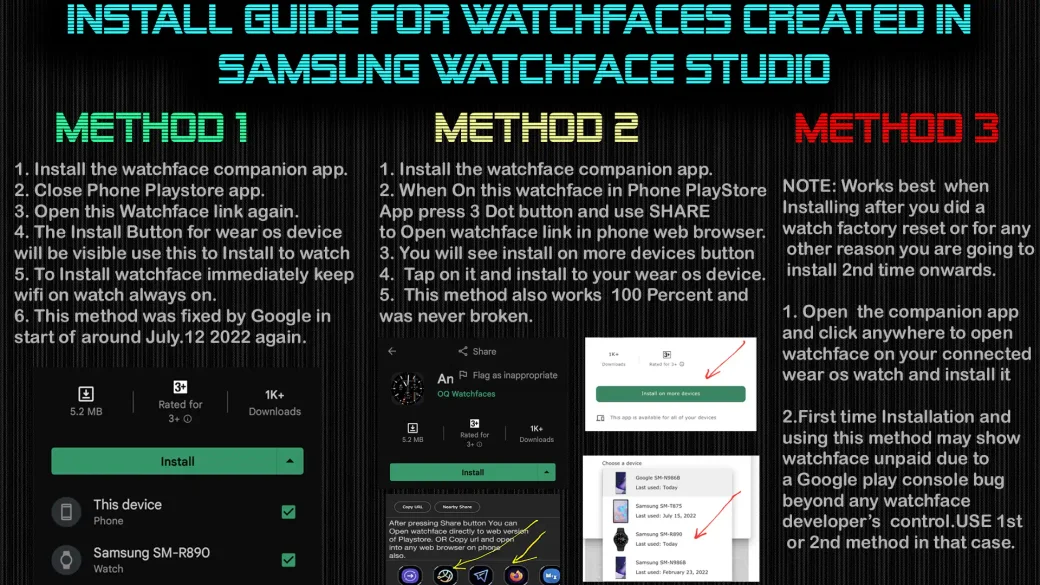
b. 画面プレビュー付きの画像として添付されるインストール ガイドを作成するための取り組みが行われています。これは、初心者の Android Wear OS ユーザー、または接続されたデバイスにウォッチフェイスをインストールする方法がわからない人向けのプレビューの最初の画像です。 。そのため、インストールできないステートメントのレビューを投稿する前にユーザーに読んでいただくようお願いします。
c. Watch Play Store から二重に支払わないでください。インストール ガイドの画像をもう一度お読みください。電話アプリと時計アプリの両方をインストールするのに 100% 機能する 3 つの方法を参照してください。インストールガイドには、初めてインストールするときは、接続されたウォッチをタップして接続を開くと明確に記載されています。
================================================= =====
特徴と機能
================================================= =====
ウォッチフェイスには次の機能があります:-
1. ウォッチフェイスは 12 時間モードと 24 時間モードの両方をサポートします。選択したモードを使用するには、ウォッチが接続されている携帯電話でモードを選択する必要があることに注意してください。 LTE ウォッチを使用していて、電話に接続されていない場合は、ウォッチの設定に移動し、そこから時間モードを変更します。
2. 「BPM テキストまたは読み取り値」をタップすると、ヘルスケアアプリで心拍数カウンターが開きます。
3. バッテリーアイコンまたはテキストをタップして、時計のバッテリー設定メニューを開きます。
4. ユーザーがカスタマイズ可能なコンプリケーションは、カスタマイズ メニューで利用できます。天気、気分、通知などのコンプリケーションをサポートします。
5. 時と分の数字の周囲のフレームも、カスタマイズ メニューからカスタマイズできます。
6. フレーム内の主な時と分の数字の背景色は、カスタマイズメニューから個別にオン/オフを切り替えることができます。
7.カスタマイズメニューからMainとAoDの左右の6つのコンプリケーションをすべて非表示にするなど、画面上のさまざまな要素を非表示にすることもできます。
8. ユーザーのカスタマイズ メニューでは 30 個のカラー スタイルが利用可能です。
================================================= =====
最良の結果を望む場合は、追加のインストールアプリ
================================================= =====
このウォッチフェイスはウェア OS デバイスをサポートしており、ユーザーがカスタマイズ可能な 6 つのコンプリケーションを備えています。フロア、月の位置、カロリーなど、サムスン スマート ウォッチに不足している追加の合併症を追加するには、開発者がユーザーのカスタマイズ可能な合併症を追加した文字盤で利用できるようになり、この画面のプレビューに示されているように使用できます。ウォッチフェイスをお願いします。また、すでにお持ちのすべての文字盤でも機能します。
1.スマートフォンバッテリーアプリ(無料アプリ)
下記リンクの追加アプリを時計とスマートフォンにインストールし、コンプリケーションの設定を行ってください。
リンクが開かない場合は、「Phone Battery Complication」アプリを検索してインストールしてください。
https://play.google.com/store/apps/details?id=com.weartools.phonebattcomp
2. 医療サービスの合併症(有料アプリ)
https://play.google.com/store/apps/details?id=com.weartools.hscomplications
3. Complications Suite - Wear OS (無料アプリ)
https://play.google.com/store/apps/details?id=com.weartools.weekdayutccomp
すべてのクレジットは元のアプリ作成者に与えられます。
amoledwatchfaces - https://play.google.com/store/apps/dev?id=5591589606735981545
原文を表示
=======================================================
NOTICE: READ THIS ALWAYS BEFORE AND AFTER DOWNLOADING OUR WATCH FACE TO AVOID ANY SITUATION YOU DON'T LIKE.
=======================================================
a. This watch face contains a lot of options in customization menu.If for some reason it takes time to load customization options in Wearable app wait for at least 8 secs to let load up all customization menu options while opening on Galaxy wearable app.
b. An Effort has be done to make a INSTALL GUIDE which is attached as an image with screen previews.It is the 1st image in previews for Newbie Android Wear OS Users or for those who do not know how to install the watch face to your connected device. So it is requested to users to read it before posting cannot install statements reviews.
c. DO NOT PAY TWICE FROM WATCH PLAY STORE . READ The Install Guide Image again. See 3 x methods 100 percent working to install both phone app and watch app . The install guide clearly says tap to open connected on connected watch is when you are installing it for the first time.
=======================================================
FEATURES AND FUNCTIONS
=======================================================
The watch face has following features:-
1. The watch face supports both 12H and 24H Modes. Please Note that to use mode of your choice you have to select it on the phone your watch is connected. And If you are using an LTE watch and it is not connected to the phone then go to watch settings and then change time mode from there.
2. Tap On BPM Text or Reading and it will open the Heart Rate Counter in health app.
3. Tap on Battery icon or text to open watch battery settings menu.
4. User Customizable Complications are available in the customization menu.Which support complications like weather,feels like,and notifications etc.
5. The Frame around Hour and Minutes digits is also customizable via customization menu.
6. The background Color Of Main Hour and Minutes digits inside the frame can be switched On/Off From customization separately from customization menu.
7. You can also hide various elements on the screen like hiding all six complications left and right of the time on Main and AoD from customization menu.
8. 30 x Color Styles are available in Customization menu for user.
=======================================================
ADDITIONAL INSTALLATION APPS IF YOU WANT BEST RESULTS
=======================================================
This watch face supports wear OS devices and has user customizable 6 x Complications. To have Additional missing Complications on Your Samsung smart watch like Floors, Moon Position, Calories, etc which will then be available to any watch face in which any developer has added user customizable complications you can then use them as shown in the screen previews of this watch face please. Also they will work on every watch face you already have.
1. Smart phone battery app (Free app)
Please install the additional app of the link below on the watch and smartphone, and set up the complication.
If the link does not open, please search for the 'Phone Battery Complication' app and install it.
https://play.google.com/store/apps/details?id=com.weartools.phonebattcomp
2. Health Services Complications (Paid app)
https://play.google.com/store/apps/details?id=com.weartools.hscomplications
3. Complications Suite - Wear OS (Free app)
https://play.google.com/store/apps/details?id=com.weartools.weekdayutccomp
All credits goes to original app creator:
amoledwatchfaces - https://play.google.com/store/apps/dev?id=5591589606735981545
データ セーフティ
このアプリが収集・共有するデータについて、OQ WatchfacesがGoogle Playで申告している内容です。
- 第三者と共有されるデータはありません詳しくは、デベロッパーが共有を申告する方法についての説明をご覧ください
- データは収集されません詳しくは、デベロッパーが収集を申告する方法についての説明をご覧ください
新機能
2024/8/20
1. Watch face updated with Samsung Latest Watch Studio V1.6.10 released on Jul-23-2024 as per Google New Policy To target Android 13 (API level 33) or higher.
2. Helper Companion app updated for phone play store app.
3. Heart Rate shortcut fixed.
開発元の連絡先
- メールosmanqadir78@gmail.com
- プライバシーポリシーosmanqadir78.blogspot.com
- 住所House no 307 Sector C Street 12 Askari X Lahore Cantt, 54810 Pakistan
情報
- 提供元
- OQ Watchfaces
- カテゴリ
- カスタマイズ
- 更新日
- 2024/8/20
- リリース
- 2023/4/11
- 対象年齢
- 3 歳以上
- 価格
- ¥210
- パッケージ名
- com.watchfacestudio.db8b