H370 Watch Face
Yosash- USK ab 0 JahrenAltersfreigabe
- PersonalisierungKategorie
- 19.11.2026Aktualisiert
- 1,89 €Preis
Verlinkt auf den offiziellen Google Play-Eintrag von com.watchfacestudio.h370. Zuletzt geprüft am 22.11.2026.
Screenshots



Über diese App
Automatische Übersetzung von Google. Originalsprache: Englisch (Vereinigte Staaten).
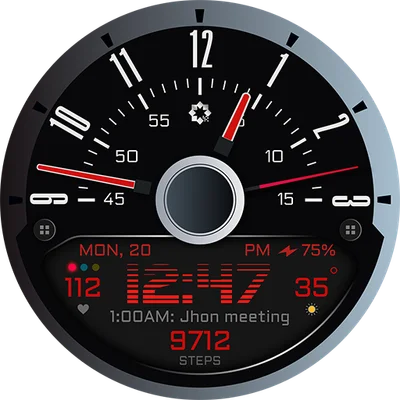
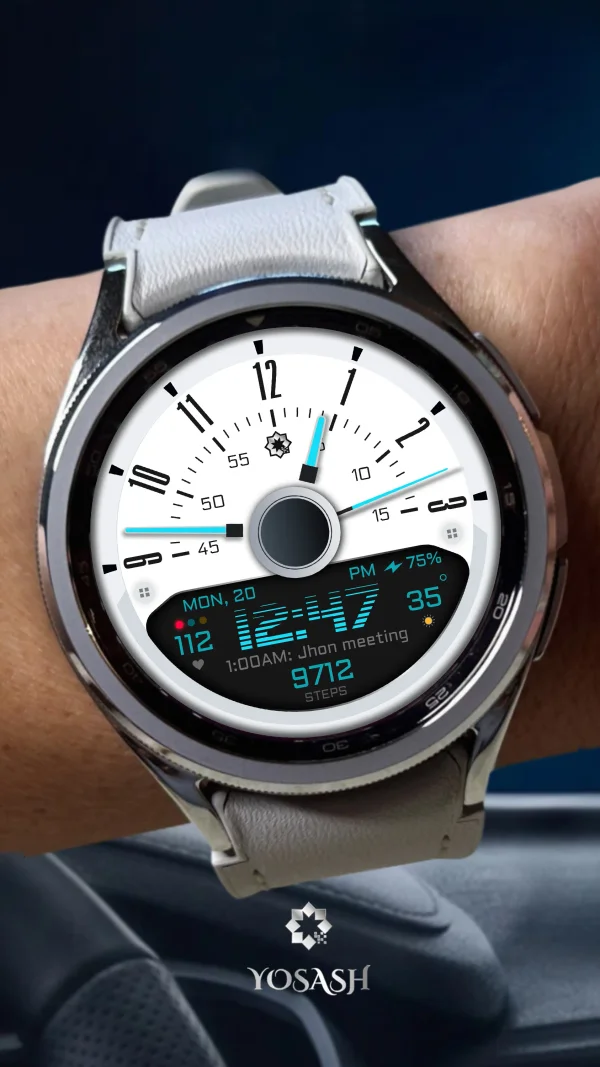
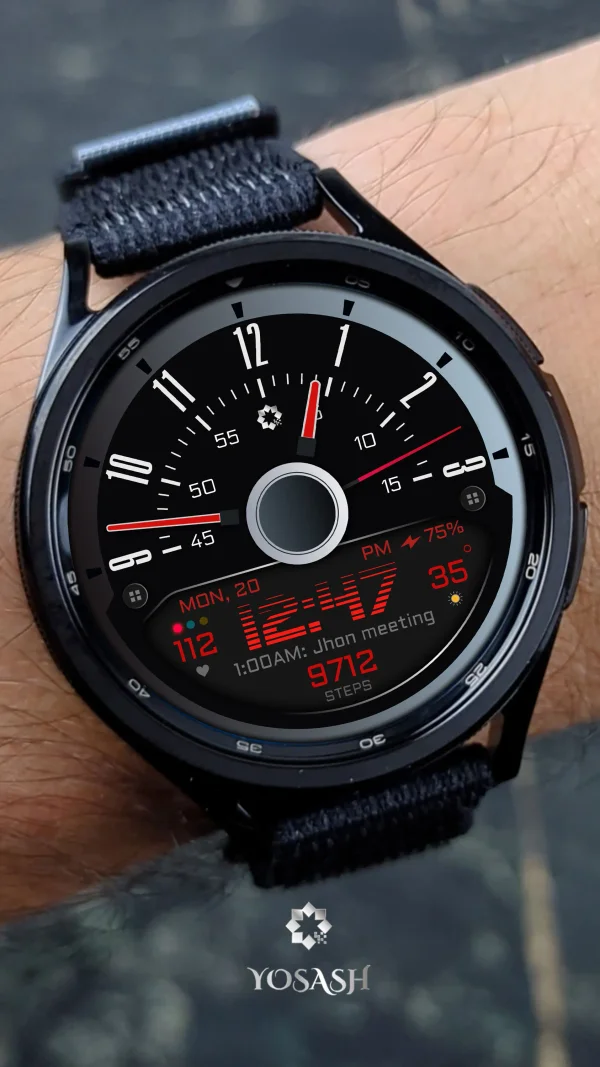
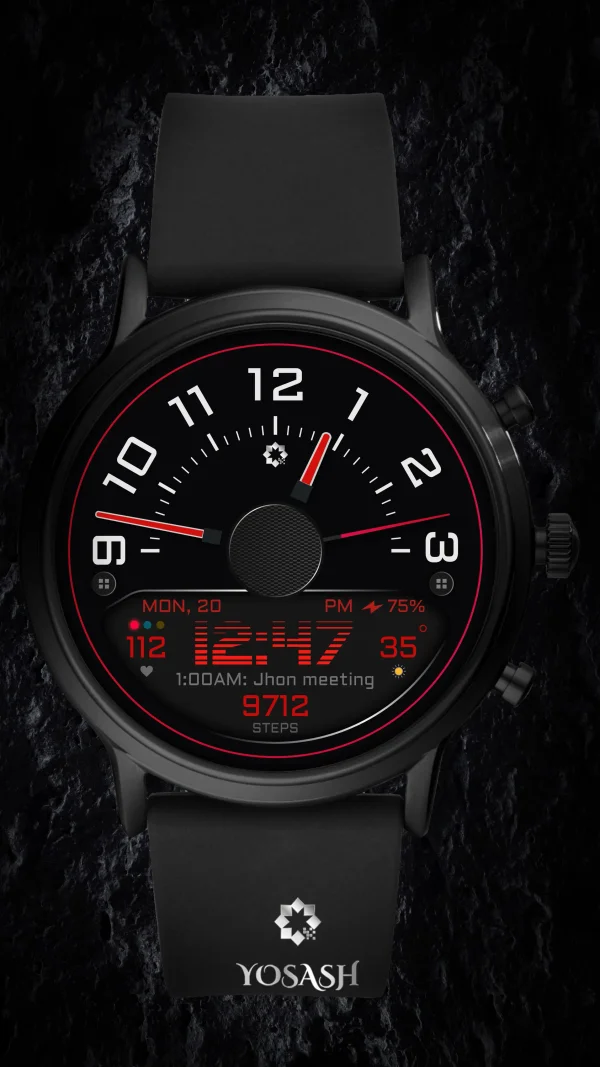
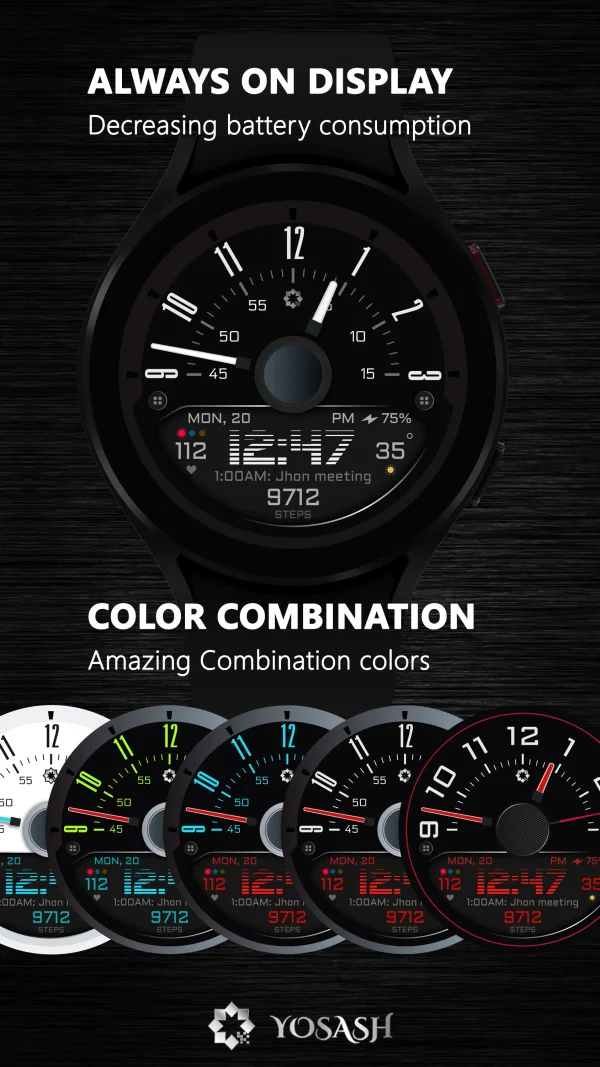
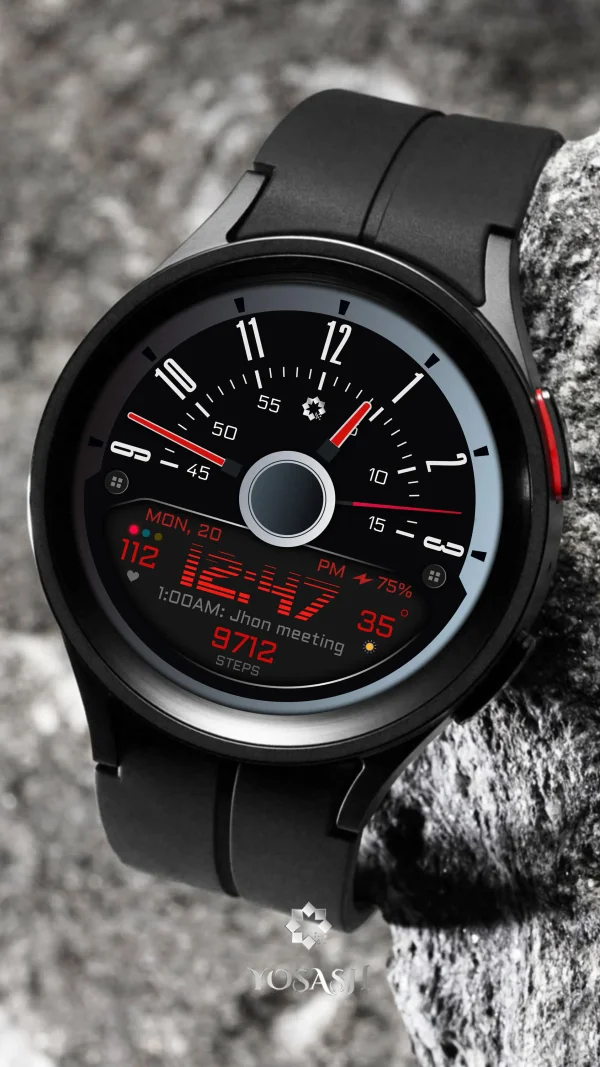
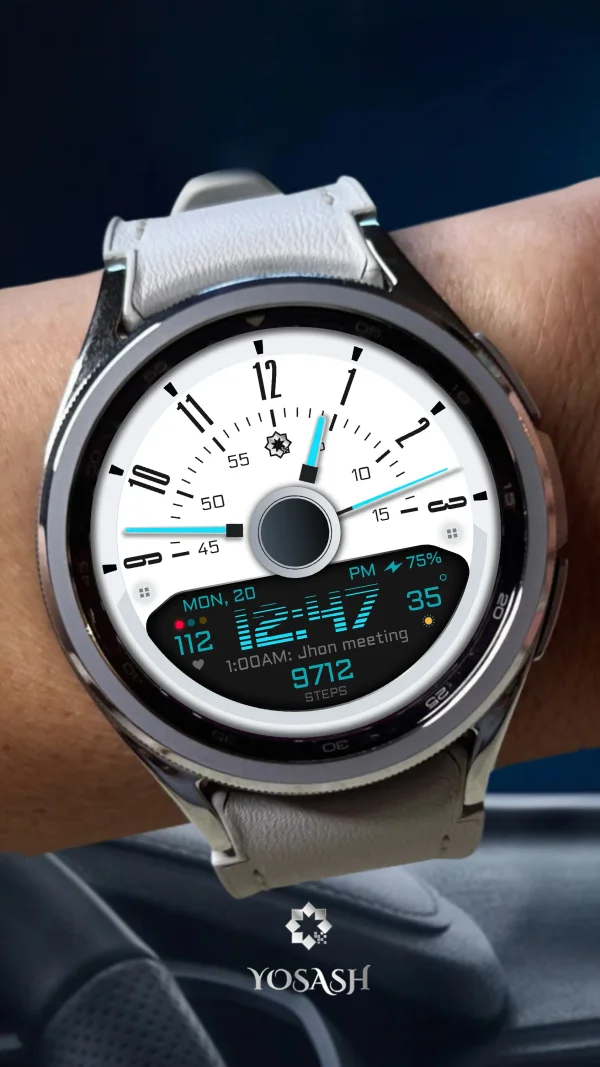
H370 ist ein analoges Zifferblatt für Wear OS-Uhren
Funktionen des Zifferblatts:
- Analoges und digitales Zifferblatt
- Schritte zählen
- Tag des Monats, der Woche
- Pulsschlag
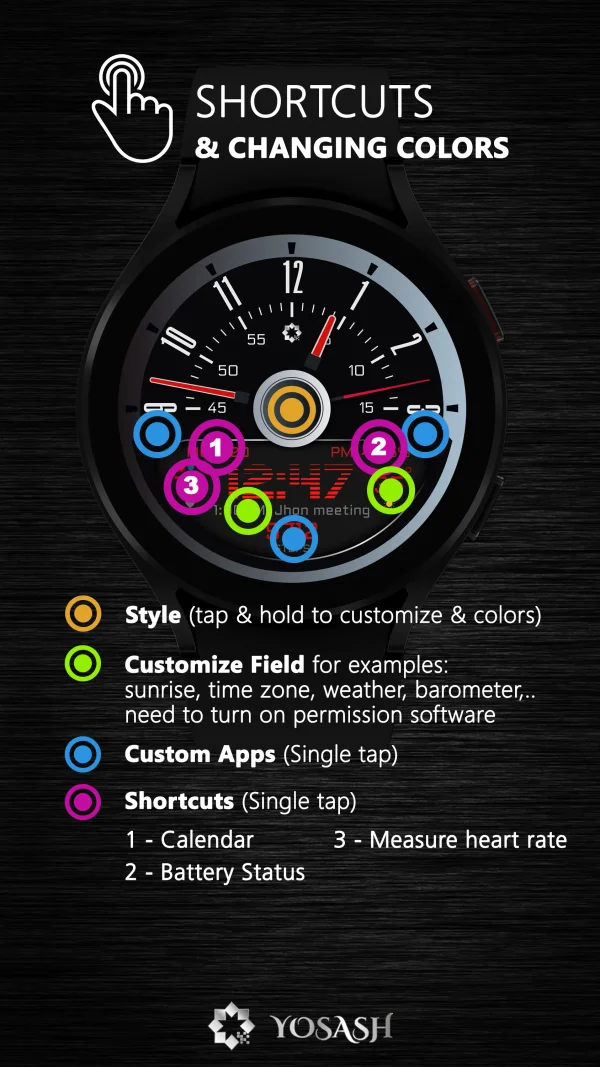
- 2 (anpassbares Feld) zum Beispiel:
Sonnenaufgang, nächster Windstoß, Zeitzone, Wetter, Barometer, ..
- Batterie Level
- Veränderbare Farben (tippen und halten, um Farben anzupassen und zu ändern)
- Schneller Zugriff auf Kalender, Batterieverbrauch
- Schneller Zugriff auf 3 benutzerdefinierte Verknüpfungen
-------------------------------------------------- ----------------
Anpassung des Zifferblatts
- Tippen und halten Sie eine beliebige Stelle auf dem Zifferblatt
- Wischen Sie, bis Sie „Anpassen“ finden
- Wählen Sie aus, welche Komplikation Sie anpassen möchten
- Wählen Sie aus dem Menü die Komplikation aus, die Sie anzeigen möchten, z. B. Wetter, Barometer usw.
-------------------------------------------------- ----------------
Installationsanweisungen:
1. Stellen Sie sicher, dass Ihre Uhr über Bluetooth mit Ihrem Mobiltelefon verbunden ist
2. Installieren Sie das Zifferblatt und stellen Sie sicher, dass Sie Ihre Uhr anhand des Pfeils neben dem Preis ausgewählt haben
3. Sie können das Zifferblatt auch installieren, indem Sie den Play Store über Ihren Webbrowser öffnen.
4. Sie können das Zifferblatt direkt über Ihre Uhr installieren, indem Sie den Play Store auf der Uhr öffnen, nach dem Zifferblatt suchen und es installieren.
Offizielle Samsung-Installationsanleitung
https://www.youtube.com/watch?v=vMM4Q2-rqoM
Bitte beachten Sie, dass der Entwickler des Zifferblatts keine Kontrolle über den Installationsprozess im Play Store hat. Sie zahlen für ein Zifferblatt nicht zweimal.
Wenn Sie Hilfe benötigen, wenden Sie sich bitte an yosash.group@gmail.com
-------------------------------------------------- ----------------
Unterstützte Geräte:
alle Wear OS-Geräte mit API Level 30+ wie: Samsung Galaxy Watch 6, Samsung Galaxy Watch 5, Samsung Galaxy Watch 4, Mobvoi TicWatch Pro 5, Google Pixel Watch, Fossil Gen 6, Hublot Big Bang e Gen 3, TAG Heuer Connected Calibre E4 42 mm, Montblanc Summit, TAG Heuer Connected Kaliber E4 45 mm,
Notiz:
- Dieses Zifferblatt unterstützt keine quadratischen Geräte.
-------------------------------------------------- ----------------
Folgen Sie uns für neue Zifferblätter:
Facebook:
https://www.facebook.com/yosash.watch
Instagram:
https://www.instagram.com/yosash.watch/
Telegramm:
https://t.me/yosash_watch
Website:
https://yosash.watch/
Unterstützung:
yosash.group@gmail.com
Originaltext anzeigen
Watch face features:
- Analog & digital watch face
- Steps count
- Day of month, week
- Heart rate
- 2 (customizable field) for example:
sunrise, next vent, time zone, weather, barometer, ..
- Battery level
- Changeable colors (tap & hold to customize & change colors)
- Quick access to calendar, battery consumption
- Quick access to 3 custom shortcuts
------------------------------------------------------------------
Watch face customization
- Tap and hold on any place on the watch face
- swiping till find customize
- Choose which complication do you want to customize
- Select from the menu the complication that you want to show like weather, barometer, ..
------------------------------------------------------------------
Installation instructions:
1. Make sure that your watch is connected to your mobile via Bluetooth
2. Install the watch face and make sure that you selected your watch from the arrow beside the price
3. You can also install the watch face by opening play store through your web browser.
4. You can install the watch face through your watch directly by opening the play store on the watch and search for the watch face and install it.
Official Samsung Installation guide
https://www.youtube.com/watch?v=vMM4Q2-rqoM
Please consider that the watch face developer has no control of the installation process on play store. You will not charge for a watch face 2 times.
If you need any assistance, please contact to yosash.group@gmail.com
------------------------------------------------------------------
Supported devices:
all Wear OS devices with API Level 30+ like: Samsung Galaxy Watch 6, Samsung Galaxy Watch 5, Samsung Galaxy Watch 4, Mobvoi TicWatch Pro 5, Google Pixel Watch, Fossil Gen 6, Hublot Big Bang e Gen 3, TAG Heuer Connected Calibre E4 42mm, Montblanc Summit, TAG Heuer Connected Calibre E4 45mm,
Note:
- This watch face doesn't support square devices.
------------------------------------------------------------------
Follow us for new watch faces:
Facebook:
https://www.facebook.com/yosash.watch
Instagram:
https://www.instagram.com/yosash.watch/
Telegram:
https://t.me/yosash_watch
Website:
https://yosash.watch/
Support:
yosash.group@gmail.com
Datensicherheit
Was Yosash bei Google Play zu den Daten angibt, die diese App erfasst und weitergibt.
- Keine Daten werden mit Drittunternehmen oder -organisationen geteiltWeitere Informationen dazu, wie Entwickler Angaben zur Weitergabe von Daten machen
- Keine Daten erhobenWeitere Informationen dazu, wie Entwickler Angaben zur Datenerhebung machen
Neue Funktionen
19.11.2026
This update is optimized for Wear OS devices running Android 14 / API level 34 or higher.
Kontakt zum Entwickler
- Websiteyosash.watch
- E-Mailyosash.group@gmail.com
- Datenschutzerklärungdocs.google.com
- Adresse519 Eskan el Shabab 100 el Shorouk City Cairo القاهرة 11837 Egypt
Informationen
- Angeboten von
- Yosash
- Kategorie
- Personalisierung
- Aktualisiert
- 19.11.2026
- Veröffentlicht
- 29.09.2023
- Altersfreigabe
- USK ab 0 Jahren
- Preis
- 1,89 €
- Paketname
- com.watchfacestudio.h370