H370 Watch Face
Yosash- Rating 3+Batasan usia
- PersonalisasiKategori
- 19/11/2026Diperbarui
- Rp 30.000Harga
Tertaut ke halaman resmi com.watchfacestudio.h370 di Google Play. Terakhir diperiksa pada 22/11/2026.
Tangkapan layar



Tentang aplikasi ini
Terjemahan otomatis oleh Google. Bahasa asli: Inggris (Amerika Serikat).
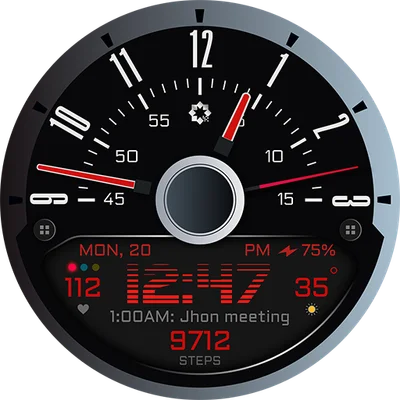
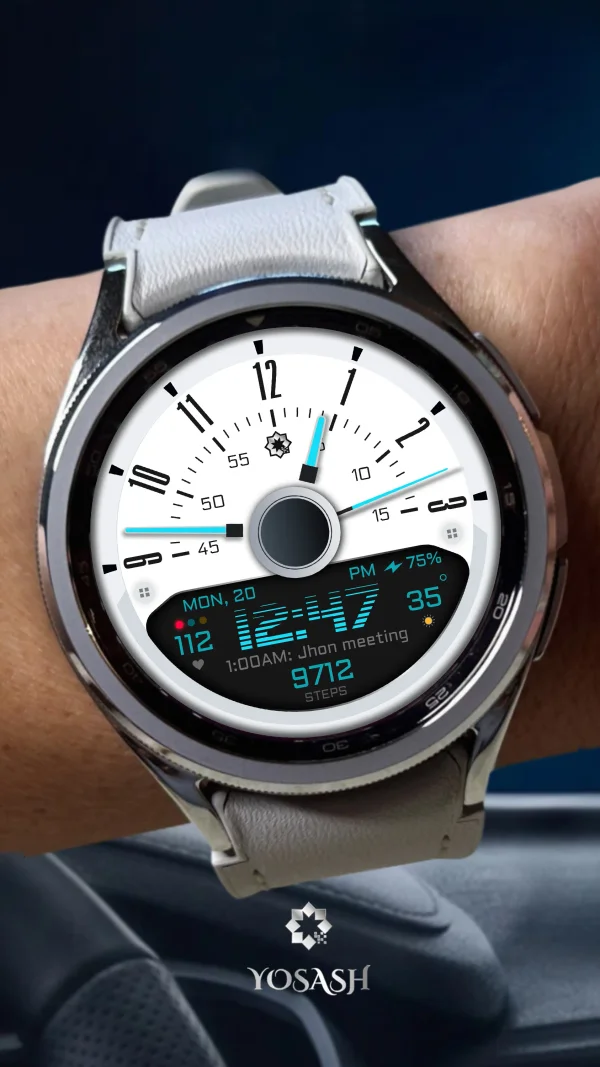
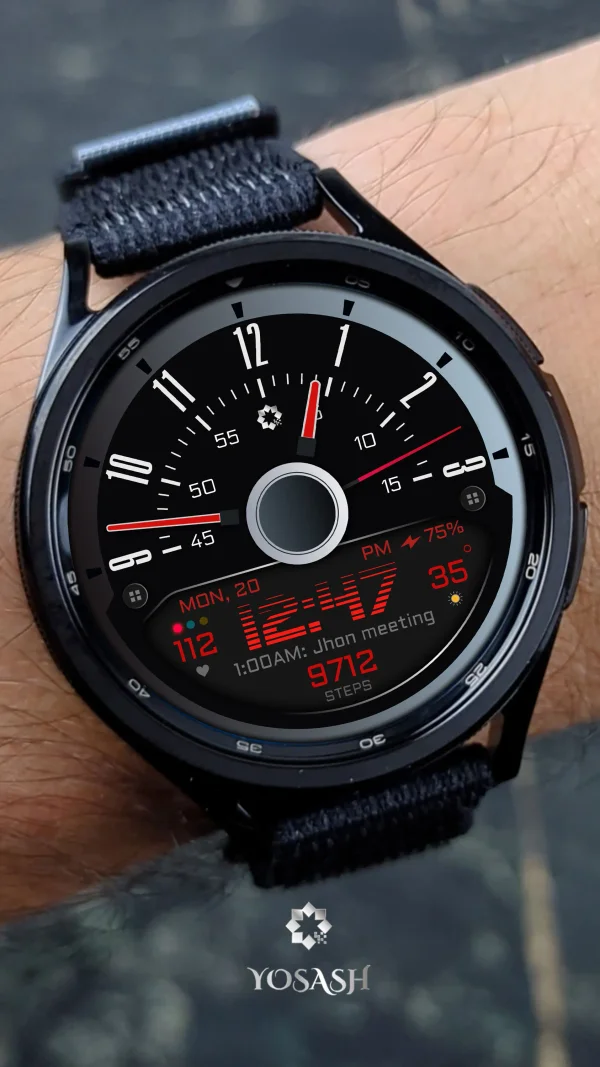
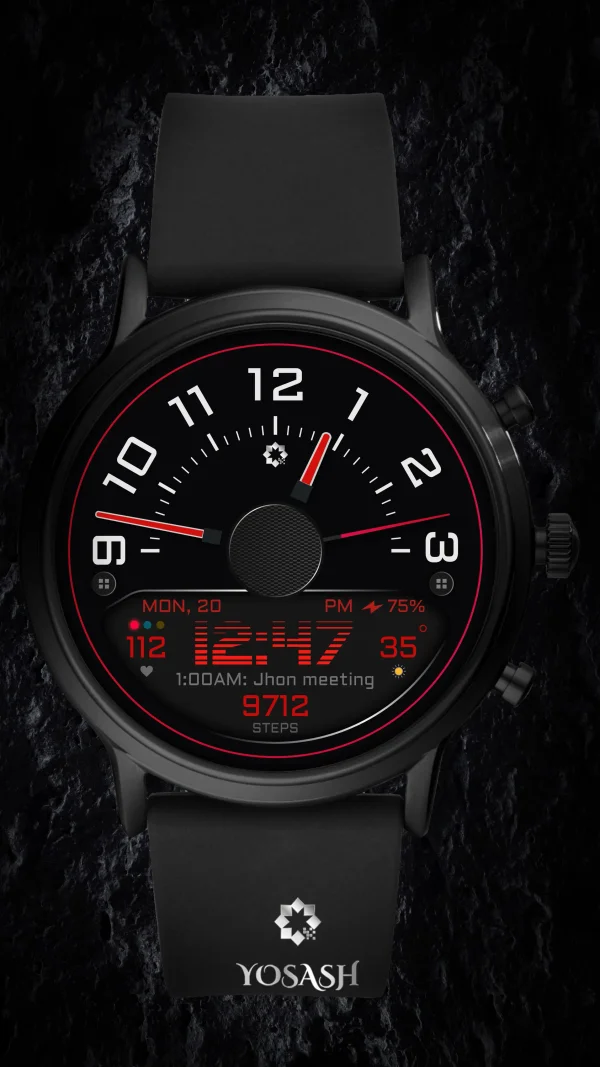
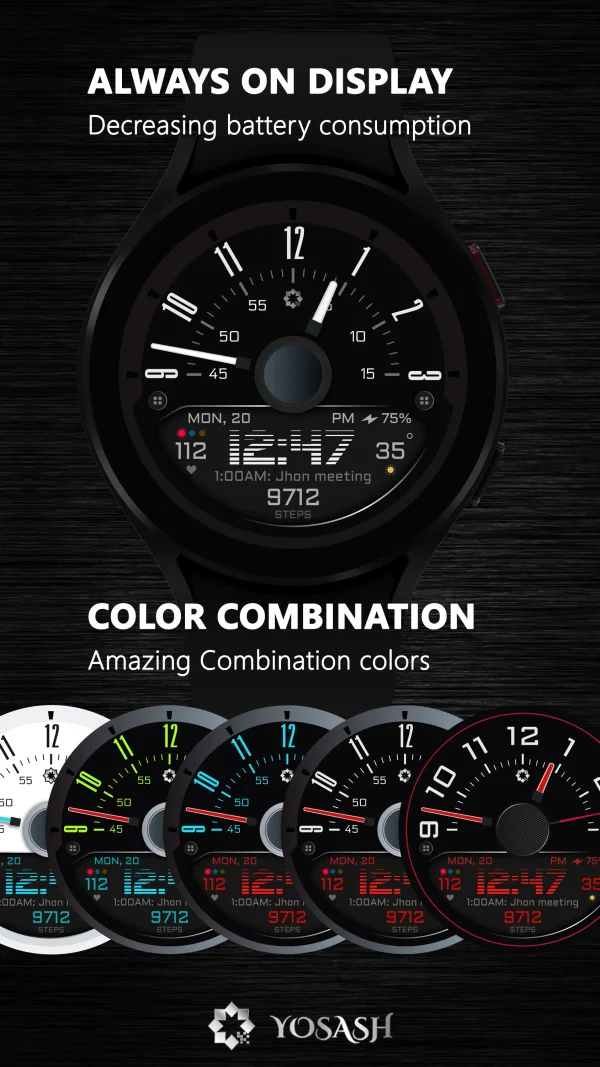
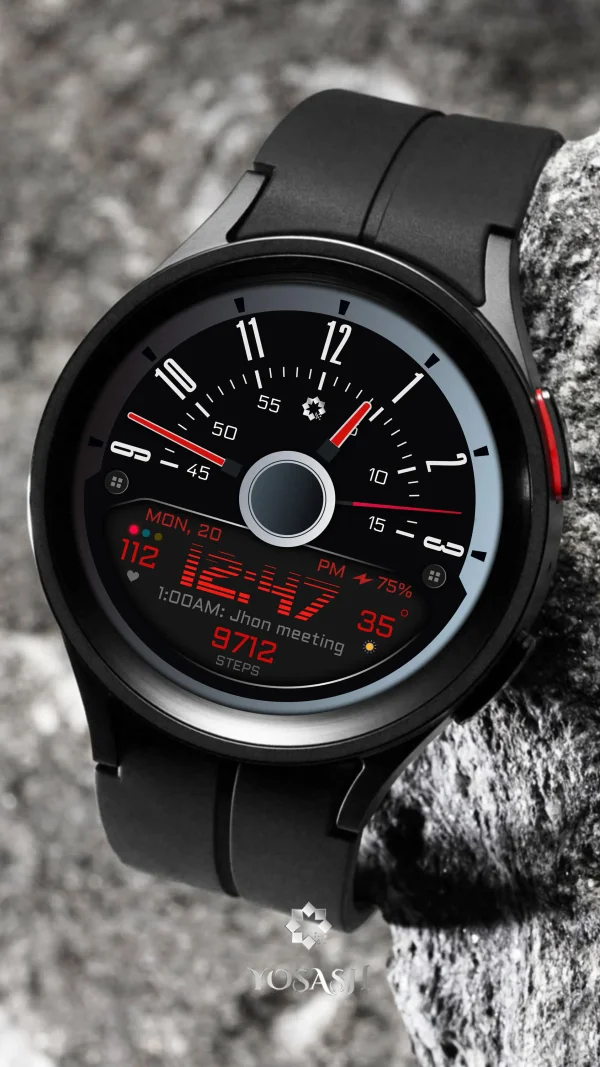
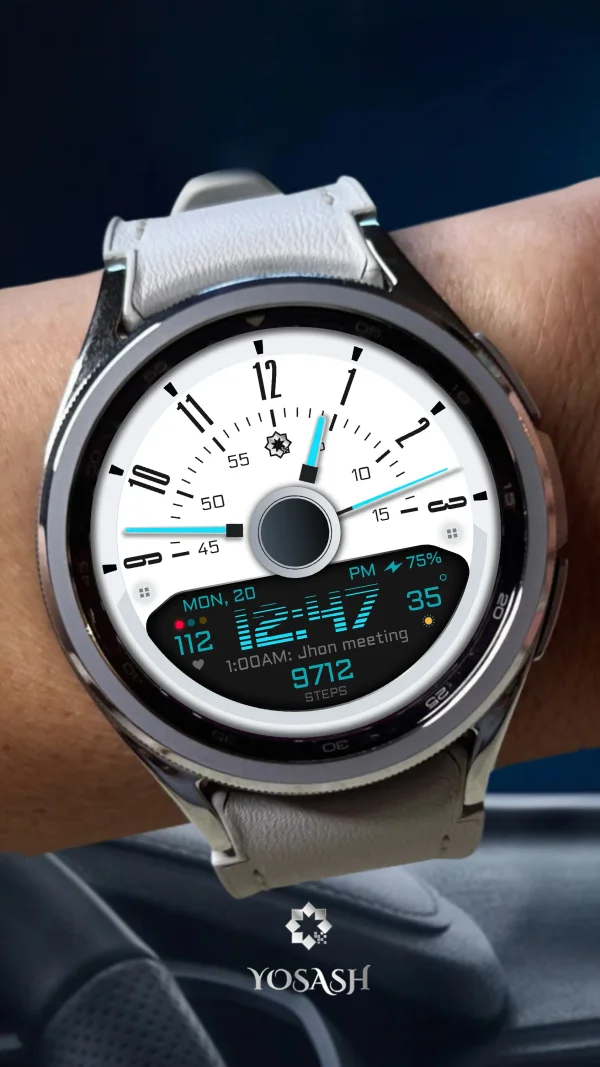
H370 adalah tampilan jam analog untuk jam tangan Wear OS
Fitur tampilan jam:
- Tampilan jam analog & digital
- Langkah dihitung
- Hari dalam sebulan, minggu
- Detak jantung
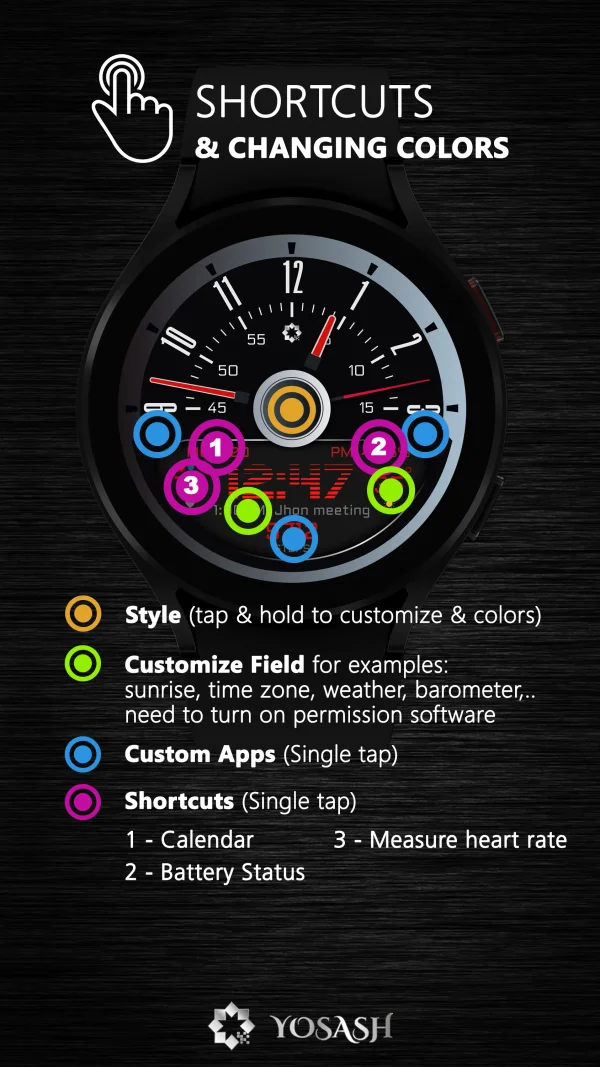
- 2 (bidang yang dapat disesuaikan) misalnya:
matahari terbit, ventilasi berikutnya, zona waktu, cuaca, barometer, ..
- Tingkat baterai
- Warna yang dapat diubah (ketuk & tahan untuk menyesuaikan & mengubah warna)
- Akses cepat ke kalender, konsumsi baterai
- Akses cepat ke 3 pintasan khusus
--------------------------------------------------- ----------------
Penyesuaian tampilan jam
- Ketuk dan tahan di mana saja pada tampilan jam
- menggesek hingga menemukan penyesuaian
- Pilih komplikasi mana yang ingin Anda sesuaikan
- Pilih dari menu komplikasi yang ingin Anda tampilkan seperti cuaca, barometer, ..
--------------------------------------------------- ----------------
Petunjuk pemasangan:
1. Pastikan jam tangan Anda terhubung ke ponsel Anda melalui Bluetooth
2. Pasang tampilan jam dan pastikan Anda memilih jam tangan dari tanda panah di samping harga
3. Anda juga dapat memasang tampilan jam dengan membuka play store melalui browser web Anda.
4. Anda dapat memasang tampilan jam melalui jam tangan Anda secara langsung dengan membuka play store di jam tangan dan mencari tampilan jam lalu menginstalnya.
Panduan Instalasi Resmi Samsung
https://www.youtube.com/watch?v=vMM4Q2-rqoM
Harap pertimbangkan bahwa pengembang tampilan jam tidak memiliki kendali atas proses instalasi di play store. Anda tidak akan mengenakan biaya untuk tampilan jam sebanyak 2 kali.
Jika Anda memerlukan bantuan, silakan hubungi yosash.group@gmail.com
--------------------------------------------------- ----------------
Perangkat yang didukung:
semua perangkat Wear OS dengan API Level 30+ seperti: Samsung Galaxy Watch 6, Samsung Galaxy Watch 5, Samsung Galaxy Watch 4, Mobvoi TicWatch Pro 5, Google Pixel Watch, Fossil Gen 6, Hublot Big Bang e Gen 3, TAG Heuer Connected Calibre E4 42mm, Montblanc Summit, TAG Heuer Terhubung Kaliber E4 45mm,
Catatan:
- Tampilan jam ini tidak mendukung perangkat persegi.
--------------------------------------------------- ----------------
Ikuti kami untuk tampilan jam baru:
Facebook:
https://www.facebook.com/yosash.watch
Instagram:
https://www.instagram.com/yosash.watch/
Telegram:
https://t.me/yosash_watch
Situs Web:
https://yosash.watch/
Dukungan:
yosash.group@gmail.com
Tampilkan teks asli
Watch face features:
- Analog & digital watch face
- Steps count
- Day of month, week
- Heart rate
- 2 (customizable field) for example:
sunrise, next vent, time zone, weather, barometer, ..
- Battery level
- Changeable colors (tap & hold to customize & change colors)
- Quick access to calendar, battery consumption
- Quick access to 3 custom shortcuts
------------------------------------------------------------------
Watch face customization
- Tap and hold on any place on the watch face
- swiping till find customize
- Choose which complication do you want to customize
- Select from the menu the complication that you want to show like weather, barometer, ..
------------------------------------------------------------------
Installation instructions:
1. Make sure that your watch is connected to your mobile via Bluetooth
2. Install the watch face and make sure that you selected your watch from the arrow beside the price
3. You can also install the watch face by opening play store through your web browser.
4. You can install the watch face through your watch directly by opening the play store on the watch and search for the watch face and install it.
Official Samsung Installation guide
https://www.youtube.com/watch?v=vMM4Q2-rqoM
Please consider that the watch face developer has no control of the installation process on play store. You will not charge for a watch face 2 times.
If you need any assistance, please contact to yosash.group@gmail.com
------------------------------------------------------------------
Supported devices:
all Wear OS devices with API Level 30+ like: Samsung Galaxy Watch 6, Samsung Galaxy Watch 5, Samsung Galaxy Watch 4, Mobvoi TicWatch Pro 5, Google Pixel Watch, Fossil Gen 6, Hublot Big Bang e Gen 3, TAG Heuer Connected Calibre E4 42mm, Montblanc Summit, TAG Heuer Connected Calibre E4 45mm,
Note:
- This watch face doesn't support square devices.
------------------------------------------------------------------
Follow us for new watch faces:
Facebook:
https://www.facebook.com/yosash.watch
Instagram:
https://www.instagram.com/yosash.watch/
Telegram:
https://t.me/yosash_watch
Website:
https://yosash.watch/
Support:
yosash.group@gmail.com
Keamanan data
Yang dinyatakan Yosash di Google Play tentang data yang dikumpulkan dan dibagikan aplikasi ini.
- Tidak ada data yang dibagikan kepada pihak ketigaPelajari lebih lanjut cara developer menyatakan pembagian data
- Tidak ada data yang dikumpulkanPelajari lebih lanjut cara developer menyatakan pengumpulan data
Yang baru
19/11/2026
This update is optimized for Wear OS devices running Android 14 / API level 34 or higher.
Kontak pengembang
- Situs webyosash.watch
- Emailyosash.group@gmail.com
- Kebijakan Privasidocs.google.com
- Alamat519 Eskan el Shabab 100 el Shorouk City Cairo القاهرة 11837 Egypt
Informasi
- Ditawarkan oleh
- Yosash
- Kategori
- Personalisasi
- Diperbarui
- 19/11/2026
- Dirilis
- 29/9/2023
- Batasan usia
- Rating 3+
- Harga
- Rp 30.000
- Nama paket
- com.watchfacestudio.h370