IA86 Digital Watchface
IONISEDATOM WATCHFACES- USK ab 0 JahrenAltersfreigabe
- PersonalisierungKategorie
- 24.10.2026Aktualisiert
- 1,49 €Preis
Verlinkt auf den offiziellen Google Play-Eintrag von com.watchfacestudio.ia86. Zuletzt geprüft am 15.11.2026.
Screenshots

Über diese App
Automatische Übersetzung von Google. Originalsprache: Englisch (Vereinigtes Königreich).
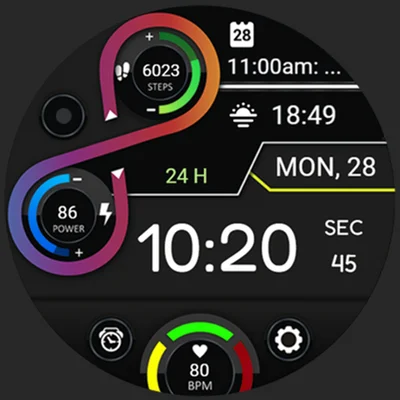
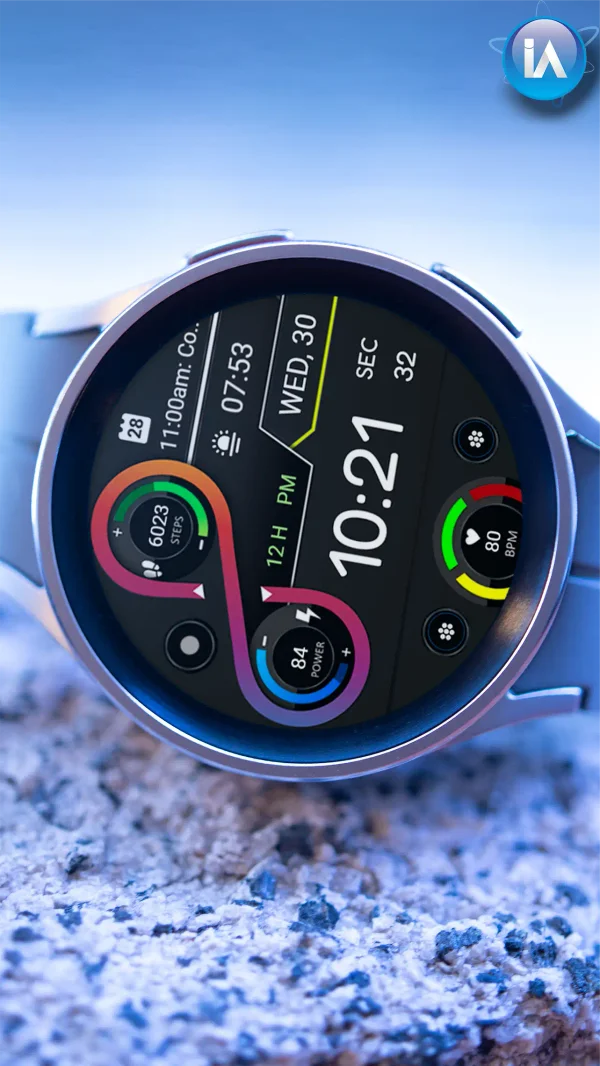
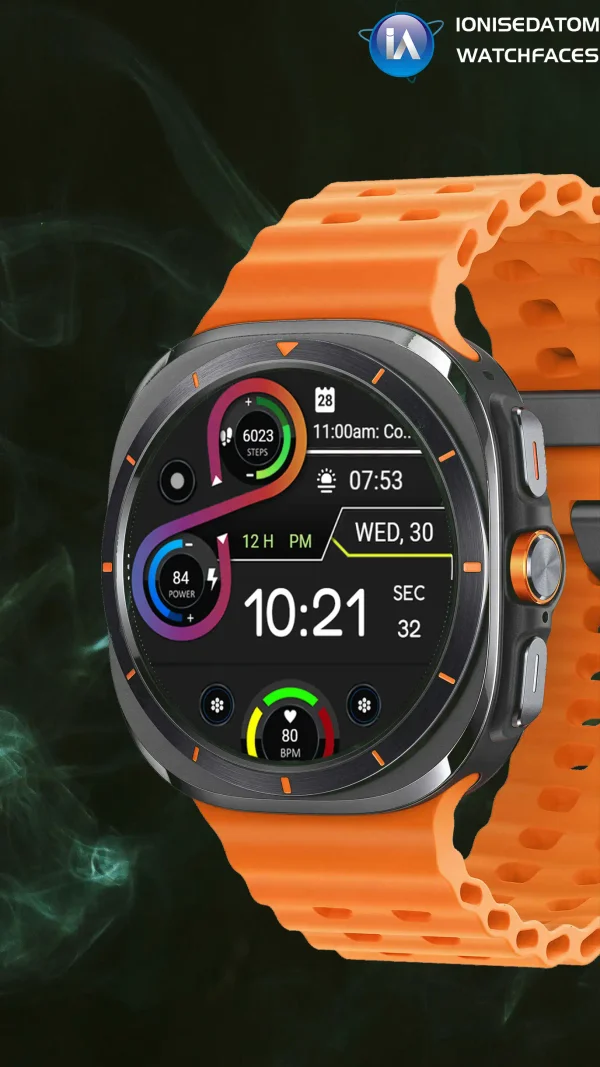
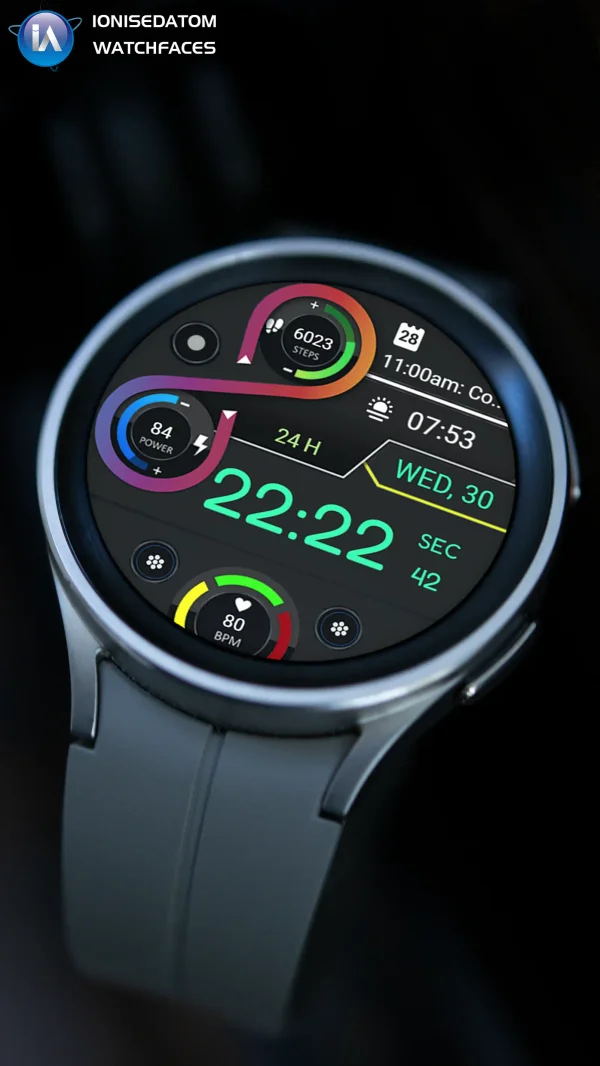
FARBENFROHES INFORMATIVES ZIFFERBLATT FÜR WEAR OS 3.0+ API28+
IA86 ist ein farbenfrohes, informatives Zifferblatt, das für Geräte mit OS 3.0 und 3.0+ entwickelt wurde
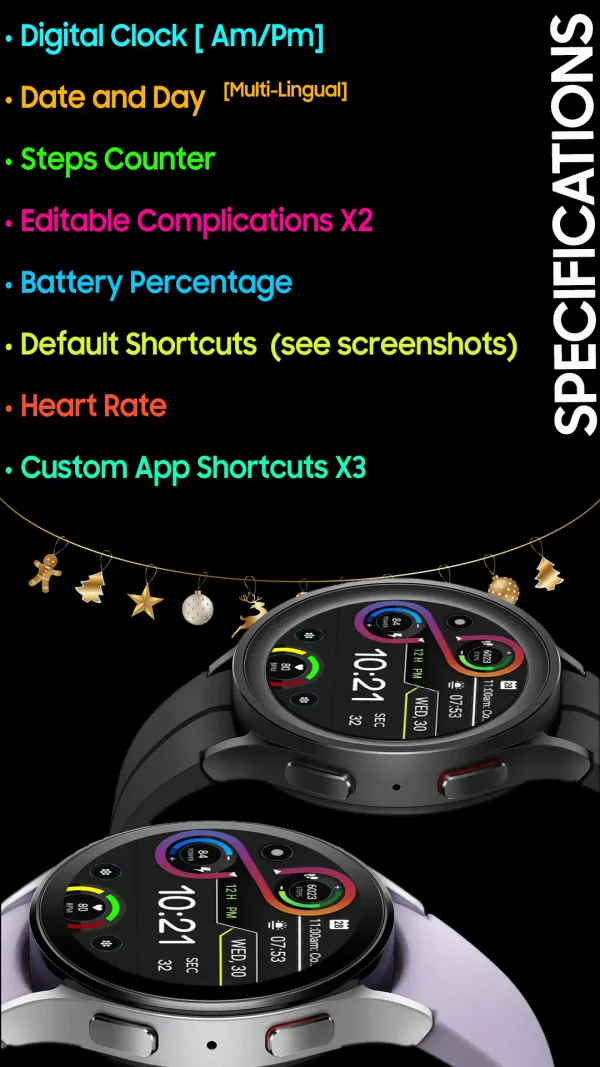
~SPEZIFIKATIONEN~
• Digitaluhr [Am/Pm]
• Datum und Tag [mehrsprachig]
• Schrittzähler
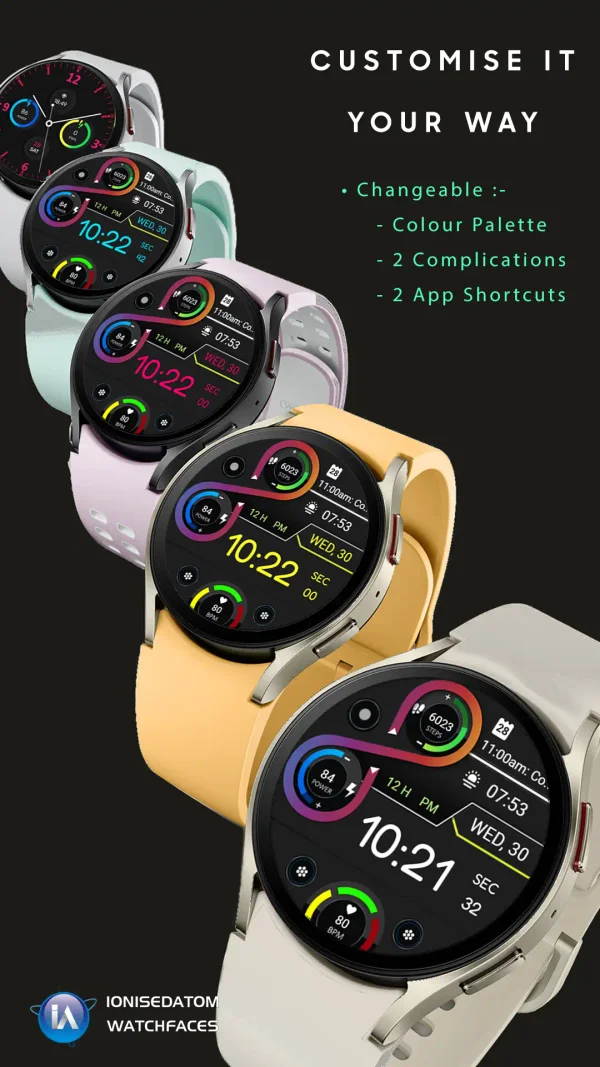
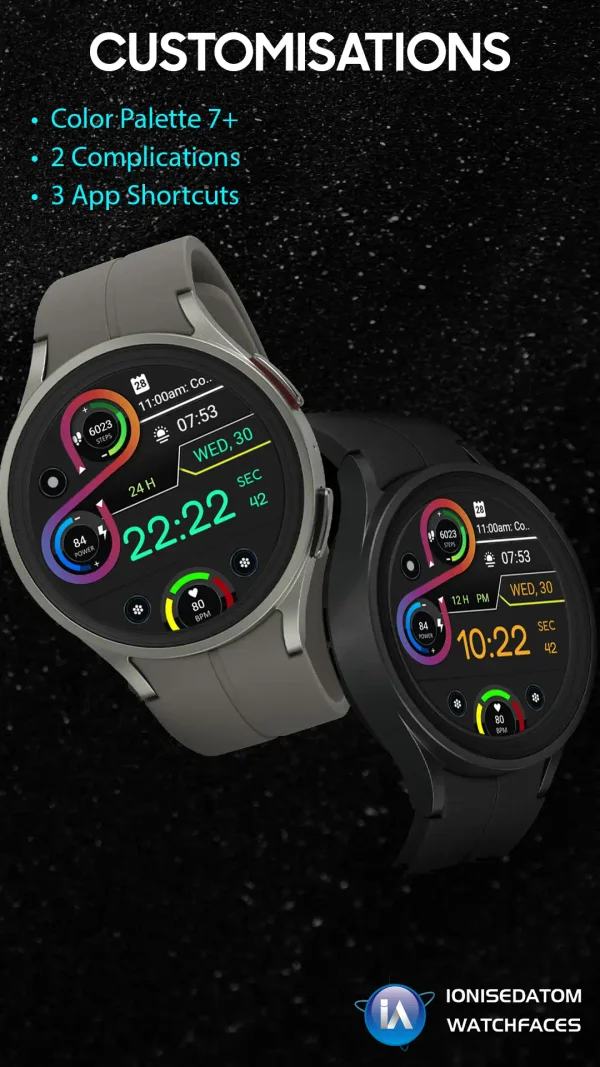
• Bearbeitbare Komplikationen X2
• Batterieprozentsatz
• Standardverknüpfungen (siehe Screenshots)
• Herzfrequenz
• Benutzerdefinierte App-Verknüpfungen X3
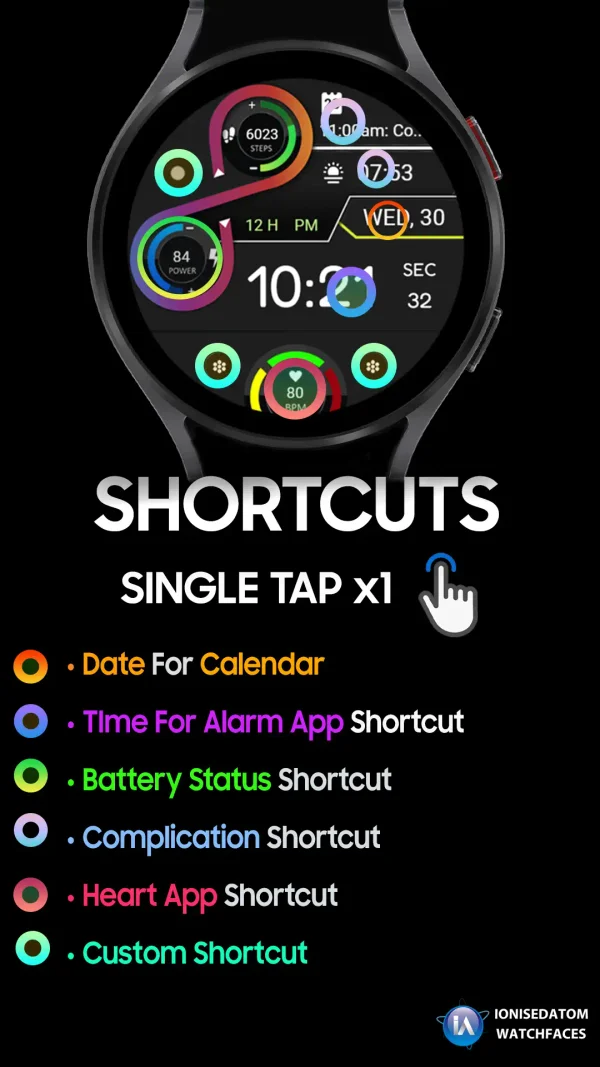
~ABKÜRZUNGEN~
Siehe Screenshots
SETUP WETTER ON TOP KOMPLIKATION
1. Berühren und halten Sie das Display
Tippen Sie dann auf die Schaltfläche ANPASSEN
2. Wechseln Sie zu KOMPLIKATIONEN und
Tippen Sie wie oben dargestellt auf das Rechteck.
3. Wechseln Sie, wählen Sie WETTER aus und tippen Sie auf OK.
NOTIZ:
° Wenn Sie aufgefordert werden, für Ihre Uhr erneut zu bezahlen, handelt es sich lediglich um einen Kontinuitätsfehler.
Beheben -
° Schließen und beenden Sie die Play Store-Apps auf Ihrem Telefon und Ihrer Uhr sowie die Telefon-Begleit-App vollständig und versuchen Sie es dann erneut.
Galaxy Watch 4/5/6/7: Suchen Sie das Zifferblatt aus der Kategorie „Downloads“ in der Galaxy Wearable-App auf Ihrem Telefon und wenden Sie es an.
~UNTERSTÜTZUNG~
E-Mail: ionisedatom@gmail.com
Instagram: https://instagram.com/ionisedatom
Danke !
Originaltext anzeigen
IA86 is a a colourful informative watchface designed for wear os 3.0 and 3.0+ devices
~SPECIFICATIONS~
• Digital Clock [ Am/Pm]
• Date and Day [Multi-Lingual]
• Steps Counter
• Editable Complications X2
• Battery Percentage
• Default Shortcuts (see screenshots)
• Heart Rate
• Custom App Shortcuts X3
~SHORTCUTS~
See Screenshots
SETUP WEATHER ON TOP COMPLICATION
1. Touch and Hold the display
Then tap on the CUSTOMISE button
2. Switch to COMPLICATIONS and
tap on the rectangle as depicted above.
3. Switch and Select WEATHER and tap OK.
NOTE:
° If it ask you to pay again on your watch, it’s just a continuity bug.
Fix -
° Fully close and exit Play Store apps on your phone and watch, as well as the phone companion app, then try again.
Galaxy Watch 4/5/6/7 : Find and apply the watch face from the "Downloads" category in the Galaxy Wearable app on your phone.
~SUPPORT~
Email : ionisedatom@gmail.com
Instagram : https://instagram.com/ionisedatom
Thank You !
Datensicherheit
Was IONISEDATOM WATCHFACES bei Google Play zu den Daten angibt, die diese App erfasst und weitergibt.
- Keine Daten werden mit Drittunternehmen oder -organisationen geteiltWeitere Informationen dazu, wie Entwickler Angaben zur Weitergabe von Daten machen
- Keine Daten erhobenWeitere Informationen dazu, wie Entwickler Angaben zur Datenerhebung machen
Kontakt zum Entwickler
- Websiteionisedatom.com
- E-Mailionisedatom@gmail.com
- Datenschutzerklärungionisedatom.com
- AdresseHno. 266, Ward no. 7, Shobhapur Teh. Sohagpur, Dist. Narmadapuram Shobhapur, Madhya Pradesh 461771 India
Informationen
- Angeboten von
- IONISEDATOM WATCHFACES
- Kategorie
- Personalisierung
- Aktualisiert
- 24.10.2026
- Veröffentlicht
- 17.09.2022
- Altersfreigabe
- USK ab 0 Jahren
- Preis
- 1,49 €
- Paketname
- com.watchfacestudio.ia86