IA86 Digital Watchface
IONISEDATOM WATCHFACES- 3 歳以上対象年齢
- カスタマイズカテゴリ
- 2026/10/24更新日
- ¥180価格
com.watchfacestudio.ia86のGoogle Play公式ページにリンクしています。最終確認:2026/11/15。
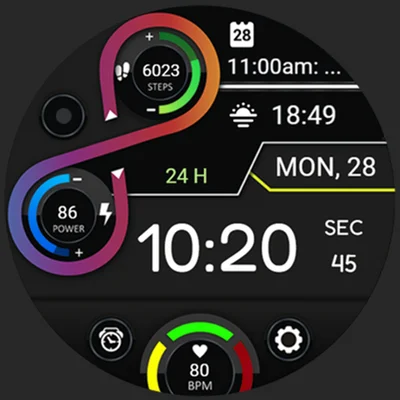
スクリーンショット
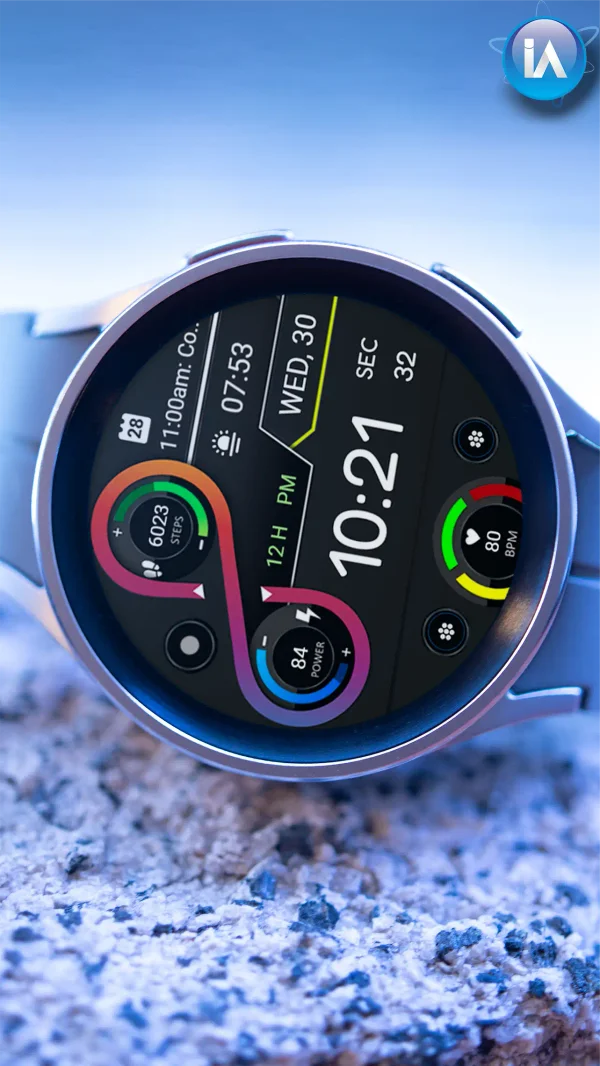
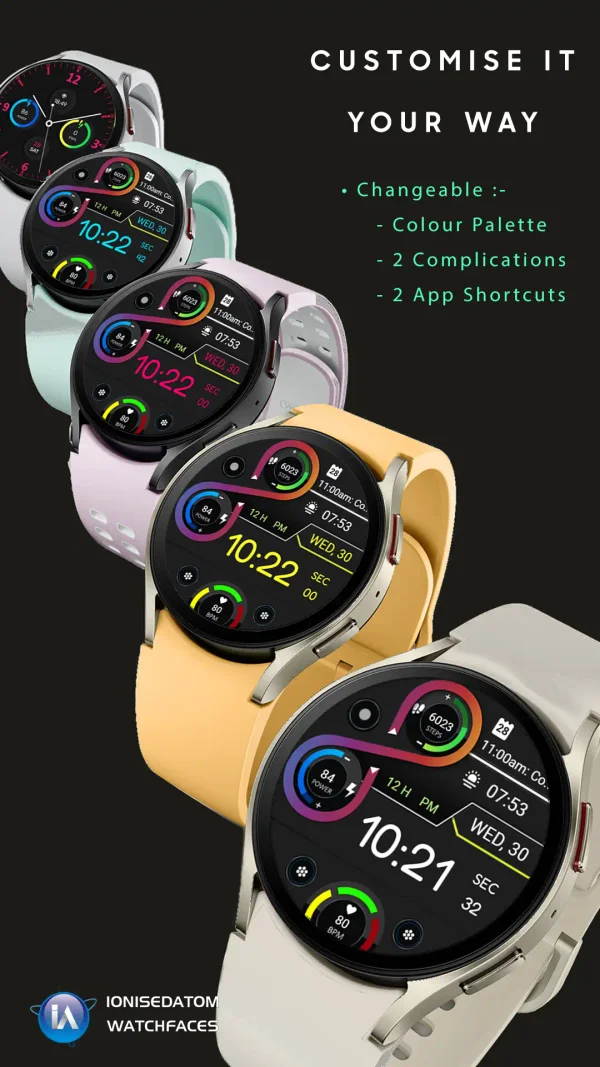
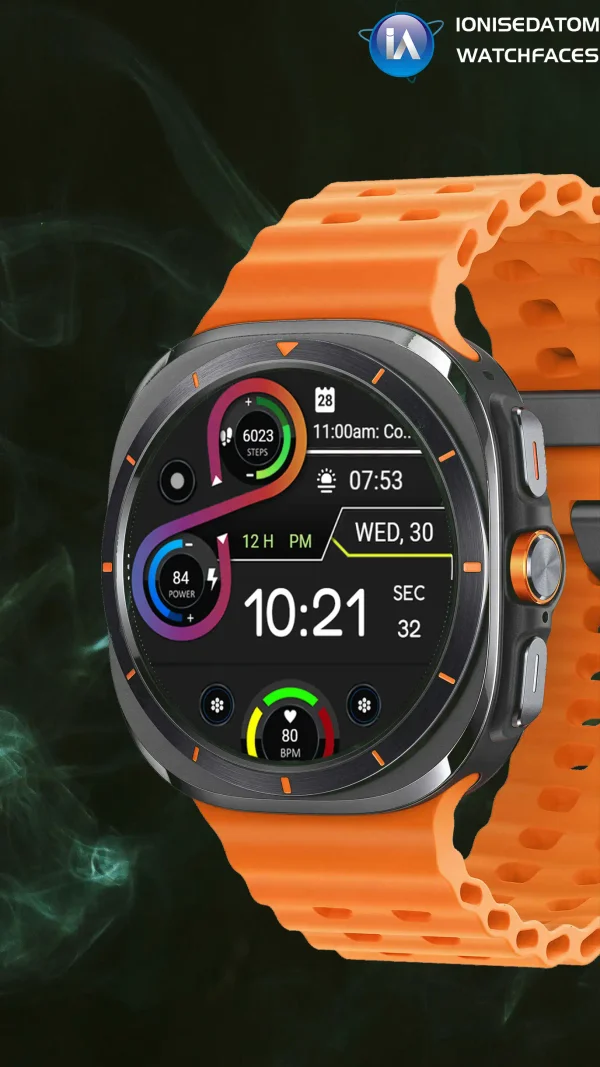

このアプリについて
Googleによる英語 (イギリス)からの自動翻訳です。
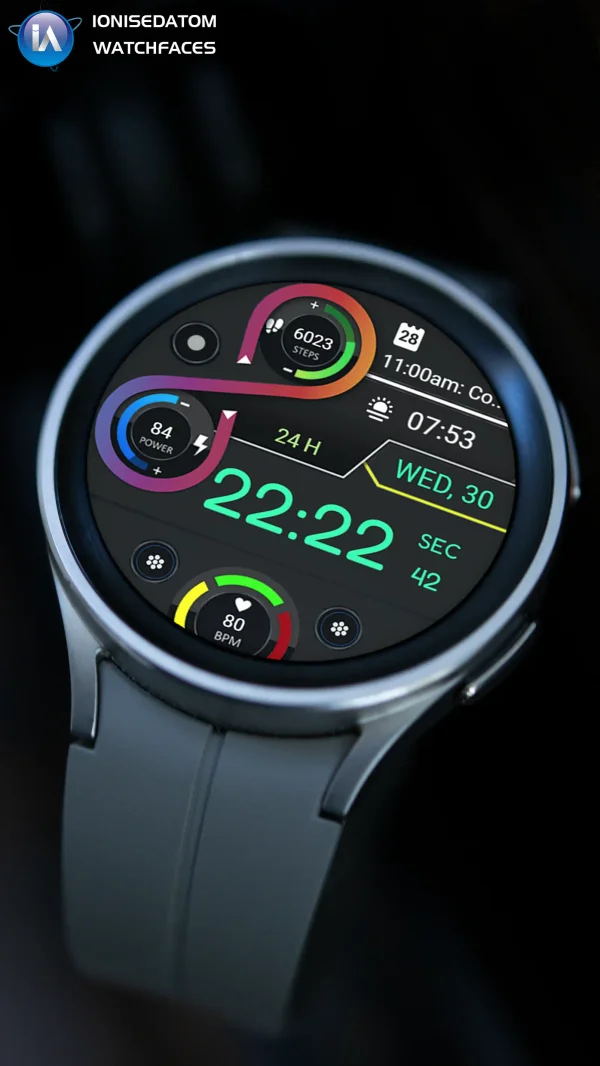
Wear OS 3.0+ API28+ 向けのカラフルで有益なウォッチフェイス
IA86 は、Wear OS 3.0 および 3.0+ デバイス向けに設計されたカラフルで有益なウォッチフェイスです。
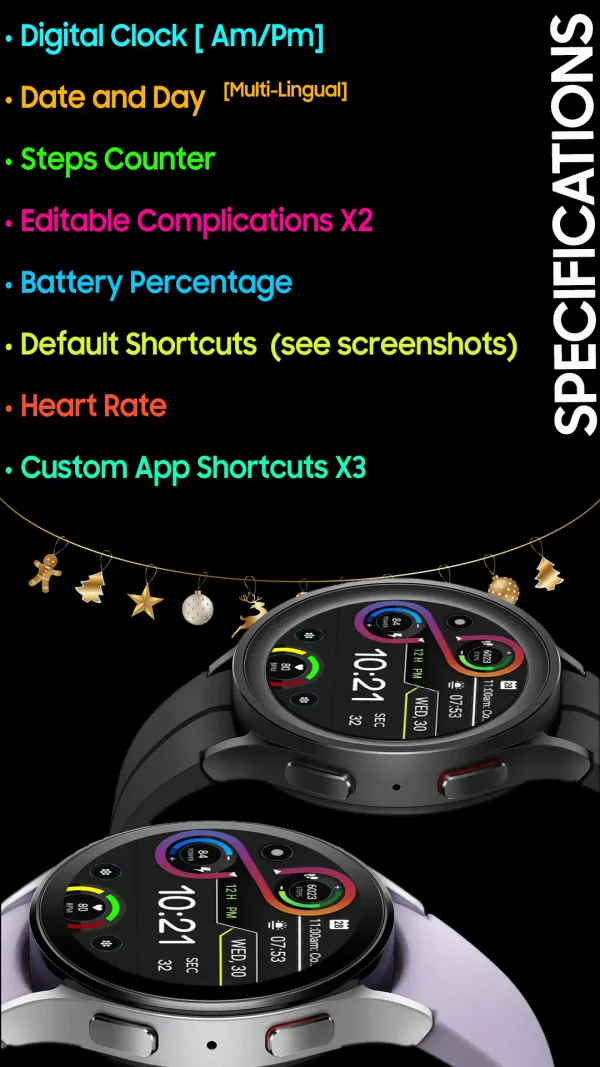
~仕様~
• デジタル時計 [午前/午後]
• 日付と曜日 [多言語]
• 歩数カウンター
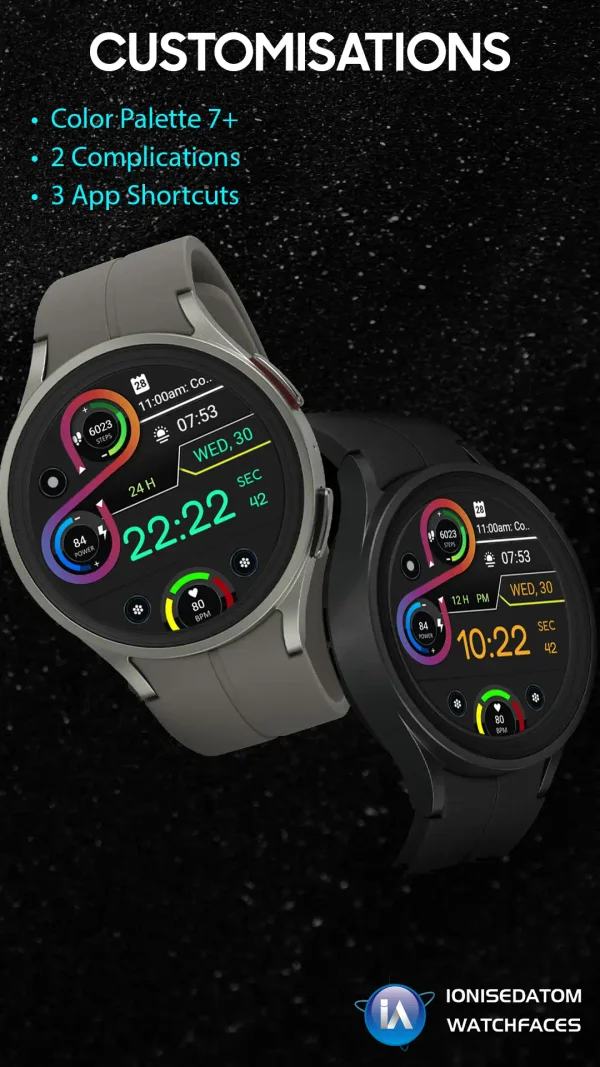
• 編集可能な合併症 X2
• バッテリーの割合
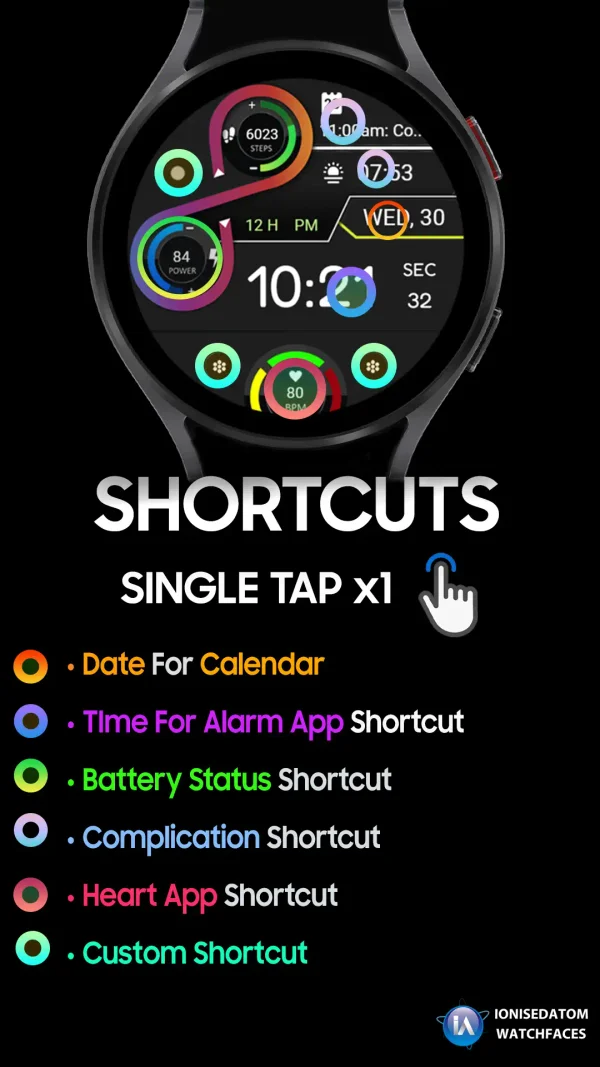
• デフォルトのショートカット (スクリーンショットを参照)
• 心拍数
• カスタムアプリのショートカット X3
~ショートカット~
スクリーンショットを見る
天気予報をトップコンプリケーションにセットアップ
1. ディスプレイを長押しします。
次に「カスタマイズ」ボタンをタップします
2. コンプリケーションに切り替えて、
上図のように四角形をタップします。
3. 「天気」を切り替えて選択し、「OK」をタップします。
注記:
° ウォッチで再度支払いを求められる場合、それは単なる継続性のバグです。
修理 -
° スマートフォンと時計の Play ストア アプリ、およびスマートフォン コンパニオン アプリを完全に閉じて終了し、もう一度試してください。
Galaxy Watch 4/5/6/7 : 携帯電話の Galaxy Wearable アプリの「ダウンロード」カテゴリからウォッチフェイスを見つけて適用します。
~サポート~
電子メール : ioniseatom@gmail.com
インスタグラム : https://instagram.com/ioniseatom
ありがとう !
原文を表示
IA86 is a a colourful informative watchface designed for wear os 3.0 and 3.0+ devices
~SPECIFICATIONS~
• Digital Clock [ Am/Pm]
• Date and Day [Multi-Lingual]
• Steps Counter
• Editable Complications X2
• Battery Percentage
• Default Shortcuts (see screenshots)
• Heart Rate
• Custom App Shortcuts X3
~SHORTCUTS~
See Screenshots
SETUP WEATHER ON TOP COMPLICATION
1. Touch and Hold the display
Then tap on the CUSTOMISE button
2. Switch to COMPLICATIONS and
tap on the rectangle as depicted above.
3. Switch and Select WEATHER and tap OK.
NOTE:
° If it ask you to pay again on your watch, it’s just a continuity bug.
Fix -
° Fully close and exit Play Store apps on your phone and watch, as well as the phone companion app, then try again.
Galaxy Watch 4/5/6/7 : Find and apply the watch face from the "Downloads" category in the Galaxy Wearable app on your phone.
~SUPPORT~
Email : ionisedatom@gmail.com
Instagram : https://instagram.com/ionisedatom
Thank You !
データ セーフティ
このアプリが収集・共有するデータについて、IONISEDATOM WATCHFACESがGoogle Playで申告している内容です。
- 第三者と共有されるデータはありません詳しくは、デベロッパーが共有を申告する方法についての説明をご覧ください
- データは収集されません詳しくは、デベロッパーが収集を申告する方法についての説明をご覧ください
開発元の連絡先
- ウェブサイトionisedatom.com
- メールionisedatom@gmail.com
- プライバシーポリシーionisedatom.com
- 住所Hno. 266, Ward no. 7, Shobhapur Teh. Sohagpur, Dist. Narmadapuram Shobhapur, Madhya Pradesh 461771 India
情報
- 提供元
- IONISEDATOM WATCHFACES
- カテゴリ
- カスタマイズ
- 更新日
- 2026/10/24
- リリース
- 2022/9/17
- 対象年齢
- 3 歳以上
- 価格
- ¥180
- パッケージ名
- com.watchfacestudio.ia86