JHW Thin Plus: Watch face
JH Watchfaces- USK ab 0 JahrenAltersfreigabe
- PersonalisierungKategorie
- 25.07.2024Aktualisiert
- KostenlosPreis
Verlinkt auf den offiziellen Google Play-Eintrag von com.jhwatchfaces.jhwthinplus. Zuletzt geprüft am 24.11.2026.
Screenshots

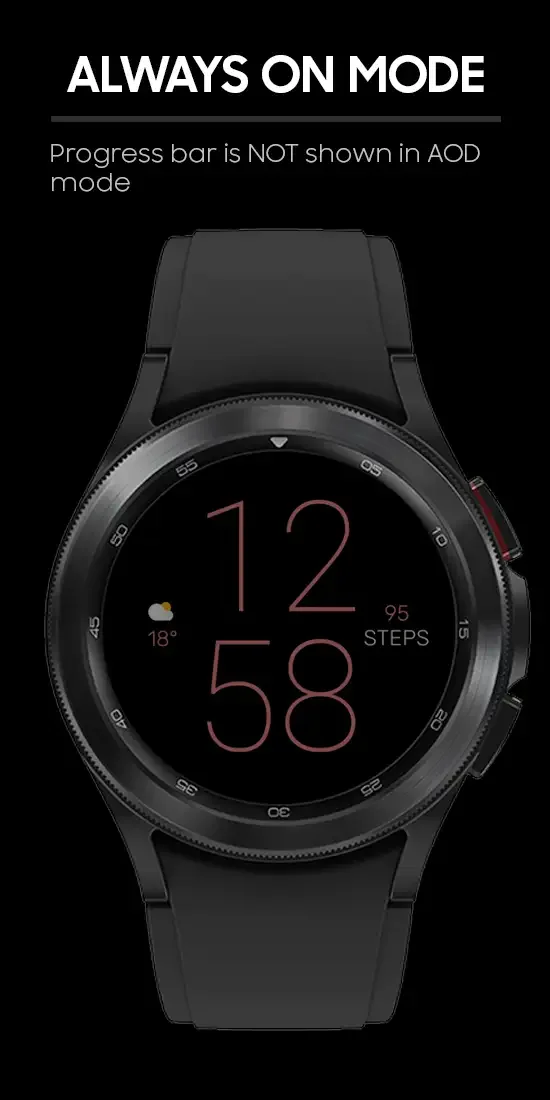
Über diese App
Automatische Übersetzung von Google. Originalsprache: Englisch (Vereinigte Staaten).
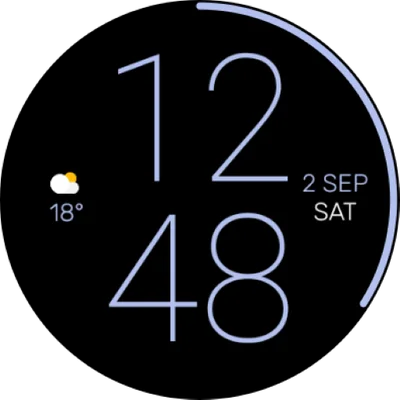
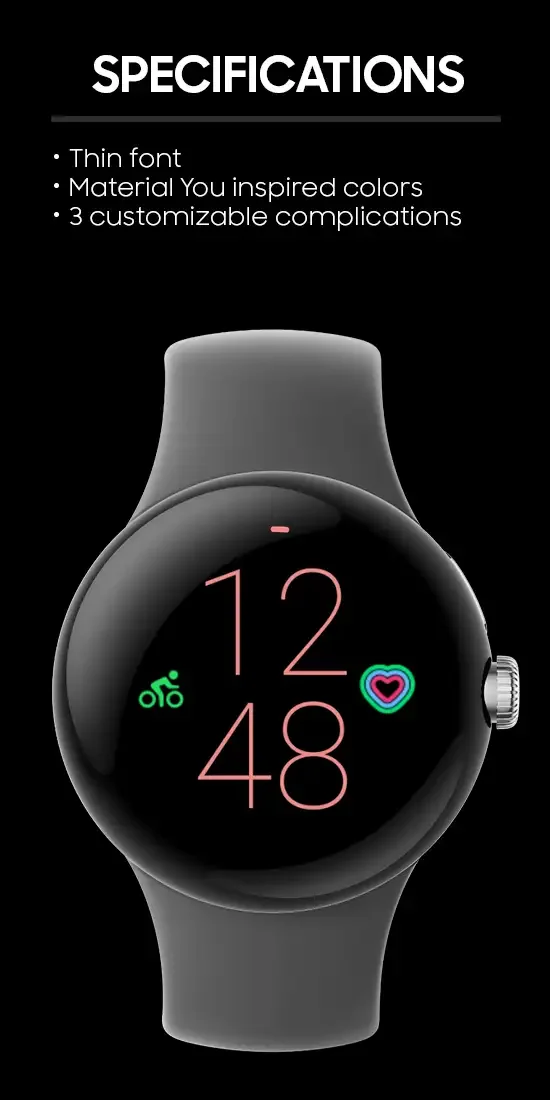
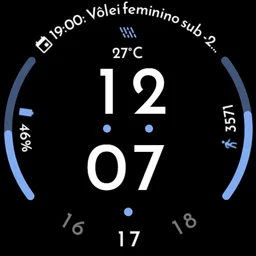
Zifferblatt mit dünner Schrift und mehreren anpassbaren Komplikationen und Farben
[Nur auf Wear OS 3+-Geräten verfügbar]
Wenn das Zifferblatt als nicht verfügbar angezeigt wird, öffnen Sie bitte diesen Link in einem Webbrowser. https://play.google.com/store/apps/details?id=com.jhwatchfaces.jhwthinplus
Die Telefon-App dient lediglich als Platzhalter, damit das Zifferblatt leichter auf einem Android-Telefon gefunden und installiert werden kann. Wählen Sie Ihre Uhr aus dem Dropdown-Menü „Installieren“ aus.
---
Funktionen
- 3 benutzerdefinierte AOD-Stile
- Anpassbarer Fortschrittsbalken am Rand der Uhr (standardmäßig Batterie der Uhr)
- Echter schwarzer Hintergrund
- Anpassbare Komplikationen mit verschiedenen Stilen; kurzer Text, Symbol und kleines Bild
- Unterstützung für WearOS 3 und 4
- Batterieoptimiert, entlädt Ihre Batterie nicht!
- Gebaut mit Watch Face Studio, unterstützt Watch Face Format (WFF)
Anpassung
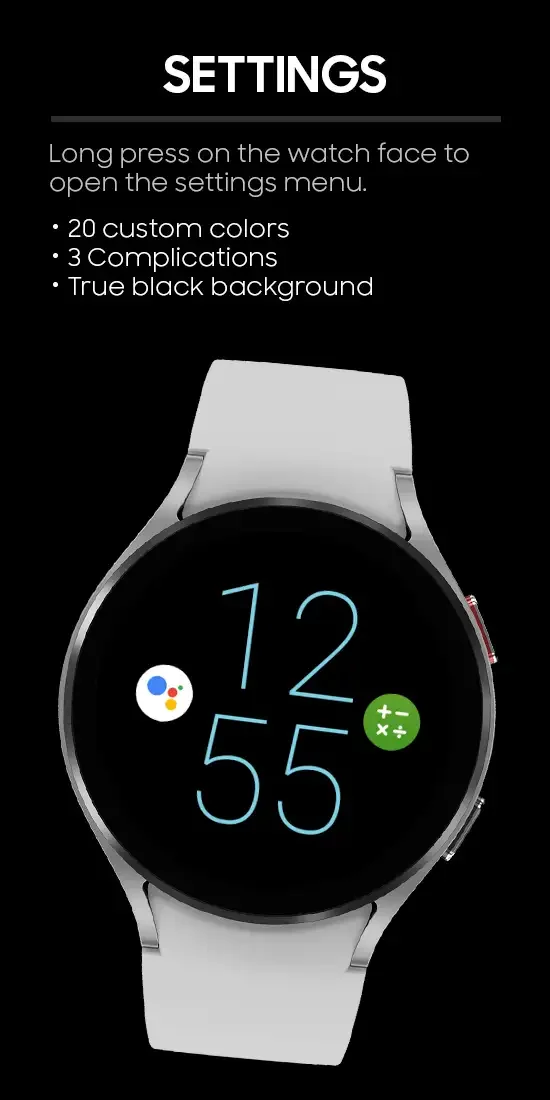
Drücken Sie lange auf das Zifferblatt > Klicken Sie auf „Anpassen“.
- 3 anpassbare Komplikationen
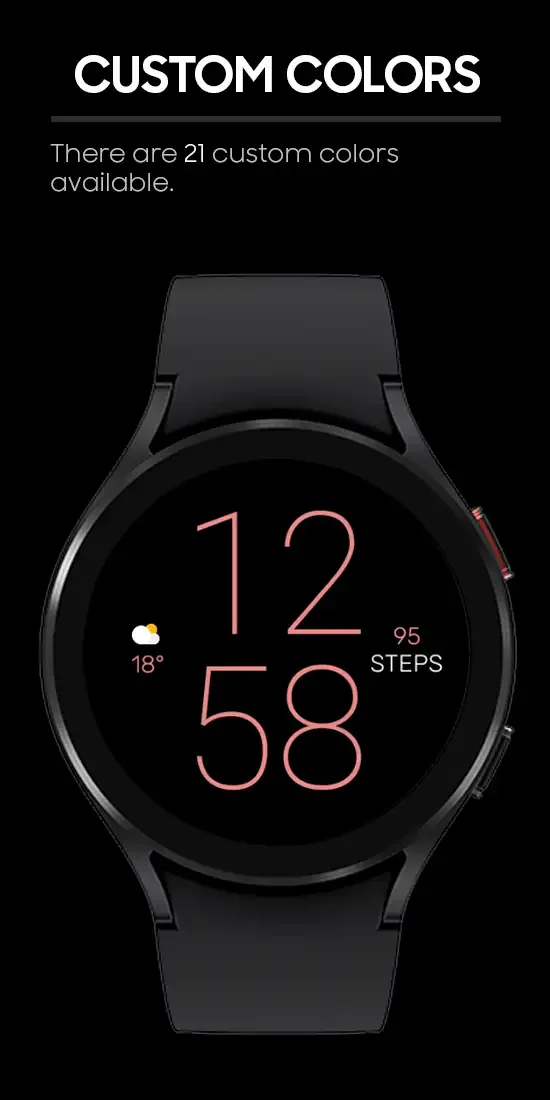
- 20 verschiedene Farboptionen
Komplikationen
- 1x FORTSCHRITTSBAR
- 2x RUNDE KOMPLIKATION
Komplikations-Apps
Einige in meinen Screenshots verwendete Komplikationen stammen von anderen Entwicklern. Die Links finden Sie weiter unten.
Complications Suite – Hergestellt von amoledwatchfaces
https://play.google.com/store/apps/details?id=com.weartools.weekdayutccomp
Komplikation des Telefonakkus – Hergestellt von amoledwatchfaces
https://play.google.com/store/apps/details?id=com.weartools.phonebattcomp
Herzfrequenz-Komplikation – Hergestellt von amoledwatchfaces
https://play.google.com/store/apps/details?id=com.weartools.heartratecomp
---
Meine anderen Zifferblätter finden Sie hier: https://play.google.com/store/apps/dev?id=5003816928530763896
Treten Sie meiner Telegram-Gruppe für kostenlose Gutscheine und Diskussionen bei: https://t.me/jhwatchfaces
Originaltext anzeigen
[Only available on Wear OS 3+ devices]
If watch face is shown as not available, please open this link in a web browser. https://play.google.com/store/apps/details?id=com.jhwatchfaces.jhwthinplus
The phone app only serves as a placeholder so that the watch face is easier to find and install on an Android phone. Select your watch from the install drop-down menu.
---
Features
- 3 custom AOD styles
- Customizable progress bar at the watch edge (defaults to watch battery)
- True black background
- Customizable complications with different styles; short text, icon and small image
- Support for WearOS 3 and 4
- Battery optimized, won’t drain your battery!
- Built with Watch Face Studio, supports Watch Face Format (WFF)
Customization
Long press on the watch face > Click customize
- 3 customizable complications
- 20 different color options
Complications
- 1x PROGRESS BAR
- 2x ROUND COMPLICATION
Complication Apps
Some complications used in my screenshots are from other developers. See below for the links.
Complications Suite – Made by amoledwatchfaces
https://play.google.com/store/apps/details?id=com.weartools.weekdayutccomp
Phone Battery Complication – Made by amoledwatchfaces
https://play.google.com/store/apps/details?id=com.weartools.phonebattcomp
Heart Rate complication – Made by amoledwatchfaces
https://play.google.com/store/apps/details?id=com.weartools.heartratecomp
---
My other watch faces can be found here: https://play.google.com/store/apps/dev?id=5003816928530763896
Join my Telegram group for free coupons and discussions: https://t.me/jhwatchfaces
Datensicherheit
Was JH Watchfaces bei Google Play zu den Daten angibt, die diese App erfasst und weitergibt.
- Keine Daten werden mit Drittunternehmen oder -organisationen geteiltWeitere Informationen dazu, wie Entwickler Angaben zur Weitergabe von Daten machen
- Keine Daten erhobenWeitere Informationen dazu, wie Entwickler Angaben zur Datenerhebung machen
Neue Funktionen
25.07.2024
v3.5.0 (phone)
- Target Android 15
Kontakt zum Entwickler
- Websitejhwatchfaces.com
- E-Mailsupport@jhwatchfaces.com
- Datenschutzerklärungjhwatchfaces.com
- AdresseIn de Haag 20 5768 HD Meijel Netherlands
Informationen
- Angeboten von
- JH Watchfaces
- Kategorie
- Personalisierung
- Aktualisiert
- 25.07.2024
- Veröffentlicht
- 02.09.2023
- Altersfreigabe
- USK ab 0 Jahren
- Preis
- Kostenlos
- Paketname
- com.jhwatchfaces.jhwthinplus
Ähnliche Apps
-
 Yellow Blue Air Watch Face
Personalisierung
-
 Green Light Pro Watch Face
Personalisierung
-
 Daylight Air Watch Face
Personalisierung
-
 Ocean Air Watch Face
Personalisierung
-
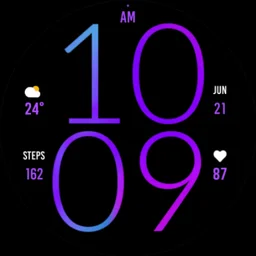 Purple Light Watch Face
Personalisierung
-
 Minimalist Weather
Personalisierung
-
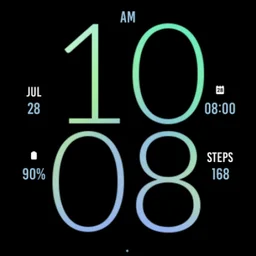 Blue Sky Light Watch Face
Personalisierung
-
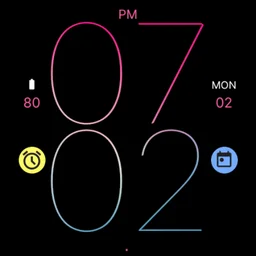 Modern Pink Light Watch Face
Personalisierung
-
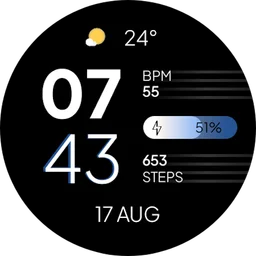 EXD207: Digital Watch Face
Personalisierung
-
 D0009 VNApps
Personalisierung
-
 AD PoinT - Watch Face
Personalisierung
-
 JHW Digital Sport 2: Wear OS
Personalisierung