JHW Thin Plus: Watch face
JH Watchfaces- 3 歳以上対象年齢
- カスタマイズカテゴリ
- 2024/7/25更新日
- 無料価格
com.jhwatchfaces.jhwthinplusのGoogle Play公式ページにリンクしています。最終確認:2026/11/24。
スクリーンショット

このアプリについて
Googleによる英語 (アメリカ合衆国)からの自動翻訳です。
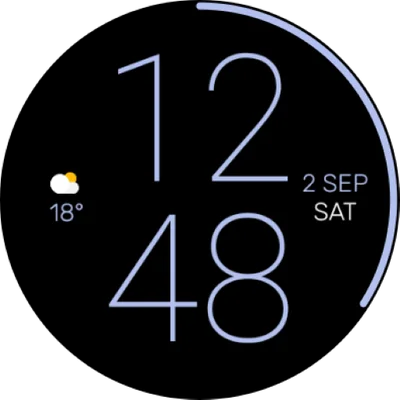
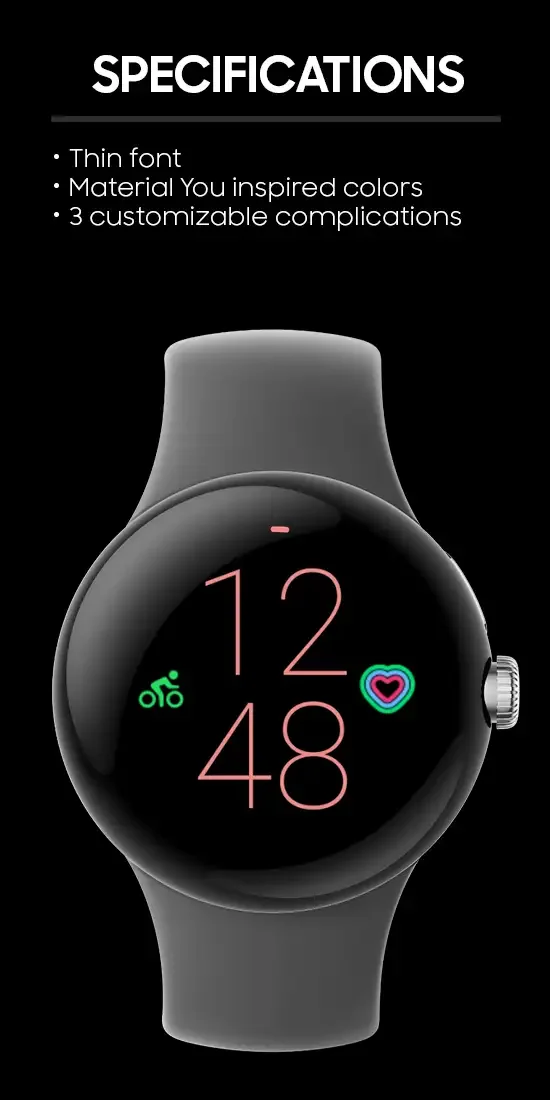
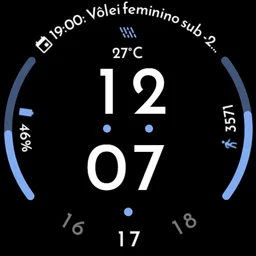
細いフォントと複数のカスタマイズ可能な合併症と色を備えたウォッチフェイス
[Wear OS 3 以降のデバイスでのみ利用可能]
ウォッチフェイスが利用できないと表示される場合は、Web ブラウザでこのリンクを開いてください。 https://play.google.com/store/apps/details?id=com.jhwatchfaces.jhwthinplus
電話アプリは、文字盤を Android スマートフォンで見つけてインストールしやすくするためのプレースホルダーとしてのみ機能します。インストールのドロップダウン メニューからウォッチを選択します。
---
特徴
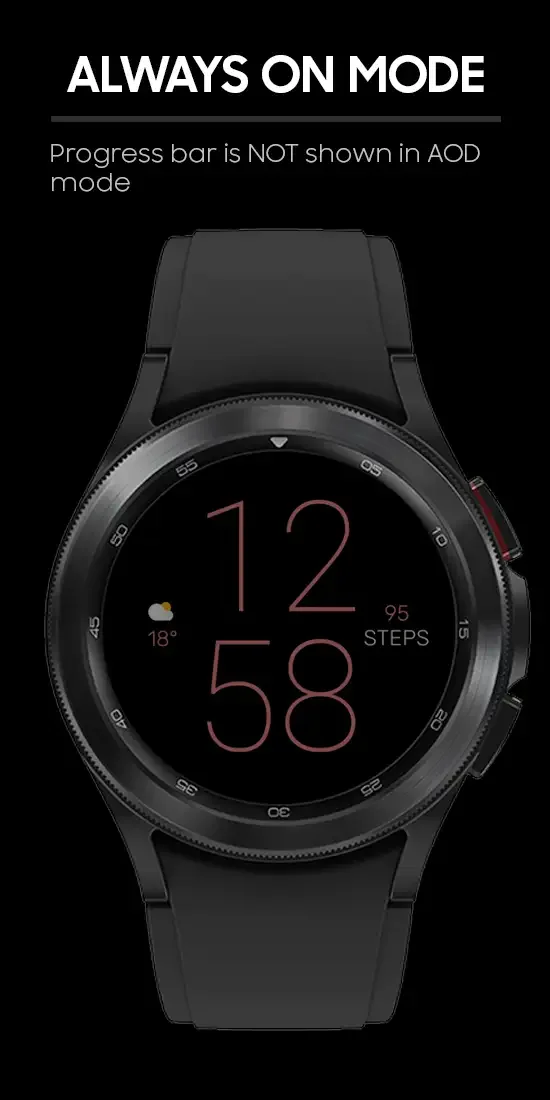
- 3 つのカスタム AOD スタイル
- 時計の端にあるカスタマイズ可能なプログレスバー (デフォルトは時計のバッテリー)
- 真っ黒な背景
- さまざまなスタイルでカスタマイズ可能なコンプリケーション。短いテキスト、アイコン、小さな画像
- WearOS 3 および 4 のサポート
- バッテリーが最適化されているため、バッテリーを消耗しません。
- Watch Face Studio で構築され、Watch Face Format (WFF) をサポート
カスタマイズ
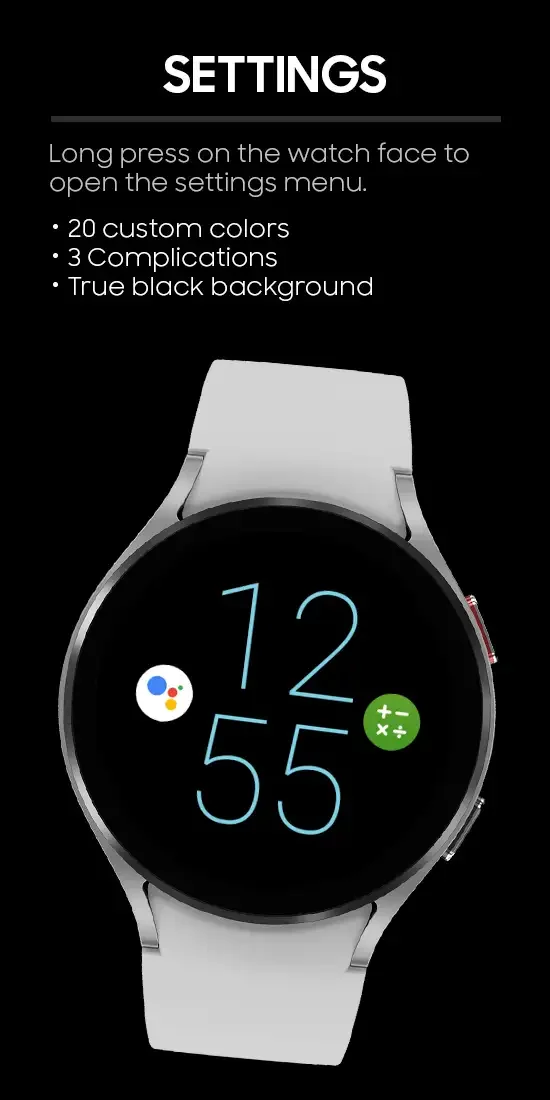
文字盤を長押し > [カスタマイズ] をクリックします
- 3 つのカスタマイズ可能なコンプリケーション
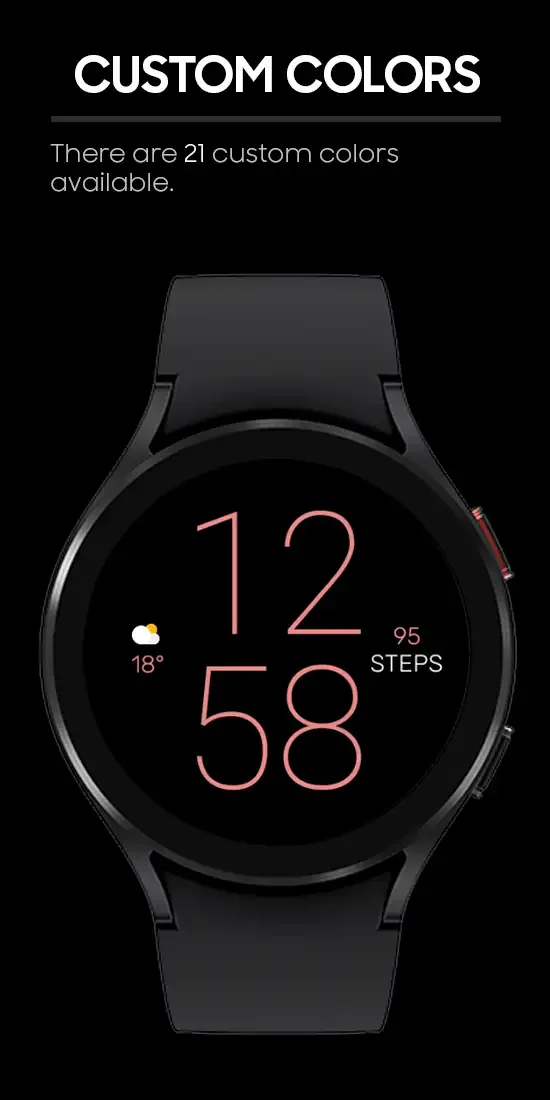
- 20 種類のカラーオプション
合併症
- 1x プログレスバー
- ラウンド コンプリケーション x 2
コンプリケーション アプリ
私のスクリーンショットで使用されているいくつかのコンプリケーションは他の開発者からのものです。リンクについては以下を参照してください。
Complications Suite – amoledwatchfaces 製
https://play.google.com/store/apps/details?id=com.weartools.weekdayutccomp
携帯電話のバッテリー コンプリケーション – amoledwatchface 製
https://play.google.com/store/apps/details?id=com.weartools.phonebattcomp
心拍数コンプリケーション – amoledwatchfaces 製
https://play.google.com/store/apps/details?id=com.weartools.heartratecomp
---
私の他のウォッチフェイスはここにあります: https://play.google.com/store/apps/dev?id=5003816928530763896
私の Telegram グループに参加して、無料クーポンやディスカッションを入手してください: https://t.me/jhwatchfaces
原文を表示
[Only available on Wear OS 3+ devices]
If watch face is shown as not available, please open this link in a web browser. https://play.google.com/store/apps/details?id=com.jhwatchfaces.jhwthinplus
The phone app only serves as a placeholder so that the watch face is easier to find and install on an Android phone. Select your watch from the install drop-down menu.
---
Features
- 3 custom AOD styles
- Customizable progress bar at the watch edge (defaults to watch battery)
- True black background
- Customizable complications with different styles; short text, icon and small image
- Support for WearOS 3 and 4
- Battery optimized, won’t drain your battery!
- Built with Watch Face Studio, supports Watch Face Format (WFF)
Customization
Long press on the watch face > Click customize
- 3 customizable complications
- 20 different color options
Complications
- 1x PROGRESS BAR
- 2x ROUND COMPLICATION
Complication Apps
Some complications used in my screenshots are from other developers. See below for the links.
Complications Suite – Made by amoledwatchfaces
https://play.google.com/store/apps/details?id=com.weartools.weekdayutccomp
Phone Battery Complication – Made by amoledwatchfaces
https://play.google.com/store/apps/details?id=com.weartools.phonebattcomp
Heart Rate complication – Made by amoledwatchfaces
https://play.google.com/store/apps/details?id=com.weartools.heartratecomp
---
My other watch faces can be found here: https://play.google.com/store/apps/dev?id=5003816928530763896
Join my Telegram group for free coupons and discussions: https://t.me/jhwatchfaces
データ セーフティ
このアプリが収集・共有するデータについて、JH WatchfacesがGoogle Playで申告している内容です。
- 第三者と共有されるデータはありません詳しくは、デベロッパーが共有を申告する方法についての説明をご覧ください
- データは収集されません詳しくは、デベロッパーが収集を申告する方法についての説明をご覧ください
新機能
2024/7/25
v3.5.0 (phone)
- Target Android 15
開発元の連絡先
- ウェブサイトjhwatchfaces.com
- メールsupport@jhwatchfaces.com
- プライバシーポリシーjhwatchfaces.com
- 住所In de Haag 20 5768 HD Meijel Netherlands
情報
- 提供元
- JH Watchfaces
- カテゴリ
- カスタマイズ
- 更新日
- 2024/7/25
- リリース
- 2023/9/2
- 対象年齢
- 3 歳以上
- 価格
- 無料
- パッケージ名
- com.jhwatchfaces.jhwthinplus
類似のアプリ
-
 Yellow Blue Air Watch Face
カスタマイズ
-
 Green Light Pro Watch Face
カスタマイズ
-
 Daylight Air Watch Face
カスタマイズ
-
 Ocean Air Watch Face
カスタマイズ
-
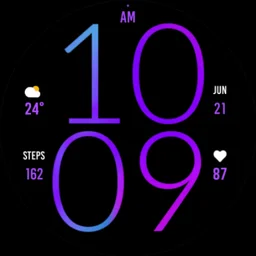 Purple Light Watch Face
カスタマイズ
-
 Minimalist Weather
カスタマイズ
-
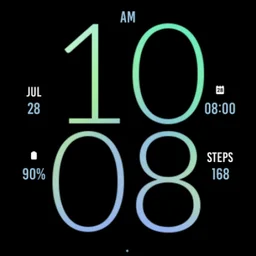 Blue Sky Light Watch Face
カスタマイズ
-
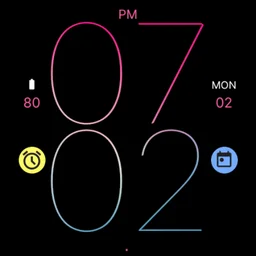 Modern Pink Light Watch Face
カスタマイズ
-
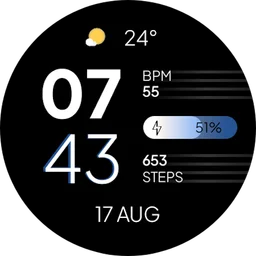 EXD207: Digital Watch Face
カスタマイズ
-
 D0009 VNApps
カスタマイズ
-
 AD PoinT - Watch Face
カスタマイズ
-
 JHW Digital Sport 2: Wear OS
カスタマイズ