LG gram Link
LG Electronics, Inc.- USK ab 0 JahrenAltersfreigabe
- ToolsKategorie
- 29.06.2026Aktualisiert
- KostenlosPreis
Verlinkt auf den offiziellen Google Play-Eintrag von com.lge.photosync. Zuletzt geprüft am 27.11.2026.
Screenshots


Über diese App
Automatische Übersetzung von Google. Originalsprache: Englisch (Vereinigte Staaten).
Verbinden Sie Ihren PC und Ihren LG webOS TV mit Ihrem Smartphone, unabhängig vom Betriebssystem.
Verbinden Sie Ihren PC und Ihren LG webOS TV mit Ihrem Smartphone – unabhängig vom Betriebssystem.
LG gram Link ist eine Smartphone-Verbindungs-App für LG PC-Nutzer. Verbinden Sie Ihren LG PC und Ihren LG webOS TV mit jedem beliebigen Smartphone, unabhängig vom Betriebssystem. Sie können Dateien übertragen, Ihr Smartphone spiegeln, es als zweiten Monitor nutzen und vieles mehr!
※ Um LG gram Link auf einem gram PC zu verwenden, muss die LG gram Link App auf Ihrem Smartphone installiert sein.
• Einfache Verbindung per QR-Code
Verbinden Sie Ihren LG PC ganz einfach mit Ihrem Smartphone, indem Sie den QR-Code scannen.
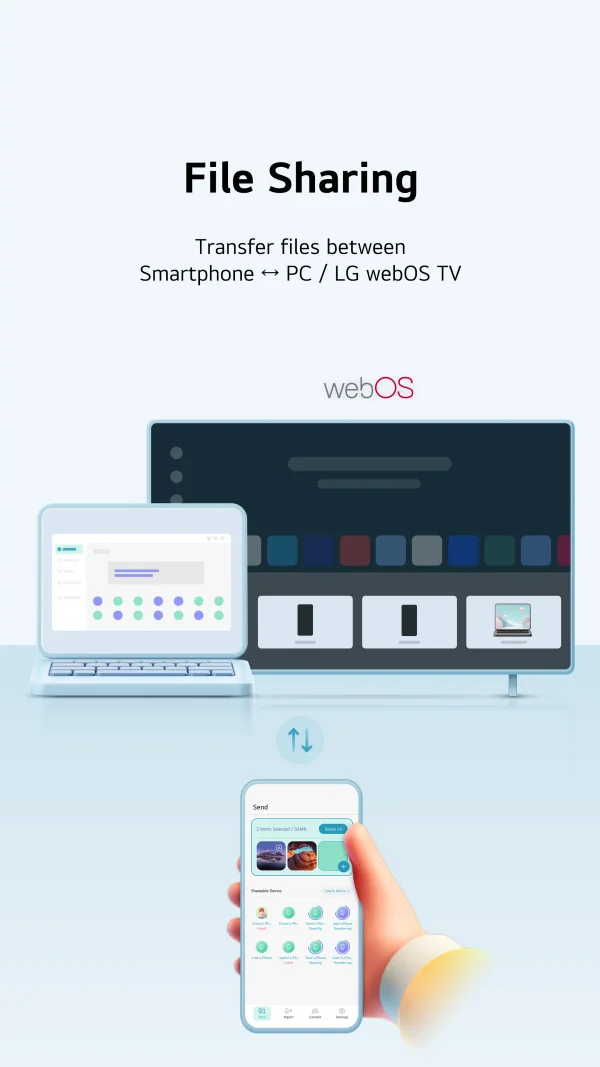
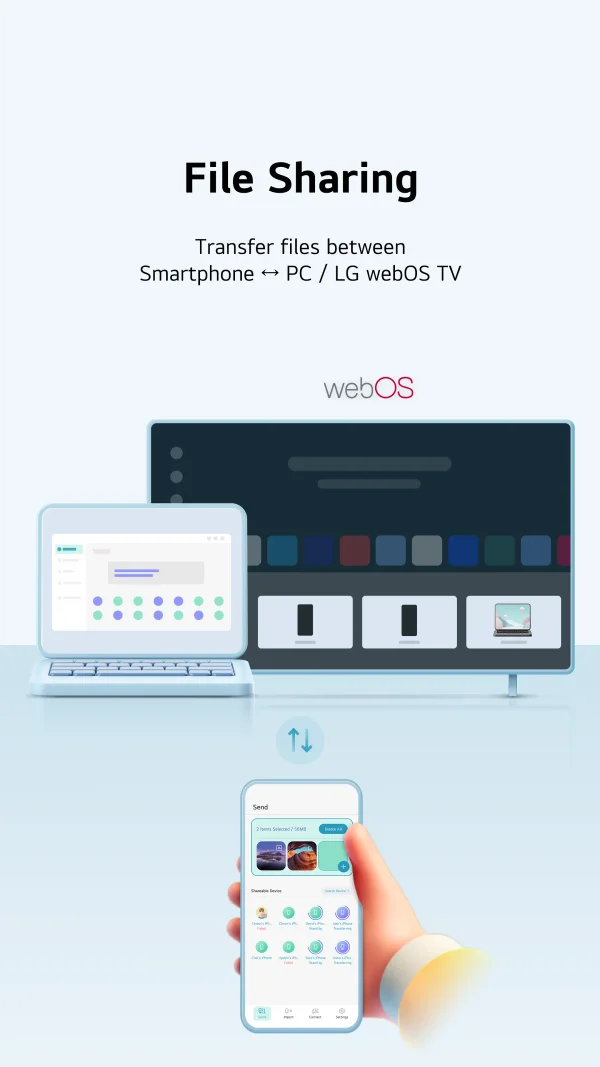
• Dateiübertragung Smartphone ↔ PC / LG webOS TV
Senden Sie beliebige Fotos, Videos oder Dateien an Ihr Smartphone oder Ihren LG webOS TV.
• Dateien und Fotos vom PC aufs Smartphone importieren
Suchen Sie schnell nach Dateien und Fotos auf Ihrem PC und importieren Sie diese mühelos auf Ihr Smartphone. Greifen Sie sofort auf die benötigten Daten auf Ihrem PC zu und arbeiten Sie effizienter.
(Diese Funktion funktioniert in Verbindung mit dem Gram Chat auf dem Gerät. Daher muss der Gram Chat auf dem Gerät installiert und beim ersten Mal gestartet werden, bevor diese Funktion genutzt werden kann.)
• KI-Klassifizierung
Verwalten und durchsuchen Sie Ihre Fotos ganz einfach mit der LG AI Gallery.
Ihre Fotos werden automatisch nach Datum, Person, Ort usw. sortiert.
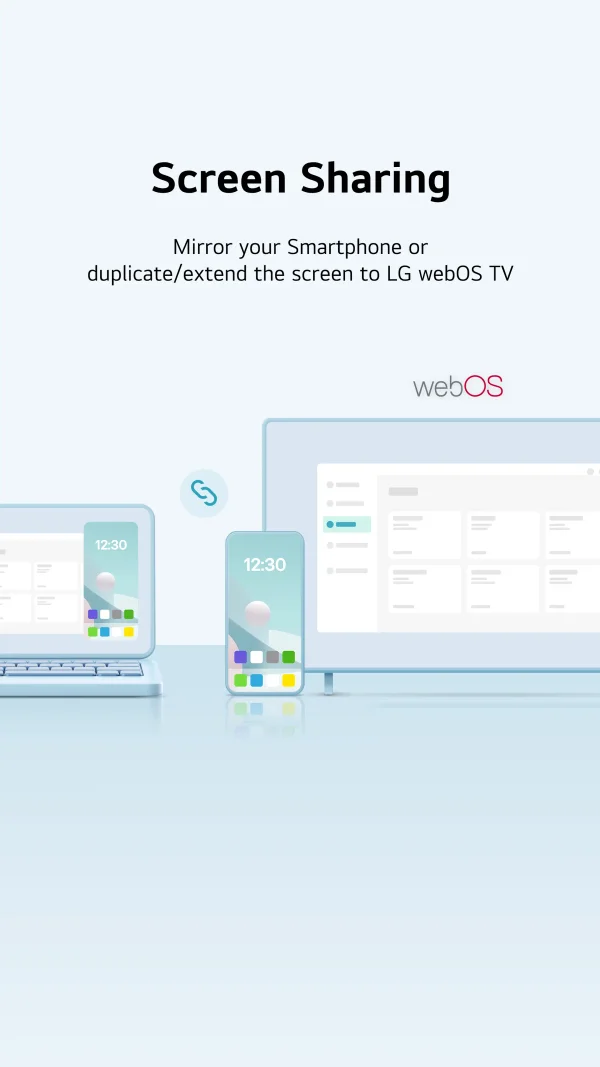
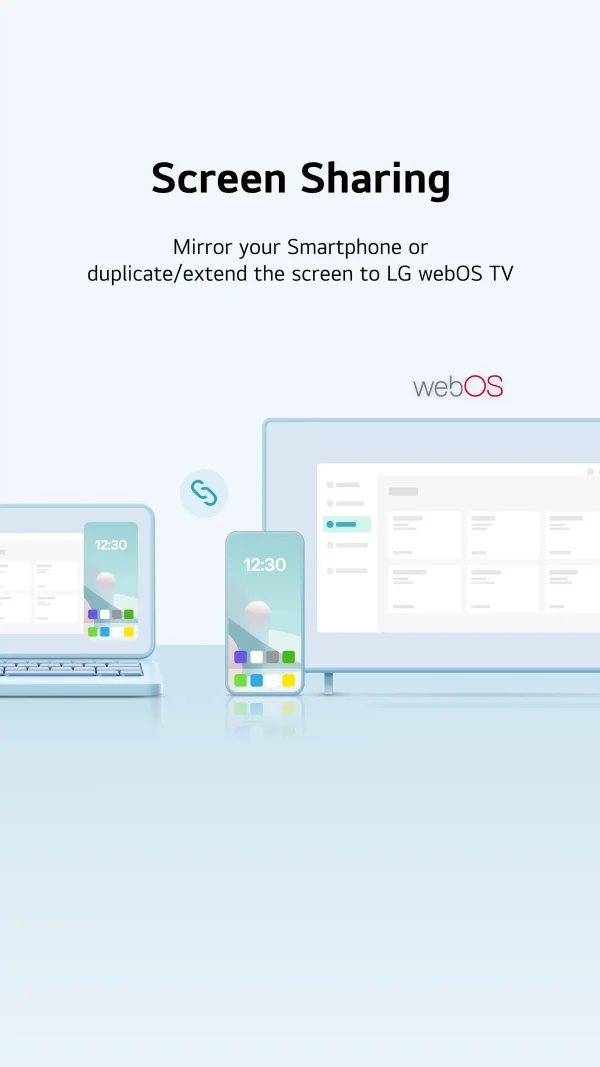
• Bildschirmspiegelung
Übertragen Sie Ihren Smartphone-Bildschirm auf Ihren PC.
• Anzeigeerweiterung/Duplizierung
Nutzen Sie Ihr Smartphone oder Ihren LG webOS TV als zweiten Bildschirm.
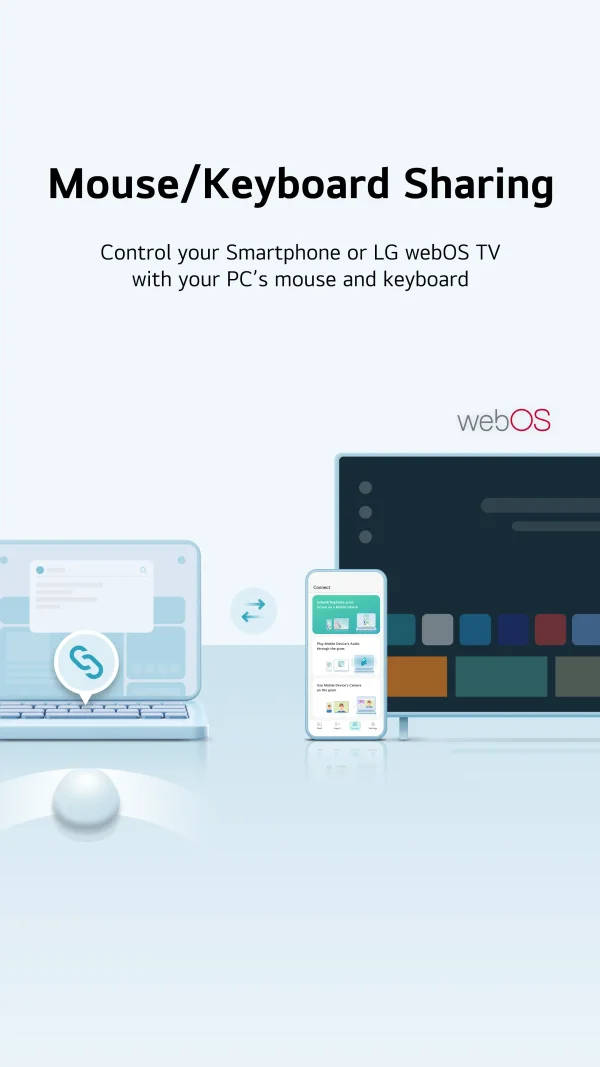
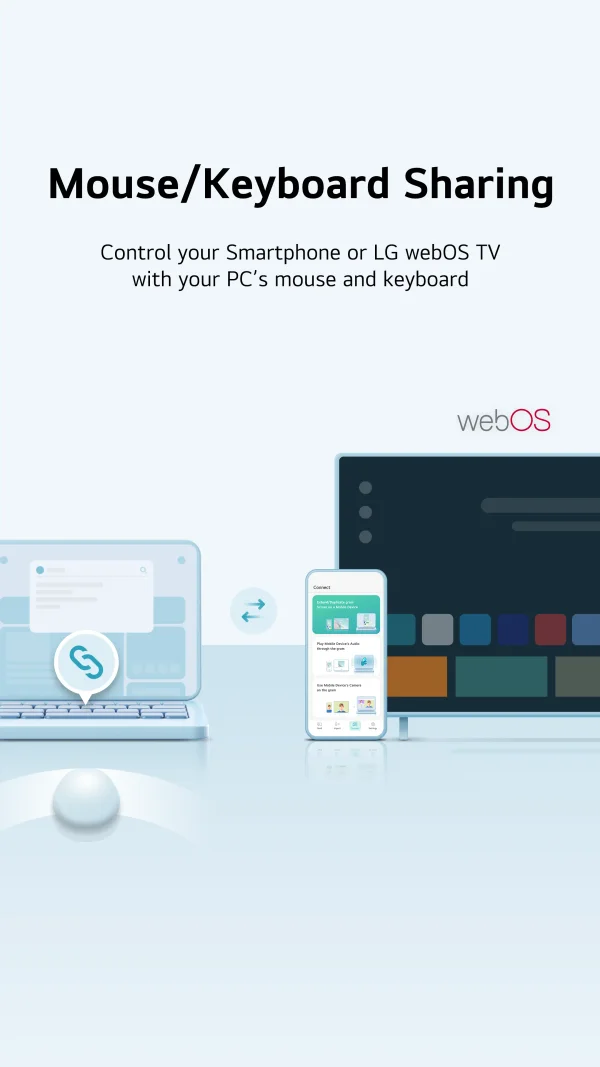
• Tastatur-/Mausfreigabe
Steuern Sie Ihr Smartphone oder Ihren LG webOS TV mit der Tastatur/Maus Ihres PCs.
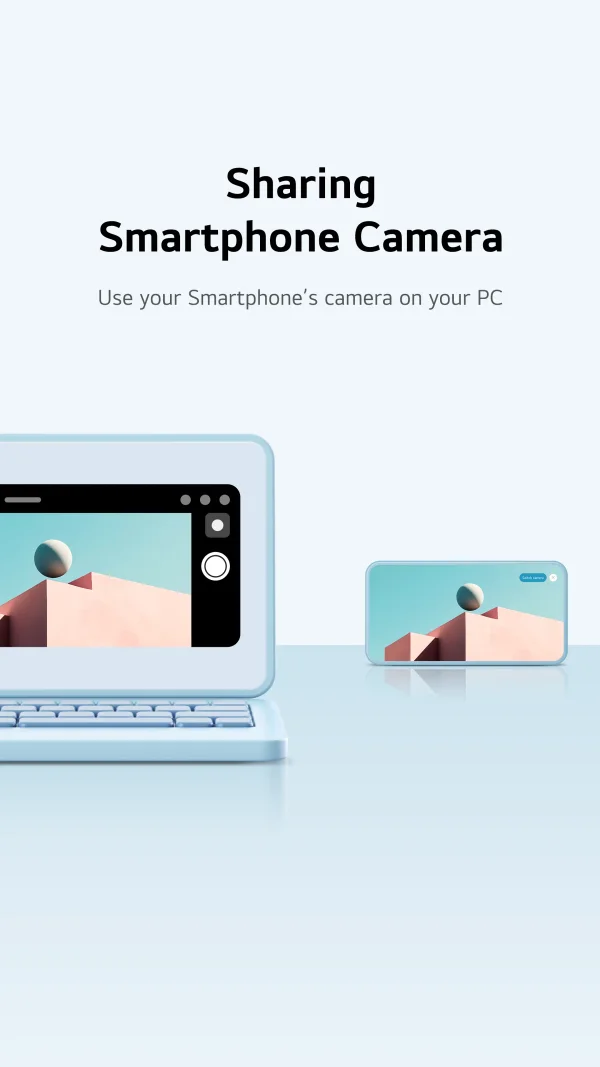
• Smartphone-Kamerafreigabe
Nutzen Sie die Kamera Ihres Smartphones auf Ihrem PC.
Ideal für Videokonferenzen oder Fotos – mit flexiblen Funktionen.
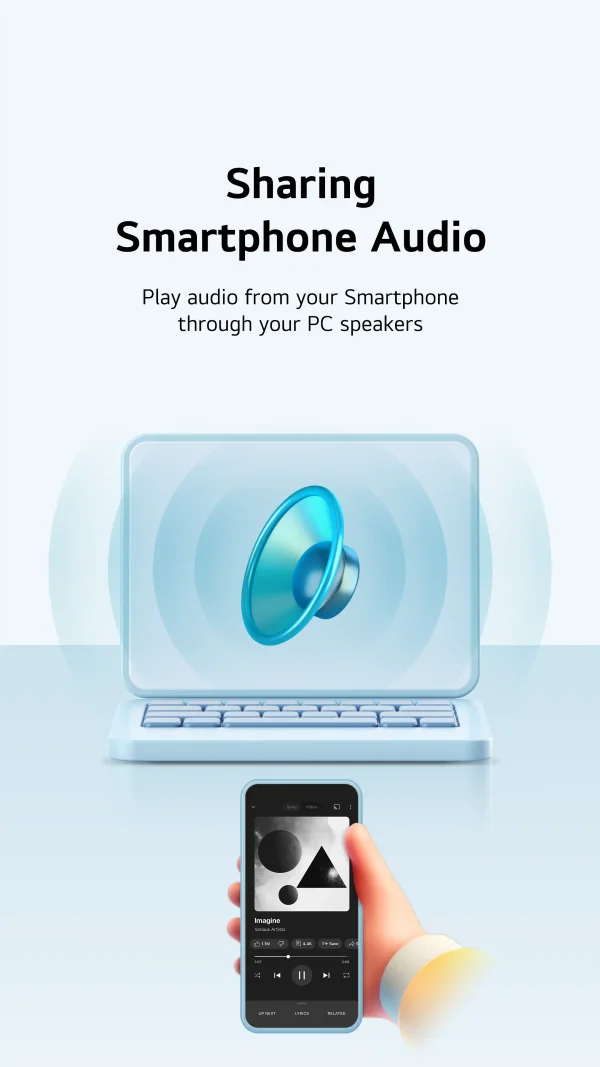
• Smartphone-Audiofreigabe
Wiedergabe von Audio von Ihrem Smartphone über Ihre PC-Lautsprecher.
Genießen Sie Ihre Inhalte in verbesserter Klangqualität.
• Telefonieren über den PC
Tätigen oder empfangen Sie Anrufe direkt über Ihren PC.
Arbeiten Sie freihändig und steigern Sie so Ihre Produktivität.
• Smartphone-Benachrichtigungen auf dem PC empfangen
Sehen Sie Smartphone-Benachrichtigungen direkt auf Ihrem PC. Bleiben Sie informiert und verwalten Sie Ihre Benachrichtigungen bequem, ohne etwas zu verpassen.
* Zugriffsberechtigungen
[Erforderlich]
- Standort: Zugriff auf Netzwerkinformationen zum Verbinden mit einem PC
- Geräte in der Nähe: Suche nach Nutzern der LG gram Link App in der Nähe
- Kamera: Scannen eines QR-Codes zum Verbinden mit einem PC, Aufnehmen von Fotos oder Videos und Anhängen dieser
- Dateien (einschließlich Mediendateien): Zugriff auf Fotos, Videos und zu übertragende Dateien
- Mikrofon: Zugriff auf die Lautsprecher des Mobiltelefons während der Bildschirmaufnahme zur Spiegelung
- Benachrichtigungen: Verbindungsprüfung, Empfang von Dateien und Versand einer Benachrichtigung über abgeschlossene Übertragung
Originaltext anzeigen
Connect your PC and LG webOS TV with your Smartphone regardless of the OS
LG gram Link is a Smartphone connectivity application for LG PC users
Try to connect your LG PC and LG webOS TV with any Smartphone regardless of the operating system
You can transfer files, mirror your Smartphone, use it as a secondary monitor and more!
※ To use LG gram Link on gram PC, you must run the LG gram Link app on your Smartphone.
• Easy connection with QR code
You can easily connect LG PC with your Smartphone just by scanning the QR code.
• Smartphone ↔ PC / LG webOS TV file transfer
Send any photos, videos or files you want to your Smartphone or LG webOS TV
• Import files and photos from PC to Smartphone
Quickly search for files and photos on your PC and effortlessly import them to your Smartphone.
Access the data you need on your PC instantly to work more efficiently.
(This feature works in conjunction with the gram chat On-Device, so the gram chat On-Device must be installed and run for the first time before it can be used.)
• AI classification
Manage and search your photos easily using LG AI Gallery feature.
Your photos will be organized automatically by date, person, location, etc.
• Screen mirroring
Cast your Smartphone screen on your PC.
• Display extension/duplication
Use your Smartphone or LG webOS TV as a second screen.
• Keyboard/Mouse sharing
Control your Smartphone or LG webOS TV with your PC's keyboard/mouse.
• Sharing Smartphone camera
Use your Smartphone's camera on your PC.
Perfect for video conferencing or photography, offering flexible functionality.
• Sharing Smartphone audio
Play audio from your Smartphone through your PC speakers.
Enjoy your content with enhanced sound quality.
• Talking on the phone via PC
Make or receive calls directly on your PC.
Talk hands-free while working, boosting your productivity.
• Get Smartphone notifications on PC
View Smartphone notifications directly on your PC.
Stay updated and conveniently manage your notifications without missing anything.
* Access Permissions
[Required]
- Location: Accessing network information to connect to a PC
- Devices nearby: Searching LG gram Link app users nearby
- Camera: Scanning a QR code to connect to a PC, taking photos or recording videos, and attaching them
- Files including media files: Accessing photos, videos and files to be transmitted
- Microphone: Accessing mobile phone speakers while recording phone screens for mirroring
- Notification: Checking connection, receiving files, and sending a transfer complete notification
Datensicherheit
Was LG Electronics, Inc. bei Google Play zu den Daten angibt, die diese App erfasst und weitergibt.
- Keine Daten werden mit Drittunternehmen oder -organisationen geteiltWeitere Informationen dazu, wie Entwickler Angaben zur Weitergabe von Daten machen
- Keine Daten erhobenWeitere Informationen dazu, wie Entwickler Angaben zur Datenerhebung machen
Neue Funktionen
Version 4.0.04 · 29.06.2026
LG gram Link is a Smartphone connectivity application for LG PC users
Try to connect your LG PC and LG webOS TV with any Smartphone regardless of the operating system.
You can transfer files, mirror your Smartphone, use it as a secondary monitor and more!
Kontakt zum Entwickler
- Websitelge.com
- E-Maillg-gramlink@lge.com
- Datenschutzerklärunglgapps.github.io
- Adresse영등포구 여의대로 128 (여의도동) 영등포구, 서울특별시 07336 South Korea
Informationen
- Angeboten von
- LG Electronics, Inc.
- Kategorie
- Tools
- Version
- 4.0.04
- Aktualisiert
- 29.06.2026
- Veröffentlicht
- 12.12.2022
- Erfordert
- Android 9 oder höher
- Altersfreigabe
- USK ab 0 Jahren
- Preis
- Kostenlos
- Paketname
- com.lge.photosync
Ähnliche Apps
-
 Yubii Home
Haus & Garten
-
 PingID
Effizienz
-
 Dzees Home
Tools
-
 Bundled Notes + Lists + To-do
Effizienz
-
 Blynk IoT
Tools
-
 EaseUS MobiSaver-Datenrettung
Tools
-
 UGREEN NAS
Tools
-
 Scopely Explore Campfire
Soziale Netzwerke
-
 Aqara Home
Haus & Garten
-
 Cleaner Speicher reinigen VPN
Tools
-
 Air+
Lifestyle
-
 MotorTrend
Unterhaltung