LG gram Link
LG Electronics, Inc.- 3 歳以上対象年齢
- ツールカテゴリ
- 2026/6/29更新日
- 無料価格
com.lge.photosyncのGoogle Play公式ページにリンクしています。最終確認:2026/11/27。
スクリーンショット


このアプリについて
Googleによる英語 (アメリカ合衆国)からの自動翻訳です。
OSに関係なく、PCとLG webOS TVをスマートフォンに接続します
OSを問わず、PCとLG webOS TVをスマートフォンに接続できます。
LG gram Linkは、LG PCユーザー向けのスマートフォン接続アプリケーションです。
OSを問わず、LG PCとLG webOS TVをあらゆるスマートフォンに接続できます。
ファイルの転送、スマートフォンのミラーリング、サブモニターとしての使用など、様々な機能をご利用いただけます。
※ gram PCでLG gram Linkを使用するには、スマートフォンでLG gram Linkアプリを起動する必要があります。
• QRコードで簡単接続
QRコードをスキャンするだけで、LG PCとスマートフォンを簡単に接続できます。
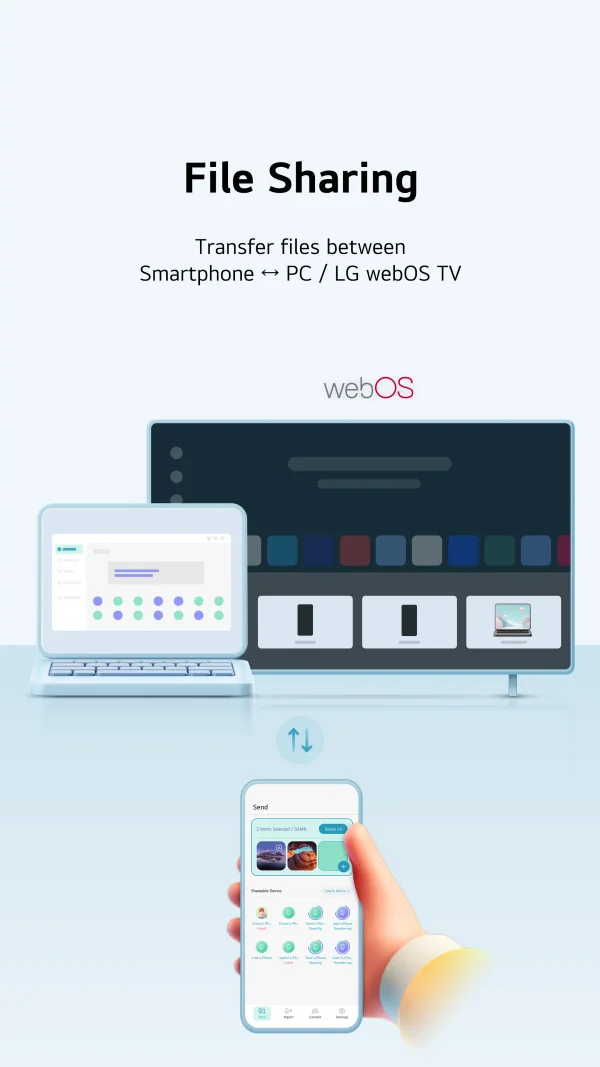
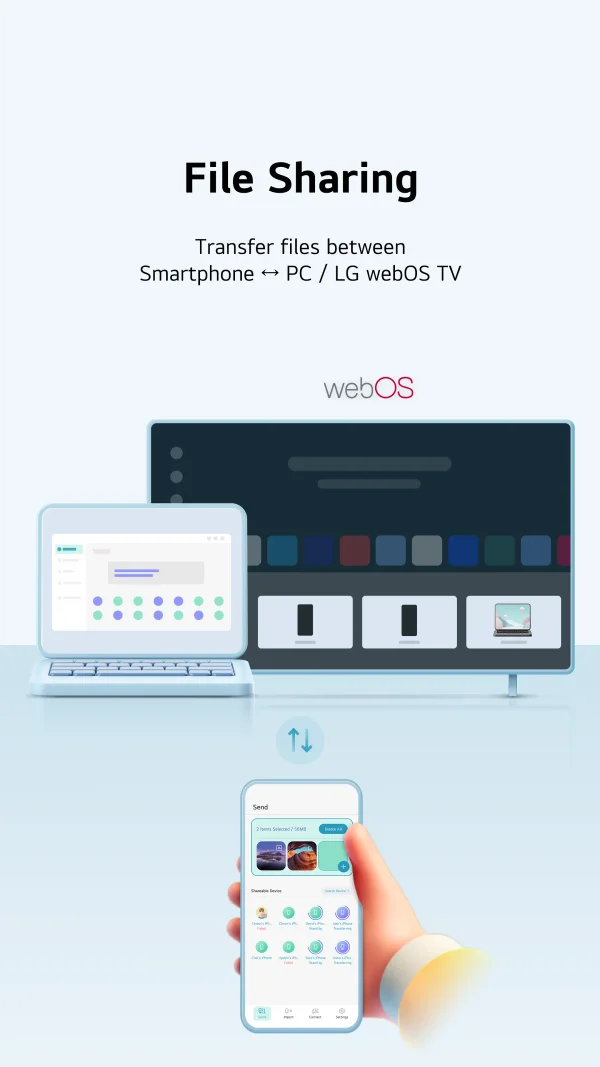
• スマートフォン ↔ PC / LG webOS TV間のファイル転送
写真、動画、その他のファイルをスマートフォンやLG webOS TVに送信できます。
• PCからスマートフォンへのファイルや写真のインポート
PCでファイルや写真をすばやく検索し、スマートフォンに簡単にインポートできます。
PCで必要なデータに瞬時にアクセスして、作業を効率化できます。
(この機能はデバイス内gramチャットと連携して動作します。ご利用前にデバイス内gramチャットをインストールし、初回起動する必要があります。)
• AI分類
LG AIギャラリー機能を使って、写真を簡単に管理・検索できます。
写真は日付、人物、場所などによって自動的に整理されます。
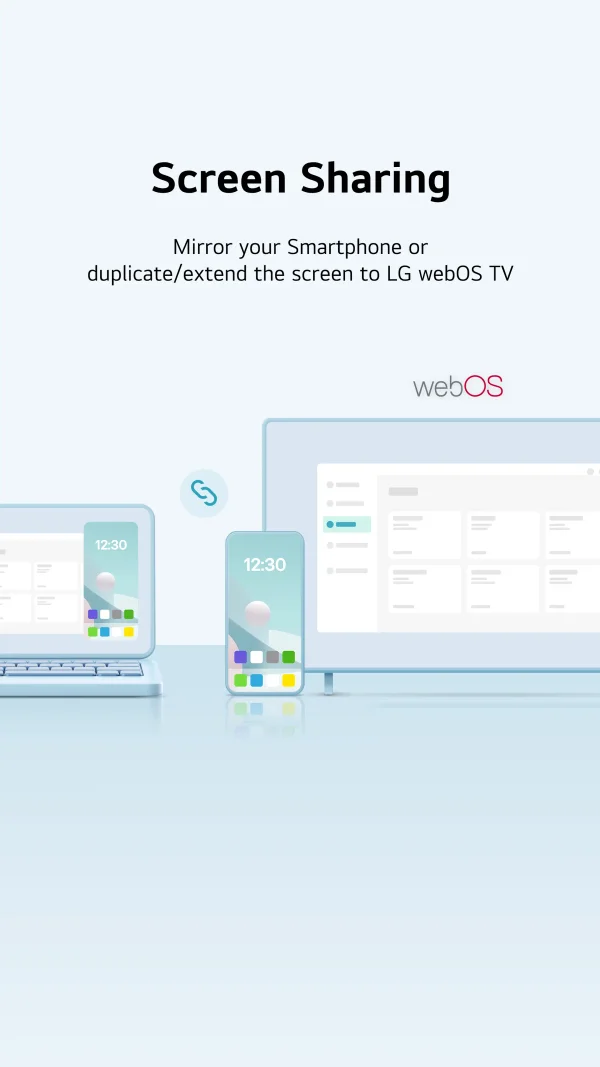
• スクリーンミラーリング
スマートフォンの画面をPCにキャストできます。
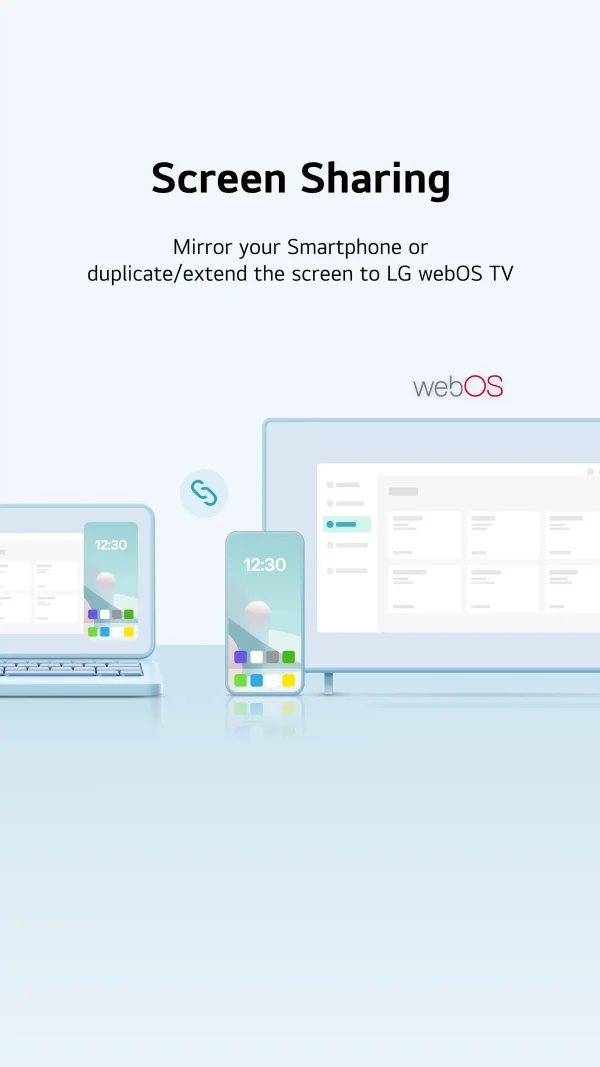
• ディスプレイの拡張/複製
スマートフォンまたはLG webOS TVをセカンドスクリーンとして使用できます。
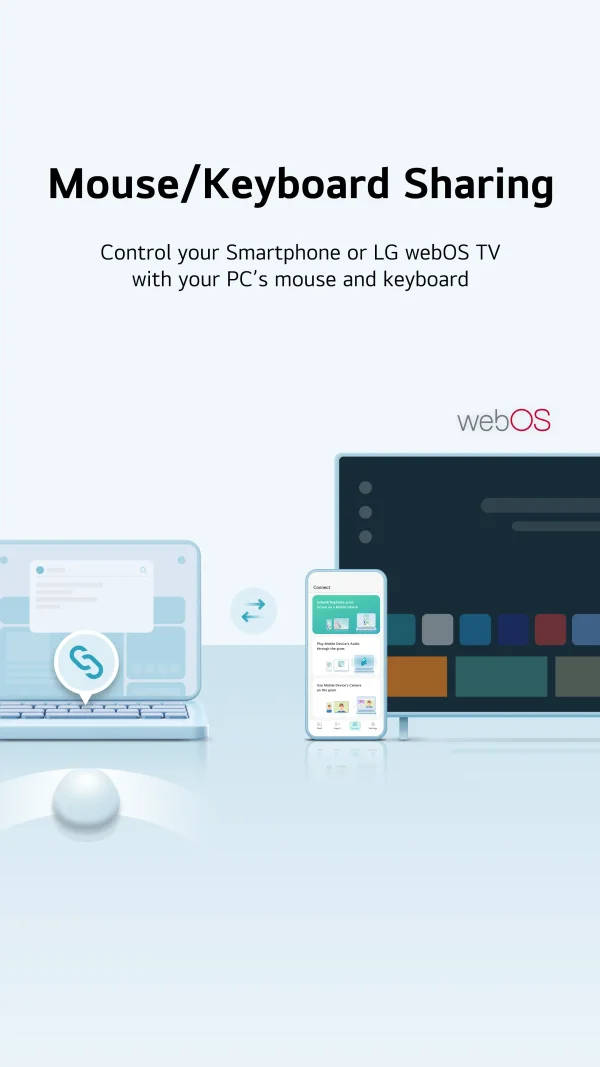
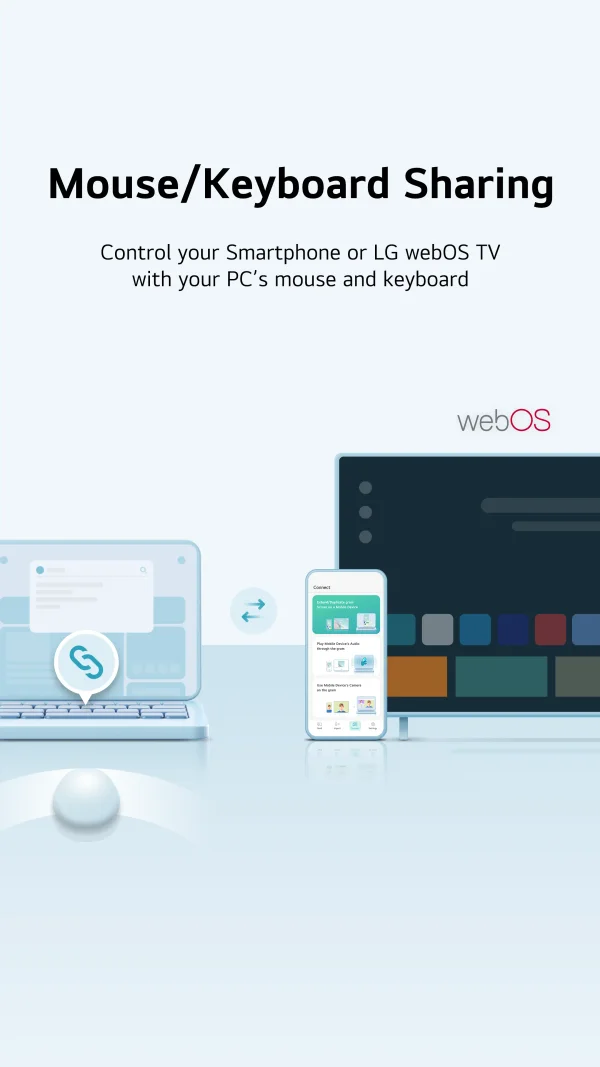
• キーボード/マウスの共有
PCのキーボード/マウスでスマートフォンまたはLG webOS TVを操作できます。
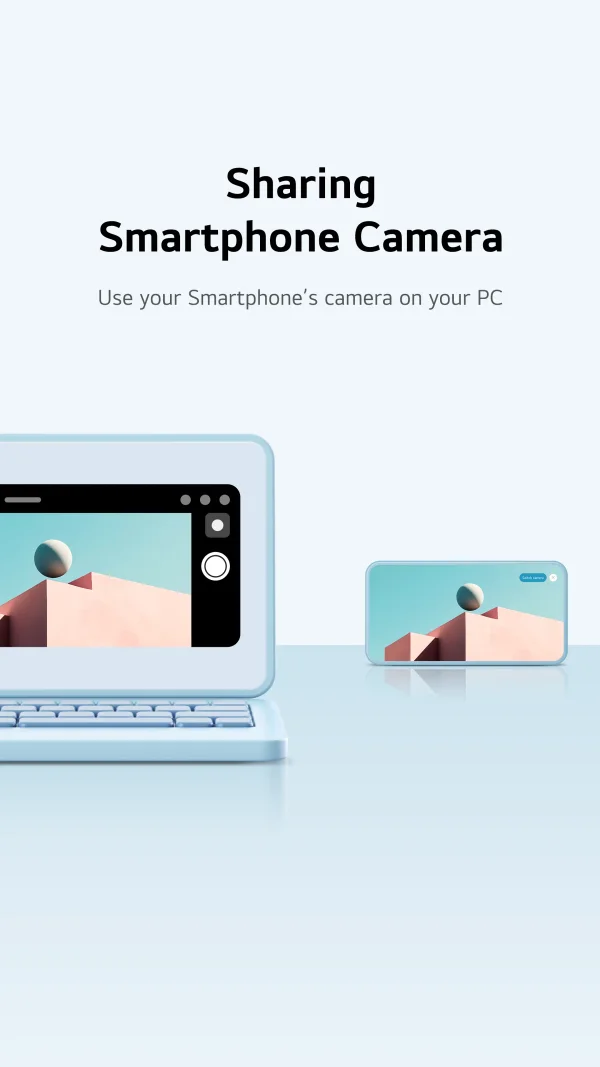
• スマートフォンカメラの共有
スマートフォンのカメラをPCで使用できます。
ビデオ会議や写真撮影に最適で、柔軟な機能を提供します。
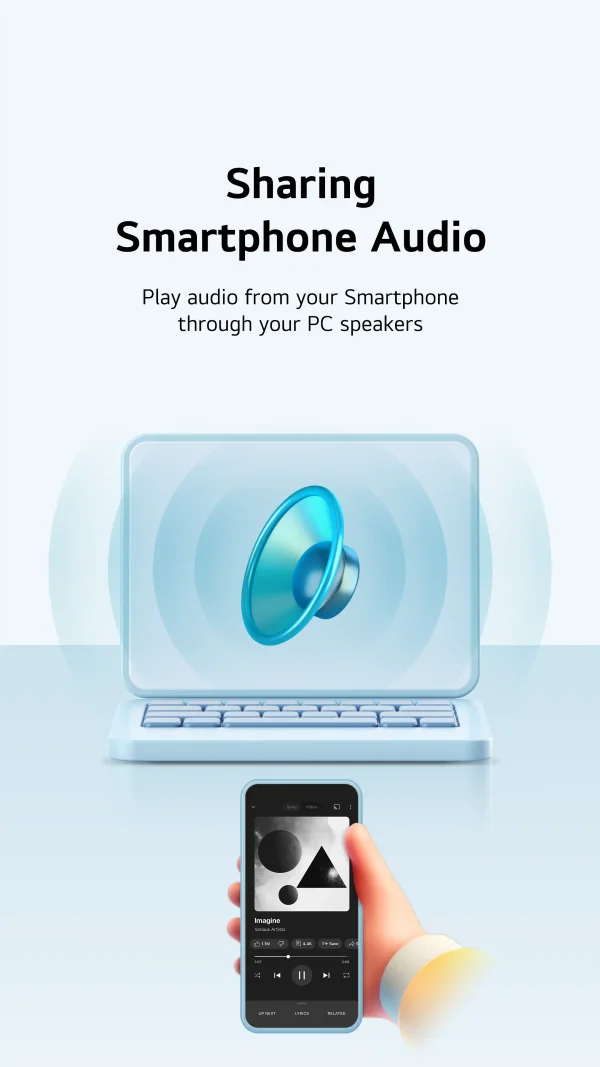
• スマートフォンオーディオの共有
スマートフォンのオーディオをPCのスピーカーから再生できます。
高音質でコンテンツをお楽しみいただけます。
• PC経由の通話
PCで直接通話できます。
作業中にハンズフリー通話で生産性を向上。
• PCでスマートフォンの通知を受け取る
PCでスマートフォンの通知を直接確認できます。
最新情報を入手し、通知を見逃すことなく便利に管理できます。
* アクセス権限
[必須]
- 位置情報: PCに接続するためのネットワーク情報へのアクセス
- 近くのデバイス: 近くのLG gram Linkアプリユーザーを検索
- カメラ: QRコードをスキャンしてPCに接続し、写真や動画を撮影して添付
- メディアファイルを含むファイル: 転送する写真、動画、ファイルへのアクセス
- マイク: ミラーリング用にスマートフォンの画面を録画する際に、スマートフォンのスピーカーにアクセス
- 通知: 接続の確認、ファイルの受信、転送完了通知の送信
原文を表示
Connect your PC and LG webOS TV with your Smartphone regardless of the OS
LG gram Link is a Smartphone connectivity application for LG PC users
Try to connect your LG PC and LG webOS TV with any Smartphone regardless of the operating system
You can transfer files, mirror your Smartphone, use it as a secondary monitor and more!
※ To use LG gram Link on gram PC, you must run the LG gram Link app on your Smartphone.
• Easy connection with QR code
You can easily connect LG PC with your Smartphone just by scanning the QR code.
• Smartphone ↔ PC / LG webOS TV file transfer
Send any photos, videos or files you want to your Smartphone or LG webOS TV
• Import files and photos from PC to Smartphone
Quickly search for files and photos on your PC and effortlessly import them to your Smartphone.
Access the data you need on your PC instantly to work more efficiently.
(This feature works in conjunction with the gram chat On-Device, so the gram chat On-Device must be installed and run for the first time before it can be used.)
• AI classification
Manage and search your photos easily using LG AI Gallery feature.
Your photos will be organized automatically by date, person, location, etc.
• Screen mirroring
Cast your Smartphone screen on your PC.
• Display extension/duplication
Use your Smartphone or LG webOS TV as a second screen.
• Keyboard/Mouse sharing
Control your Smartphone or LG webOS TV with your PC's keyboard/mouse.
• Sharing Smartphone camera
Use your Smartphone's camera on your PC.
Perfect for video conferencing or photography, offering flexible functionality.
• Sharing Smartphone audio
Play audio from your Smartphone through your PC speakers.
Enjoy your content with enhanced sound quality.
• Talking on the phone via PC
Make or receive calls directly on your PC.
Talk hands-free while working, boosting your productivity.
• Get Smartphone notifications on PC
View Smartphone notifications directly on your PC.
Stay updated and conveniently manage your notifications without missing anything.
* Access Permissions
[Required]
- Location: Accessing network information to connect to a PC
- Devices nearby: Searching LG gram Link app users nearby
- Camera: Scanning a QR code to connect to a PC, taking photos or recording videos, and attaching them
- Files including media files: Accessing photos, videos and files to be transmitted
- Microphone: Accessing mobile phone speakers while recording phone screens for mirroring
- Notification: Checking connection, receiving files, and sending a transfer complete notification
データ セーフティ
このアプリが収集・共有するデータについて、LG Electronics, Inc.がGoogle Playで申告している内容です。
- 第三者と共有されるデータはありません詳しくは、デベロッパーが共有を申告する方法についての説明をご覧ください
- データは収集されません詳しくは、デベロッパーが収集を申告する方法についての説明をご覧ください
新機能
バージョン 4.0.04 · 2026/6/29
LG gram Link is a Smartphone connectivity application for LG PC users
Try to connect your LG PC and LG webOS TV with any Smartphone regardless of the operating system.
You can transfer files, mirror your Smartphone, use it as a secondary monitor and more!
開発元の連絡先
- ウェブサイトlge.com
- メールlg-gramlink@lge.com
- プライバシーポリシーlgapps.github.io
- 住所영등포구 여의대로 128 (여의도동) 영등포구, 서울특별시 07336 South Korea
情報
- 提供元
- LG Electronics, Inc.
- カテゴリ
- ツール
- バージョン
- 4.0.04
- 更新日
- 2026/6/29
- リリース
- 2022/12/12
- 必要条件
- Android 9以降
- 対象年齢
- 3 歳以上
- 価格
- 無料
- パッケージ名
- com.lge.photosync