Multi Web Chat - Read Secretly
World Scan & CleanerEnthält Werbung · In-App-Käufe
- USK ab 0 JahrenAltersfreigabe
- Software & DemosKategorie
- 13.11.2026Aktualisiert
- KostenlosPreis
Verlinkt auf den offiziellen Google Play-Eintrag von com.whatscan.pro.whats.web.app. Zuletzt geprüft am 19.11.2026.
Screenshots
Über diese App
Automatische Übersetzung von Google. Originalsprache: Englisch (Vereinigte Staaten).
Holen Sie sich Web-Chat mit Geheimmodus! Status herunterladen, Video-/Foto-Chats, Nachrichten synchronisieren
Multi-Web-Chat – Geheim lesen – Multi Space – Web Scan Chat Sync – Mehrere Web-Konten in einer App verwalten
Haben Sie es satt, mehrere Apps gleichzeitig zu verwalten? Mit Multi Space – Web Scan Chat Sync können Sie mehrere Web-Chat-Konten (und andere Chat-Plattformen) ganz einfach an einem Ort synchronisieren und verwalten. Ob private, familiäre oder berufliche Konten – mit dieser App bleiben Sie nahtlos über alle Ihre Geräte hinweg verbunden, ohne zwischen mehreren Apps wechseln zu müssen.
Status Saver & Business Status Saver ist die ultimative Funktion der Multi Space App zum Herunterladen und Speichern von Fotos, Videos und GIFs aus Web-Chat-Kontostatus. Ob atemberaubendes Bild oder spannendes Video – Status Saver & Business Status Saver hilft Ihnen, diese Erinnerungen für immer festzuhalten!
Hauptfunktionen:
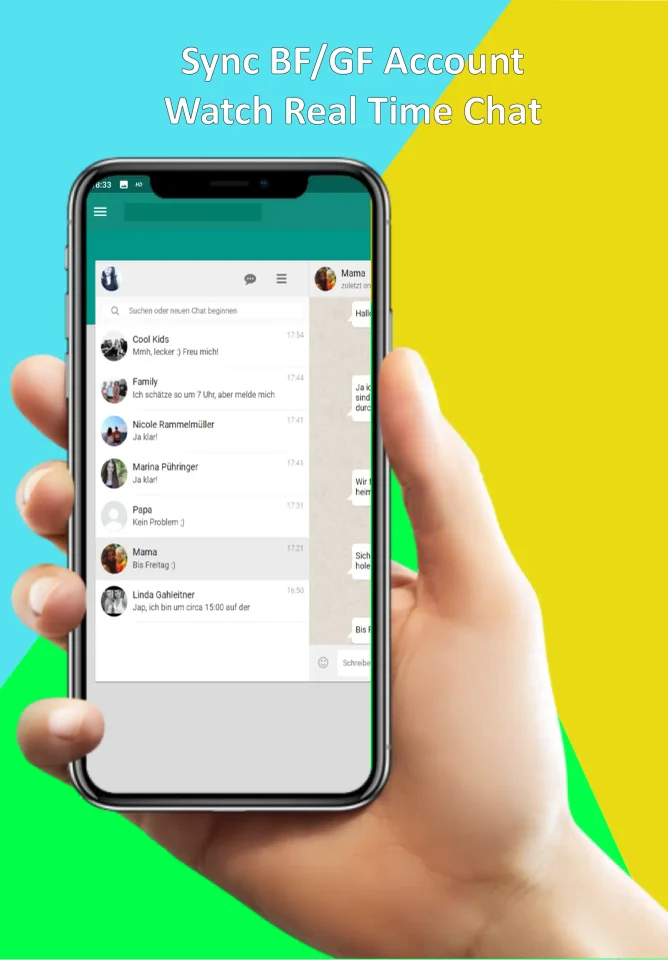
Mehrere Konten synchronisieren: Synchronisieren und verwalten Sie mehrere Web-Chat-Konten (einschließlich Ihrer Freunde-, Familien- und Kinderkonten usw.) von einer einzigen App aus.
Nahtloses Wechseln: Wechseln Sie mühelos zwischen verschiedenen Chat-Konten, ohne sich an- und abmelden zu müssen.
Einheitliches Dashboard: Greifen Sie über eine zentrale Oberfläche auf alle Ihre Chat-Konten zu und verwalten Sie Chats, Nachrichten und Benachrichtigungen ganz einfach.
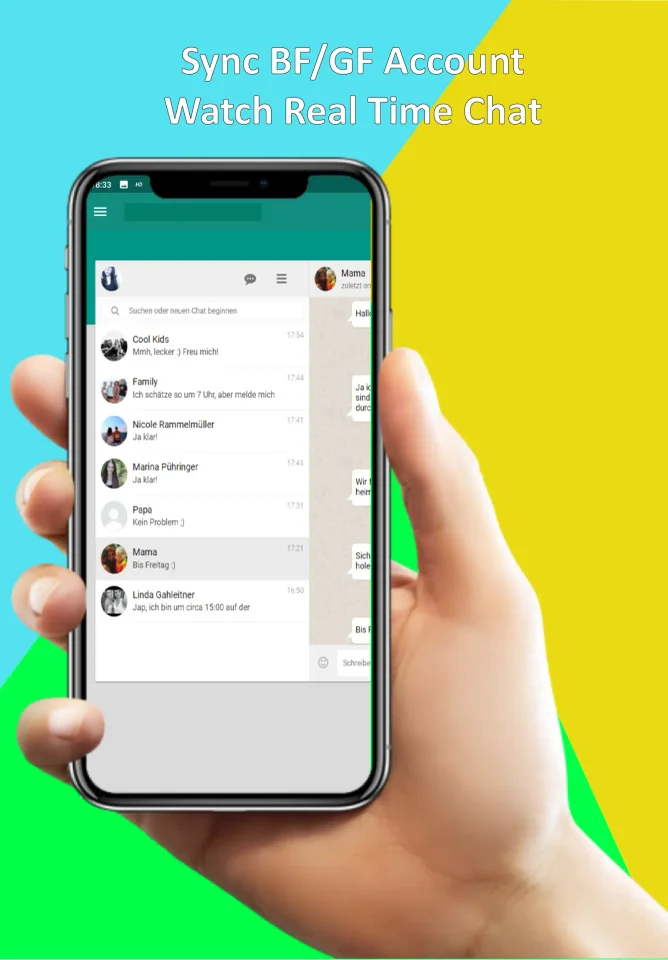
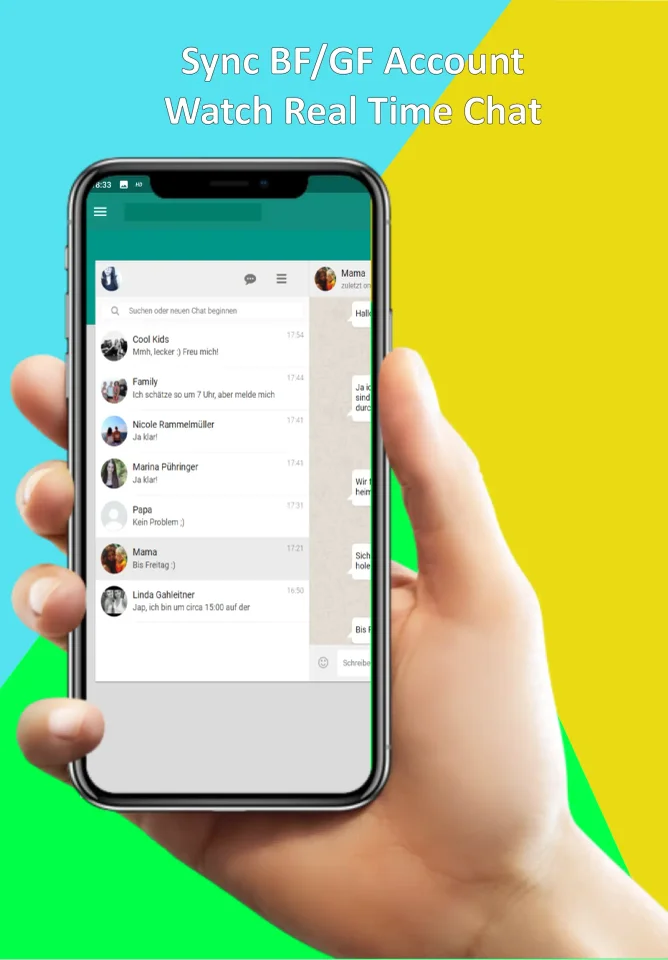
Plattformübergreifende Synchronisierung: Synchronisieren Sie Chats von Ihrem Telefon mit dem Internet und verwalten Sie sie in Echtzeit von Ihrem Handy oder Tablet aus.
Foto-/Video-Chat herunterladen: Jetzt können Sie Foto- und Videonachrichten herunterladen und mit anderen teilen.
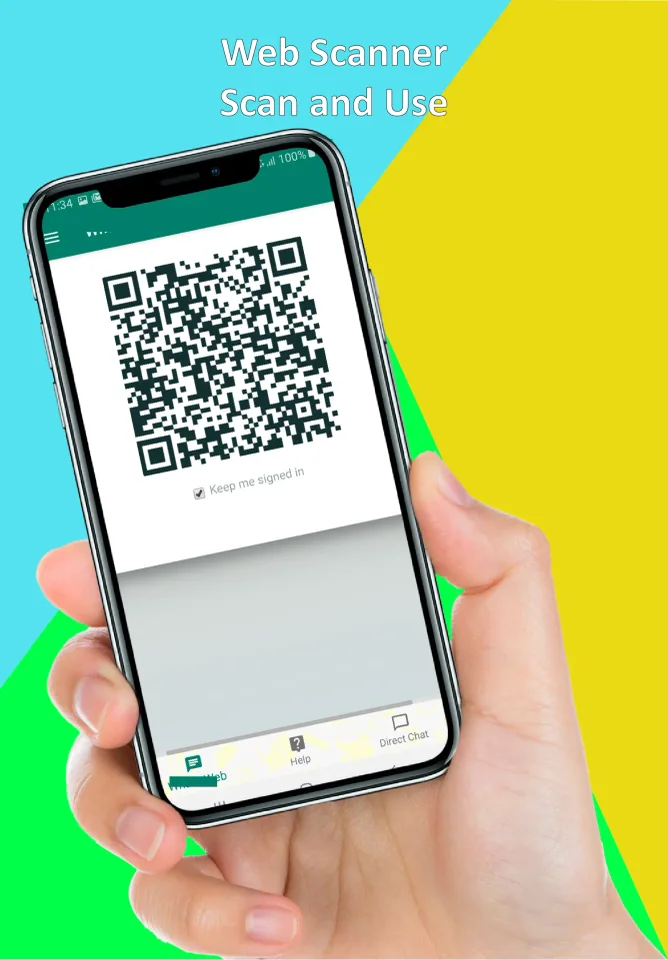
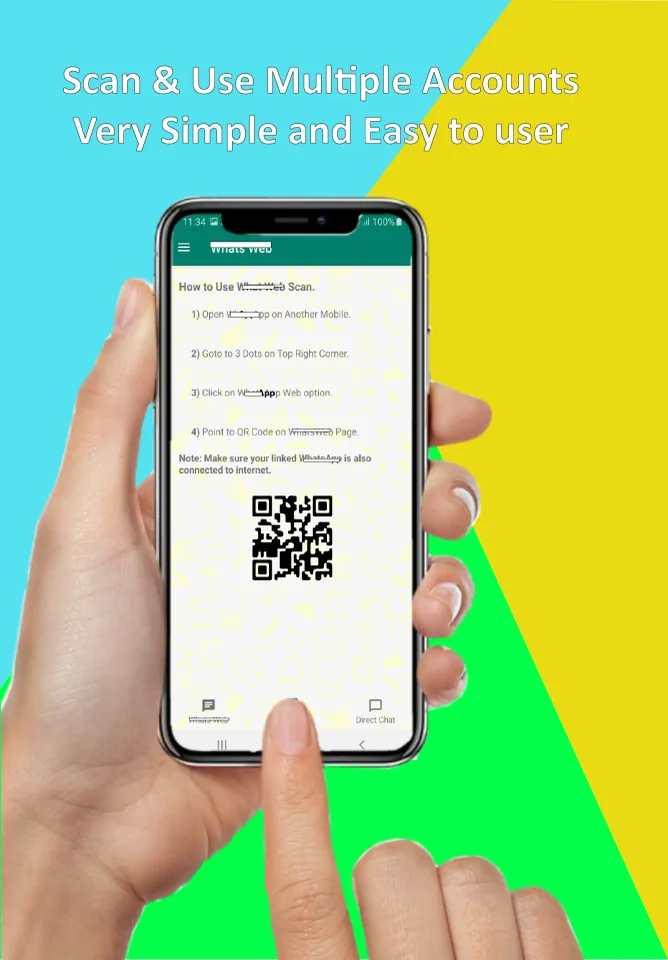
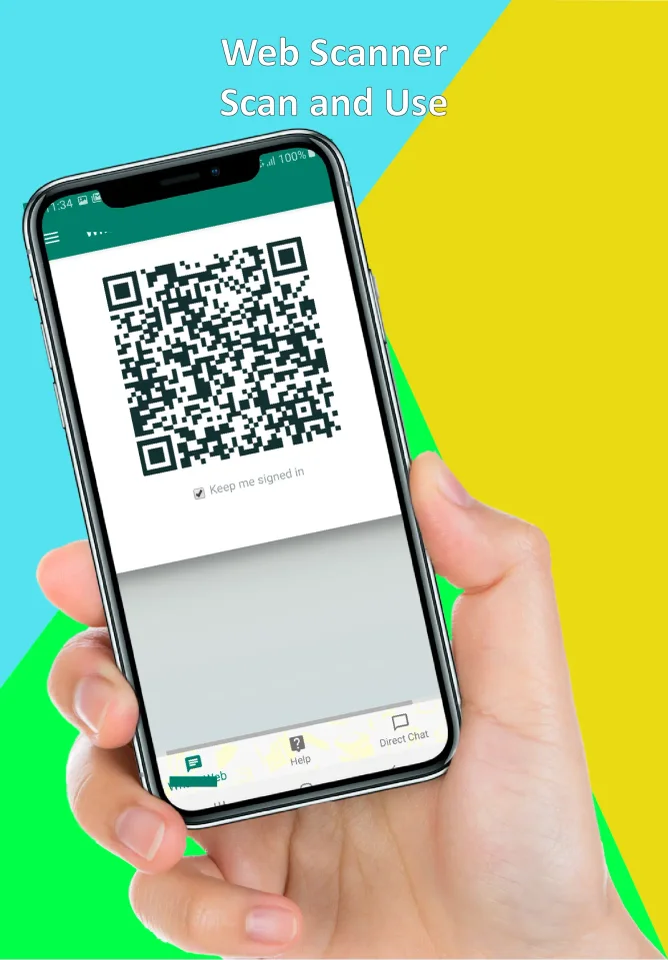
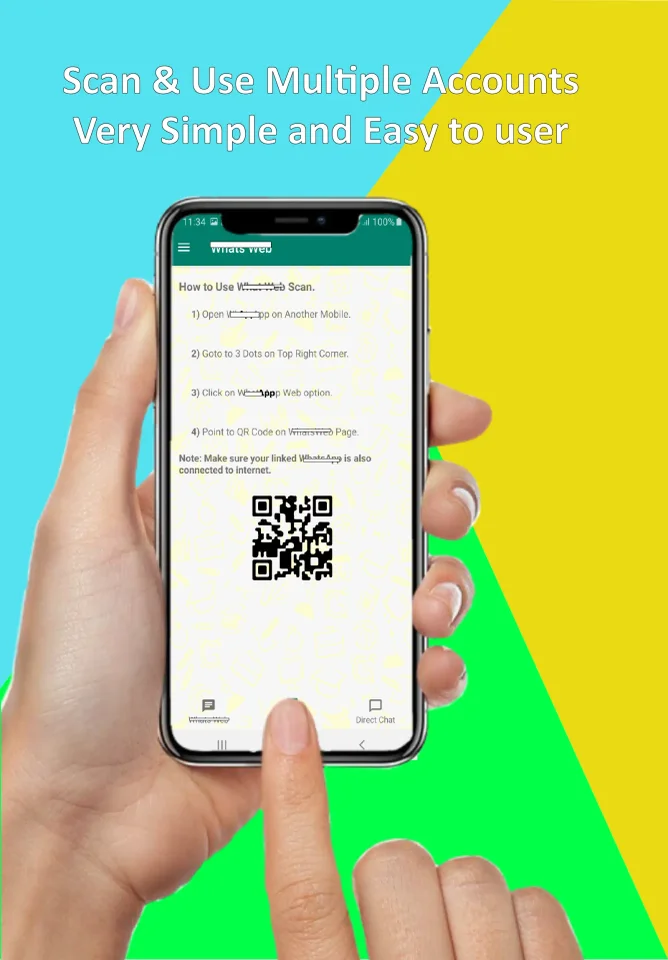
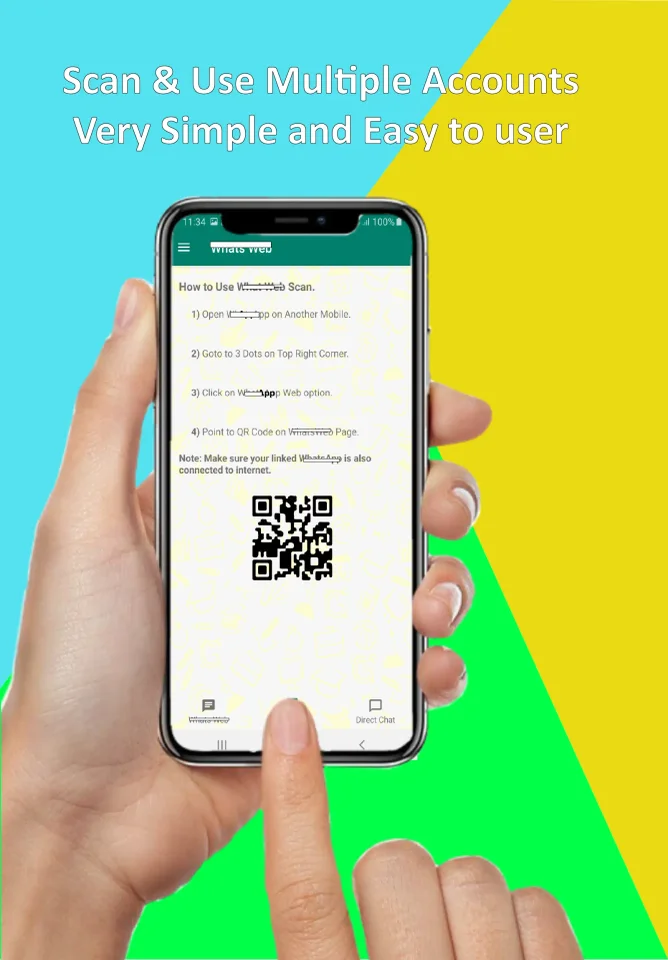
Einfache Einrichtung: Scannen Sie einfach den QR-Code von jedem Konto, das Sie synchronisieren möchten, und beginnen Sie sofort mit der Verwaltung Ihrer Chats.
Einfacher Download: Speichern Sie Fotos, Videos und GIFs mühelos aus Web-Chat-Statusmeldungen.
Schnell & einfach: Speichern Sie Bilder, Videos und Storys mit nur einem Klick.
Anzeigen und Verwalten: Durchsuchen Sie gespeicherte Statusmeldungen mit einer intuitiven Galeriefunktion.
Status teilen: Teilen Sie Ihre Lieblingsstatusmeldungen und Geschäftsstatusmeldungen jederzeit mit Freunden und Familie.
In-App-Vorschau: Zeigen Sie Statusmeldungen direkt in der App an, bevor Sie sie speichern.
Offline-Zugriff: Sehen Sie sich Ihre gespeicherten Statusmeldungen auch ohne Internetverbindung an.
Benutzerfreundliche Oberfläche: Schlankes und benutzerfreundliches Design für ein nahtloses Erlebnis.
Keine Anmeldung erforderlich: Öffnen Sie einfach die App, sehen Sie sich Statusmeldungen an und beginnen Sie sofort mit dem Speichern.
So verwenden Sie Multi Space – Web Scan & Sync:
1. Laden Sie die App Multi Space – Web Scan Chat Sync herunter und installieren Sie sie.
2. Öffnen Sie die App und wählen Sie die Chat-Plattform aus, die Sie synchronisieren möchten.
3. Scannen Sie den QR-Code von jedem Konto, das Sie synchronisieren möchten (genau wie beim Web-Chat-Konto).
4. Wechseln Sie nahtlos zwischen Konten und bleiben Sie mit allen Ihren Chats gleichzeitig verbunden.
So verwenden Sie die Status- und Geschäftsstatus-Speicherfunktion:
1. Öffnen Sie die Web-Chat-App und sehen Sie sich den Status oder Geschäftsstatus an, den Sie speichern möchten.
2. Starten Sie die Status-Speicherfunktion. Die angezeigten Status werden automatisch erkannt.
3. Wählen Sie den Status oder Geschäftsstatus aus, den Sie speichern möchten.
4. Klicken Sie auf „Speichern“, um ihn in die Galerie Ihres Geräts herunterzuladen.
5. Greifen Sie jederzeit auf Ihre gespeicherten Status zu und teilen Sie sie!
Warum Multi-Chat-Synchronisierung verwenden?
Vereinfachen Sie Ihr Leben: Verwalten Sie mehrere Konten mit einer App und vermeiden Sie das lästige An- und Abmelden bei verschiedenen Diensten.
Zeitersparnis: Nie wieder zwischen Apps wechseln – behalten Sie alle Ihre Konversationen zentral im Blick.
Arbeit & Privatleben: Ideal für Berufstätige, die sowohl berufliche als auch private Chat-Konten gleichzeitig verwalten müssen.
Wichtiger Hinweis:
Diese App dient zum Synchronisieren und Verwalten von Chat-Konten über Weboberflächen. Ihre ursprünglichen Chat-Apps werden dabei nicht gespeichert oder beeinträchtigt.
Die App unterstützt gängige Chat-Plattformen.
Holen Sie sich jetzt Multi Space – Web Scan & Sync!
Verwalten Sie mehrere Chat-Konten zentral! Multi Space – Web Scan & Sync macht es einfacher denn je, mit all Ihren Messaging-Plattformen verbunden zu bleiben. So sparen Sie Zeit und Mühe und behalten gleichzeitig den Überblick.
Originaltext anzeigen
Multi Web Chat - Read Secretly - Multi Space - Web Scan Chat Sync - Manage Multiple Web Accounts in One App
Tired of juggling multiple apps to manage several chat accounts? With Multi Space - Web Scan Chat Sync, you can easily synchronize and manage multiple web chat accounts (and other chat platforms) all in one place. Whether it's your personal, family, or work accounts, this app allows you to seamlessly stay connected across all your devices without the hassle of switching between multiple apps.
Status Saver & Business Status Saver is the ultimate feature of Multi Space app for downloading and saving photos, videos, and GIFs from Web Chat account statuses. Whether it's a stunning image or an exciting video, Status Saver & Business Status Saver helps you keep those memories forever!
Key Features:
Sync Multiple Accounts: Sync and manage multiple web chat accounts (including your Friends, Family and Children accounts etc.) from a single app.
Seamless Switching: Effortlessly switch between different chat accounts without logging in and out.
Unified Dashboard: Access all your chat accounts from a centralized interface and manage chats, messages, and notifications easily.
Cross-Platform Sync: Sync chats from your phone to the web and manage them in real-time from your mobile or tablet.
Download photo/video chat: Now you can download photo and video message and share with others.
Easy Setup: Simply scan the QR code from each account you wish to sync and start managing your chats right away.
Easy Download: Save photos, videos, and GIFs from Web Chat statuses effortlessly.
Fast & Simple: One-click save option for images, videos, and stories.
View and Manage: Browse through saved statuses with an intuitive gallery feature.
Status Sharing: Share your favorite statuses & business status with friends and family anytime.
In-App Preview: Preview statuses directly within the app before saving them.
Offline Access: View your saved statuses even without an internet connection.
User-Friendly Interface: Sleek and easy-to-use design for a seamless experience.
No Login Required: Simply open the app, view statuses, and start saving instantly.
How to Use Multi Space - Web Scan & Sync:
1. Download and install the Multi Space - Web Scan Chat Sync app.
2. Open the app and select the chat platform you want to sync).
3. Scan the QR code from each account you want to sync (just like Web Chat Account).
4. Switch between accounts seamlessly and stay connected to all your chats at once.
How to Use Status Saver & Business Status Saver Feature:
1. Open Web Chat App and view the status or business status you want to save.
2. Launch Status Saver and it will automatically detect the viewed statuses.
3. Select the status or business status you want to save.
4. Click Save to download it to your device's gallery.
5. Access and share your saved statuses anytime!
Why Use Multi-Chat Sync?
Simplify Your Life: Manage multiple accounts with one app and say goodbye to the hassle of logging in and out of different services.
Time-Saving: No more switching between apps—stay on top of all your conversations from one central location.
Work & Personal Life: Perfect for professionals who need to manage both work and personal chat accounts simultaneously.
Important Note:
This app is designed to sync and manage chat accounts through web interfaces, and it does not store or interfere with your original chat apps.
The app supports popular chat platforms.
Get Multi Space - Web Scan & Sync Now!
Start managing multiple chat accounts in one place! Multi Space - Web Scan & Sync makes it easier than ever to stay connected to all your messaging platforms, saving you time and effort while keeping everything organized.
Datensicherheit
Was World Scan & Cleaner bei Google Play zu den Daten angibt, die diese App erfasst und weitergibt.
- Keine Daten werden mit Drittunternehmen oder -organisationen geteiltWeitere Informationen dazu, wie Entwickler Angaben zur Weitergabe von Daten machen
- Diese App kann die folgenden Datentypen erhebenInstallierte Apps
- Daten werden bei der Übertragung verschlüsselt
- Daten können nicht gelöscht werden
Neue Funktionen
Version 13.6 · 13.11.2026
Now you can read/write chat secretly through incognito mode
1) Multi Space Account feature has been introduced.
2) Download Video & Photos from any account chat.
3) Now you can save Business Status and share.
Note: Great News!!! Now you can hide notification from your partner device Notification's settings. You just need to turn of 2nd account notification.
Kontakt zum Entwickler
- Websitewhatsappwebapp.blogspot.com
- E-Mailrawdev4@gmail.com
- Datenschutzerklärungwhatsappwebapp.blogspot.com
- Adresse61-D, Sector 4-A, Khayaban e Sirsyed Rawalpindi, 46000 Pakistan
Informationen
- Angeboten von
- World Scan & Cleaner
- Kategorie
- Software & Demos
- Version
- 13.6
- Aktualisiert
- 13.11.2026
- Veröffentlicht
- 16.08.2019
- Erfordert
- Android 7.0 oder höher
- Altersfreigabe
- USK ab 0 Jahren
- Preis
- Kostenlos
- In-App-Käufe
- 1,99 €–99,99 € bei Abrechnung über Google Play
- Paketname
- com.whatscan.pro.whats.web.app
Ähnliche Apps
-
 Alli360 by Kids360
Eltern
-
 Fake Chat ChatsMock Text Prank
Unterhaltung
-
 SleekFlow
Business
-
 Laoshi - Chinesisch lernen HSK
Lernen
-
 WeCom
Business
-
 AI Chatbot - Bluu
Effizienz
-
 Be Closer: Familie GPS Ortung
Eltern
-
 Wabi - Virtuelle Telefonnummer
Business
-
 Chinese Guru
Lernen
-
 AnyTracker – alles verfolgen!
Shopping
-
 Sage AI - AI Coach & Assistant
Effizienz
-
 WaStat - WatchApp-Tracker
Tools