Multi Web Chat - Read Secretly
World Scan & Cleaner広告を含む · アプリ内課金
- 3 歳以上対象年齢
- ライブラリ&デモカテゴリ
- 2026/11/13更新日
- 無料価格
com.whatscan.pro.whats.web.appのGoogle Play公式ページにリンクしています。最終確認:2026/11/19。
スクリーンショット
このアプリについて
Googleによる英語 (アメリカ合衆国)からの自動翻訳です。
シークレットモードでWebチャットを楽しもう!ダウンロードステータス、ビデオ/写真チャット、メッセージの同期
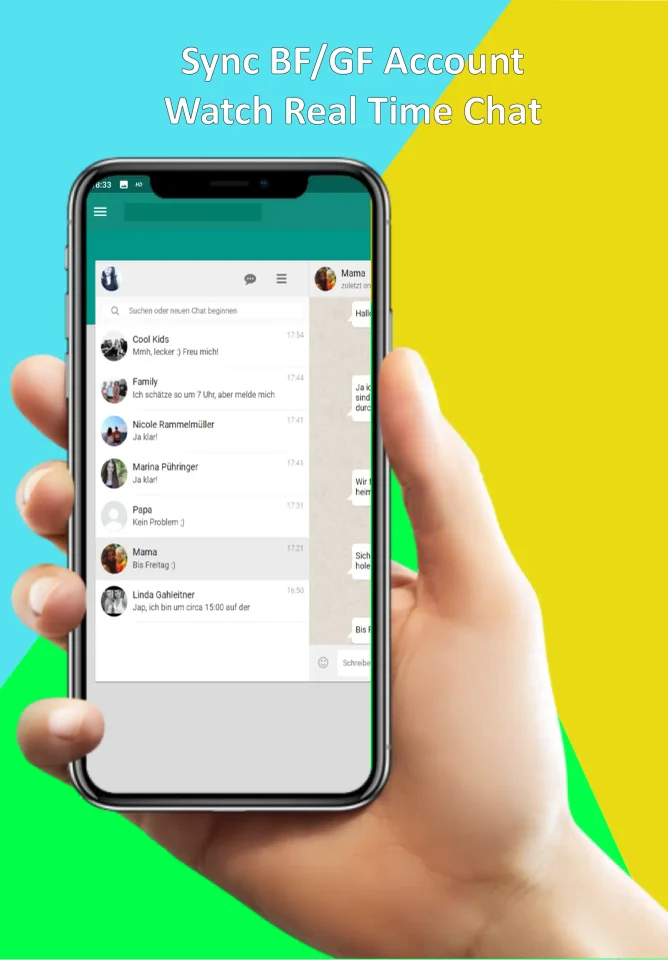
マルチウェブチャット - 秘密に読む - マルチスペース - ウェブスキャンチャット同期 - 複数のウェブアカウントを1つのアプリで管理
複数のチャットアカウントを管理するために複数のアプリを操作するのは面倒ですか? マルチスペース - ウェブスキャンチャット同期を使えば、複数のウェブチャットアカウント(およびその他のチャットプラットフォーム)を1か所で簡単に同期・管理できます。個人用、家族用、仕事用など、どんなアカウントでも、このアプリを使えば、複数のアプリを切り替えることなく、すべてのデバイスでシームレスに接続できます。
ステータスセーバーとビジネスステータスセーバーは、マルチスペースアプリの究極の機能で、ウェブチャットアカウントのステータスから写真、動画、GIFをダウンロードして保存できます。素敵な画像でも、ワクワクする動画でも、ステータスセーバーとビジネスステータスセーバーを使えば、思い出を永遠に保存できます!
主な機能:
複数アカウントの同期: 複数のウェブチャットアカウント(友達、家族、子供のアカウントなどを含む)を1つのアプリで同期・管理できます。
シームレスな切り替え: ログイン・ログアウトすることなく、複数のチャットアカウント間を簡単に切り替えられます。
統合ダッシュボード: 一元化されたインターフェースからすべてのチャットアカウントにアクセスし、チャット、メッセージ、通知を簡単に管理できます。
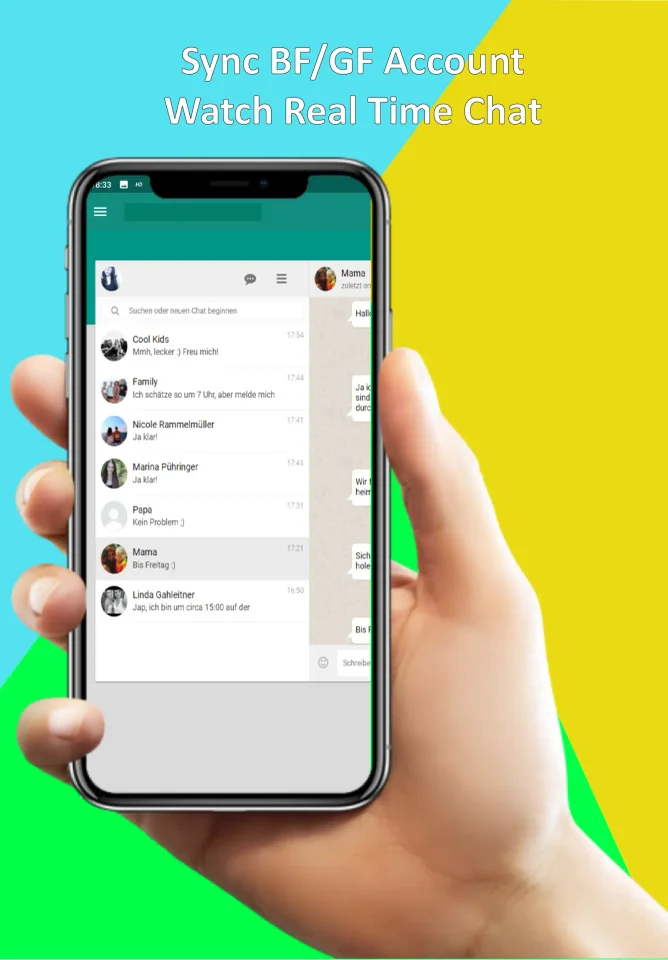
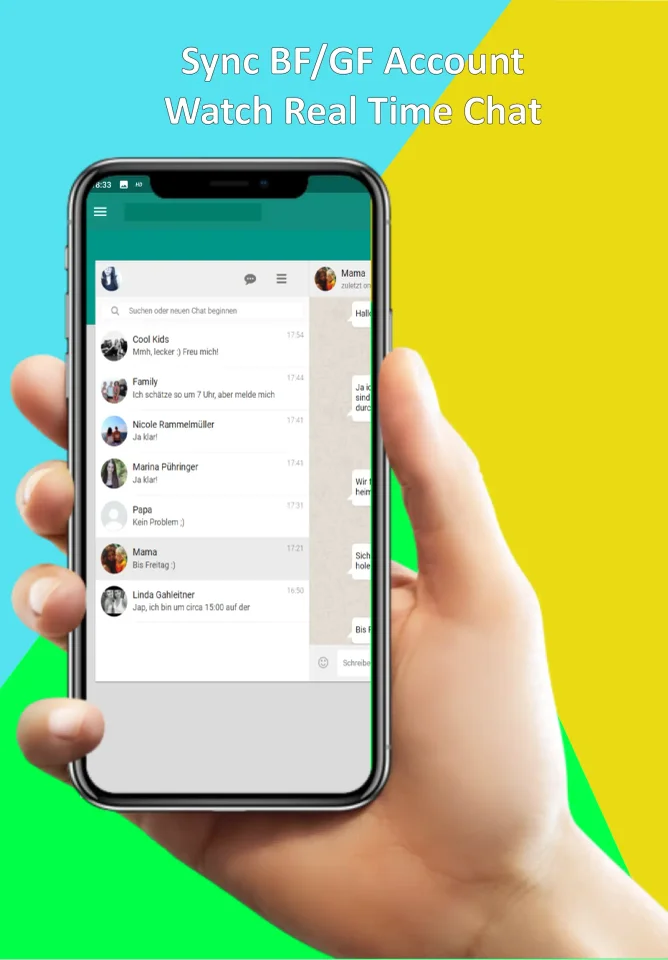
クロスプラットフォーム同期: スマートフォンからウェブにチャットを同期し、モバイルやタブレットからリアルタイムで管理できます。
写真/ビデオチャットのダウンロード: 写真やビデオメッセージをダウンロードして、他のユーザーと共有できるようになりました。
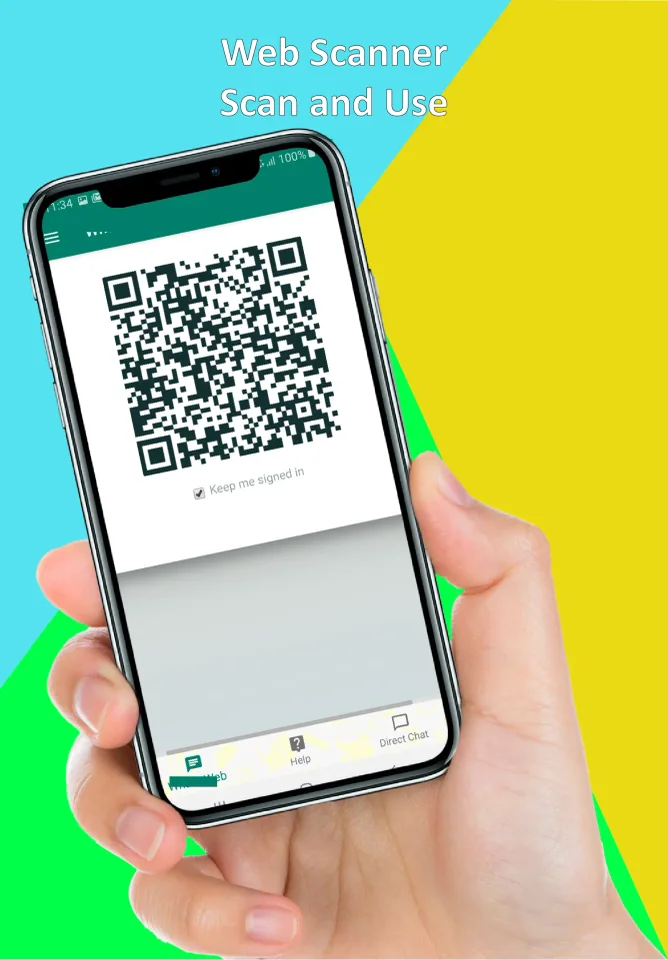
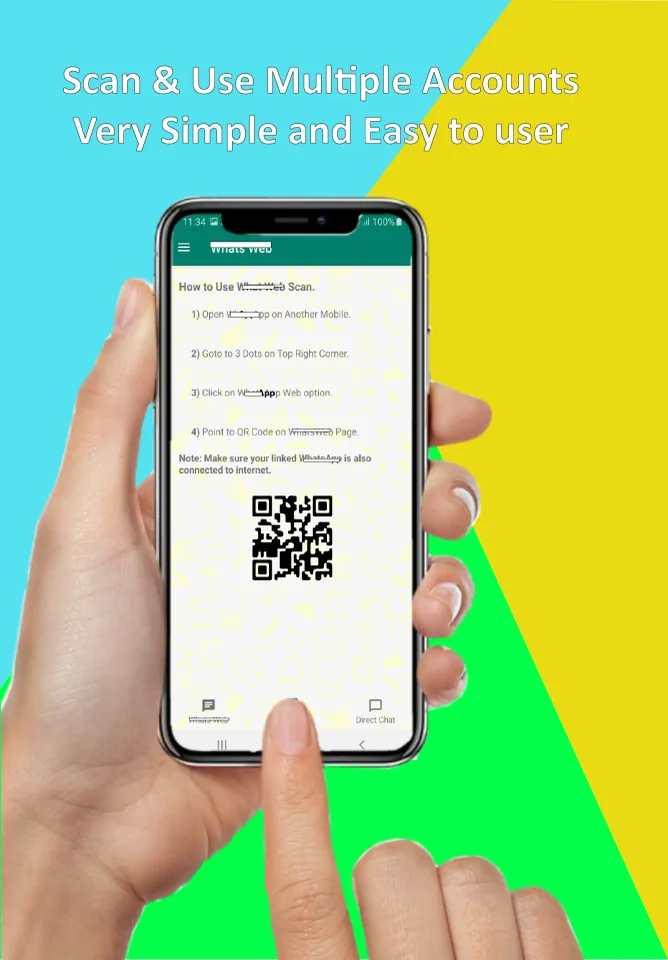
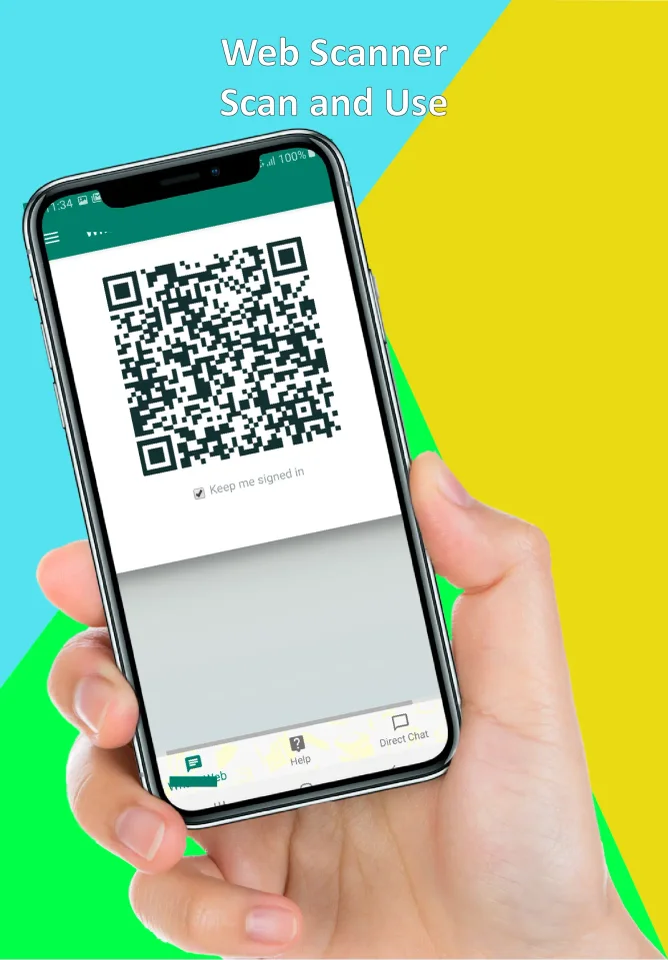
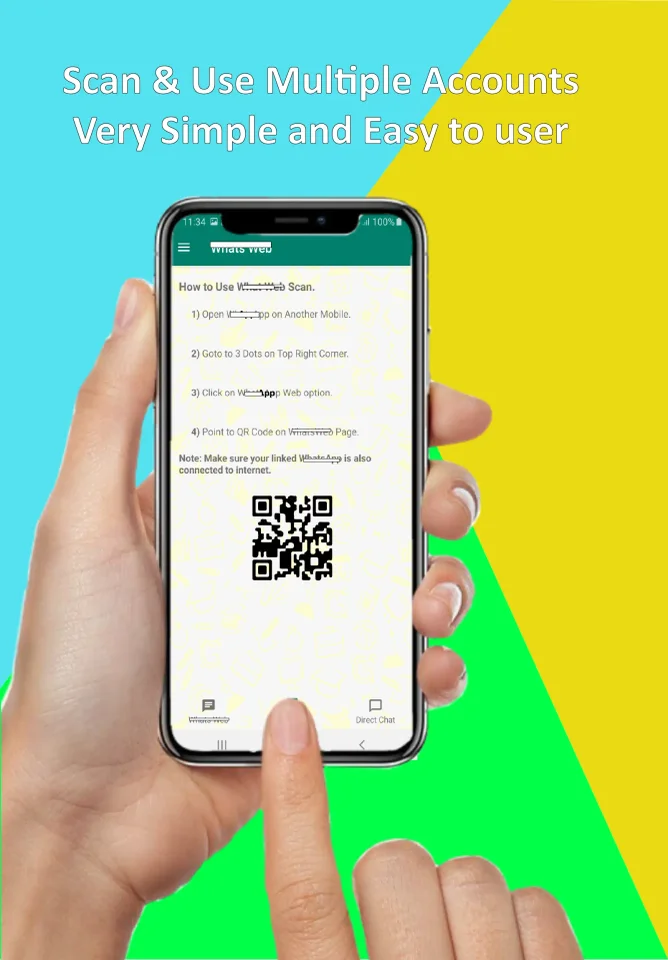
簡単なセットアップ: 同期したい各アカウントのQRコードをスキャンするだけで、すぐにチャットの管理を開始できます。
簡単なダウンロード: ウェブチャットのステータスから写真、動画、GIFを簡単に保存できます。
高速かつシンプル: 画像、動画、ストーリーをワンクリックで保存できます。
表示と管理: 直感的なギャラリー機能で、保存したステータスを閲覧できます。
ステータスの共有: お気に入りのステータスやビジネスステータスを、いつでも友人や家族と共有できます。
アプリ内プレビュー: 保存する前に、アプリ内で直接ステータスをプレビューできます。
オフラインアクセス: インターネットに接続していなくても、保存したステータスを表示できます。
ユーザーフレンドリーなインターフェース: 洗練された使いやすいデザインで、シームレスな体験を提供します。
ログイン不要: アプリを開いてステータスを表示し、すぐに保存を開始できます。
Multi Space - Web Scan & Sync の使い方:
1. Multi Space - Web Scan Chat Sync アプリをダウンロードしてインストールします。
2. アプリを開き、同期するチャットプラットフォームを選択します。
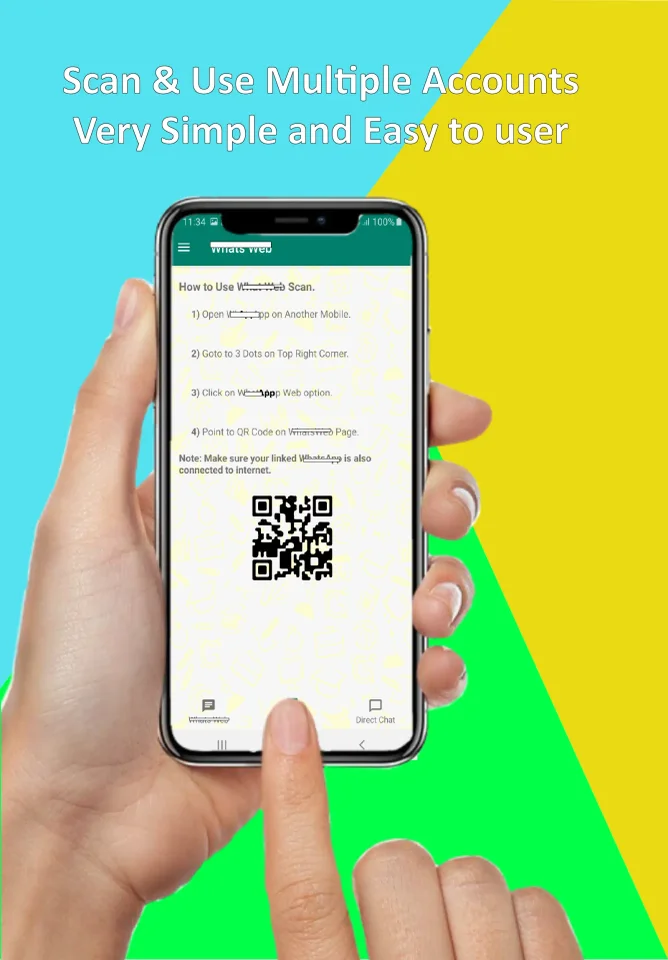
3. 同期する各アカウントの QR コードをスキャンします(Web Chat アカウントと同様に)。
4. アカウントをシームレスに切り替え、すべてのチャットに同時に接続できます。
ステータスセーバーとビジネスステータスセーバー機能の使い方:
1. Webチャットアプリを開き、保存したいステータスまたはビジネスステータスを表示します。
2. ステータスセーバーを起動すると、表示済みのステータスが自動的に検出されます。
3. 保存したいステータスまたはビジネスステータスを選択します。
4. 「保存」をクリックして、デバイスのギャラリーにダウンロードします。
5. 保存したステータスにいつでもアクセスして共有できます!
マルチチャット同期を使用する理由
生活をシンプルに: 1つのアプリで複数のアカウントを管理すれば、さまざまなサービスへのログインとログアウトの手間が省けます。
時間の節約: アプリを切り替える必要がなくなり、すべての会話を1か所で把握できます。
仕事とプライベート: 仕事とプライベートの両方のチャットアカウントを同時に管理する必要があるプロフェッショナルに最適です。
重要事項:
このアプリは、Webインターフェースを介してチャットアカウントを同期・管理するために設計されており、既存のチャットアプリを保存したり、干渉したりすることはありません。
このアプリは一般的なチャットプラットフォームをサポートしています。
Multi Space - Web Scan & Syncを今すぐ入手!
複数のチャットアカウントを一元管理しましょう!Multi Space - Web Scan & Syncを使えば、これまで以上に簡単にすべてのメッセージングプラットフォームに接続でき、時間と労力を節約しながらすべてを整理できます。
原文を表示
Multi Web Chat - Read Secretly - Multi Space - Web Scan Chat Sync - Manage Multiple Web Accounts in One App
Tired of juggling multiple apps to manage several chat accounts? With Multi Space - Web Scan Chat Sync, you can easily synchronize and manage multiple web chat accounts (and other chat platforms) all in one place. Whether it's your personal, family, or work accounts, this app allows you to seamlessly stay connected across all your devices without the hassle of switching between multiple apps.
Status Saver & Business Status Saver is the ultimate feature of Multi Space app for downloading and saving photos, videos, and GIFs from Web Chat account statuses. Whether it's a stunning image or an exciting video, Status Saver & Business Status Saver helps you keep those memories forever!
Key Features:
Sync Multiple Accounts: Sync and manage multiple web chat accounts (including your Friends, Family and Children accounts etc.) from a single app.
Seamless Switching: Effortlessly switch between different chat accounts without logging in and out.
Unified Dashboard: Access all your chat accounts from a centralized interface and manage chats, messages, and notifications easily.
Cross-Platform Sync: Sync chats from your phone to the web and manage them in real-time from your mobile or tablet.
Download photo/video chat: Now you can download photo and video message and share with others.
Easy Setup: Simply scan the QR code from each account you wish to sync and start managing your chats right away.
Easy Download: Save photos, videos, and GIFs from Web Chat statuses effortlessly.
Fast & Simple: One-click save option for images, videos, and stories.
View and Manage: Browse through saved statuses with an intuitive gallery feature.
Status Sharing: Share your favorite statuses & business status with friends and family anytime.
In-App Preview: Preview statuses directly within the app before saving them.
Offline Access: View your saved statuses even without an internet connection.
User-Friendly Interface: Sleek and easy-to-use design for a seamless experience.
No Login Required: Simply open the app, view statuses, and start saving instantly.
How to Use Multi Space - Web Scan & Sync:
1. Download and install the Multi Space - Web Scan Chat Sync app.
2. Open the app and select the chat platform you want to sync).
3. Scan the QR code from each account you want to sync (just like Web Chat Account).
4. Switch between accounts seamlessly and stay connected to all your chats at once.
How to Use Status Saver & Business Status Saver Feature:
1. Open Web Chat App and view the status or business status you want to save.
2. Launch Status Saver and it will automatically detect the viewed statuses.
3. Select the status or business status you want to save.
4. Click Save to download it to your device's gallery.
5. Access and share your saved statuses anytime!
Why Use Multi-Chat Sync?
Simplify Your Life: Manage multiple accounts with one app and say goodbye to the hassle of logging in and out of different services.
Time-Saving: No more switching between apps—stay on top of all your conversations from one central location.
Work & Personal Life: Perfect for professionals who need to manage both work and personal chat accounts simultaneously.
Important Note:
This app is designed to sync and manage chat accounts through web interfaces, and it does not store or interfere with your original chat apps.
The app supports popular chat platforms.
Get Multi Space - Web Scan & Sync Now!
Start managing multiple chat accounts in one place! Multi Space - Web Scan & Sync makes it easier than ever to stay connected to all your messaging platforms, saving you time and effort while keeping everything organized.
データ セーフティ
このアプリが収集・共有するデータについて、World Scan & CleanerがGoogle Playで申告している内容です。
- 第三者と共有されるデータはありません詳しくは、デベロッパーが共有を申告する方法についての説明をご覧ください
- このアプリは以下の種類のデータを収集することがありますファイル、ドキュメント
- データは送信中に暗号化されます
- データを削除できません
新機能
バージョン 13.6 · 2026/11/13
Now you can read/write chat secretly through incognito mode
1) Multi Space Account feature has been introduced.
2) Download Video & Photos from any account chat.
3) Now you can save Business Status and share.
Note: Great News!!! Now you can hide notification from your partner device Notification's settings. You just need to turn of 2nd account notification.
開発元の連絡先
- ウェブサイトwhatsappwebapp.blogspot.com
- メールrawdev4@gmail.com
- プライバシーポリシーwhatsappwebapp.blogspot.com
- 住所61-D, Sector 4-A, Khayaban e Sirsyed Rawalpindi, 46000 Pakistan
情報
- 提供元
- World Scan & Cleaner
- カテゴリ
- ライブラリ&デモ
- バージョン
- 13.6
- 更新日
- 2026/11/13
- リリース
- 2019/8/16
- 必要条件
- Android 7.0以降
- 対象年齢
- 3 歳以上
- 価格
- 無料
- アプリ内課金
- ¥340~¥17,200/アイテム
- パッケージ名
- com.whatscan.pro.whats.web.app
類似のアプリ
-
 Alli360 by Kids360
出産&育児
-
 Fake Chat ChatsMock Text Prank
エンタメ
-
 SleekFlow
ビジネス
-
 Laoshi - 中国語を学ぶ・発音・手書き・HSK
教育
-
 WeCom
ビジネス
-
 AI Chatbot - Bluu
仕事効率化
-
 Be Closer Family GPS 追跡アプリ
出産&育児
-
 Wabi - Virtual Phone Number
ビジネス
-
 Chinese Guru
教育
-
 AnyTracker - あらゆるものを追跡します!
ショッピング
-
 Sage AI - AI Coach & Assistant
仕事効率化
-
 WaStat - WatchApp tracker
ツール