Oogly Excelente Digital
Oogly Watch Face- USK ab 0 JahrenAltersfreigabe
- PersonalisierungKategorie
- 08.10.2026Aktualisiert
- 1,29 €Preis
Verlinkt auf den offiziellen Google Play-Eintrag von com.watchfacestudio.ooglyexcelentedigital. Zuletzt geprüft am 26.11.2026.
Screenshots

Über diese App
Automatische Übersetzung von Google. Originalsprache: Englisch (Vereinigte Staaten).
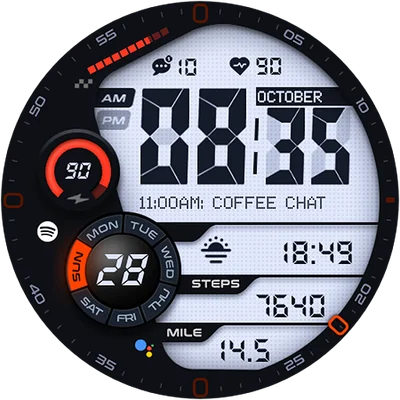
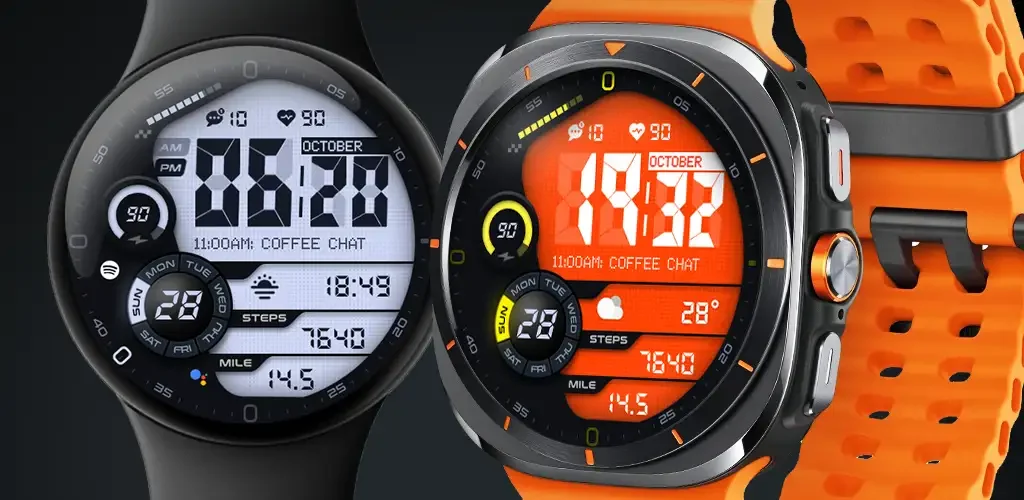
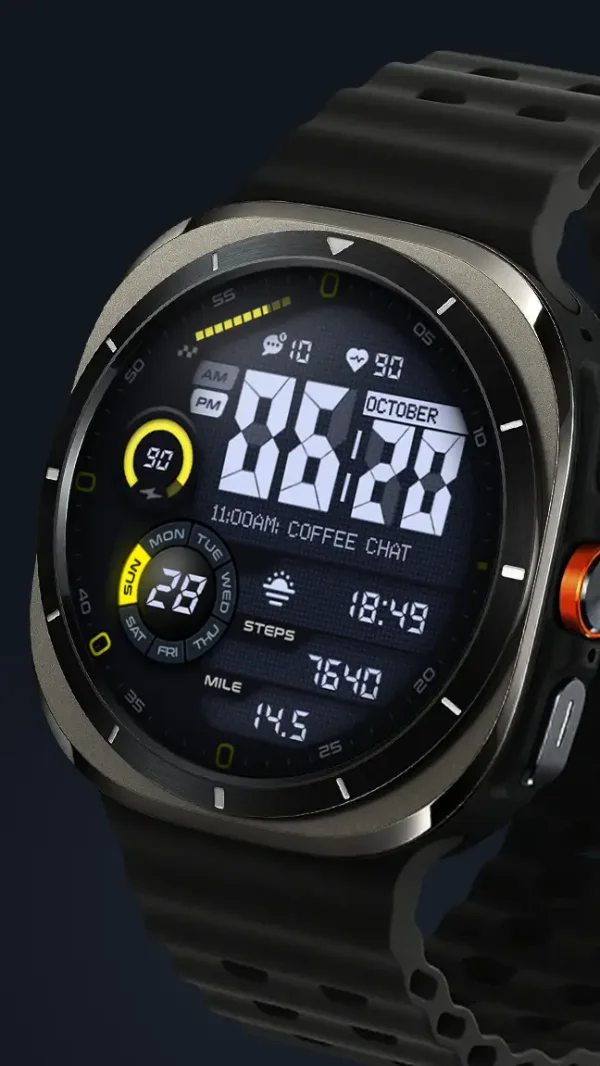
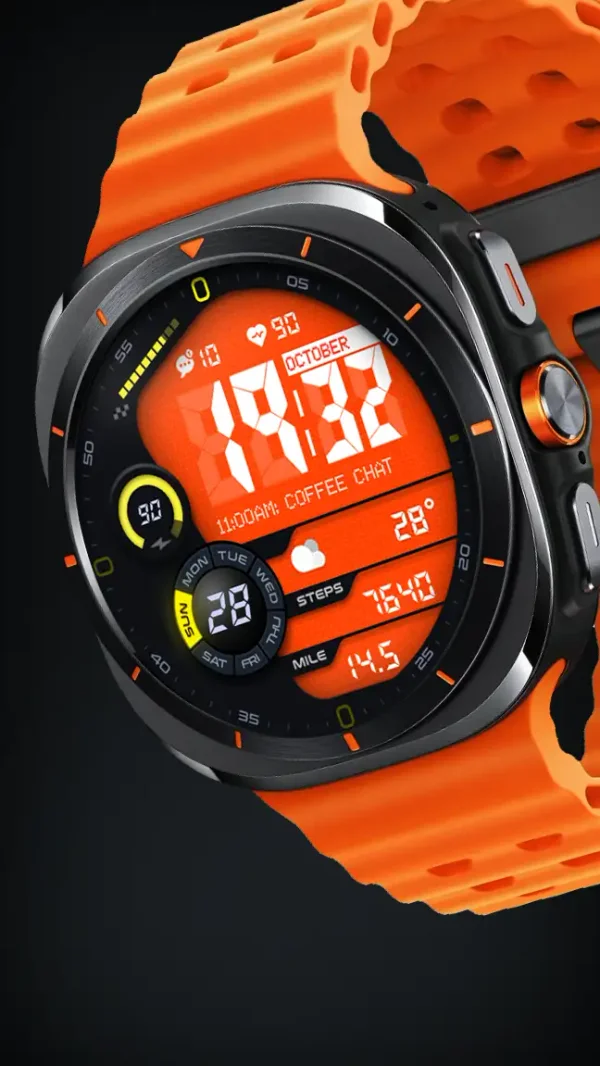
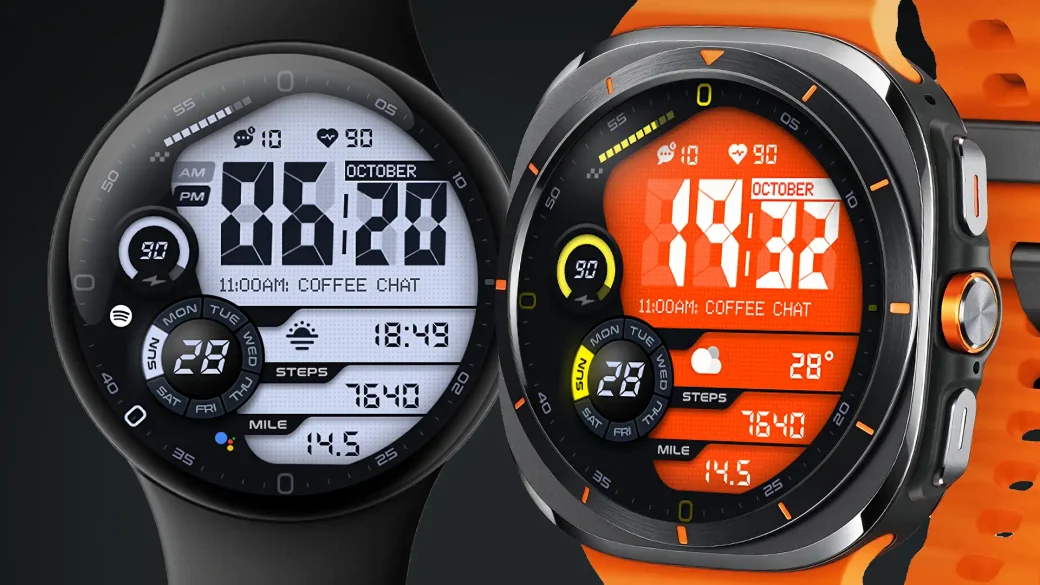
Das auffällige und gut lesbare Design verfügt über eine Vielzahl interessanter Farben
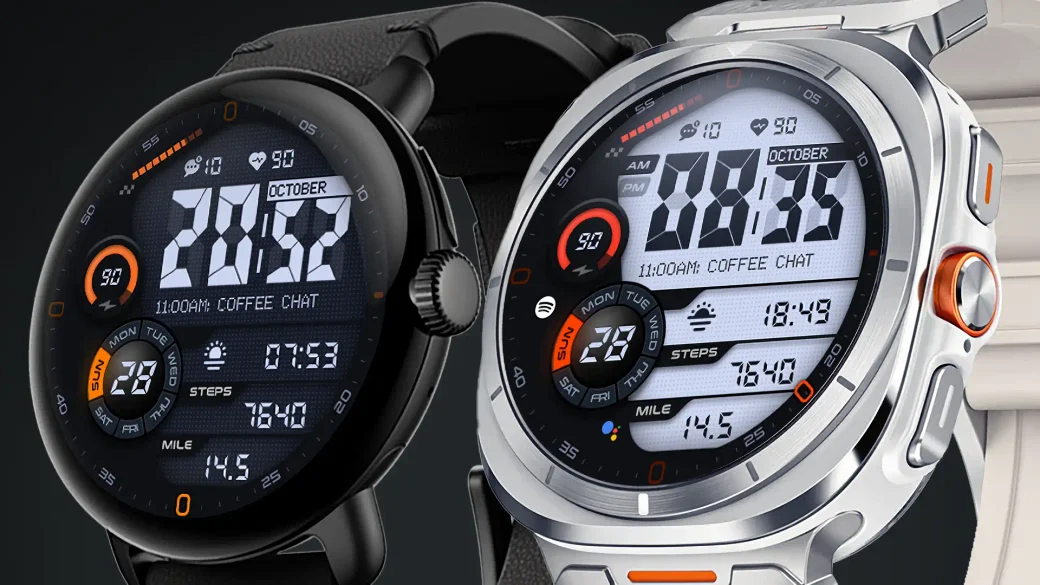
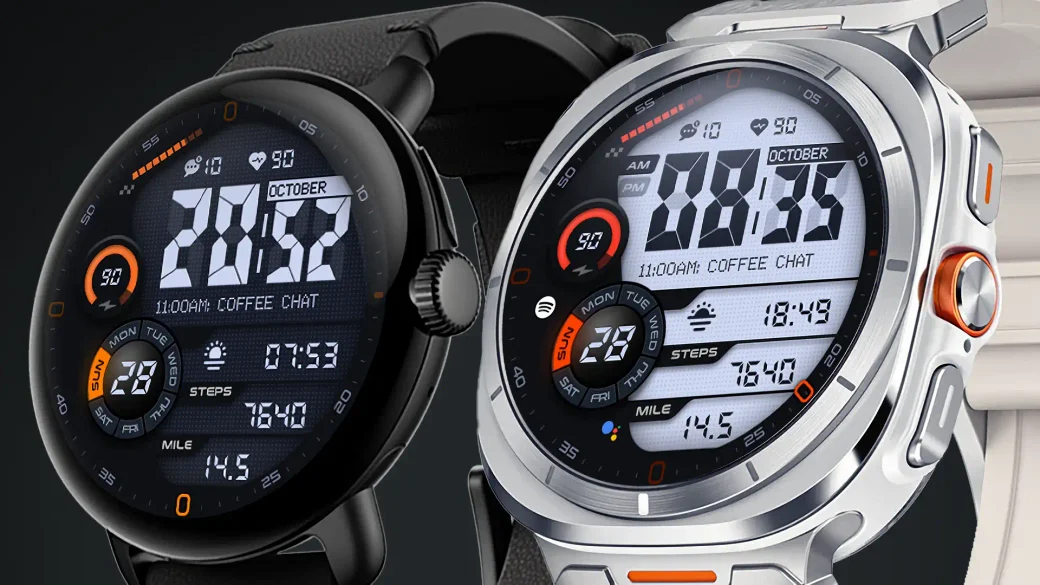
Verändern Sie das Aussehen Ihrer Smartwatch, damit sie im Mittelpunkt der Aufmerksamkeit steht, mit unseren farbenfrohen, sportlichen und auffälligen Zifferblättern. Dieses auffällige und gut lesbare Design verfügt über eine Vielzahl interessanter Farbkombinationen, die Sie selbst anpassen können.
Entwickelt für WEAR OS API 30+, kompatibel mit Galaxy Watch 4/5 oder neuer, Pixel Watch, Fossil und anderen Wear OS mit mindestens API 30.
Merkmale:
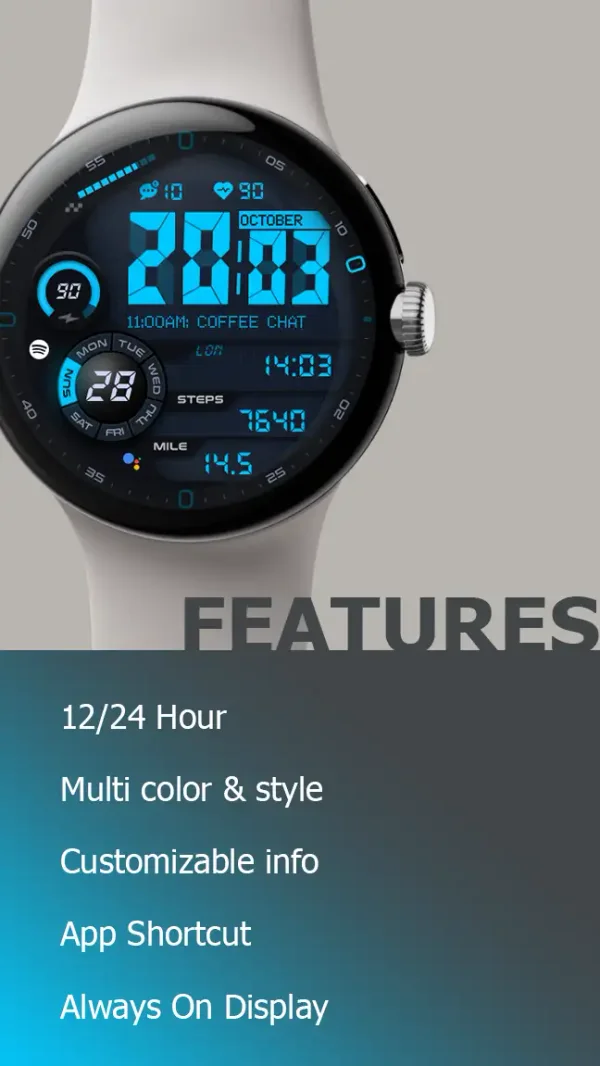
- 12/24 Stunden
- Mehrfarbig und mit Stil
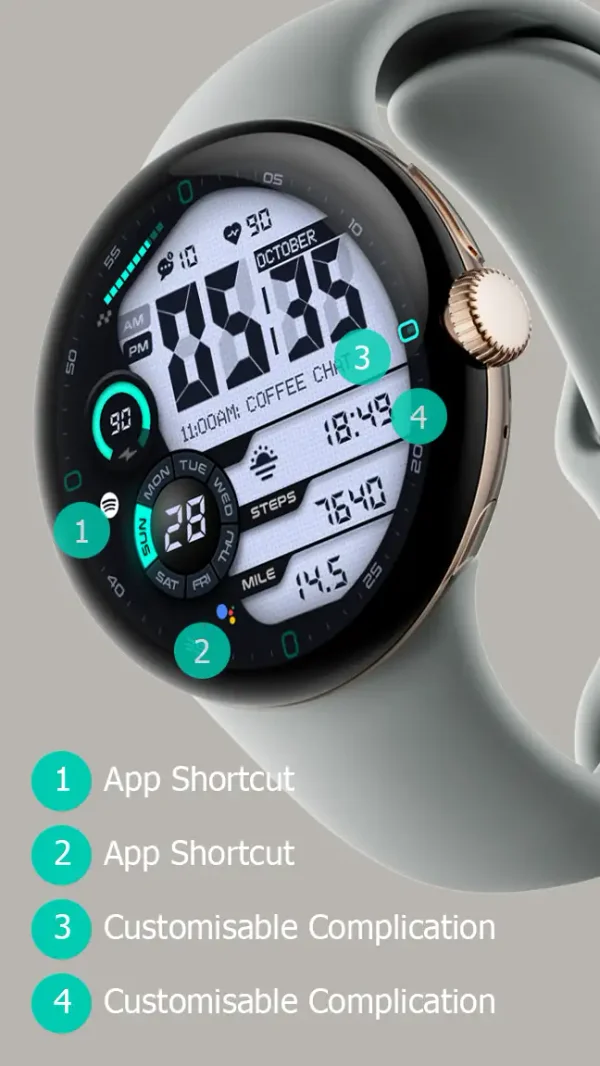
- Anpassbare Informationen
- App-Verknüpfung
- Immer sichtbar
Suchen Sie nach einigen Minuten das Zifferblatt auf der Uhr. Es wird nicht automatisch in der Hauptliste angezeigt. Öffnen Sie die Zifferblattliste (tippen Sie auf das aktuell aktive Zifferblatt und halten Sie es gedrückt) und scrollen Sie dann ganz nach rechts. Tippen Sie auf „Zifferblatt hinzufügen“ und suchen Sie es dort.
Wenn das Problem weiterhin besteht, kontaktieren Sie uns unter ooglywatchface@gmail.com
Originaltext anzeigen
Change the look of your smartwatch to be the center of attention, with our colorful, sporty and bold watch faces. This bold and easy-to-read design has a variety of interesting color combinations that you can customize yourself.
Designed for WEAR OS API 30+, compatible with Galaxy Watch 4/5 or newer, Pixel Watch, Fossil, and other Wear OS with minimum API 30.
Features:
- 12/24 Hour
- Multi color & style
- Customizable info
- App Shortcut
- Always On Display
After few minutes, find the watch face on the watch. It is not automatically shown on the main list. Open the watch face list (tap and hold current active watch face) then scroll to the far right. Tap add watch face and find it there.
If you still have problem, contact us at ooglywatchface@gmail.com
Datensicherheit
Was Oogly Watch Face bei Google Play zu den Daten angibt, die diese App erfasst und weitergibt.
- Keine Daten werden mit Drittunternehmen oder -organisationen geteiltWeitere Informationen dazu, wie Entwickler Angaben zur Weitergabe von Daten machen
- Keine Daten erhobenWeitere Informationen dazu, wie Entwickler Angaben zur Datenerhebung machen
Neue Funktionen
08.10.2026
What’s New:
• API Level 35 (Android 15) Support: Optimized for improved performance and features on devices running Wear OS 5.1 and above.
• Compatibility Notice: This update is specifically intended for devices running Wear OS 5.1 or higher. If your device is currently on Wear OS 5.0 or lower, you may skip this update and continue using your current app version securely.
Kontakt zum Entwickler
- E-Mailooglywatchface@gmail.com
- Datenschutzerklärungsites.google.com
- AdresseKAMPUNG MALANG UTARA 4/2B 002/004 TEGALSARI TEGALSARI SURABAYA Jawa Timur Indonesia
Informationen
- Angeboten von
- Oogly Watch Face
- Kategorie
- Personalisierung
- Aktualisiert
- 08.10.2026
- Veröffentlicht
- 22.10.2024
- Altersfreigabe
- USK ab 0 Jahren
- Preis
- 1,29 €
- Paketname
- com.watchfacestudio.ooglyexcelentedigital
Ähnliche Apps
-
 SamWatch Digital I
Personalisierung
-
 Oogly Inverto
Personalisierung
-
 CFS115 Color Electro
Personalisierung
-
 JND0009U
Personalisierung
-
 ZAZA Watch Face
Personalisierung
-
 HKR022
Kunst & Design
-
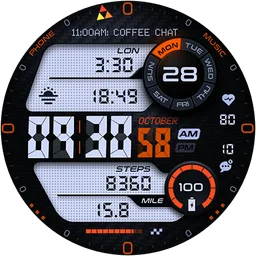 Oogly Spacco Digital
Personalisierung
-
 MD204 - Digital watch face
Personalisierung
-
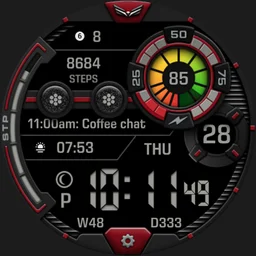 Ballozi FIGEAR Digital Retro
Personalisierung
-
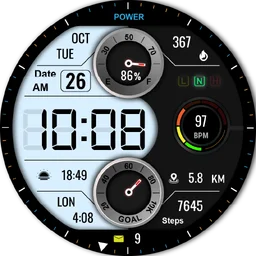 HKR049
Kunst & Design
-
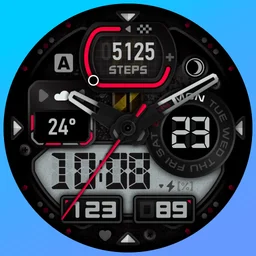 SH019 Zifferblatt
Personalisierung
-
 NanoHron Hybrid Watch Face
Personalisierung