OPPO Photos
ColorOS- USK ab 0 JahrenAltersfreigabe
- EffizienzKategorie
- 28.02.2025Aktualisiert
- KostenlosPreis
Verlinkt auf den offiziellen Google Play-Eintrag von com.coloros.gallery3d. Zuletzt geprüft am 27.11.2026.

OPPO Photos ist bei Google Play derzeit möglicherweise nicht verfügbar
Bei unserer letzten Prüfung war der Store-Eintrag nicht erreichbar. Der Link führt weiterhin zur offiziellen Google Play-Seite.
Screenshots
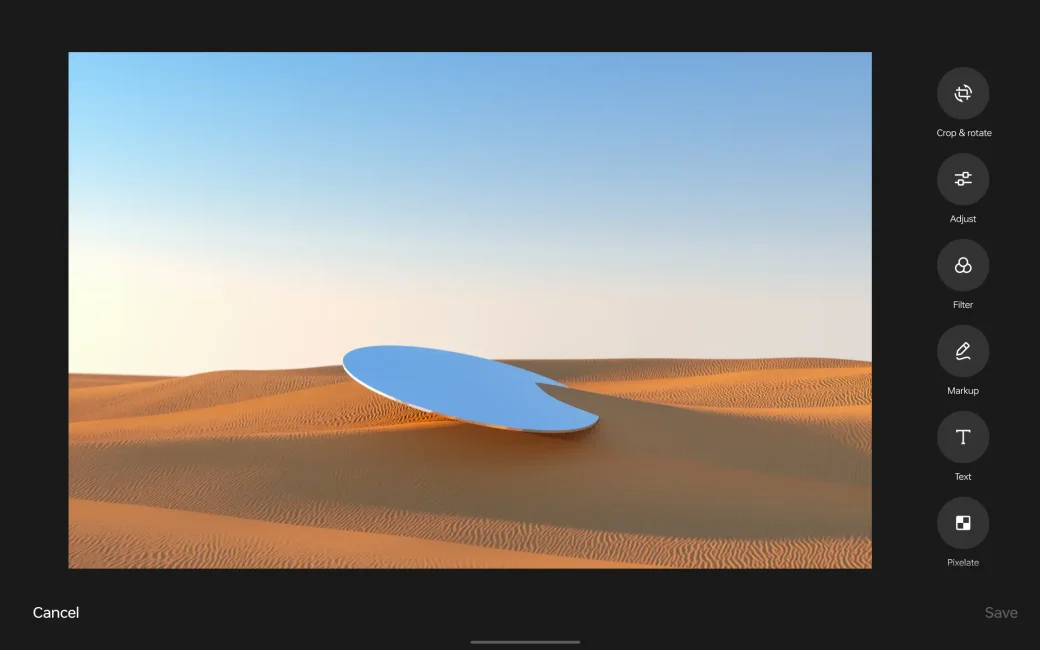
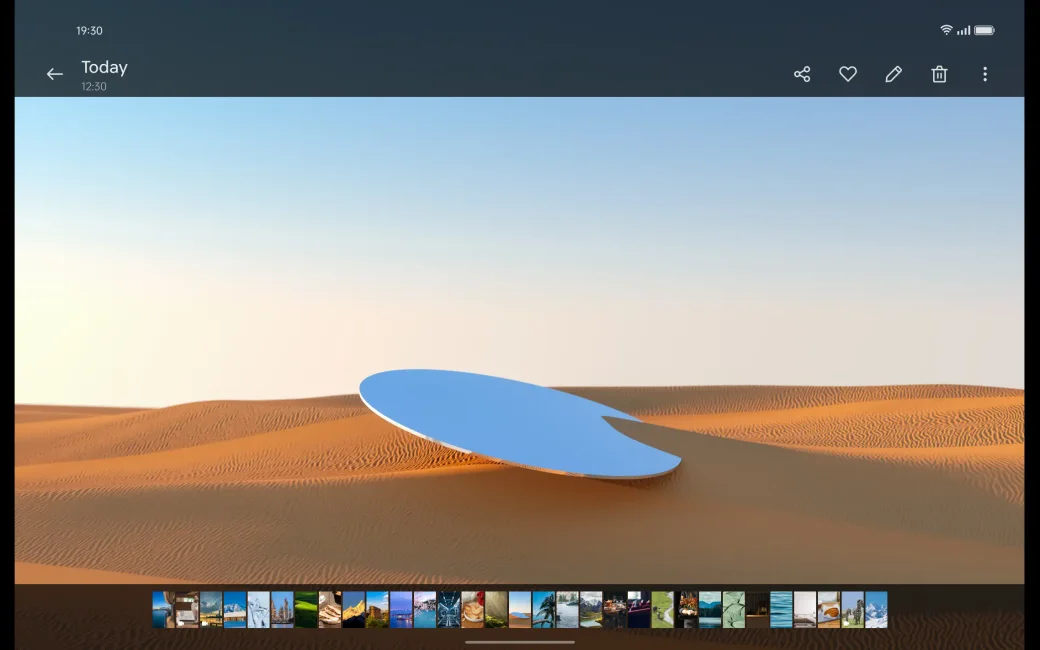
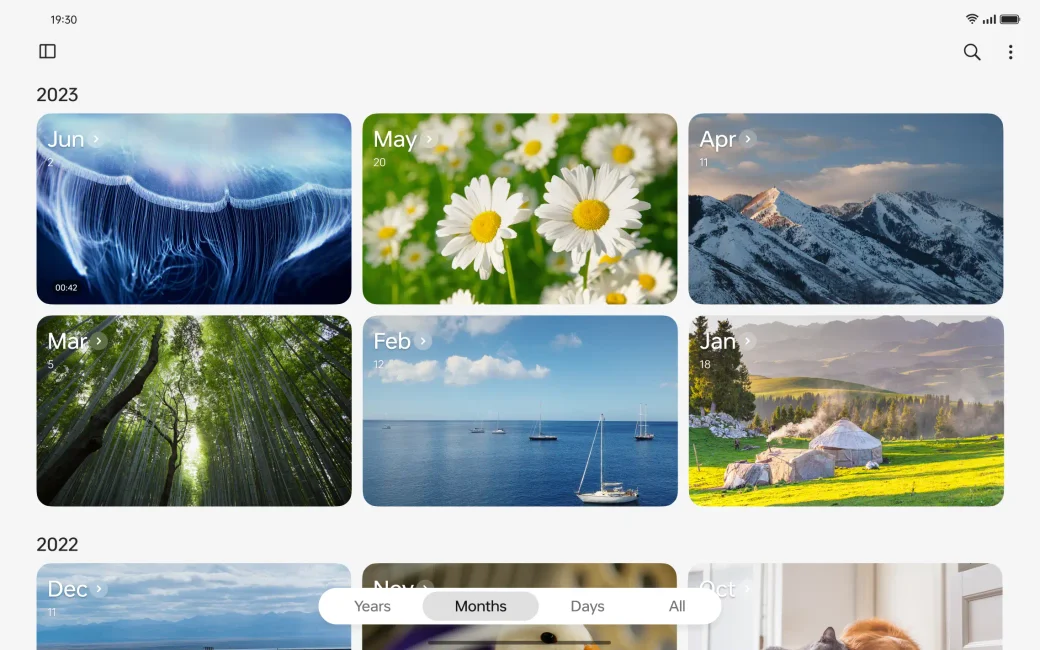

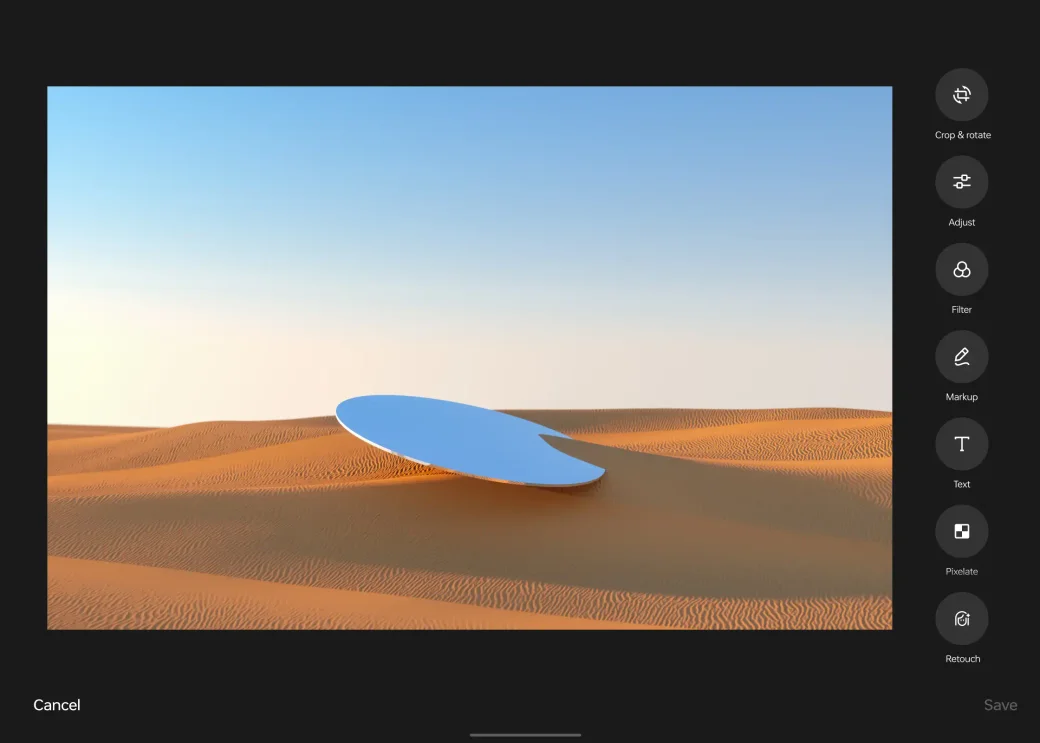

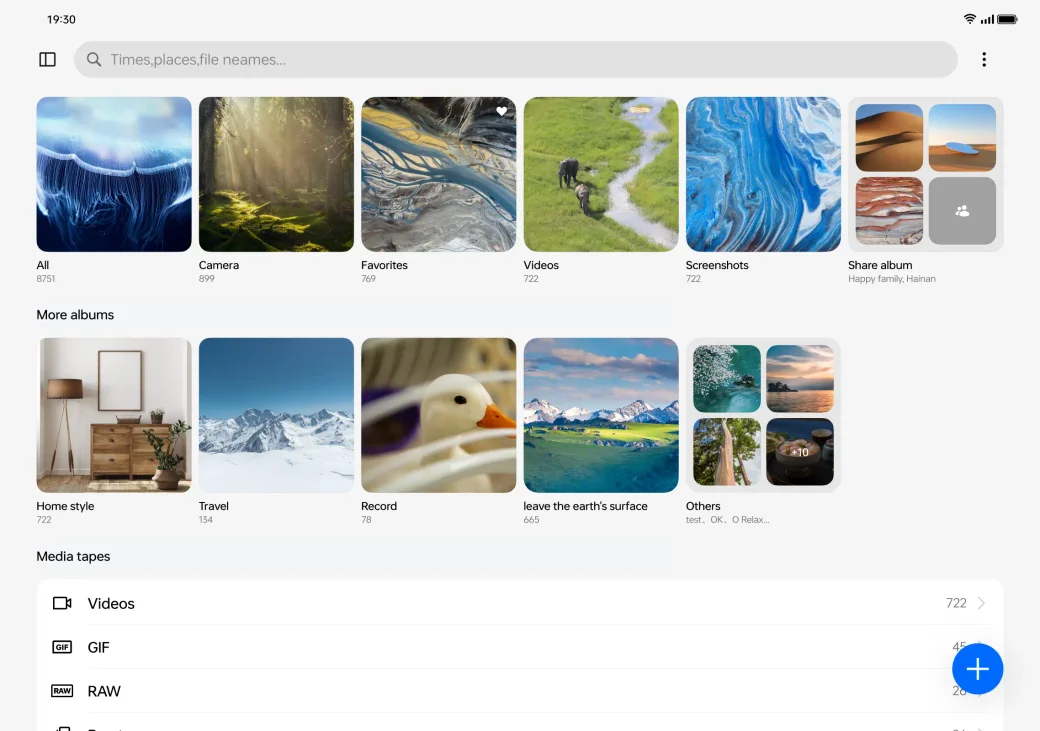
Über diese App
Automatische Übersetzung von Google. Originalsprache: Englisch (Vereinigte Staaten).
OPPO Photos ermöglicht das Durchsuchen, Bearbeiten und Verwalten von Fotos.
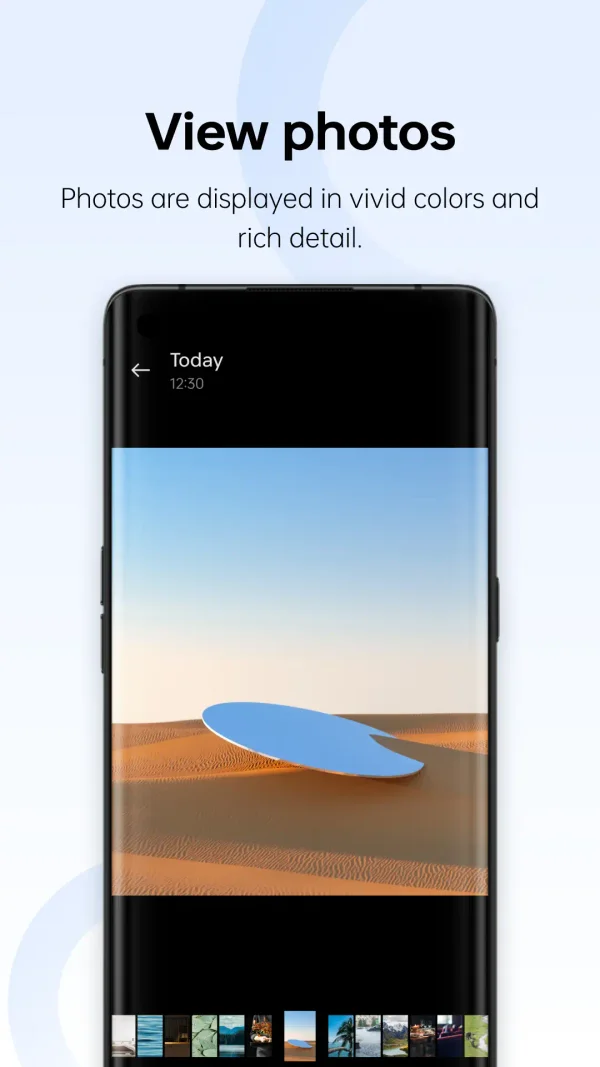
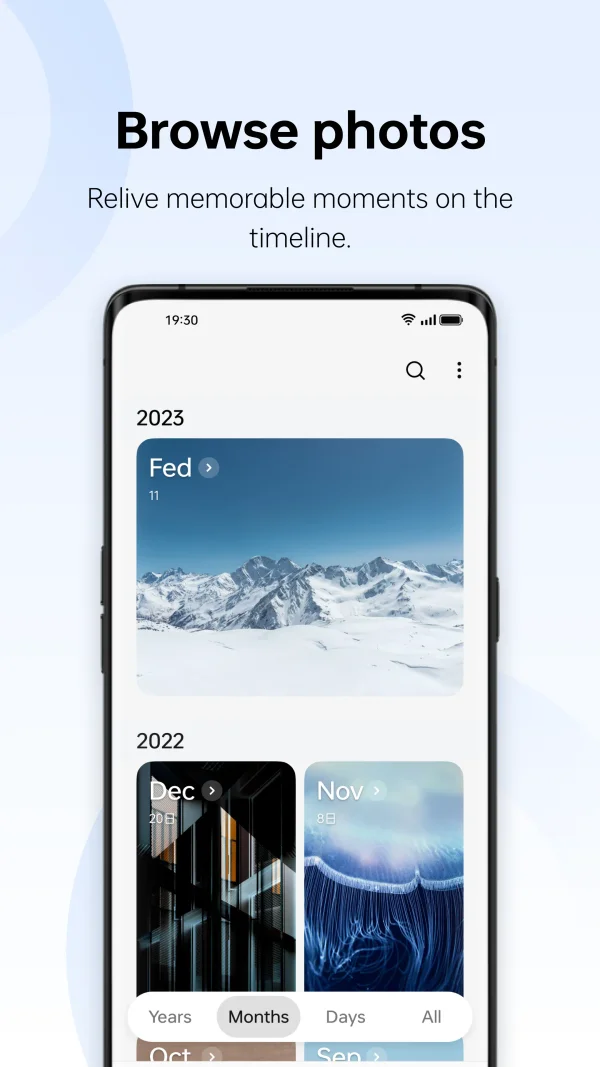
Sehen Sie sich Fotos in höchster Detailgenauigkeit an oder durchsuchen Sie schnell mehrere Fotos. Wechseln Sie zwischen verschiedenen Ansichten oder durchsuchen Sie nach Datum oder Ort. Sehen Sie sich automatisch generierte Erinnerungen an und erleben Sie bedeutungsvolle Momente aus der Vergangenheit noch einmal.
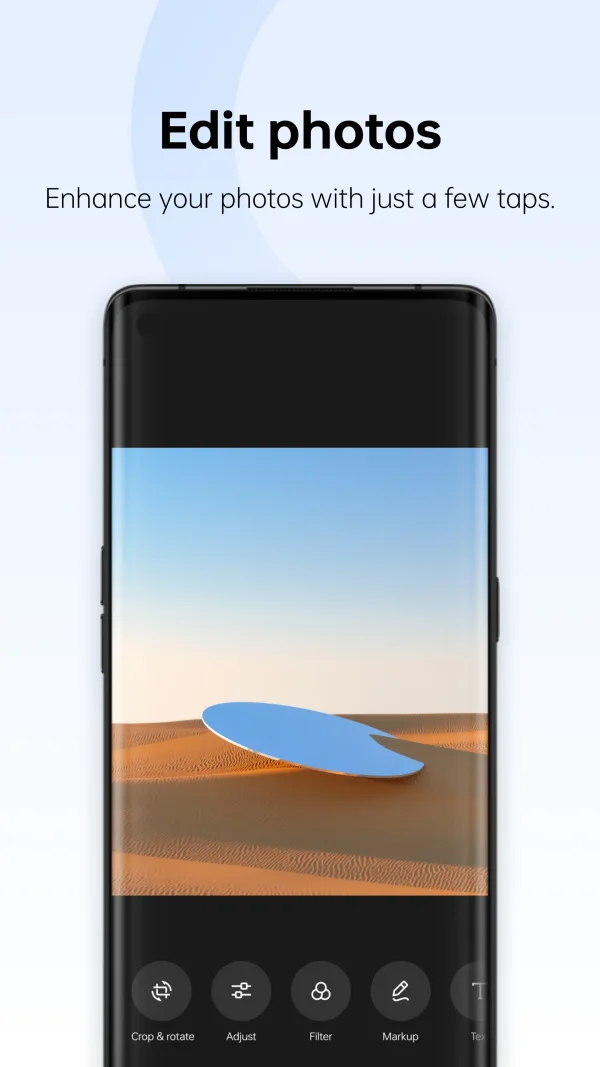
Verwenden Sie Voreinstellungen und Vorlagen, um die Fotokomposition einfach zu verbessern oder sie für verschiedene Effekte zu ändern. Verleihen Sie Ihren Fotos Kreativität, indem Sie animierte GIFs, Collagen und Ausschnitte erstellen.
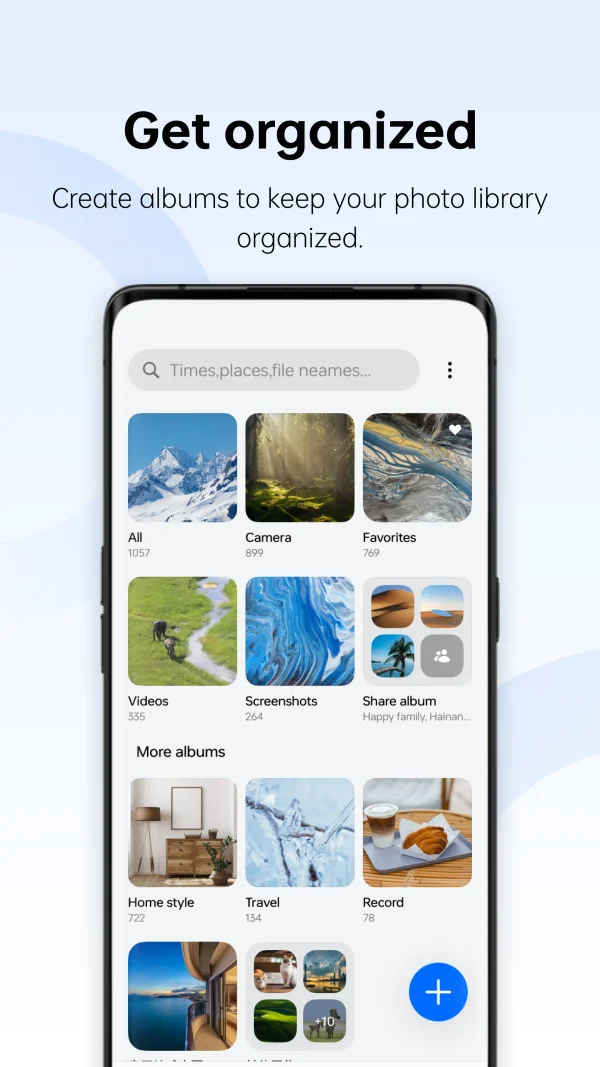
Erstellen Sie Alben, um Ihre Fotobibliothek zu organisieren und Ihre privaten Fotos mit einem Passwort zu schützen. Die intelligente Gruppierung sorgt automatisch dafür, dass Ihre Fotobibliothek sauber und ordentlich bleibt.
Synchronisieren Sie Ihre Fotos automatisch mit der Cloud, sodass Sie sie auf jedem Gerät anzeigen und verwalten können.
Originaltext anzeigen
View photos in the finest level of detail, or quickly browse through multiple photos. Switch between different views, or browse by date or location. View automatically generated memories and revisit meaningful moments from the past.
Use presets and templates to easily enhance photo composition or modify them for different effects. Add creativity to your photos by creating animated GIFs, collages, and cutouts.
Create albums to organize your photo library and protect your private photos with a password. Smart grouping works automatically to keep your photo library clean and tidy.
Automatically sync your photos to the cloud so that you can view and manage them on any device.
Datensicherheit
Was ColorOS bei Google Play zu den Daten angibt, die diese App erfasst und weitergibt.
- Diese App kann die folgenden Datentypen an Dritte weitergebenSonstige Daten
- Diese App kann die folgenden Datentypen erhebenSonstige Daten
- Daten werden bei der Übertragung verschlüsselt
- Daten können nicht gelöscht werden
Neue Funktionen
Version 0.0.1 · 28.02.2025
1. You can now tap a thumbnail to preview it when selecting multiple photos.
2. Improves the loading speed when viewing a photo in full screen.
3. Improves the experience when viewing a photo in full screen. When you zoom in or out on a photo, the menu will be hidden automatically.
4. When switching between year/month/day views, the featured photo's position will stay unchanged.
Kontakt zum Entwickler
- E-Mailapp-Gallery@oppo.com
- Datenschutzerklärungoppo.com
- Adresse138 Market Street #15-03 Capitagreen Singapore 048946
Informationen
- Angeboten von
- ColorOS
- Kategorie
- Effizienz
- Version
- 0.0.1
- Aktualisiert
- 28.02.2025
- Veröffentlicht
- 21.05.2024
- Erfordert
- Android 11 oder höher
- Altersfreigabe
- USK ab 0 Jahren
- Preis
- Kostenlos
- Paketname
- com.coloros.gallery3d
Ähnliche Apps
-
 Galerie- Fotogalerie und Album
Fotografie
-
 Right Gallery
Fotografie
-
 Galerie - bildergalerie, album
Fotografie
-
 Google Assistant Go
Tools
-
 Digital Wellbeing
Tools
-
 Deleted Photo & Video Recovery
Tools
-
 Foto Galerie - Fotomanager
Fotografie
-
 Galerie - Fotogalerie, Album
Fotografie
-
 Glyph Museum: Matrix-Kunst
Soziale Netzwerke
-
 Eigene Dateien
Tools
-
 Gallery - Album, Photo Vault
Tools
-
 Galerie
Fotografie