OPPO Photos
ColorOS- EveryoneAge rating
- ProductivityCategory
- Feb 28, 2025Updated
- FreePrice
Links to the official Google Play listing of com.coloros.gallery3d. Last checked on Nov 20, 2026.

OPPO Photos may not be available on Google Play right now
The store listing could not be reached the last time we checked. The link still leads to the official Google Play page.
Screenshots
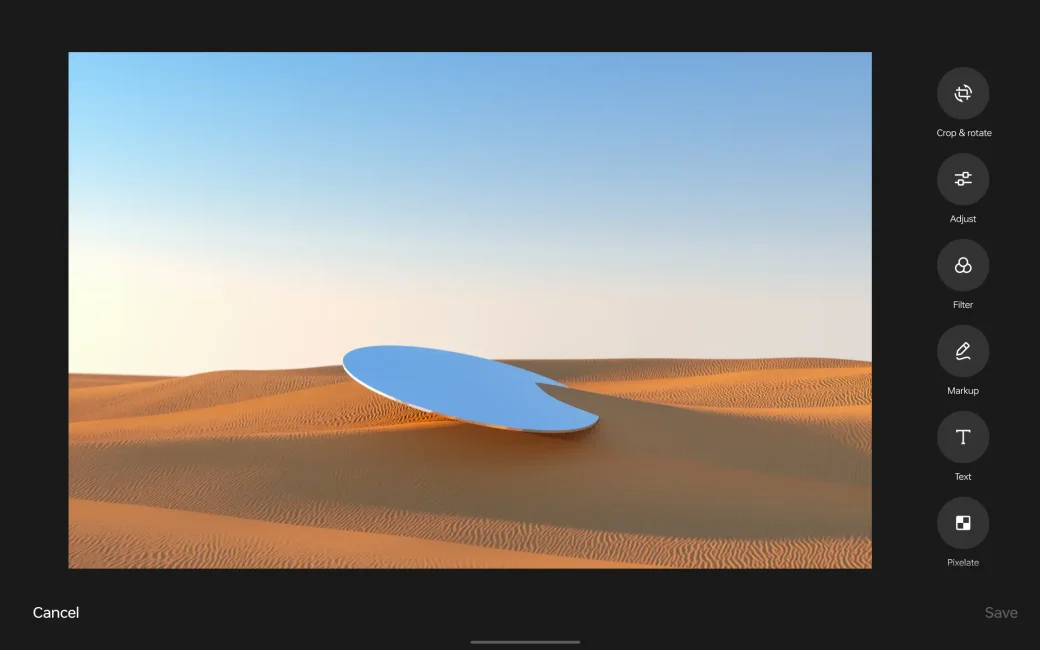
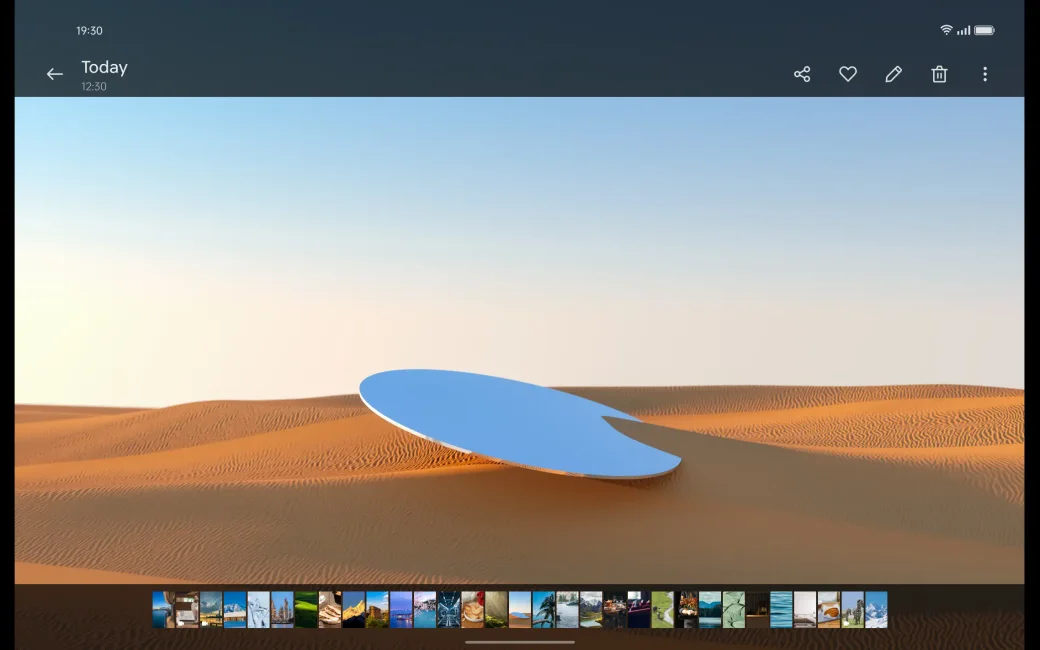
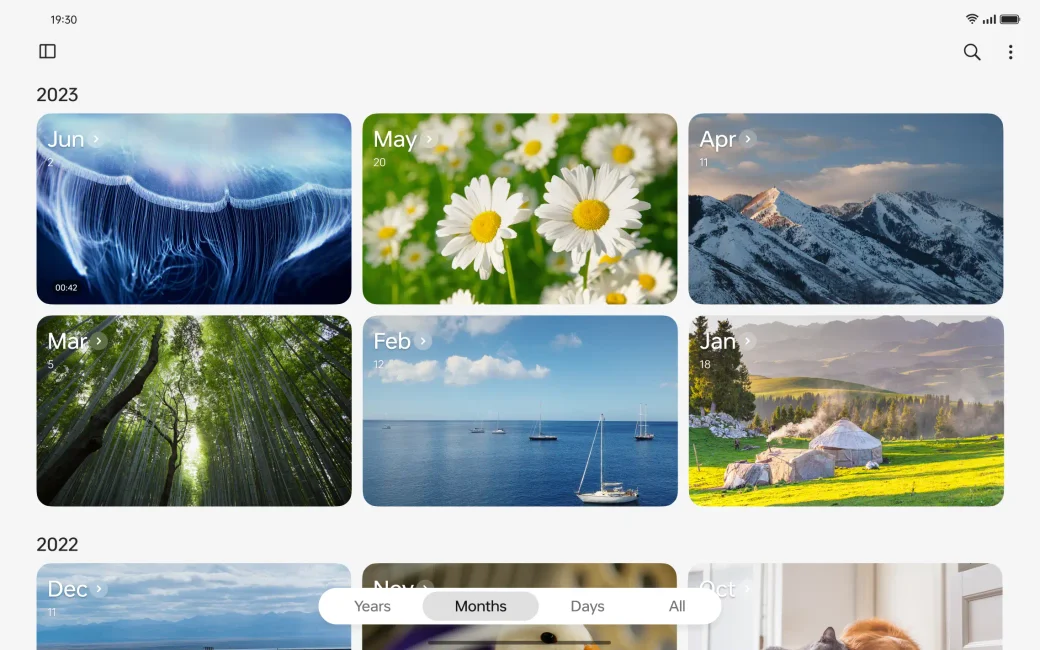

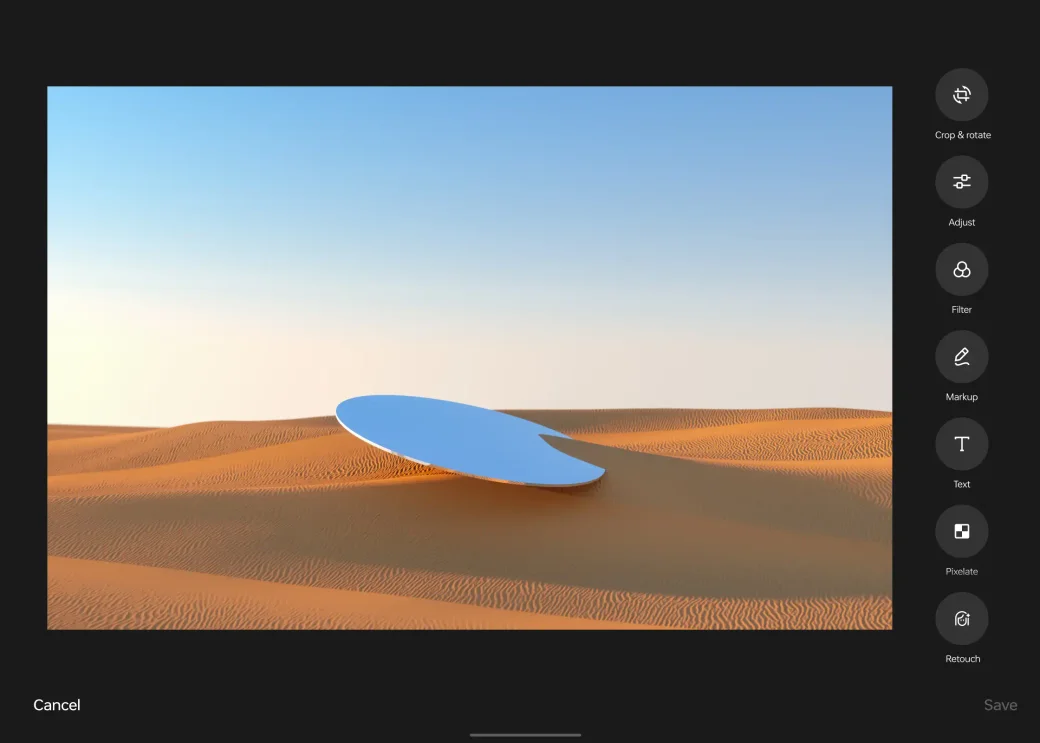

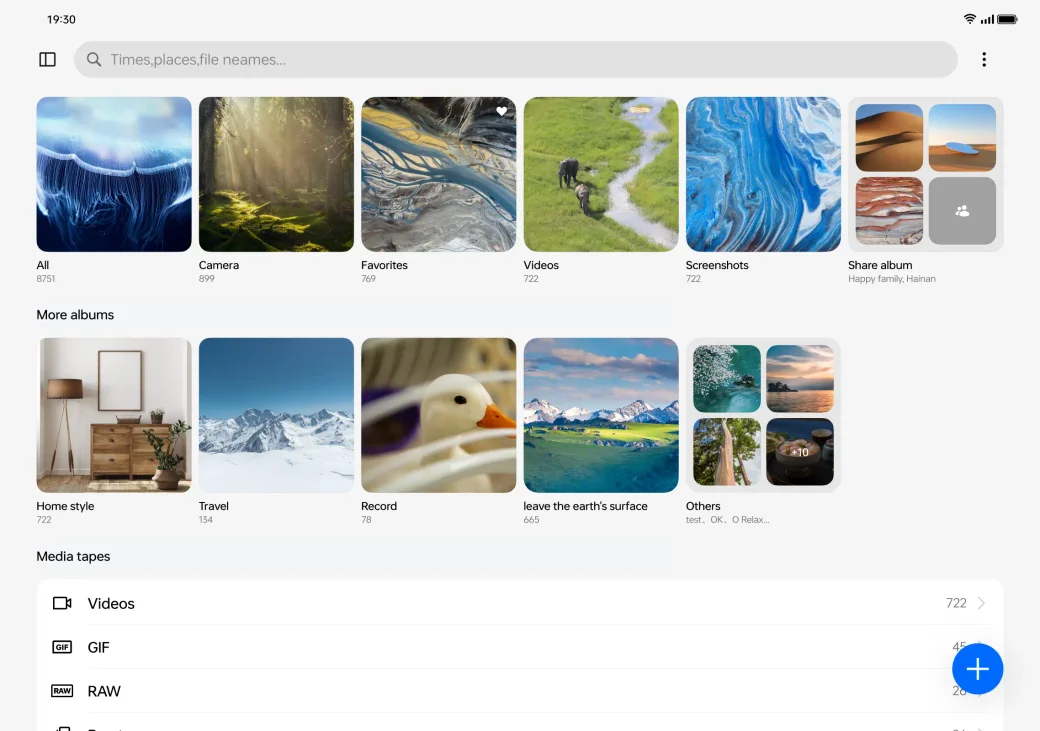
About this app
OPPO Photos provides photo browsing, editing, and management.
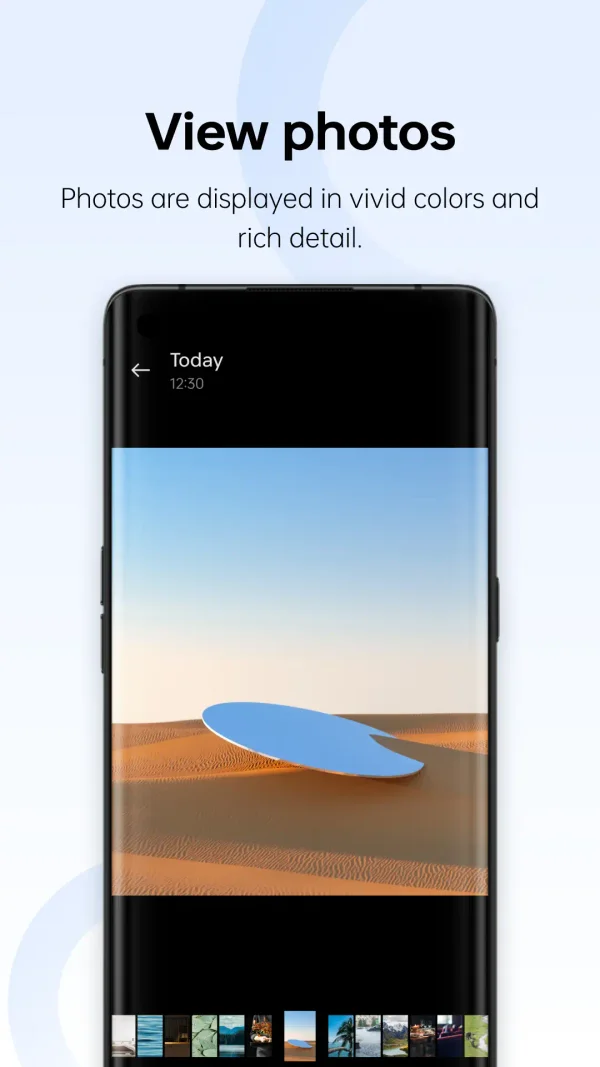
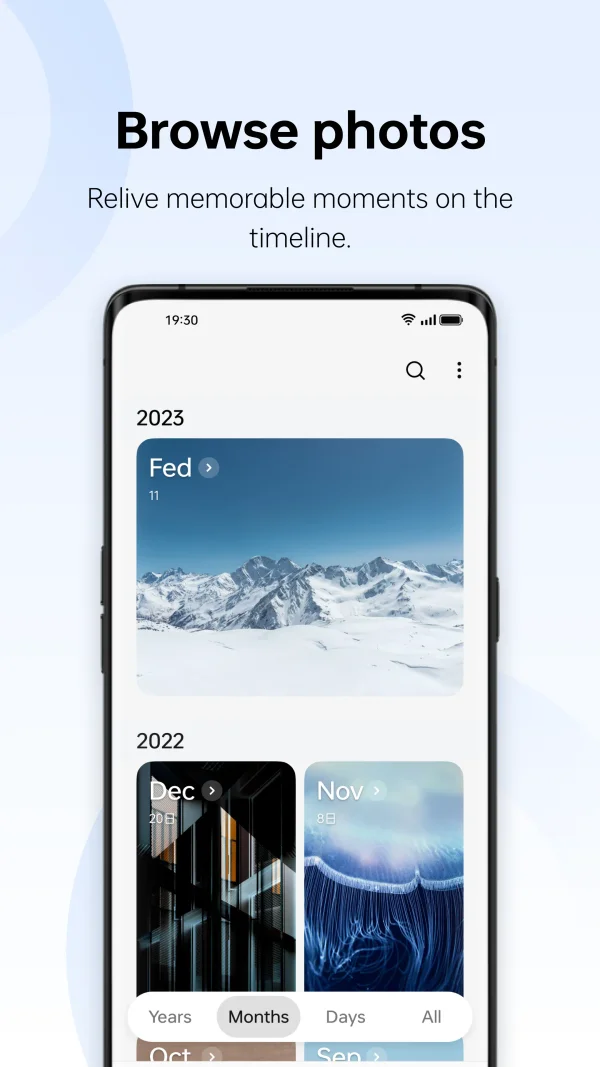
View photos in the finest level of detail, or quickly browse through multiple photos. Switch between different views, or browse by date or location. View automatically generated memories and revisit meaningful moments from the past.
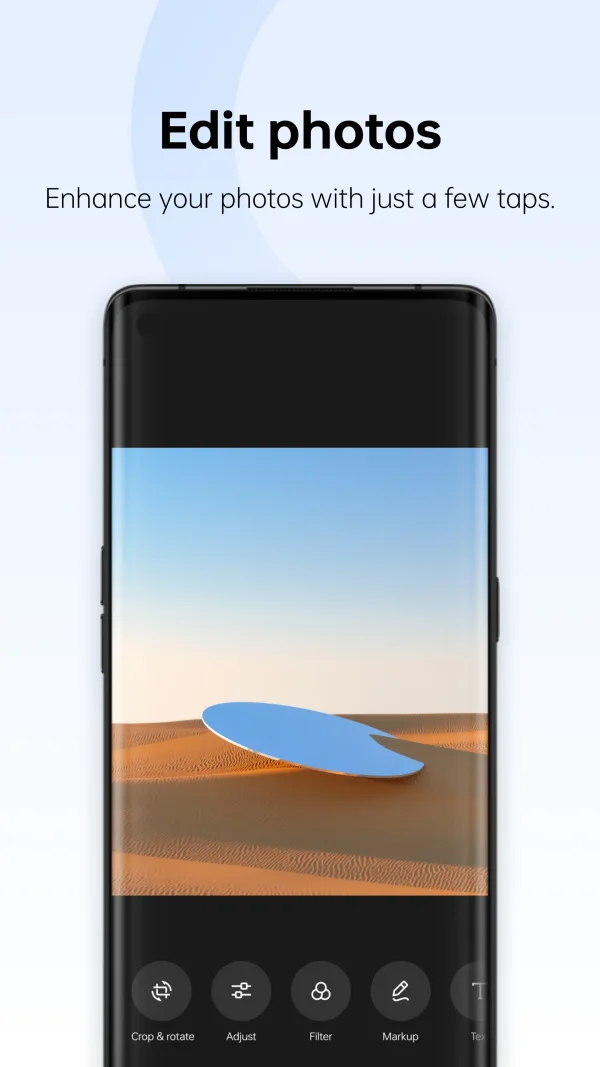
Use presets and templates to easily enhance photo composition or modify them for different effects. Add creativity to your photos by creating animated GIFs, collages, and cutouts.
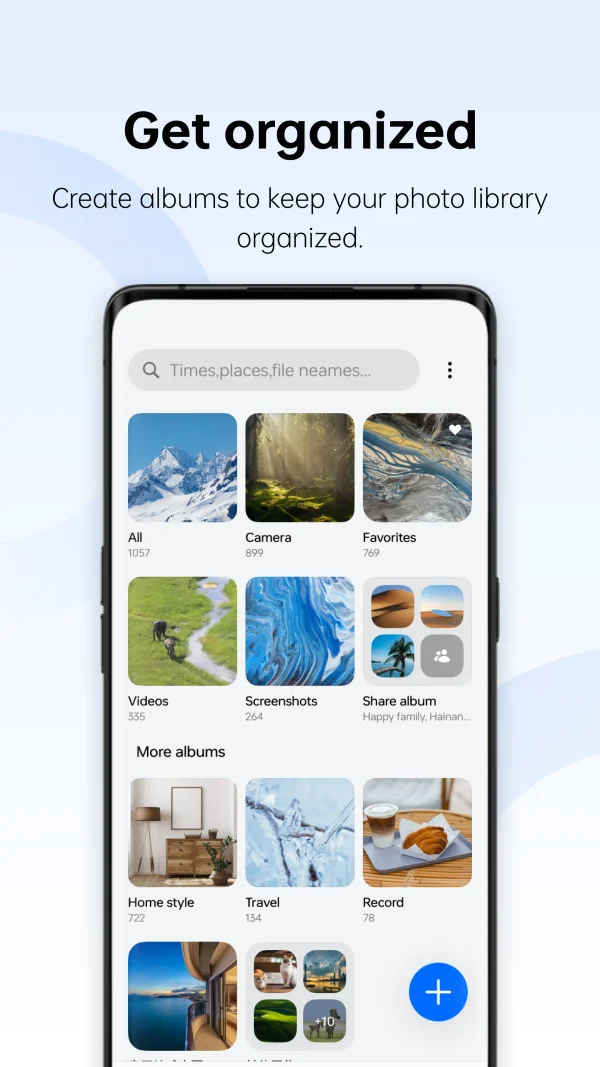
Create albums to organize your photo library and protect your private photos with a password. Smart grouping works automatically to keep your photo library clean and tidy.
Automatically sync your photos to the cloud so that you can view and manage them on any device.
Data safety
What ColorOS declares on Google Play about the data this app collects and shares.
- This app may share these data types with third partiesPhotos and videos
- This app may collect these data typesPhotos and videos
- Data is encrypted in transit
- Data can’t be deleted
What’s new
Version 0.0.1 · Feb 28, 2025
1. You can now tap a thumbnail to preview it when selecting multiple photos.
2. Improves the loading speed when viewing a photo in full screen.
3. Improves the experience when viewing a photo in full screen. When you zoom in or out on a photo, the menu will be hidden automatically.
4. When switching between year/month/day views, the featured photo's position will stay unchanged.
Developer contact
- Emailapp-Gallery@oppo.com
- Privacy policyoppo.com
- Address138 Market Street #15-03 Capitagreen Singapore 048946
Information
- Offered by
- ColorOS
- Category
- Productivity
- Version
- 0.0.1
- Updated
- Feb 28, 2025
- Released
- May 21, 2024
- Requires
- Android 11 or later
- Age rating
- Everyone
- Price
- Free
- Package name
- com.coloros.gallery3d
Similar apps
-
 Gallery- Photo Gallery & Album
Photography
-
 Right Gallery
Photography
-
 Gallery - picture gallery
Photography
-
 Google Assistant Go
Tools
-
 Digital Wellbeing
Tools
-
 Deleted Photo & Video Recovery
Tools
-
 Smart Gallery - Photo Manager
Photography
-
 Gallery - Photo Gallery, Album
Photography
-
 Glyph Museum
Social
-
 Samsung My Files
Tools
-
 Gallery - Album, Photo Vault
Tools
-
 Gallery
Photography