Owly Watch Face
amoledwatchfaces™- USK ab 0 JahrenAltersfreigabe
- PersonalisierungKategorie
- 04.08.2026Aktualisiert
- 1,99 €Preis
Verlinkt auf den offiziellen Google Play-Eintrag von com.watchfacestudio.awfowly. Zuletzt geprüft am 24.11.2026.

Screenshots


Über diese App
Automatische Übersetzung von Google. Originalsprache: Englisch (Vereinigte Staaten).
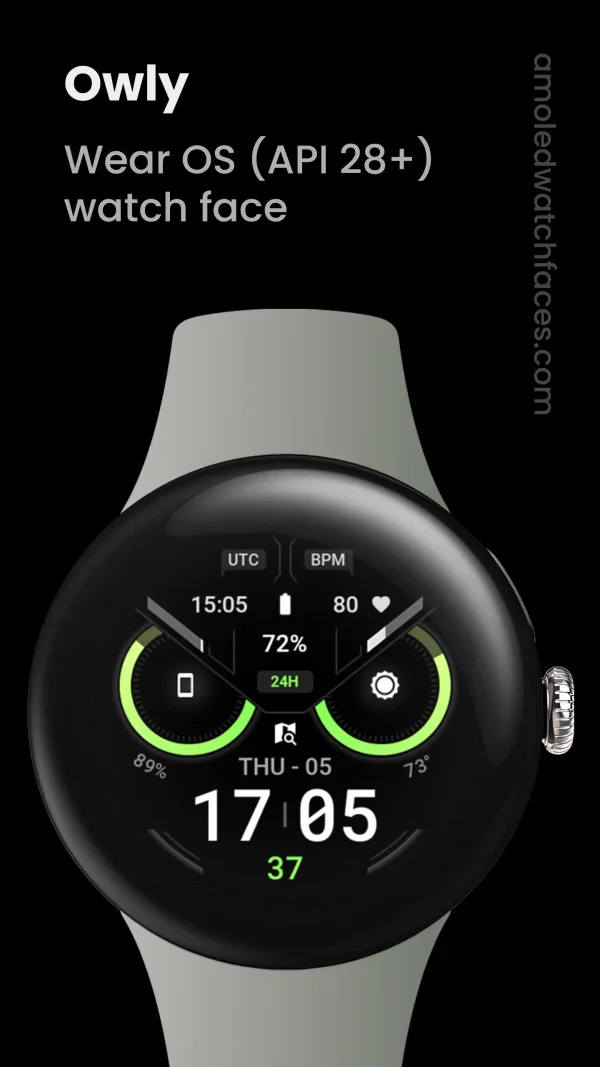
Hurra! Einzigartiges, künstlerisches und anpassbares Zifferblatt mit elegantem Eulen-Look
Nur für Wear OS-Geräte – API 28+
// Nicht für rechteckige Uhren geeignet
Unterstützt von Watch Face Format
amoledwatchfaces.com
KAUFEN SIE EINEN, ERHALTEN SIE EIN ANGEBOT!
amoledwatchfaces.com/bogo
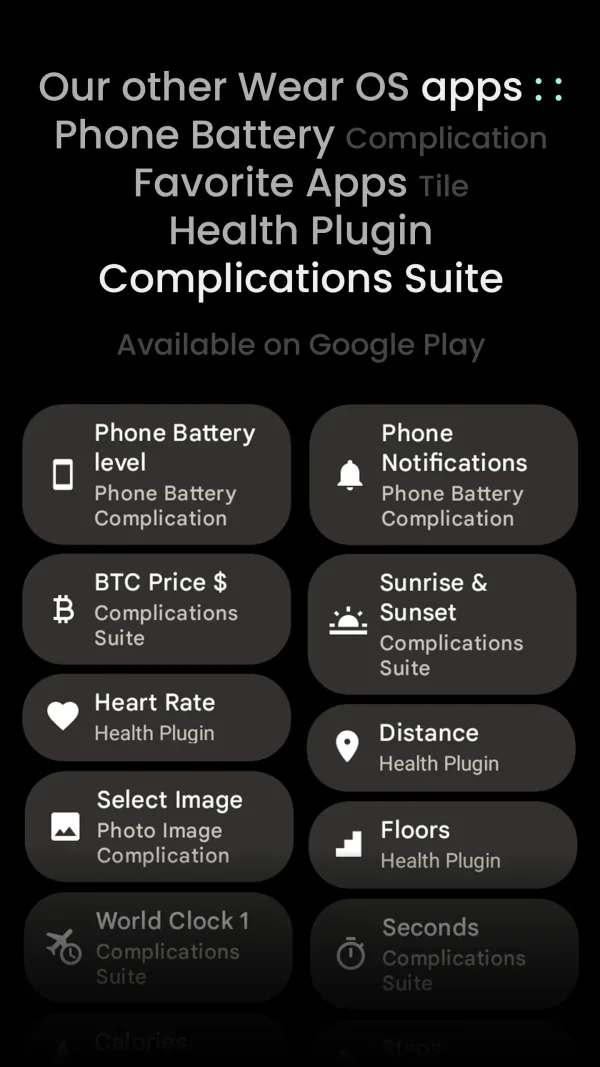
BENUTZERDEFINIERTE KOMPLIKATIONS-APPS
amoledwatchfaces.com/apps
FUNKTIONEN
• Echtschwarzer Hintergrund
• Einzigartiges künstlerisches „Eulen“-Design
• Eulenaugen und Augenbrauen sind jetzt Fortschrittsindikatoren für benutzerdefinierte RANGED_VALUE-Komplikationen (API 33+)
• hohe Auflösung
• 20-fache digitale Zeitfarbe
• PNGQuant-optimierte Ebenen > batteriefreundlich
• Farbverlauf – Fortschrittsbalken (RANGED_VALUE-Komplikationen)
• Benutzerdefinierte Verknüpfung für die bevorzugte Gesundheits-App
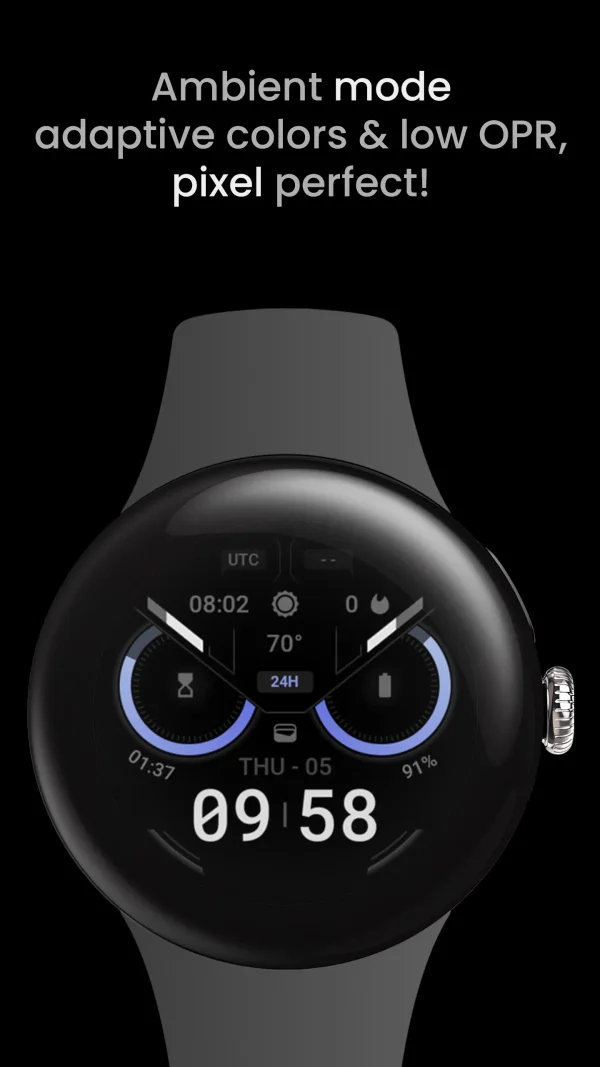
• Umgebungsmodus mit niedrigem OPR und adaptiver Farbe sowie zwei Stilen
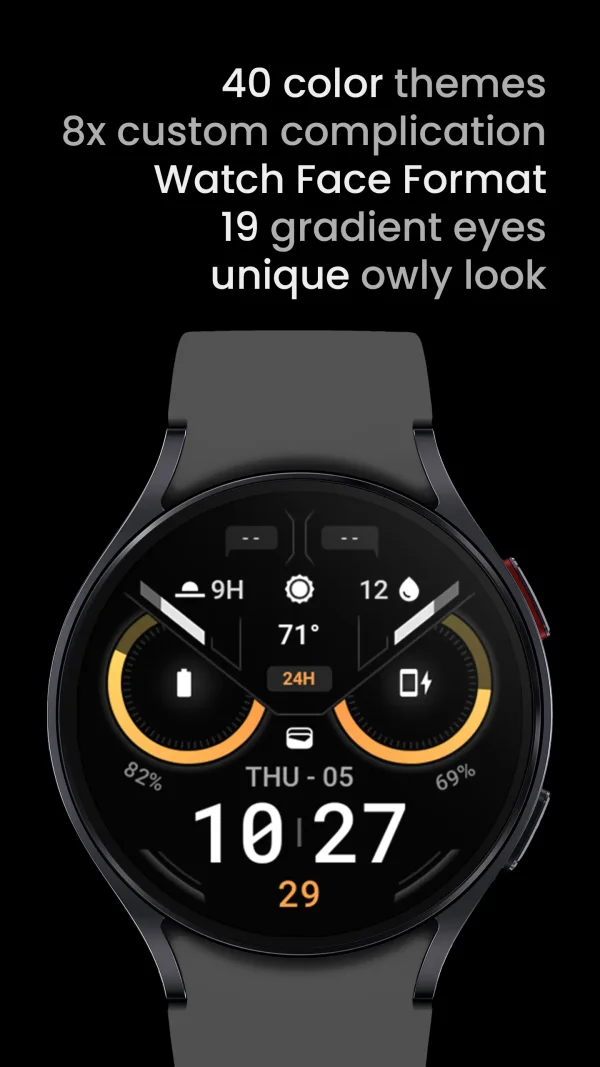
• 8x individuelle Komplikation
• Unterstützung mehrerer Sprachen, Roboto- und Roboto-Mono-Schriftarten
• 12/24-Stunden-Zeit basierend auf der Telefonzeiteinstellung
• am/pm/24h-Anzeige
BENUTZERKONFIGURATIONEN
• Augenfarbe (19+)
• Entfernung km (umschalten)*
• Monochromes AOD (umschalten)
• AOD (2x)
• Thema (Digitale Zeit – 20x)
• Unterthema (20x)
• Benutzerdefinierte Komplikationen (+ App-Verknüpfungen)
* Distanz- und Herzfrequenzelemente sind fest und nur sichtbar, wenn bestimmte benutzerdefinierte Komplikationen auf „Keine“ (leer) eingestellt sind.
Anleitung zur Installation und Fehlerbehebung
amoledwatchfaces.com/guide
Bitte senden Sie alle Problemberichte oder Hilfeanfragen an unsere Support-Adresse
support@amoledwatchfaces.com
Treten Sie unserer Telegram-Gruppe für Live-Support und Diskussionen bei
t.me/amoledwatchfaces
Newsletter
amoledwatchfaces.com/contact#newsletter
amoledwatchfaces™ – Awf
Originaltext anzeigen
Only for Wear OS devices - API 28+
// Not suitable for rectangular watches
Powered by Watch Face Format
amoledwatchfaces.com
BUY ONE GET ONE OFFER!
amoledwatchfaces.com/bogo
CUSTOM COMPLICATION APPS
amoledwatchfaces.com/apps
FEATURES
• true black background
• unique 'Owl' artistic design
• owly eyes and eyebrows are now progress indicators for RANGED_VALUE custom complications (API 33+)
• high resolution
• 20x digital time color
• PNGQuant optimized layers > battery friendly
• gradient color - progress bars (RANGED_VALUE complications)
• custom shortcut for preferrable health app
• ambient mode with low OPR & adaptive color & two styles
• 8x custom complication
• multilanguage support, Roboto & Roboto Mono fonts
• 12 / 24 H time based on phone time setting
• am/pm/24h indicator
USER CONFIGURATIONS
• Eyes Color (19+)
• Distance Km (Toggle)*
• Monochrome AOD (Toggle)
• AOD (2x)
• Theme (Digital Time - 20x)
• Subtheme (20x)
• Custom complications (+ app shortcuts)
* distance and heart rate elements are fixed and visible only when particular custom complications are set to None (are Empty)
Installation and troubleshooting guide
amoledwatchfaces.com/guide
Please send any issues reports or help requests to our support address
support@amoledwatchfaces.com
Join our Telegram group for live support and discussion
t.me/amoledwatchfaces
Newsletter
amoledwatchfaces.com/contact#newsletter
amoledwatchfaces™ - Awf
Datensicherheit
Was amoledwatchfaces™ bei Google Play zu den Daten angibt, die diese App erfasst und weitergibt.
- Keine Daten werden mit Drittunternehmen oder -organisationen geteiltWeitere Informationen dazu, wie Entwickler Angaben zur Weitergabe von Daten machen
- Keine Daten erhobenWeitere Informationen dazu, wie Entwickler Angaben zur Datenerhebung machen
Neue Funktionen
Version 1.3.8 · 04.08.2026
v1.3.8
• default Heart Rate complication (Empty) fix on Pixel Watch 3
v1.3.6
• eyes progress bars adjustments
v1.3.3
• completely redesigned
• there are now 8 custom complications in total
• eyes are now custom complication too (RANGED_VALUE, SHORT_TEXT, MONOCHROMATIC_IMAGE)
• distance & heart rate are 'Empty' versions of custom complications (RANGED_VALUE, SHORT_TEXT)
...
NOTE: Remove watch face from favorites and add it back to ensure watch face runs smoothly after update.
Kontakt zum Entwickler
- Websiteamoledwatchfaces.com
- E-Mailsupport@amoledwatchfaces.com
- Datenschutzerklärungamoledwatchfaces.com
- Adresse51 Nižný Kručov 09301 Nižný Kručov Slovakia
Informationen
- Angeboten von
- amoledwatchfaces™
- Kategorie
- Personalisierung
- Version
- 1.3.8
- Aktualisiert
- 04.08.2026
- Veröffentlicht
- 23.11.2021
- Altersfreigabe
- USK ab 0 Jahren
- Preis
- 1,99 €
- Paketname
- com.watchfacestudio.awfowly
Ähnliche Apps
-
 TACT ONE: Watch face
Personalisierung
-
 Vibrant Fit Hybrid
Personalisierung
-
 ML2U 369 Watch Face
Personalisierung
-
 IA111 Hybrid Sport Watchface
Personalisierung
-
 SG-154
Personalisierung
-
 MJ139 Stylish Hybrid
Personalisierung
-
 Digital 5
Personalisierung
-
 Silver Digital Watch Face
Personalisierung
-
 CNRwatch024
Personalisierung
-
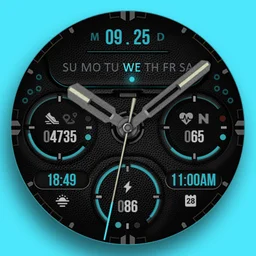 KF161 Watch face
Personalisierung
-
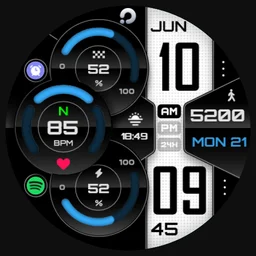 PRADO X75 Digital Watch Face
Personalisierung
-
 WFP 325 Modern animated watch
Personalisierung