Owly Watch Face
amoledwatchfaces™- 3 歳以上対象年齢
- カスタマイズカテゴリ
- 2026/8/4更新日
- ¥320価格
com.watchfacestudio.awfowlyのGoogle Play公式ページにリンクしています。最終確認:2026/11/24。

スクリーンショット


このアプリについて
Googleによる英語 (アメリカ合衆国)からの自動翻訳です。
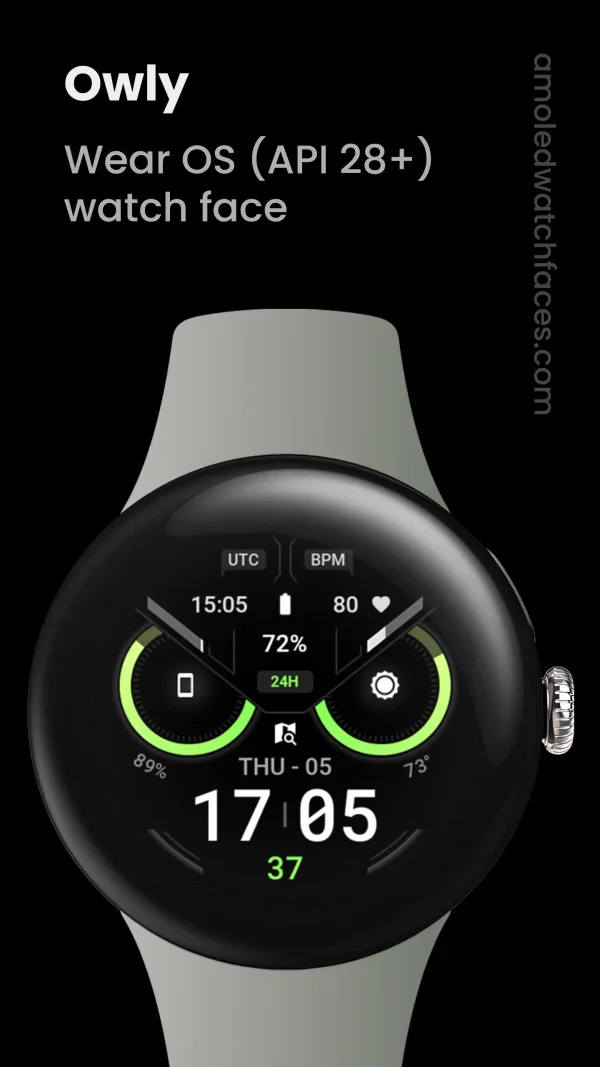
ホーホー!洗練されたフクロウの外観を備えた、ユニークで芸術的でカスタマイズ可能な文字盤
Wear OS デバイスのみ - API 28+
// 長方形の時計には適していません
ウォッチフェイス形式を採用
amoledwatchfaces.com
1 つ購入すると 1 つ特典!
amoledwatchfaces.com/bogo
カスタム コンプリケーション アプリ
amoledwatchfaces.com/apps
特徴
• 真っ黒な背景
• ユニークな「フクロウ」の芸術的デザイン
• フクロウの目と眉毛が RANGED_VALUE カスタム合併症の進行状況を示すインジケーターになりました (API 33+)
• 高解像度
• 20x デジタルタイムカラー
• PNGQuant に最適化されたレイヤー > バッテリーに優しい
• グラデーションカラー - 進行状況バー (RANGED_VALUE コンプリケーション)
• 好みのヘルスケアアプリのカスタムショートカット
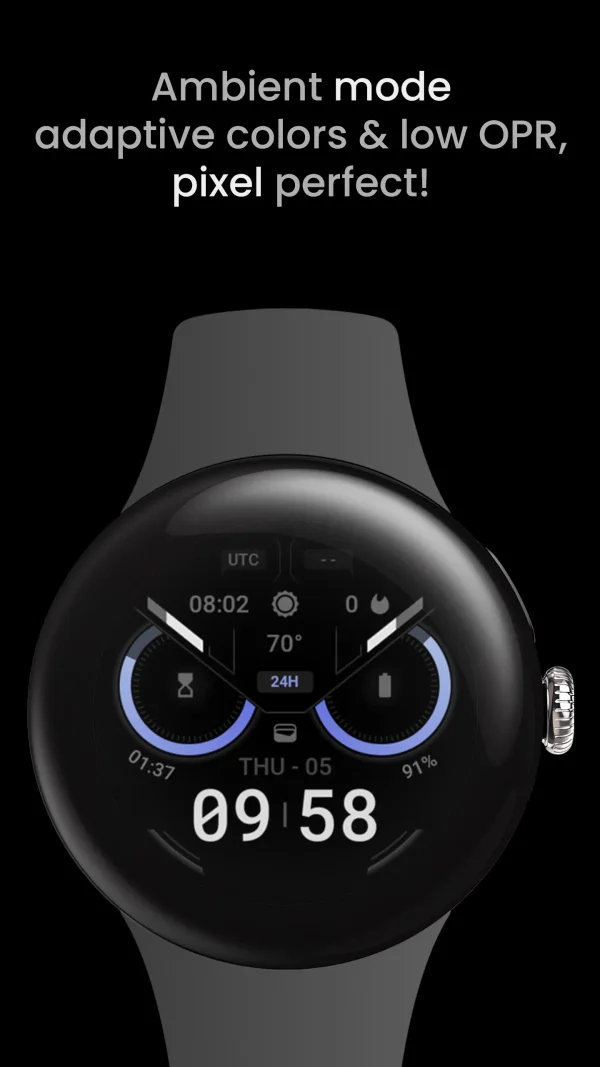
• 低OPR、アダプティブカラー、2つのスタイルを備えたアンビエントモード
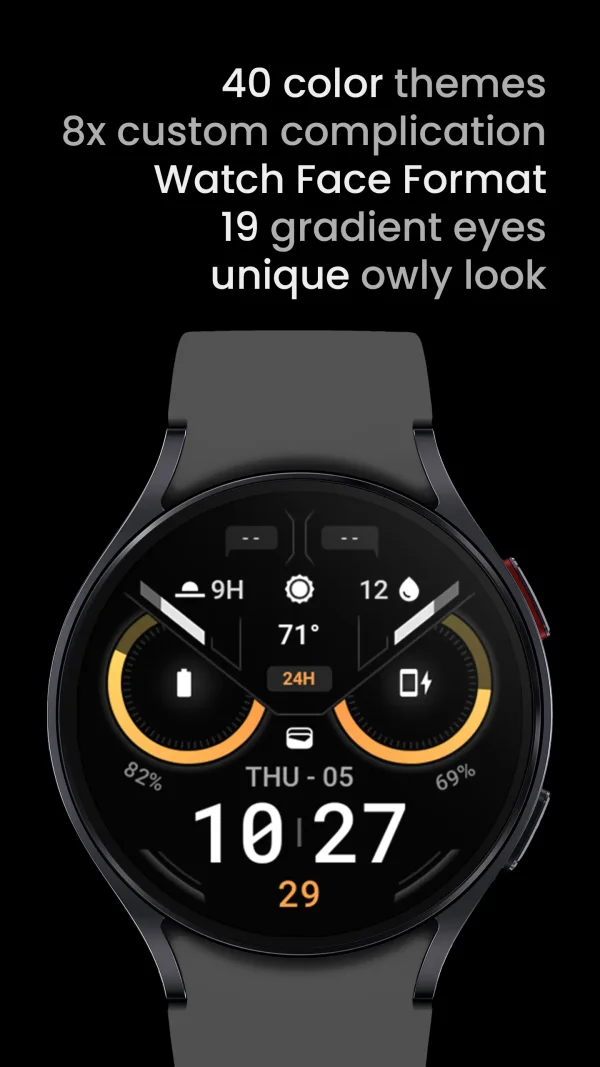
• 8x カスタムコンプリケーション
• 多言語サポート、Roboto および Roboto Mono フォント
• 電話の時間設定に基づいた 12/24 時間の時間
• 午前/午後/24時間インジケーター
ユーザー設定
• 目の色 (19 歳以上)
• 距離 Km (切り替え)*
• モノクロ AOD (切り替え)
• AOD (2x)
• テーマ (デジタルタイム - 20x)
• サブテーマ (20x)
• カスタム合併症 (+ アプリのショートカット)
* 距離と心拍数の要素は固定されており、特定のカスタム合併症が [なし] (空) に設定されている場合にのみ表示されます。
インストールとトラブルシューティングのガイド
amoledwatchfaces.com/guide
問題のレポートやヘルプ リクエストがある場合は、サポート アドレスに送信してください。
support@amoledwatchfaces.com
Telegram グループに参加してライブ サポートやディスカッションを行ってください
t.me/amoledwatchfaces
ニュースレター
amoledwatchfaces.com/contact#newsletter
amoledwatchfaces™ - Awf
原文を表示
Only for Wear OS devices - API 28+
// Not suitable for rectangular watches
Powered by Watch Face Format
amoledwatchfaces.com
BUY ONE GET ONE OFFER!
amoledwatchfaces.com/bogo
CUSTOM COMPLICATION APPS
amoledwatchfaces.com/apps
FEATURES
• true black background
• unique 'Owl' artistic design
• owly eyes and eyebrows are now progress indicators for RANGED_VALUE custom complications (API 33+)
• high resolution
• 20x digital time color
• PNGQuant optimized layers > battery friendly
• gradient color - progress bars (RANGED_VALUE complications)
• custom shortcut for preferrable health app
• ambient mode with low OPR & adaptive color & two styles
• 8x custom complication
• multilanguage support, Roboto & Roboto Mono fonts
• 12 / 24 H time based on phone time setting
• am/pm/24h indicator
USER CONFIGURATIONS
• Eyes Color (19+)
• Distance Km (Toggle)*
• Monochrome AOD (Toggle)
• AOD (2x)
• Theme (Digital Time - 20x)
• Subtheme (20x)
• Custom complications (+ app shortcuts)
* distance and heart rate elements are fixed and visible only when particular custom complications are set to None (are Empty)
Installation and troubleshooting guide
amoledwatchfaces.com/guide
Please send any issues reports or help requests to our support address
support@amoledwatchfaces.com
Join our Telegram group for live support and discussion
t.me/amoledwatchfaces
Newsletter
amoledwatchfaces.com/contact#newsletter
amoledwatchfaces™ - Awf
データ セーフティ
このアプリが収集・共有するデータについて、amoledwatchfaces™がGoogle Playで申告している内容です。
- 第三者と共有されるデータはありません詳しくは、デベロッパーが共有を申告する方法についての説明をご覧ください
- データは収集されません詳しくは、デベロッパーが収集を申告する方法についての説明をご覧ください
新機能
バージョン 1.3.8 · 2026/8/4
v1.3.8
• default Heart Rate complication (Empty) fix on Pixel Watch 3
v1.3.6
• eyes progress bars adjustments
v1.3.3
• completely redesigned
• there are now 8 custom complications in total
• eyes are now custom complication too (RANGED_VALUE, SHORT_TEXT, MONOCHROMATIC_IMAGE)
• distance & heart rate are 'Empty' versions of custom complications (RANGED_VALUE, SHORT_TEXT)
...
NOTE: Remove watch face from favorites and add it back to ensure watch face runs smoothly after update.
開発元の連絡先
- ウェブサイトamoledwatchfaces.com
- メールsupport@amoledwatchfaces.com
- プライバシーポリシーamoledwatchfaces.com
- 住所51 Nižný Kručov 09301 Nižný Kručov Slovakia
情報
- 提供元
- amoledwatchfaces™
- カテゴリ
- カスタマイズ
- バージョン
- 1.3.8
- 更新日
- 2026/8/4
- リリース
- 2021/11/23
- 対象年齢
- 3 歳以上
- 価格
- ¥320
- パッケージ名
- com.watchfacestudio.awfowly
類似のアプリ
-
 TACT ONE: Watch face
カスタマイズ
-
 Vibrant Fit Hybrid
カスタマイズ
-
 ML2U 369 Watch Face
カスタマイズ
-
 IA111 Hybrid Sport Watchface
カスタマイズ
-
 SG-154
カスタマイズ
-
 MJ139 Stylish Hybrid
カスタマイズ
-
 Digital 5
カスタマイズ
-
 Silver Digital Watch Face
カスタマイズ
-
 CNRwatch024
カスタマイズ
-
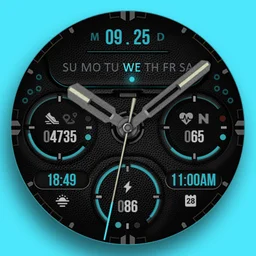 KF161 Watch face
カスタマイズ
-
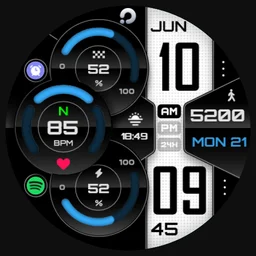 PRADO X75 Digital Watch Face
カスタマイズ
-
 WFP 325 Modern animated watch
カスタマイズ