Velvora Watch Face
VOKKI- USK ab 0 JahrenAltersfreigabe
- PersonalisierungKategorie
- 25.10.2025Aktualisiert
- KostenlosPreis
Verlinkt auf den offiziellen Google Play-Eintrag von com.watchfacestudio.velvora. Zuletzt geprüft am 27.11.2026.
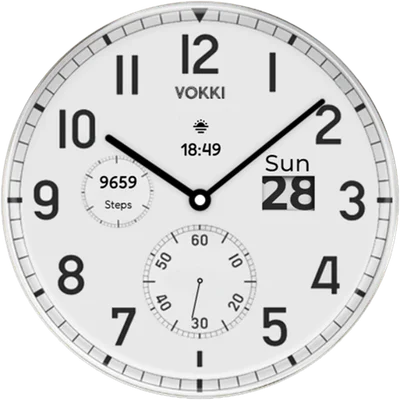
Screenshots
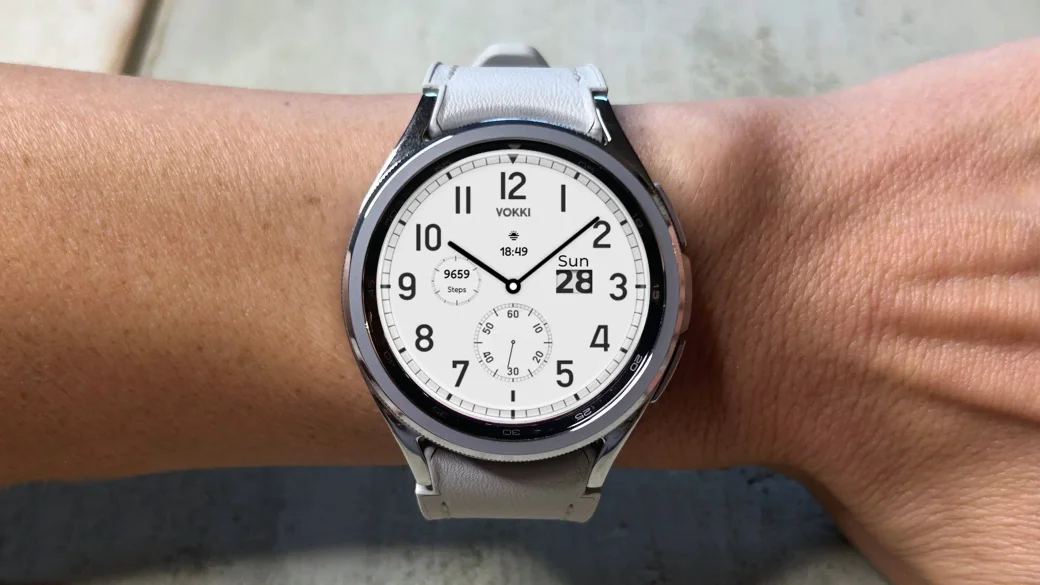

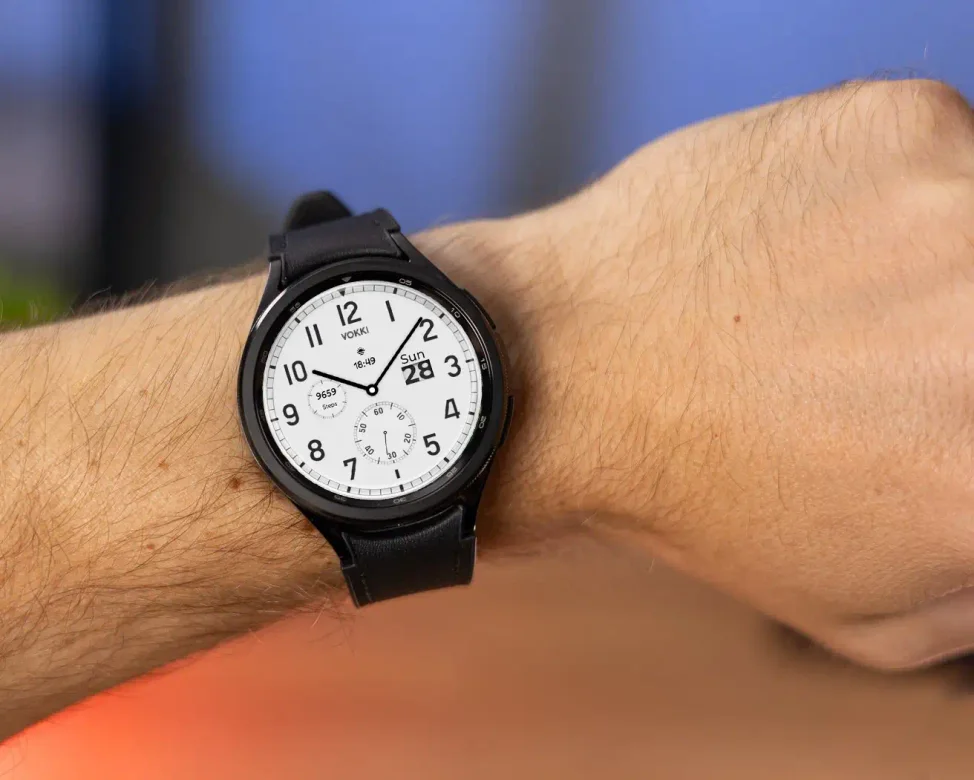

Über diese App
Automatische Übersetzung von Google. Originalsprache: Englisch (Vereinigte Staaten).
Verbessern Sie Ihr Wear OS-Erlebnis!
🔄 Anpassungsoptionen: Lassen Sie Ihrer Kreativität freien Lauf mit der anpassbaren Benutzeroberfläche von Velvora mit zwei Farboptionen. Personalisieren Sie Ihre Smartwatch mit einer Palette, die Ihre Stimmung und Ihren Stil widerspiegelt.
🕒 Always-On-Display: Genießen Sie den Komfort eines Always-On-Displays, das die Uhrzeit und die von Ihnen gewählten Komplikationen jederzeit sichtbar hält, ohne die Akkulaufzeit zu beeinträchtigen.
Erweitern Sie Ihr Wear OS-Erlebnis – laden Sie Velvora jetzt herunter und machen Sie jeden Blick auf Ihr Handgelenk einzigartig!
Installationsanleitung:
1. Stellen Sie sicher, dass Ihre Uhr über Bluetooth mit Ihrem Mobiltelefon verbunden ist.
2. Installieren Sie das Zifferblatt und stellen Sie sicher, dass Sie Ihre Uhr auswählen.
3. Sie können das Zifferblatt auch installieren, indem Sie den Play Store über Ihren Webbrowser öffnen.
4. Sie können das Zifferblatt direkt auf Ihrer Uhr installieren, indem Sie den Play Store öffnen und Ihr Zifferblatt suchen und installieren.
So installieren Sie ein Zifferblatt im Detail:
https://developer.samsung.com/sdp/blog/en-us/2022/04/05/how-to-install-wear-os-powered-by-samsung-watch-faces
Bitte beachten Sie, dass der Entwickler des Zifferblatts keinen Einfluss auf den Installationsprozess im Play Store hat.
Wenn Sie weitere Hilfe benötigen, wenden Sie sich bitte an v.akgul60@gmail.com.
Gizlilik politikası için https://justpaste.it/b8svf
Originaltext anzeigen
🔄 Customization Options: Unleash your creativity with Velvora's customizable interface featuring 2 color options. Personalize your smartwatch with a palette that reflects your mood and style.
🕒 Always-On Display: Enjoy the convenience of an always-on display that keeps the time and your chosen complications visible at all times without compromising battery life.
Elevate your Wear OS experience – download Velvora now and make every glance at your wrist uniquely yours!
Installation instructions:
1. Make sure your watch is connected to your cell phone via Bluetooth.
2. Install the watch face and make sure to select your watch.
3. You can also install the watch face by opening the Play Store via your web browser.
4. You can install the watch face directly on your watch by opening the Play Store and search and install your watch face.
How to install a watch face in detail:
https://developer.samsung.com/sdp/blog/en-us/2022/04/05/how-to-install-wear-os-powered-by-samsung-watch-faces
Please note that the developer of the watch face has no control over the installation process in the Play Store.
If you need further assistance, please contact v.akgul60@gmail.com.
Gizlilik politikası için https://justpaste.it/b8svf
Datensicherheit
Was VOKKI bei Google Play zu den Daten angibt, die diese App erfasst und weitergibt.
- Keine Daten werden mit Drittunternehmen oder -organisationen geteiltWeitere Informationen dazu, wie Entwickler Angaben zur Weitergabe von Daten machen
- Keine Daten erhobenWeitere Informationen dazu, wie Entwickler Angaben zur Datenerhebung machen
Neue Funktionen
Version 1.0.0 · 25.10.2025
• 16KB page size support added
• Updated to Android API 36
Kontakt zum Entwickler
- E-Mailv.akgul60@gmail.com
- Datenschutzerklärungsites.google.com
- AdresseYeşilkent Mahallesi 1891 Sokak No 8-10 Daire 7 Karakuş apt. 34515 Esenyurt/İstanbul Türkiye
Informationen
- Angeboten von
- VOKKI
- Kategorie
- Personalisierung
- Version
- 1.0.0
- Aktualisiert
- 25.10.2025
- Veröffentlicht
- 13.01.2024
- Altersfreigabe
- USK ab 0 Jahren
- Preis
- Kostenlos
- Paketname
- com.watchfacestudio.velvora
Ähnliche Apps
-
 Watch face CNW-34
Personalisierung
-
 Watch face 10h08.com #121
Personalisierung
-
 Metallic Watch Face
Personalisierung
-
 Cloud Elegant Watch Face
Personalisierung
-
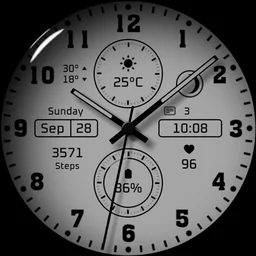 Watch face 10h08.com #76
Personalisierung
-
 Classic Analog Watch Face
Personalisierung
-
 Classic Signature 6
Personalisierung
-
 Watch face 10h08.com #78
Personalisierung
-
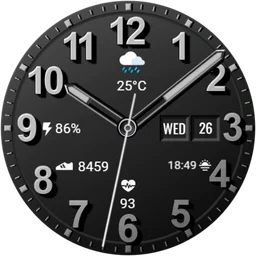 Classic Signature 7
Personalisierung
-
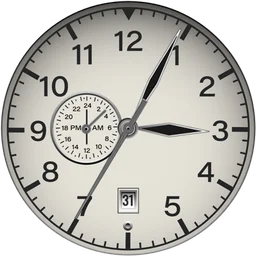 Hybrid Classic Watch Face
Tools
-
 Analog B: Wear OS
Personalisierung
-
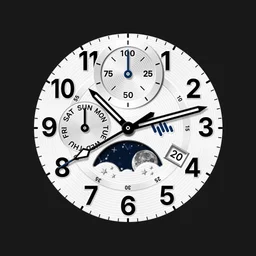 SamWatch Analog Phi 2 2024
Personalisierung