- Altersfreigabe4+
- KategorieFinanzen
- EntwicklerKiyotaka Hori
- SprachenEnglisch+ 1 weitere
- Größe18,8 MB
Verlinkt auf die offizielle App Store-Seite
Download.org hostet keine Datei von abc3.me02. Die Schaltfläche öffnet die App-Seite bei App Store, wo Kiyotaka Hori die App veröffentlicht. Eintrag zuletzt geprüft am 17.11.2026.
Screenshots


Info
Der Entwickler hat diesen Text nicht in Ihrer Sprache bereitgestellt.
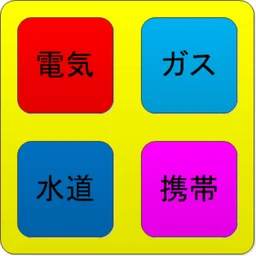
abc3.me02 (water utility bills)
abc3.me02 (water utility bills)
Water and sewer,
gas and electric expenses can be manged.
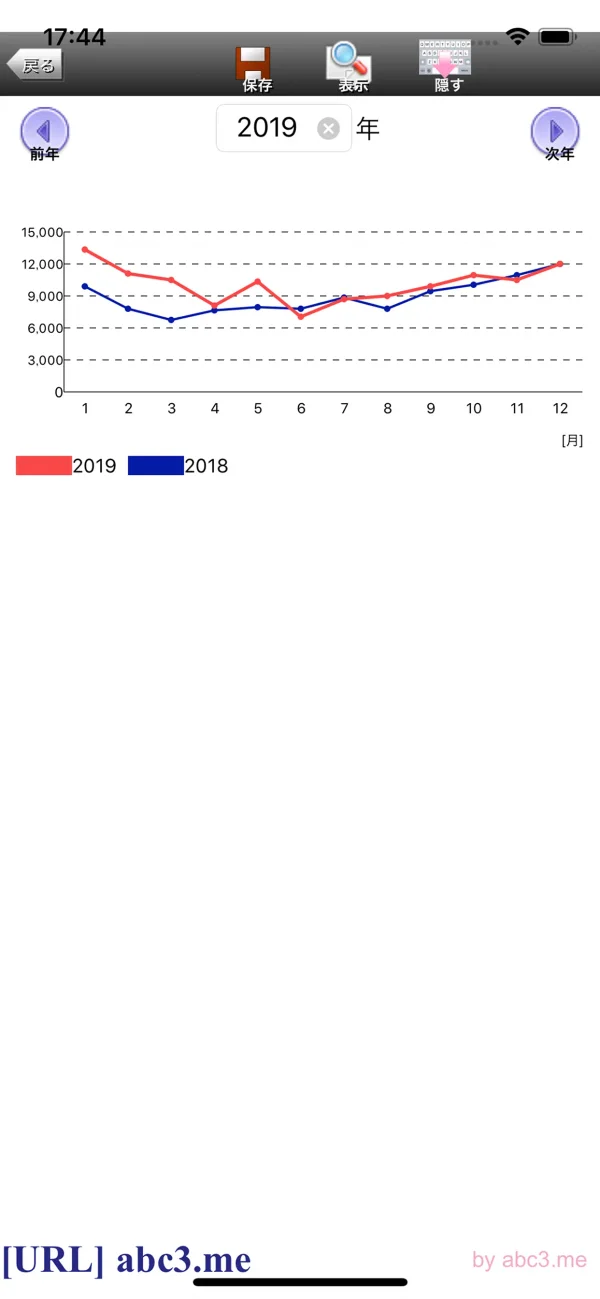
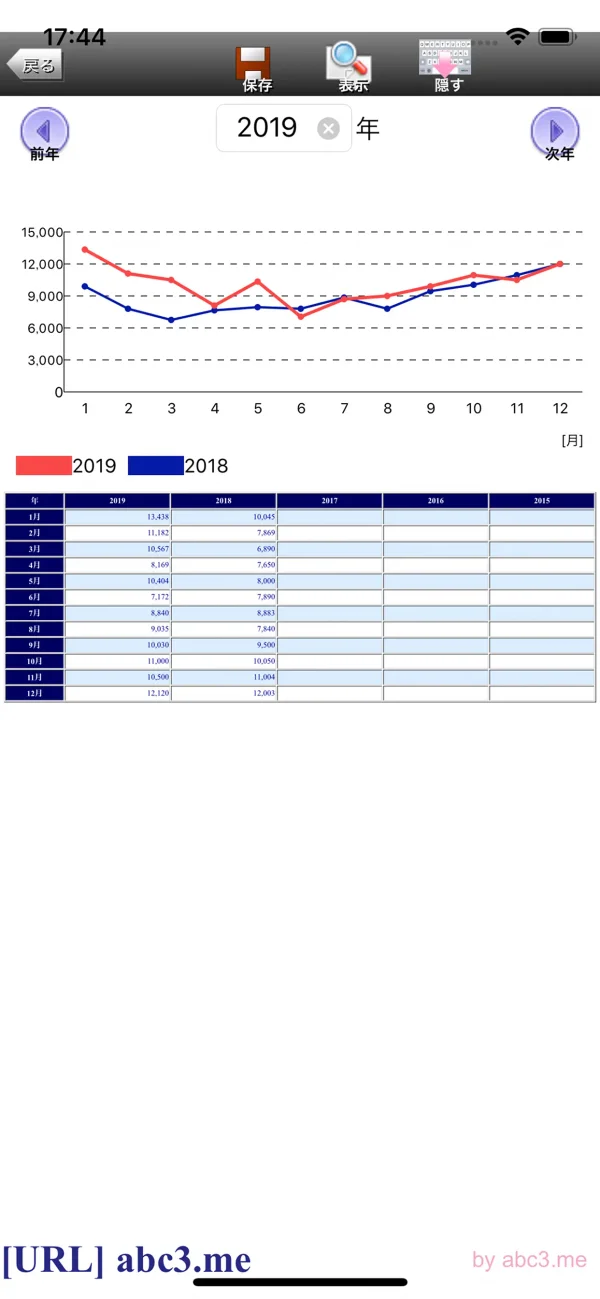
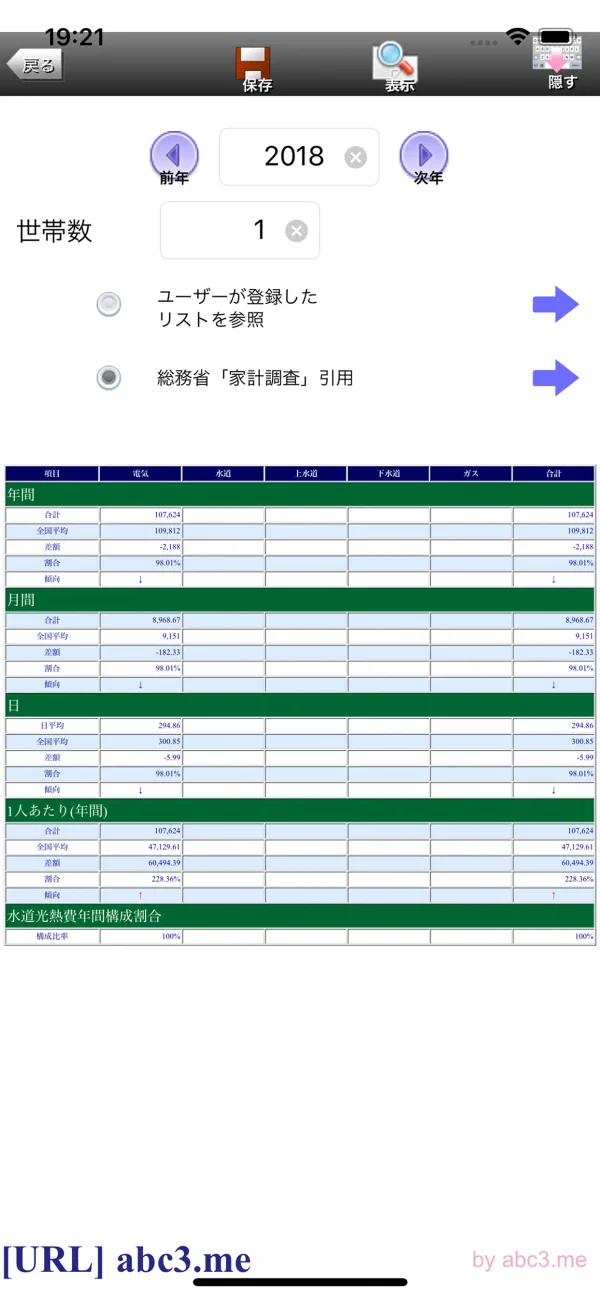
Charts provides a best way to visualize water utility bills.
Using abc3.me02,
please reduce water utility bills.
by abc3.me
can use iPad.
(1) Free App (Finance)
abc3.me02 (water utility bills) Free download Now!
search abc3.me on website
If you are interested in abc3.me02,
We recommend that you download this App, as soon as possible.
(2) How to display Charts.
Please Enter usage charges or consumption.
Please tap View Button.
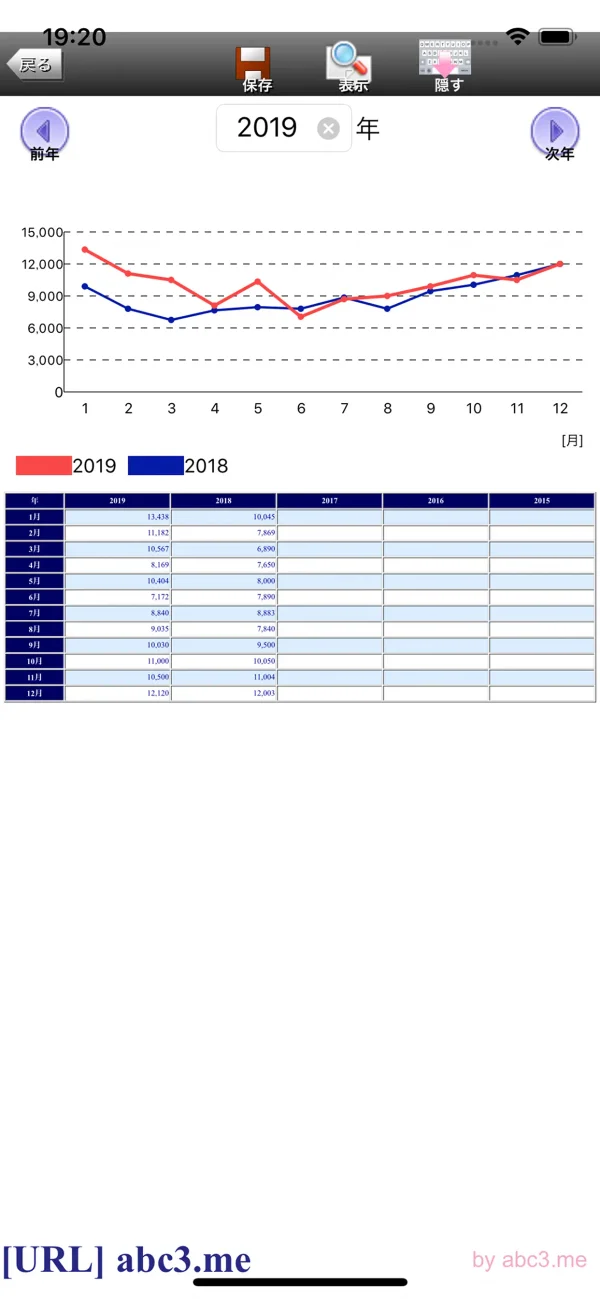
Using Charts, you can check your usage.
(3) Feature
・Enter
Enter usage charges or consumption.
(water and sewer, gas, electric.)
・Chart
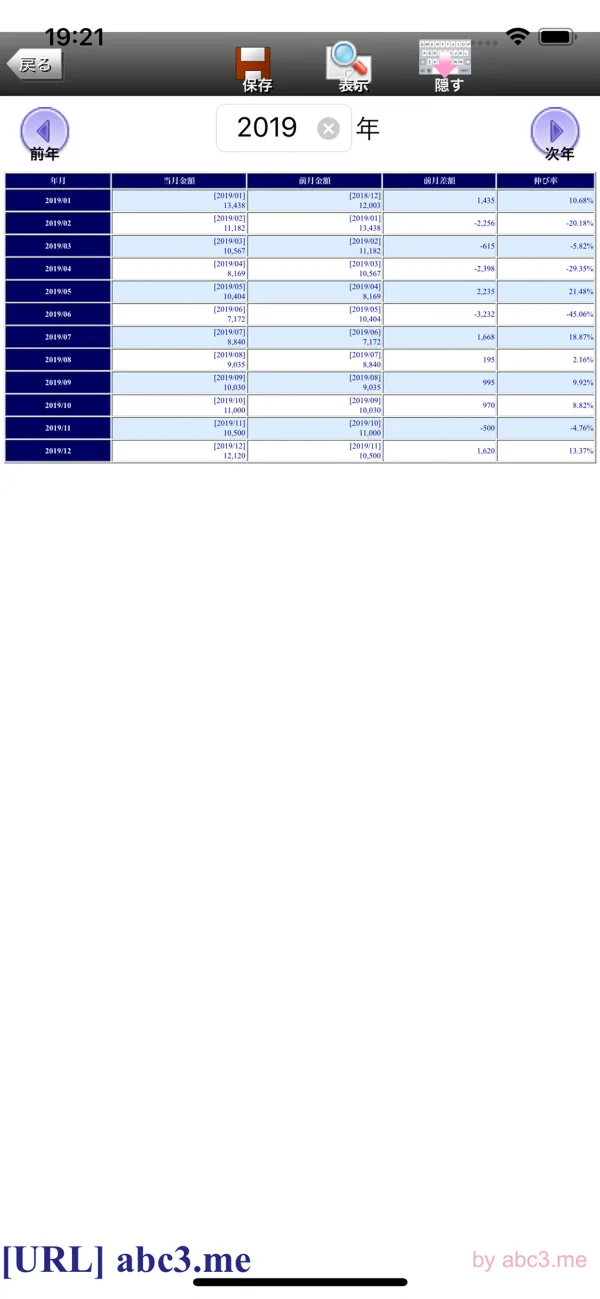
Show Table or Graph.
(Monthly Transition, Same Month, Month Comparison)
※add Same Month Graph(check Setting Screen option) ver 1.24 oe later
・Setting
If you want to know calculated tax,
Please set the following:
[Tax rate] -> [Taxable period]
(Tax will be calculated.)
Backup and Restore
If you create backup file with iPhone,
backup file is able to restore by iPad.
【backup step】
(1)create a backup file with "backup" button.
(2)connect iTunes from iPhone and synchronize.
(3)save backup file to computer.
【restore step】
(1)connect iTunes from iPhone and synchronize.
(2)copy backup file from computer to iPhone.
(3)restore a backup file with "restore" button.
・Enter screen title
switch display of enter screen title
【password lock or password unlock】
lock with set a password.
if app reboot,
password confirmation dialog will be display.
【Reset】
if you forget a password,
initialize app data used of "reset" button,
password is reset.
but app all of data will be initialized.
recommend create a backup file.
after reset,
can restore with backup file of computer.
【Tag】
If you tap "tag" button,
can select a tag.
conditions of selected a tag color
at search screen.
【Compare data】
display the results of a comparison of
the national average and the enter data.
save list as excel format document.
it can open with excel.
batch conversion of water utility bills data.
【CSV data】
・export to your computer with iTunes app.
・import to app data from your computer with iTunes app.
・Help
how to Use this Help
Detailed description:
please tap Link.
data cooperation screen ( withAppData )
switch tab on the screen.
(1)copy app to share
copy abc3.me02 file to share folder.
(2)copy share to app
copy withAppData file to share folder,
and share folder's file copy to abc3.me02 app.
it is remove selected file in the share folder.
※withAppData app search of developer list.
[iPhone Requirements]
Supported OS: iOS 8.0 to
Please download and use.
abc3.me02 (water utility bills)
Free App by abc3.me.
Thank you.
search abc3.me on website
by abc3.me
Neue Funktionen
Version 1.2.9 · 16.11.2024
abc3.me02(water utility bills)
[version 1.29]
best regards, abc3.me
by abc3.me
App-Datenschutz
Was Kiyotaka Hori im App Store zum Umgang dieser App mit Daten angibt.
-
Daten, die zum Tracking Ihrer Person verwendet werden
Können verwendet werden, um Sie über Apps und Websites anderer Unternehmen hinweg zu verfolgen.
- Nutzungsdaten
-
Mit Ihnen verknüpfte Daten
Können erfasst und mit Ihrer Identität verknüpft werden.
- Nutzungsdaten
Die Datenschutzpraktiken können variieren, zum Beispiel je nach den von Ihnen verwendeten Funktionen oder Ihrem Alter.
Informationen
- Anbieter
- Kiyotaka Hori
- Kategorie
- Finanzen
- Version
- 1.2.9
- Aktualisiert
- 16.11.2024
- Veröffentlicht
- 20.12.2013
- Größe
- 18,8 MB
- Erfordert
- iOS 9.0 oder neuer
- Altersfreigabe
- 4+
- Preis
- Kostenlos
- Sprachen
- Englisch, Japanisch
- Copyright
- © 2013 k.hori