
AIO Video Editor
Video Editor, Video Maker
Entwickelt für iPhone, iPod touch
Kostenlos · In-App-Käufe
- Altersfreigabe4+
- KategorieDienstprogramme
- Entwickler福兰 谢
- SprachenEnglisch+ 2 weitere
- Größe58,1 MB
Verlinkt auf die offizielle App Store-Seite
Download.org hostet keine Datei von AIO Video Editor. Die Schaltfläche öffnet die App-Seite bei App Store, wo 福兰 谢 die App veröffentlicht. Eintrag zuletzt geprüft am 17.11.2026.
Screenshots
Info
Der Entwickler hat diesen Text nicht in Ihrer Sprache bereitgestellt.
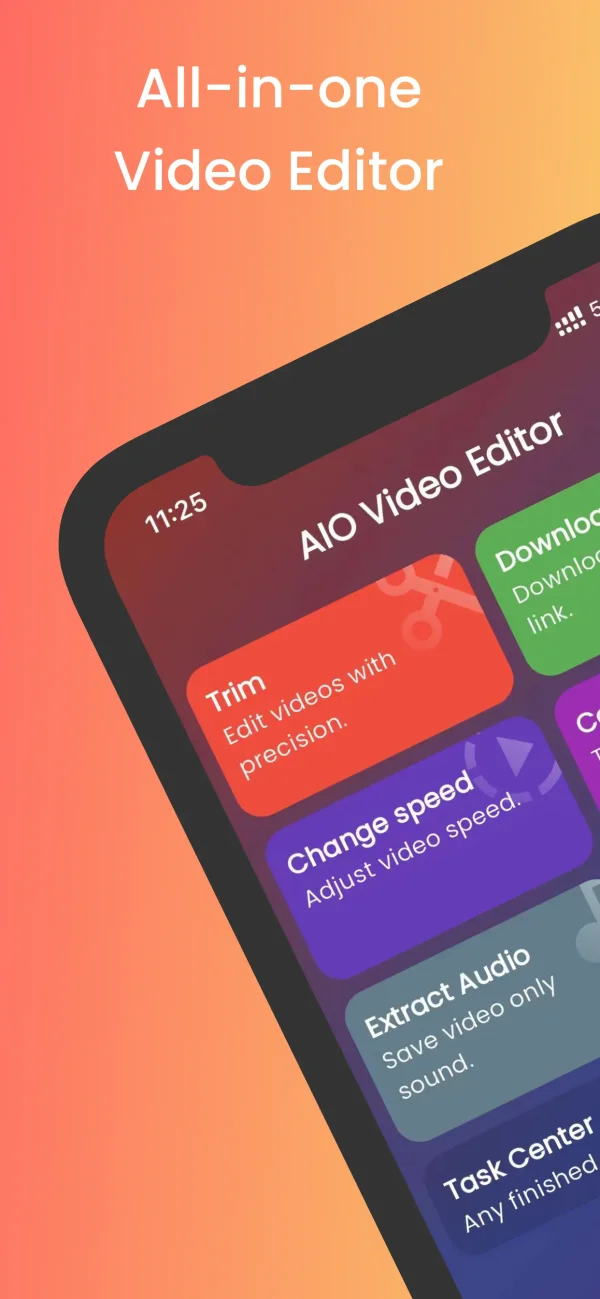
When it comes to powerful video editing tools, AIO Video Editor is your ultimate choice. It offers a comprehensive yet user-friendly range of features, enabling you to seamlessly edit your video content.
AIO Video Editor delivers the best full-featured video editing experience for professional video editing.
Key features include:
- Powerful video editing tools
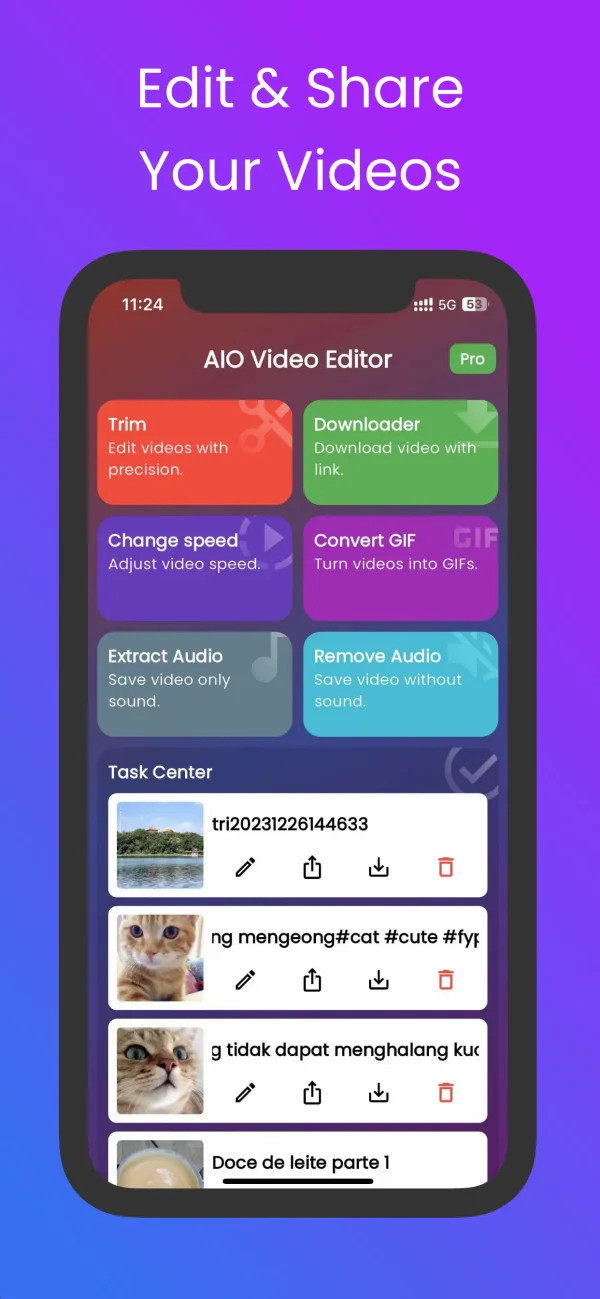
AIO Video Editor provides short video editing tools to meet your needs. You can easily import, trim, crop, or split videos to the desired length with simple clicks.
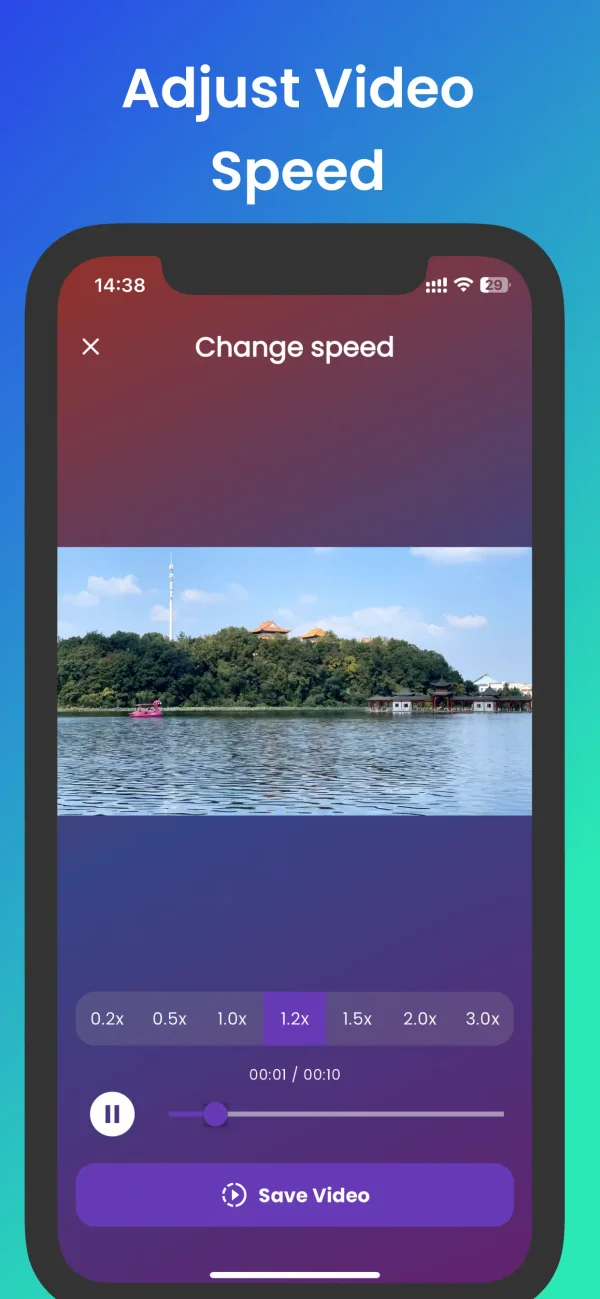
- Adjust Video Speed
You can effortlessly speed up, slow down, or reverse videos. With just a few clicks on the video maker, you can adjust the video speed at crucial moments, adding more surprises and effects to your creations.
- Share & save your videos
Once you've completed video editing, AIO Video Editor offers high-quality video export, allowing you to share outstanding works to platforms like Instagram, email, and more. All edited videos are conveniently saved in your album for easy access and sharing.
- Extracting audio from videos
AIO Video Editor also supports extracting audio from videos, enabling you to easily access and utilize audio content within videos.
-Converting videos to GIF
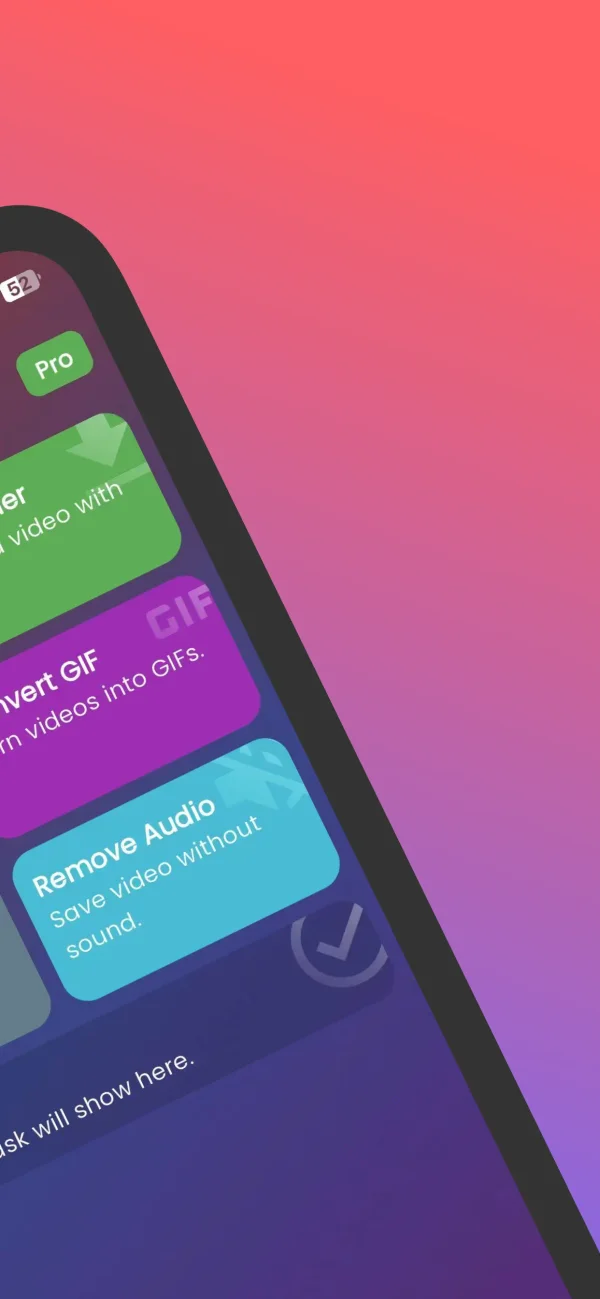
AIO Video Editor also features the capability to convert interesting videos into GIFs, enabling you to create more vivid and engaging works for better sharing on social platforms or interaction with friends.
-Removing audio from videos
AIO Video Editor provides a convenient option to eliminate audio from video parts. This simple feature allows you to focus more on visual effects and add more personalized elements to your creations.
-Remove watermark from video
One-click to help you delete unwanted watermarks and text in videos and save videos without watermarks.
Disclaimer:
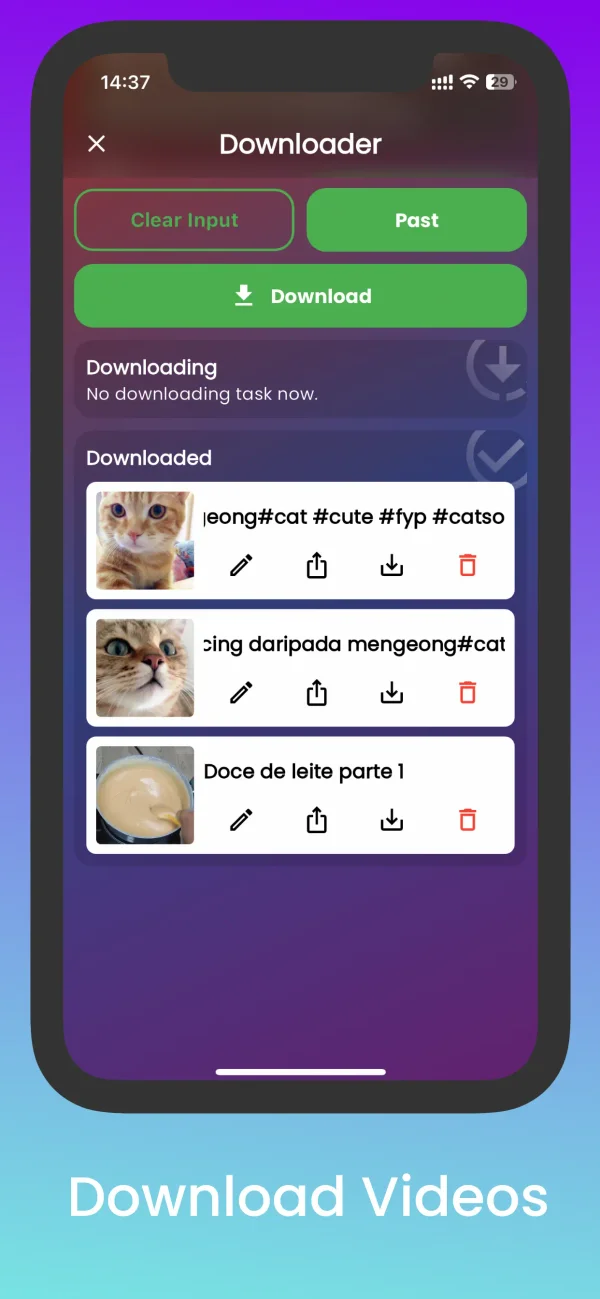
Rights to videos, photos, music, etc., on the platform belong to their respective publishers or owners. We respect all owners' copyrights. Please refrain from downloading or forwarding videos and media clips without permission.
Users are solely responsible for any unauthorized actions (re-uploading or downloading content) and/or infringement of intellectual property rights.
Term of Use: http://img.vaojo.com/global/EULA_en.html?an=AIO%20Video%20Editor%20&cn=xiefulan&em=97402308@qq.com
Privacy Policy: http://img.vaojo.com/global/privacy_policy_en.html?an=AIO%20Video%20Editor&cn=97402308@qq.com&em=97402308@qq.com
Neue Funktionen
Version 1.0.4 · 22.05.2024
Optimize user experience
App-Datenschutz
Was 福兰 谢 im App Store zum Umgang dieser App mit Daten angibt.
-
Nicht mit Ihnen verknüpfte Daten
Können erfasst werden, sind aber nicht mit Ihrer Identität verknüpft.
- Kennungen
- Nutzungsdaten
- Diagnose
Die Datenschutzpraktiken können variieren, zum Beispiel je nach den von Ihnen verwendeten Funktionen oder Ihrem Alter.
Informationen
- Anbieter
- 福兰 谢
- Kategorie
- Dienstprogramme
- Version
- 1.0.4
- Aktualisiert
- 22.05.2024
- Veröffentlicht
- 08.01.2024
- Größe
- 58,1 MB
- Erfordert
- iOS 15.0 oder neuer
- Altersfreigabe
- 4+
- Preis
- Kostenlos
- In-App-Käufe
- Ja
- Sprachen
- Englisch, Vereinf. Chinesisch, Tradit. Chinesisch
- Copyright
- © 2023 Inc.
Das könnte Ihnen auch gefallen
-
 作文卡片Dienstprogramme
-
 青芒果-专业建筑工地装修工厂物流招聘求职记工记账Dienstprogramme
-
 Extraktor-KitVideoHoler-Hol·Wandel·Sauber
-
 欧阳询书法字典Dienstprogramme
-
 视频水印神器-提取视频 视频创作 视频素材库Dienstprogramme
-
 智剪-视频一键去重Dienstprogramme
-
 一键视频剪辑软件-短视频平台视频编辑工具appDienstprogramme
-
 芝麻沟通-恋爱聊天输入法&AI智能聊天回复神器Dienstprogramme
-
 创影-短视频创作助手Dienstprogramme
-
 国画之美-华夏风物文物博物馆Dienstprogramme