AIO Video Editor
Video Editor, Video Maker
Designed for iPhone, iPod touch
Free · In-app purchases
- Age rating4+
- CategoryUtilities
- Developer福兰 谢
- LanguagesEnglish+ 2 more
- Size58.1 MB
Links to the official App Store page
Download.org hosts no file of AIO Video Editor. The button opens its official App Store page, published by 福兰 谢. Listing last checked on Nov 17, 2026.
Screenshots
About
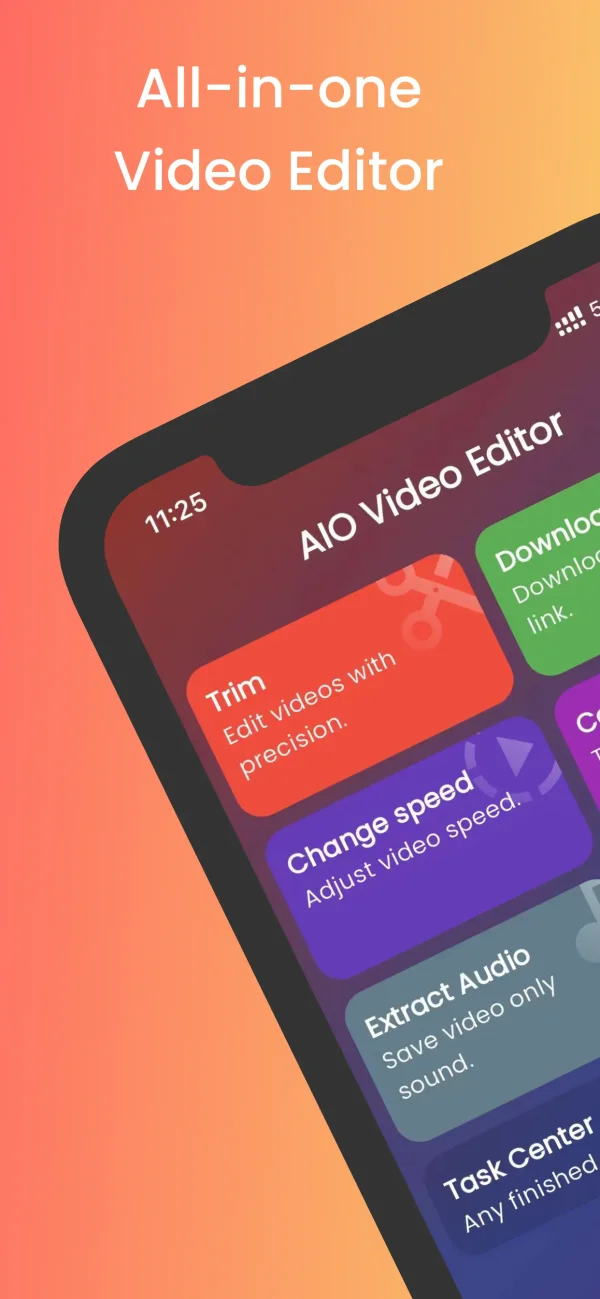
When it comes to powerful video editing tools, AIO Video Editor is your ultimate choice. It offers a comprehensive yet user-friendly range of features, enabling you to seamlessly edit your video content.
AIO Video Editor delivers the best full-featured video editing experience for professional video editing.
Key features include:
- Powerful video editing tools
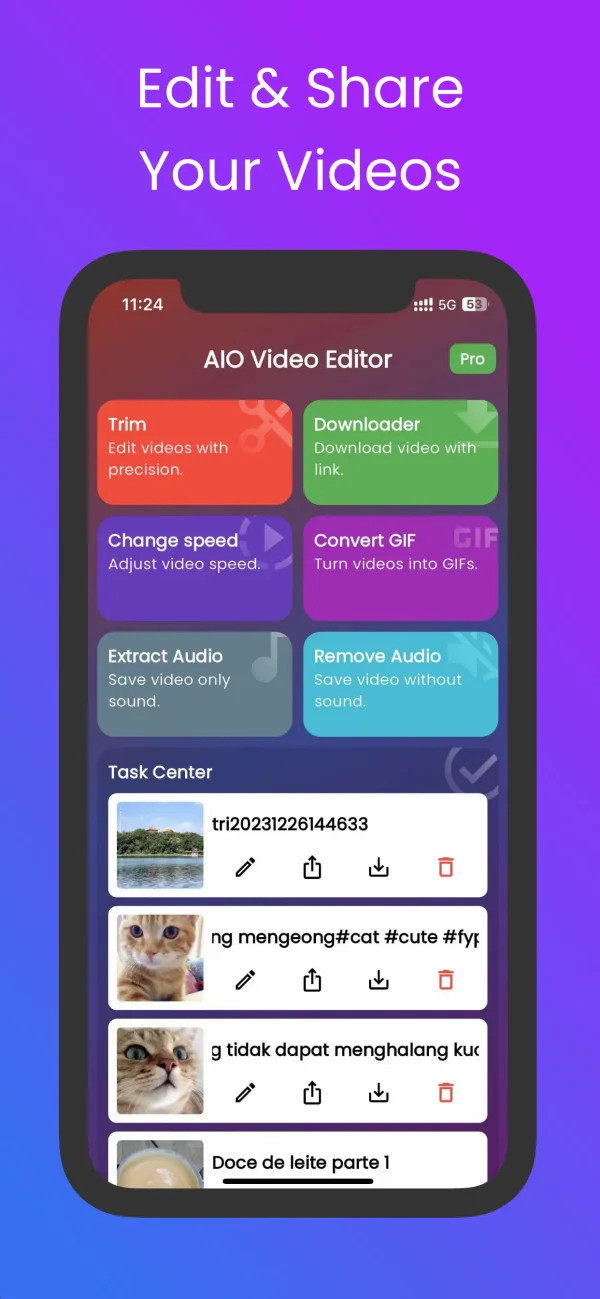
AIO Video Editor provides short video editing tools to meet your needs. You can easily import, trim, crop, or split videos to the desired length with simple clicks.
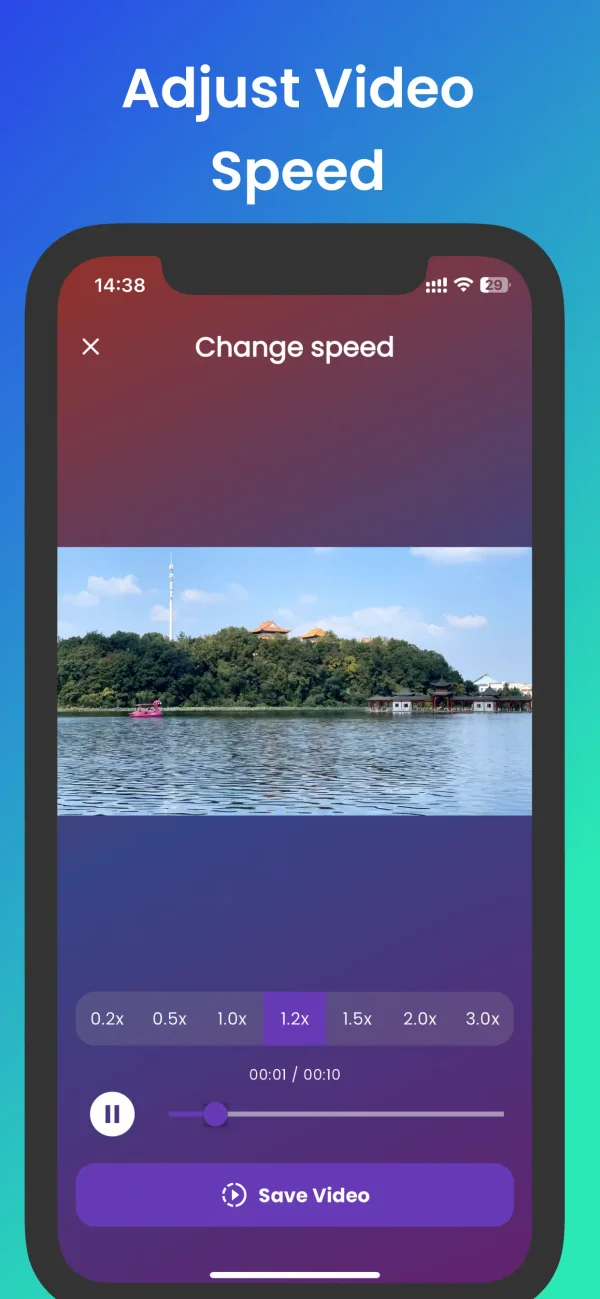
- Adjust Video Speed
You can effortlessly speed up, slow down, or reverse videos. With just a few clicks on the video maker, you can adjust the video speed at crucial moments, adding more surprises and effects to your creations.
- Share & save your videos
Once you've completed video editing, AIO Video Editor offers high-quality video export, allowing you to share outstanding works to platforms like Instagram, email, and more. All edited videos are conveniently saved in your album for easy access and sharing.
- Extracting audio from videos
AIO Video Editor also supports extracting audio from videos, enabling you to easily access and utilize audio content within videos.
-Converting videos to GIF
AIO Video Editor also features the capability to convert interesting videos into GIFs, enabling you to create more vivid and engaging works for better sharing on social platforms or interaction with friends.
-Removing audio from videos
AIO Video Editor provides a convenient option to eliminate audio from video parts. This simple feature allows you to focus more on visual effects and add more personalized elements to your creations.
-Remove watermark from video
One-click to help you delete unwanted watermarks and text in videos and save videos without watermarks.
Disclaimer:
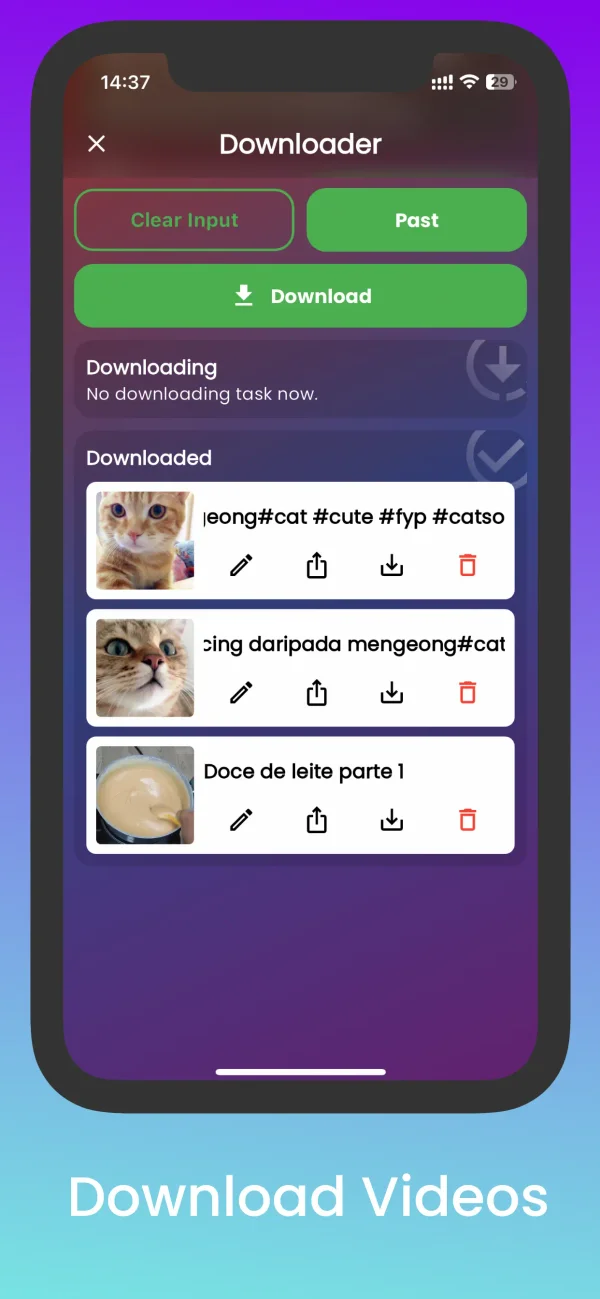
Rights to videos, photos, music, etc., on the platform belong to their respective publishers or owners. We respect all owners' copyrights. Please refrain from downloading or forwarding videos and media clips without permission.
Users are solely responsible for any unauthorized actions (re-uploading or downloading content) and/or infringement of intellectual property rights.
Term of Use: http://img.vaojo.com/global/EULA_en.html?an=AIO%20Video%20Editor%20&cn=xiefulan&em=97402308@qq.com
Privacy Policy: http://img.vaojo.com/global/privacy_policy_en.html?an=AIO%20Video%20Editor&cn=97402308@qq.com&em=97402308@qq.com
What’s new
Version 1.0.4 · May 22, 2024
Optimize user experience
App privacy
What 福兰 谢 declares on the App Store about how this app handles data.
-
Data not linked to you
May be collected but is not linked to your identity.
- Identifiers
- Usage data
- Diagnostics
Privacy practices may vary, for example with the features you use or your age.
Information
- Seller
- 福兰 谢
- Category
- Utilities
- Version
- 1.0.4
- Updated
- May 22, 2024
- Released
- Jan 8, 2024
- Size
- 58.1 MB
- Requires
- iOS 15.0 or later
- Age rating
- 4+
- Price
- Free
- In-app purchases
- Yes
- Languages
- English, Simplified Chinese, Traditional Chinese
- Copyright
- © 2023 Inc.