Alarm Stacks
Routine Alarm Clock
Entwickelt für iPhone, iPad
Kostenlos · In-App-Käufe
- Altersfreigabe4+
- KategorieProduktivität
- EntwicklerConor Nolan
- SprachenEnglisch
- Größe9,4 MB
Verlinkt auf die offizielle App Store-Seite
Download.org hostet keine Datei von Alarm Stacks. Die Schaltfläche öffnet die App-Seite bei App Store, wo Conor Nolan die App veröffentlicht. Eintrag zuletzt geprüft am 14.11.2026.
Screenshots


Info
Der Entwickler hat diesen Text nicht in Ihrer Sprache bereitgestellt.
Build step-by-step alarm routines that actually ring.
Alarm Stacks lets you create stacks like Wake → Hydrate → Stretch → Shower → Leave. The first step can be Start in (a countdown) or Fixed time; later steps can be Fixed time or After previous. Alarms use the system’s full-screen interface and ring even with Silent or Focus enabled. Follow along on the Lock Screen with a Live Activity, skip or snooze a step, or control stacks with Siri and Shortcuts.
Highlights
• Real alarms — System-grade ringing that works even with Silent/Focus on.
• Stacks = routines — First step: Start in or Fixed time. Following steps: Fixed time or After previous.
• Live Activities (Lock Screen) — See countdowns and quick controls at a glance.
• Quick Alarm — Set an alarm for “in X minutes” or “at a time” in two taps.
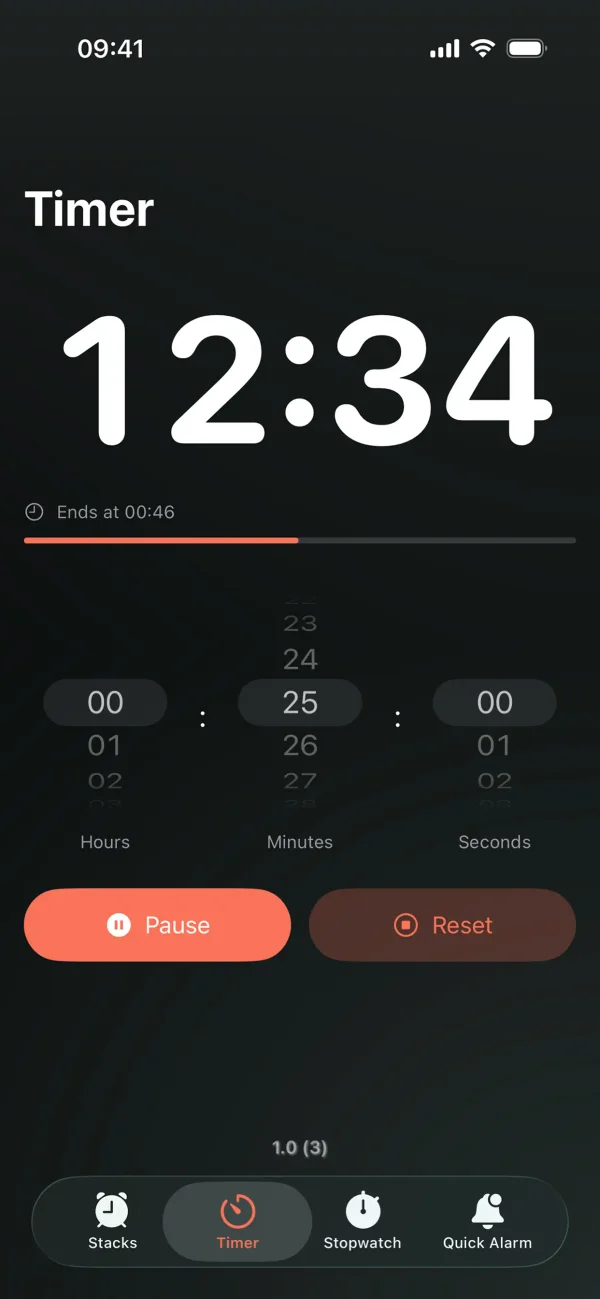
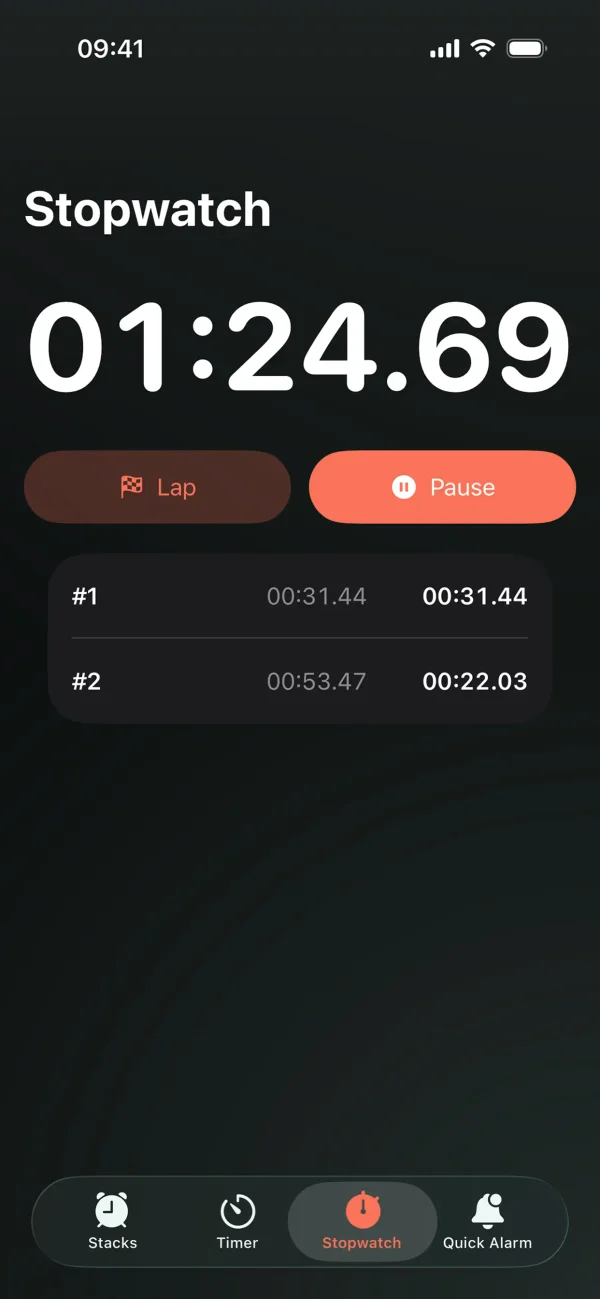
• Stopwatch & Timer — Simple, precise, each with a Lock Screen Live Activity.
• On-device routine generator — Type “06:30 gym, then 30m later shower, then 10m later coffee” and review the proposed stack before saving.
• Shortcuts & Siri — Arm, disarm, start, stop, or snooze via voice or automations.
• Themes — Pick a colour that suits you.
• No account, no ads, no tracking — Your data stays on your device.
How it works
1. Create a stack and add steps (first step = Start in or Fixed time; later steps = Fixed time or After previous).
2. Arm the stack — Alarm Stacks schedules everything for you.
3. Use the Lock Screen Live Activity to complete, skip, or snooze; the next step starts automatically.
Free vs Plus
Free: up to 2 stacks and 3 steps per stack.
Alarm Stacks Plus: unlimited stacks & steps, extra themes, and future premium features.
Privacy
Works entirely on-device. Routine generation also runs on-device; conversational interpretation uses Apple Intelligence where available. No accounts, no analytics, and no third-party SDKs.
Notes
• Allow alarm access and enable Live Activities for the best experience.
• Siri/Shortcuts require permission to run voice or automation actions.
• Dynamic Island is present on compatible devices but not yet fully optimised in this version.
Terms of Use (EULA): https://www.apple.com/legal/internet-services/itunes/dev/stdeula/
Privacy Policy: https://alarmstacks.com/privacy.html
Neue Funktionen
Version 1.4 · 18.10.2026
• Added layouts for iPhone Duo, with a new analogue clock and calendar.
• Improved Generate Routine with clearer previews and more reliable timing.
• Fixed Live Activities remaining after alarms are cancelled or completed.
• Fixed repeating alarms and polished controls, spacing and themes.
App-Datenschutz
Was Conor Nolan im App Store zum Umgang dieser App mit Daten angibt.
-
Keine Daten erfasst
Der Entwickler erfasst keine Daten von dieser App.
Die Datenschutzpraktiken können variieren, zum Beispiel je nach den von Ihnen verwendeten Funktionen oder Ihrem Alter.
Informationen
- Anbieter
- Conor Nolan
- Kategorie
- Produktivität
- Version
- 1.4
- Aktualisiert
- 18.10.2026
- Veröffentlicht
- 15.09.2025
- Größe
- 9,4 MB
- Erfordert
- iOS 26.0 oder neuer
- Altersfreigabe
- 4+
- Preis
- Kostenlos
- In-App-Käufe
- Ja
- Sprachen
- Englisch
- Copyright
- © Conor Nolan
Das könnte Ihnen auch gefallen
-
 Minus Alarm - Alarm planenÜberspringen Sie Alarme für
-
 Call to Meet: Meeting WeckerMeeting-Alarm, der klingelt
-
 Alarm Clk - Tracker & SoundsProduktivität
-
 Step Timer - sequential timerProduktivität
-
 Habit Pocket: Habit TrackerProduktivität
-
 Wecker Mit Aufgaben und MatheEinfach und Schnell Wach
-
 Outwork: Habits Unlock AppsProduktivität
-
 GlanceHQProduktivität
-
 Unmissable: KalenderalarmTerminerinnerungen zum Hören
-
 Wecker mit Aufgaben: ProAlarmLaut aufstehen: Alarm & Schlaf