Alarm Stacks
Routine Alarm Clock
Designed for iPhone, iPad
Free · In-app purchases
- Age rating4+
- CategoryProductivity
- DeveloperConor Nolan
- LanguagesEnglish
- Size9.4 MB
Links to the official App Store page
Download.org hosts no file of Alarm Stacks. The button opens its official App Store page, published by Conor Nolan. Listing last checked on Nov 14, 2026.
Screenshots


About
Build step-by-step alarm routines that actually ring.
Alarm Stacks lets you create stacks like Wake → Hydrate → Stretch → Shower → Leave. The first step can be Start in (a countdown) or Fixed time; later steps can be Fixed time or After previous. Alarms use the system’s full-screen interface and ring even with Silent or Focus enabled. Follow along on the Lock Screen with a Live Activity, skip or snooze a step, or control stacks with Siri and Shortcuts.
Highlights
• Real alarms — System-grade ringing that works even with Silent/Focus on.
• Stacks = routines — First step: Start in or Fixed time. Following steps: Fixed time or After previous.
• Live Activities (Lock Screen) — See countdowns and quick controls at a glance.
• Quick Alarm — Set an alarm for “in X minutes” or “at a time” in two taps.
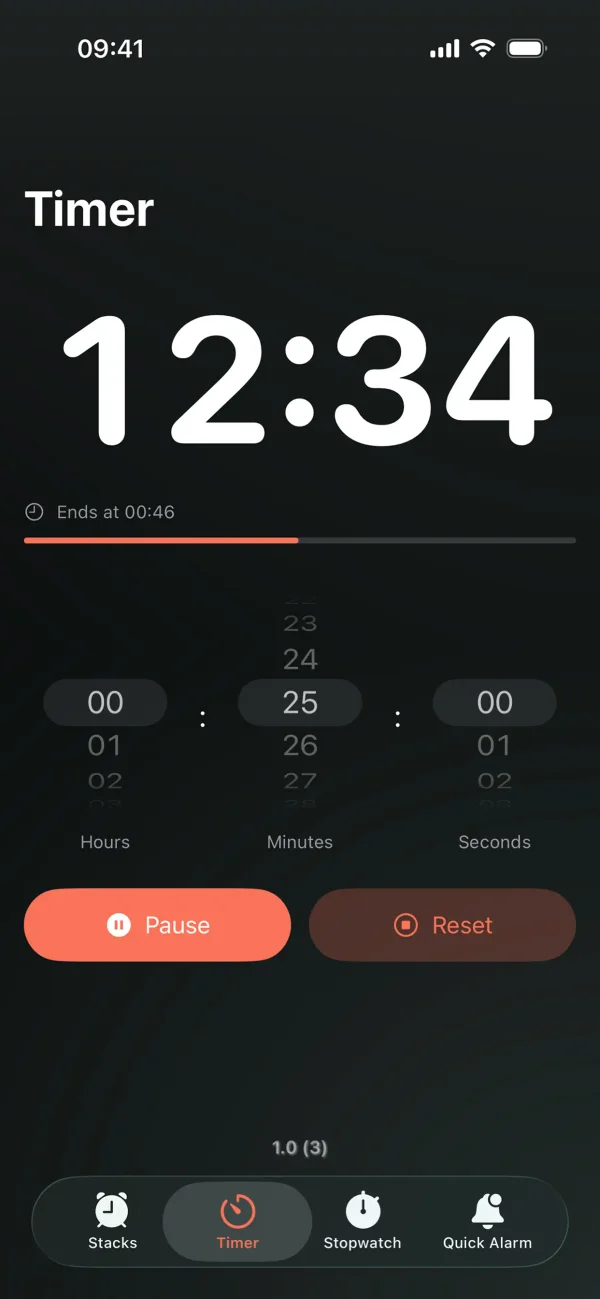
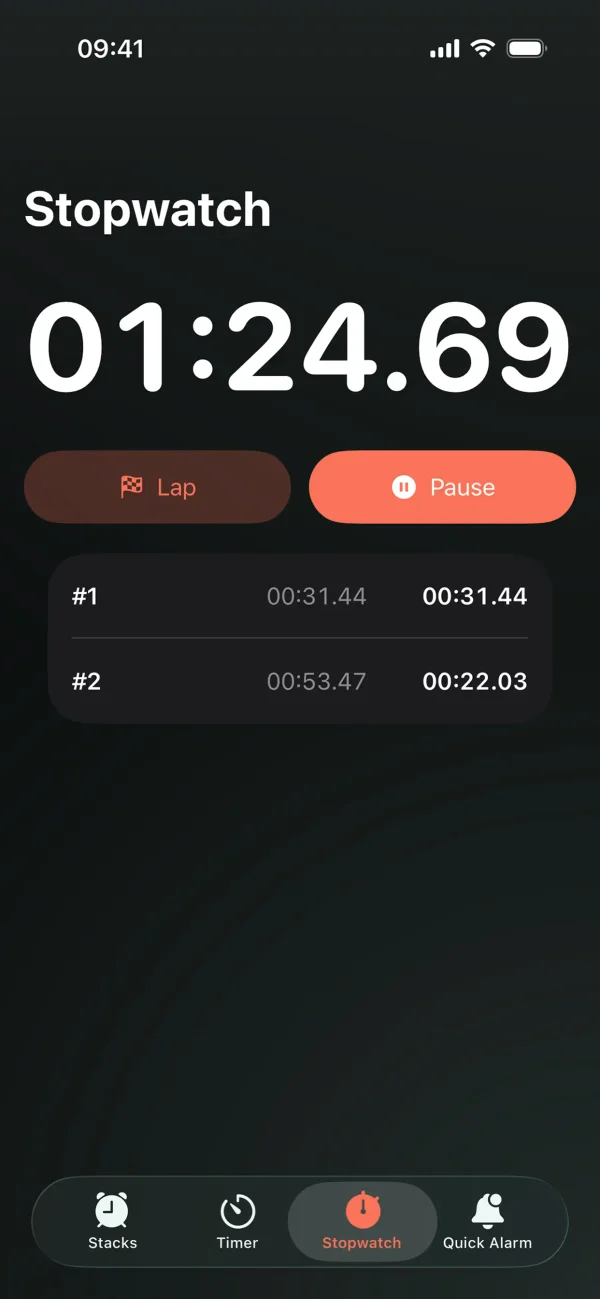
• Stopwatch & Timer — Simple, precise, each with a Lock Screen Live Activity.
• On-device routine generator — Type “06:30 gym, then 30m later shower, then 10m later coffee” and review the proposed stack before saving.
• Shortcuts & Siri — Arm, disarm, start, stop, or snooze via voice or automations.
• Themes — Pick a colour that suits you.
• No account, no ads, no tracking — Your data stays on your device.
How it works
1. Create a stack and add steps (first step = Start in or Fixed time; later steps = Fixed time or After previous).
2. Arm the stack — Alarm Stacks schedules everything for you.
3. Use the Lock Screen Live Activity to complete, skip, or snooze; the next step starts automatically.
Free vs Plus
Free: up to 2 stacks and 3 steps per stack.
Alarm Stacks Plus: unlimited stacks & steps, extra themes, and future premium features.
Privacy
Works entirely on-device. Routine generation also runs on-device; conversational interpretation uses Apple Intelligence where available. No accounts, no analytics, and no third-party SDKs.
Notes
• Allow alarm access and enable Live Activities for the best experience.
• Siri/Shortcuts require permission to run voice or automation actions.
• Dynamic Island is present on compatible devices but not yet fully optimised in this version.
Terms of Use (EULA): https://www.apple.com/legal/internet-services/itunes/dev/stdeula/
Privacy Policy: https://alarmstacks.com/privacy.html
What’s new
Version 1.4 · Oct 18, 2026
• Added layouts for iPhone Duo, with a new analogue clock and calendar.
• Improved Generate Routine with clearer previews and more reliable timing.
• Fixed Live Activities remaining after alarms are cancelled or completed.
• Fixed repeating alarms and polished controls, spacing and themes.
App privacy
What Conor Nolan declares on the App Store about how this app handles data.
-
Data not collected
The developer does not collect any data from this app.
Privacy practices may vary, for example with the features you use or your age.
Information
- Seller
- Conor Nolan
- Category
- Productivity
- Version
- 1.4
- Updated
- Oct 18, 2026
- Released
- Sep 15, 2025
- Size
- 9.4 MB
- Requires
- iOS 26.0 or later
- Age rating
- 4+
- Price
- Free
- In-app purchases
- Yes
- Languages
- English
- Copyright
- © Conor Nolan
You might also like
-
 Minus Alarm - Schedule AlarmSkip alarms for changing plans
-
 Call to Meet: Meeting AlarmMeeting Alarms That Ring
-
 Alarm Clk - Tracker & SoundsAlarm Clock & Snore Recorder
-
 Step Timer - sequential timerProductivity
-
 Habit Pocket: Habit TrackerLog sleep, mood, energy & time
-
 Alarm Clock: Wake Up Timer.Perfect Waking Up - Alarms
-
 Outwork: Habits Unlock AppsBlock apps until habits done
-
 GlanceHQThe family briefing
-
 Unmissable: Calendar AlarmMeeting alerts you can hear
-
 ProAlarm: Early Alarm ClockLoud Missions, Wake Up Sleeper