Alt Time: World Clock Widget
24-hour, UTC & second zone
Entwickelt für iPhone, iPad
1,99 €
- Altersfreigabe4+
- KategorieDienstprogramme
- EntwicklerMMH Adventures LLC
- SprachenEnglisch
- Größe6,9 MB
Verlinkt auf die offizielle App Store-Seite
Download.org hostet keine Datei von Alt Time: World Clock Widget. Die Schaltfläche öffnet die App-Seite bei App Store, wo MMH Adventures LLC die App veröffentlicht. Eintrag zuletzt geprüft am 27.11.2026.
Screenshots
Info
Der Entwickler hat diesen Text nicht in Ihrer Sprache bereitgestellt.
Alt Time puts the times you actually need on your lock screen and home screen.
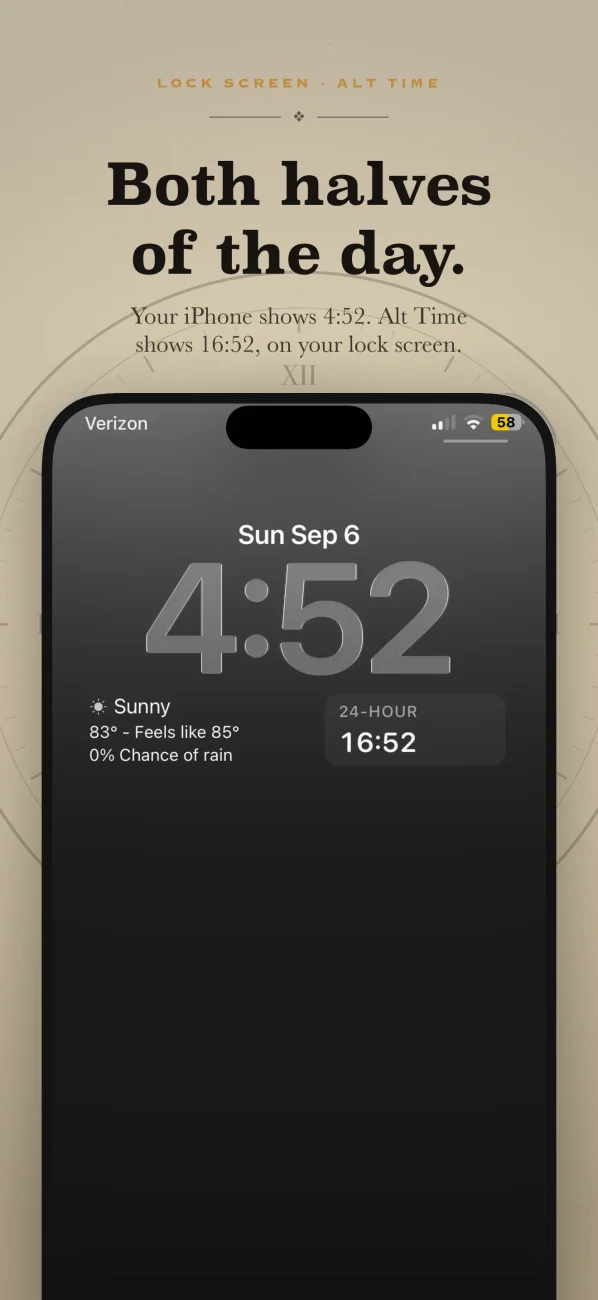
See the opposite of your iPhone's clock format at a glance. If your phone shows 12-hour, the widget shows 24-hour — and the other way round. It follows your system setting automatically, so there is nothing to keep in sync.
WHAT YOU GET
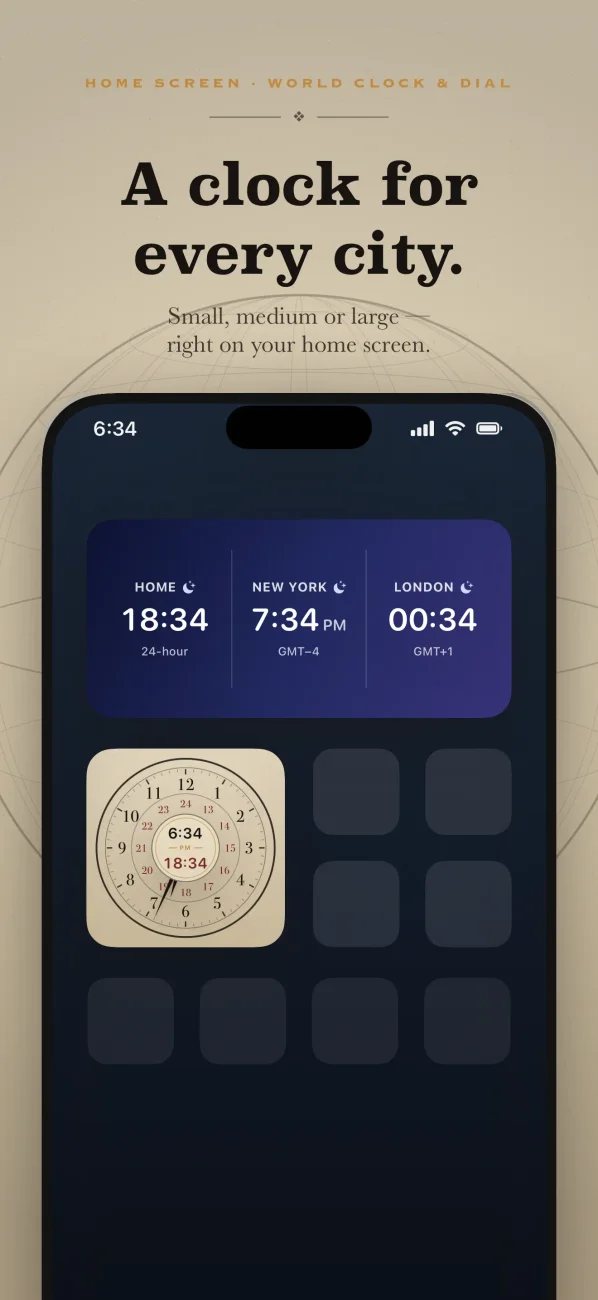
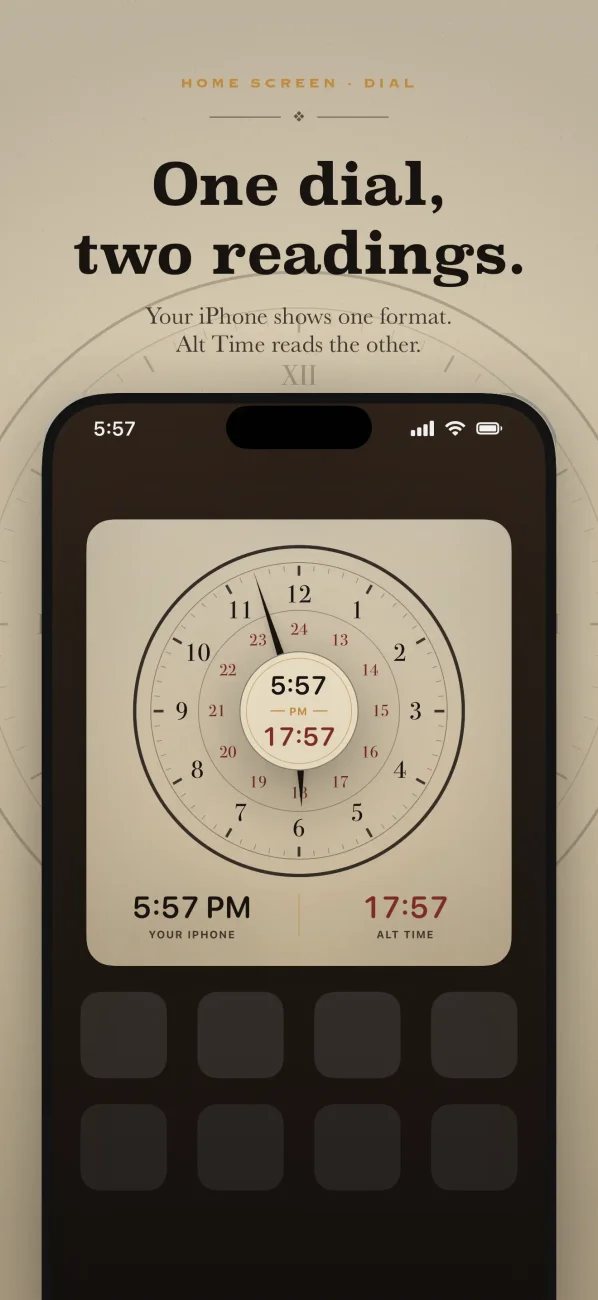
Dial — a home screen clock face with two rings of numbers: 1–12 outside, 13–24 inside. The hour hand points at both at once, and the centre shows the time both ways, like 5:57 PM and 17:57. Small, medium or large, in ten finishes including parchment and black enamel. Show your own time or any city from your world clock.
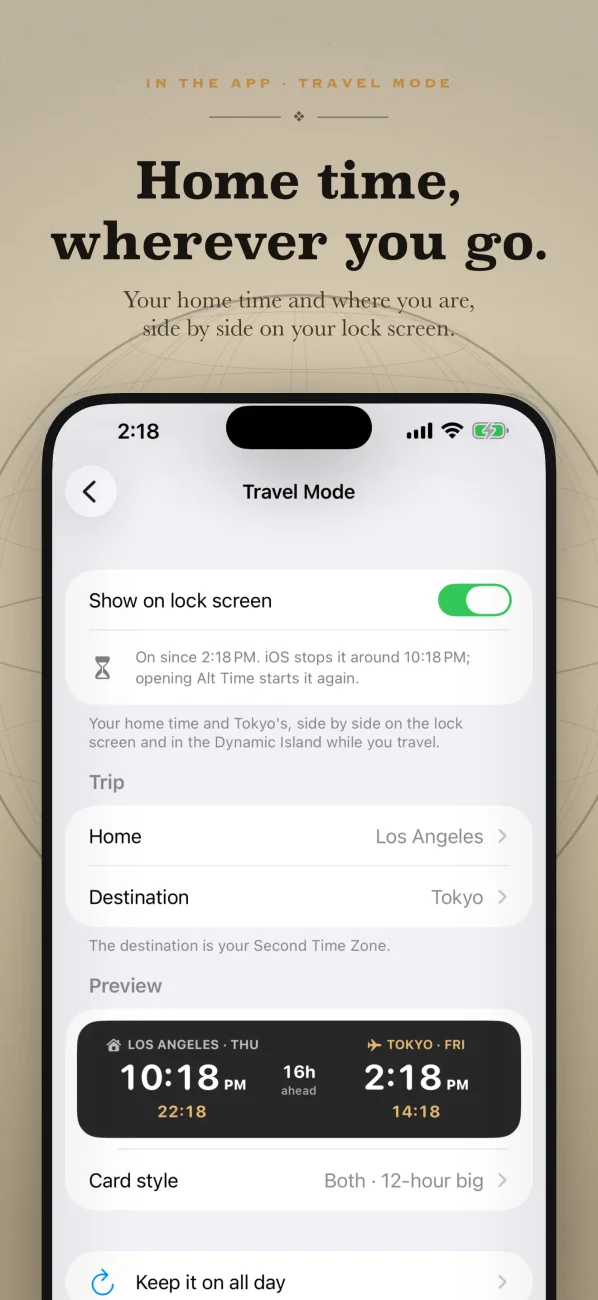
Travel Mode — your home time and the time where you are, side by side on your lock screen and in the Dynamic Island while you travel, with how far ahead or behind home you are. In 12-hour, 24-hour, or both. Start and stop it from Shortcuts or Siri. Requires iOS 18.
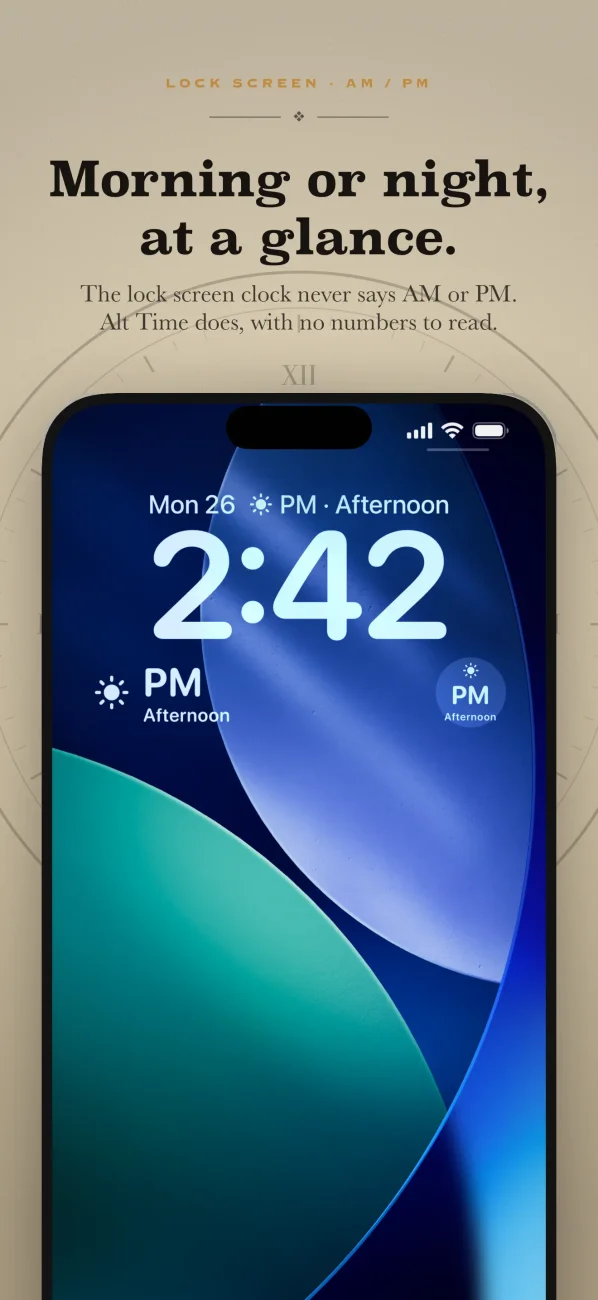
AM / PM — the lock screen clock never shows AM or PM. Three widgets do: just AM or PM, the time of day (Morning, Afternoon, Evening or Night), or both together, with no numbers to read. Put one beside the date or below the clock.
World clock — a home screen widget in small, medium or large, showing as many cities as you like in eight color finishes, with a sun and moon day-night glance. Looks right in StandBy.
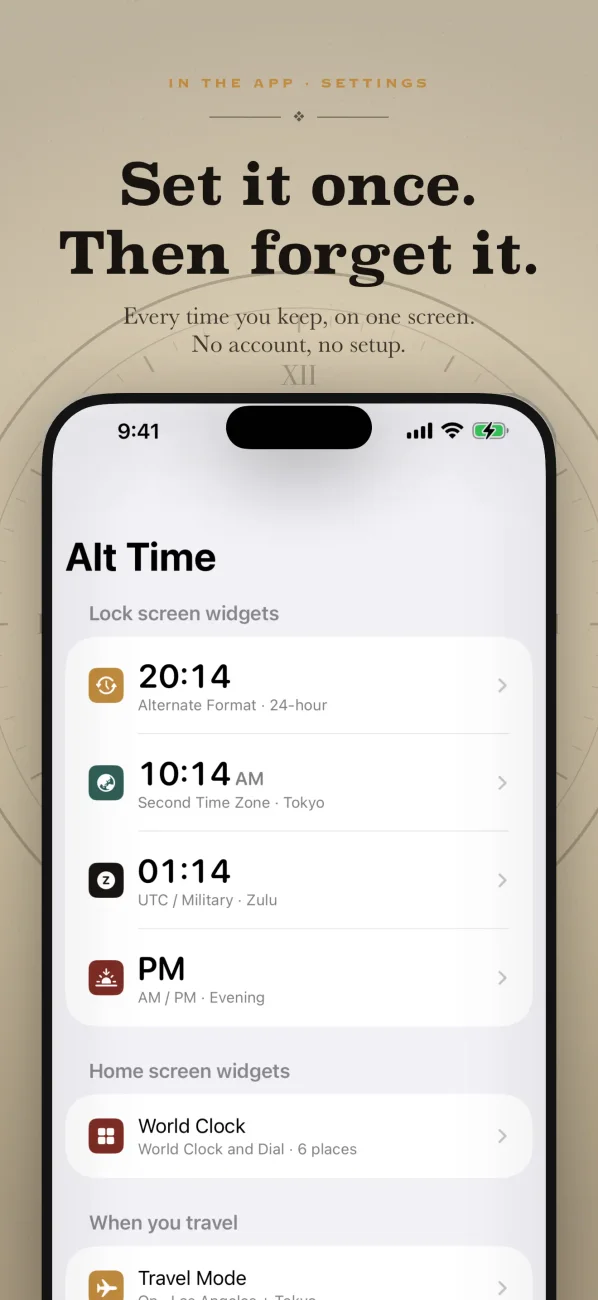
Alternate 12h/24h time — always the opposite of your system setting, updated automatically.
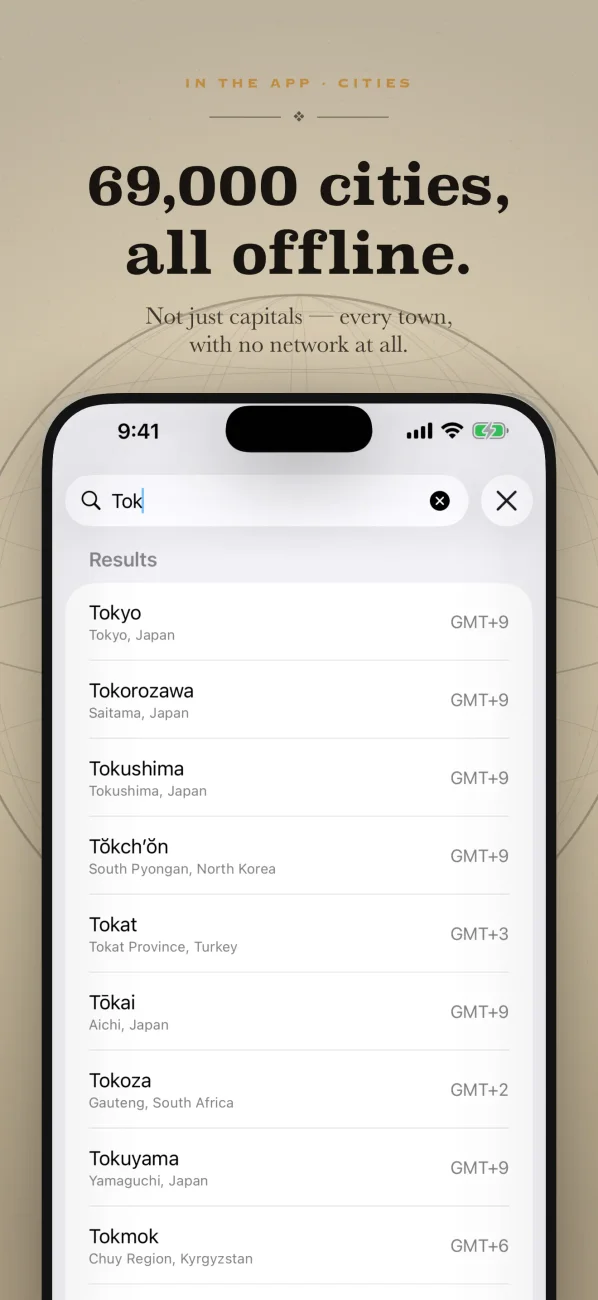
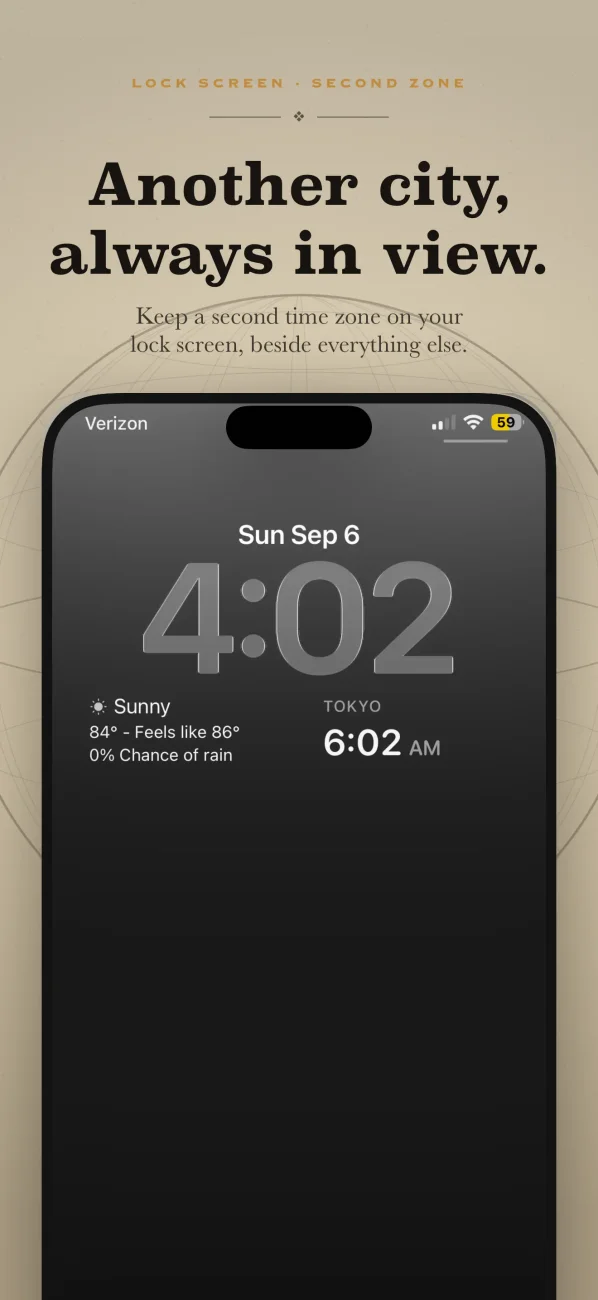
Second time zone — search about 69,000 cities, not just capitals, and see that city's time labeled with its name.
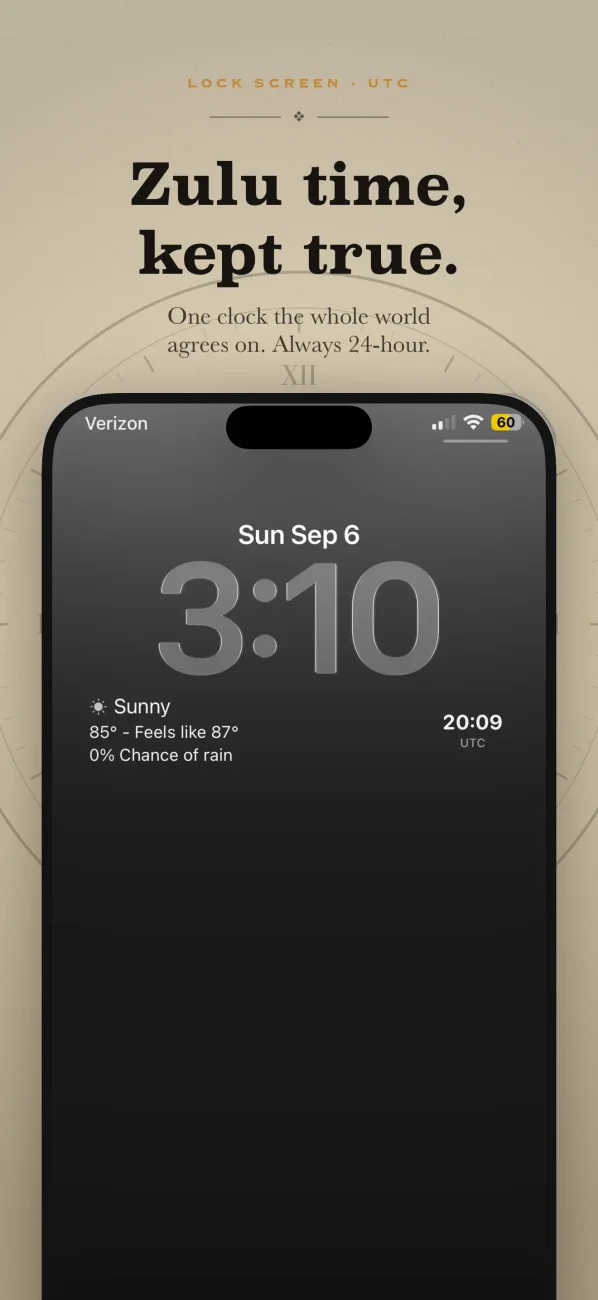
UTC / military time — 24-hour Zulu time for pilots, sailors, and anyone working across zones.
Dual-time widget — two times side by side in a single lock screen slot, sized to match.
Lock screen and home screen widgets, in circular and rectangular slots, tinted or clean, on iPhone and iPad. Every setting sits in one short menu that leads with your times, live.
COMPLETELY OFFLINE
The city database is built into the app. Searching it needs no network, so Alt Time works in Airplane Mode, on a plane, or with no signal at all. Nothing is uploaded, because there is nowhere for it to go.
NO SUBSCRIPTION
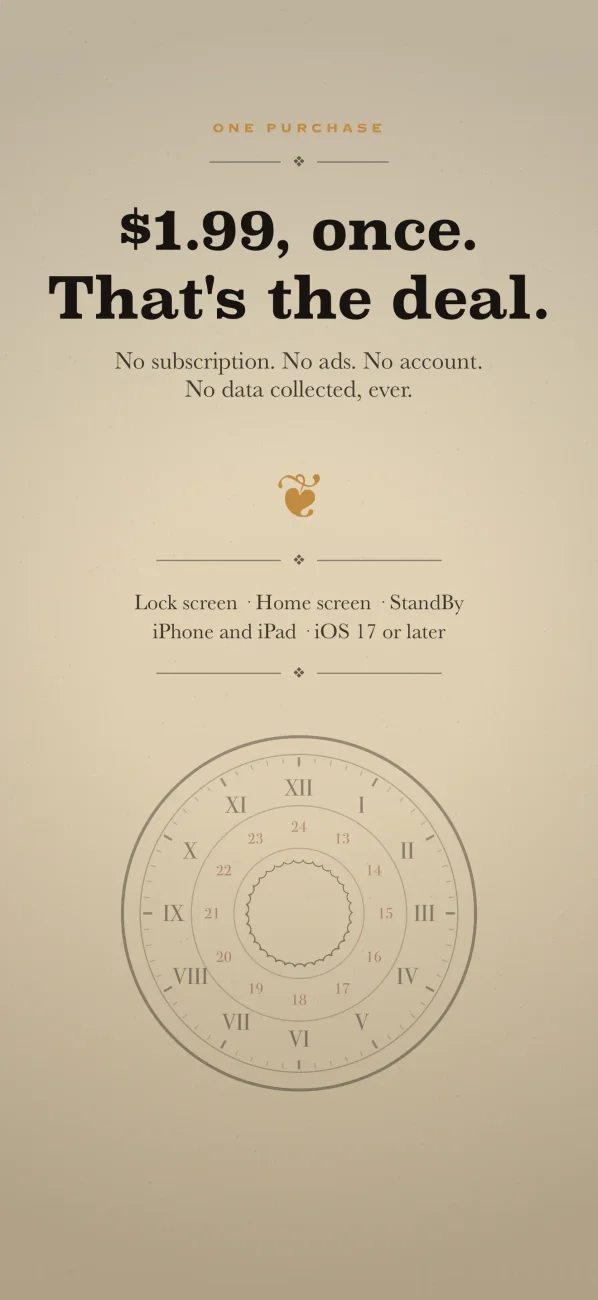
One purchase. No subscription, no ads, no account, and no data collected, stored or transmitted — ever.
Requires iOS 17 or iPadOS 17 or later. Travel Mode requires iOS 18 or later.
See every widget and how it works at mmhadventures.com/alttime
Neue Funktionen
Version 1.4.1 · 26.11.2026
A SWITCHED-OFF WIDGET NOW SAYS SO
If you switch off UTC, the Second Time Zone or the alternate format in the app, its lock screen widgets used to show "--:--". Now they say which time is off, and tapping the widget opens that setting so you can switch it back on.
NEW: LOCAL + UTC AND LOCAL + ZONE
Two new dual lock screen widgets put your own time beside UTC or your second time zone. Local follows your iPhone's own 12- or 24-hour setting, and both times show even if they're switched off in the app.
TRAVEL MODE
• AM / PM and the day change by themselves at your destination's midnight and noon, even with the phone locked
• Half-hour time zones show the real gap, like "11½h ahead" for India
• The card preview changes with every tap in Card style, so you see exactly what will go on your lock screen
• The 24-hour card styles are described correctly
ALSO
• A large Dial set to a World Clock city now shows the city and day above the dial
• The AM / PM widgets now come last in the widget list. Ones you've already placed stay where they are
See every widget at mmhadventures.com/alttime
App-Datenschutz
Was MMH Adventures LLC im App Store zum Umgang dieser App mit Daten angibt.
-
Keine Daten erfasst
Der Entwickler erfasst keine Daten von dieser App.
Die Datenschutzpraktiken können variieren, zum Beispiel je nach den von Ihnen verwendeten Funktionen oder Ihrem Alter.
Informationen
- Anbieter
- MMH ADVENTURES LLC
- Kategorie
- Dienstprogramme
- Version
- 1.4.1
- Aktualisiert
- 26.11.2026
- Veröffentlicht
- 06.11.2025
- Größe
- 6,9 MB
- Erfordert
- iOS 17.0 oder neuer
- Altersfreigabe
- 4+
- Preis
- 1,99 €
- Sprachen
- Englisch
- Copyright
- © 2026 MMH Adventures LLC
Das könnte Ihnen auch gefallen
-
 Tempus World ClockDienstprogramme
-
 TesseraClockDienstprogramme
-
 Adguard Home AdminDienstprogramme
-
 Clock Widget: Lock ScreenDienstprogramme
-
 WidgetBlocksDienstprogramme
-
 FlightStreamXDienstprogramme
-
 Flexi CalendarDienstprogramme
-
 CJ ChaveirimDienstprogramme
-
 World Clock Widget: MeridianDienstprogramme
-
 Zulu Time: Pilot UTC ClockPilot Dials & Local Time