Alt Time: World Clock Widget
24-hour, UTC & second zone
Designed for iPhone, iPad
$1.99
- Age rating4+
- CategoryUtilities
- DeveloperMMH Adventures LLC
- LanguagesEnglish
- Size6.8 MB
Links to the official App Store page
Download.org hosts no file of Alt Time: World Clock Widget. The button opens its official App Store page, published by MMH Adventures LLC. Listing last checked on Nov 20, 2026.
Screenshots
About
Alt Time puts the times you actually need on your lock screen and home screen.
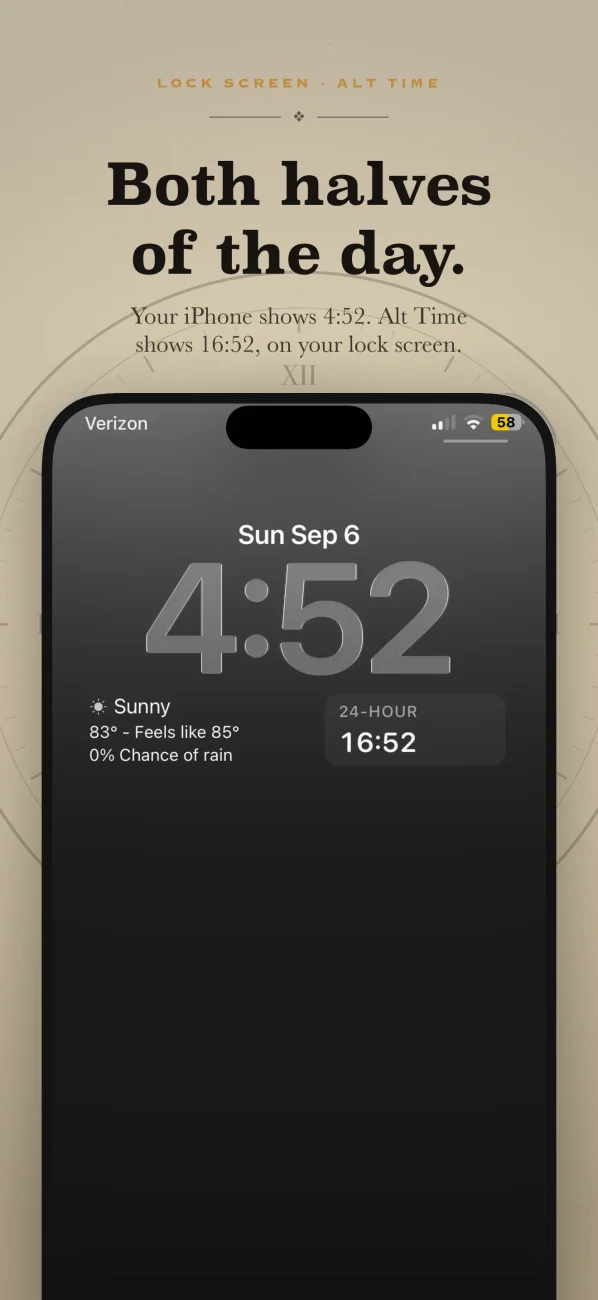
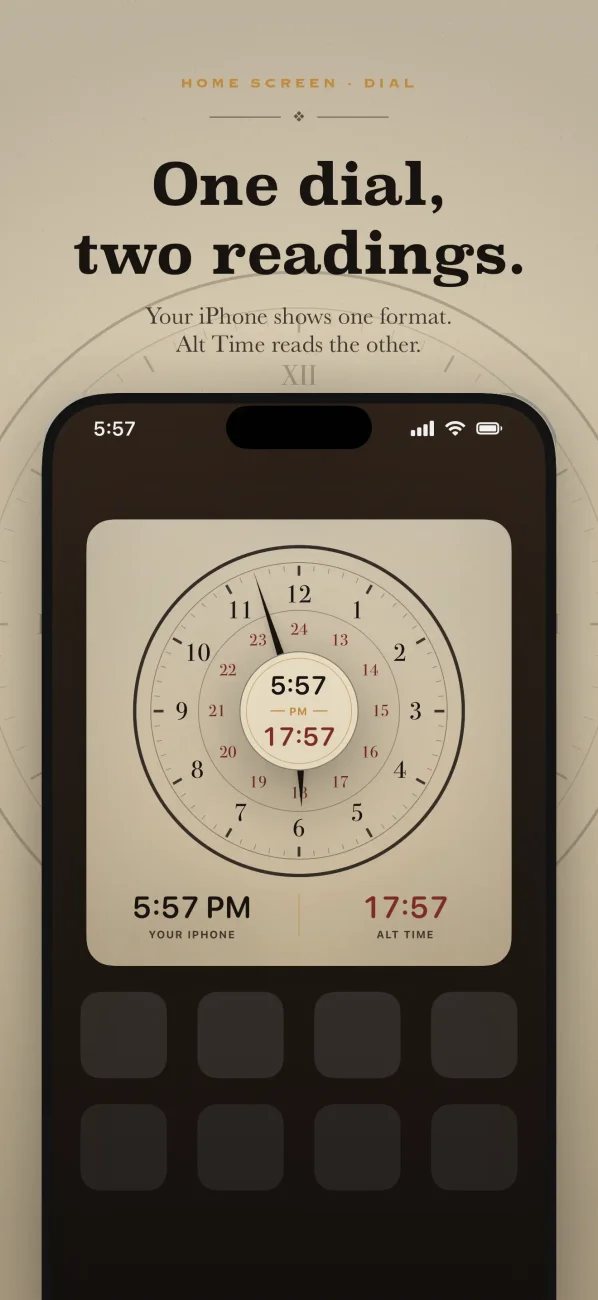
See the opposite of your iPhone's clock format at a glance. If your phone shows 12-hour, the widget shows 24-hour — and the other way round. It follows your system setting automatically, so there is nothing to keep in sync.
WHAT YOU GET
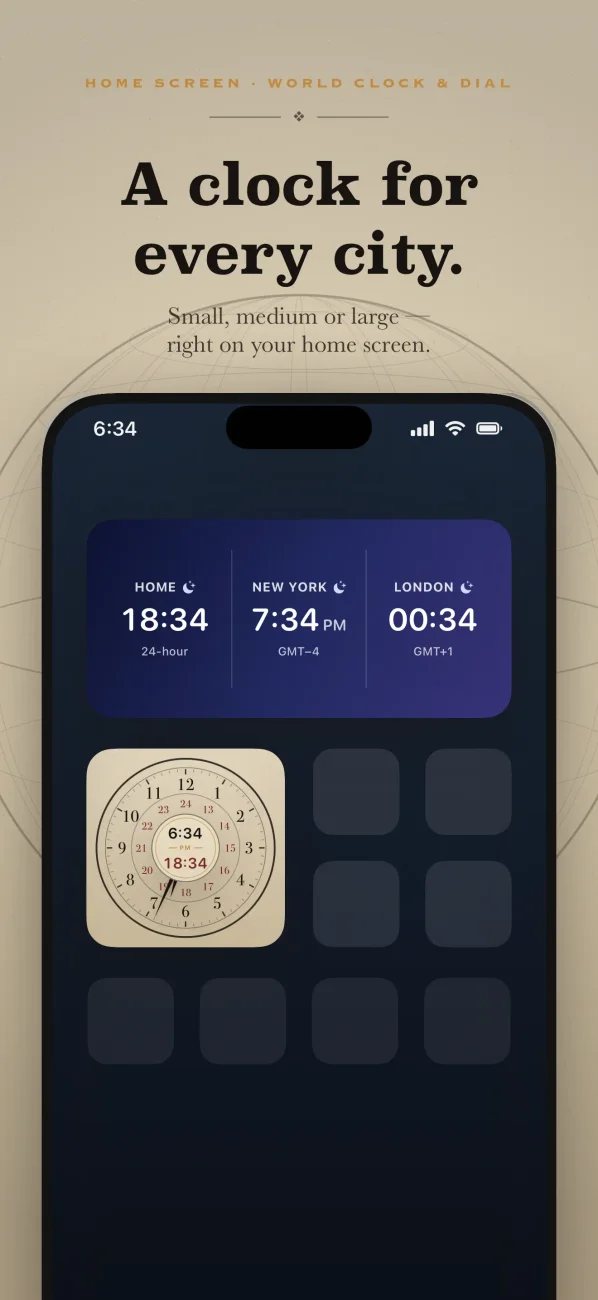
Dial — a home screen clock face with two rings of numbers: 1–12 outside, 13–24 inside. The hour hand points at both at once, and the centre shows the time both ways, like 5:57 PM and 17:57. Small, medium or large, in ten finishes including parchment and black enamel. Show your own time or any city from your world clock.
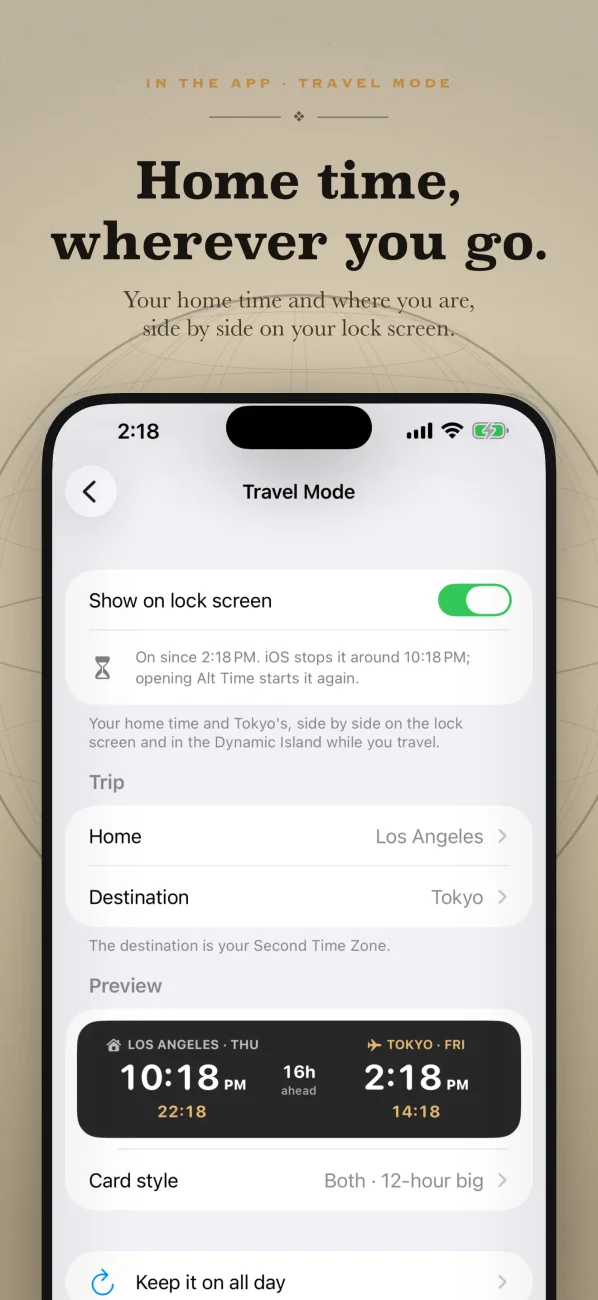
Travel Mode — your home time and the time where you are, side by side on your lock screen and in the Dynamic Island while you travel, with how far ahead or behind home you are. In 12-hour, 24-hour, or both. Start and stop it from Shortcuts or Siri. Requires iOS 18.
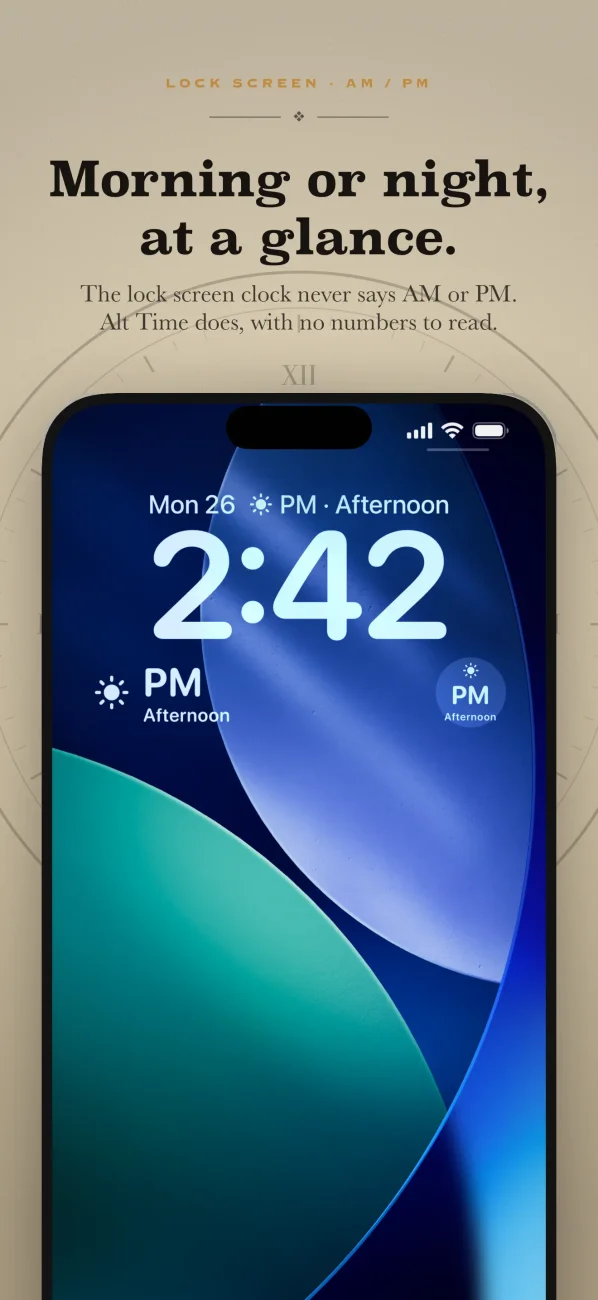
AM / PM — the lock screen clock never shows AM or PM. Three widgets do: just AM or PM, the time of day (Morning, Afternoon, Evening or Night), or both together, with no numbers to read. Put one beside the date or below the clock.
World clock — a home screen widget in small, medium or large, showing as many cities as you like in eight color finishes, with a sun and moon day-night glance. Looks right in StandBy.
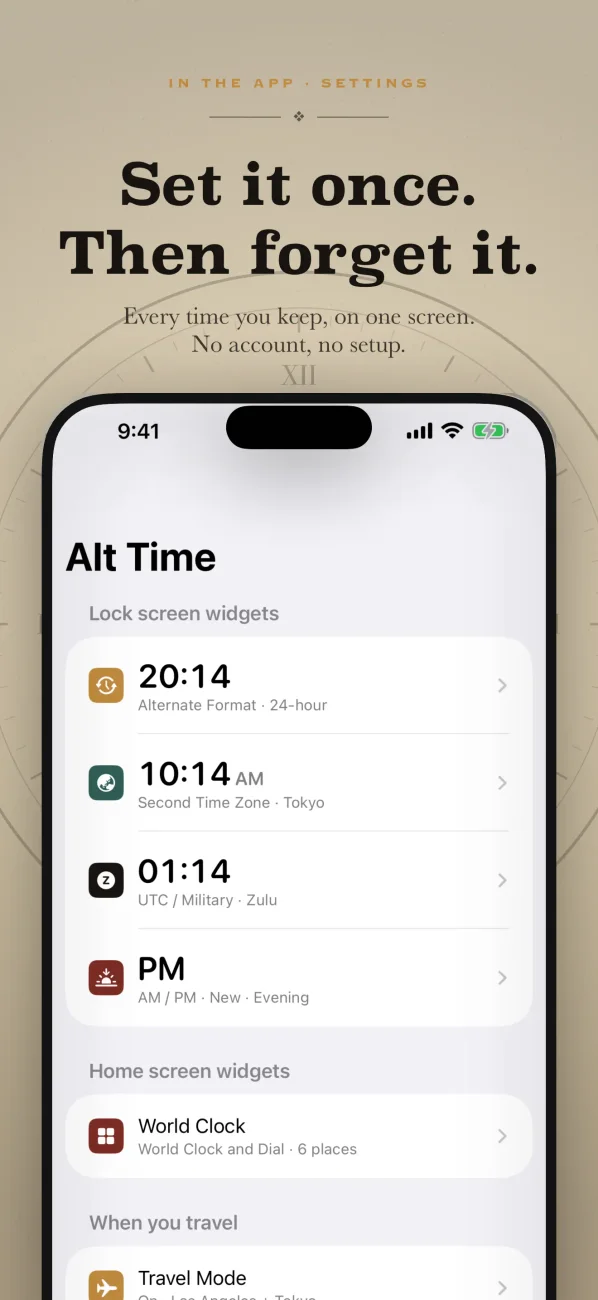
Alternate 12h/24h time — always the opposite of your system setting, updated automatically.
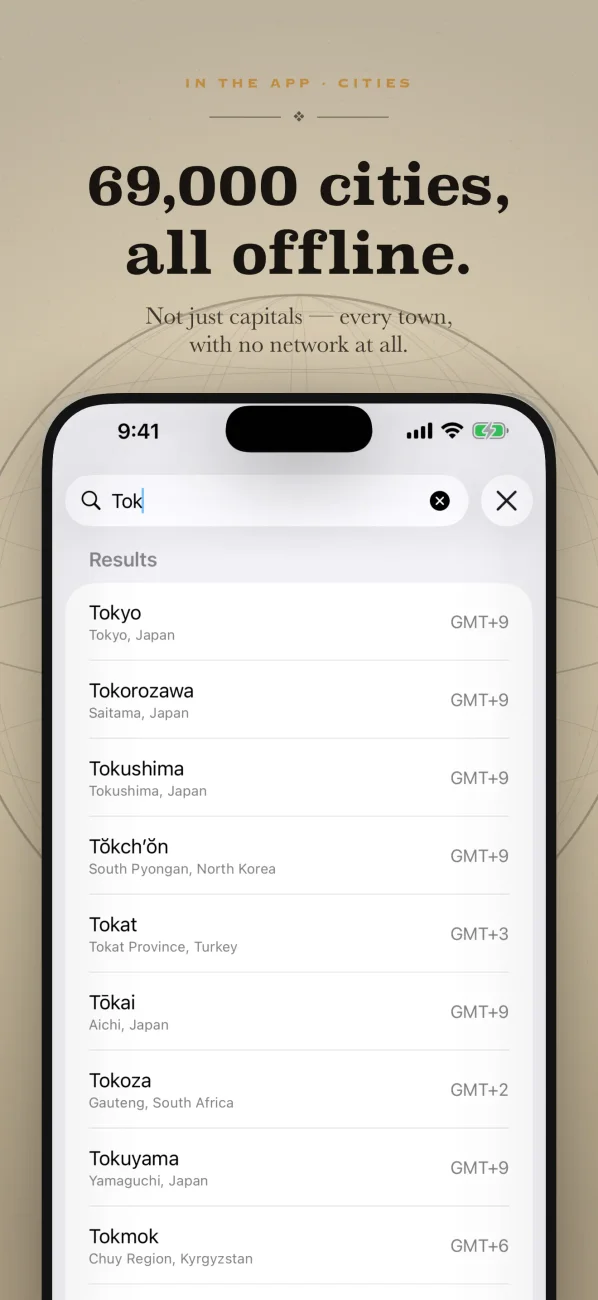
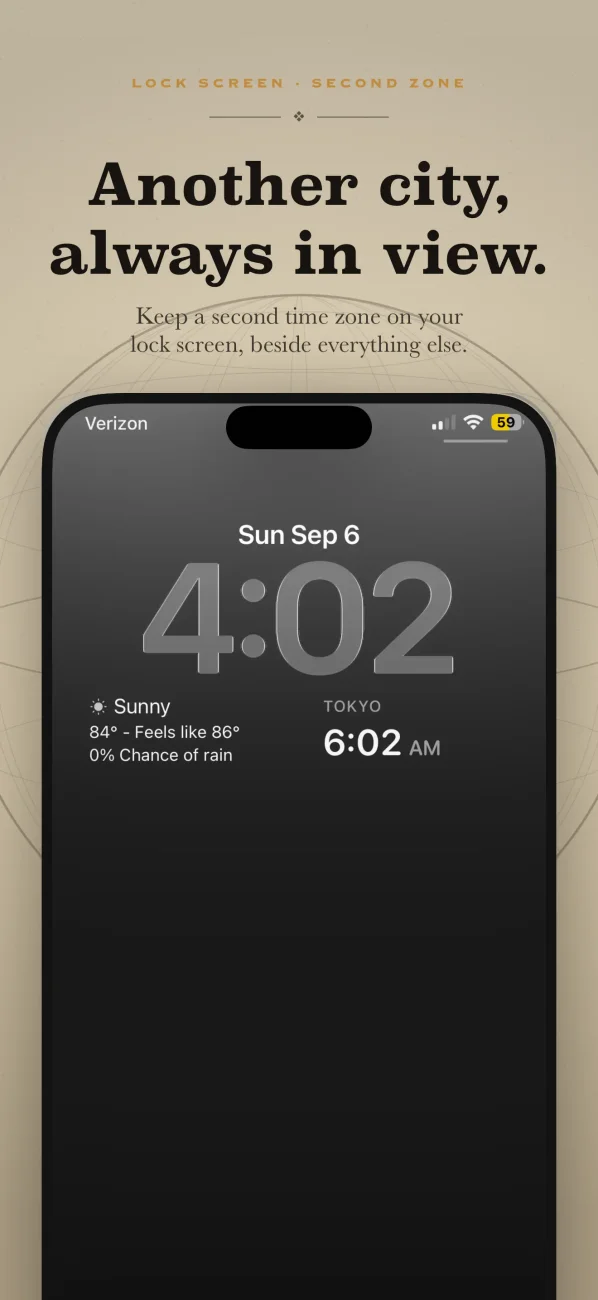
Second time zone — search about 69,000 cities, not just capitals, and see that city's time labeled with its name.
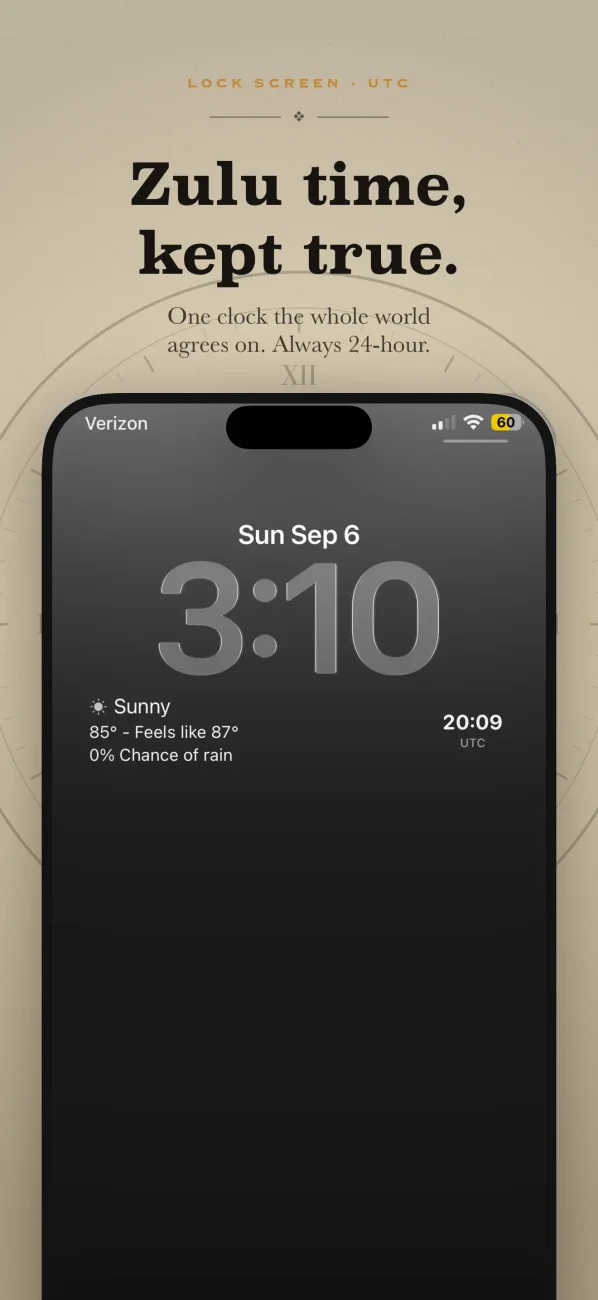
UTC / military time — 24-hour Zulu time for pilots, sailors, and anyone working across zones.
Dual-time widget — two times side by side in a single lock screen slot, sized to match.
Lock screen and home screen widgets, in circular and rectangular slots, tinted or clean, on iPhone and iPad. Every setting sits in one short menu that leads with your times, live.
COMPLETELY OFFLINE
The city database is built into the app. Searching it needs no network, so Alt Time works in Airplane Mode, on a plane, or with no signal at all. Nothing is uploaded, because there is nowhere for it to go.
NO SUBSCRIPTION
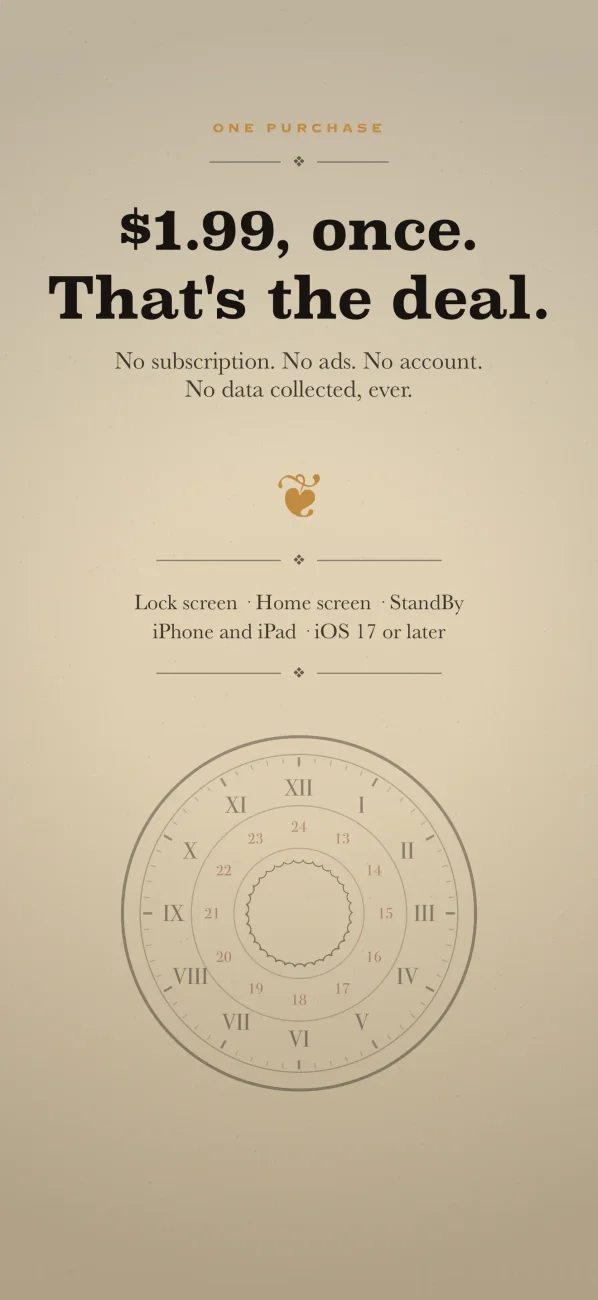
One purchase. No subscription, no ads, no account, and no data collected, stored or transmitted — ever.
Requires iOS 17 or iPadOS 17 or later. Travel Mode requires iOS 18 or later.
See every widget and how it works at mmhadventures.com/alttime
What’s new
Version 1.4 · Oct 27, 2026
NEW: TRAVEL MODE
Keep your home time on your lock screen while you travel. Your home city's time and the time where you are sit side by side on the lock screen and in the Dynamic Island, with how many hours ahead or behind home you are.
• Pick home and destination from about 69,000 cities, offline
• 12-hour, 24-hour, or both at once
• Start and Stop Travel Mode from Shortcuts or Siri
iOS ends every Live Activity after 8 hours. Opening Alt Time starts the card again, and the app shows you how to set up a Shortcuts automation that keeps it going all day. Travel Mode needs iOS 18 or later.
NEW: AM / PM WIDGETS
The lock screen clock never says AM or PM. Now it can. Three new lock screen widgets, with no numbers to read:
• AM / PM — just AM or PM
• Time of Day — Morning, Afternoon, Evening or Night
• AM / PM + Time of Day — both together
Put one next to the date above the clock, or in a widget slot below it.
NOW ON IPAD
Every Alt Time widget now works on iPad too: lock screen, home screen and Travel Mode. The settings screen sits in a comfortable column on the big screen.
A NEW SETTINGS SCREEN
Settings are now a short menu that leads with your times: each row shows its time big, with the feature underneath. Tap a row to change it.
ALSO
• Larger text sizes fit better throughout the app
• City search marks only the city you picked, not every city in its time zone
• AM / PM always shows in capitals, whatever your region
• A new World Clock widget now shows its color in Edit Widget, starting with your default color
See every widget at mmhadventures.com/alttime
App privacy
What MMH Adventures LLC declares on the App Store about how this app handles data.
-
Data not collected
The developer does not collect any data from this app.
Privacy practices may vary, for example with the features you use or your age.
Information
- Seller
- MMH ADVENTURES LLC
- Category
- Utilities
- Version
- 1.4
- Updated
- Oct 27, 2026
- Released
- Nov 6, 2025
- Size
- 6.8 MB
- Requires
- iOS 17.0 or later
- Age rating
- 4+
- Price
- $1.99
- Languages
- English
- Copyright
- © 2026 MMH Adventures LLC
You might also like
-
 Tempus World ClockTime Zones & Meeting Finder
-
 TesseraClockUtilities
-
 Adguard Home AdminControl your network
-
 Clock Widget: Lock ScreenPaired hour and minute widgets
-
 WidgetBlocksBuild your own widgets
-
 FlightStreamXEFB to X-Plane Flight Plans
-
 Flexi CalendarRotating shifts & group events
-
 CJ ChaveirimEmergency Services
-
 World Clock Widget: MeridianTime Zone Converter & Watch
-
 Zulu Time: Pilot UTC ClockPilot Dials & Local Time