Audio Interface Recorder
Lossless WAV over USB, 24-bit
Entwickelt für iPhone, iPad
Kostenlos
- Altersfreigabe4+
- KategorieMusik
- EntwicklerRAIMONDS BLUMS
- SprachenEnglisch
- Größe929,0 KB
Verlinkt auf die offizielle App Store-Seite
Download.org hostet keine Datei von Audio Interface Recorder. Die Schaltfläche öffnet die App-Seite bei App Store, wo RAIMONDS BLUMS die App veröffentlicht. Eintrag zuletzt geprüft am 17.11.2026.
Screenshots



Info
Der Entwickler hat diesen Text nicht in Ihrer Sprache bereitgestellt.
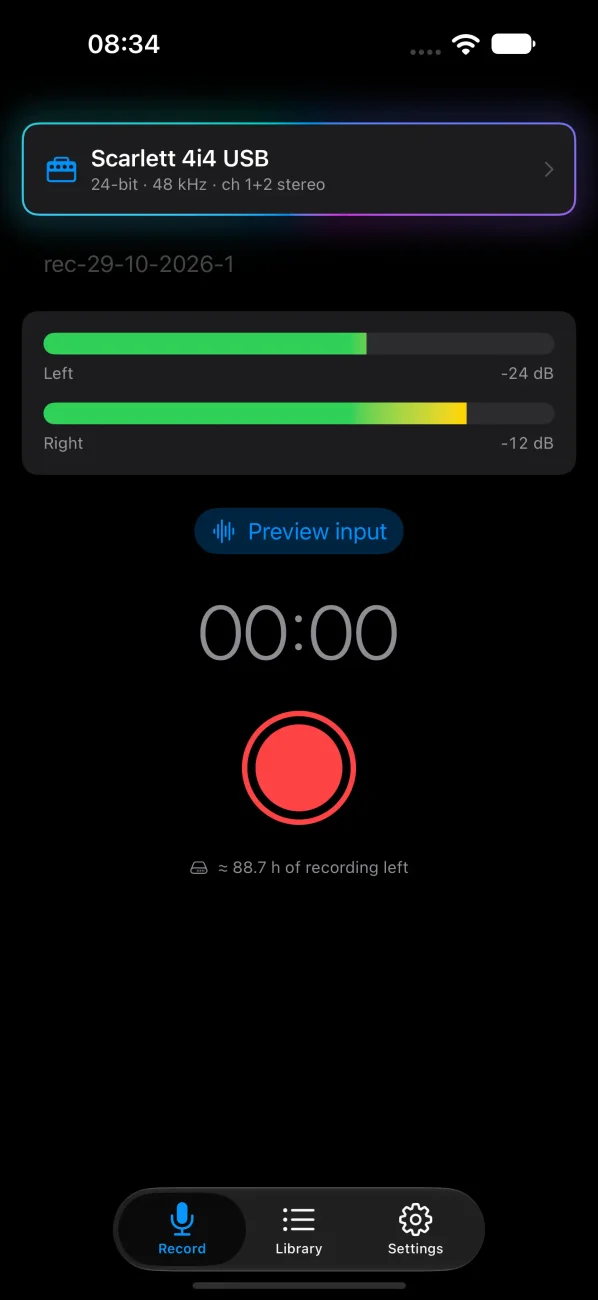
AudioRecorder turns your iPhone or iPad into a clean, no-nonsense recorder for your USB audio interface - in the studio, at home, or on stage. Plug in your interface, choose your inputs, and capture uncompressed 24-bit WAV at your hardware's native sample rate. No conversion, no color - just your signal.
Built for musicians and home studios who want a dependable capture tool without launching a full DAW.
RECORD
• Works with any class-compliant USB audio interface
• Uncompressed 24-bit PCM WAV at the interface's native sample rate - never resampled
• Mono, stereo, or mono-sum capture
• Choose exactly which inputs feed Left and Right, so a multi-input interface lets you pick any two
• Live level meters with a peak readout and clip indicator for dialing in gain
• Preview the input before you commit to a take
• A big, unmissable record button and elapsed timer
STAY IN CONTROL
• Live "time remaining" estimate from your free space, with a low-space warning
• The screen stays awake while recording, so the meters never dim
• Interrupted takes - a phone call, an unplugged cable - are saved as partial recordings, not lost
LIBRARY
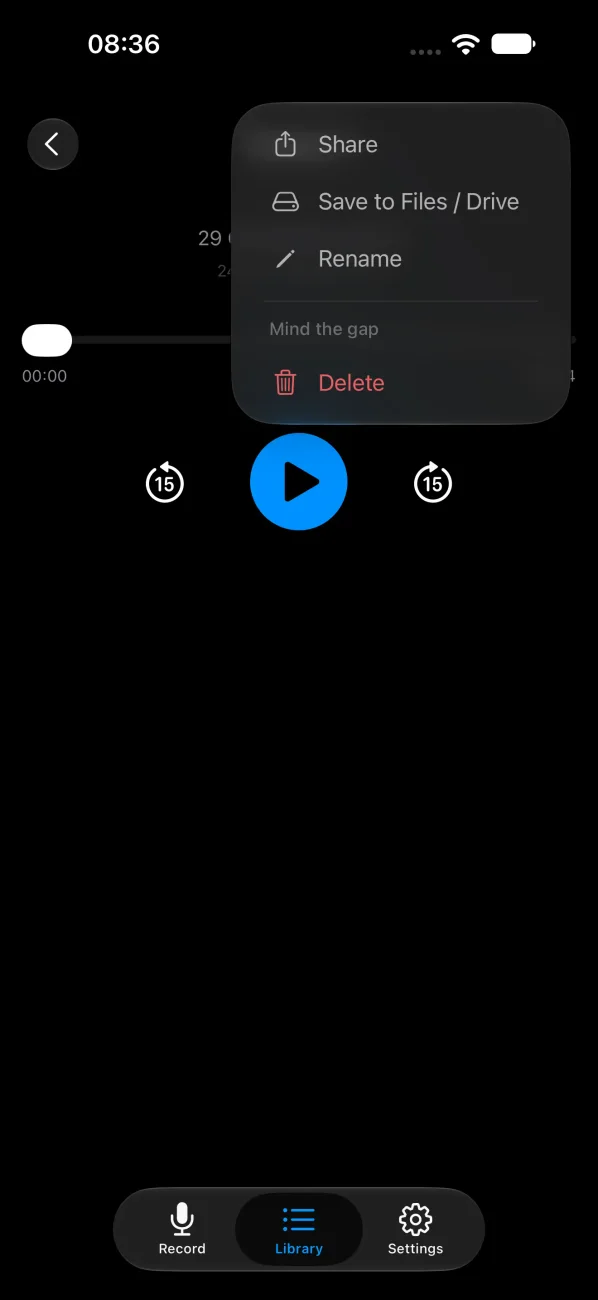
• Play back with scrubbing
• Rename, delete and organize your takes
• Share via AirDrop or Files, or export straight to a USB drive
SETUP HELP
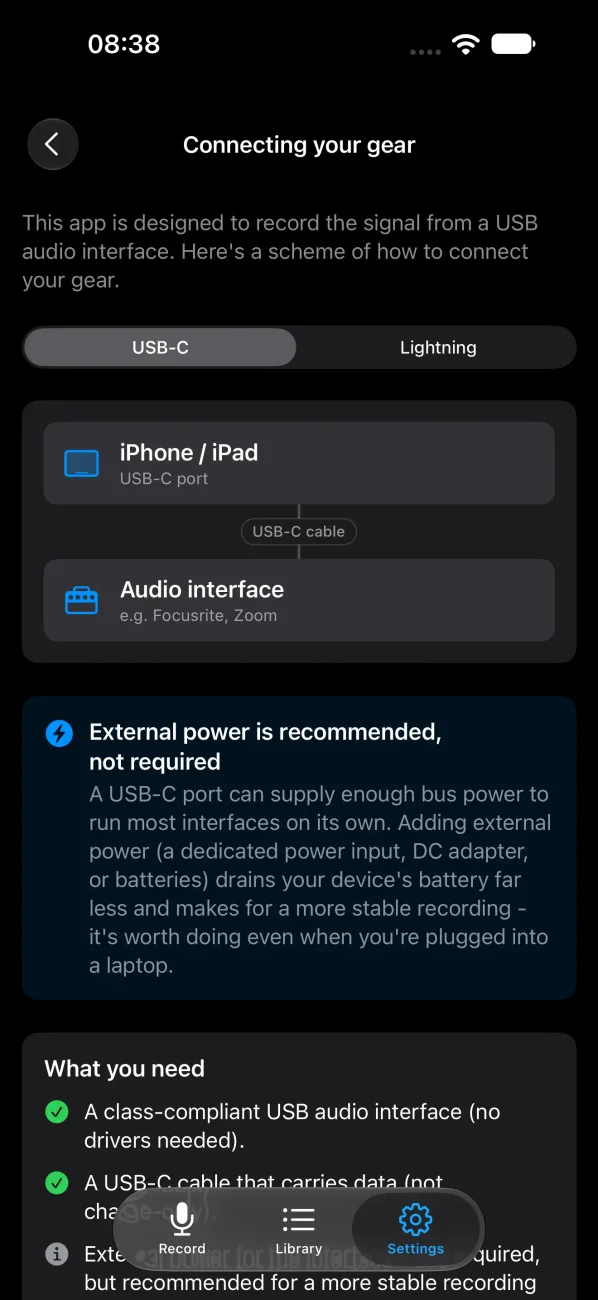
• A built-in connection guide shows exactly how to wire things up, with diagrams for both USB-C and Lightning devices
WHAT YOU NEED
• A class-compliant USB audio interface
• If your iPhone or iPad has a USB-C port, then the Audio Interface will work without external power
• On Lightning devices, an Apple Lightning to USB Camera Adapter is needed and the Audio interface needs a source of external power
AudioRecorder does one thing and does it cleanly: get the signal from your interface onto your device, uncompressed and intact.
Neue Funktionen
Version 1.1.0 · 31.10.2026
A fresh new look and a safety net for your recordings.
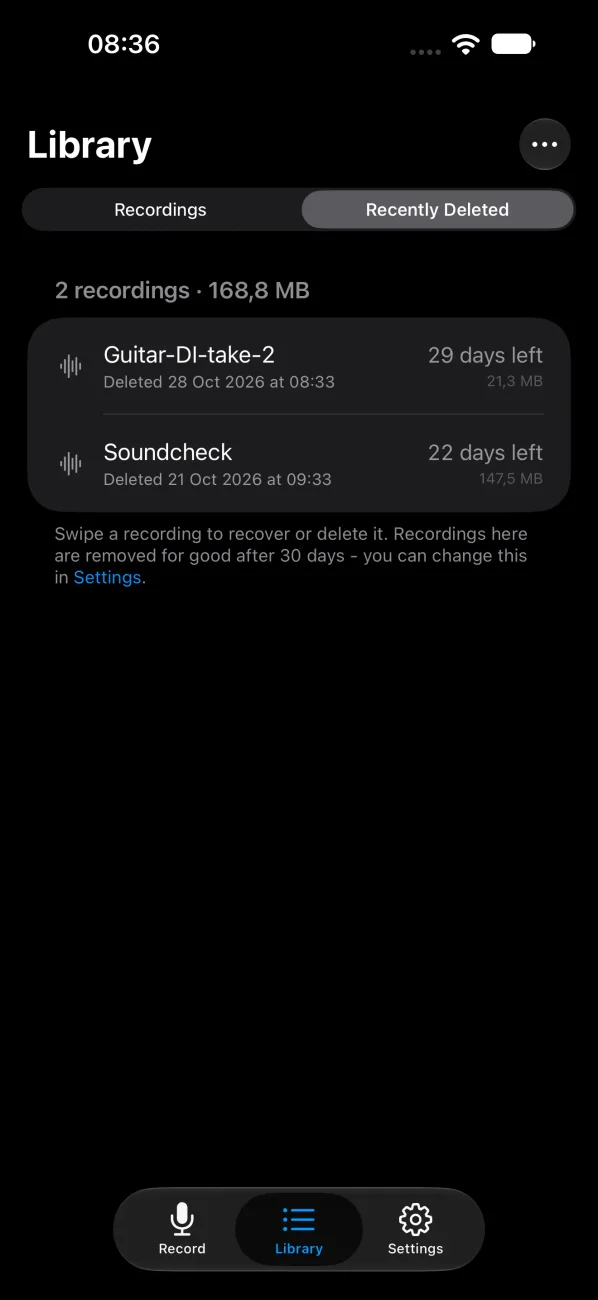
NEW: Recently Deleted
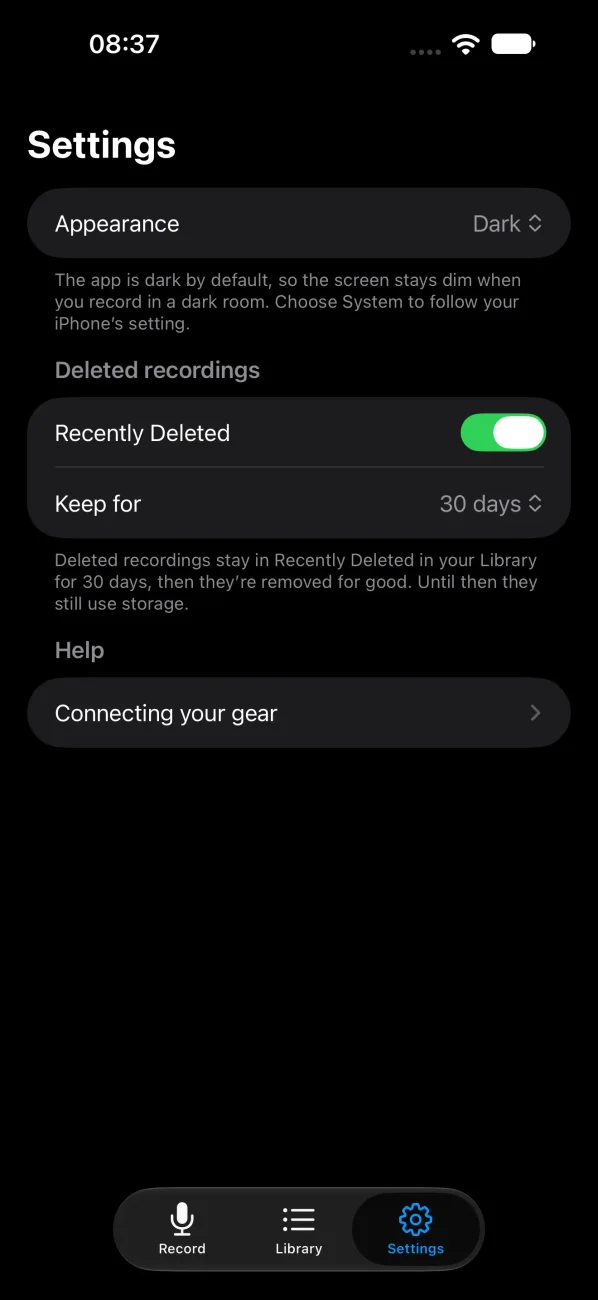
Deleted a take by accident? It now goes to Recently Deleted, where you can restore it. Choose how long deleted recordings are kept (1 day, 7 days, 30 days or until you empty it), or turn it off in Settings.
REDESIGNED
- Three clear tabs: Record, Library and Settings
- Library switches between your Recordings and Recently Deleted
- A dark look by default, with Light and System options in Settings
- Skip back or forward 15 seconds during playback
- Setup help now lives in Settings under "Connecting your gear"
- A cleaner, more focused layout on iPad
Thanks for recording with this app. If you enjoy it, a rating or review helps a lot!
App-Datenschutz
Was RAIMONDS BLUMS im App Store zum Umgang dieser App mit Daten angibt.
-
Keine Daten erfasst
Der Entwickler erfasst keine Daten von dieser App.
Die Datenschutzpraktiken können variieren, zum Beispiel je nach den von Ihnen verwendeten Funktionen oder Ihrem Alter.
Informationen
- Anbieter
- RAIMONDS BLUMS
- Kategorie
- Musik
- Version
- 1.1.0
- Aktualisiert
- 31.10.2026
- Veröffentlicht
- 10.07.2026
- Größe
- 929,0 KB
- Erfordert
- iOS 17.6 oder neuer
- Altersfreigabe
- 4+
- Preis
- Kostenlos
- Sprachen
- Englisch
- Copyright
- © 2026 Raimonds Blums