- 対象年齢4+
- カテゴリミュージック
- 開発元RAIMONDS BLUMS
- 言語英語
- サイズ929.0 KB
App Storeの公式ページにリンクしています
Download.orgはAudio Interface Recorderのファイルを一切ホストしていません。ボタンを押すと、RAIMONDS BLUMSが公開しているApp Storeのアプリページが開きます。ページの最終確認:2026/11/17。
スクリーンショット

概要
開発元はこのテキストをお使いの言語で提供していません。
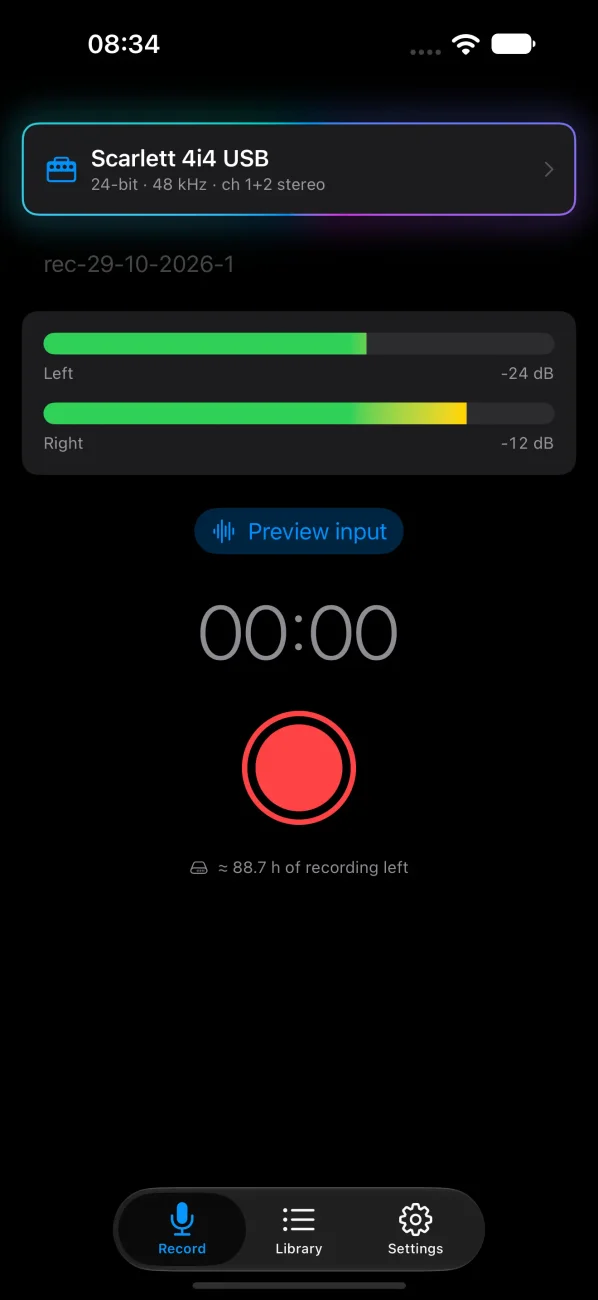
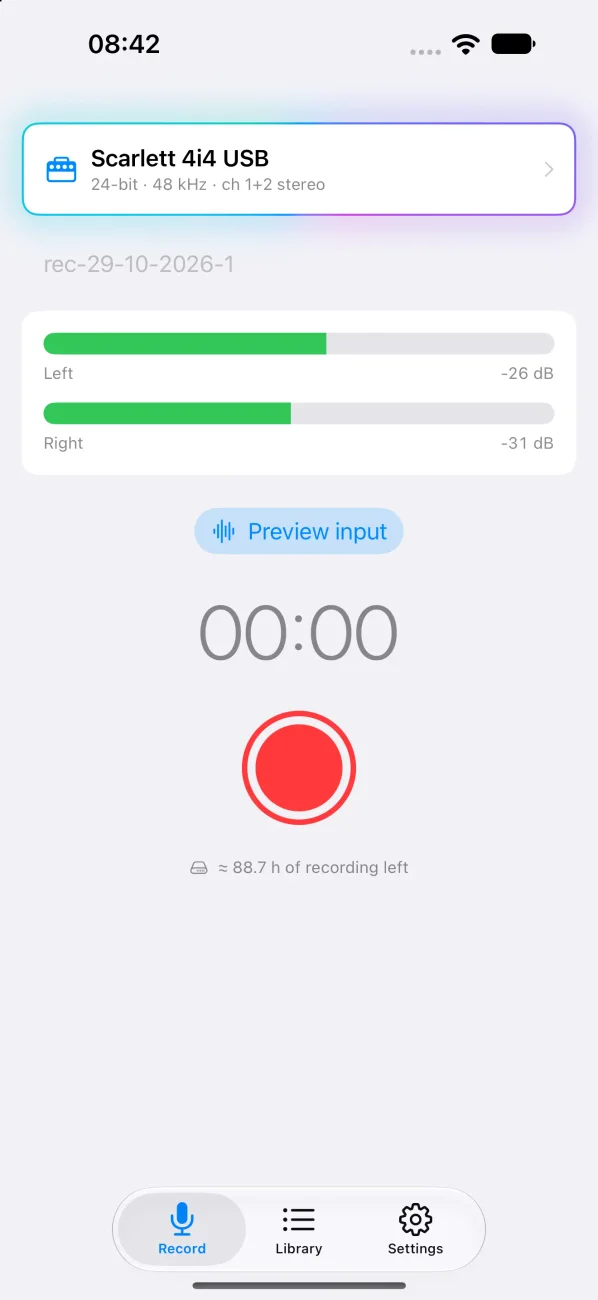
AudioRecorder turns your iPhone or iPad into a clean, no-nonsense recorder for your USB audio interface - in the studio, at home, or on stage. Plug in your interface, choose your inputs, and capture uncompressed 24-bit WAV at your hardware's native sample rate. No conversion, no color - just your signal.
Built for musicians and home studios who want a dependable capture tool without launching a full DAW.
RECORD
• Works with any class-compliant USB audio interface
• Uncompressed 24-bit PCM WAV at the interface's native sample rate - never resampled
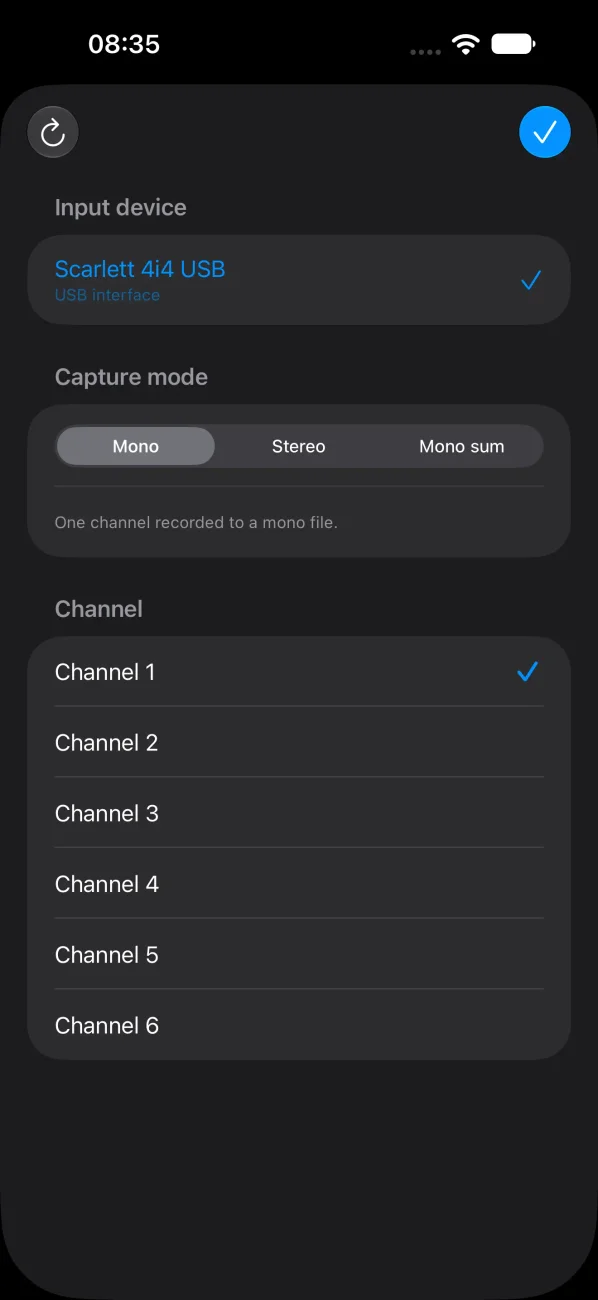
• Mono, stereo, or mono-sum capture
• Choose exactly which inputs feed Left and Right, so a multi-input interface lets you pick any two
• Live level meters with a peak readout and clip indicator for dialing in gain
• Preview the input before you commit to a take
• A big, unmissable record button and elapsed timer
STAY IN CONTROL
• Live "time remaining" estimate from your free space, with a low-space warning
• The screen stays awake while recording, so the meters never dim
• Interrupted takes - a phone call, an unplugged cable - are saved as partial recordings, not lost
LIBRARY
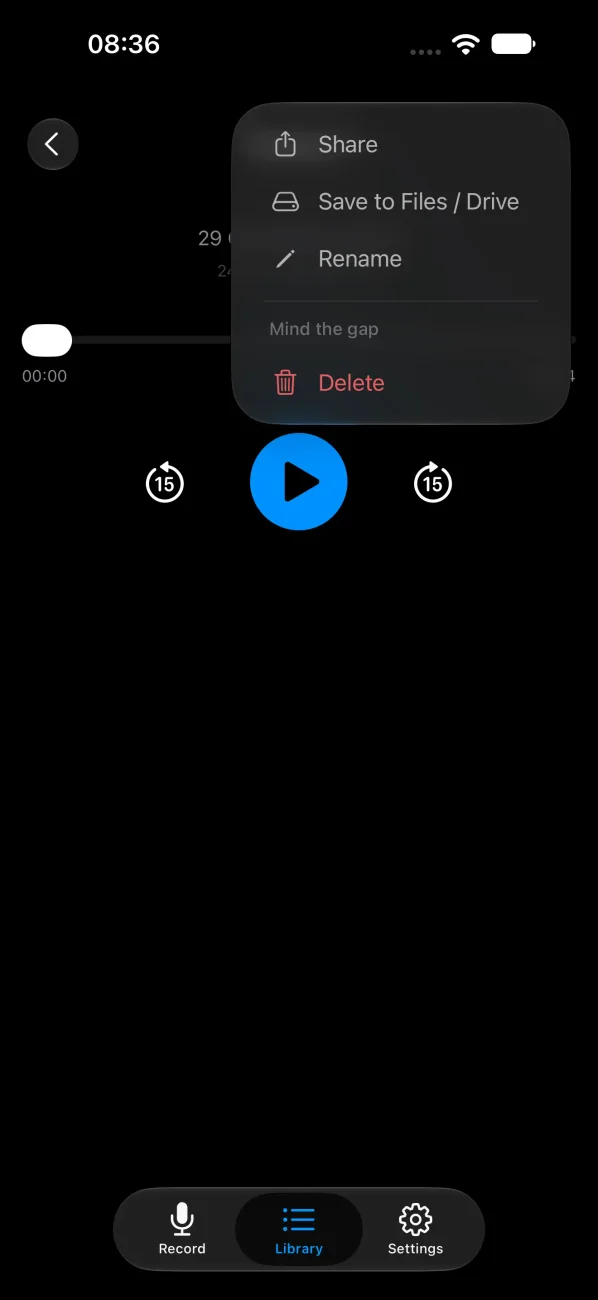
• Play back with scrubbing
• Rename, delete and organize your takes
• Share via AirDrop or Files, or export straight to a USB drive
SETUP HELP
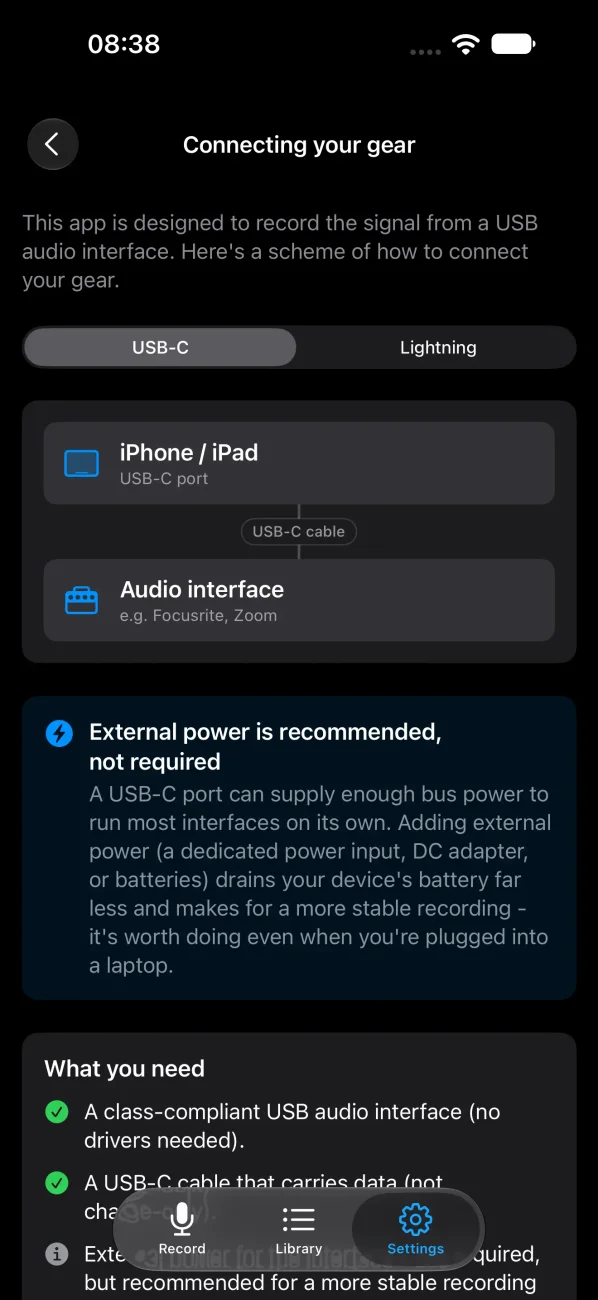
• A built-in connection guide shows exactly how to wire things up, with diagrams for both USB-C and Lightning devices
WHAT YOU NEED
• A class-compliant USB audio interface
• If your iPhone or iPad has a USB-C port, then the Audio Interface will work without external power
• On Lightning devices, an Apple Lightning to USB Camera Adapter is needed and the Audio interface needs a source of external power
AudioRecorder does one thing and does it cleanly: get the signal from your interface onto your device, uncompressed and intact.
新機能
バージョン 1.1.0 · 2026/10/31
A fresh new look and a safety net for your recordings.
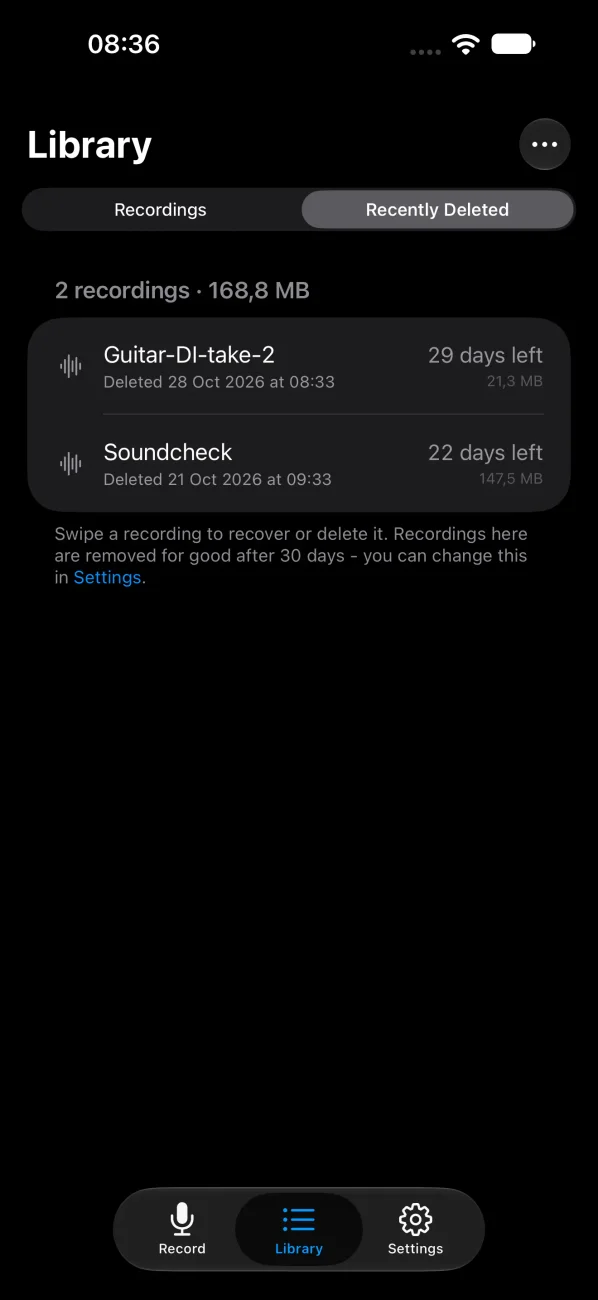
NEW: Recently Deleted
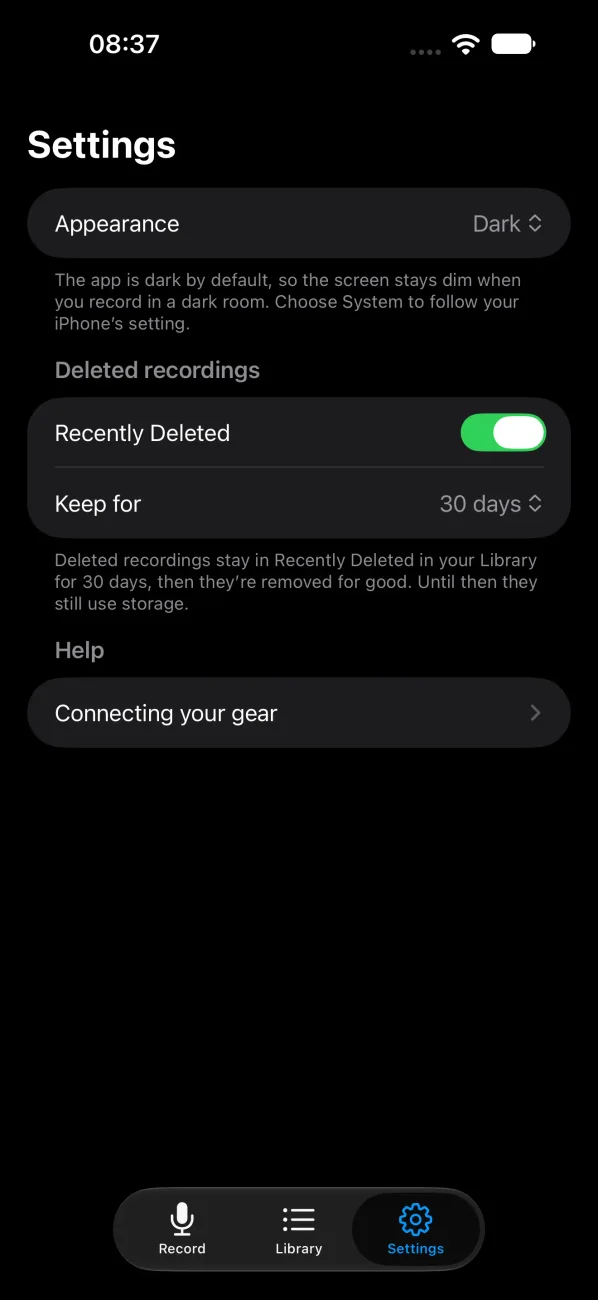
Deleted a take by accident? It now goes to Recently Deleted, where you can restore it. Choose how long deleted recordings are kept (1 day, 7 days, 30 days or until you empty it), or turn it off in Settings.
REDESIGNED
- Three clear tabs: Record, Library and Settings
- Library switches between your Recordings and Recently Deleted
- A dark look by default, with Light and System options in Settings
- Skip back or forward 15 seconds during playback
- Setup help now lives in Settings under "Connecting your gear"
- A cleaner, more focused layout on iPad
Thanks for recording with this app. If you enjoy it, a rating or review helps a lot!
アプリのプライバシー
このアプリのデータの取り扱いについて、RAIMONDS BLUMSがApp Storeで申告している内容です。
-
データの収集なし
開発元はこのアプリからデータを収集しません。
プライバシーの取り扱いは、ご利用の機能やお客様の年齢などに応じて異なる場合があります。
情報
- 販売元
- RAIMONDS BLUMS
- カテゴリ
- ミュージック
- バージョン
- 1.1.0
- 更新日
- 2026/10/31
- リリース
- 2026/7/10
- サイズ
- 929.0 KB
- 必要条件
- iOS 17.6以降
- 対象年齢
- 4+
- 価格
- 無料
- 言語
- 英語
- 著作権
- © 2026 Raimonds Blums