
Authenticator App - OneAuth
Secure your online accounts
Entwickelt für iPhone, iPad, Mac, iPod touch
Kostenlos
- Altersfreigabe4+
- KategorieDienstprogramme
- EntwicklerZoho Corporation
- SprachenEnglisch+ 32 weitere
- Größe220,3 MB
Verlinkt auf die offizielle App Store-Seite
Download.org hostet keine Datei von Authenticator App - OneAuth. Die Schaltfläche öffnet die App-Seite bei App Store, wo Zoho Corporation die App veröffentlicht. Eintrag zuletzt geprüft am 23.11.2026.
Screenshots
Info
Der Entwickler hat diesen Text nicht in Ihrer Sprache bereitgestellt.
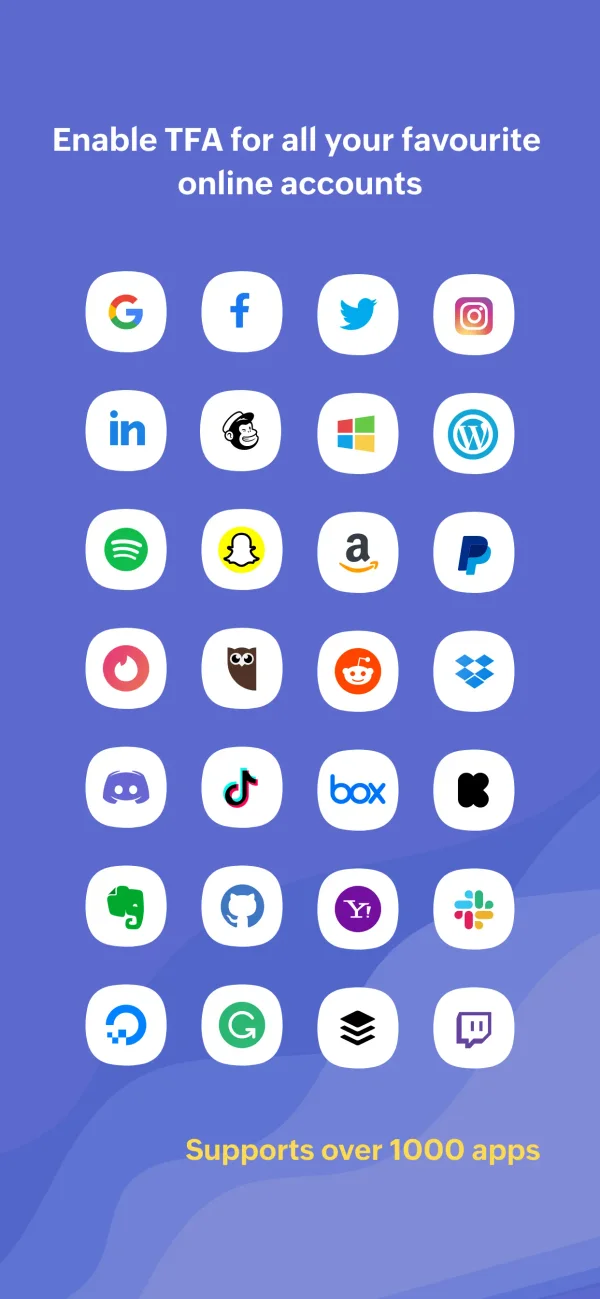
OneAuth is an industry standard authenticator app developed by Zoho. You can now enable TFA and secure all your online accounts like Twitter, Facebook, LinkedIn, and more.
Over 1 million users trust OneAuth to enable 2FA and secure their online accounts.
Take charge of your online security with two factor authentication
- ADD online accounts to OneAuth easily by either scanning a QR code or manually entering the details.
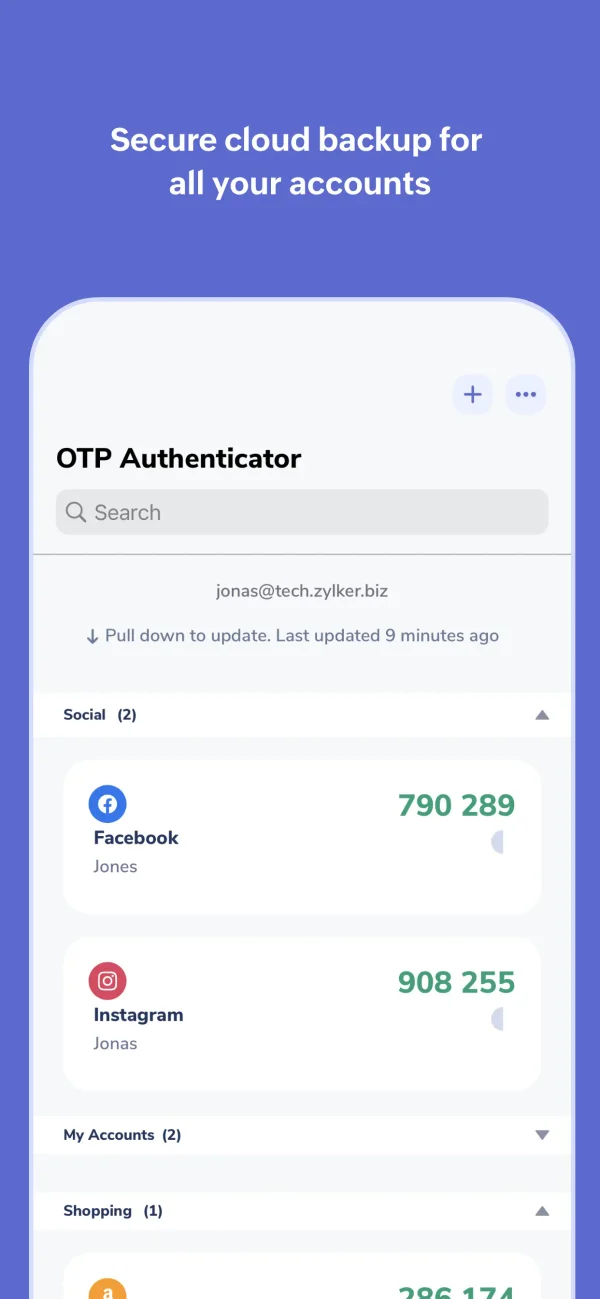
- AUTHENTICATE your online accounts using Time-based OTPs. These OTPs can be accessed offline too.
- Backing up your online accounts in OneAuth is easy. We offer ENCRYPTED BACKUP for all your online accounts and they can be recovered securely by means of a Passphrase. The Passphrase is unique and known only to you and aids in recovery in case of lost or broken device.
- OneAuth syncs your OTP secrets across all your devices. Making it easy for you to access OTPs from anywhere.
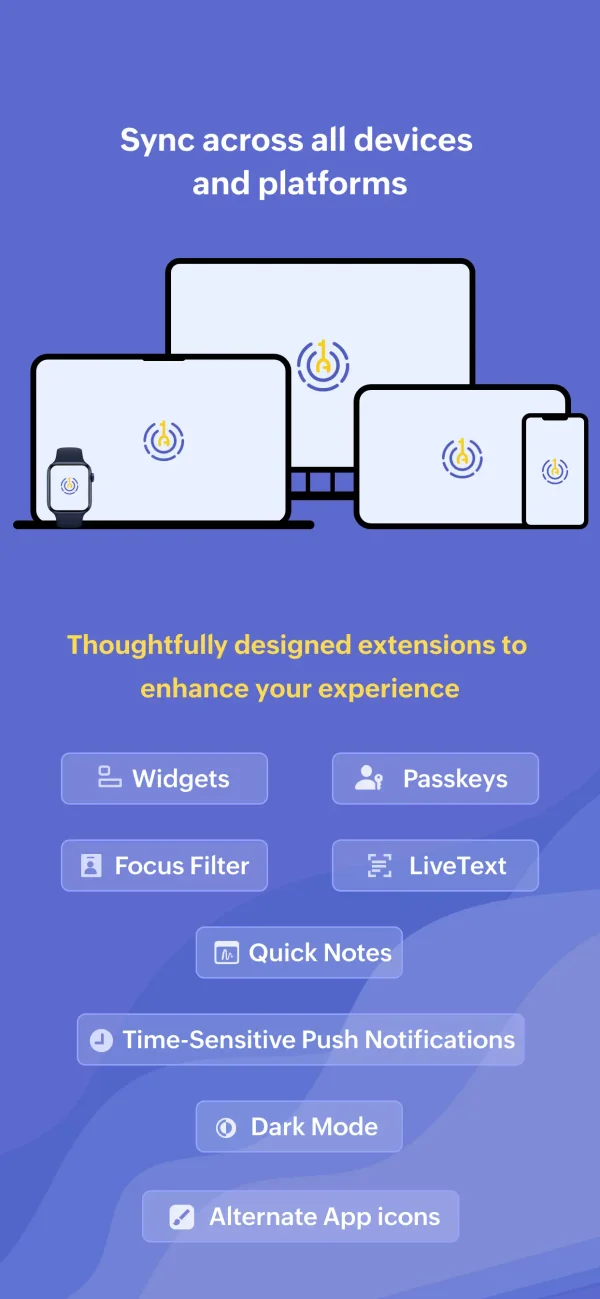
- OneAuth is AVAILABLE ON ALL PLATFORMS. Experience secure authentication on iOS, iPadOS, macOS, and watch OS devices.
An authenticator app that provides enhanced user experience
- CREATE FOLDERS to organize your TFA accounts to your convenience. You can create and reorder personal and work folders separately for easy access. You can also move accounts within and in between folders.
- Identify your 2FA accounts easily by associating them with their BRAND LOGOS.
- SEARCH and find your accounts quicker with Oneauth's inbuilt search.
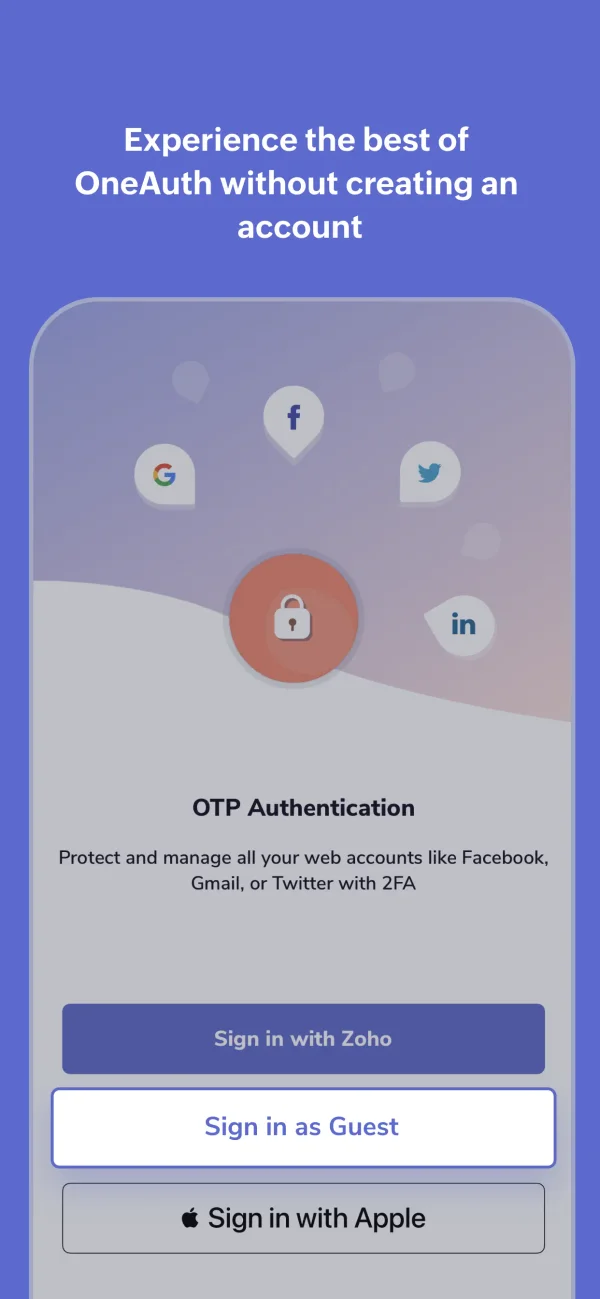
- Explore OneAuth to its fullest potential without creating an account. GUEST USERS can use the export and import option while switching to a new device.
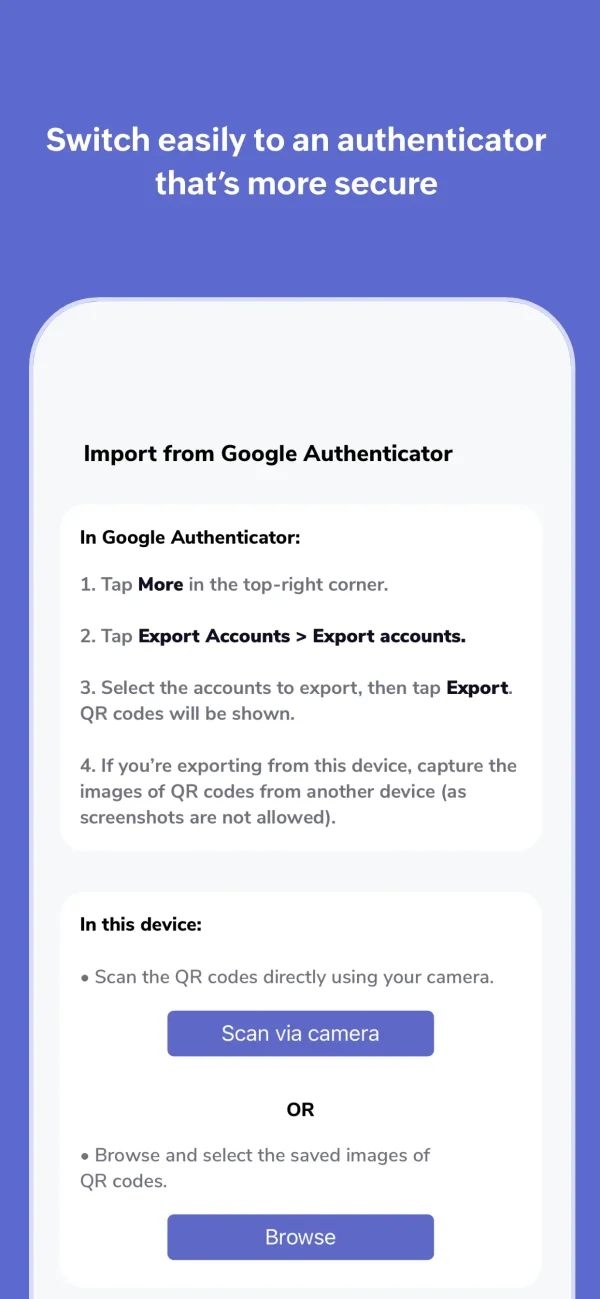
- Users can also MIGRATE their existing online accounts to OneAuth easily from Google Authenticator.
Greater security for your Zoho accounts with multi-factor authentication
Passwords are just not enough. You need additional layers to ensure your account is properly safeguarded. OneAuth does that for you!
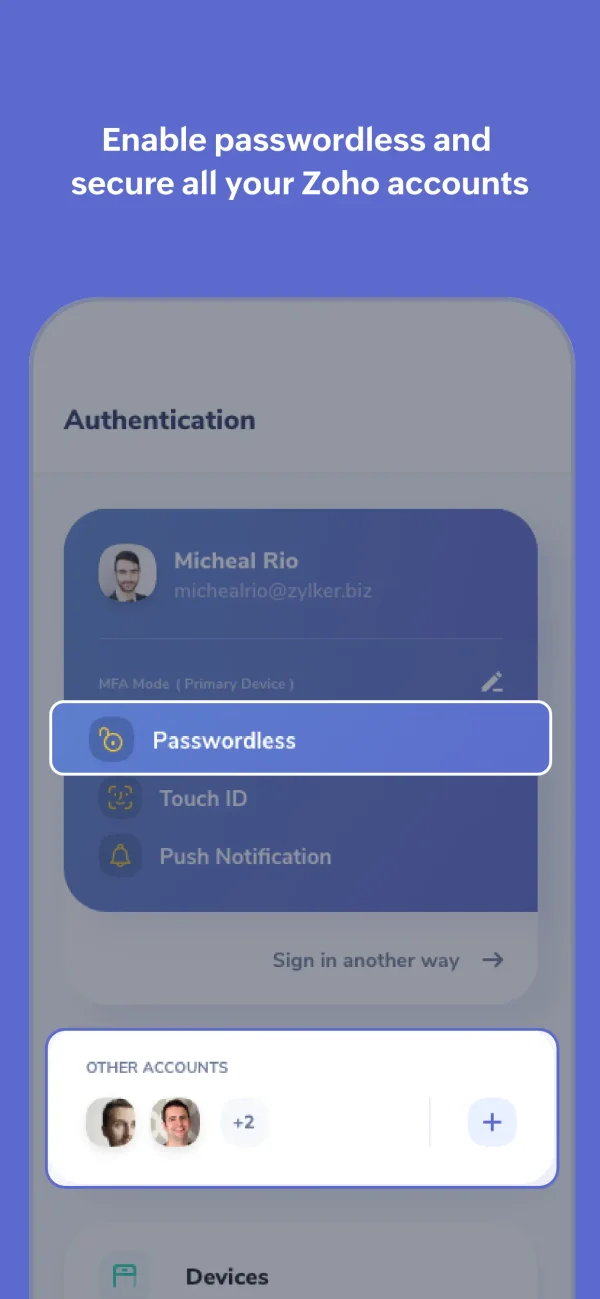
- With OneAuth, you can enable MFA for all your Zoho accounts.
- Set up PASSWORDLESS SIGN-IN. Avoid the everyday hassle of typing out your passwords.
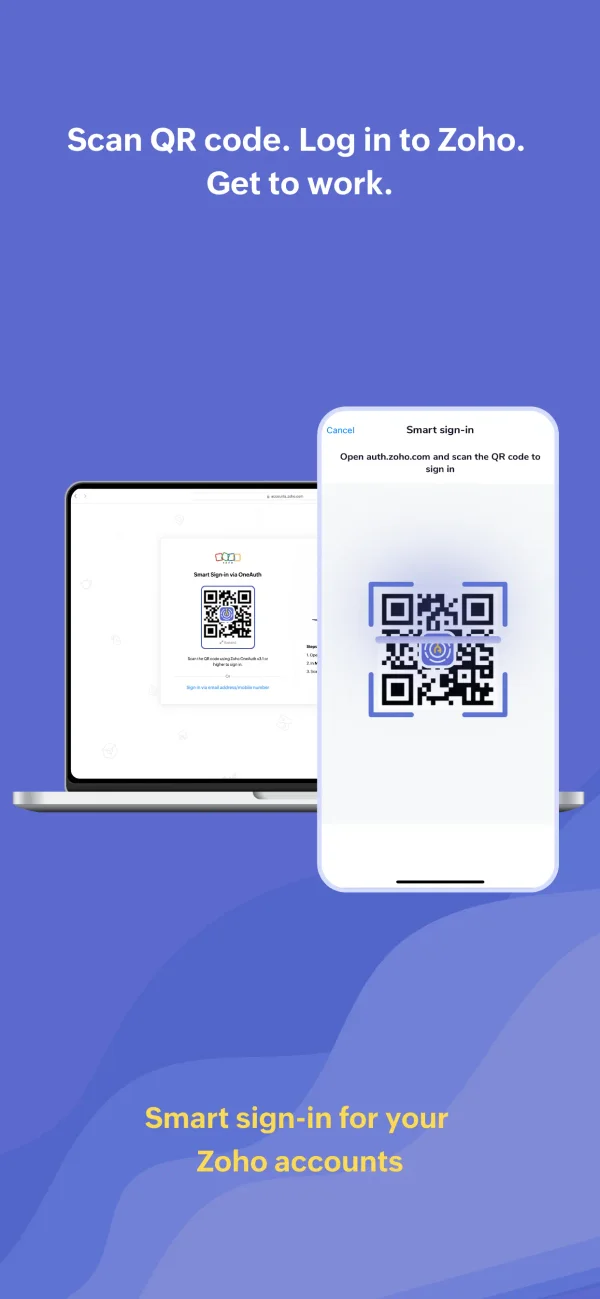
- Prefer a sign-in mode of your choice. You can select from multiple options like push notification, QR code, and Time-based OTPs. Even in case you're offline, you can access your account with Time-based OTPs.
- Toughen up your account security. Ensure ONLY you can access your account by enabling BIOMETRIC AUTHENTICATION(Face ID or Touch ID).
- Monitor devices and sessions in OneAuth, track login locations and designate devices into primary and secondary.
OneAuth quickly adopts to the latest Apple OS and always keeps up with emerging technologies.
Here are some of the iOS features that OneAuth supports
- Widgets: Gets you the OTPs quickly to help you log in to your accounts.
- Watch Face widgets: Gets you the right OTPs directly from your Apple watch.
- Passkeys: Enhances your login experience across all Zoho apps.
- Focus Filters: Allows you to associate the appropriate Zoho account for each Focus mode.
- Quick Notes: Lets you intuitively edit 2FA accounts with seamless deep linking.
- Live Text: Enables you to easily add 2FA accounts by reading information from web pages and documents.
- Time-sensitive push notifications: Gets your critical information from OneAuth that you need to know or act upon immediately.
- Dark mode: Reduce strain and improve your user experience by turning on dark mode.
These extensions elevate your overall OneAuth experience to another level on your Apple device.
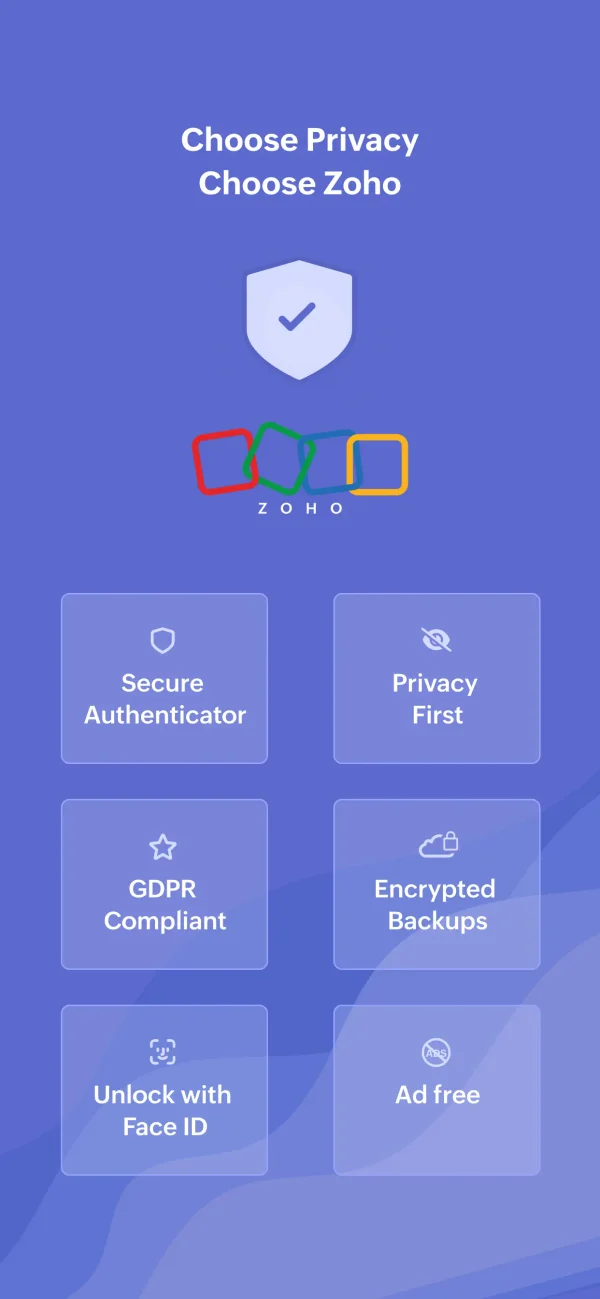
Think Privacy. Think Zoho.
At Zoho, data privacy and security is core to our business.
We believe that every individual has a right to access the internet securely and thus our authenticator app OneAuth will be free forever.
SUPPORT
Our help channels are available 24*7 for customers. Email us at support@zohoaccounts.com
Download today!
Neue Funktionen
Version 4.4.5 · 20.11.2026
- Bug fixes and performance improvements
App-Datenschutz
Was Zoho Corporation im App Store zum Umgang dieser App mit Daten angibt.
-
Mit Ihnen verknüpfte Daten
Können erfasst und mit Ihrer Identität verknüpft werden.
- Kontaktinformationen
- Benutzerinhalte
- Kennungen
- Nutzungsdaten
- Diagnose
- Sonstige Daten
Die Datenschutzpraktiken können variieren, zum Beispiel je nach den von Ihnen verwendeten Funktionen oder Ihrem Alter.
Informationen
- Anbieter
- Zoho Corporation
- Kategorie
- Dienstprogramme
- Version
- 4.4.5
- Aktualisiert
- 20.11.2026
- Veröffentlicht
- 28.09.2016
- Größe
- 220,3 MB
- Erfordert
- iOS 15.0 oder neuer
- Altersfreigabe
- 4+
- Preis
- Kostenlos
- Sprachen
- Englisch, Assamese, Bengalisch, Bodo (India), Dogri (macrolanguage), Französisch, Deutsch, Gujarati, Hindi, Indonesisch, Italienisch, Japanisch + 21 weitere
- Copyright
- © 2026, Zoho Corporation Pvt. Ltd. All Rights Reserved.
Das könnte Ihnen auch gefallen
-
 Twilio AuthyDienstprogramme
-
 FortiClient VPNDienstprogramme
-
 Ubiquiti WiFimanDienstprogramme
-
 Authenticator ·2FA OTP Authentifizierungs App
-
 Network Analyzer: WiFi ScanDienstprogramme
-
 Authenticator App ™Dienstprogramme
-
 Auth0 GuardianDienstprogramme
-
 Comet - AI Browser & AssistantBrowser and AI assistant
-
 TP-Link OmadaDienstprogramme
-
 Google AuthenticatorDienstprogramme