
- Altersfreigabe4+
- KategorieDienstprogramme
- EntwicklerTP-Link Systems Inc.
- SprachenEnglisch+ 22 weitere
- Größe154,3 MB
Verlinkt auf die offizielle App Store-Seite
Download.org hostet keine Datei von TP-Link Omada. Die Schaltfläche öffnet die App-Seite bei App Store, wo TP-Link Systems Inc. die App veröffentlicht. Eintrag zuletzt geprüft am 26.11.2026.
Screenshots
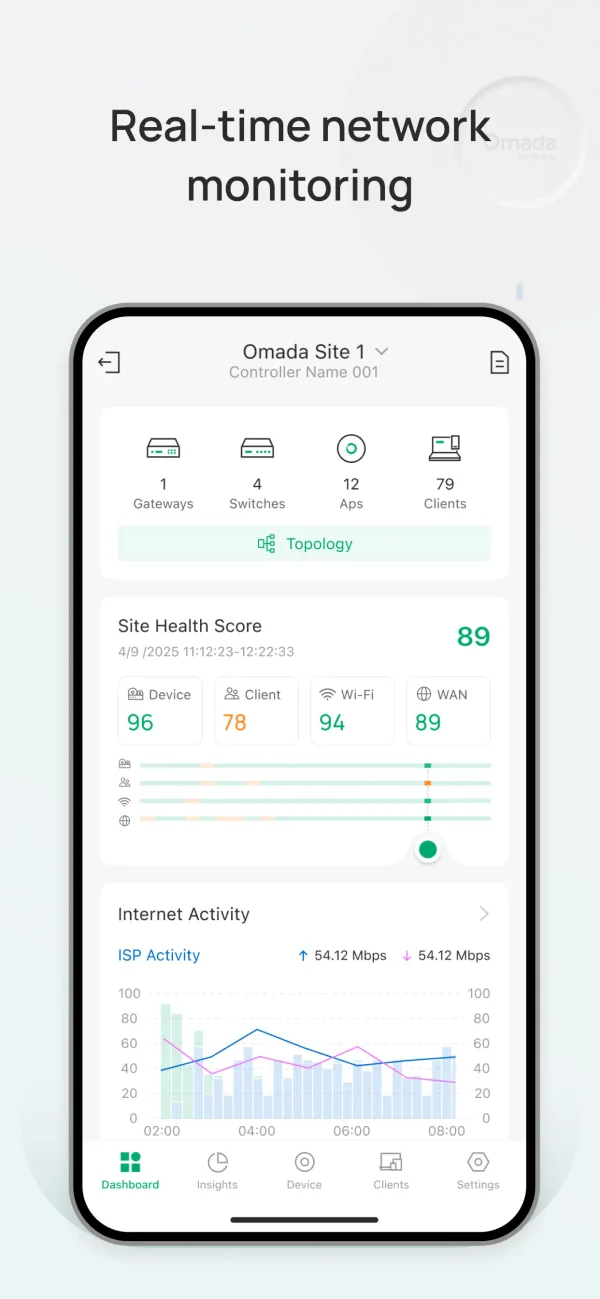
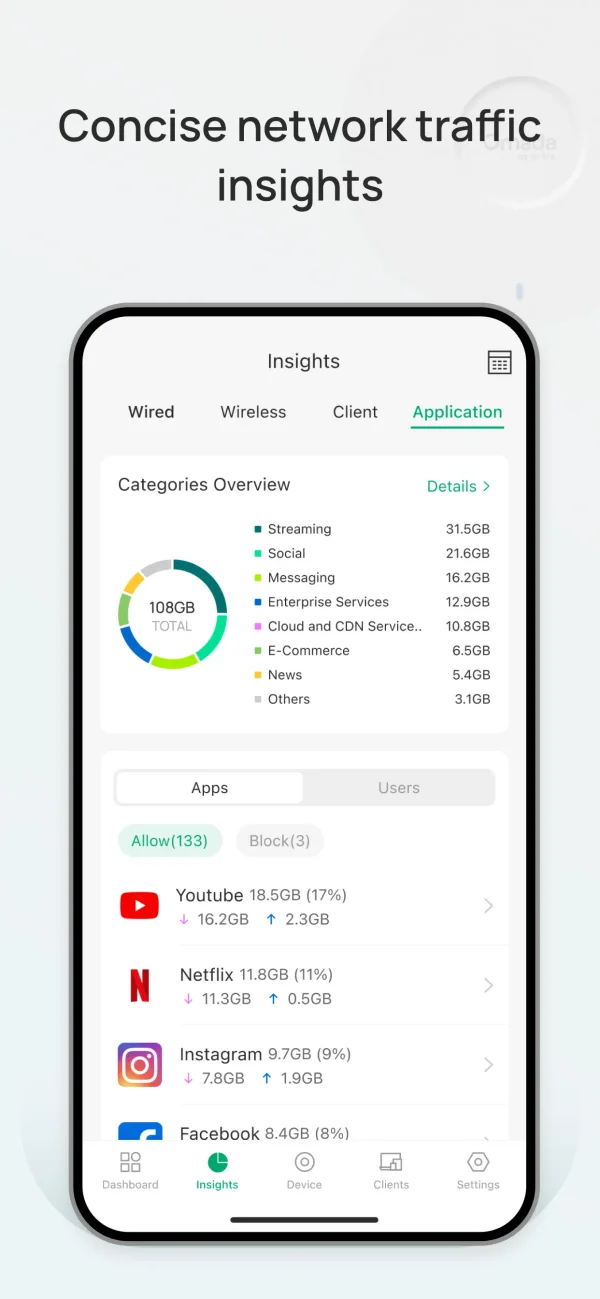
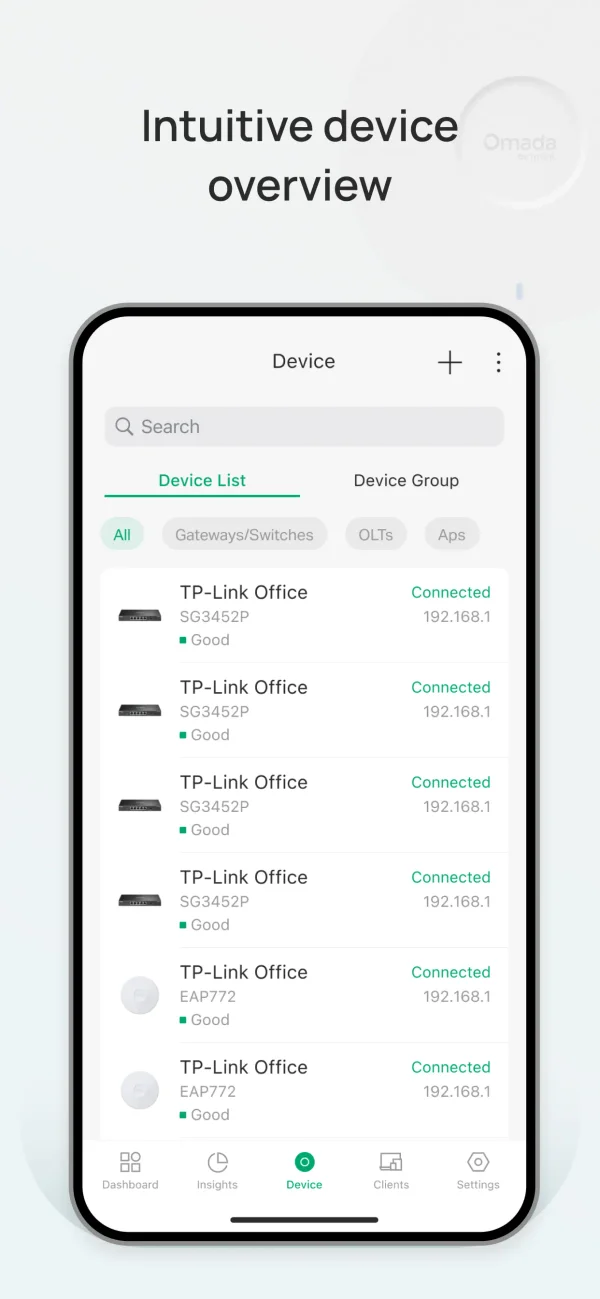

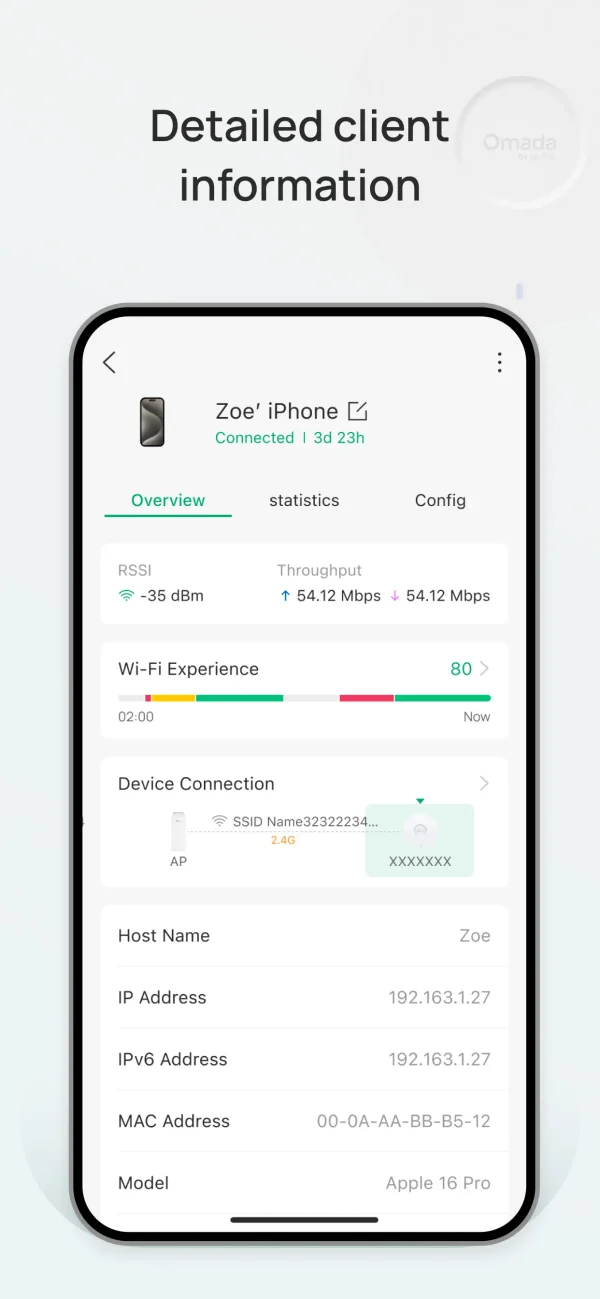
Info
Der Entwickler hat diesen Text nicht in Ihrer Sprache bereitgestellt.
Omada app is used for configuring and managing your Omada devices. You can change settings, monitor the network status and manage clients, all from the convenience of a smart phone or tablet.
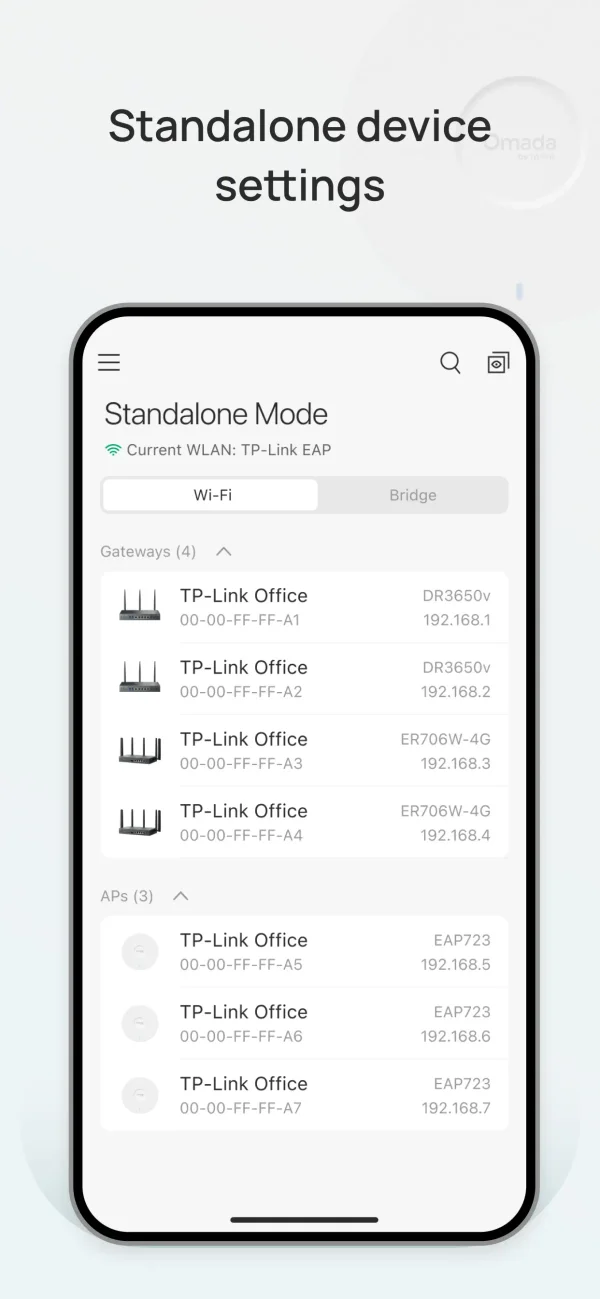
STANDALONE MODE
Standalone mode is designed for managing EAPs or wireless routers right away without having to spend time configuring a controller. Each device is managed separately. This mode is recommended for networks which only have a few EAPs (or wireless routers) and require only basic functions, such as home network.
CONTROLLER MODE
Controller mode works together with a software Omada Controller or a hardware Cloud Controller, and is suitable for managing multiple devices (including gateways, switches and EAPs) centrally. Controller mode allows you to configure and automatically synchronize unified settings to the devices in the network. Compared to Standalone Mode, more configuration options are available and supports to manage more devices in Controller mode.
You can manage devices in Controller mode in two ways: via Local Access or Cloud Access. In Local Access mode, the Omada app can manage devices when the Controller and your mobile device are in the same subnet; in Cloud Access mode, the Omada app can access the Controller across the internet so you can manage your devices wherever you are.
Compatibility List:
The controller mode currently supports hardware cloud controllers (OC200 V1, OC300 V1), software Omada Controller v3.0.2 and above. (To experience more features support and more stable services, we recommend that you upgrade your controller to a new version).
Standalone Mode currently supports the following models (with latest firmware):
EAP245 (EU)/(US) V1
EAP225 (EU)/(US) V3/V2/V1
EAP115 (EU)/(US) V4/V2/V1
EAP110 (EU)/(US) V4/V2/V1
EAP225-Outdoor (EU)/(US) V1
EAP110-Outdoor (EU)/(US) V3/V1
EAP115-Wall (EU) V1
EAP225-Wall (EU) V2
ER706W (EU)/(US) V1/V1.6
ER706W-4G (EU)/(US) V1/V1.6
*The latest firmware is required and can be downloaded from https://www.tp-link.com/omada_compatibility_list.
More devices supported by the app are coming!
Neue Funktionen
Version 5.3.26 · 29.10.2026
1. Fixed an issue where the app sometimes failed to log in after Face ID verification succeeded.
App-Datenschutz
Was TP-Link Systems Inc. im App Store zum Umgang dieser App mit Daten angibt.
-
Nicht mit Ihnen verknüpfte Daten
Können erfasst werden, sind aber nicht mit Ihrer Identität verknüpft.
- Standort
- Kontaktinformationen
- Benutzerinhalte
- Kennungen
- Nutzungsdaten
- Diagnose
- Sonstige Daten
Die Datenschutzpraktiken können variieren, zum Beispiel je nach den von Ihnen verwendeten Funktionen oder Ihrem Alter.
Informationen
- Anbieter
- TP-Link Systems Inc.
- Kategorie
- Dienstprogramme
- Version
- 5.3.26
- Aktualisiert
- 29.10.2026
- Veröffentlicht
- 22.05.2018
- Größe
- 154,3 MB
- Erfordert
- iOS 15.0 oder neuer
- Altersfreigabe
- 4+
- Preis
- Kostenlos
- Sprachen
- Englisch, Arabisch, Bulgarisch, Tschechisch, Niederländisch, Französisch, Deutsch, Hebräisch, Ungarisch, Italienisch, Japanisch, Koreanisch + 11 weitere
- Copyright
- © Copyright @ 2025 TP-LINK Systems Inc. All rights reserved.
Das könnte Ihnen auch gefallen
-
 Ubiquiti WiFimanDienstprogramme
-
 Network Analyzer: WiFi ScanDienstprogramme
-
 NetSpot WLAN AnalyzerWiFi Heatmap & SpeedTest
-
 IP Scanner - Netzwerk ScannerNetwork Scanner WiFi/LAN
-
 MikroTikDienstprogramme
-
 Ping - network utilityDienstprogramme
-
 Ruijie ReyeeDienstprogramme
-
 RustDesk Remote DesktopDienstprogramme
-
 ReolinkDienstprogramme
-
 glinetDienstprogramme