
Auto Clicker - Simple Tapper
Auto tapper for screen click
Entwickelt für iPhone
Kostenlos
- Altersfreigabe17+
- KategorieProduktivität
- EntwicklerSavan Bhimani
- SprachenEnglisch+ 7 weitere
- Größe13,8 MB
Verlinkt auf die offizielle App Store-Seite
Download.org hostet keine Datei von Auto Clicker - Simple Tapper. Die Schaltfläche öffnet die App-Seite bei App Store, wo Savan Bhimani die App veröffentlicht. Eintrag zuletzt geprüft am 15.11.2026.
Screenshots
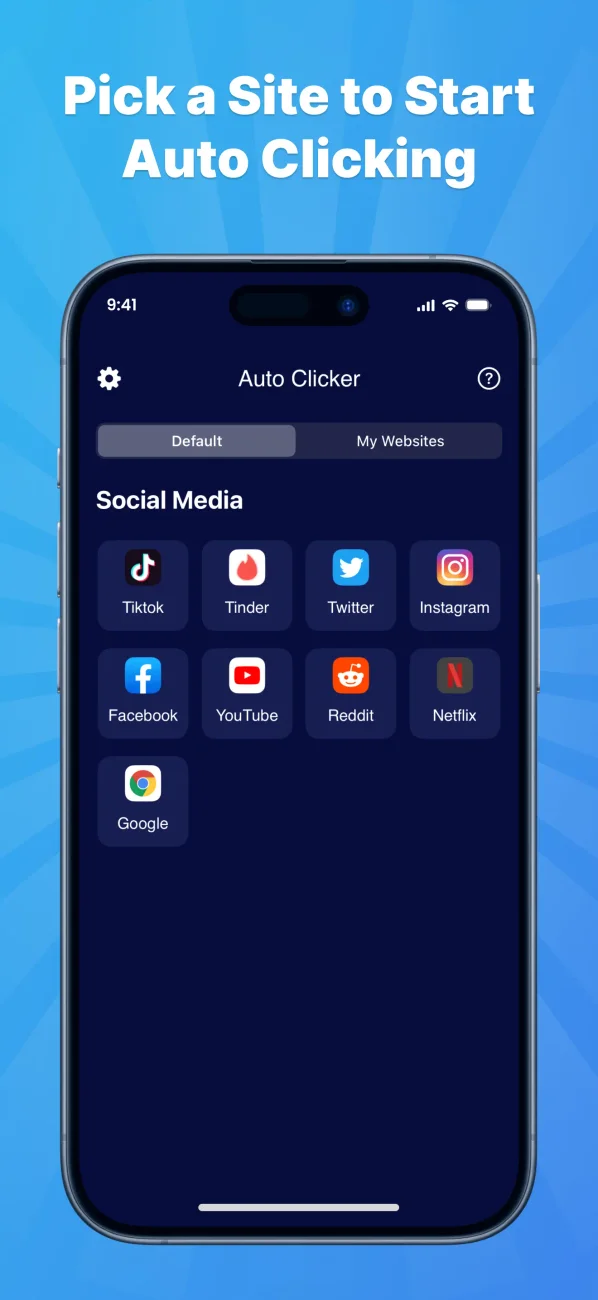
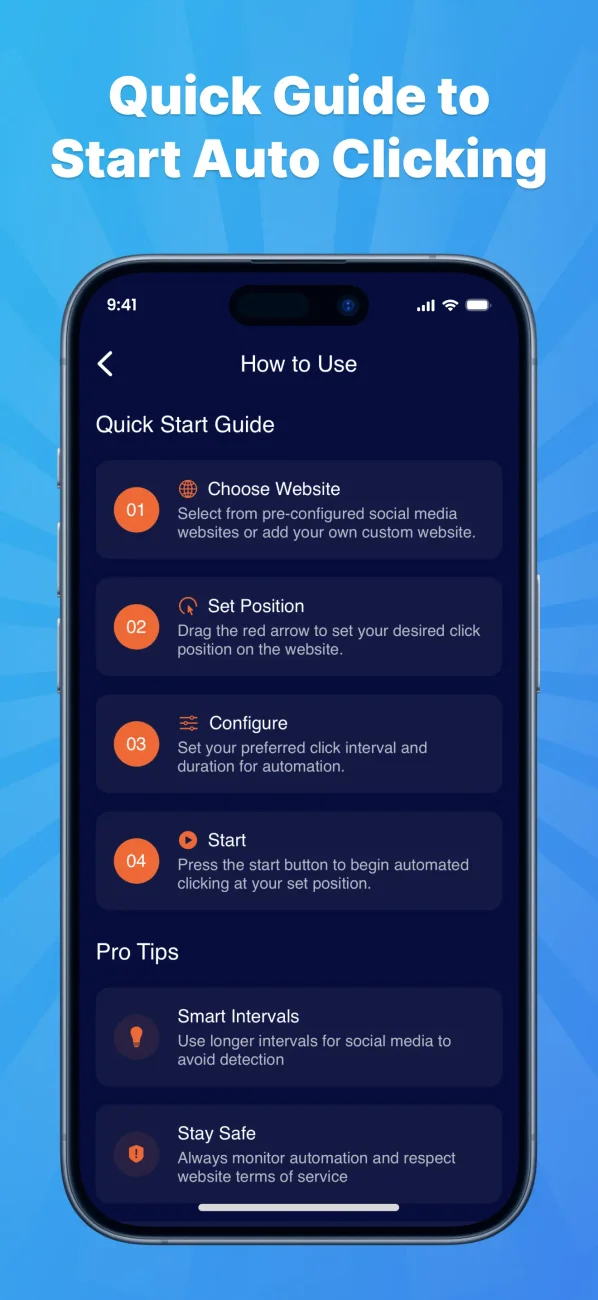
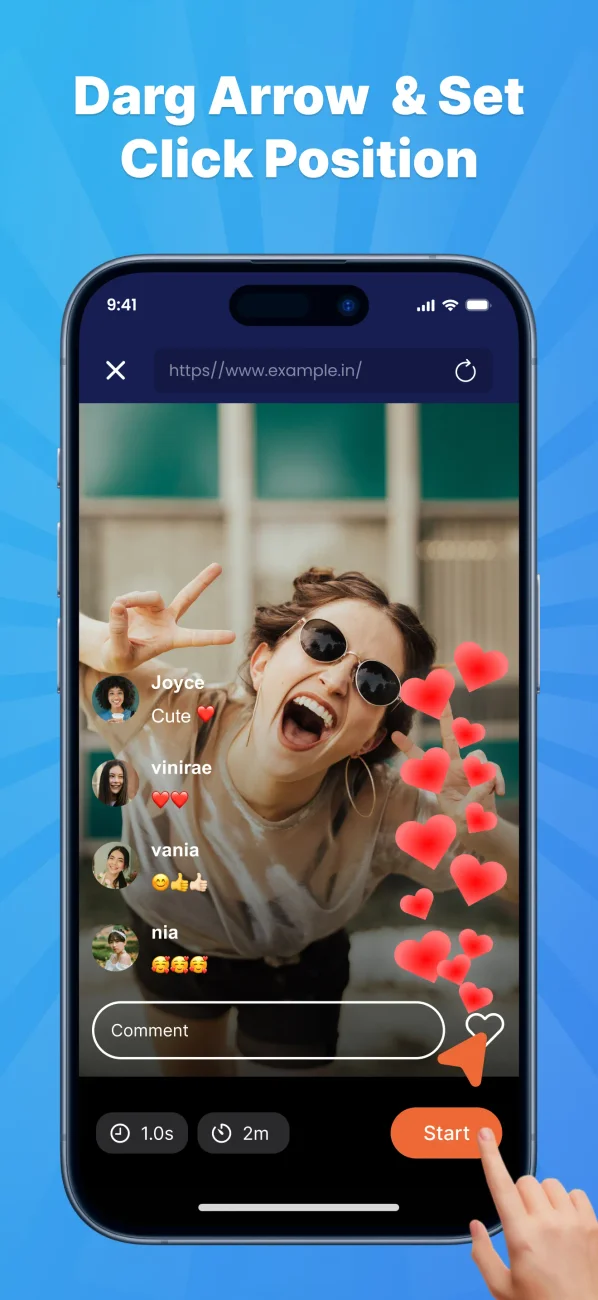
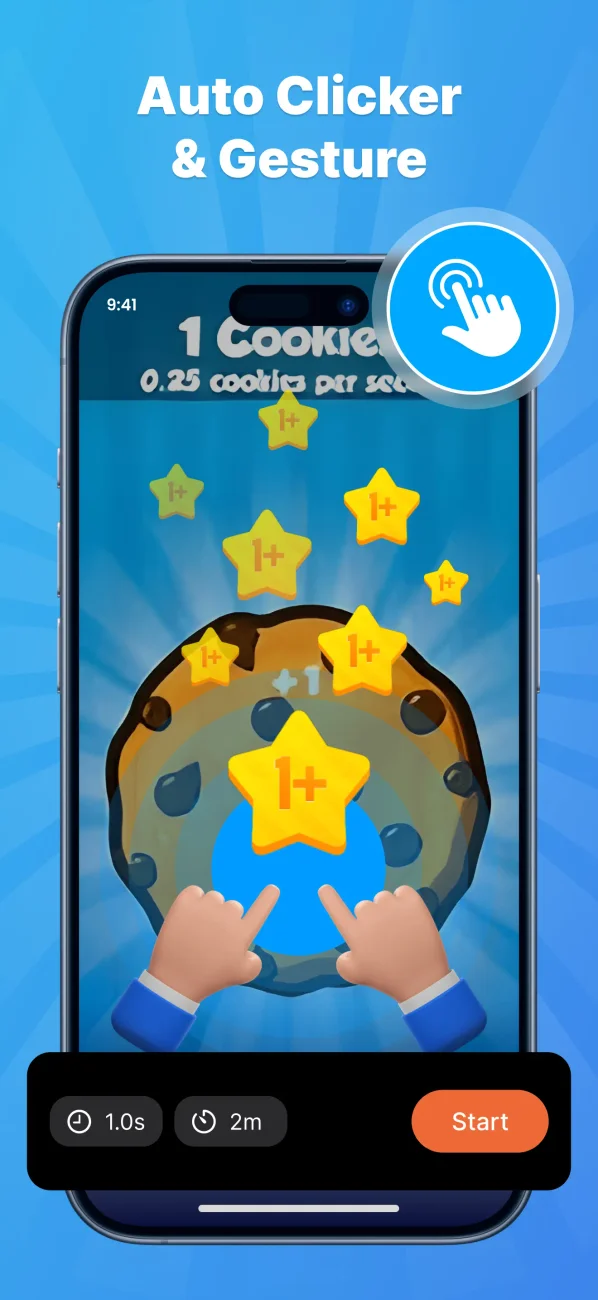
Info
Der Entwickler hat diesen Text nicht in Ihrer Sprache bereitgestellt.
Automate your taps with precision using Auto Clicker - Tap Assistant
Say goodbye to repetitive tapping and let your iPhone handle it for you. Auto Clicker helps you automate single-point screen taps, perfect for games, productivity tasks, or repeated actions in any app.
Key Features:
- Single Tap Automation: Set a target area and automate screen taps.
- Custom Time Intervals: Choose tap speed and frequency based on your needs.
- Precise Tap Targeting: Adjust the tap point anywhere on your screen.
- Repeat Mode: Tap continuously or for a specific number of times.
- Designed for Games and Apps: Automate resource collection, upgrades, or repetitive input.
- Clean and Simple Interface: Easy to use for beginners and powerful enough for advanced users.
Why Use Auto Clicker - Simple Tapper?
Whether you're automating tasks in a click-based game, performing repeated actions in an app, or simplifying a daily task, this app helps save your time and effort. No complex settings—just tap, set, and go.
How to Use:
1. Open the app and allow necessary accessibility permissions.
2. Select the tap location on your screen.
3. Set your desired interval and duration.
4. Start auto tapping and watch it work for you.
Neue Funktionen
Version 1.8 · 22.04.2026
Improve Clicking experience.
Bug Fix.
App-Datenschutz
Was Savan Bhimani im App Store zum Umgang dieser App mit Daten angibt.
-
Daten, die zum Tracking Ihrer Person verwendet werden
Können verwendet werden, um Sie über Apps und Websites anderer Unternehmen hinweg zu verfolgen.
- Nutzungsdaten
-
Nicht mit Ihnen verknüpfte Daten
Können erfasst werden, sind aber nicht mit Ihrer Identität verknüpft.
- Nutzungsdaten
Die Datenschutzpraktiken können variieren, zum Beispiel je nach den von Ihnen verwendeten Funktionen oder Ihrem Alter.
Informationen
- Anbieter
- Savan Bhimani
- Kategorie
- Produktivität
- Version
- 1.8
- Aktualisiert
- 22.04.2026
- Veröffentlicht
- 09.06.2025
- Größe
- 13,8 MB
- Erfordert
- iOS 16.6 oder neuer
- Altersfreigabe
- 17+
- Preis
- Kostenlos
- Sprachen
- Englisch, Filipino, Französisch, Deutsch, Indonesisch, Japanisch, Russisch, Ukrainisch
- Copyright
- © 2018 P9videos
Das könnte Ihnen auch gefallen
-
 Auto Clicker: Click BotProduktivität
-
 Auto Clicker – Fast TapProduktivität
-
 Auto Clicker: Quick TapperAutomatisch Tippen & Klicken
-
 Auto Klicker: Klick AssistentAutomatisches Tippen & Klicken
-
 Auto Clicker: Auto Tap, ScrollProduktivität
-
 Auto Clicker - Tap AssistantProduktivität
-
 Auto Clicker・Auto-TippenAutoclicker: Klickassistent
-
 Auto Clicker: Click CounterAutoclicker | Quick Save | Tap
-
 Auto Tapper Assistant AppProduktivität
-
 Auto Klicker - Auto TippenKlick Assistent