
Auto Clicker - Simple Tapper
Auto tapper for screen click
Designed for iPhone
Free
- Age rating17+
- CategoryProductivity
- DeveloperSavan Bhimani
- LanguagesEnglish+ 7 more
- Size13.8 MB
Links to the official App Store page
Download.org hosts no file of Auto Clicker - Simple Tapper. The button opens its official App Store page, published by Savan Bhimani. Listing last checked on Nov 15, 2026.
Screenshots
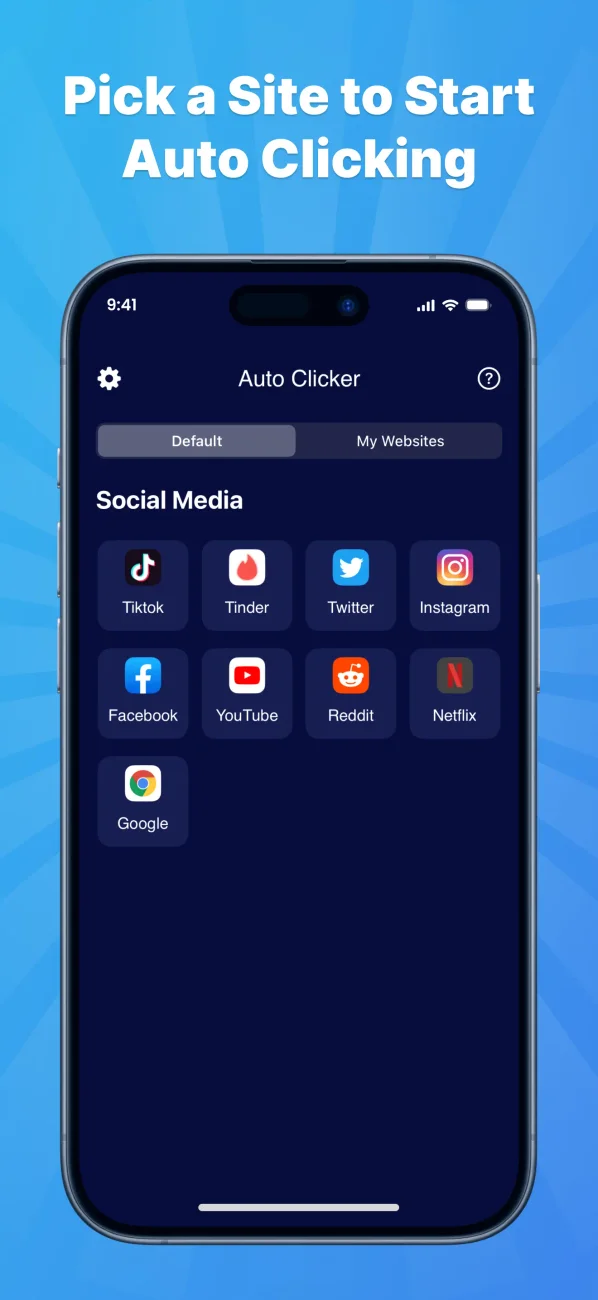
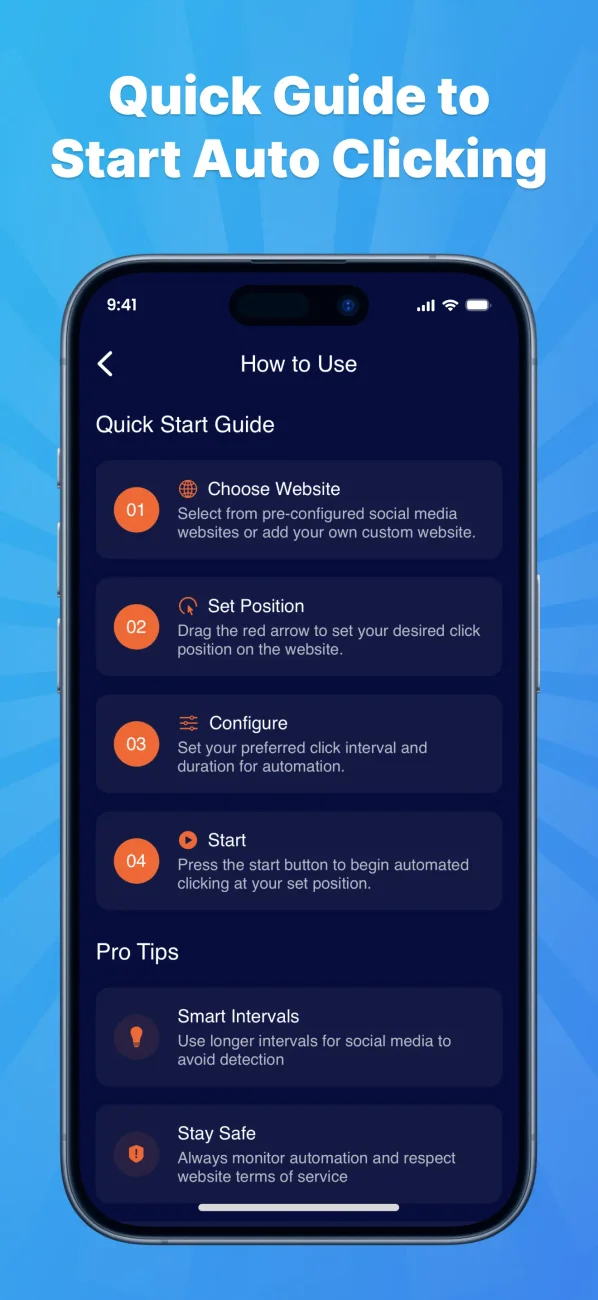

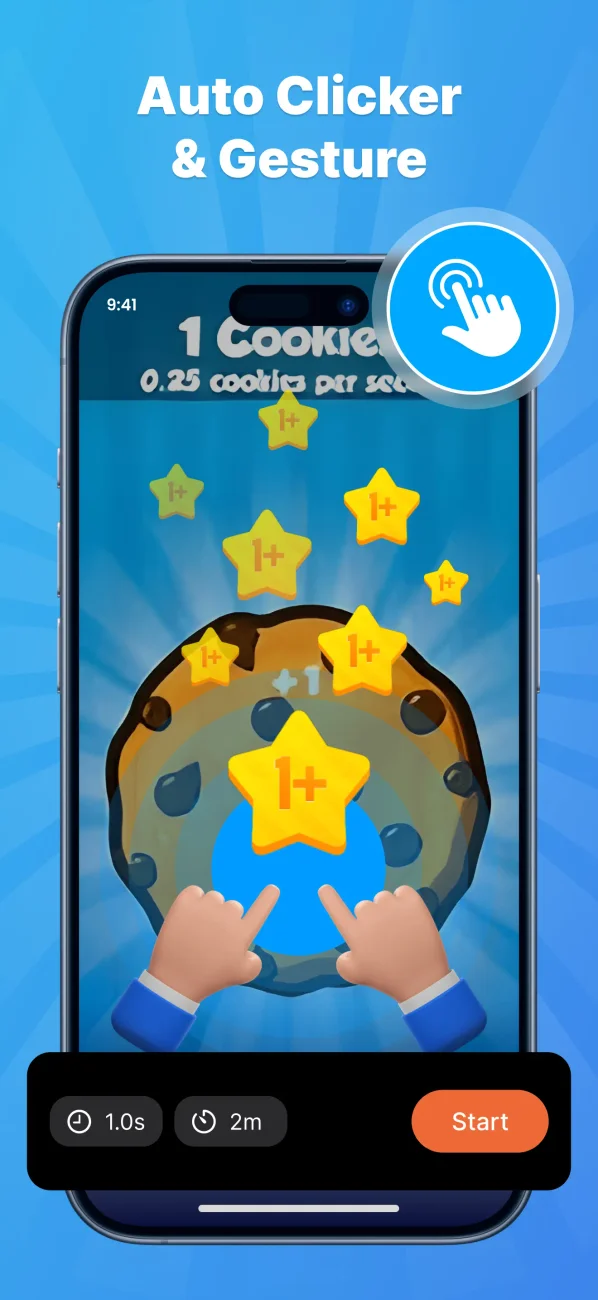
About
Automate your taps with precision using Auto Clicker - Tap Assistant
Say goodbye to repetitive tapping and let your iPhone handle it for you. Auto Clicker helps you automate single-point screen taps, perfect for games, productivity tasks, or repeated actions in any app.
Key Features:
- Single Tap Automation: Set a target area and automate screen taps.
- Custom Time Intervals: Choose tap speed and frequency based on your needs.
- Precise Tap Targeting: Adjust the tap point anywhere on your screen.
- Repeat Mode: Tap continuously or for a specific number of times.
- Designed for Games and Apps: Automate resource collection, upgrades, or repetitive input.
- Clean and Simple Interface: Easy to use for beginners and powerful enough for advanced users.
Why Use Auto Clicker - Simple Tapper?
Whether you're automating tasks in a click-based game, performing repeated actions in an app, or simplifying a daily task, this app helps save your time and effort. No complex settings—just tap, set, and go.
How to Use:
1. Open the app and allow necessary accessibility permissions.
2. Select the tap location on your screen.
3. Set your desired interval and duration.
4. Start auto tapping and watch it work for you.
What’s new
Version 1.8 · Apr 22, 2026
Improve Clicking experience.
Bug Fix.
App privacy
What Savan Bhimani declares on the App Store about how this app handles data.
-
Data used to track you
May be used to track you across apps and websites owned by other companies.
- Usage data
-
Data not linked to you
May be collected but is not linked to your identity.
- Usage data
Privacy practices may vary, for example with the features you use or your age.
Information
- Seller
- Savan Bhimani
- Category
- Productivity
- Version
- 1.8
- Updated
- Apr 22, 2026
- Released
- Jun 9, 2025
- Size
- 13.8 MB
- Requires
- iOS 16.6 or later
- Age rating
- 17+
- Price
- Free
- Languages
- English, Filipino, French, German, Indonesian, Japanese, Russian, Ukrainian
- Copyright
- © 2018 P9videos
You might also like
-
 Auto Clicker: Click BotScroll, refresh, tap assistant
-
 Auto Clicker – Fast TapFast Tap · AutoClicker Touch
-
 Auto Clicker: Quick TapperAutomatic Tap & Multi Click
-
 Auto Clicker: Click & Tap ToolAutoclicker・Automatic Tapper
-
 Auto Clicker: Auto Tap, ScrollAuto Tap, Auto scroll, Refresh
-
 Auto Clicker - Tap AssistantAutomate Taps & Boost click
-
 Auto Clicker|Automatic TapAutoclicker: Click Assistant
-
 Auto Clicker:Automatic TapperAuto Click & Liker App, Assist
-
 Auto Tapper Assistant AppAutomatic Clicker, Auto Tapper
-
 Autoclicker: Best Tap toolsAutoclicker tool for taps