- Altersfreigabe4+
- KategorieNavigation
- EntwicklerFelcode LLC
- SprachenEnglisch
- Größe423,0 KB
Verlinkt auf die offizielle App Store-Seite
Download.org hostet keine Datei von Beater Meter. Die Schaltfläche öffnet die App-Seite bei App Store, wo Felcode LLC die App veröffentlicht. Eintrag zuletzt geprüft am 20.11.2026.
Screenshots

Info
Der Entwickler hat diesen Text nicht in Ihrer Sprache bereitgestellt.
Do you drive a beater? I do, and the speedometer doesn't work.
I made this app to know about how fast I'm going. I built support for mph and km/h, AND driving on both sides of the road!
It's not as good as a real speedo, but it gets the job done well enough.
WHY IT EXISTS
Every maps app (Apple Maps, Waze, Google Maps) shows your speed. They all show it as a tiny badge in the corner, which is useless on a phone screen.
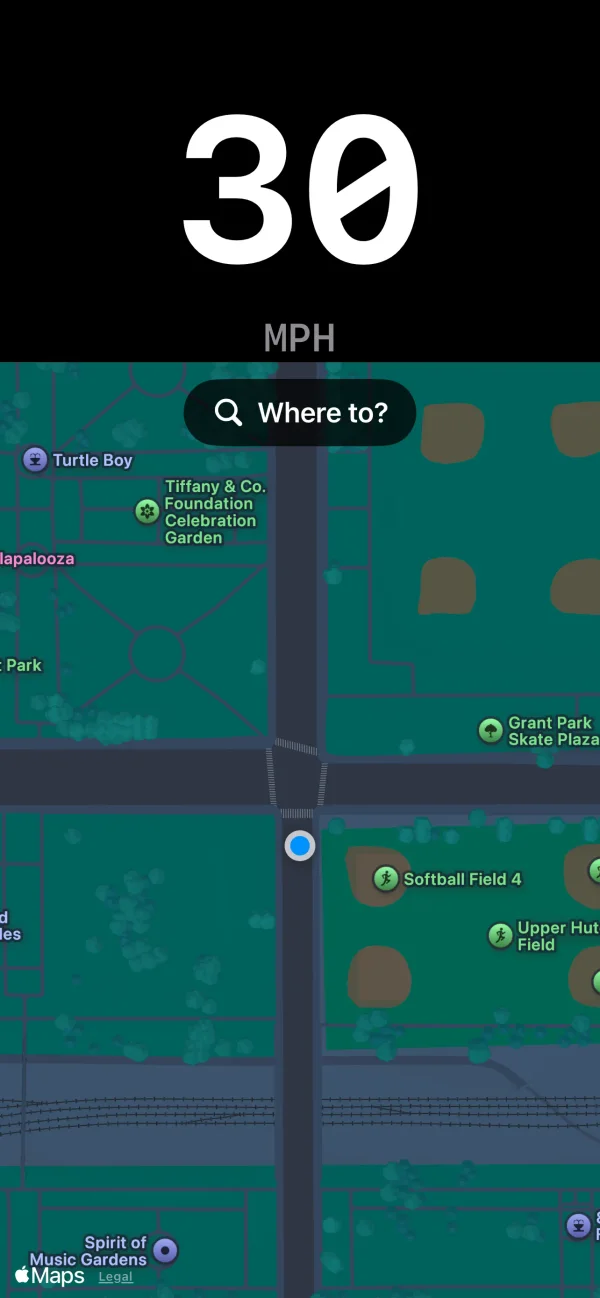
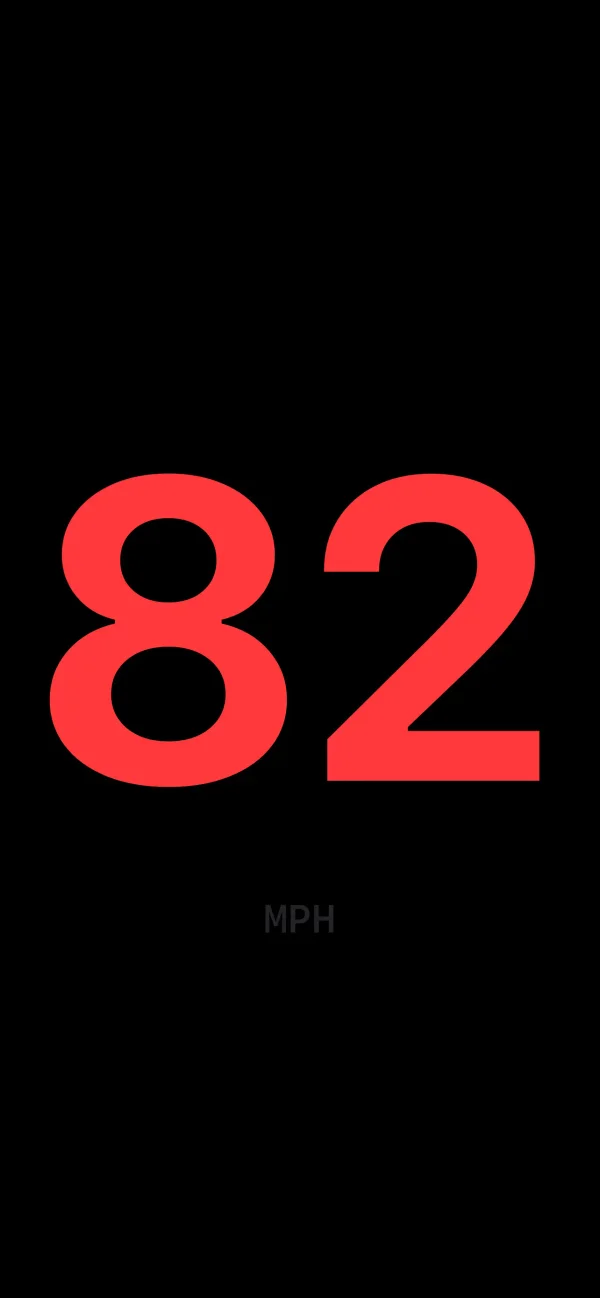
Beater Meter makes the SPEEDOMETER BIG. The map's still there, but you can actually read your speed at a glance.
THE DASHBOARD
• A huge GPS speed readout, sized to fill the space it's given
• Search for somewhere and get a route, with the next turn and the distance to it
• The map points the way you're driving and follows you
• Recalculates if you leave the route
• Portrait stacks the speed over the map; landscape puts them side by side
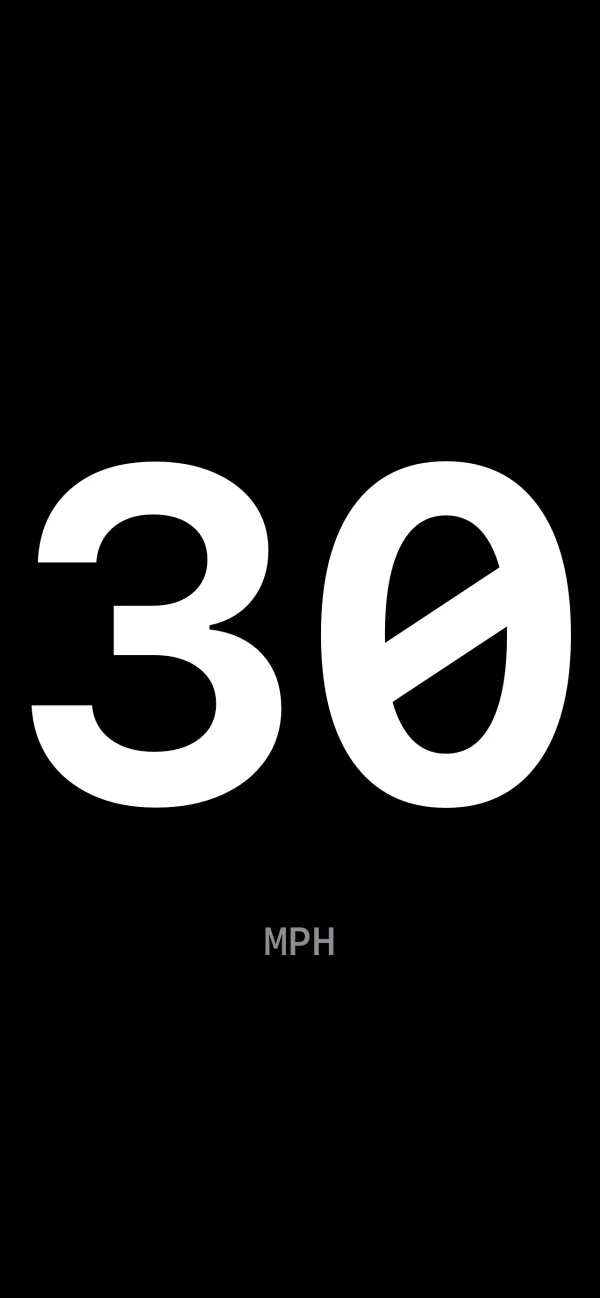
• Tap the speed to hide the map and fill the screen with the number
• Tap the unit to switch between mph and km/h
IT WORKS, YOU CAN SEE IT, DON'T DRIVE TOO FAST
• White on black, so nothing reflects off the windshield at night
• Monospaced digits, so the number doesn't jitter as it changes
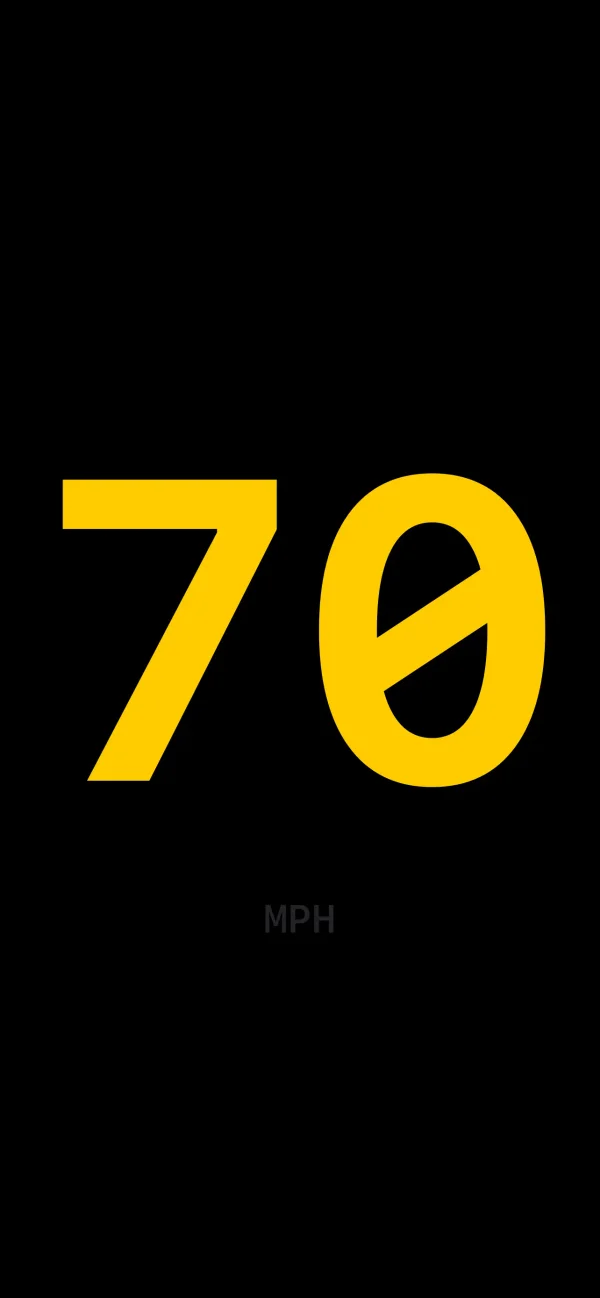
• Digits turn amber above 65 mph and red above 80 mph
• Reads a steady 0 when stopped, instead of drifting the way raw GPS does
• The screen stays awake while the app is open
One note about that color warning: if you need this app, your car probably can't even go that fast. But it's the kind of feature that the app developer sleep at night.
PRIVACY
No accounts, no ads, no analytics, no trackers. Your location is used on your device to work out your speed and follow the route, and is never transmitted or stored. There is nothing to sign up for and nothing to opt out of.
LIMITATIONS
This uses GPS, so the speed is approximate and updates about once a second. It needs a reasonable view of the sky — not much use in a tunnel or a parking garage. Directions come from Apple Maps and there is no live traffic rerouting, so it is a way to see your next turn without losing the speed, not a replacement for a dedicated navigation app. If your car's own speedometer works, trust that one first. Either way, obey posted speed limits, and set your destination before you start driving rather than while you're moving.
App-Datenschutz
Was Felcode LLC im App Store zum Umgang dieser App mit Daten angibt.
-
Keine Daten erfasst
Der Entwickler erfasst keine Daten von dieser App.
Die Datenschutzpraktiken können variieren, zum Beispiel je nach den von Ihnen verwendeten Funktionen oder Ihrem Alter.
Informationen
- Anbieter
- Felcode, LLC
- Kategorie
- Navigation
- Version
- 1.0
- Aktualisiert
- 01.09.2026
- Veröffentlicht
- 01.09.2026
- Größe
- 423,0 KB
- Erfordert
- iOS 17.0 oder neuer
- Altersfreigabe
- 4+
- Preis
- Kostenlos
- Sprachen
- Englisch
- Copyright
- © 2026 Felcode LLC
Das könnte Ihnen auch gefallen
-
 RoadTrace: FahrtenbuchDienstwagen, Kilometer & Tacho
-
 Speedometer: GPS & OdometerNavigation
-
 Spedo: Tacho & Fahrten-TrackerGPS Tacho, 0-100 & Freunde
-
 Tachometer HUD GeschwindigkeitGeschwindigkeitsmesser GPS Kmh
-
 Speedometer: Speed & GPS HUDNavigation
-
 HUD Speed Limits and AlertsNavigation
-
 Tacho GPS: Auto HUDGeschwindigkeit & Tempolimit
-
 MapMeter: GPS Tacho & KarteTempolimit-Warnung, HUD, Karte
-
 Visit USVIReisen
-
 GPS GeschwindigkeitKMH Messer