- 対象年齢4+
- カテゴリナビゲーション
- 開発元Felcode LLC
- 言語英語
- サイズ423.0 KB
App Storeの公式ページにリンクしています
Download.orgはBeater Meterのファイルを一切ホストしていません。ボタンを押すと、Felcode LLCが公開しているApp Storeのアプリページが開きます。ページの最終確認:2026/11/20。
スクリーンショット

概要
開発元はこのテキストをお使いの言語で提供していません。
Do you drive a beater? I do, and the speedometer doesn't work.
I made this app to know about how fast I'm going. I built support for mph and km/h, AND driving on both sides of the road!
It's not as good as a real speedo, but it gets the job done well enough.
WHY IT EXISTS
Every maps app (Apple Maps, Waze, Google Maps) shows your speed. They all show it as a tiny badge in the corner, which is useless on a phone screen.
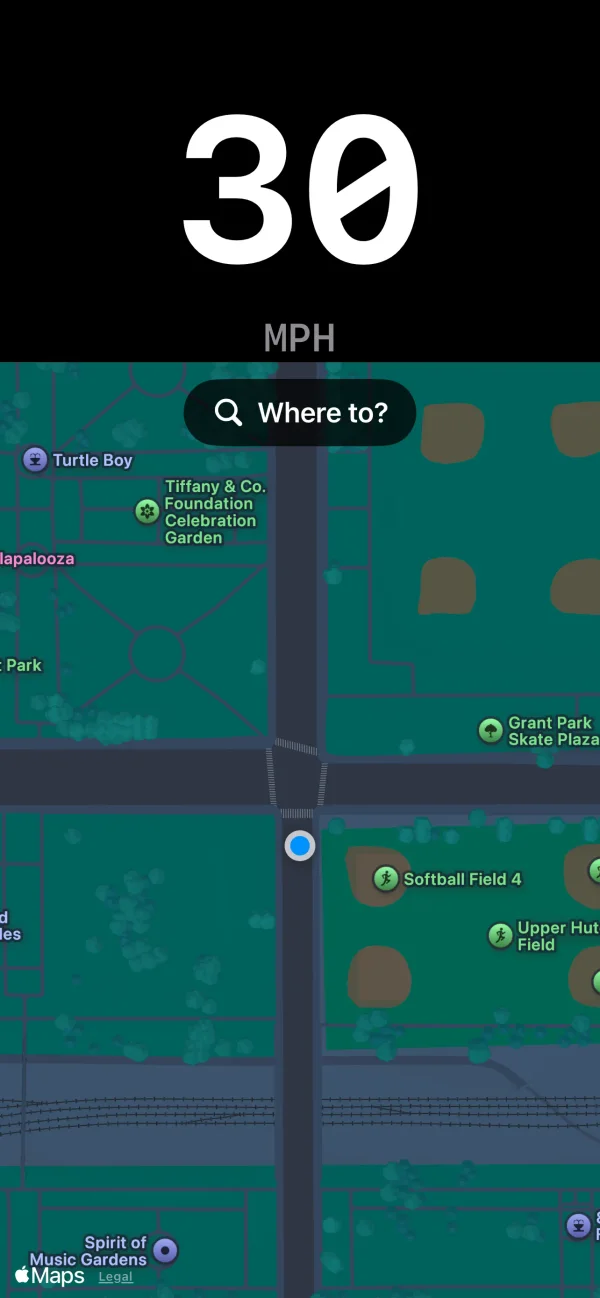
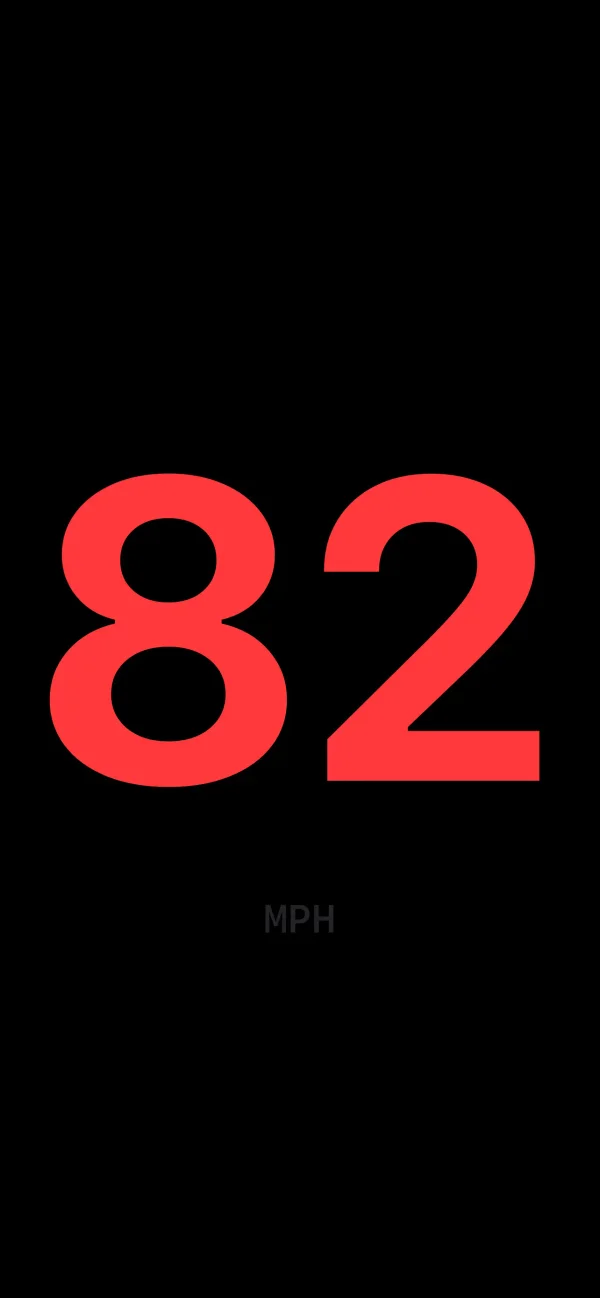
Beater Meter makes the SPEEDOMETER BIG. The map's still there, but you can actually read your speed at a glance.
THE DASHBOARD
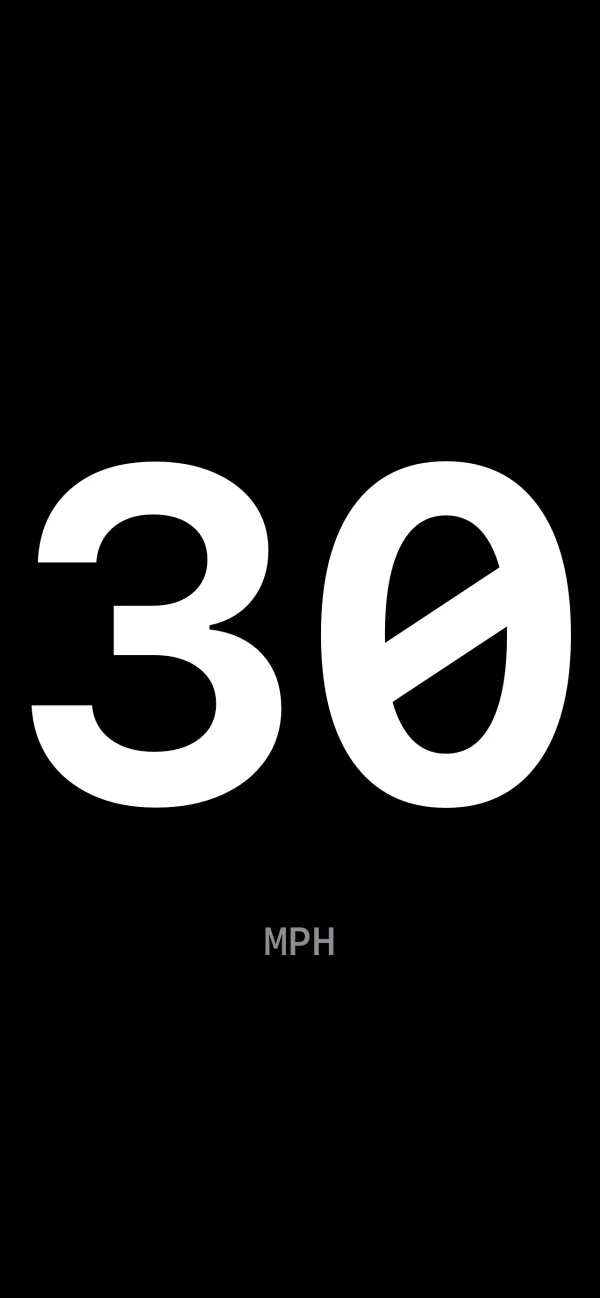
• A huge GPS speed readout, sized to fill the space it's given
• Search for somewhere and get a route, with the next turn and the distance to it
• The map points the way you're driving and follows you
• Recalculates if you leave the route
• Portrait stacks the speed over the map; landscape puts them side by side
• Tap the speed to hide the map and fill the screen with the number
• Tap the unit to switch between mph and km/h
IT WORKS, YOU CAN SEE IT, DON'T DRIVE TOO FAST
• White on black, so nothing reflects off the windshield at night
• Monospaced digits, so the number doesn't jitter as it changes
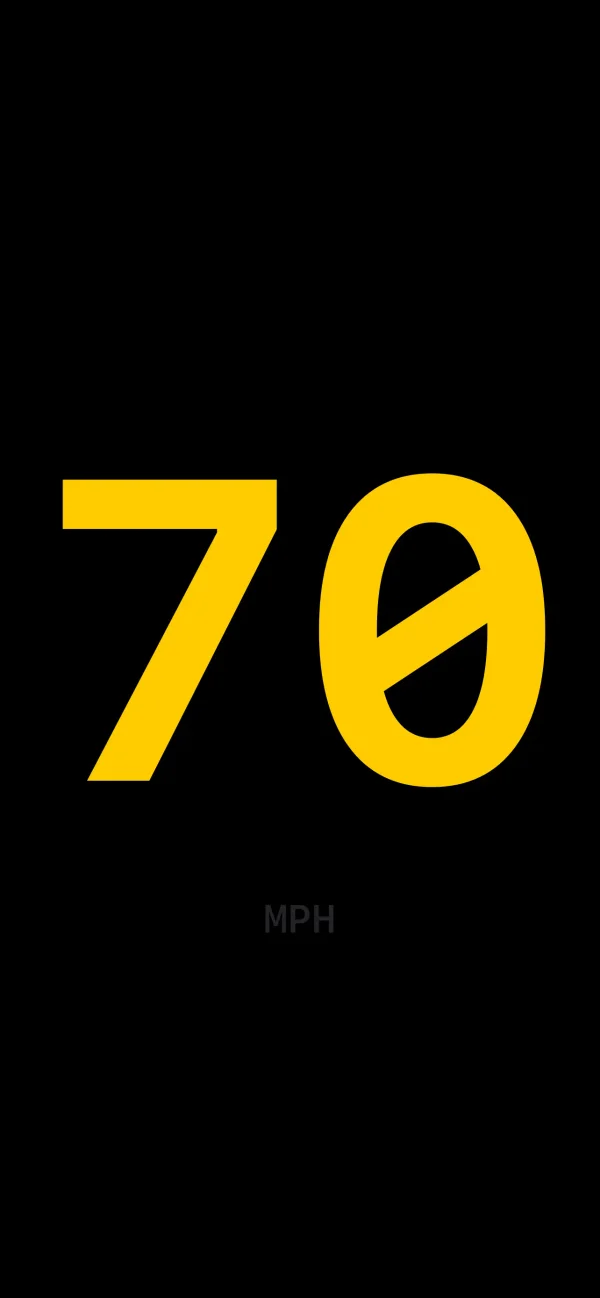
• Digits turn amber above 65 mph and red above 80 mph
• Reads a steady 0 when stopped, instead of drifting the way raw GPS does
• The screen stays awake while the app is open
One note about that color warning: if you need this app, your car probably can't even go that fast. But it's the kind of feature that the app developer sleep at night.
PRIVACY
No accounts, no ads, no analytics, no trackers. Your location is used on your device to work out your speed and follow the route, and is never transmitted or stored. There is nothing to sign up for and nothing to opt out of.
LIMITATIONS
This uses GPS, so the speed is approximate and updates about once a second. It needs a reasonable view of the sky — not much use in a tunnel or a parking garage. Directions come from Apple Maps and there is no live traffic rerouting, so it is a way to see your next turn without losing the speed, not a replacement for a dedicated navigation app. If your car's own speedometer works, trust that one first. Either way, obey posted speed limits, and set your destination before you start driving rather than while you're moving.
アプリのプライバシー
このアプリのデータの取り扱いについて、Felcode LLCがApp Storeで申告している内容です。
-
データの収集なし
開発元はこのアプリからデータを収集しません。
プライバシーの取り扱いは、ご利用の機能やお客様の年齢などに応じて異なる場合があります。
情報
- 販売元
- Felcode, LLC
- カテゴリ
- ナビゲーション
- バージョン
- 1.0
- 更新日
- 2026/9/1
- リリース
- 2026/9/1
- サイズ
- 423.0 KB
- 必要条件
- iOS 17.0以降
- 対象年齢
- 4+
- 価格
- 無料
- 言語
- 英語
- 著作権
- © 2026 Felcode LLC
こちらもおすすめ
-
 RoadTrace: スピードメーター速度・高度・走行ルート
-
 Speedometer: GPS & Odometerナビゲーション
-
 Spedo: Speed & Drive Trackerナビゲーション
-
 Speedometer: HUD GPS速度計 表示スピードメーター・走行距離計 マップでルート記録
-
 Speedometer: Speed & GPS HUDナビゲーション
-
 HUD Speed Limits and Alertsナビゲーション
-
 速度計 GPS - スピードメーターHUD・走行記録・km/h表示
-
 MapMeter GPSスピードメーター制限速度アラート・HUD・走行記録
-
 Visit USVI旅行
-
 速度計測アプリスピードメーター