Bezelbub
Device mockups for screenshots
Entwickelt für iPhone, iPad, Mac
Kostenlos
- Altersfreigabe4+
- KategorieGrafik und Design
- EntwicklerDGR Labs
- Größe396,6 MB
Verlinkt auf die offizielle App Store-Seite
Download.org hostet keine Datei von Bezelbub. Die Schaltfläche öffnet die App-Seite bei App Store, wo DGR Labs die App veröffentlicht. Eintrag zuletzt geprüft am 18.11.2026.
Screenshots
Info
Der Entwickler hat diesen Text nicht in Ihrer Sprache bereitgestellt.
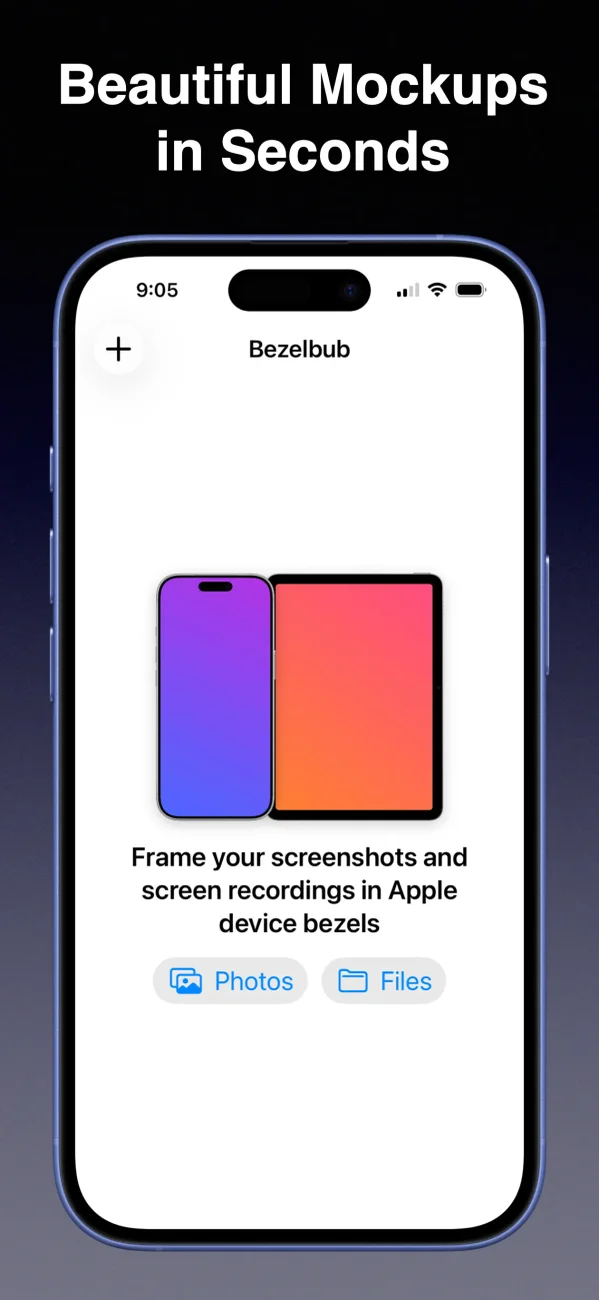
Bezelbub wraps your screenshots and screen recordings in real device bezels, matched automatically to whatever you drop in.
Built for developers, designers, product managers, indie makers, and anyone who needs to show their work framed in a real device.
AUTOMATIC DEVICE MATCHING
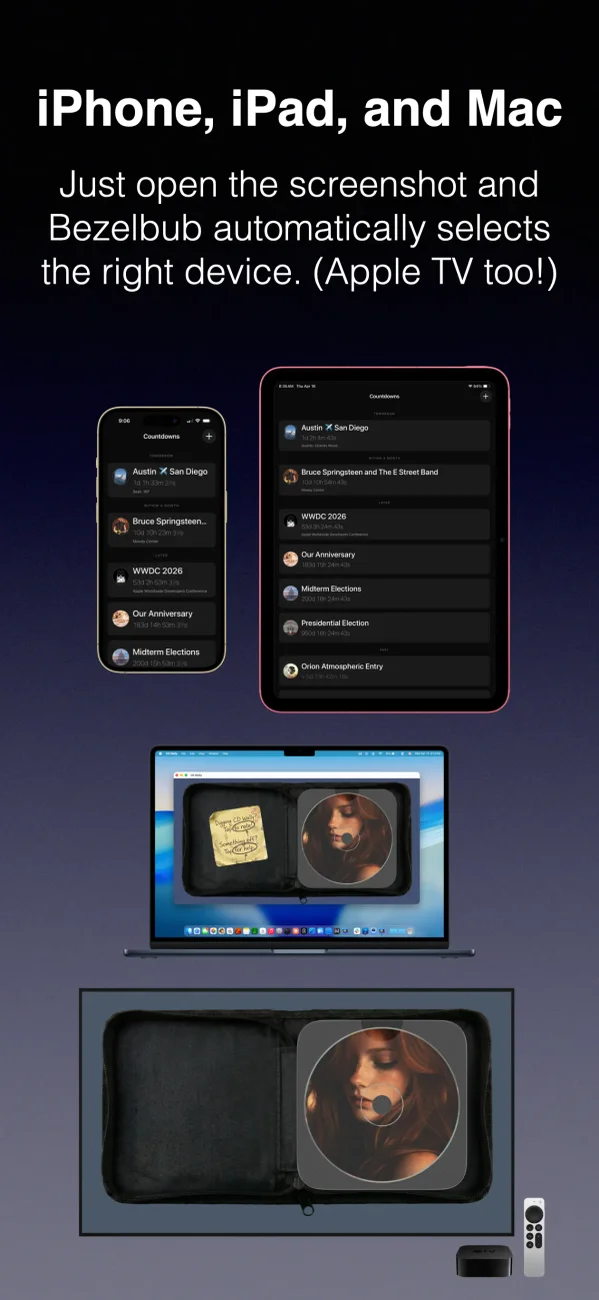
Drop in a screenshot or screen recording and Bezelbub detects the resolution, picks the right device model, and selects portrait or landscape. No picker, no calibration, no guesswork.
48 DEVICE MODELS, EVERY COLOR
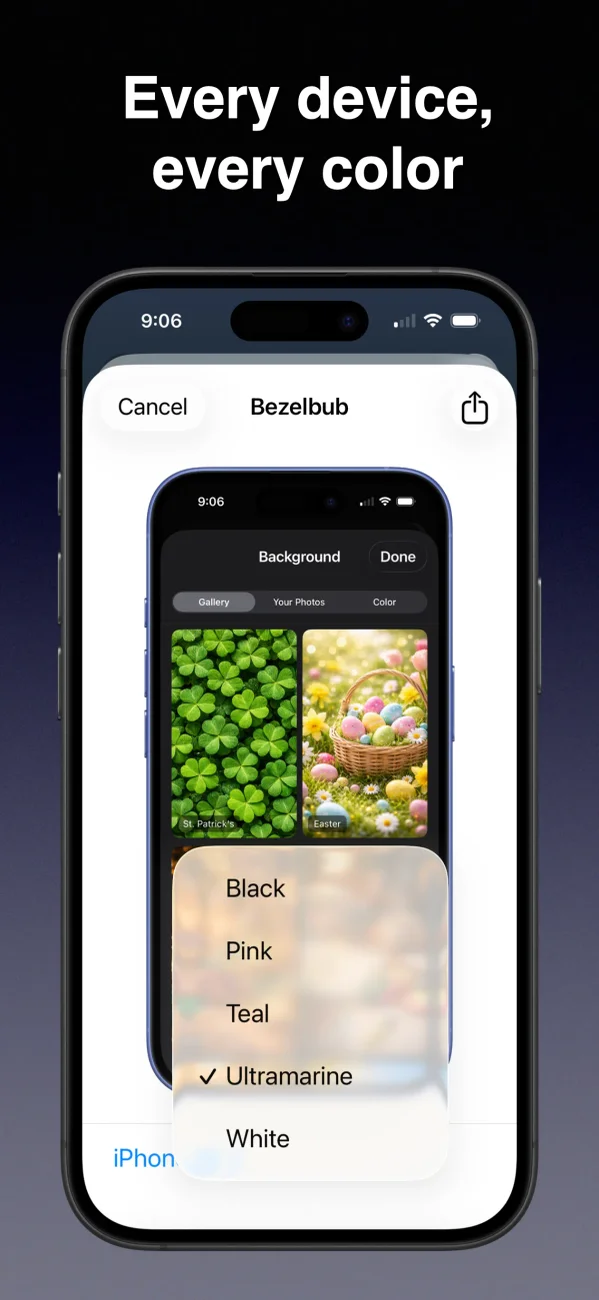
iPhone 14 through iPhone 18 Pro, iPhone Air, iPhone Duo (inner and outer displays), iPad, iPad (A16), iPad mini, iPad mini (A17 Pro), iPad mini (A20 Pro), iPad Air M2/M4 in 11" and 13", iPad Pro M4/M5 in 11" and 13", MacBook Air, MacBook Pro (including PROLED XDR), MacBook Neo, iMac 24", Studio Display, and Apple TV 4K, each in every color Apple ships.
VIDEO FRAMING, NOT JUST STILLS
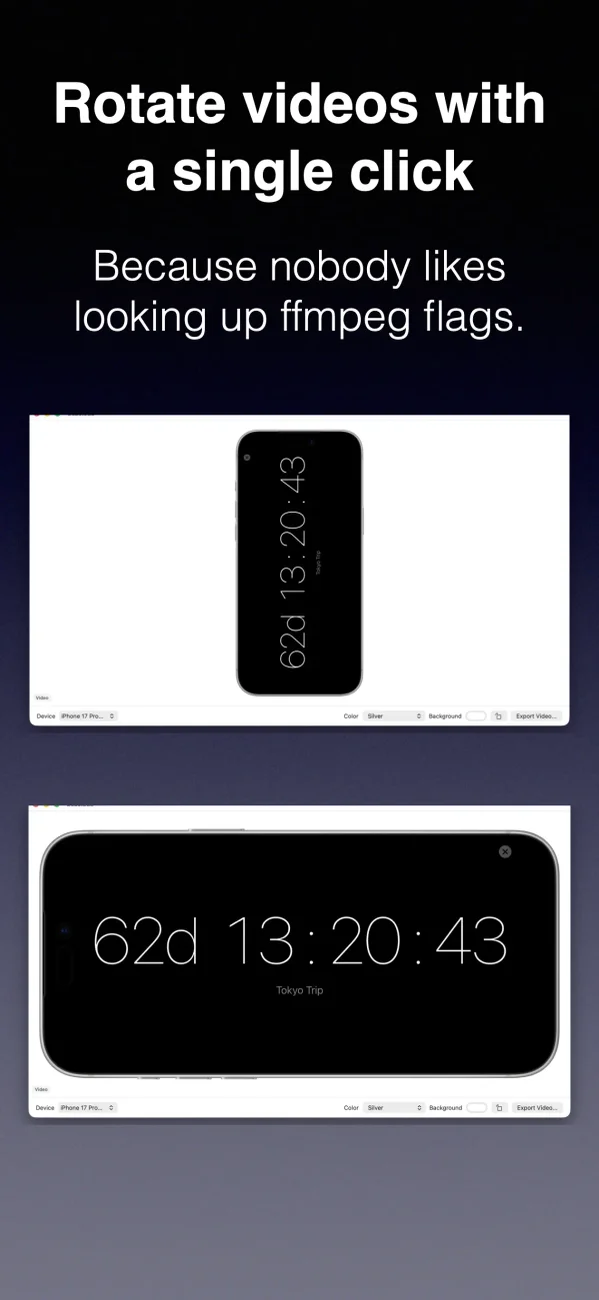
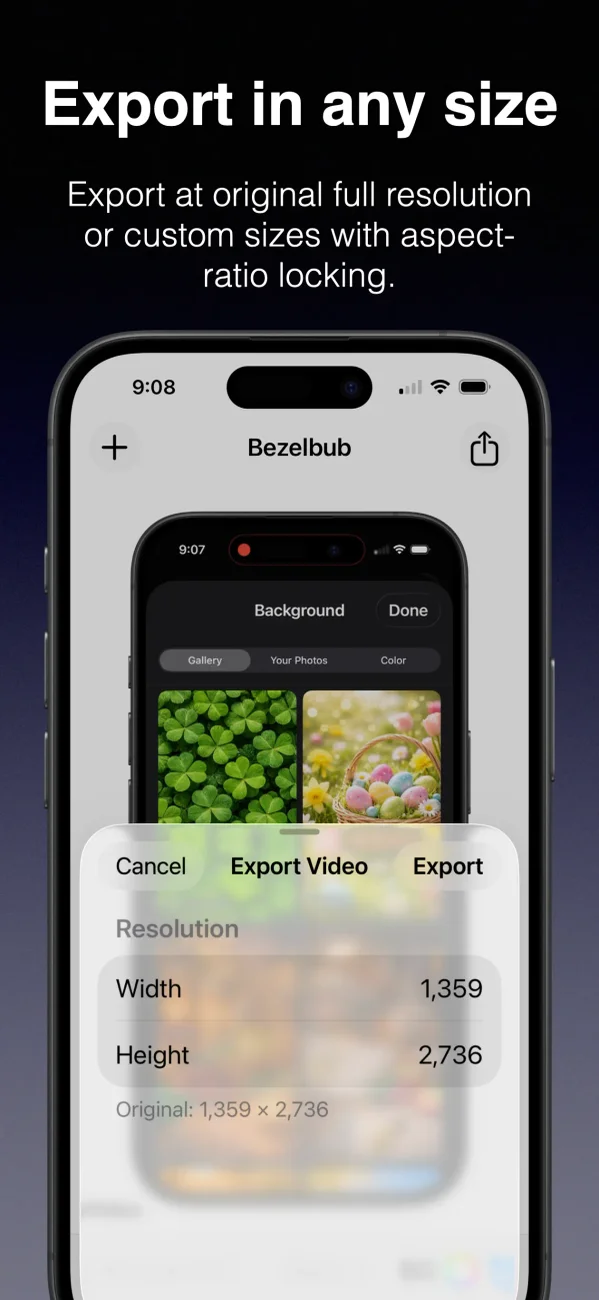
Wrap full screen recordings in device art. MOV, MP4, and M4V. Audio preserved. Rotation, background color selection, and custom export sizing built in. On iOS, a resolution picker with a quality indicator lets you choose the right size for Slack, Twitter/X, or a marketing site.
FRAME FROM ANY APP ON iOS
The Share Extension means you can frame a screenshot straight from Photos, Safari, Mail, or any app that can share an image. The bezel lands on your clipboard, ready to paste into Slack, Notion, Keynote, or email.
PIXEL-PERFECT OUT OF THE BOX
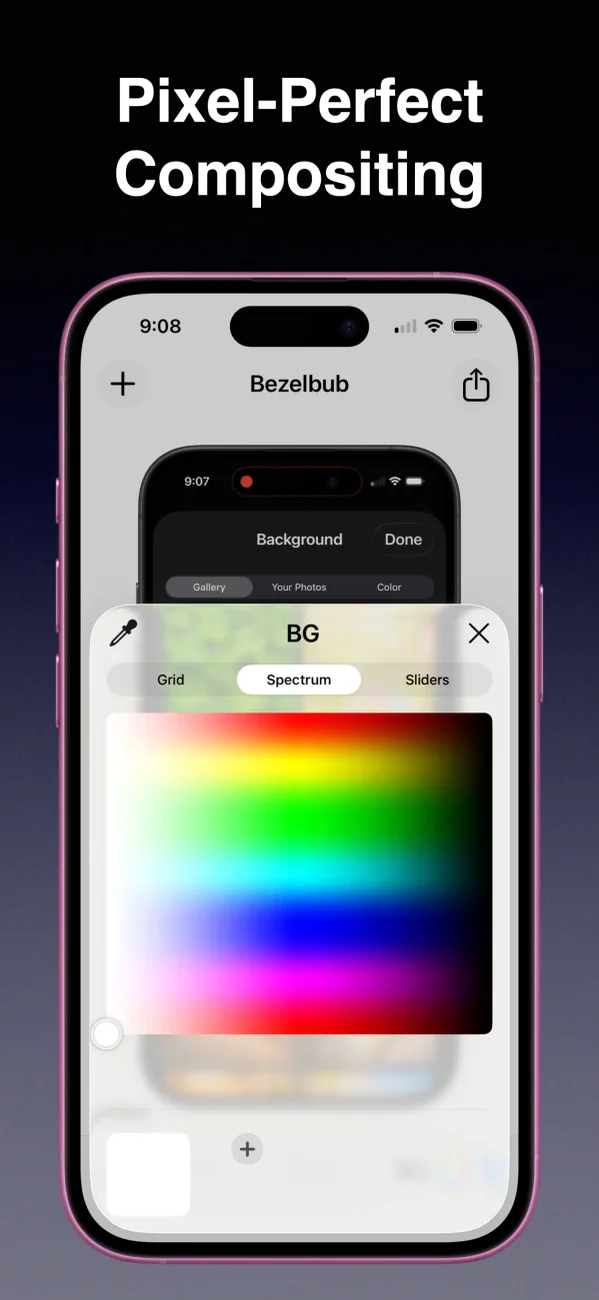
A custom screen-region detection pipeline analyzes every bezel image and builds anti-aliased masks at build time. No visible seams at the rounded corners, no halos, no manual tweaking.
NATIVE ON EVERY PLATFORM
Built with SwiftUI and AVFoundation. Native on Mac, iPhone, and iPad — no wrappers, no web views. Drag-and-drop on Mac, PhotosPicker on iOS, and platform-appropriate share, copy, and export flows on each.
ACCESSIBILITY
VoiceOver labels across the editor, export controls, and Share Extension.
PRIVACY-RESPECTING
Everything runs on-device. No accounts, no uploads, no telemetry, no tracking.
Universal Purchase — use on Mac, iPhone, and iPad.
Neue Funktionen
Version 3.6.0 · 16.11.2026
• Added bezels for the new iPad mini (A20 Pro) in Midnight and Starlight, and for the 14" and 16" MacBook Pro with the PROLED XDR display in Silver and Space Black. You now have 48 devices to choose from.
• Screenshots and recordings from a 16" PROLED MacBook Pro now pick that exact model at any standard display zoom setting. On the 14" model this works at its native resolution for now.
App-Datenschutz
Was DGR Labs im App Store zum Umgang dieser App mit Daten angibt.
-
Keine Daten erfasst
Der Entwickler erfasst keine Daten von dieser App.
Die Datenschutzpraktiken können variieren, zum Beispiel je nach den von Ihnen verwendeten Funktionen oder Ihrem Alter.
Informationen
- Anbieter
- DGR Labs, LLC
- Kategorie
- Grafik und Design
- Version
- 3.6.0
- Aktualisiert
- 16.11.2026
- Veröffentlicht
- 16.04.2026
- Größe
- 396,6 MB
- Erfordert
- iOS 17.0 oder neuer
- Altersfreigabe
- 4+
- Preis
- Kostenlos
- Copyright
- © 2026 DGR Labs, LLC
Das könnte Ihnen auch gefallen
-
 imejiGrafik und Design
-
 App Mockup Studio: BezelApp-Screenshots erstellen
-
 CanvasPrism - WhiteboardOffline-Whiteboard & Skizzen
-
 Screenshot Editor – EkranGrafik und Design
-
 BezelShotGrafik und Design
-
 Enlay: 3D Device MockupsDeine Inhalte im 3D-Gerät
-
 Flopic - Animated Photo EditorGrafik und Design
-
 AnyMoji - Create any EmojiGrafik und Design
-
 Telefon-Mockups – MizframaScreenshot im Mockup einrahmen
-
 YOSIDI CADAufmaß vor Ort als DXF