- Classification d’âge4+
- CatégorieGraphisme et design
- DéveloppeurDGR Labs
- Taille396,6 Mo
Renvoie vers la page App Store officielle
Download.org n’héberge aucun fichier de Bezelbub. Le bouton ouvre la page de l’application sur App Store, où DGR Labs la publie. Fiche vérifiée pour la dernière fois le 18/11/2026.
Captures d’écran
À propos
Le développeur n’a pas fourni ce texte dans votre langue.
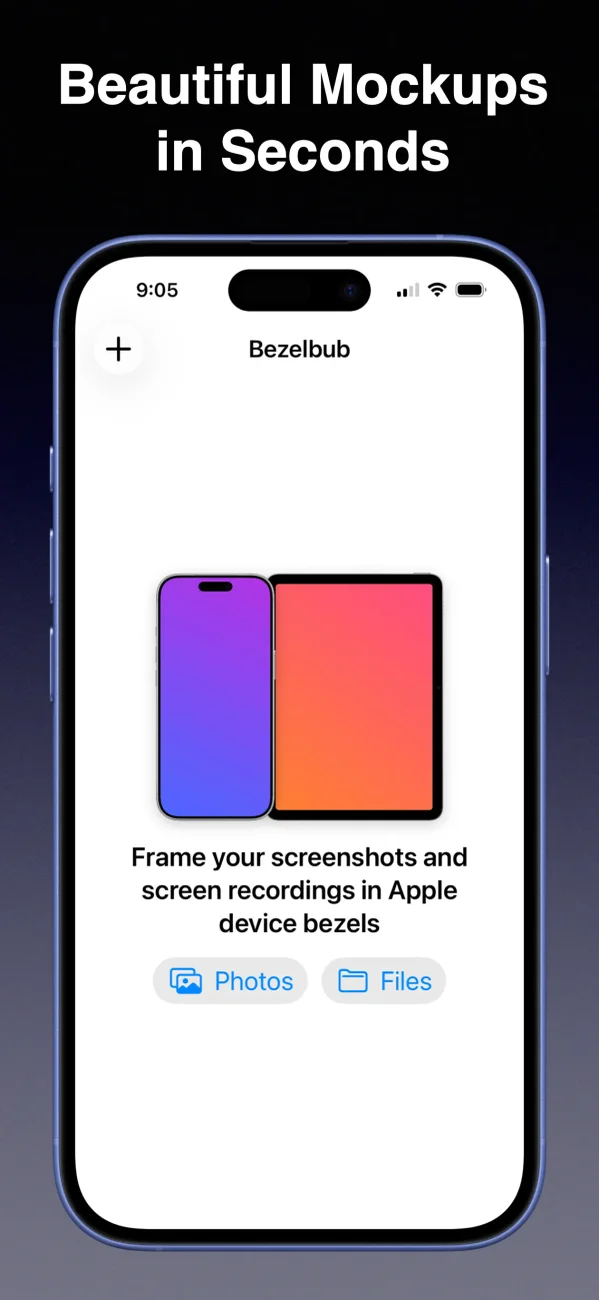
Bezelbub wraps your screenshots and screen recordings in real device bezels, matched automatically to whatever you drop in.
Built for developers, designers, product managers, indie makers, and anyone who needs to show their work framed in a real device.
AUTOMATIC DEVICE MATCHING
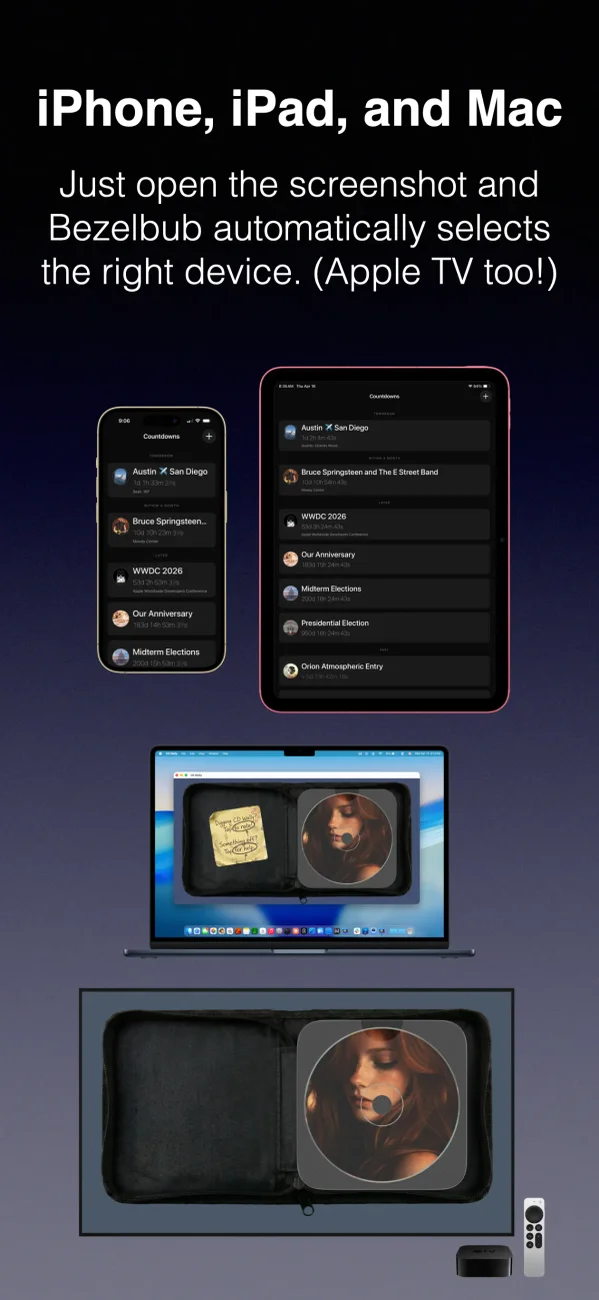
Drop in a screenshot or screen recording and Bezelbub detects the resolution, picks the right device model, and selects portrait or landscape. No picker, no calibration, no guesswork.
48 DEVICE MODELS, EVERY COLOR
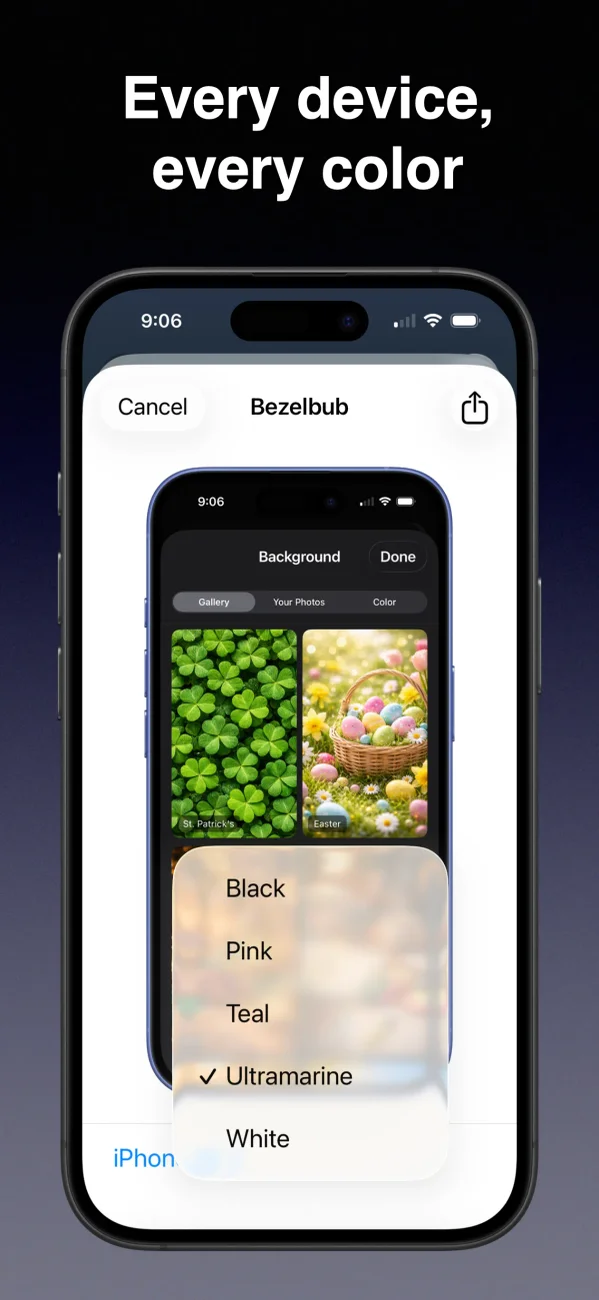
iPhone 14 through iPhone 18 Pro, iPhone Air, iPhone Duo (inner and outer displays), iPad, iPad (A16), iPad mini, iPad mini (A17 Pro), iPad mini (A20 Pro), iPad Air M2/M4 in 11" and 13", iPad Pro M4/M5 in 11" and 13", MacBook Air, MacBook Pro (including PROLED XDR), MacBook Neo, iMac 24", Studio Display, and Apple TV 4K, each in every color Apple ships.
VIDEO FRAMING, NOT JUST STILLS
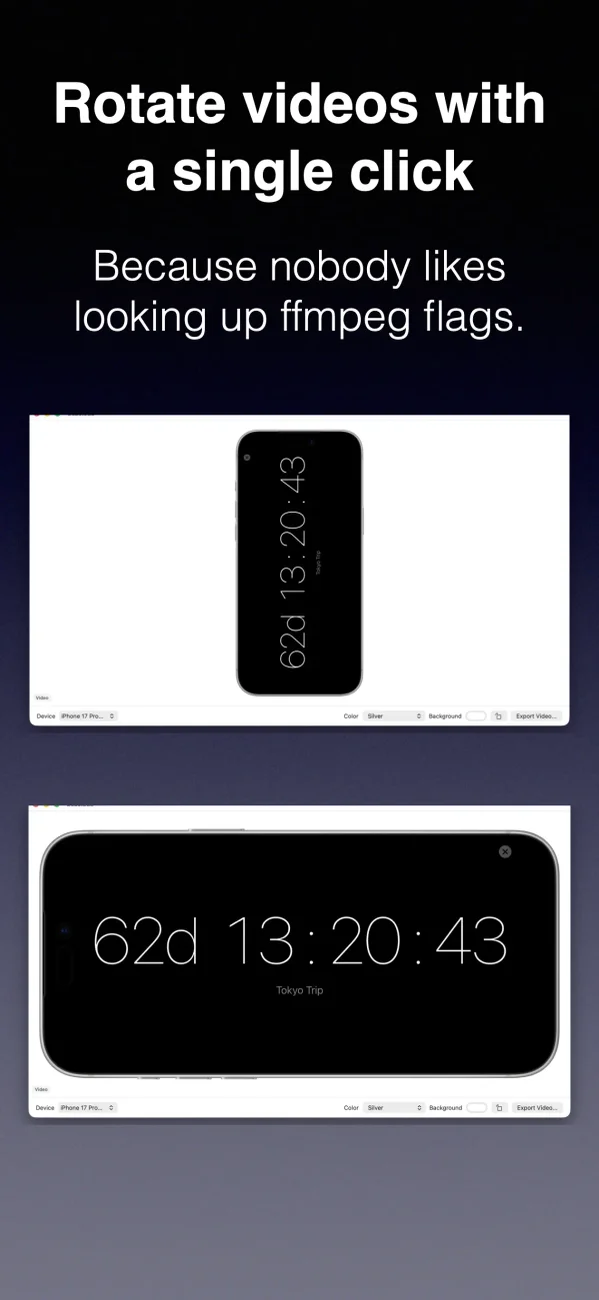
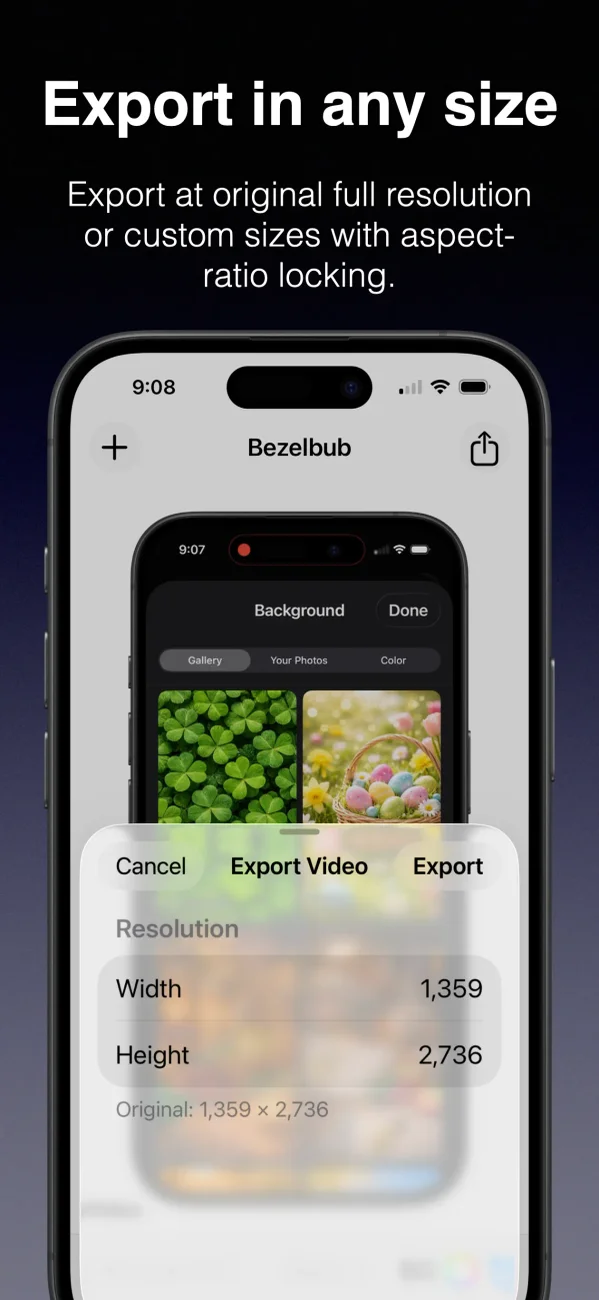
Wrap full screen recordings in device art. MOV, MP4, and M4V. Audio preserved. Rotation, background color selection, and custom export sizing built in. On iOS, a resolution picker with a quality indicator lets you choose the right size for Slack, Twitter/X, or a marketing site.
FRAME FROM ANY APP ON iOS
The Share Extension means you can frame a screenshot straight from Photos, Safari, Mail, or any app that can share an image. The bezel lands on your clipboard, ready to paste into Slack, Notion, Keynote, or email.
PIXEL-PERFECT OUT OF THE BOX
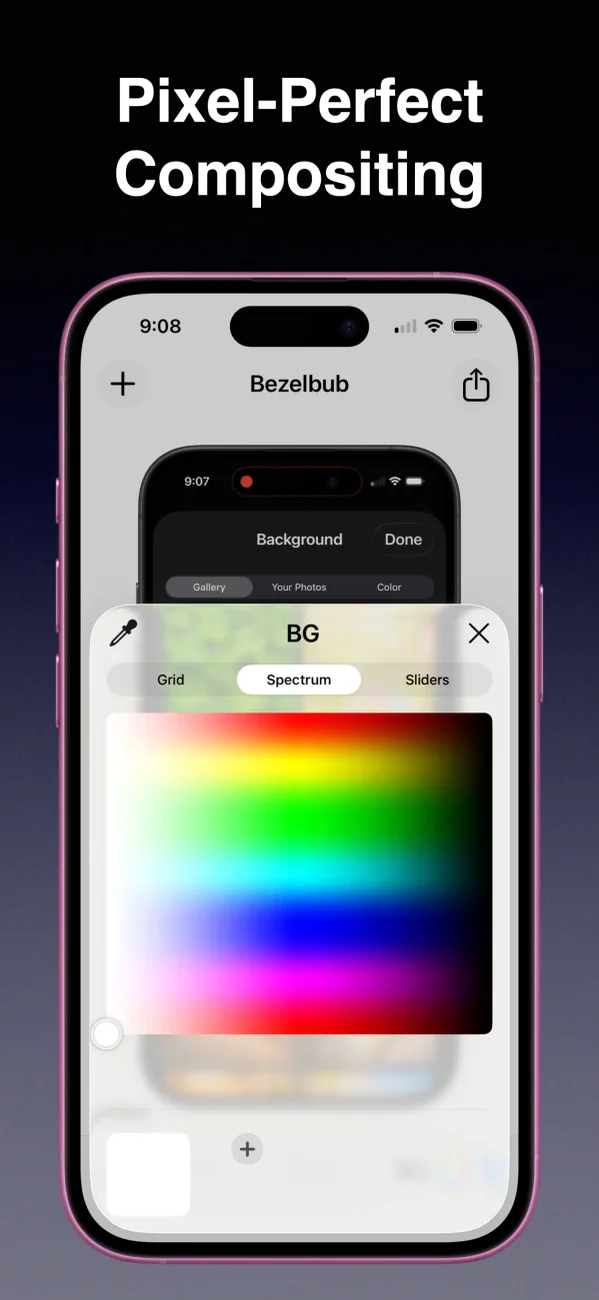
A custom screen-region detection pipeline analyzes every bezel image and builds anti-aliased masks at build time. No visible seams at the rounded corners, no halos, no manual tweaking.
NATIVE ON EVERY PLATFORM
Built with SwiftUI and AVFoundation. Native on Mac, iPhone, and iPad — no wrappers, no web views. Drag-and-drop on Mac, PhotosPicker on iOS, and platform-appropriate share, copy, and export flows on each.
ACCESSIBILITY
VoiceOver labels across the editor, export controls, and Share Extension.
PRIVACY-RESPECTING
Everything runs on-device. No accounts, no uploads, no telemetry, no tracking.
Universal Purchase — use on Mac, iPhone, and iPad.
Nouveautés
Version 3.6.0 · 16/11/2026
• Added bezels for the new iPad mini (A20 Pro) in Midnight and Starlight, and for the 14" and 16" MacBook Pro with the PROLED XDR display in Silver and Space Black. You now have 48 devices to choose from.
• Screenshots and recordings from a 16" PROLED MacBook Pro now pick that exact model at any standard display zoom setting. On the 14" model this works at its native resolution for now.
Confidentialité de l’application
Ce que DGR Labs déclare sur l’App Store au sujet du traitement des données par cette application.
-
Données non collectées
Le développeur ne collecte aucune donnée à partir de cette application.
Les pratiques en matière de confidentialité peuvent varier, notamment en fonction des fonctionnalités que vous utilisez ou de votre âge.
Informations
- Vendeur
- DGR Labs, LLC
- Catégorie
- Graphisme et design
- Version
- 3.6.0
- Mis à jour
- 16/11/2026
- Publié
- 16/04/2026
- Taille
- 396,6 Mo
- Nécessite
- iOS 17.0 ou version ultérieure
- Classification d’âge
- 4+
- Prix
- Gratuit
- Copyright
- © 2026 DGR Labs, LLC
Vous aimerez peut-être aussi
-
 imejiGraphisme et design
-
 App Mockup Studio: BezelCréez des captures app
-
 CanvasPrism - TableauTableau blanc local et privé
-
 Screenshot Editor – EkranGraphisme et design
-
 BezelShotGraphisme et design
-
 Enlay: 3D Device MockupsVos écrans dans un appareil 3D
-
 Flopic - Animated Photo EditorGraphisme et design
-
 AnyMoji - Create any EmojiGraphisme et design
-
 Maquette de téléphone-MizframaCaptures d’écran en maquettes
-
 YOSIDI CADRelevés laser sur site