Blackwork Pattern Creator
Entwickelt für iPhone, iPad, iPod touch
Kostenlos · In-App-Käufe
- Altersfreigabe4+
- KategorieGrafik und Design
- EntwicklerSand Castle Designs, Inc
- SprachenEnglisch
- Größe13,4 MB
Verlinkt auf die offizielle App Store-Seite
Download.org hostet keine Datei von Blackwork Pattern Creator. Die Schaltfläche öffnet die App-Seite bei App Store, wo Sand Castle Designs, Inc die App veröffentlicht. Eintrag zuletzt geprüft am 15.11.2026.
Screenshots

Info
Der Entwickler hat diesen Text nicht in Ihrer Sprache bereitgestellt.
Blackwork Embroidery Creator for your mobile device.
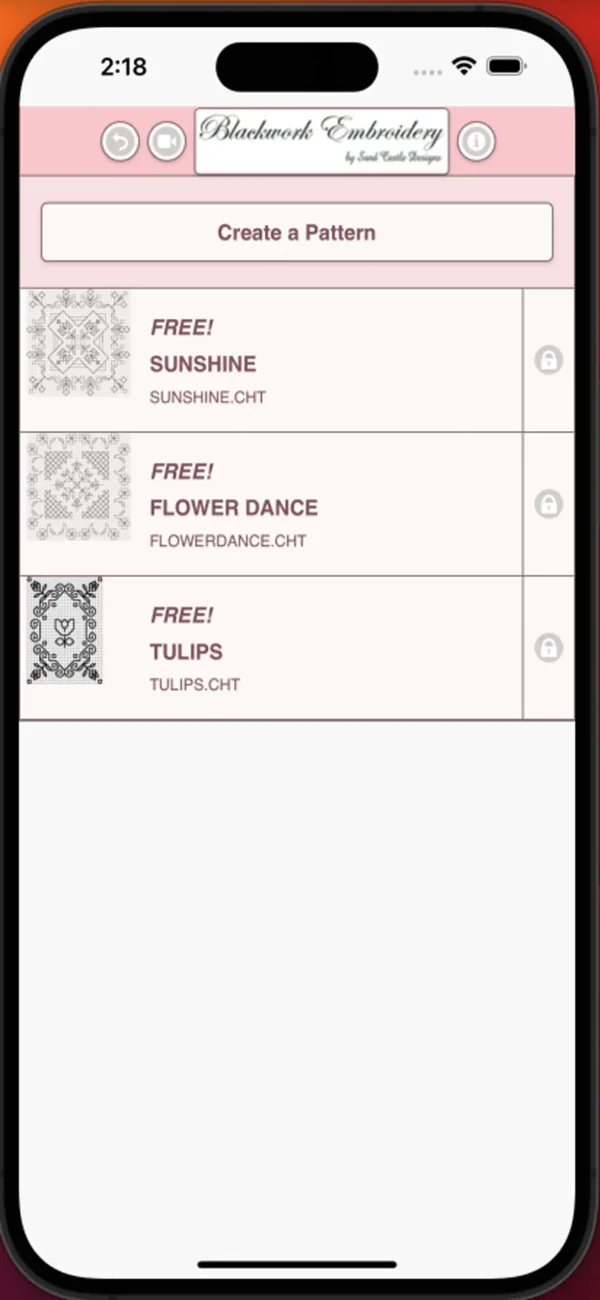
Comes with free patterns. Download is free. One time only activation for creation is $2.99.
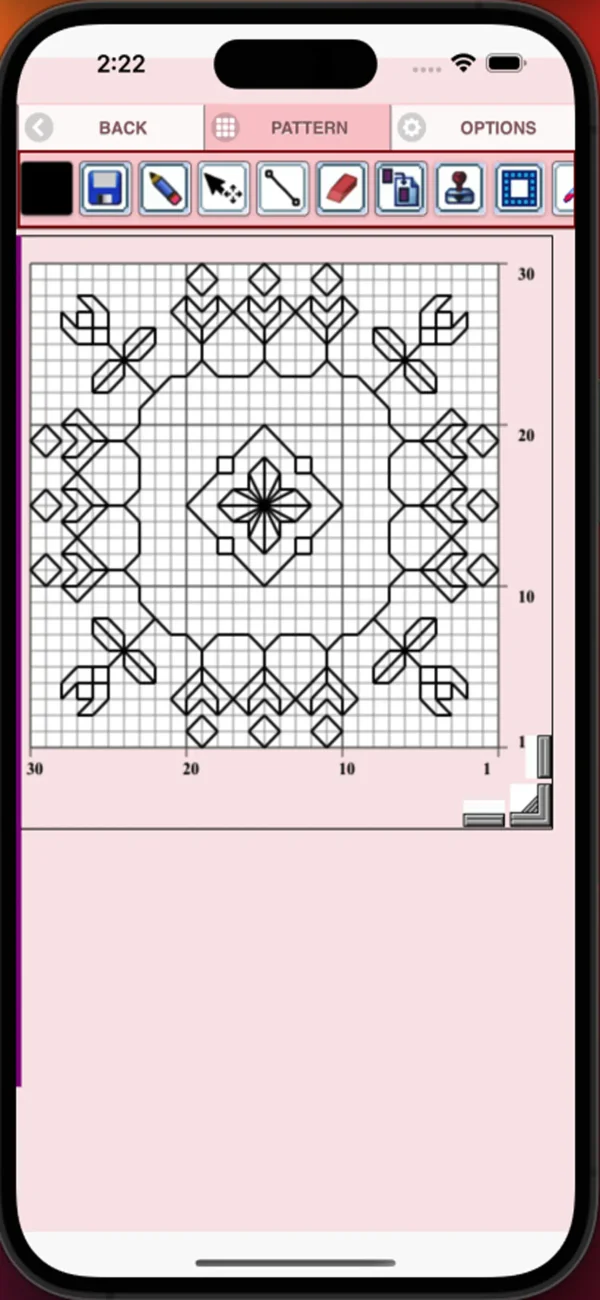
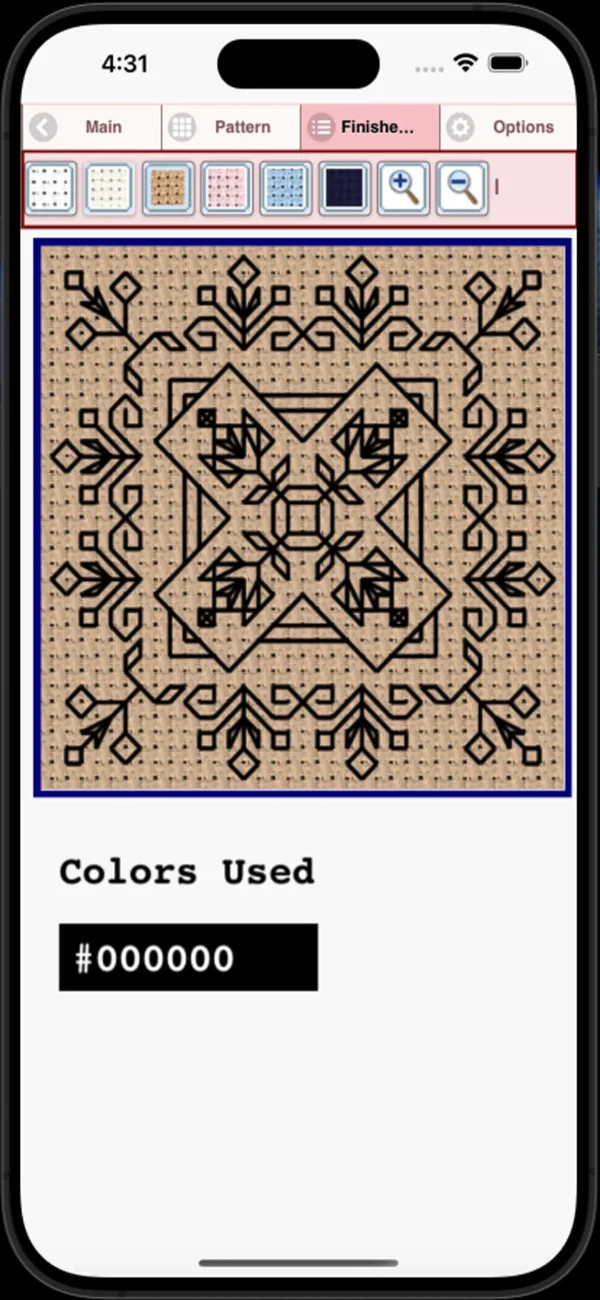
To create a Blackwork pattern, select "Create a Blackwork Pattern" button. The Blackwork Pattern Editor will appear. Using the pencil draw your pattern on the grid.
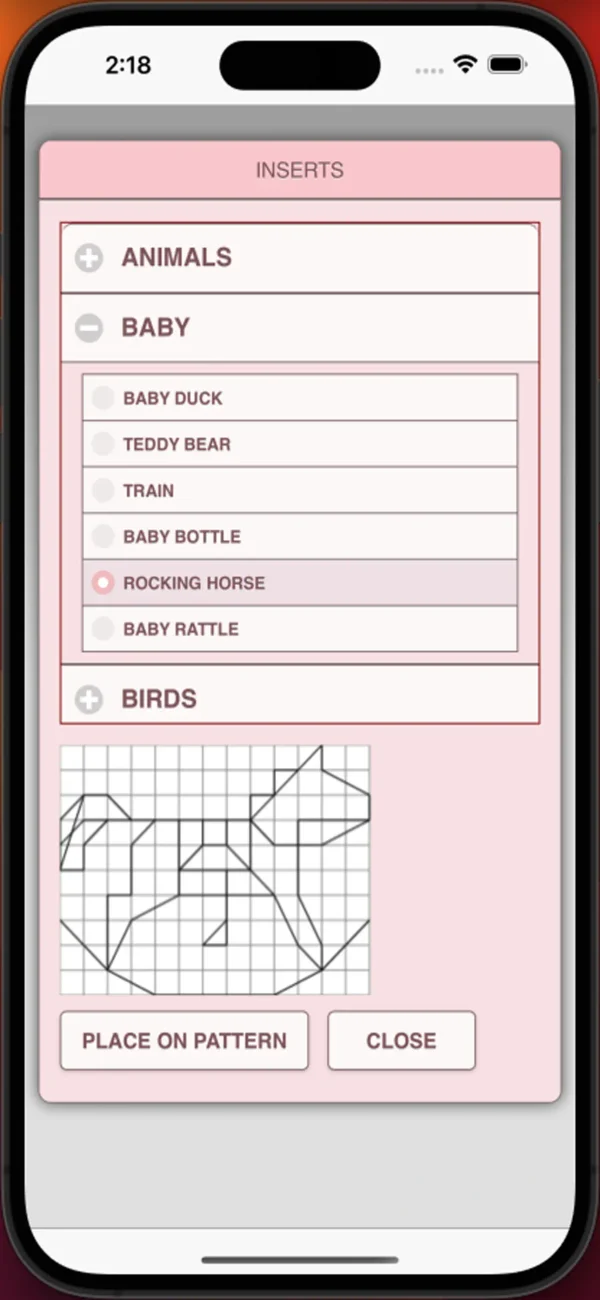
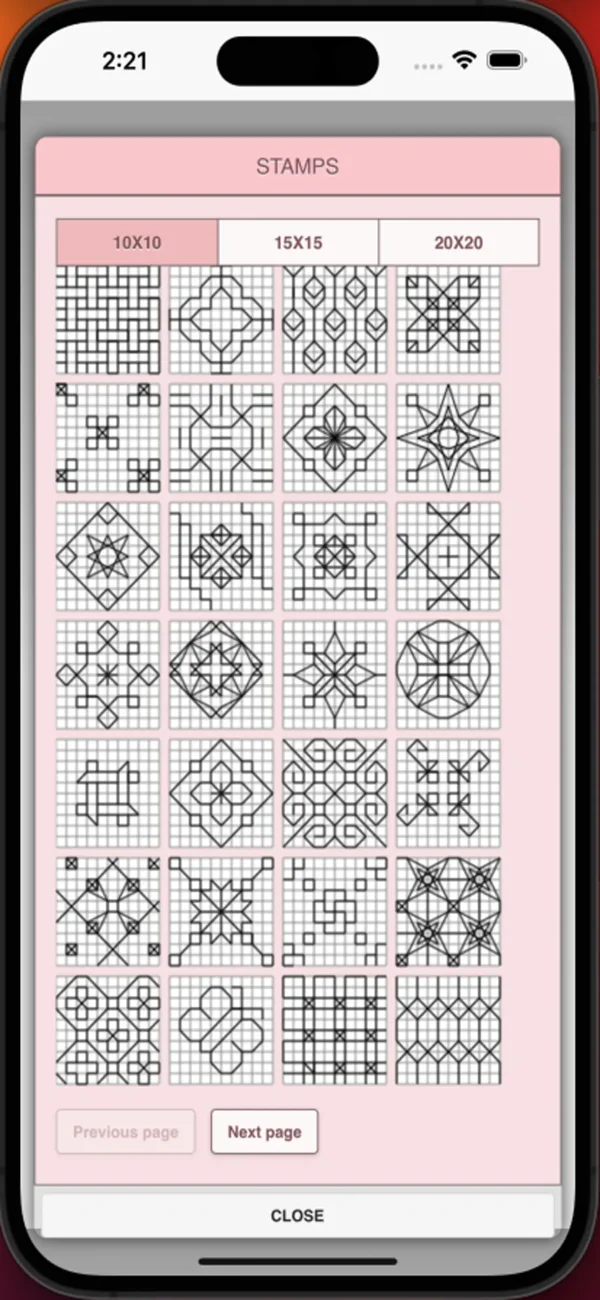
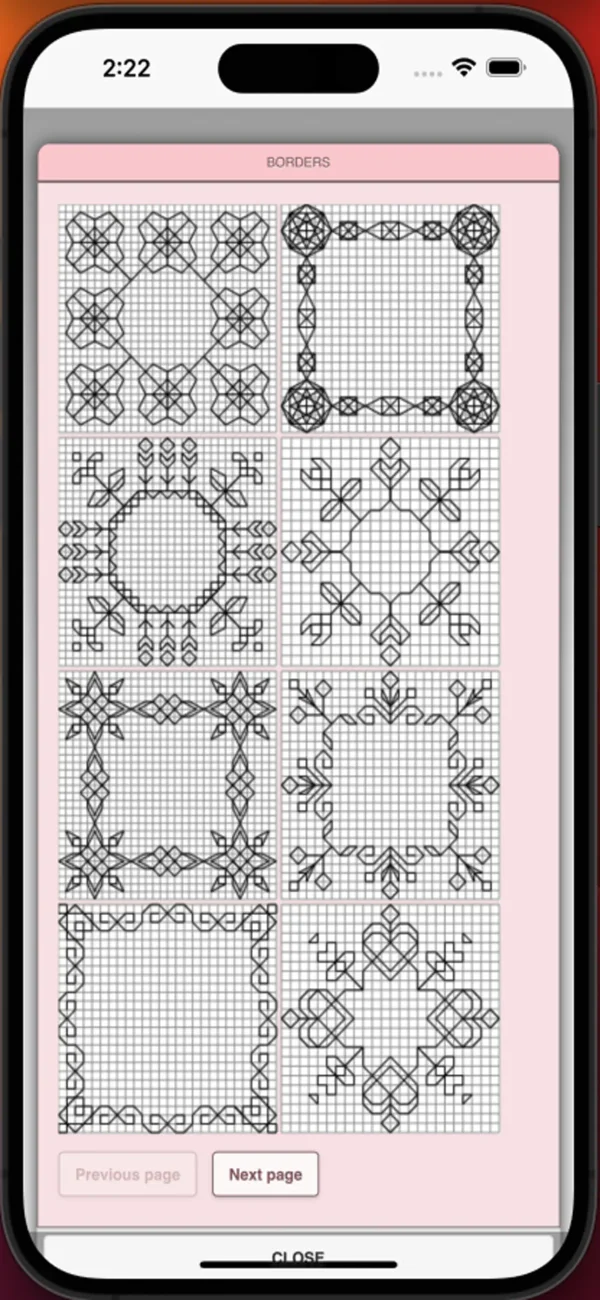
You can also select from over 200 stamps, inserts and borders to apply to your Blackwork pattern.
Features - buttons in button bar left to right
1. Color button - select any color
2. Save button - save your Blackwork pattern
3. Pencil button - draw stitches
4. Eraser button - erase stitches
5. Move button - move stitches
6. Resize button - resize a stitch
7. Inserts button - add pattern inserts to your pattern (like birds)
8. Stamps button - add little stamps (little designs) to add to your pattern
9. Borders button - add borders to your pattern. Borders automatically wrap around your pattern.
10. Dropper button - select a stitch color from your pattern to use for drawing more stitches
11. Bucket button - change the color of a stitch
12. Bucket+ button - change all stitches of the same color to a different color
13. Bucket++ button - change all stitches to a different color
14. Undo button - undo last things you did
15. Redo button - redo the things you undid
16. Selection button - select area of Blackwork pattern to cut or copy
17. Cut button - remove all stitches under selected area. See item 16.
18. Copy button - copy all stitches under selected area. See item 16.
19. Paste button - paste the cut or copied stitches. See item 16,17 and 18.
20. Rotate button - rotate selected area (see item 16) or whole pattern
21. Zoom in button - zoom in on your pattern
22. Zoom out button - zoom out on your pattern
23. Share button - share a picture of your Blackwork pattern using email, text etc.
24. Help button - learn how to use all the buttons
25. Resize bars - resize bars are display at the bottom right corner of your Blackwork pattern. Drag them to resize your Blackwork pattern.
Neue Funktionen
Version 8 · 06.07.2026
Minor fixes
App-Datenschutz
Was Sand Castle Designs, Inc im App Store zum Umgang dieser App mit Daten angibt.
-
Keine Daten erfasst
Der Entwickler erfasst keine Daten von dieser App.
Die Datenschutzpraktiken können variieren, zum Beispiel je nach den von Ihnen verwendeten Funktionen oder Ihrem Alter.
Informationen
- Anbieter
- Sand Castle Designs, Inc
- Kategorie
- Grafik und Design
- Version
- 8
- Aktualisiert
- 06.07.2026
- Veröffentlicht
- 12.04.2023
- Größe
- 13,4 MB
- Erfordert
- iOS 13.0 oder neuer
- Altersfreigabe
- 4+
- Preis
- Kostenlos
- In-App-Käufe
- Ja
- Sprachen
- Englisch
- Copyright
- © Sand Castle Designs, Inc.
Das könnte Ihnen auch gefallen
-
 mobistitchGrafik und Design
-
 QuiltPopGrafik und Design
-
 Motaz Pattern DesignGrafik und Design
-
 Pattern Bliss LiteGrafik und Design
-
 Dot Mandala ArtZeichenwerkzeug
-
 Stitcher Pixel ArtGrafik und Design
-
 CraZeAppGrafik und Design
-
 WowPaintGrafik und Design
-
 Embroidery Design DoodlerGrafik und Design
-
 BeadsDesignGrafik und Design