Blackwork Pattern Creator
Dirancang untuk iPhone, iPad, iPod touch
Gratis · Pembelian dalam aplikasi
- Batasan usia4+
- KategoriGrafik & Desain
- PengembangSand Castle Designs, Inc
- BahasaInggris
- Ukuran13,4 MB
Tertaut ke halaman resmi App Store
Download.org tidak menyimpan file Blackwork Pattern Creator apa pun. Tombol ini membuka halaman aplikasi di App Store, tempat Sand Castle Designs, Inc menerbitkannya. Halaman terakhir diperiksa pada 15/11/2026.
Tangkapan layar

Tentang
Pengembang belum menyediakan teks ini dalam bahasa Anda.
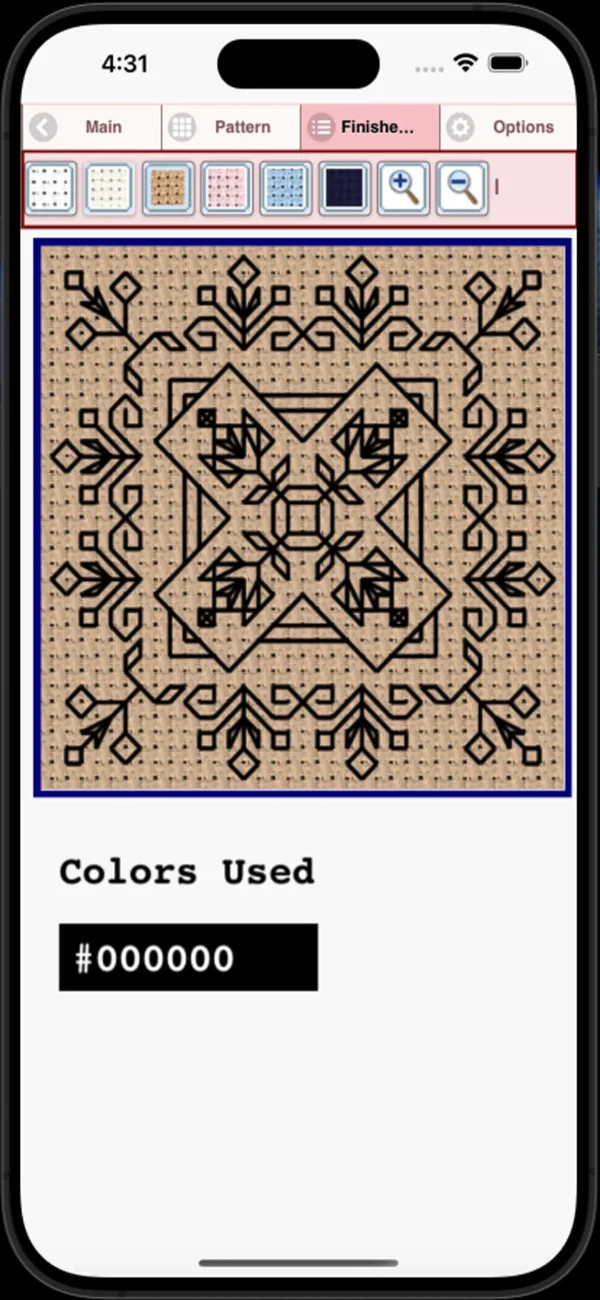
Blackwork Embroidery Creator for your mobile device.
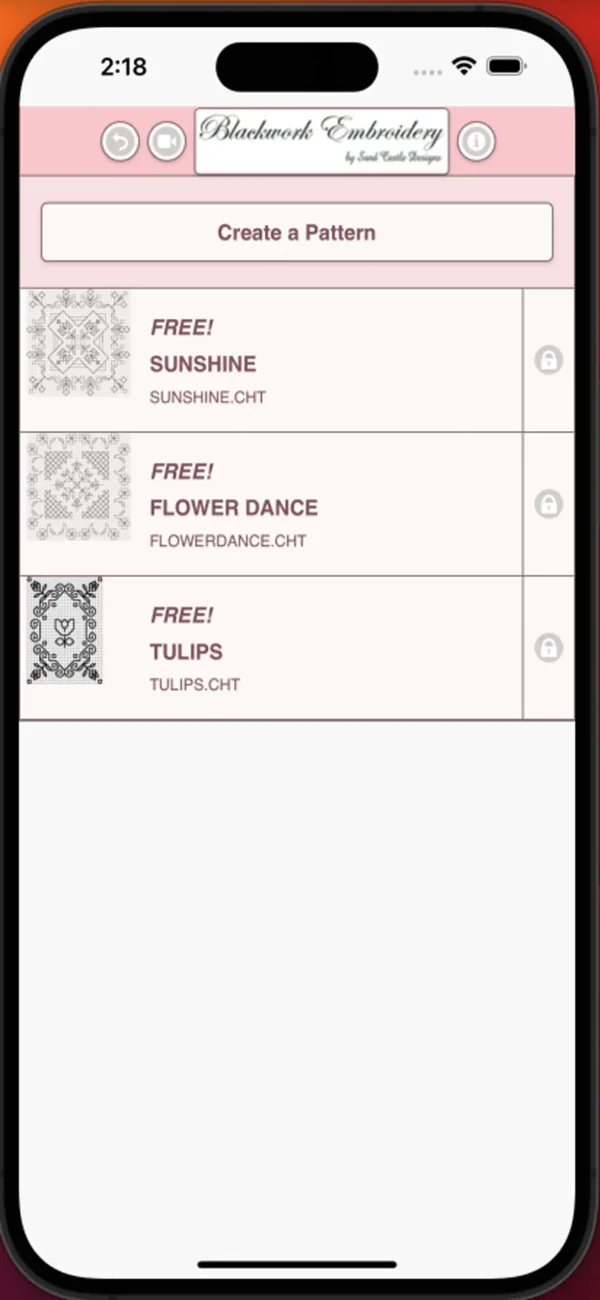
Comes with free patterns. Download is free. One time only activation for creation is $2.99.
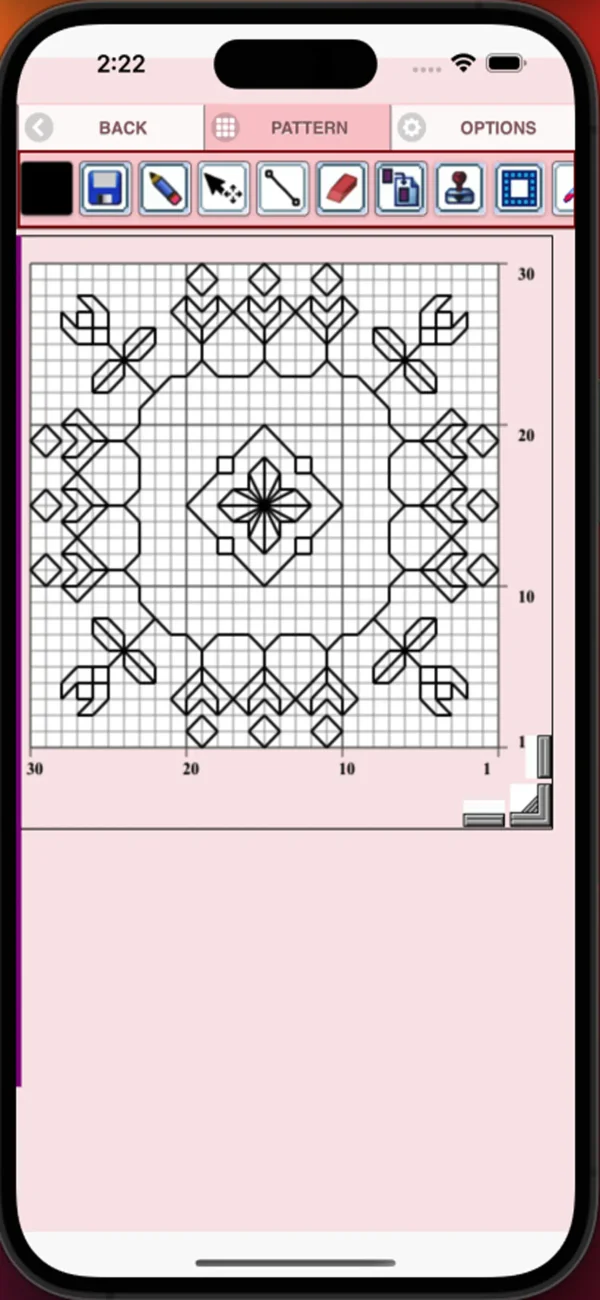
To create a Blackwork pattern, select "Create a Blackwork Pattern" button. The Blackwork Pattern Editor will appear. Using the pencil draw your pattern on the grid.
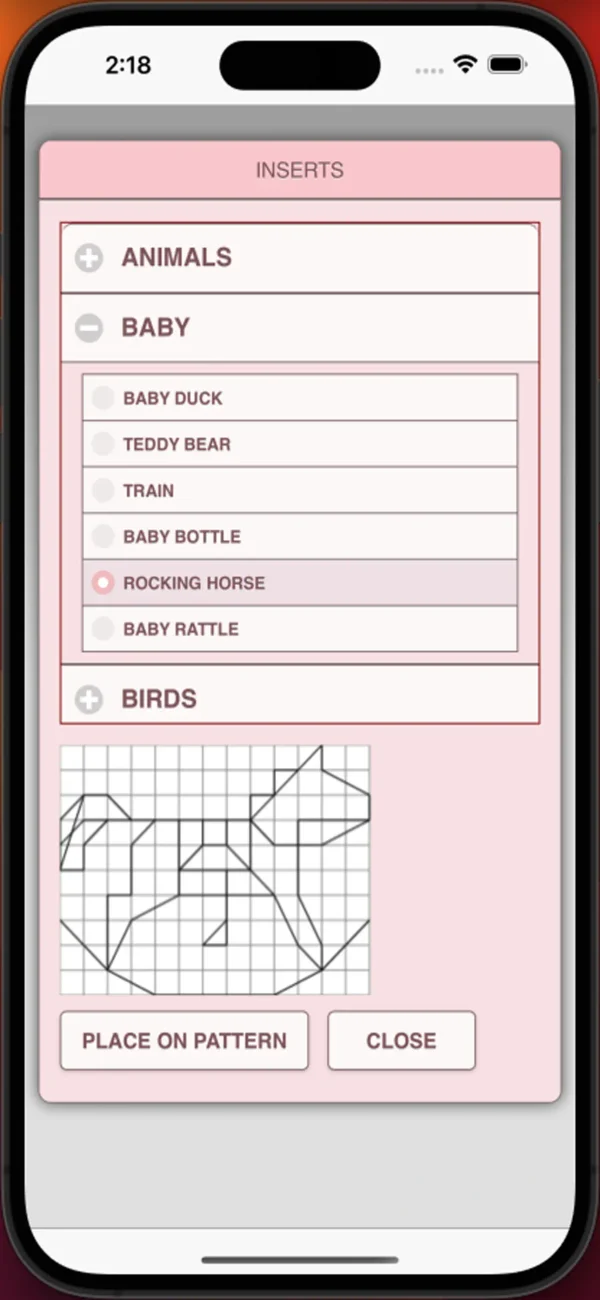
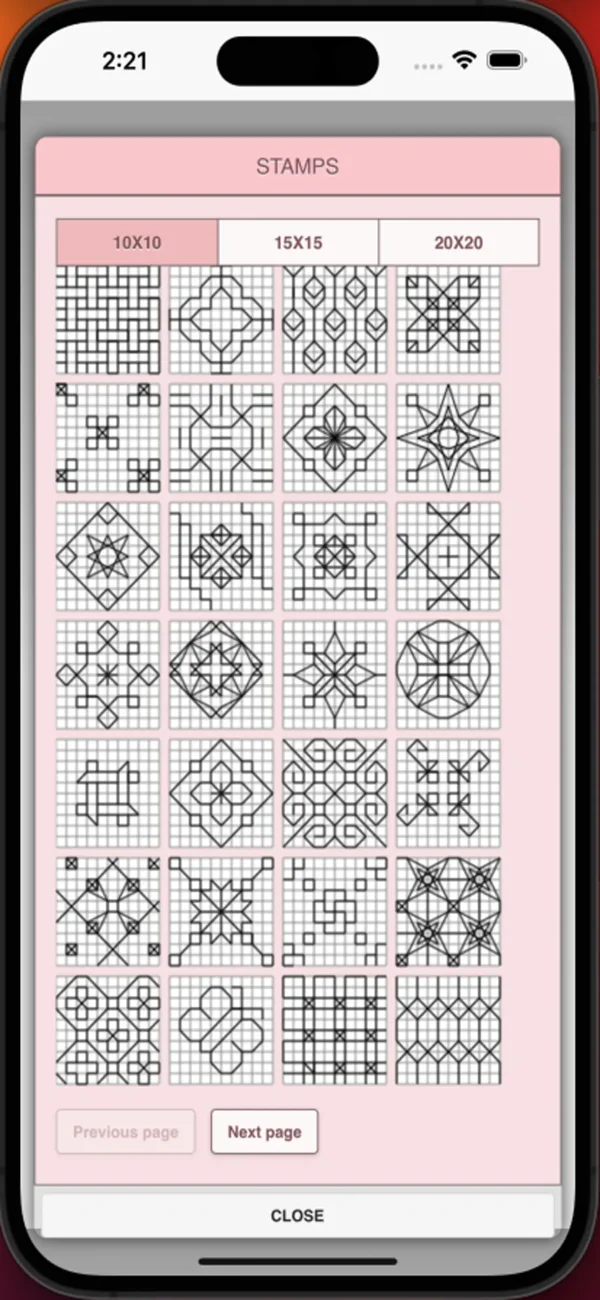
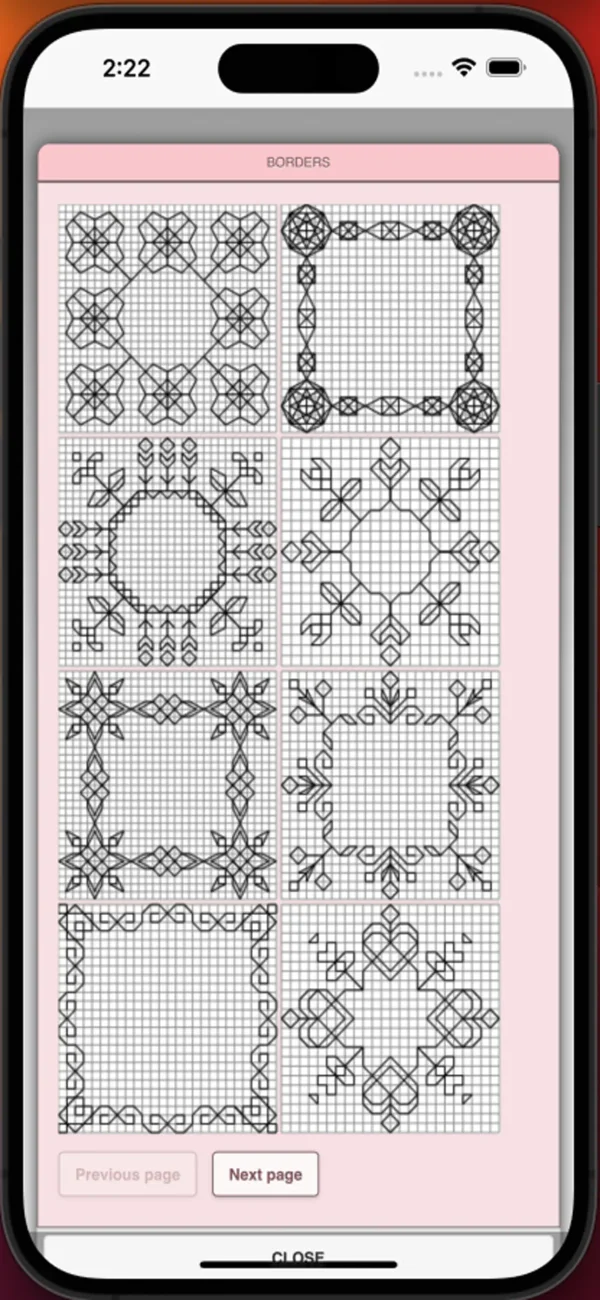
You can also select from over 200 stamps, inserts and borders to apply to your Blackwork pattern.
Features - buttons in button bar left to right
1. Color button - select any color
2. Save button - save your Blackwork pattern
3. Pencil button - draw stitches
4. Eraser button - erase stitches
5. Move button - move stitches
6. Resize button - resize a stitch
7. Inserts button - add pattern inserts to your pattern (like birds)
8. Stamps button - add little stamps (little designs) to add to your pattern
9. Borders button - add borders to your pattern. Borders automatically wrap around your pattern.
10. Dropper button - select a stitch color from your pattern to use for drawing more stitches
11. Bucket button - change the color of a stitch
12. Bucket+ button - change all stitches of the same color to a different color
13. Bucket++ button - change all stitches to a different color
14. Undo button - undo last things you did
15. Redo button - redo the things you undid
16. Selection button - select area of Blackwork pattern to cut or copy
17. Cut button - remove all stitches under selected area. See item 16.
18. Copy button - copy all stitches under selected area. See item 16.
19. Paste button - paste the cut or copied stitches. See item 16,17 and 18.
20. Rotate button - rotate selected area (see item 16) or whole pattern
21. Zoom in button - zoom in on your pattern
22. Zoom out button - zoom out on your pattern
23. Share button - share a picture of your Blackwork pattern using email, text etc.
24. Help button - learn how to use all the buttons
25. Resize bars - resize bars are display at the bottom right corner of your Blackwork pattern. Drag them to resize your Blackwork pattern.
Yang baru
Versi 8 · 6/7/2026
Minor fixes
Privasi aplikasi
Yang dinyatakan Sand Castle Designs, Inc di App Store tentang cara aplikasi ini menangani data.
-
Data tidak dikumpulkan
Pengembang tidak mengumpulkan data apa pun dari aplikasi ini.
Praktik privasi dapat bervariasi, misalnya berdasarkan fitur yang Anda gunakan atau usia Anda.
Informasi
- Penjual
- Sand Castle Designs, Inc
- Kategori
- Grafik & Desain
- Versi
- 8
- Diperbarui
- 6/7/2026
- Dirilis
- 12/4/2023
- Ukuran
- 13,4 MB
- Memerlukan
- iOS 13.0 atau yang lebih baru
- Batasan usia
- 4+
- Harga
- Gratis
- Pembelian dalam aplikasi
- Ya
- Bahasa
- Inggris
- Hak cipta
- © Sand Castle Designs, Inc.
Mungkin Anda juga suka
-
 mobistitchGrafik & Desain
-
 QuiltPopGrafik & Desain
-
 Motaz Pattern DesignGrafik & Desain
-
 Pattern Bliss LiteGrafik & Desain
-
 Dot Mandala ArtGrafik & Desain
-
 Stitcher Pixel ArtGrafik & Desain
-
 CraZeAppGrafik & Desain
-
 WowPaintGrafik & Desain
-
 Embroidery Design DoodlerGrafik & Desain
-
 BeadsDesignGrafik & Desain