
Blast - Bulk Messaging
Personal texts. Less effort.
Entwickelt für iPhone, iPad, Mac
Kostenlos · In-App-Käufe
- Altersfreigabe4+
- KategorieProduktivität
- EntwicklerKole Hoenicke
- SprachenEnglisch
- Größe63,0 MB
Verlinkt auf die offizielle App Store-Seite
Download.org hostet keine Datei von Blast - Bulk Messaging. Die Schaltfläche öffnet die App-Seite bei App Store, wo Kole Hoenicke die App veröffentlicht. Eintrag zuletzt geprüft am 26.11.2026.
Screenshots

Info
Der Entwickler hat diesen Text nicht in Ihrer Sprache bereitgestellt.
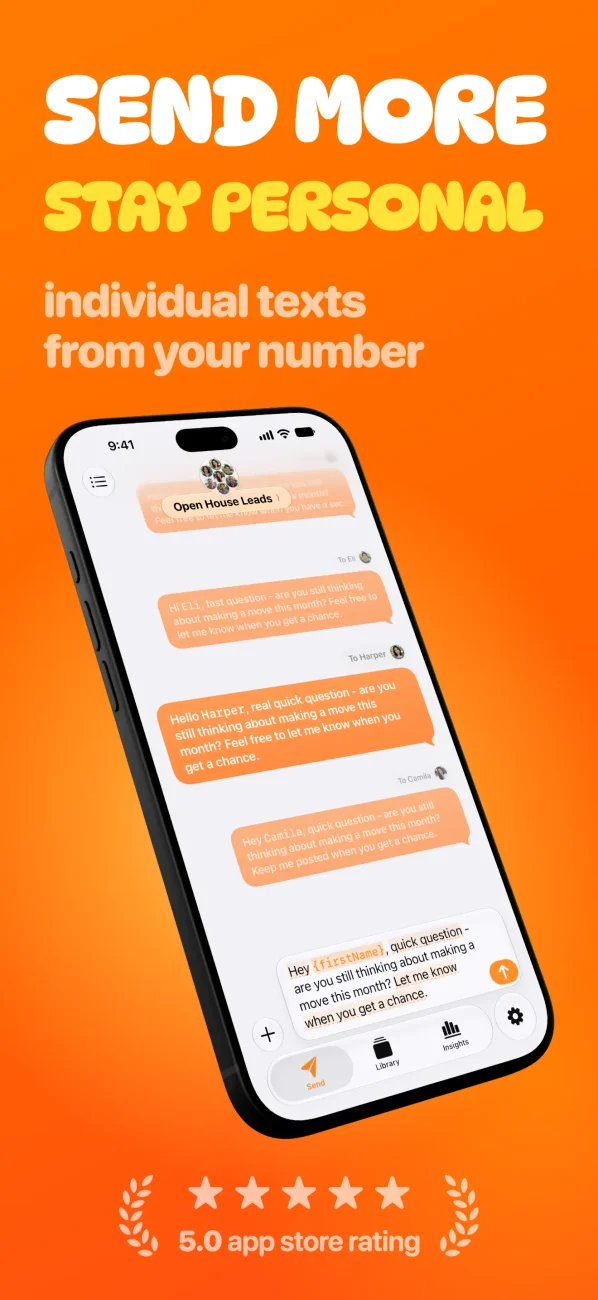
Send more. Stay personal.
Blast helps you send individual texts and emails, reuse your best messages, and keep your follow-ups organized. Write once, add a personal touch for each recipient, and spend less time repeating yourself.
For client updates, event invites, appointment reminders, team check-ins, or everyday conversations, spend less time typing and more time keeping in touch.
SEND WITH MESSAGES OR MAIL.
Send individual texts from your number or personalized emails through Apple Mail. Save your sending addresses, choose a preferred email for each contact, and preview each person's subject, message and attachments before sending. Import Mail recipients from a CSV without requiring phone numbers.
STAY IN CONTROL.
Review your messages before sending and stay in control with confirmations, pauses, high-volume warnings, and cooldown reminders. With Blast Max, use the same Auto Send shortcut for Messages and Mail, with pacing, pause, cancel and batch-break controls. Apple Mail and Shortcuts may ask for permission during sending.
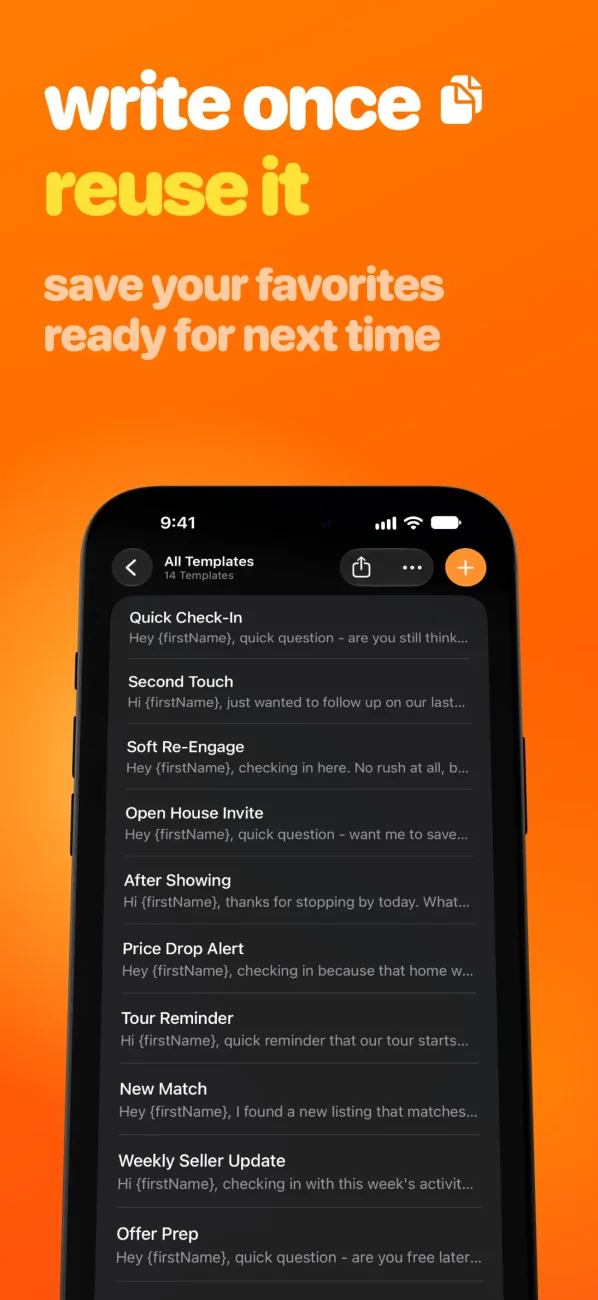
WRITE ONCE. USE IT AGAIN.
Save your favorite messages as templates and organize them in folders. Add photos and optional Mail subjects, split longer text templates into multiple message parts, and keep your next reply ready.
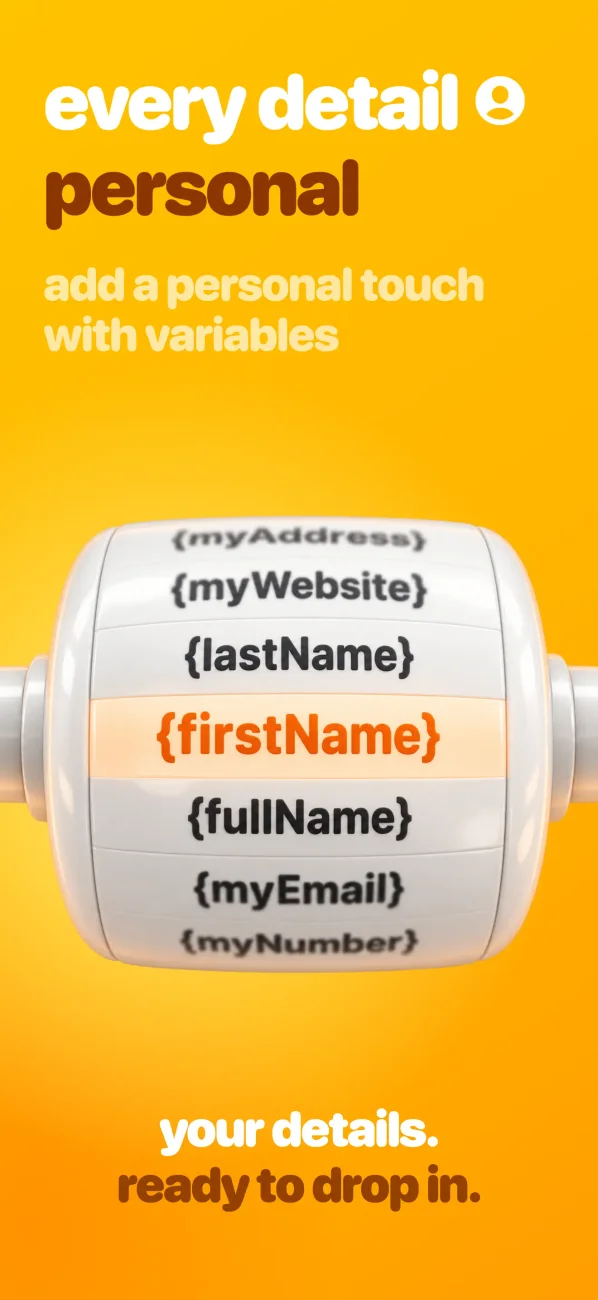
MAKE EVERY DETAIL PERSONAL.
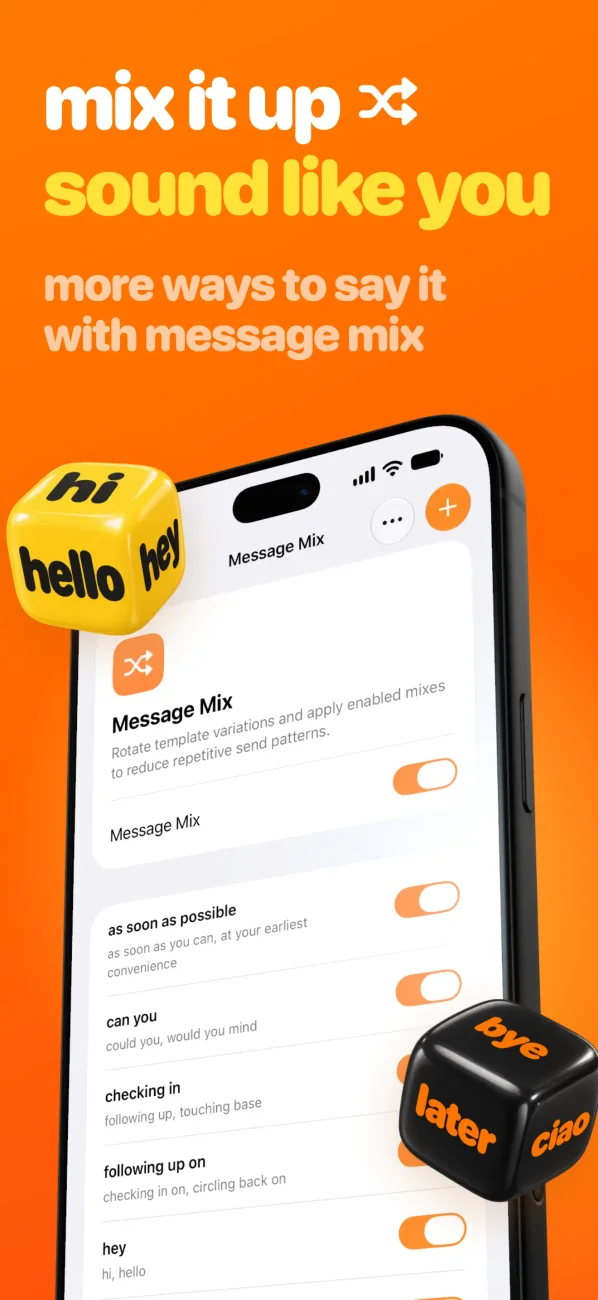
Personalize templates with contact names and your own saved details, including your email, phone number, website, and more. Use Message Mix to rotate phrase variations and choose which occurrences can change in each template's subject and message.
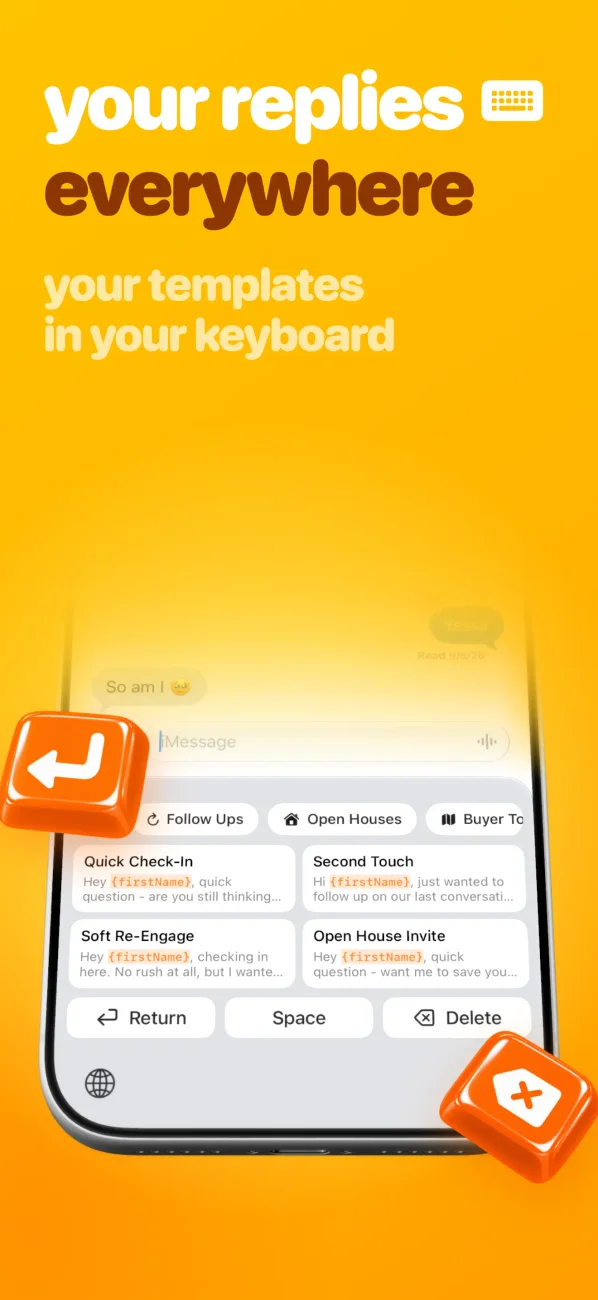
YOUR REPLIES, IN YOUR KEYBOARD.
Access saved templates through Blast Keyboard while typing in other apps. Put your frequently used replies right where you need them.
KEEP YOUR PEOPLE ORGANIZED.
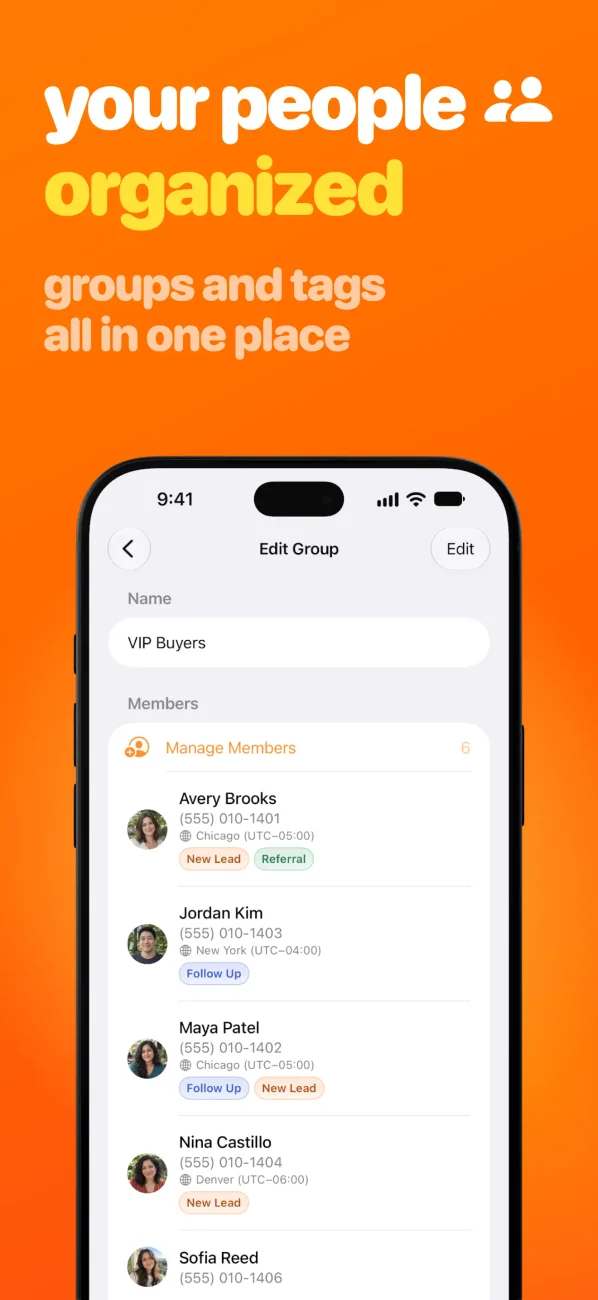
Save recipient groups for repeat sends, organize contacts with color-coded tags, and add searchable notes. Keep track of time zones and filter your groups to find the right people for each message. Search your Library for templates, contacts, groups, mixes, tags and folders.
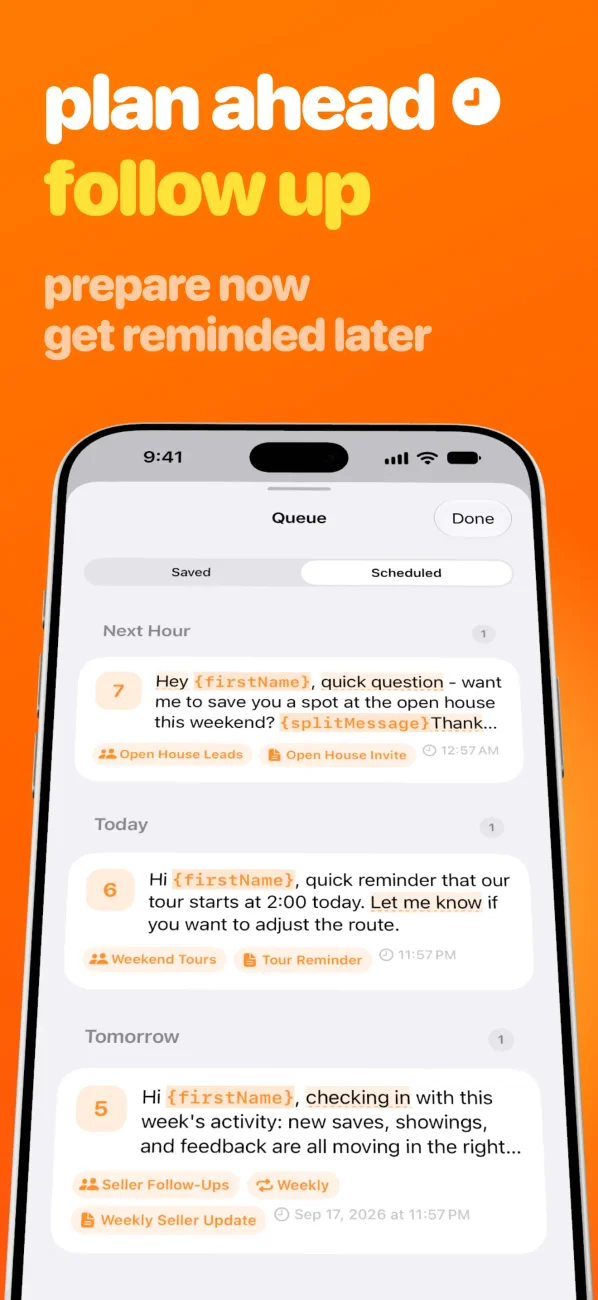
PREPARE NOW. FOLLOW UP LATER.
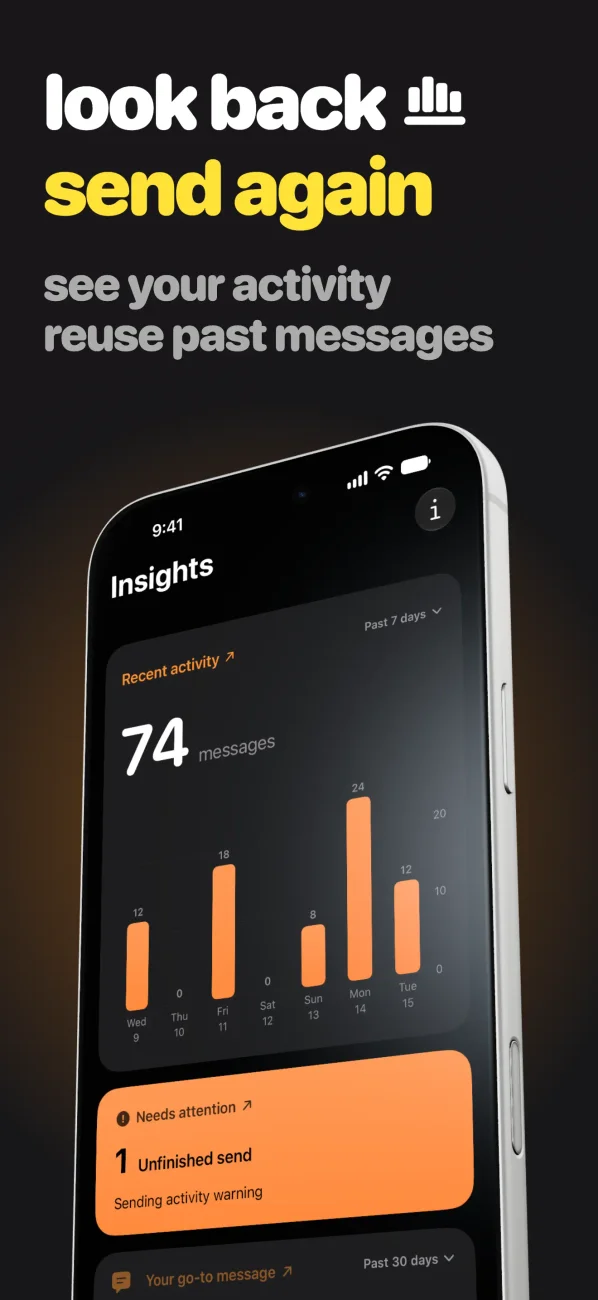
Queue prepared sends and add reminders so you can return to them when it's time to follow up. Review your sending activity in Insights, revisit previous sends, and reuse past messages.
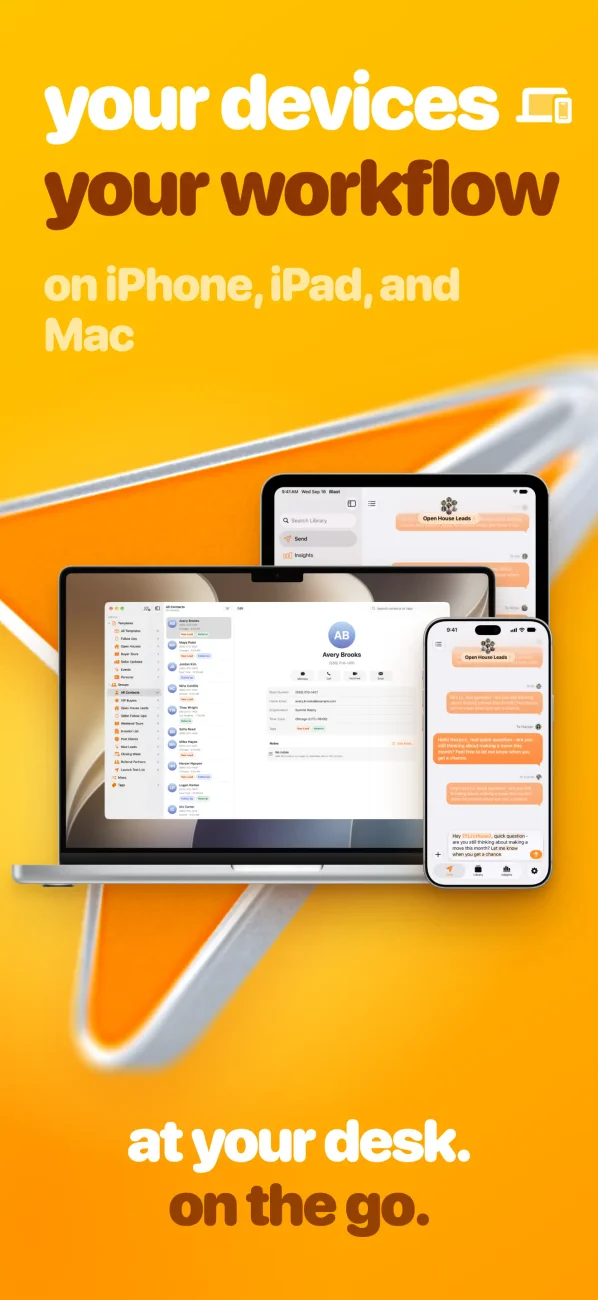
ON iPhone, iPad, AND Mac.
Keep supported templates, groups, tags, time zones, notes, preferred numbers and email addresses, and saved recipient details available across your Apple devices with free, private iCloud Sync. Import and export your complete Blast library, including template attachments and mixes. Mail sending is available on iPhone and iPad.
BLAST MAX
Blast Max is an optional auto-renewable subscription that unlocks:
• Unlimited recipients per send
• Unlimited saved groups
• Unlimited templates
• Auto Send
Terms of Use (EULA):
https://www.apple.com/legal/internet-services/itunes/dev/stdeula/
Privacy Policy:
https://blast.kole.work/privacy-policy
Neue Funktionen
Version 26.11.25 · 25.11.2026
Blast 26.11.25 makes it easier to choose the right recipients on iPhone and iPad.
Send now uses a contact’s preferred Blast phone number when you add them to a draft. Changes to that number also appear right away in Library Search.
Bug fixes & improvements:
- Fixed an issue that could leave the contact picker empty when editing a saved group.
- Send and All Contacts now make it clear when contacts are still loading.
- Library Search keeps your results visible while contacts refresh.
- Improved Settings scrolling.
- Added more space beside avatars for contacts listed by phone number, and made group icons in the recipient picker match the Library.
- Template search now moves with the keyboard as it opens and closes.
- Fixed a freeze that could occur when turning on Library Sync.
App-Datenschutz
Was Kole Hoenicke im App Store zum Umgang dieser App mit Daten angibt.
-
Daten, die zum Tracking Ihrer Person verwendet werden
Können verwendet werden, um Sie über Apps und Websites anderer Unternehmen hinweg zu verfolgen.
- Kennungen
-
Mit Ihnen verknüpfte Daten
Können erfasst und mit Ihrer Identität verknüpft werden.
- Käufe
- Standort
- Kontaktinformationen
- Kontakte
- Benutzerinhalte
- Kennungen
- Nutzungsdaten
-
Nicht mit Ihnen verknüpfte Daten
Können erfasst werden, sind aber nicht mit Ihrer Identität verknüpft.
- Käufe
- Kennungen
- Diagnose
Die Datenschutzpraktiken können variieren, zum Beispiel je nach den von Ihnen verwendeten Funktionen oder Ihrem Alter.
Informationen
- Anbieter
- Kole Hoenicke
- Kategorie
- Produktivität
- Version
- 26.11.25
- Aktualisiert
- 25.11.2026
- Veröffentlicht
- 13.03.2026
- Größe
- 63,0 MB
- Erfordert
- iOS 18.6 oder neuer
- Altersfreigabe
- 4+
- Preis
- Kostenlos
- In-App-Käufe
- Ja
- Sprachen
- Englisch
- Copyright
- © 2026 Kole Hoenicke
Das könnte Ihnen auch gefallen
-
 SMSAll - Group SMS AppProduktivität
-
 Fort Digital Emergency SystemProduktivität
-
 Transory - KI-ÜbersetzerVergleiche KI-Übersetzungen
-
 Live Tag LoggerProduktivität
-
 SMS FilterProsmarter SMS Spamfilter
-
 Chaos ContactsProduktivität
-
 JestSMSProduktivität
-
 sendAllProduktivität
-
 Nocturnum: Markdown NotesProduktivität
-
 FlowIt: Jot Floating NotesProduktivität