
Blast - Bulk Messaging
Personal texts. Less effort.
Designed for iPhone, iPad, Mac
Free · In-app purchases
- Age rating4+
- CategoryProductivity
- DeveloperKole Hoenicke
- LanguagesEnglish
- Size62.9 MB
Links to the official App Store page
Download.org hosts no file of Blast - Bulk Messaging. The button opens its official App Store page, published by Kole Hoenicke. Listing last checked on Nov 25, 2026.
Screenshots

About
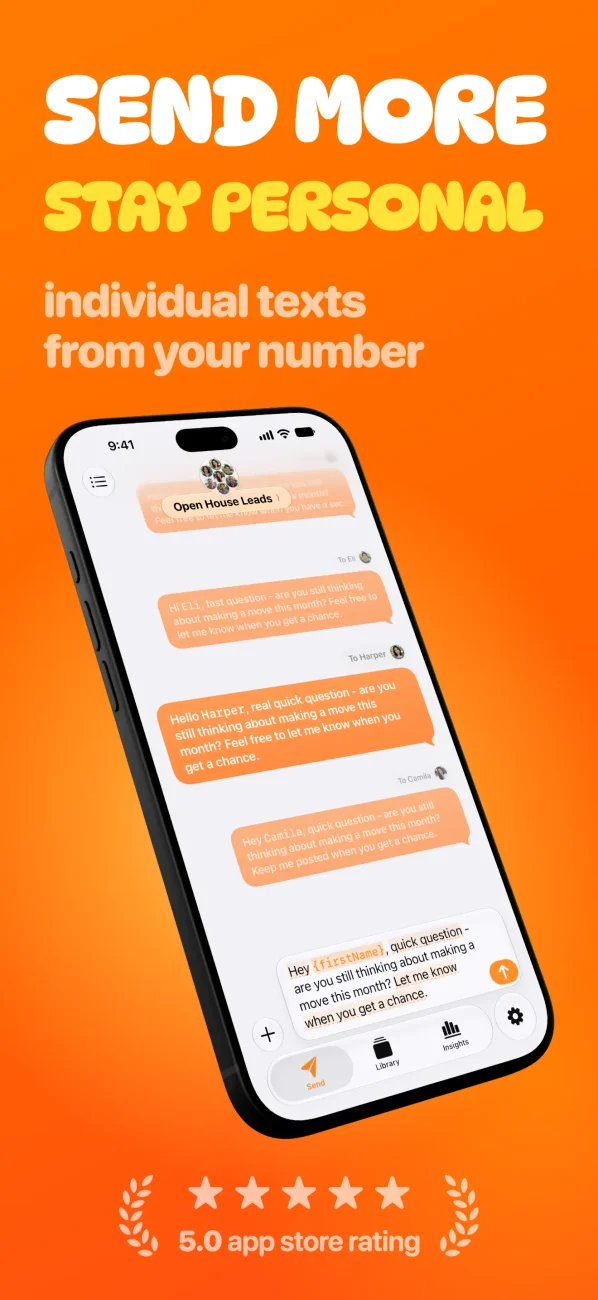
Send more. Stay personal.
Blast helps you send individual texts and emails, reuse your best messages, and keep your follow-ups organized. Write once, add a personal touch for each recipient, and spend less time repeating yourself.
For client updates, event invites, appointment reminders, team check-ins, or everyday conversations, spend less time typing and more time keeping in touch.
SEND WITH MESSAGES OR MAIL.
Send individual texts from your number or personalized emails through Apple Mail. Save your sending addresses, choose a preferred email for each contact, and preview each person's subject, message and attachments before sending. Import Mail recipients from a CSV without requiring phone numbers.
STAY IN CONTROL.
Review your messages before sending and stay in control with confirmations, pauses, high-volume warnings, and cooldown reminders. With Blast Max, use the same Auto Send shortcut for Messages and Mail, with pacing, pause, cancel and batch-break controls. Apple Mail and Shortcuts may ask for permission during sending.
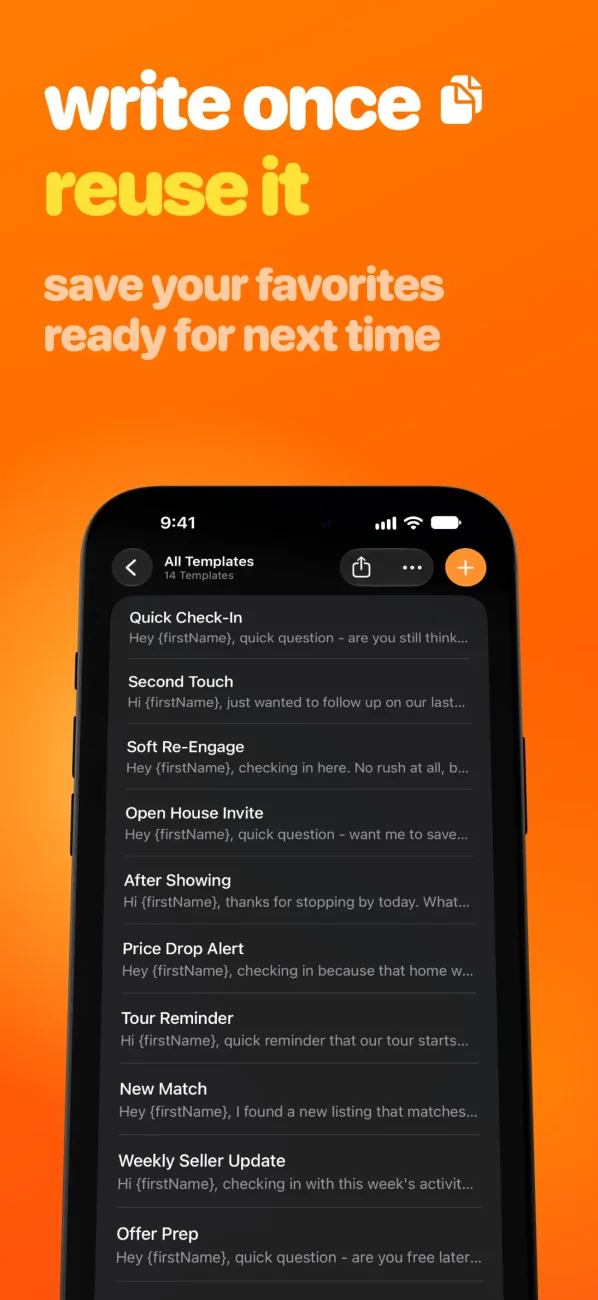
WRITE ONCE. USE IT AGAIN.
Save your favorite messages as templates and organize them in folders. Add photos and optional Mail subjects, split longer text templates into multiple message parts, and keep your next reply ready.
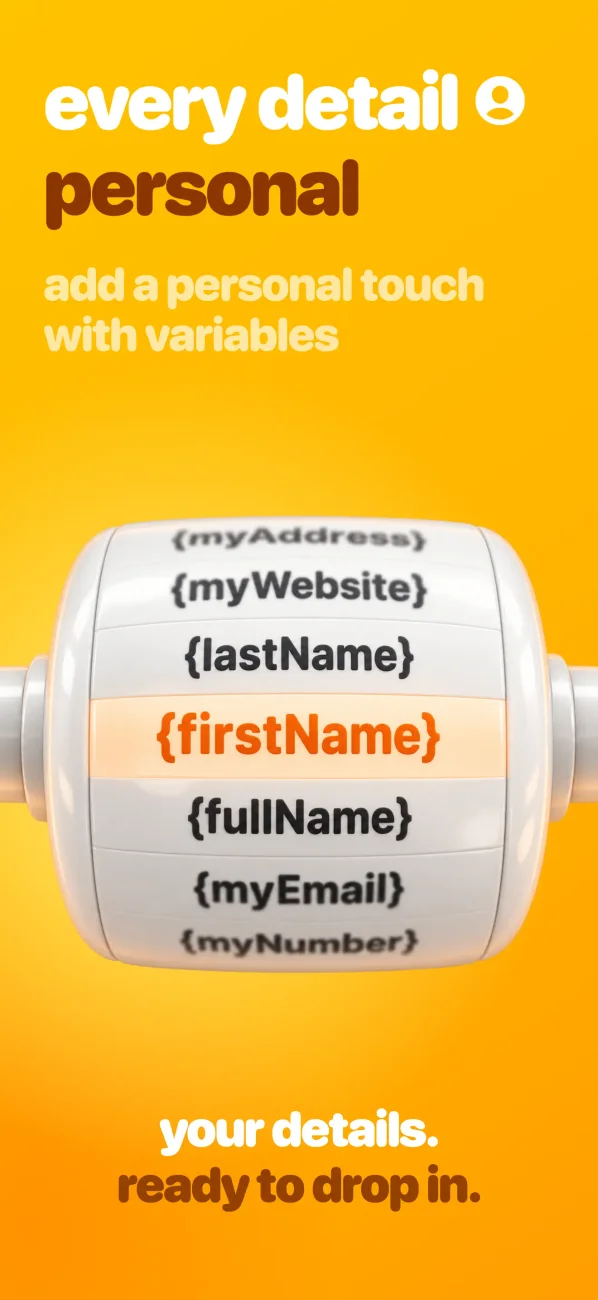
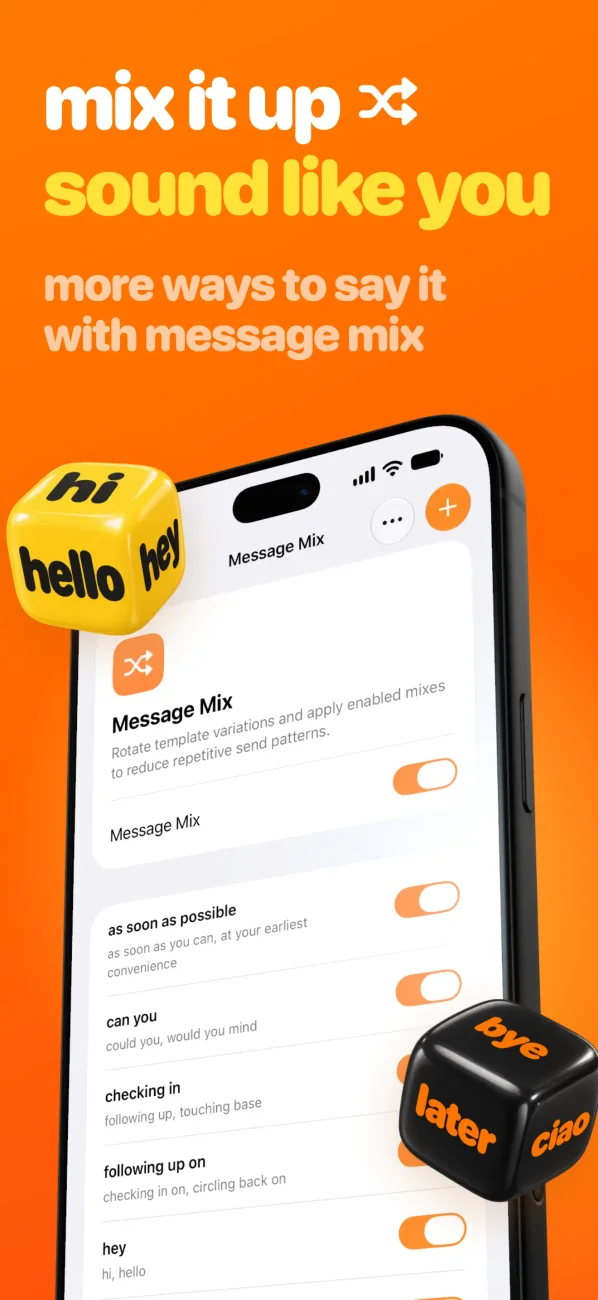
MAKE EVERY DETAIL PERSONAL.
Personalize templates with contact names and your own saved details, including your email, phone number, website, and more. Use Message Mix to rotate phrase variations and choose which occurrences can change in each template's subject and message.
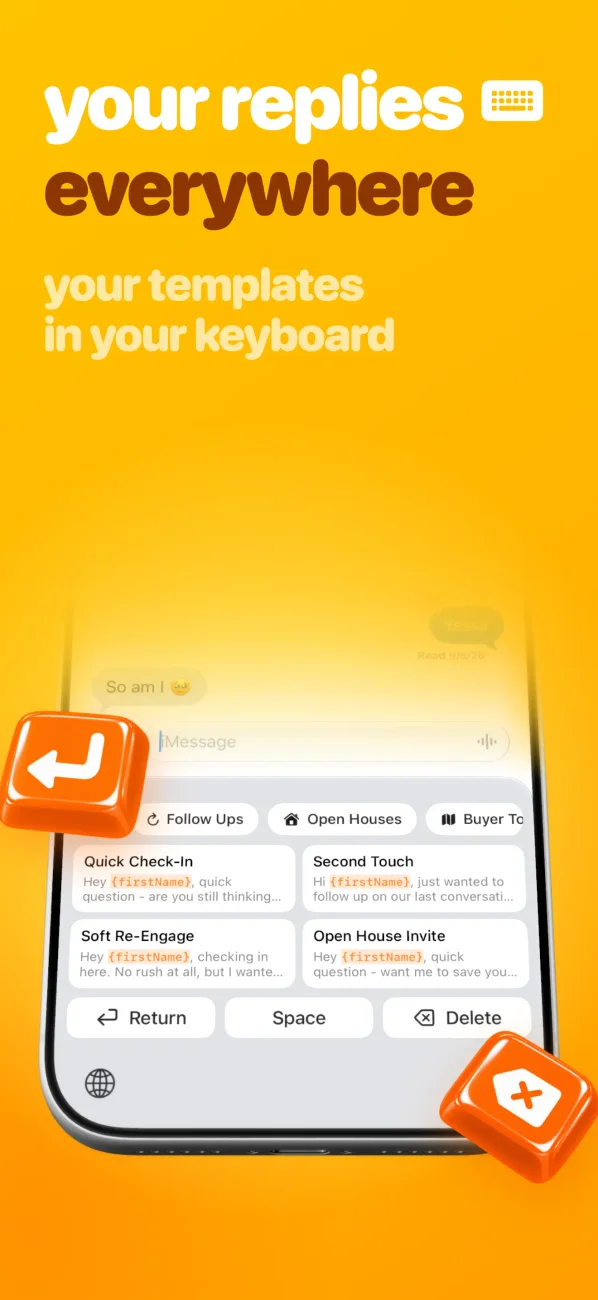
YOUR REPLIES, IN YOUR KEYBOARD.
Access saved templates through Blast Keyboard while typing in other apps. Put your frequently used replies right where you need them.
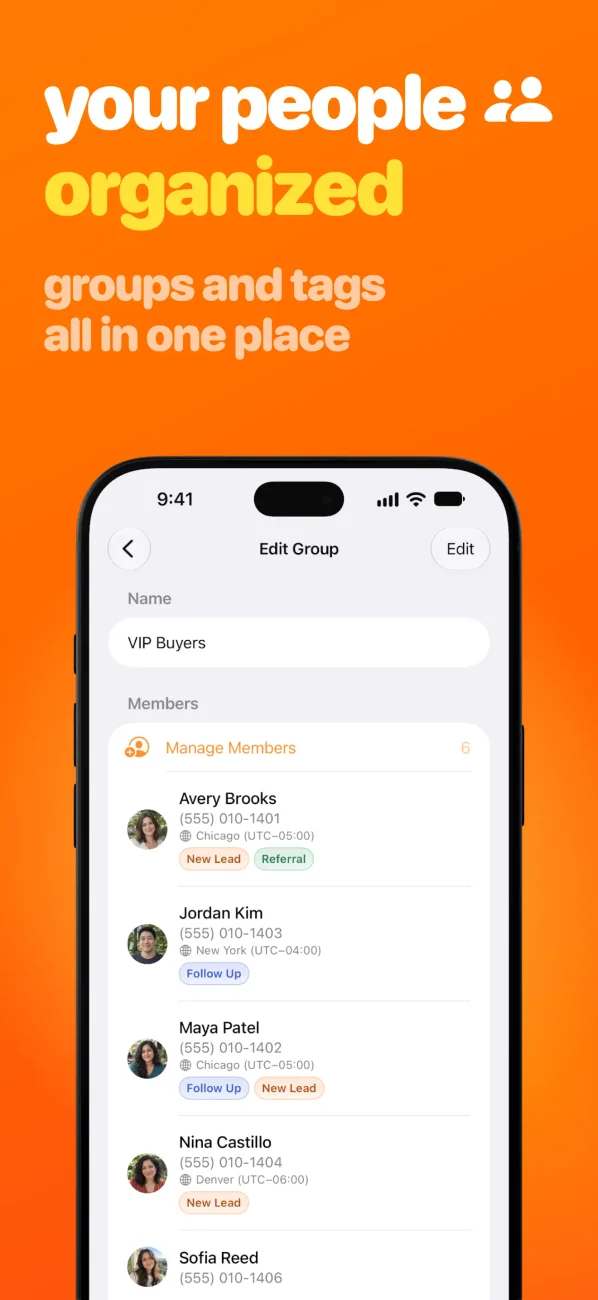
KEEP YOUR PEOPLE ORGANIZED.
Save recipient groups for repeat sends, organize contacts with color-coded tags, and add searchable notes. Keep track of time zones and filter your groups to find the right people for each message. Search your Library for templates, contacts, groups, mixes, tags and folders.
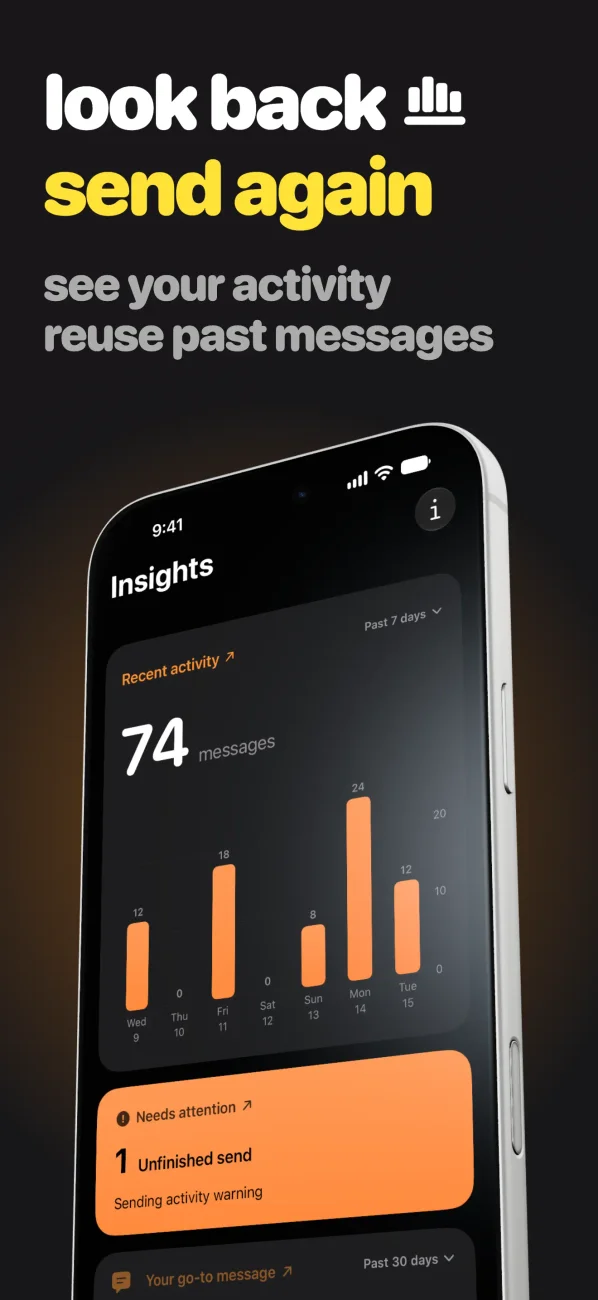
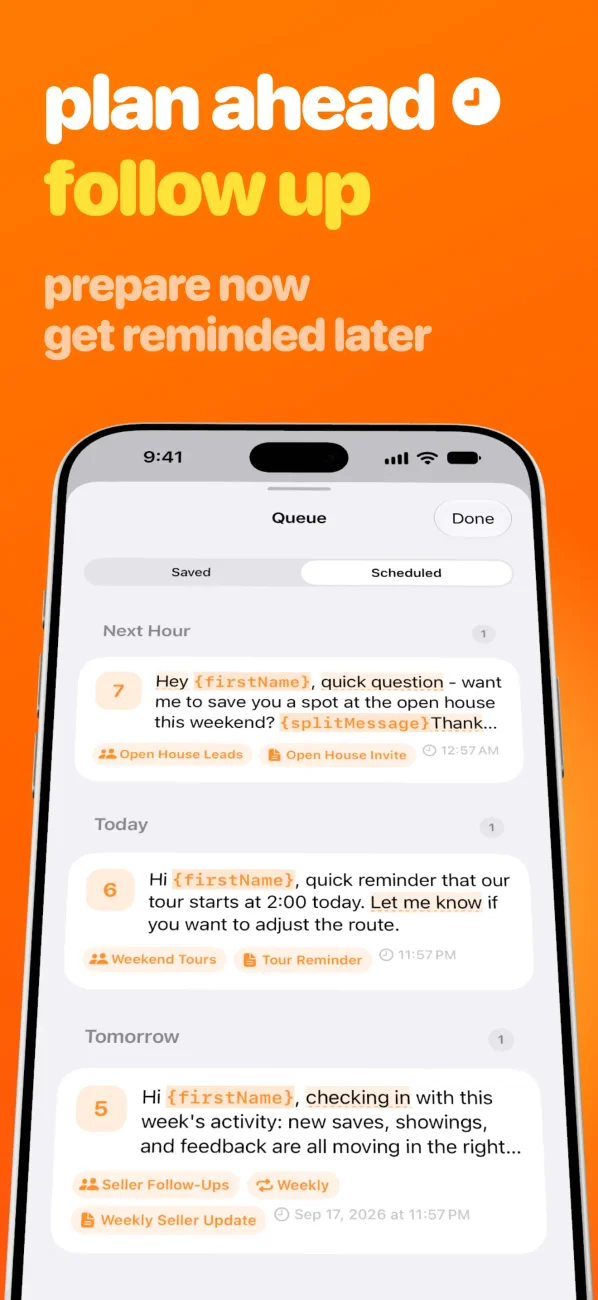
PREPARE NOW. FOLLOW UP LATER.
Queue prepared sends and add reminders so you can return to them when it's time to follow up. Review your sending activity in Insights, revisit previous sends, and reuse past messages.
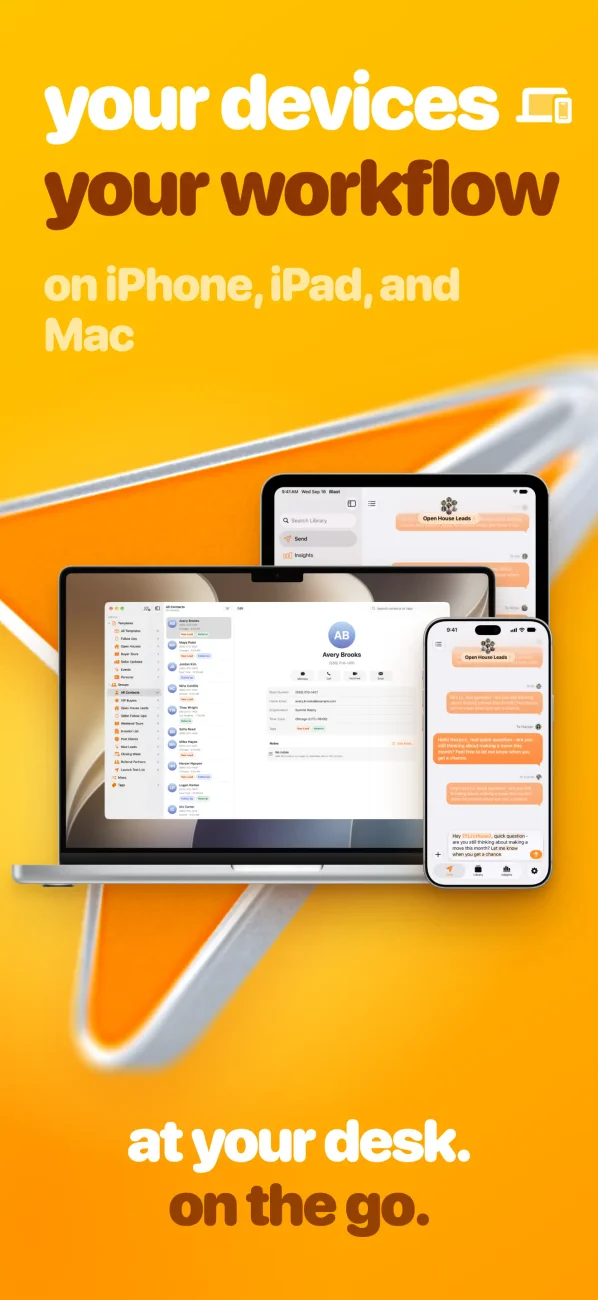
ON iPhone, iPad, AND Mac.
Keep supported templates, groups, tags, time zones, notes, preferred numbers and email addresses, and saved recipient details available across your Apple devices with free, private iCloud Sync. Import and export your complete Blast library, including template attachments and mixes. Mail sending is available on iPhone and iPad.
BLAST MAX
Blast Max is an optional auto-renewable subscription that unlocks:
• Unlimited recipients per send
• Unlimited saved groups
• Unlimited templates
• Auto Send
Terms of Use (EULA):
https://www.apple.com/legal/internet-services/itunes/dev/stdeula/
Privacy Policy:
https://blast.kole.work/privacy-policy
What’s new
Version 26.11.22 · Nov 23, 2026
Blast 26.11.22 improves the keyboard on iPhone and iPad.
Bug fixes & improvements
- Restored the globe key where it was missing, so you can switch keyboards even when Blast has no saved templates.
- Fixed a bug that could briefly dismiss the keyboard when you start writing a message or email subject.
App privacy
What Kole Hoenicke declares on the App Store about how this app handles data.
-
Data used to track you
May be used to track you across apps and websites owned by other companies.
- Identifiers
-
Data linked to you
May be collected and linked to your identity.
- Purchases
- Location
- Contact info
- Contacts
- User content
- Identifiers
- Usage data
-
Data not linked to you
May be collected but is not linked to your identity.
- Purchases
- Identifiers
- Diagnostics
Privacy practices may vary, for example with the features you use or your age.
Information
- Seller
- Kole Hoenicke
- Category
- Productivity
- Version
- 26.11.22
- Updated
- Nov 23, 2026
- Released
- Mar 13, 2026
- Size
- 62.9 MB
- Requires
- iOS 18.6 or later
- Age rating
- 4+
- Price
- Free
- In-app purchases
- Yes
- Languages
- English
- Copyright
- © 2026 Kole Hoenicke
You might also like
-
 SMSAll - Group SMS AppSend SMS to Groups Fast
-
 Fort Digital Emergency SystemFortDigital SMS & Messaging
-
 Transory - AI TranslatorCompare AI models side by side
-
 Live Tag LoggerScan your tag.Log your data.
-
 SMS FilterProSmart SMS filter, spam filter
-
 Chaos ContactsProductivity
-
 JestSMSSMS Automation Made Easy
-
 sendAllSend mass texts individually.
-
 Nocturnum: Markdown NotesWrite clearly every day now
-
 FlowIt: Jot Floating NotesQuick Capture, Memo, Checklist