
Bridges: Link Formatting
Save links, stay productive
Entwickelt für iPhone, iPad
Kostenlos · In-App-Käufe
- Altersfreigabe4+
- KategorieProduktivität
- EntwicklerJonathan Ruiz
- SprachenEnglisch
- Größe35,6 MB
Verlinkt auf die offizielle App Store-Seite
Download.org hostet keine Datei von Bridges: Link Formatting. Die Schaltfläche öffnet die App-Seite bei App Store, wo Jonathan Ruiz die App veröffentlicht. Eintrag zuletzt geprüft am 12.11.2026.
Screenshots
Info
Der Entwickler hat diesen Text nicht in Ihrer Sprache bereitgestellt.
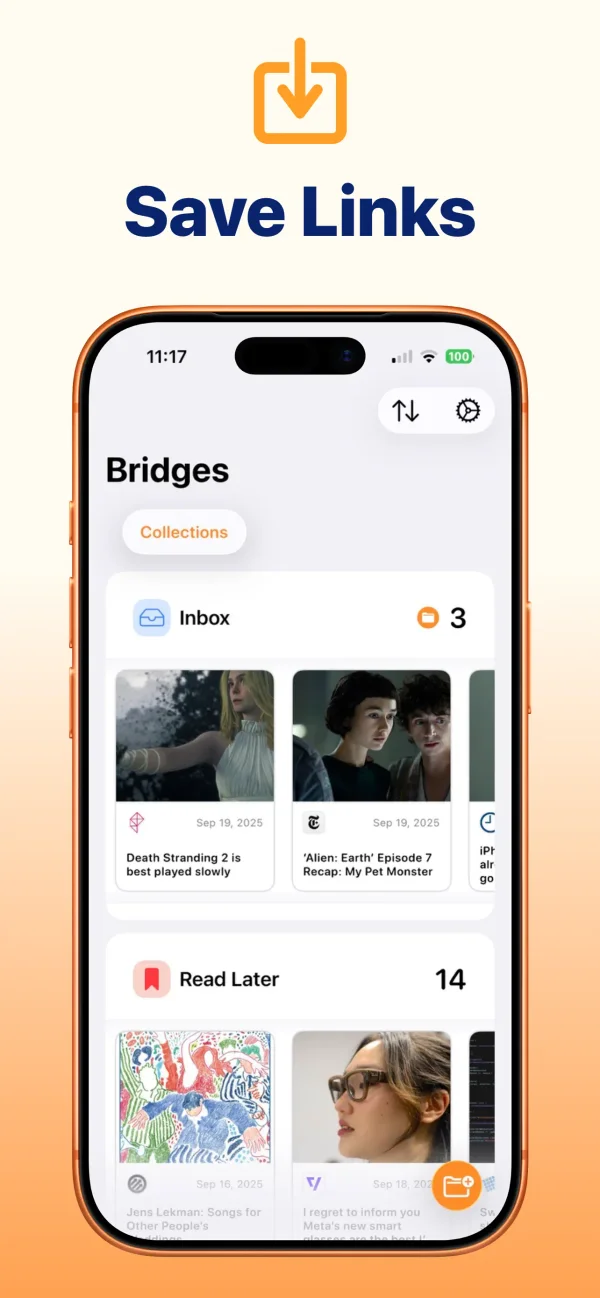
Bridges is the best way to collect custom formatted links. Saving a link for your podcast, newsletter, or blog post has never been easier.
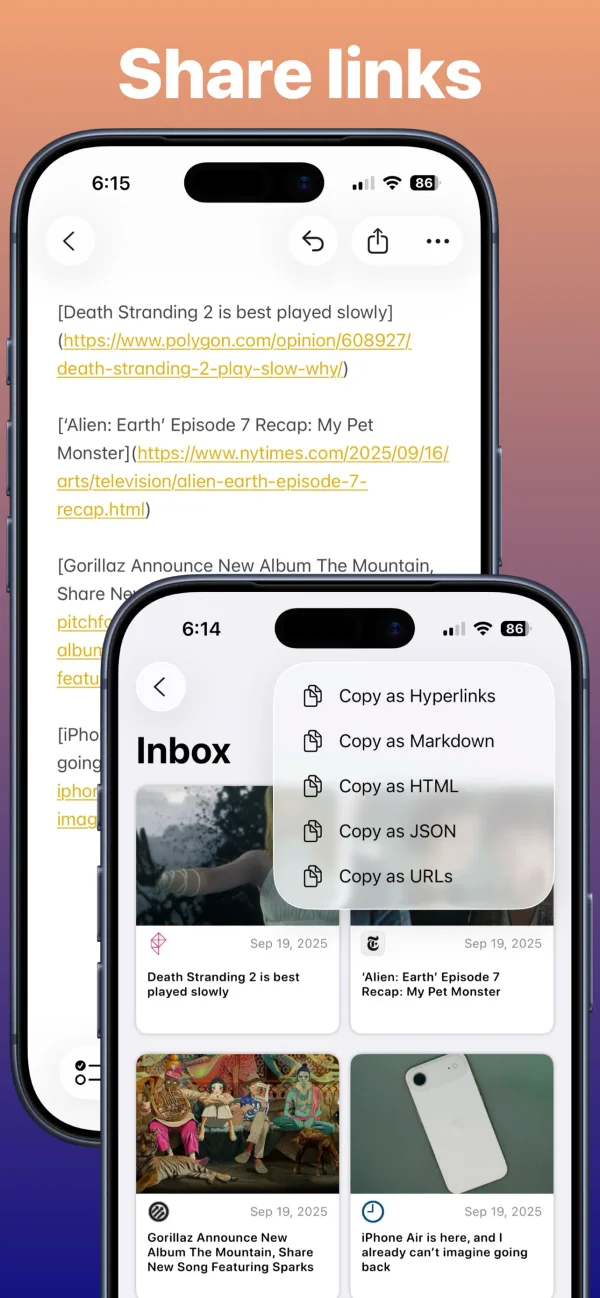
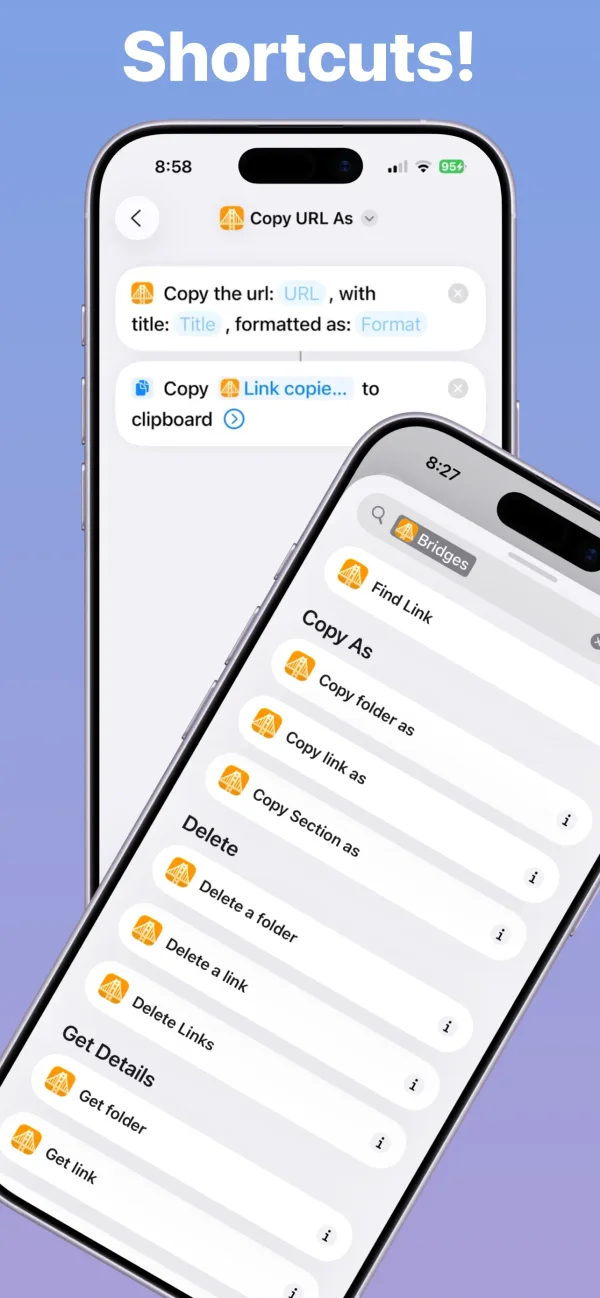
If you’ve ever had the task to collect links for a project you’ll love Bridges. Bridges eliminates any tedious URL editing for making a raw URL more human readable. When saving a link to Bridges you give it a title and it can be used when you copy the link later on. Need a link with a custom title in markdown? One tap away. Need a URL as a hyperlink? One tap away. Even better if you set all the links into a folder you can copy all of these links in the format you need in a few taps. The supported formats include: Hyperlink, Markdown, JSON, HTML, URL.
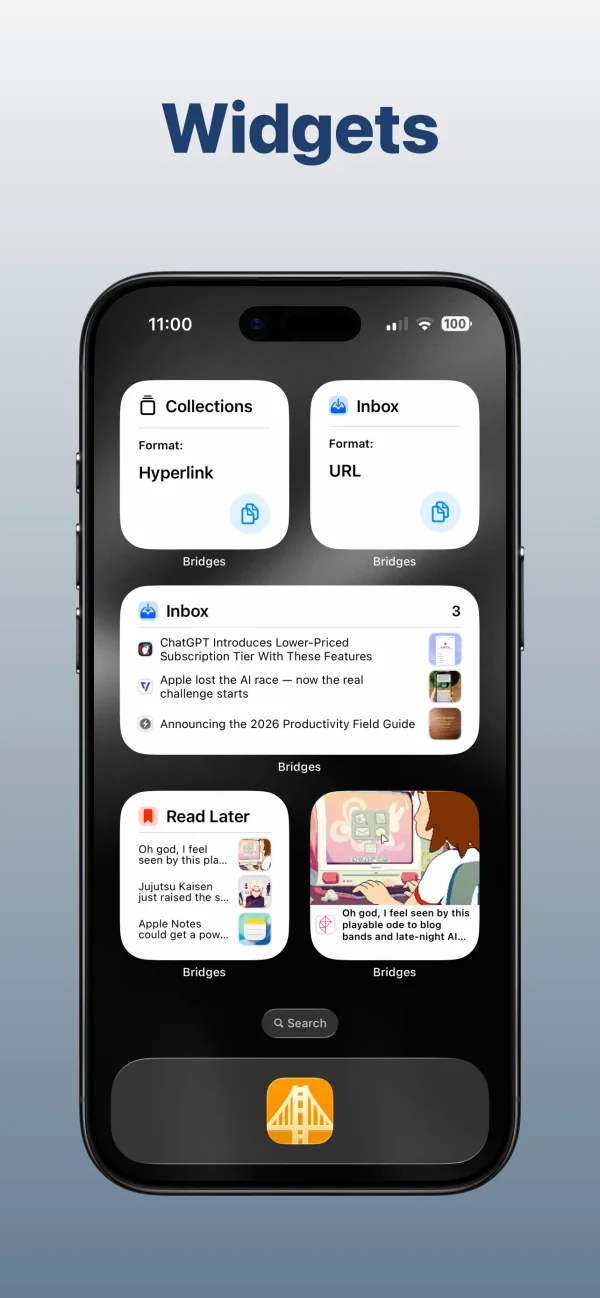
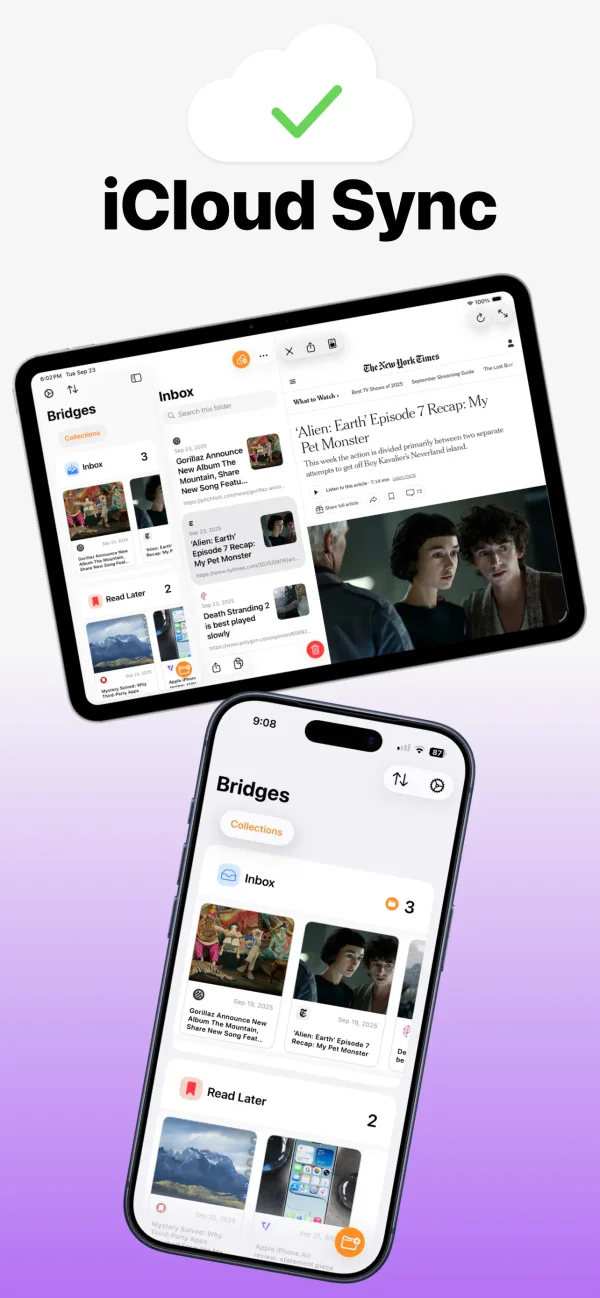
Organize the links into different folders and keep each folder in a section. All your data is stored locally and synced with iCloud so all your devices are up to date. If you download the separate macOS app for Bridges all your links and data will be there.
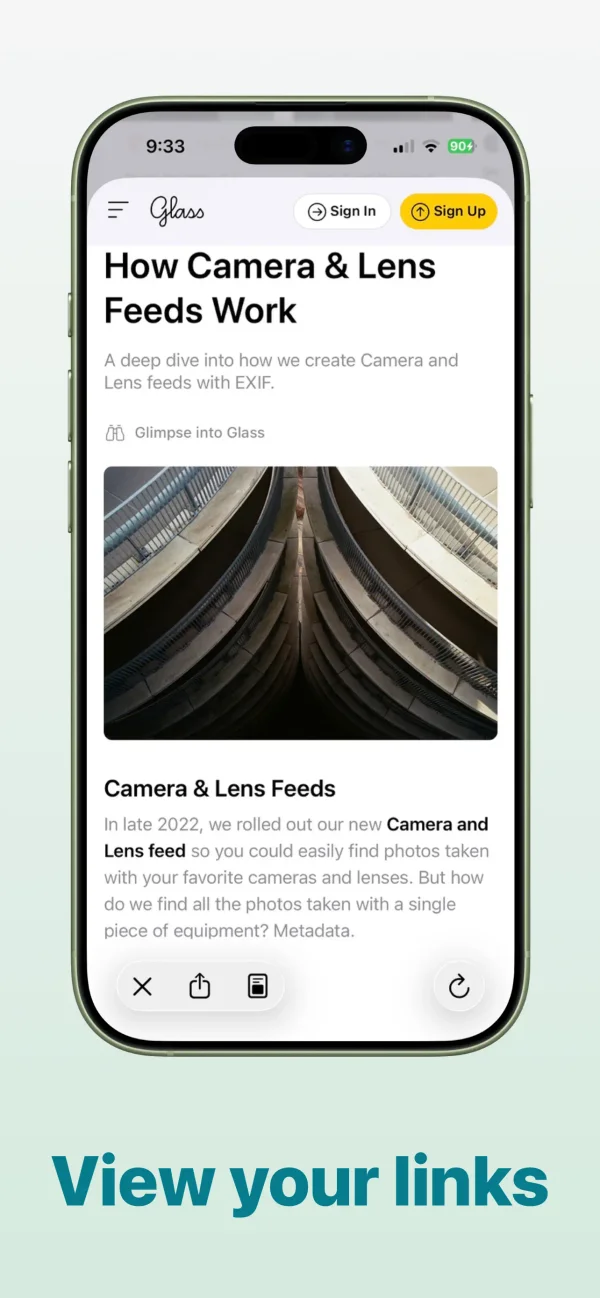
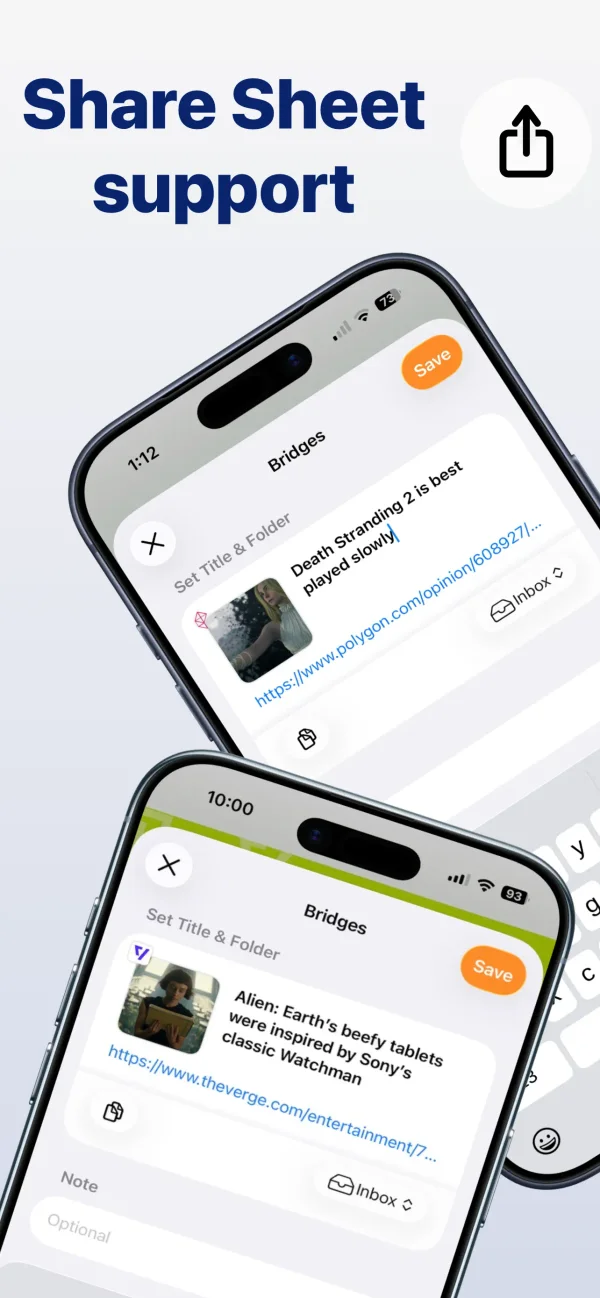
Use the share sheet to save links to Bridges quickly and easily. When saving a link it will show a rich preview of the links info: Link Title, Hero Image, Favicon, and URL. From the share sheet it’s easy to save to any folder you’ve made in the app. The custom title for the link is automatically filled in with the URL’s link title.
With Bridges saving links is easy and fun. Bridges is built by one person and aims to give you more time back by reducing tedious tasks.
For more information about the app visit https://www.bridgesapp.app/.
To see our privacy policy: https://www.bridgesapp.app/privacy-policy.
Terms of service: https://www.bridgesapp.app/terms-of-service.
Neue Funktionen
Version 2.2 · 30.07.2026
Bug fixes and stability improvements.
App-Datenschutz
Was Jonathan Ruiz im App Store zum Umgang dieser App mit Daten angibt.
-
Keine Daten erfasst
Der Entwickler erfasst keine Daten von dieser App.
Die Datenschutzpraktiken können variieren, zum Beispiel je nach den von Ihnen verwendeten Funktionen oder Ihrem Alter.
Informationen
- Anbieter
- Jonathan Ruiz
- Kategorie
- Produktivität
- Version
- 2.2
- Aktualisiert
- 30.07.2026
- Veröffentlicht
- 09.11.2023
- Größe
- 35,6 MB
- Erfordert
- iOS 26.0 oder neuer
- Altersfreigabe
- 4+
- Preis
- Kostenlos
- In-App-Käufe
- Ja
- Sprachen
- Englisch
- Copyright
- © 2026 Jonathan Ruiz
Das könnte Ihnen auch gefallen
-
 Paste Keyboard | MagicBoard AIText Shortcuts, Mail Template
-
 OnSite Checklists - AuditingProduktivität
-
 QR Scanner: Scan Store CreateProduktivität
-
 Arbeitszeitrechner : TimyArbeitszeitkonto en taken
-
 Moonlight: Sleep & SoundsProduktivität
-
 Be Present: Daily RoutineProduktivität
-
 Memento: Einfache ErinnerungenDie schnelle To-do-Liste
-
 AI Meeting Notes - TabloProduktivität
-
 PDF Converter: Pictures To PDFProduktivität