
- 対象年齢4+
- カテゴリ仕事効率化
- 開発元Jonathan Ruiz
- 言語英語
- サイズ35.6 MB
App Storeの公式ページにリンクしています
Download.orgはBridges: Link Formattingのファイルを一切ホストしていません。ボタンを押すと、Jonathan Ruizが公開しているApp Storeのアプリページが開きます。ページの最終確認:2026/11/12。
スクリーンショット

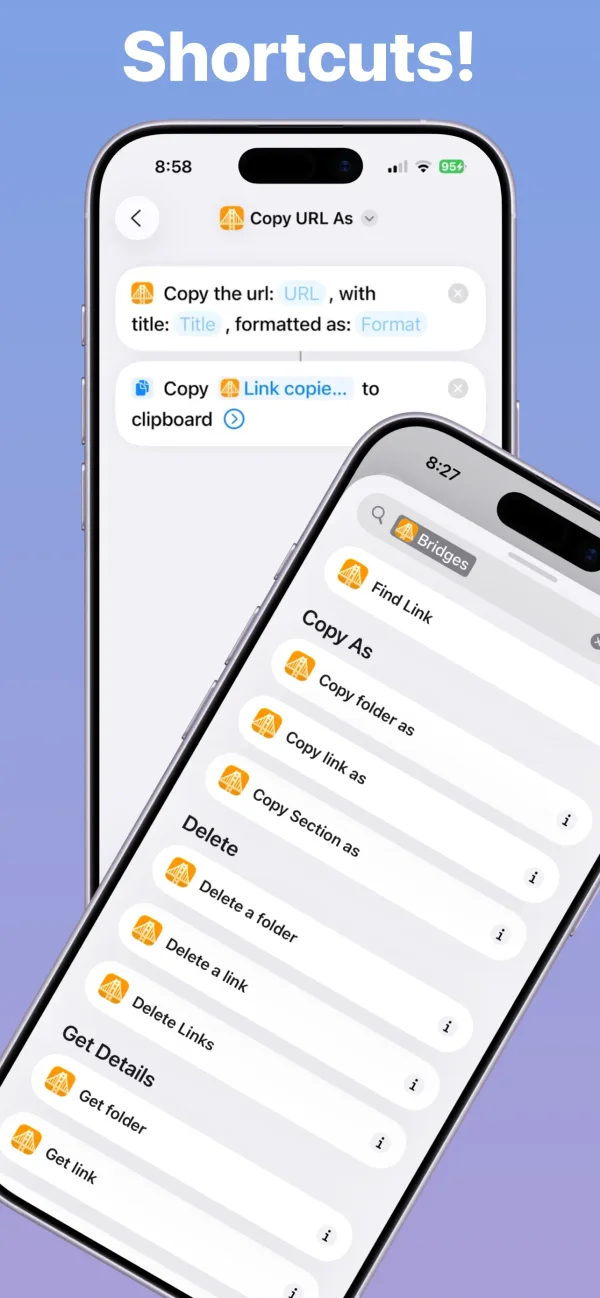
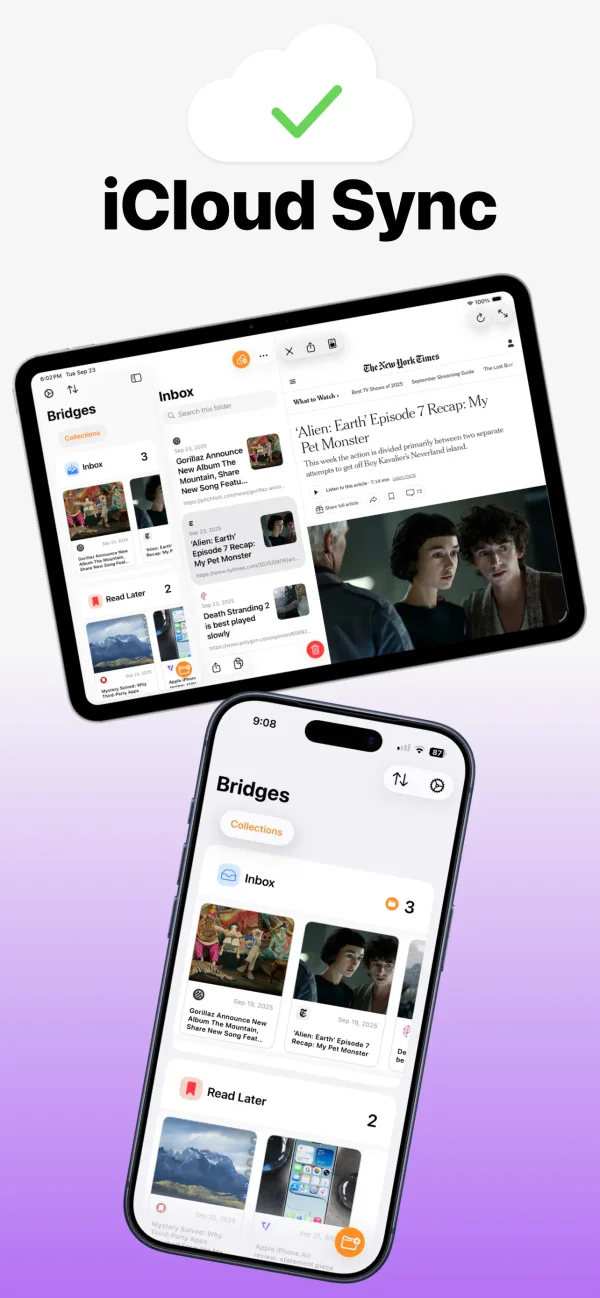
概要
開発元はこのテキストをお使いの言語で提供していません。
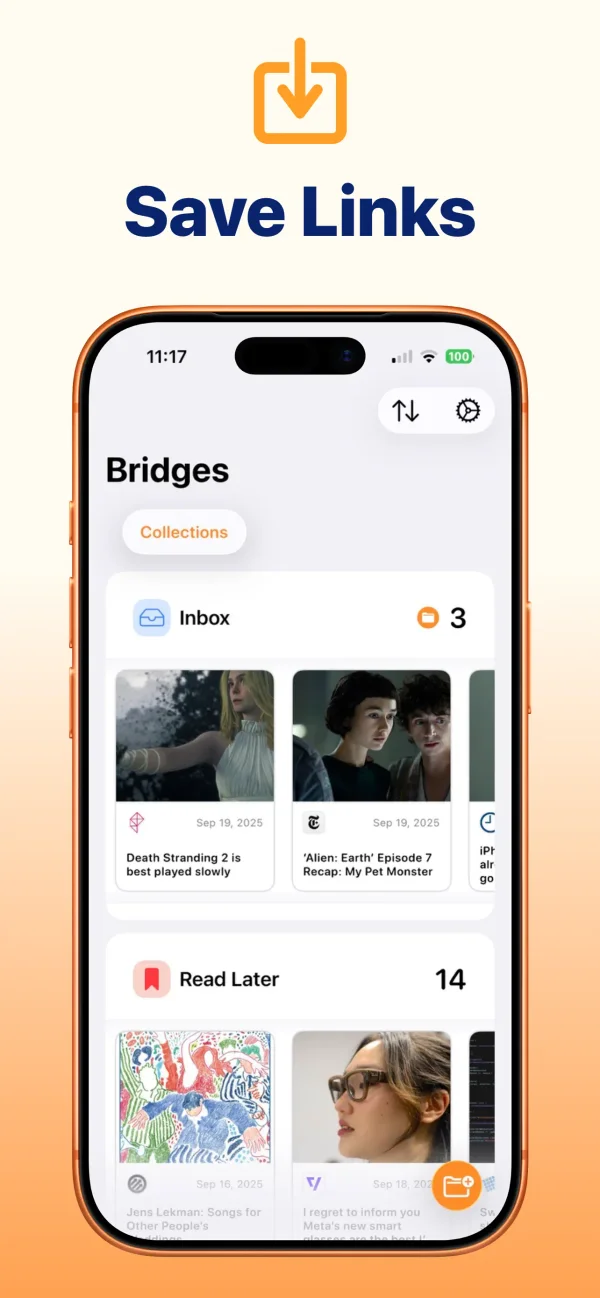
Bridges is the best way to collect custom formatted links. Saving a link for your podcast, newsletter, or blog post has never been easier.
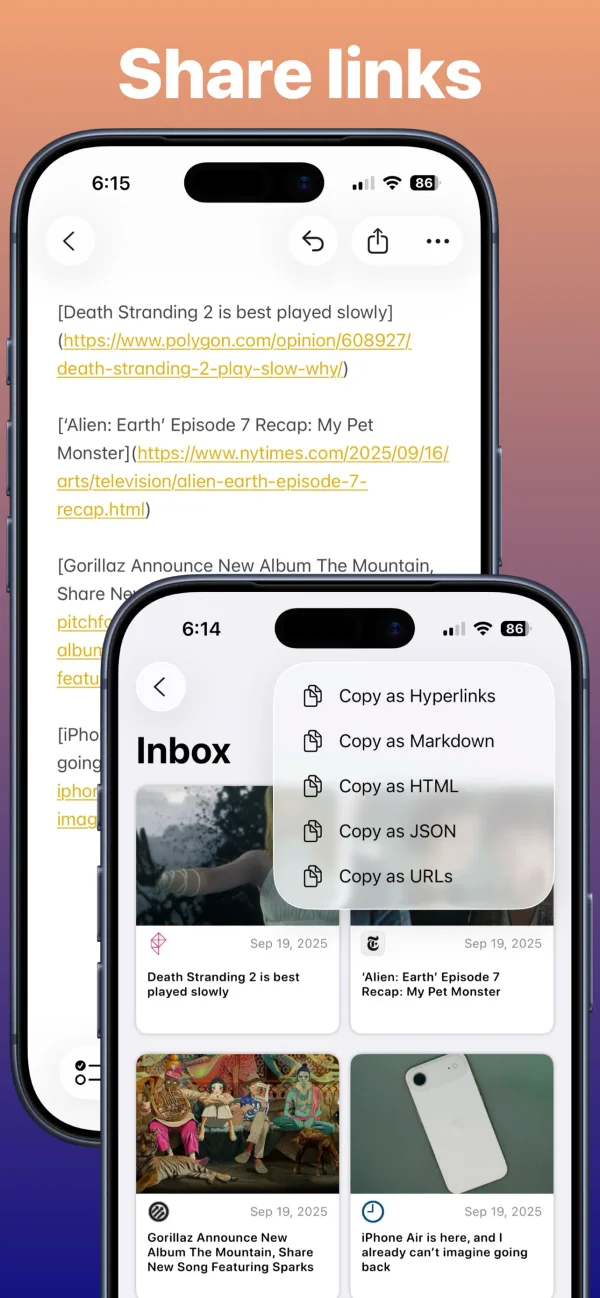
If you’ve ever had the task to collect links for a project you’ll love Bridges. Bridges eliminates any tedious URL editing for making a raw URL more human readable. When saving a link to Bridges you give it a title and it can be used when you copy the link later on. Need a link with a custom title in markdown? One tap away. Need a URL as a hyperlink? One tap away. Even better if you set all the links into a folder you can copy all of these links in the format you need in a few taps. The supported formats include: Hyperlink, Markdown, JSON, HTML, URL.
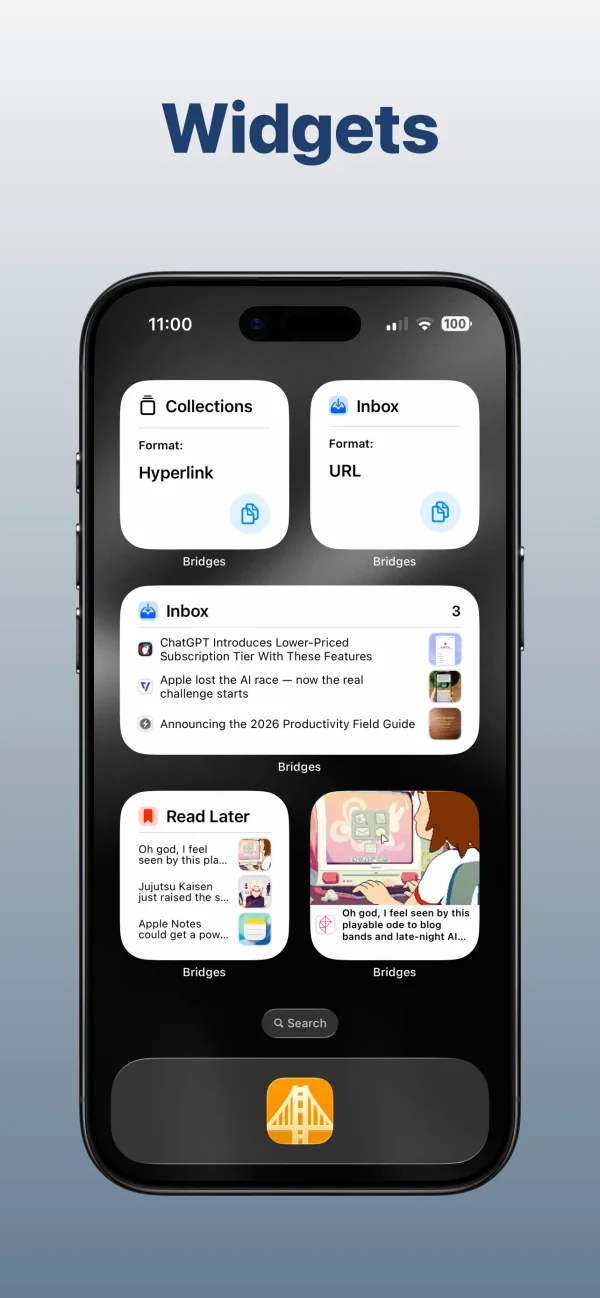
Organize the links into different folders and keep each folder in a section. All your data is stored locally and synced with iCloud so all your devices are up to date. If you download the separate macOS app for Bridges all your links and data will be there.
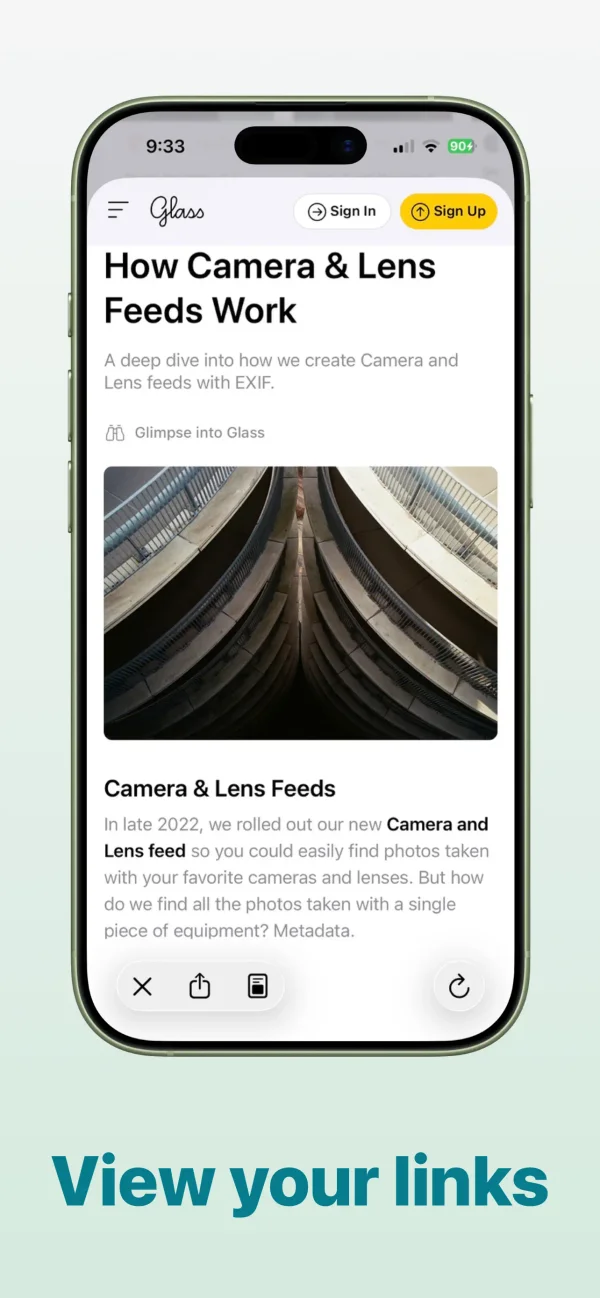
Use the share sheet to save links to Bridges quickly and easily. When saving a link it will show a rich preview of the links info: Link Title, Hero Image, Favicon, and URL. From the share sheet it’s easy to save to any folder you’ve made in the app. The custom title for the link is automatically filled in with the URL’s link title.
With Bridges saving links is easy and fun. Bridges is built by one person and aims to give you more time back by reducing tedious tasks.
For more information about the app visit https://www.bridgesapp.app/.
To see our privacy policy: https://www.bridgesapp.app/privacy-policy.
Terms of service: https://www.bridgesapp.app/terms-of-service.
新機能
バージョン 2.2 · 2026/7/30
Bug fixes and stability improvements.
アプリのプライバシー
このアプリのデータの取り扱いについて、Jonathan RuizがApp Storeで申告している内容です。
-
データの収集なし
開発元はこのアプリからデータを収集しません。
プライバシーの取り扱いは、ご利用の機能やお客様の年齢などに応じて異なる場合があります。
情報
- 販売元
- Jonathan Ruiz
- カテゴリ
- 仕事効率化
- バージョン
- 2.2
- 更新日
- 2026/7/30
- リリース
- 2023/11/9
- サイズ
- 35.6 MB
- 必要条件
- iOS 26.0以降
- 対象年齢
- 4+
- 価格
- 無料
- アプリ内課金
- あり
- 言語
- 英語
- 著作権
- © 2026 Jonathan Ruiz
こちらもおすすめ
-
 Paste Keyboard | MagicBoard AIText Shortcuts, Mail Template
-
 OnSite Checklists - Auditing仕事効率化
-
 QR Scanner: Scan Store Create仕事効率化
-
 Time Tracker : Timy仕事効率化
-
 Moonlight: Sleep & Sounds仕事効率化
-
 Zen Study: 集中 情熱タイマー 日記 習慣 学生ポモドーロ 勉強計画 一日予定表 学習記録帳 時間 時空
-
 Memento: シンプルなリマインダー簡単ですばやい、やることリスト
-
 AI会議メモ - タブロ文字起こし、議事録、音声文字変換
-
 PDF Converter: Pictures To PDF仕事効率化