
Budgetpeer
Private Budget & BNPL Tracker
Entwickelt für iPhone, iPad, Mac
Kostenlos · In-App-Käufe
- Altersfreigabe4+
- KategorieFinanzen
- EntwicklerDenis Korytchenko
- SprachenEnglisch
- Größe55,5 MB
Verlinkt auf die offizielle App Store-Seite
Download.org hostet keine Datei von Budgetpeer. Die Schaltfläche öffnet die App-Seite bei App Store, wo Denis Korytchenko die App veröffentlicht. Eintrag zuletzt geprüft am 29.11.2026.
Screenshots


Info
Der Entwickler hat diesen Text nicht in Ihrer Sprache bereitgestellt.
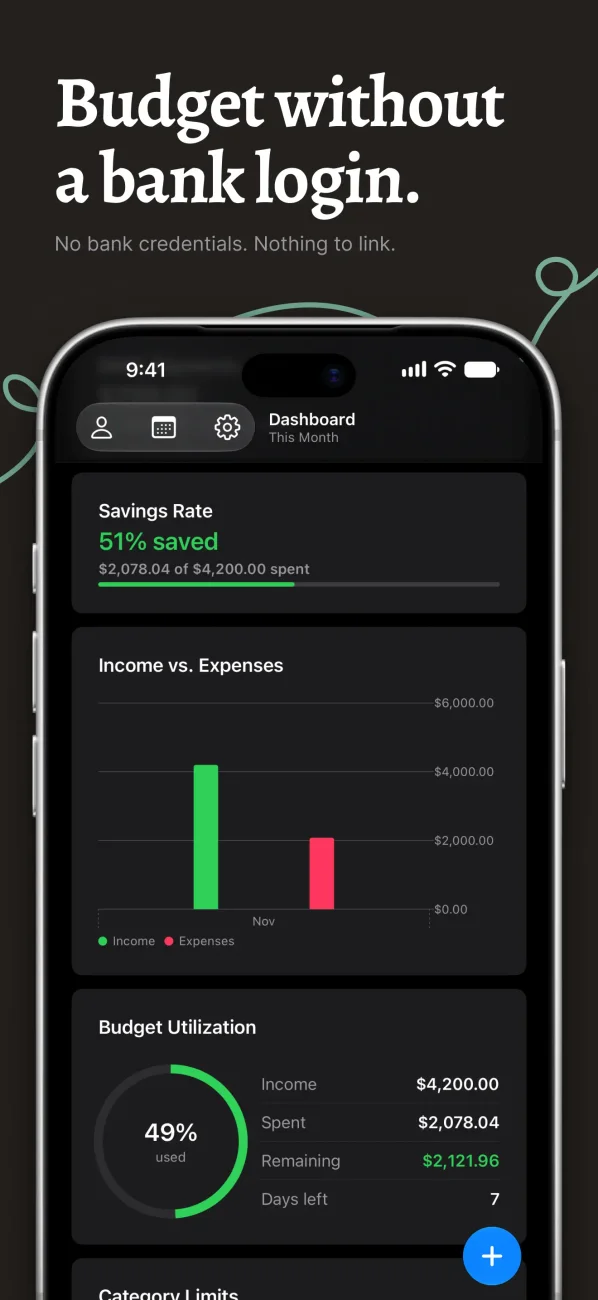
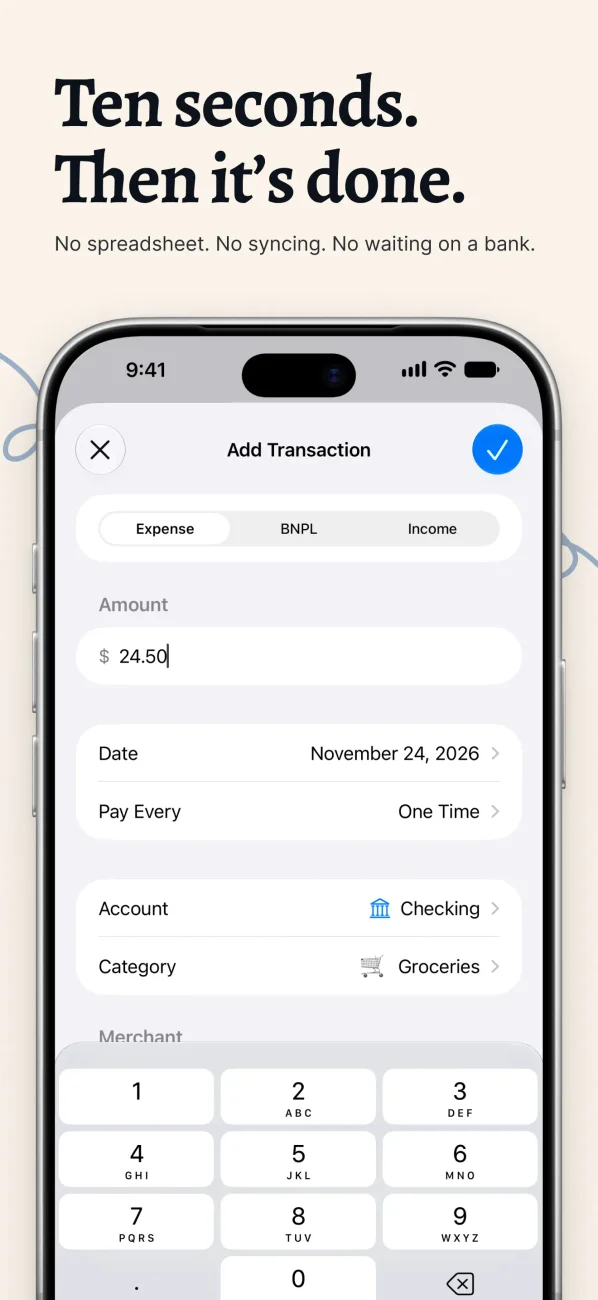
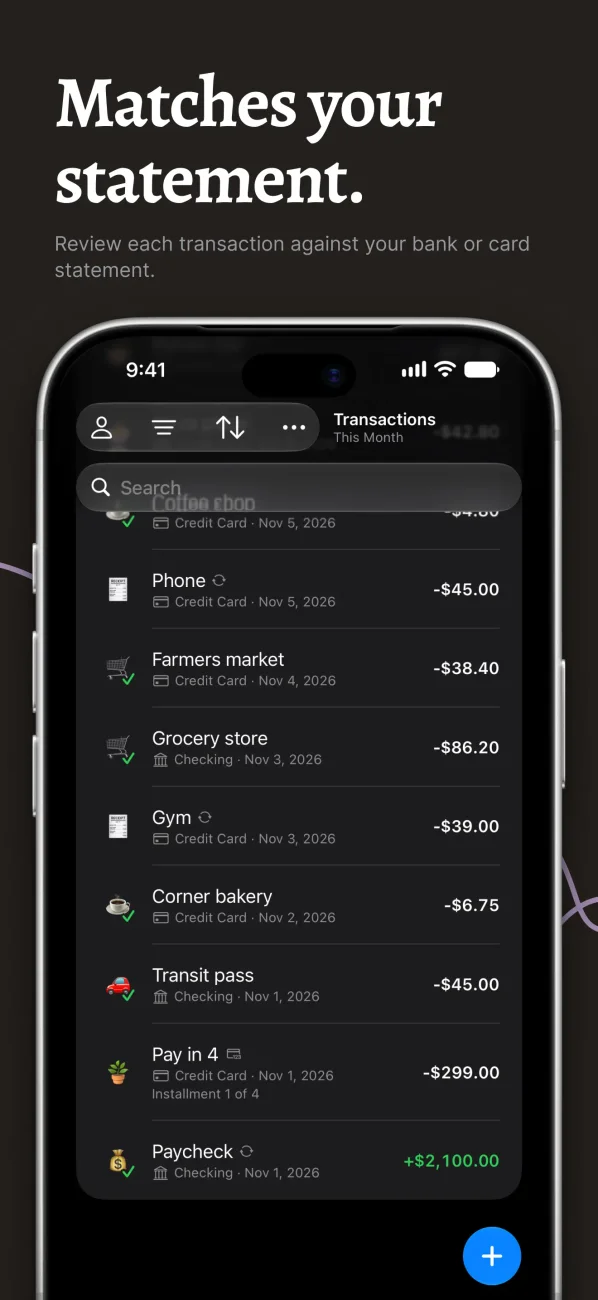
Budgetpeer is a manual budget tracker. There is no bank connection by design - all transactions are entered by hand. The supplied account is already populated so every screen has content.
ACCOUNT
Sign in with Email → "Sign in with Email" → use the supplied credentials. Do not create a new account: email confirmation is enabled, so a new sign-up requires clicking a link in a mailbox before first use.
NOTE
Apple Watch signs in through the iPhone.
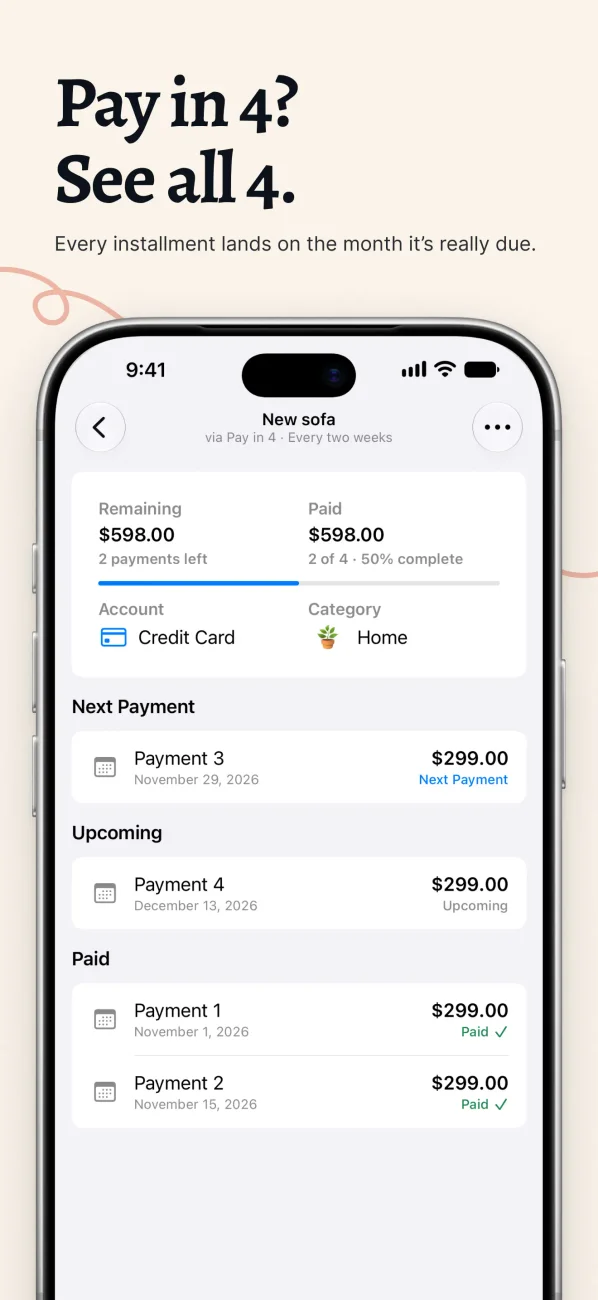
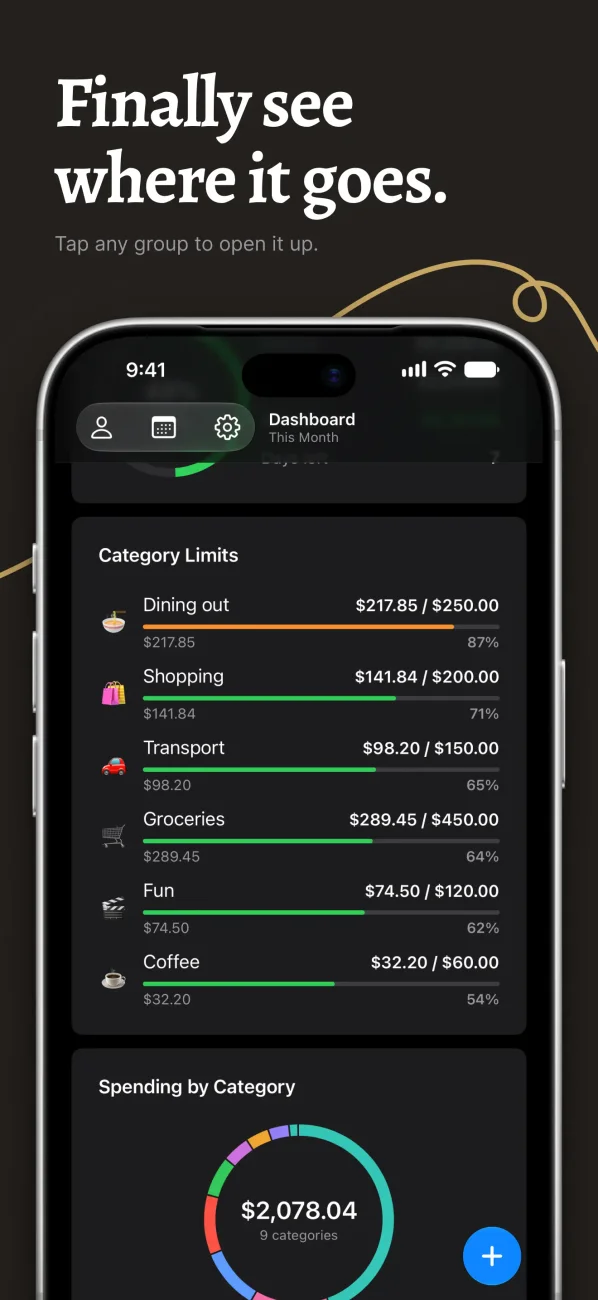
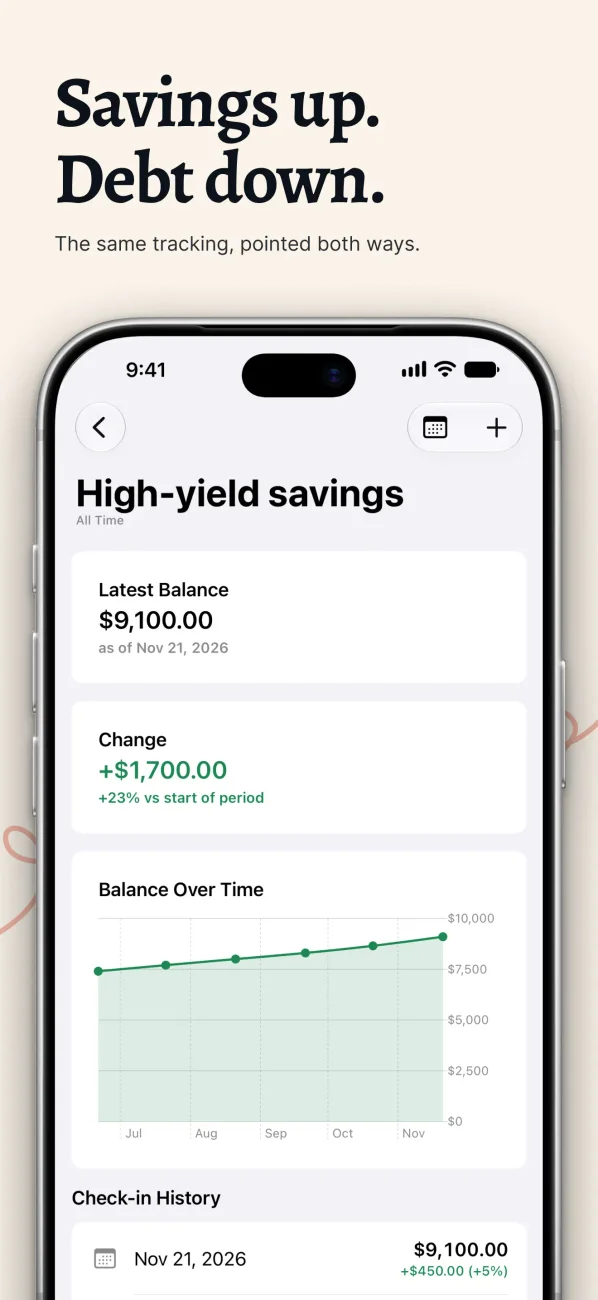
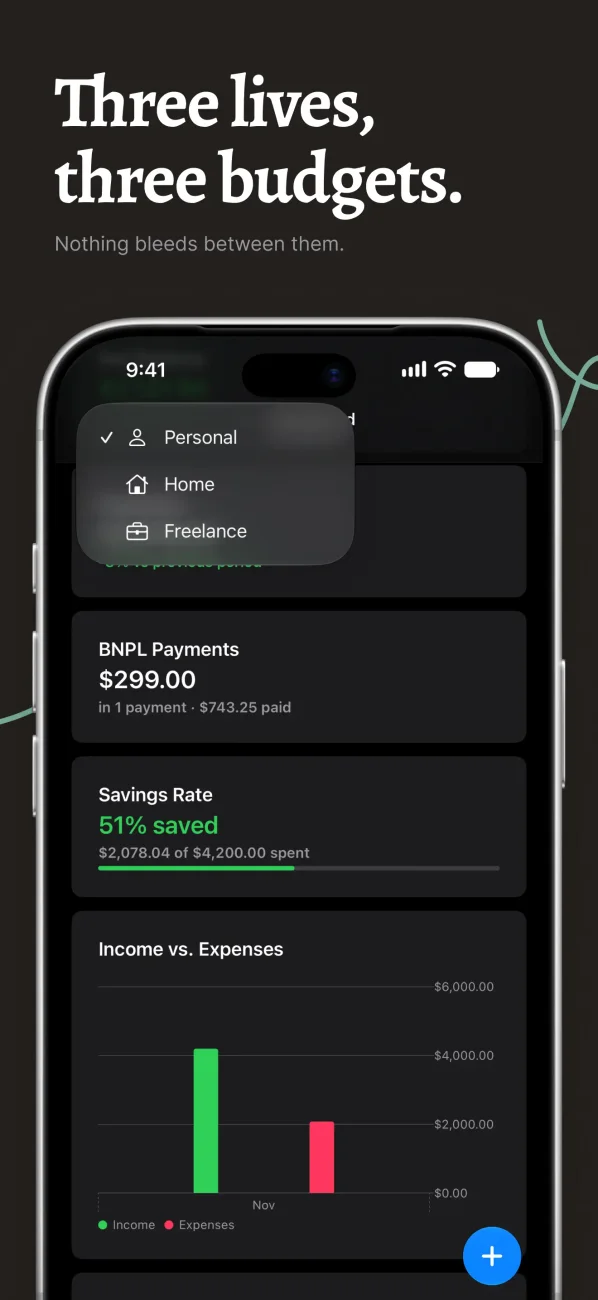
The account is on the FREE tier and holds: 1 budget (Everyday), 1 tracking account (Emergency Fund, several months of check-ins), 1 category spending limit (Food & Dining), 2 Buy Now Pay Later plans with all installments, and several months of transactions. A second, empty budget (My Budget) shows as locked, because the free plan keeps 1 budget.
SHARED BUDGETS
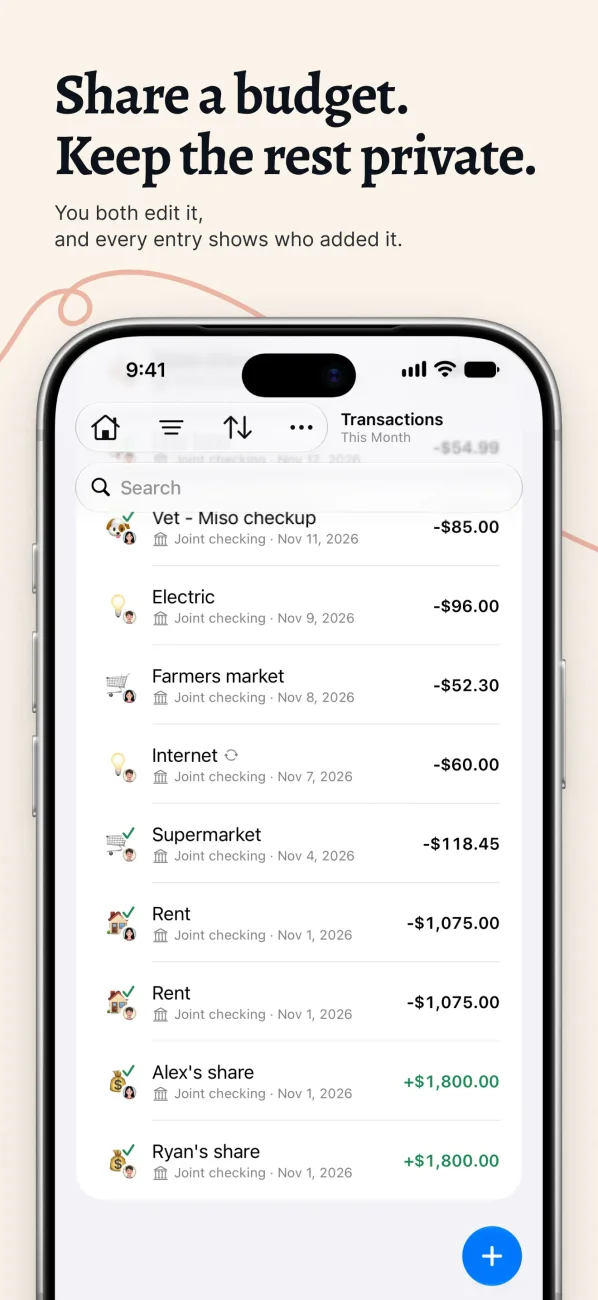
Everyday is shared with a second account, Alex. Open Settings → Budgets → Everyday → Members to see both members. Every transaction shows who added it, and the Dashboard has a Spending by Person card. Invites are one-use links sent through the share sheet, valid for 7 days. Members can leave or be removed; what they added stays in the budget.
FREE TIER LIMITS - these are gates, not bugs
Free plan: 1 budget, 1 tracking account, 1 category with a limit, 2 BNPL plans, 20 transactions per month, and sharing 1 budget with 1 person. The account sits exactly at these caps. Attempting to add a second budget, second tracking account, second category limit, or third BNPL plan shows a two-line notice - "Free plan: 1 budget" / "Upgrade for unlimited" - and the Save button stays enabled and opens the paywall instead of saving. Invite Someone on Everyday's Members page also opens the paywall, because Everyday already shares with 1 person. This is intended behaviour. Adding transactions works normally; the account may already be close to the 20/month cap, in which case the same notice appears.
IN-APP PURCHASES
Budgetpeer Pro: Monthly (auto-renewing), Annual (auto-renewing), Lifetime (non-consumable). All three appear on the paywall, reached from any upgrade notice or Settings → Plan. Restore Purchases is on the paywall and on the Plan card. Purchase and restore both show confirmation alerts; restore with no prior purchase shows "No purchases found".
If product prices appear blank on the paywall, the StoreKit product fetch has not completed - please allow a few seconds or reopen the paywall. Prices are fetched live from the App Store.
NOTIFICATIONS
Reminders are local notifications: 7 days and 1 day before each recurring transaction and BNPL installment, and when a category limit is approaching. The app asks permission from Settings → Notifications. Shared-budget alerts (someone joins or leaves, activity from others) arrive as push notifications, with their own switches in Settings → Notifications.
DATA
Settings → Import & Export → Export Data exports all budgets as CSV via the system share sheet. Settings → Profile → Delete Account permanently deletes the account and all server data after typing DELETE; this is immediate and cannot be undone. Because Everyday is shared, Delete Account first asks who becomes its new owner.
PRIVACY
No advertising SDK, no crash reporting SDK, no bank aggregator. Usage analytics (PostHog) can be turned off in Settings → Privacy → Help Improve Budgetpeer. Data is synced to the developer's own backend (Supabase) solely to provide the service. The Privacy Policy and Terms of Use are linked from the paywall and the App Store description.
CONTACT
Denis Korytchenko, hello@budgetpeer.com
Neue Funktionen
Version 1.40 · 28.11.2026
Budgetpeer now supports iPhone Duo! Plus, small fixes and improvements to keep your budget running smoothly. Thanks for using Budgetpeer!
App-Datenschutz
Was Denis Korytchenko im App Store zum Umgang dieser App mit Daten angibt.
-
Mit Ihnen verknüpfte Daten
Können erfasst und mit Ihrer Identität verknüpft werden.
- Käufe
- Finanzinformationen
- Kontaktinformationen
- Benutzerinhalte
- Kennungen
- Nutzungsdaten
Die Datenschutzpraktiken können variieren, zum Beispiel je nach den von Ihnen verwendeten Funktionen oder Ihrem Alter.
Informationen
- Anbieter
- Denis Korytchenko
- Kategorie
- Finanzen
- Version
- 1.40
- Aktualisiert
- 28.11.2026
- Veröffentlicht
- 16.09.2026
- Größe
- 55,5 MB
- Erfordert
- iOS 26.4 oder neuer
- Altersfreigabe
- 4+
- Preis
- Kostenlos
- In-App-Käufe
- Ja
- Sprachen
- Englisch
- Copyright
- © 2026 Denis Korytchenko
Das könnte Ihnen auch gefallen
-
 Millie: Budget & Debt PayoffFinanzen
-
 Zero Club: Debt PayoffFinanzen
-
 FSB Card WalletFinanzen
-
 PayDown: BNPL TrackerFinanzen
-
 BudgetLabs: Zero-Based BudgetFinanzen
-
 BillWise: Rechnungen im GriffKreditkarte, Abos & Fixkosten
-
 Zero Debt: SchuldenplanerKredit, Kreditkarte & Tilgung
-
 Adding Machine 10Key UniversalFinanzen
-
 Money Tracker InfiniteFinanzen
-
 Adding Machine 10Key iPhoneFinanzen