Calibration Flow
Negatives, curves, halftones
Entwickelt für iPhone, iPad, Mac, iPod touch
Kostenlos · In-App-Käufe
- Altersfreigabe4+
- KategorieGrafik und Design
- Entwicklertristan sidem
- SprachenEnglisch+ 1 weitere
- Größe16,4 MB
Verlinkt auf die offizielle App Store-Seite
Download.org hostet keine Datei von Calibration Flow. Die Schaltfläche öffnet die App-Seite bei App Store, wo tristan sidem die App veröffentlicht. Eintrag zuletzt geprüft am 23.11.2026.
Screenshots
Info
Der Entwickler hat diesen Text nicht in Ihrer Sprache bereitgestellt.
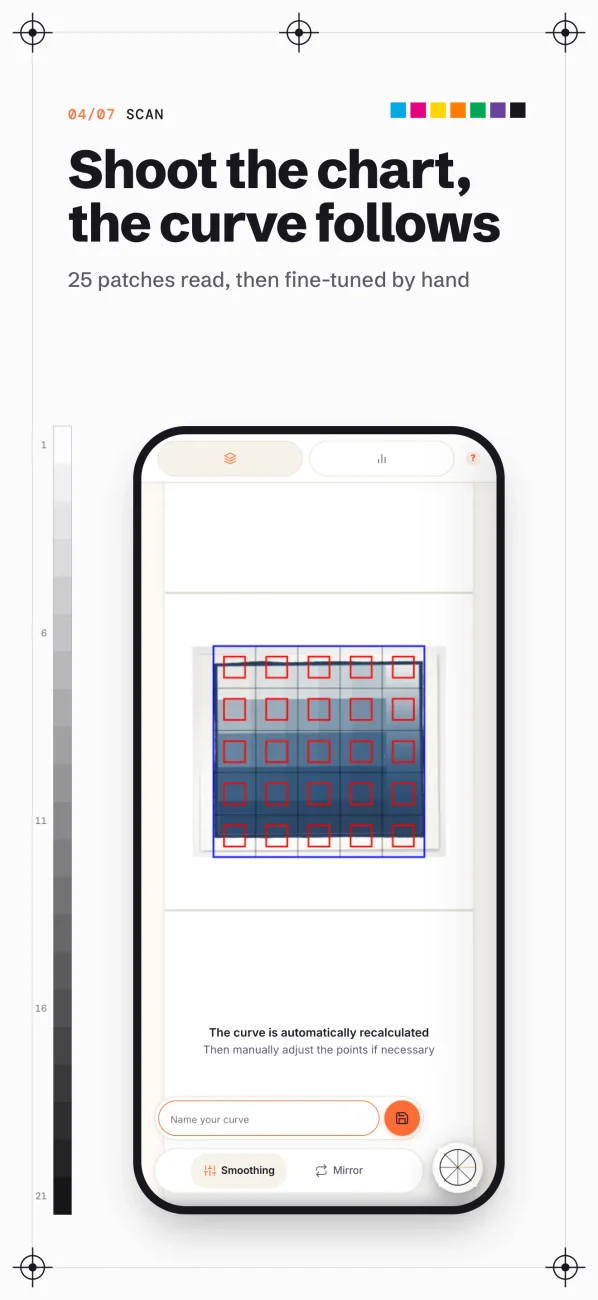
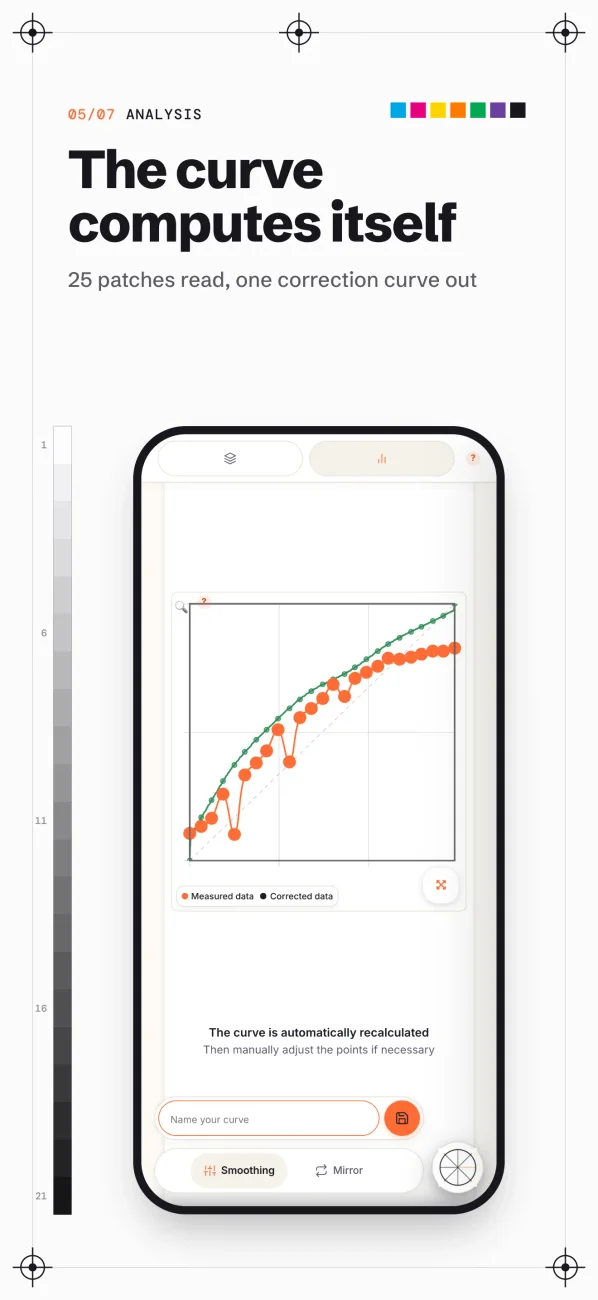
Calibration Flow is the tonal calibration tool for silver-based and alternative photographic processes: cyanotype, platinum-palladium, gum bichromate (Aquaprint), carbon, Van Dyke, resinotype.
KEY FEATURES
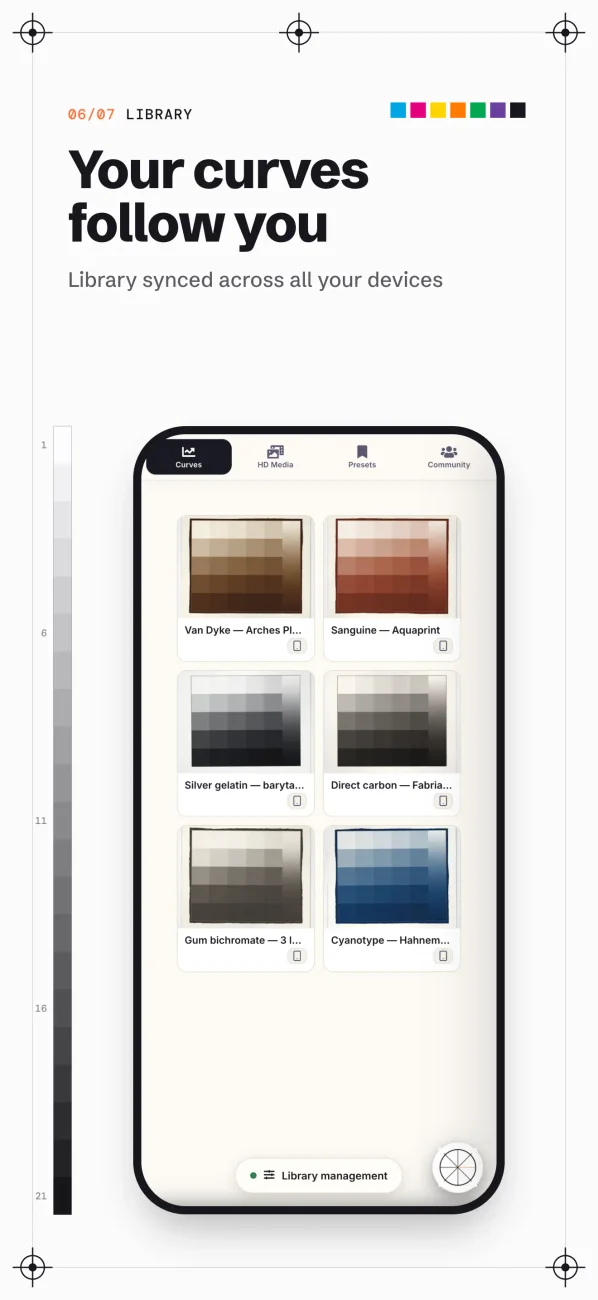
• Custom calibration curves per process, paper and negative
• Pre-calibration sheet: 9 variants around a central reference, with a correction curve applied first and increments of 5, 10 or 25; larger photos, targets and grayscale ramps help compare settings.
• Digital negative: high-resolution generation and export (up to 720 dpi, continuous tones or halftones)
• Printing: Apple AirPrint options for each print job, plus a direct Epson workflow for compatible printers.
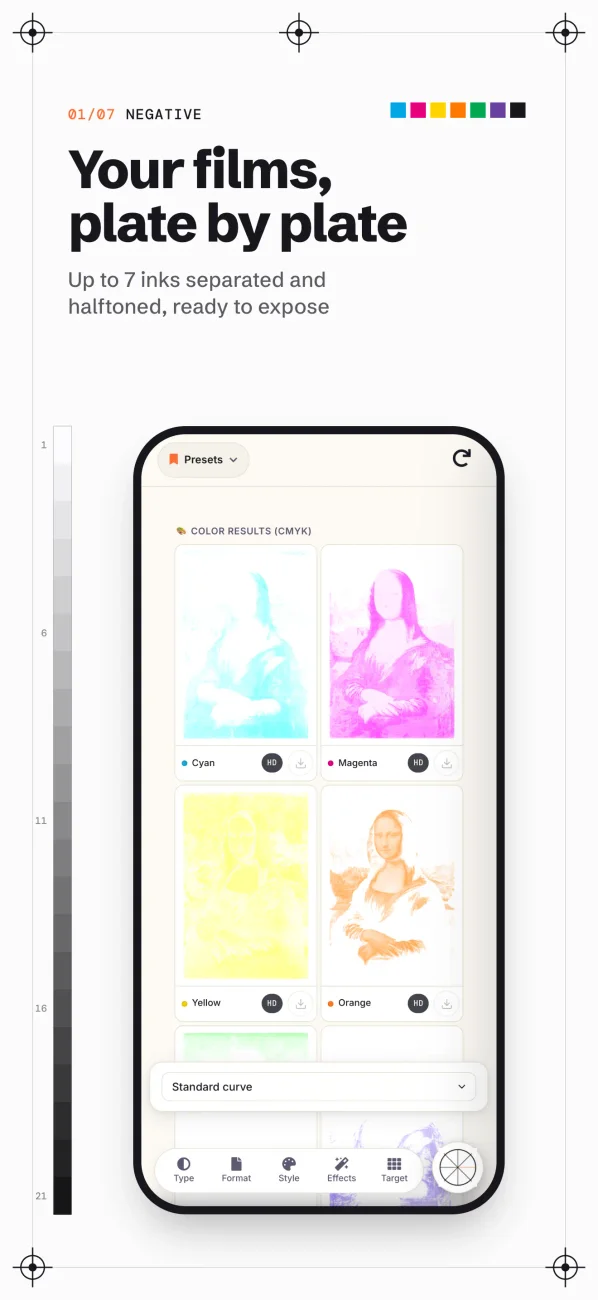
• CMYK tonal separation with black generation control (GCR), including multi-zone
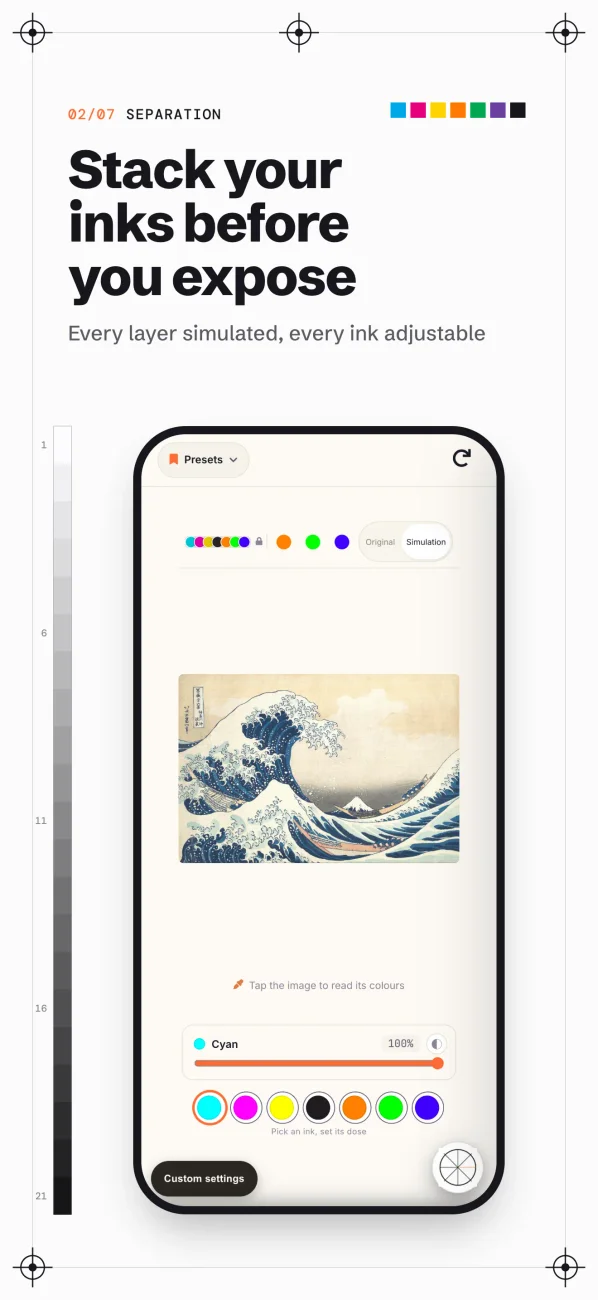
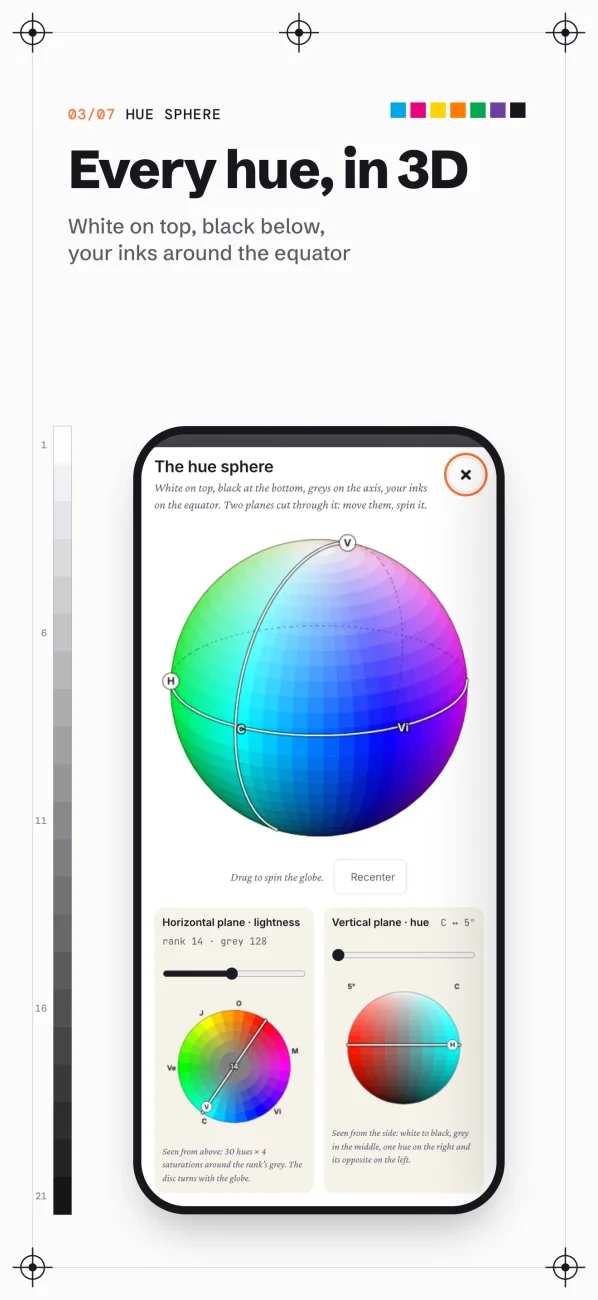
• Full Gamut color mode with 5, 6 and 7 channels (Orange, Green, Violet), to go beyond simple CMYK
• Ink steps: set where each ink stops, in negative as well as positive, combinable with zones
• Screen angles: one angle per ink (rosette) or all aligned
• Color Venn: printing test target and ink-layer overlay simulator, with eyedropper and magnifier
• .acv export for Photoshop, Lightroom, Affinity Photo and GIMP
• Registration marks: a frame of targets around the image and a mini-target that follows the output, in negative as well as positive
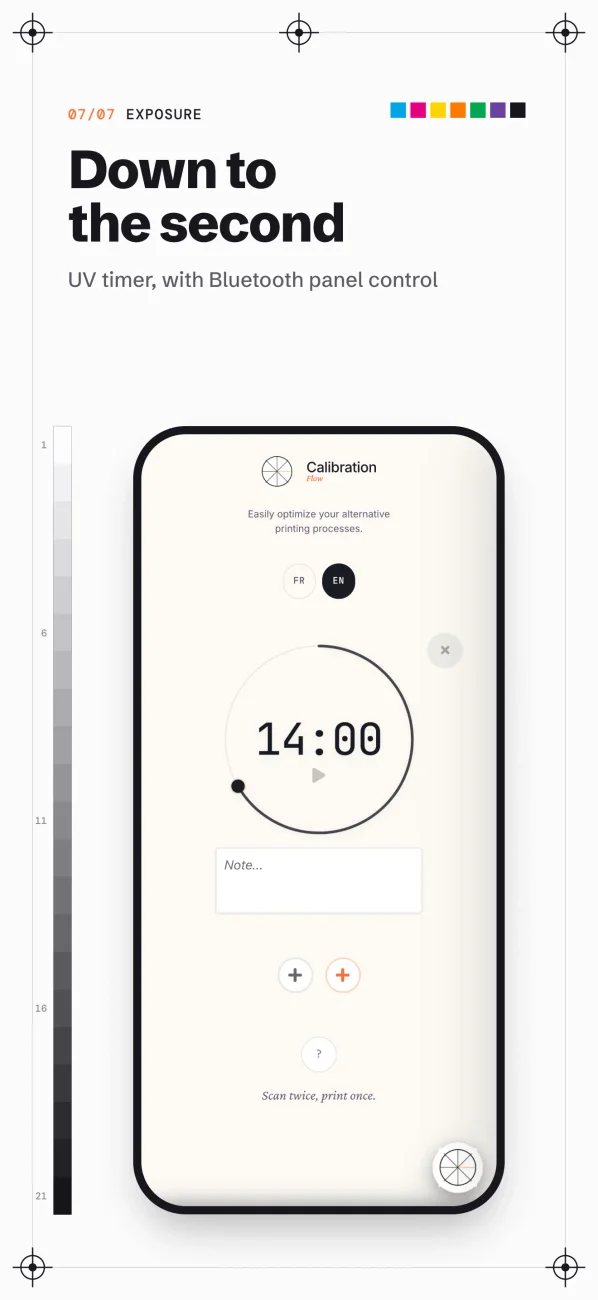
• Harmonic exposure timer with circular dial, multi-device sync, and Dynamic Island / Live Activity on iPhone
• Bluetooth control for compatible UV lamps (BanlanX SP630E controller) — on/off control from the app, no variable-intensity dimming
• HD media library with cloud sync and multi-device access
• Large-format tiling: edge-to-edge A4, A3 and A3+ sheet assembly
PRO SUBSCRIPTION
Calibration Flow is free with:
– 3 cloud-synced calibration curves
– 300 MB of cloud storage
– Unlimited presets
– CMYK tonal separation (4 inks)
The Pro subscription unlocks:
– Unlimited calibration curves
– 5 GB of cloud storage
– .acv export (Photoshop)
– Color mode with extended inks (5 to 7)
– Advanced separation settings: black generation, fine tuning
Two plans: €9.90/month, or €99/year (equivalent to €8.25/month, effectively 2 months free). Auto-renewing, cancel anytime in your Apple account Settings. Your subscription works across all your Picturale devices.
Calibration Flow is part of the Picturale ecosystem, dedicated to silver-based photographic processes and non-toxic photography.
Terms of Use (EULA): https://www.apple.com/legal/internet-services/itunes/dev/stdeula/
Calibration Flow Terms: https://calibrationflow.com/cgu
Neue Funktionen
Version 4.5.13 · 20.11.2026
CF2 4.5.13: what changes
• Precalibration: new test board. The photo is larger and never cropped, the 5×5 chart is now 18 mm with a continuous gradient beside it, and a landscape image is placed in the direction that gives it the most room.
• Precalibration: exposure (ε) and contrast (ϲ) go up to 150, on the board and in the negative settings.
• Epson ET-8550: the 600 dpi screen is redrawn at 720 dpi, 100 lpi, to limit moiré.
• Curves: new picker window. Each curve shows its shape, process and date, with search and keyboard navigation.
• Color mode: the Curve button can be used again.
• My presets: the description is shown in full, the whole row applies the preset, and a check mark shows the one applied.
• CMYK preset: the chosen black level is saved and restored.
• English interface: print messages that were still in French are translated.
• Reference time: the five charts now follow the photo's contrast (ϲ) and exposure (ε).
• While printing, the Curve / Presets bar no longer covers the tabs.
• Printing: a printer that stops responding is now clearly reported, instead of leaving the job waiting with no explanation.
App-Datenschutz
Was tristan sidem im App Store zum Umgang dieser App mit Daten angibt.
-
Mit Ihnen verknüpfte Daten
Können erfasst und mit Ihrer Identität verknüpft werden.
- Käufe
- Kontaktinformationen
- Benutzerinhalte
- Kennungen
-
Nicht mit Ihnen verknüpfte Daten
Können erfasst werden, sind aber nicht mit Ihrer Identität verknüpft.
- Nutzungsdaten
Die Datenschutzpraktiken können variieren, zum Beispiel je nach den von Ihnen verwendeten Funktionen oder Ihrem Alter.
Informationen
- Anbieter
- tristan sidem
- Kategorie
- Grafik und Design
- Version
- 4.5.13
- Aktualisiert
- 20.11.2026
- Veröffentlicht
- 16.09.2026
- Größe
- 16,4 MB
- Erfordert
- iOS 15.0 oder neuer
- Altersfreigabe
- 4+
- Preis
- Kostenlos
- In-App-Käufe
- Ja
- Sprachen
- Englisch, Französisch
- Copyright
- © 2026 Vision Picturale
Das könnte Ihnen auch gefallen
-
 RGB Retro: Pixel Art FilterGrafik und Design
-
 Cyanotype: Blueprint Photo LabGrafik und Design
-
 Print Lab: Riso Photo FXGrafik und Design
-
 Bitrot: Glitch Photo EditorGrafik und Design
-
 Kamera Filter für Foto & VideoVintage Camera, Retro Effect
-
 Real Halftone 2Grafik und Design
-
 App Presets for LightroomGrafik und Design
-
 Telefon-Mockups – MizframaScreenshot im Mockup einrahmen
-
 NeuralPaint: Photo to PaintingGrafik und Design
-
 Blender 3D: Image to 3DGrafik und Design