Calibration Flow
Negatives, curves, halftones
iPhone, iPad, Mac, iPod touch向けに設計
無料 · アプリ内課金
- 対象年齢4+
- カテゴリグラフィック/デザイン
- 開発元tristan sidem
- 言語英語ほか1言語
- サイズ16.4 MB
App Storeの公式ページにリンクしています
Download.orgはCalibration Flowのファイルを一切ホストしていません。ボタンを押すと、tristan sidemが公開しているApp Storeのアプリページが開きます。ページの最終確認:2026/11/23。
スクリーンショット
概要
開発元はこのテキストをお使いの言語で提供していません。
Calibration Flow is the tonal calibration tool for silver-based and alternative photographic processes: cyanotype, platinum-palladium, gum bichromate (Aquaprint), carbon, Van Dyke, resinotype.
KEY FEATURES
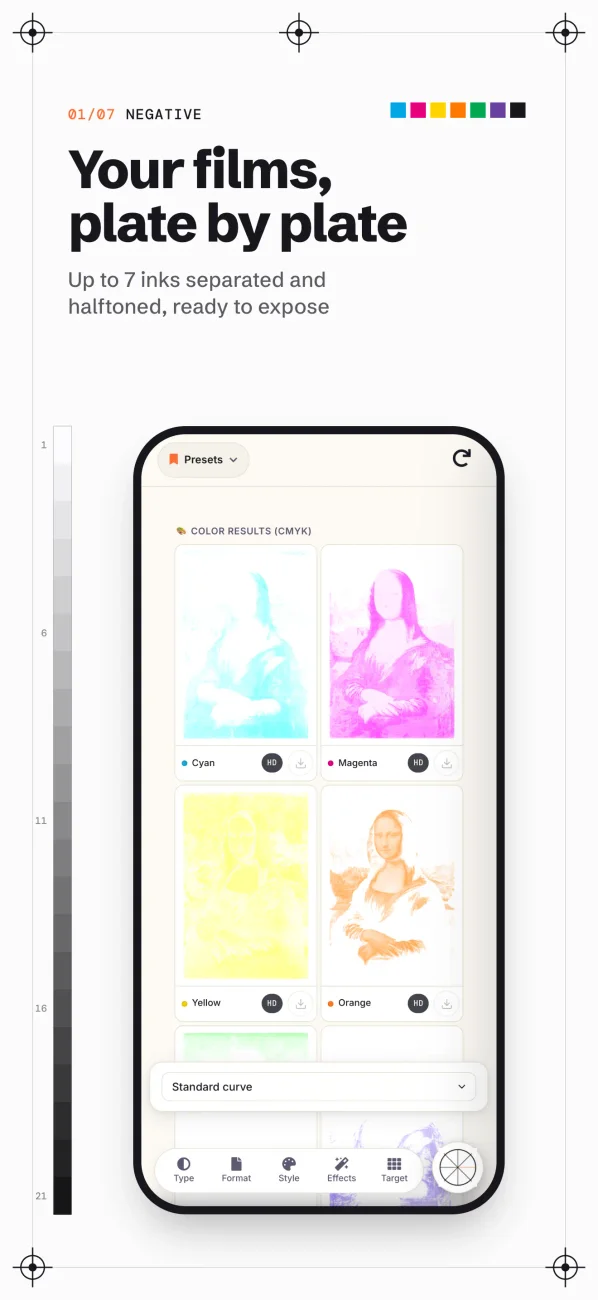
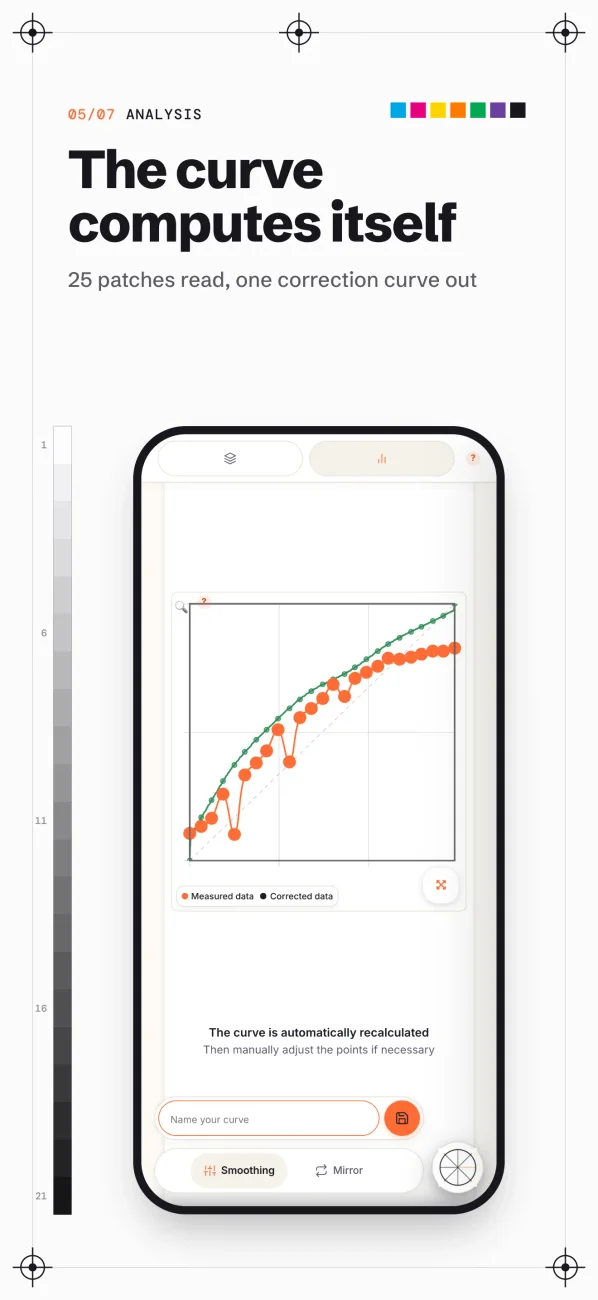
• Custom calibration curves per process, paper and negative
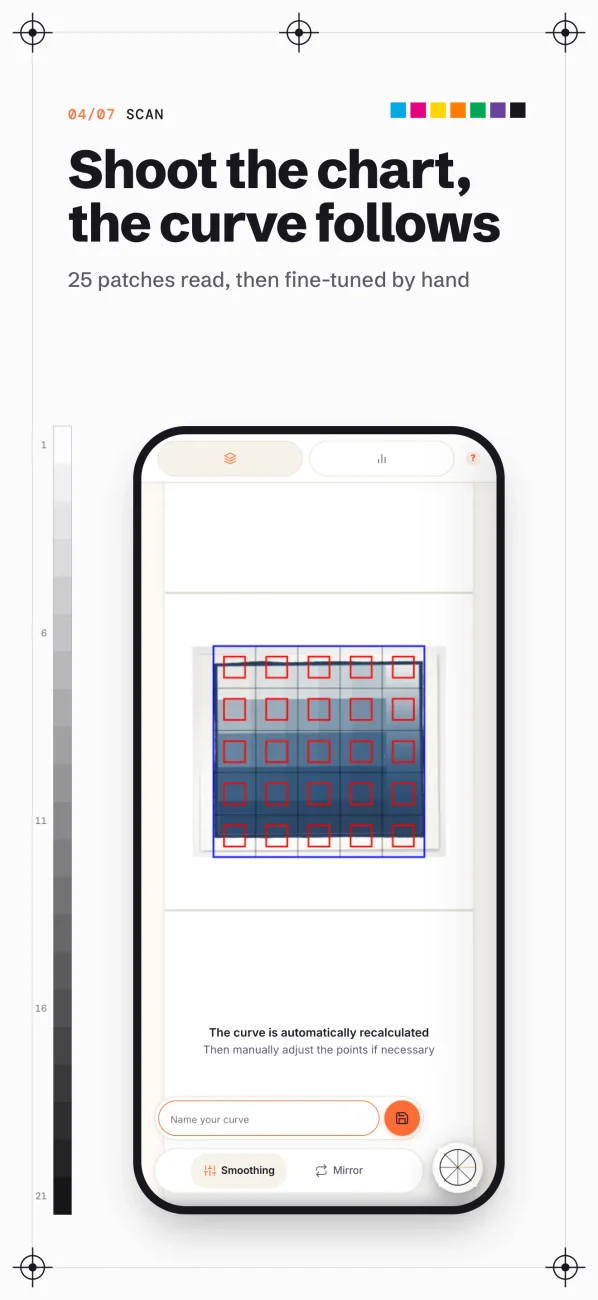
• Pre-calibration sheet: 9 variants around a central reference, with a correction curve applied first and increments of 5, 10 or 25; larger photos, targets and grayscale ramps help compare settings.
• Digital negative: high-resolution generation and export (up to 720 dpi, continuous tones or halftones)
• Printing: Apple AirPrint options for each print job, plus a direct Epson workflow for compatible printers.
• CMYK tonal separation with black generation control (GCR), including multi-zone
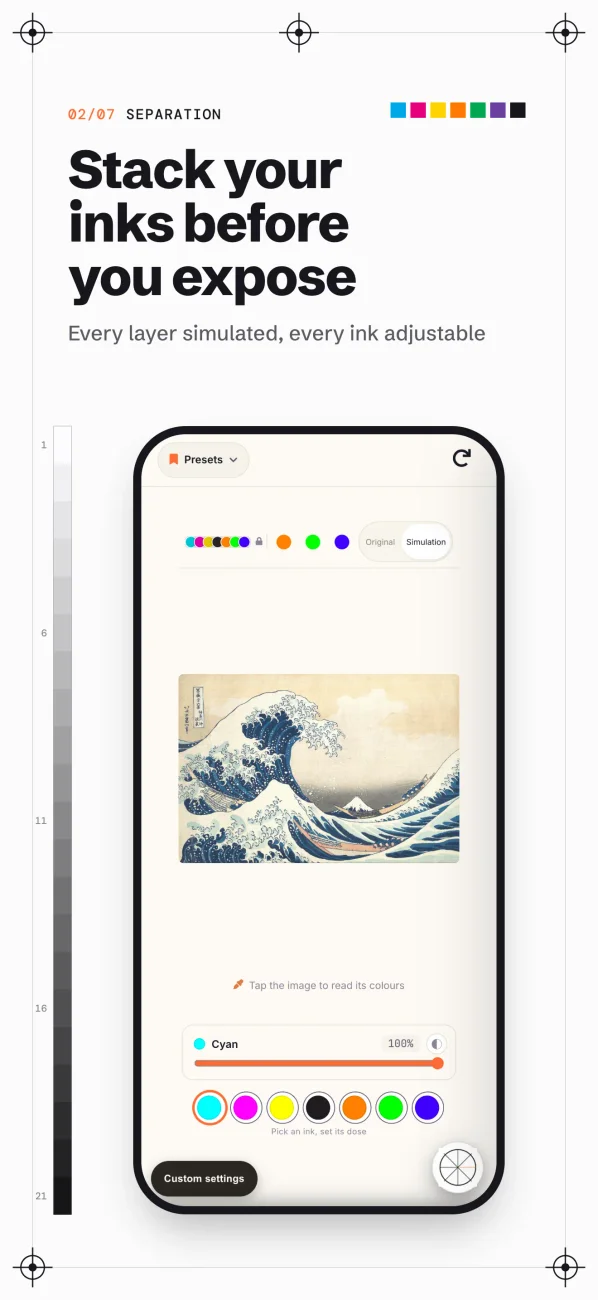
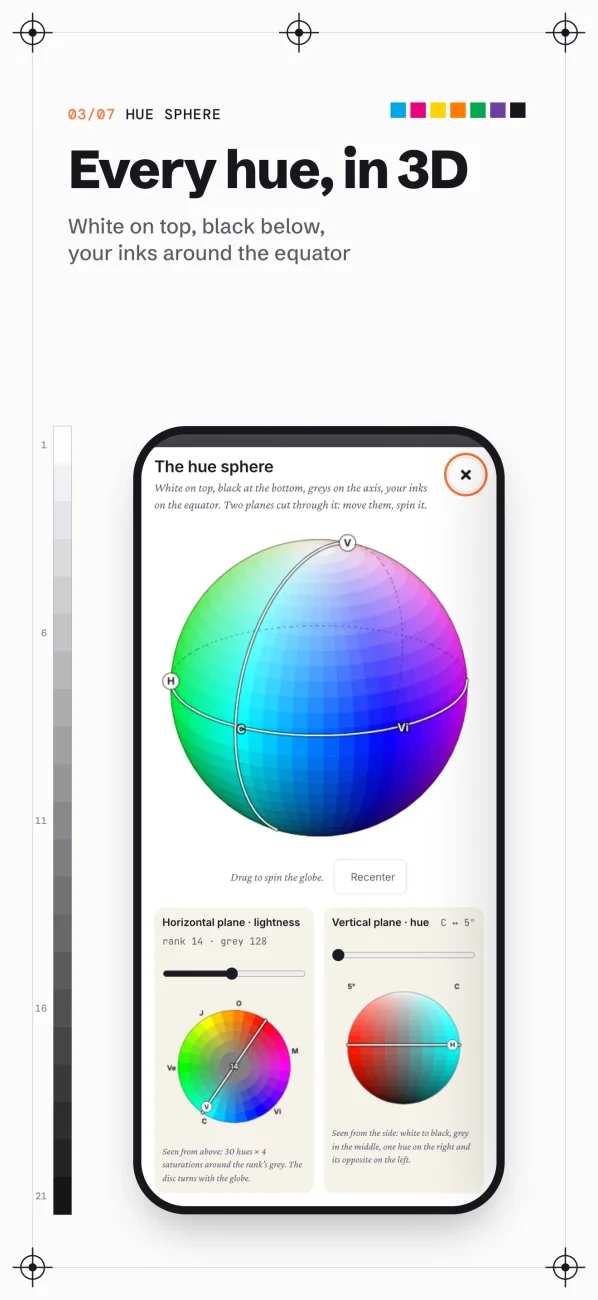
• Full Gamut color mode with 5, 6 and 7 channels (Orange, Green, Violet), to go beyond simple CMYK
• Ink steps: set where each ink stops, in negative as well as positive, combinable with zones
• Screen angles: one angle per ink (rosette) or all aligned
• Color Venn: printing test target and ink-layer overlay simulator, with eyedropper and magnifier
• .acv export for Photoshop, Lightroom, Affinity Photo and GIMP
• Registration marks: a frame of targets around the image and a mini-target that follows the output, in negative as well as positive
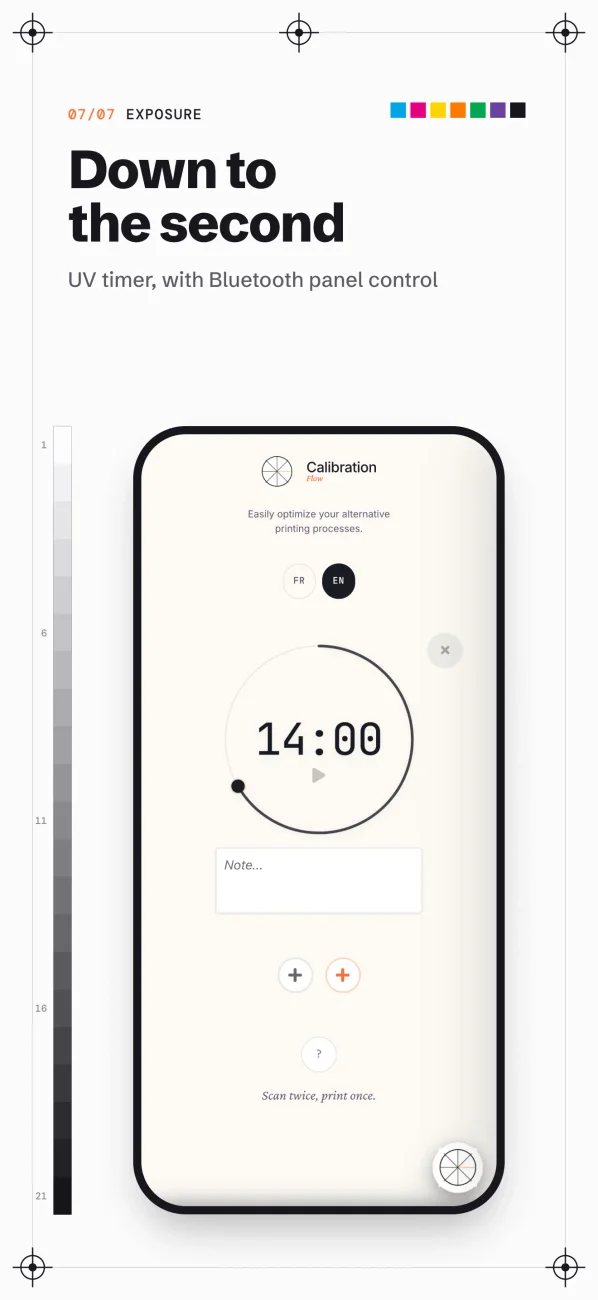
• Harmonic exposure timer with circular dial, multi-device sync, and Dynamic Island / Live Activity on iPhone
• Bluetooth control for compatible UV lamps (BanlanX SP630E controller) — on/off control from the app, no variable-intensity dimming
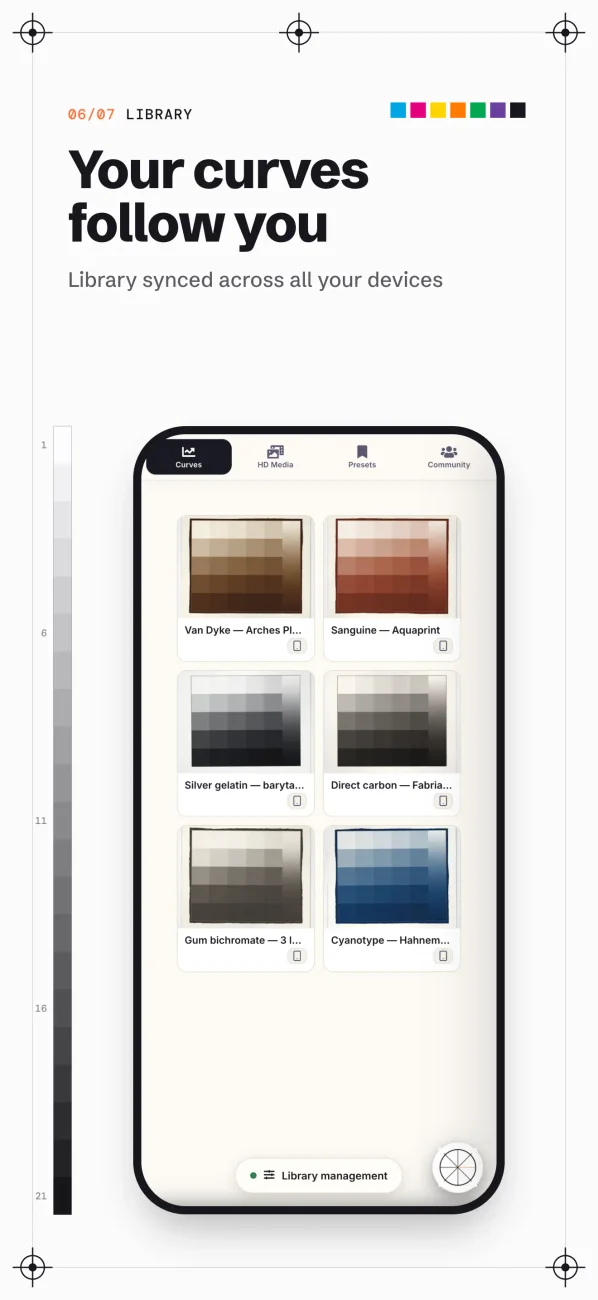
• HD media library with cloud sync and multi-device access
• Large-format tiling: edge-to-edge A4, A3 and A3+ sheet assembly
PRO SUBSCRIPTION
Calibration Flow is free with:
– 3 cloud-synced calibration curves
– 300 MB of cloud storage
– Unlimited presets
– CMYK tonal separation (4 inks)
The Pro subscription unlocks:
– Unlimited calibration curves
– 5 GB of cloud storage
– .acv export (Photoshop)
– Color mode with extended inks (5 to 7)
– Advanced separation settings: black generation, fine tuning
Two plans: €9.90/month, or €99/year (equivalent to €8.25/month, effectively 2 months free). Auto-renewing, cancel anytime in your Apple account Settings. Your subscription works across all your Picturale devices.
Calibration Flow is part of the Picturale ecosystem, dedicated to silver-based photographic processes and non-toxic photography.
Terms of Use (EULA): https://www.apple.com/legal/internet-services/itunes/dev/stdeula/
Calibration Flow Terms: https://calibrationflow.com/cgu
新機能
バージョン 4.5.13 · 2026/11/20
CF2 4.5.13: what changes
• Precalibration: new test board. The photo is larger and never cropped, the 5×5 chart is now 18 mm with a continuous gradient beside it, and a landscape image is placed in the direction that gives it the most room.
• Precalibration: exposure (ε) and contrast (ϲ) go up to 150, on the board and in the negative settings.
• Epson ET-8550: the 600 dpi screen is redrawn at 720 dpi, 100 lpi, to limit moiré.
• Curves: new picker window. Each curve shows its shape, process and date, with search and keyboard navigation.
• Color mode: the Curve button can be used again.
• My presets: the description is shown in full, the whole row applies the preset, and a check mark shows the one applied.
• CMYK preset: the chosen black level is saved and restored.
• English interface: print messages that were still in French are translated.
• Reference time: the five charts now follow the photo's contrast (ϲ) and exposure (ε).
• While printing, the Curve / Presets bar no longer covers the tabs.
• Printing: a printer that stops responding is now clearly reported, instead of leaving the job waiting with no explanation.
アプリのプライバシー
このアプリのデータの取り扱いについて、tristan sidemがApp Storeで申告している内容です。
-
ユーザーに関連付けられたデータ
収集され、ユーザーの識別情報に関連付けられる場合があります。
- 購入
- 連絡先情報
- ユーザーコンテンツ
- ID
-
ユーザーに関連付けられないデータ
収集される場合がありますが、ユーザーの識別情報には関連付けられません。
- 使用状況データ
プライバシーの取り扱いは、ご利用の機能やお客様の年齢などに応じて異なる場合があります。
情報
- 販売元
- tristan sidem
- カテゴリ
- グラフィック/デザイン
- バージョン
- 4.5.13
- 更新日
- 2026/11/20
- リリース
- 2026/9/16
- サイズ
- 16.4 MB
- 必要条件
- iOS 15.0以降
- 対象年齢
- 4+
- 価格
- 無料
- アプリ内課金
- あり
- 言語
- 英語, フランス語
- 著作権
- © 2026 Vision Picturale
こちらもおすすめ
-
 RGBレトロ - ドット絵変換・懐かしのブラウン管風写真をレトロゲーム風に加工!画像を懐ゲー風に変換して楽しむ
-
 Cyanotype: Blueprint Photo Labグラフィック/デザイン
-
 Print Lab: Riso Photo FXグラフィック/デザイン
-
 Bitrot: Glitch Photo Editorグラフィック/デザイン
-
 レトロ かめら - ビューティー フィルムカメラ自撮り 顔加工、動画 エフェクトアプリ、レトロカメラ
-
 Real Halftone 2本格的な網点印刷エフェクト
-
 App Presets for Lightroomグラフィック/デザイン
-
 Phone Mockups - Mizframaグラフィック/デザイン
-
 NeuralPaint: 写真を油絵に加工,お絵描き人工知能写真を絵にするアプリ,印象派,モネ,油絵フィルター
-
 Blender 3D: Image to 3Dグラフィック/デザイン