- Altersfreigabe4+
- KategorieFoto und Video
- EntwicklerNoam Koren
- SprachenEnglisch+ 6 weitere
- Größe24,7 MB
Verlinkt auf die offizielle App Store-Seite
Download.org hostet keine Datei von Chromavid. Die Schaltfläche öffnet die App-Seite bei App Store, wo Noam Koren die App veröffentlicht. Eintrag zuletzt geprüft am 14.11.2026.
Screenshots
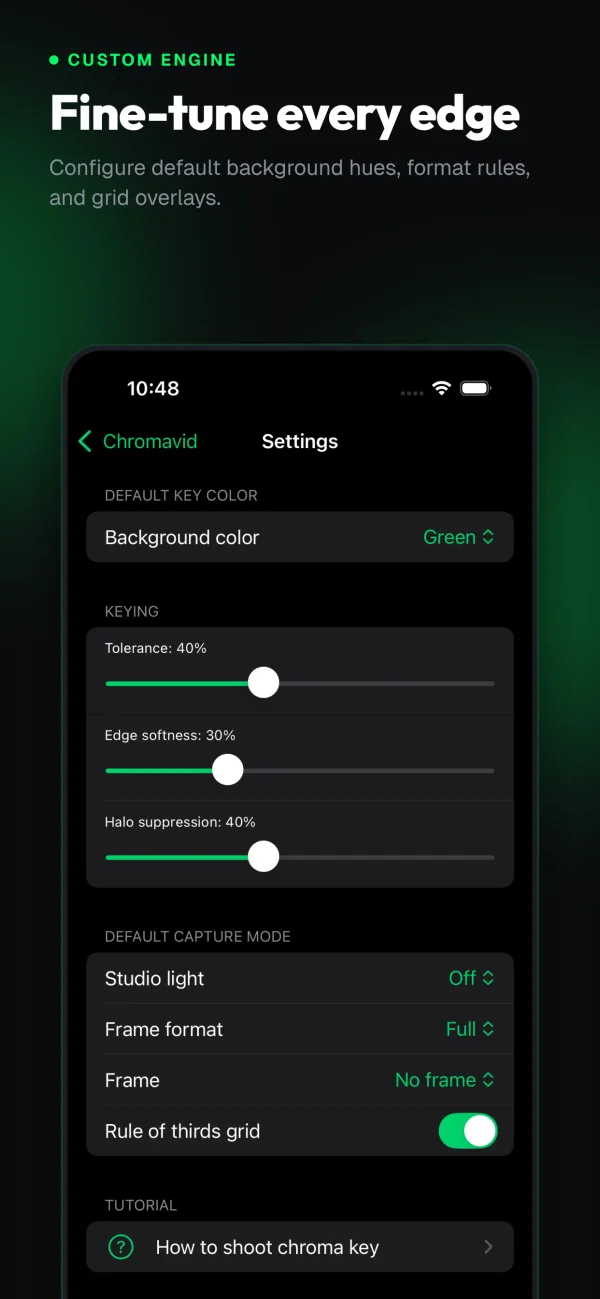
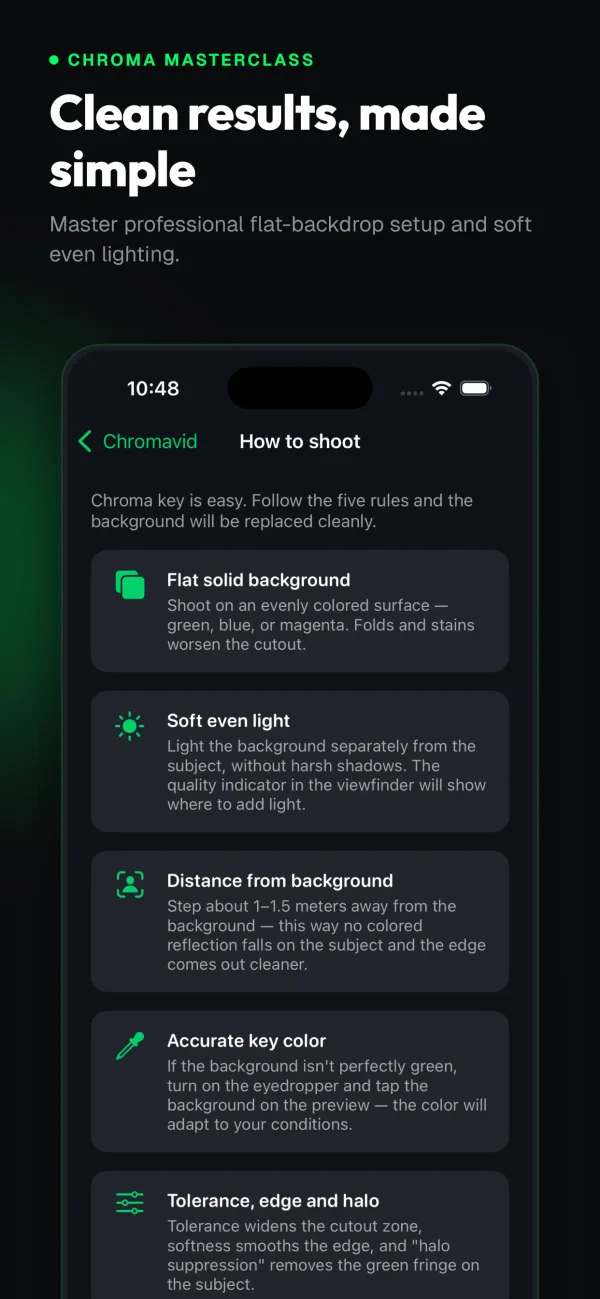
Info
Der Entwickler hat diesen Text nicht in Ihrer Sprache bereitgestellt.
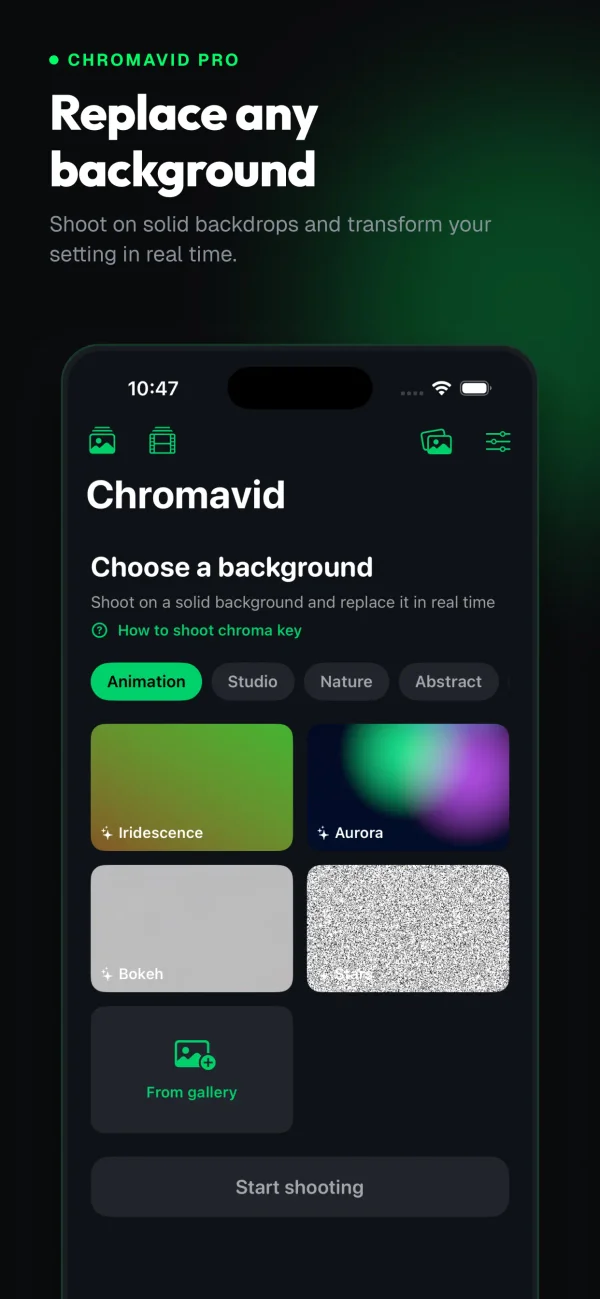
Introducing Chromavid - The best green screen chroma key app to shoot awesome videos and photos using chroma key effects in real time just like they do it in Movies and TV shows.
Steps to create an awesome Chroma key video or photo:
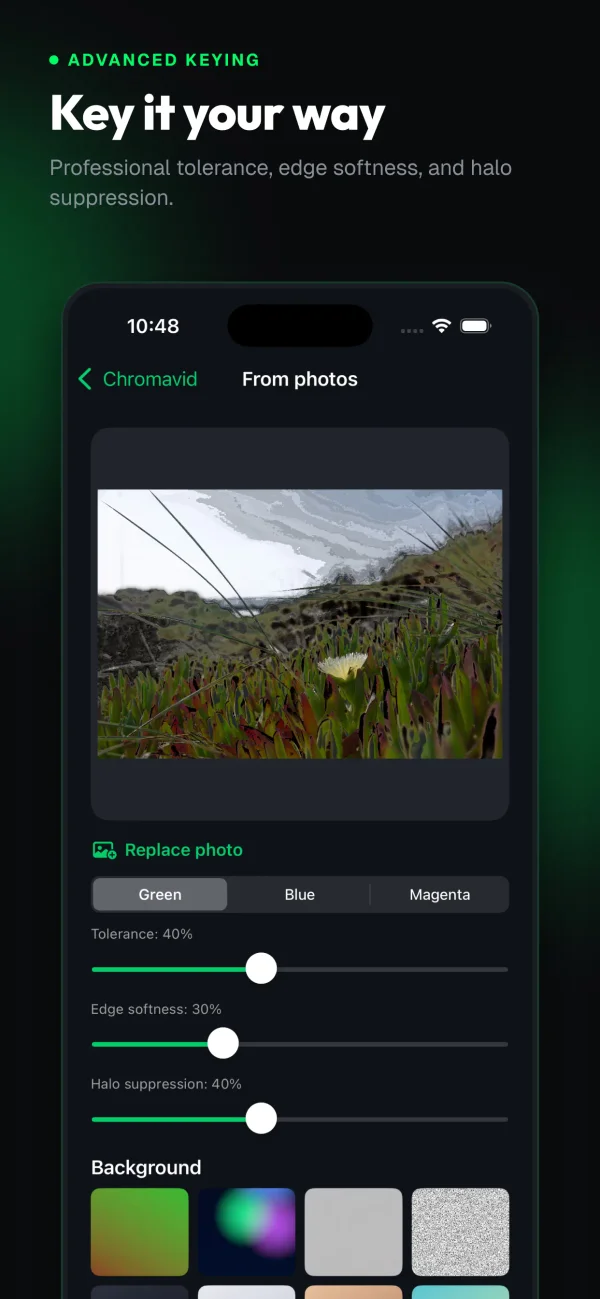
Choose the chroma color (Background wall / Curtain). It can be blue, green, yellow or red. Make sure it's plain color.
Select the background image or video you wish to replace instead of chroma color in background.
That’s it ! The Background Chroma color will be replaced with the photo or video you selected in the Camera. You can take a photo or record a video.
Go ahead , be creative and try out with different background available in the app, you can also you any image in your phone as background.
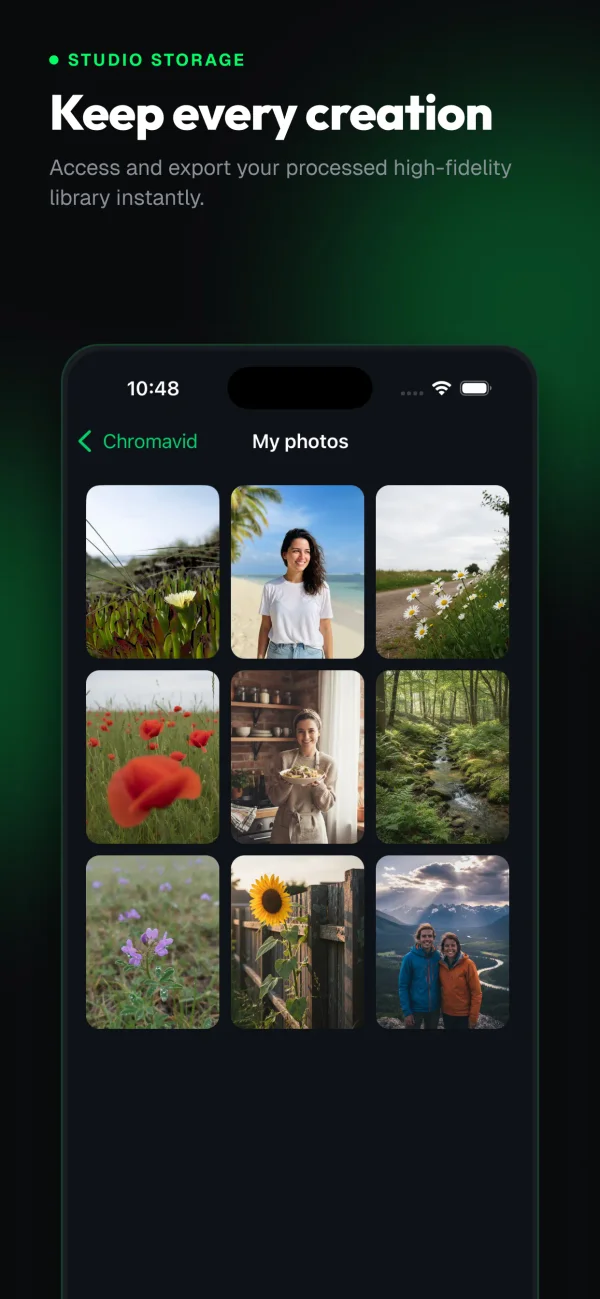
Share your creations with your friends on various social media platforms. You can even save your Chromavid on your device storage.
Hope you enjoy using Chromavid. Please rate us on Appstore if you love us. Tag us on Social media.
Neue Funktionen
Version 5.0 · 09.10.2026
What’s New in Chromavid
Chromavid is now completely free.
You can use the camera, editing tools, visual effects, and chroma key features without a subscription. I wanted everyone to have access to the full creative experience.
New app version also brings a redesigned app and more ways to edit your photos and videos.
• A completely redesigned app
Chromavid has a cleaner look and simpler navigation. Your favorite tools are easier to find, so you can spend less time looking through menus and more time creating.
• New editing modes
You have more control over the way your edits look. Try different modes, combine adjustments, and experiment until you get the result you want.
• More background controls
Change, replace, or customize your background with greater flexibility. It’s easier to create cleaner compositions and make your subject stand out.
• Improved chroma key controls
New tolerance and edge-softness controls give you more precise background removal and smoother edges.
• New lighting controls: Adjust the amount of light, choose from different light types, and change how lighting affects your image. You can create a softer look, add contrast, or try something completely different.
• More creative effects
Combine effects, backgrounds, lighting, and editing tools to create photos and videos that feel unique to you.
• A better camera-to-editing experience: Take a photo or video in Chromavid and start editing immediately. Try different effects and backgrounds without interrupting your creative process.
• A smoother overall experience: I also made improvements throughout the app to make editing feel faster, clearer, and easier.
The update combines a new design, more editing control, improved chroma key tools, and free access to the full Chromavid experience.
Whether you enjoy creating camera effects, editing videos, experimenting with chroma key, or simply improving your photos, there’s more to explore in Chromavid.
Thank you for using Chromavid and supporting its journey. Open the latest version and take a look around.
App-Datenschutz
Was Noam Koren im App Store zum Umgang dieser App mit Daten angibt.
-
Keine Daten erfasst
Der Entwickler erfasst keine Daten von dieser App.
Die Datenschutzpraktiken können variieren, zum Beispiel je nach den von Ihnen verwendeten Funktionen oder Ihrem Alter.
Informationen
- Anbieter
- Noam Koren
- Kategorie
- Foto und Video
- Version
- 5.0
- Aktualisiert
- 09.10.2026
- Veröffentlicht
- 10.08.2015
- Größe
- 24,7 MB
- Erfordert
- iOS 16.0 oder neuer
- Altersfreigabe
- 4+
- Preis
- Kostenlos
- Sprachen
- Englisch, Französisch, Deutsch, Japanisch, Koreanisch, Russisch, Vereinf. Chinesisch
- Copyright
- © Chromavid
Das könnte Ihnen auch gefallen
-
 Veescope Live Green Screen AppFoto und Video
-
 Greenscreen Live VideoaufnahmeChroma Key Hintergrund ändern
-
 Green Screen-Background EditorMagic Eraser, Remover, Changer
-
 Chroma-Key-Greenscreen-AppFotoeffekt für Greenscreen
-
 Easy Chroma Key :iChromaCamFoto und Video
-
 Teleplay - Green Screen StudioFoto und Video
-
 BgRem - hintergrund entfernenvideohintergrund entfernen
-
 Grüner und blauer BildschirmChroma Key. blaue Rückseite.
-
 Video Hintergrund WechselnKI Entferner & Editor
-
 Video Hintergrund EntfernenGreen Screen, bg, radiergummi